TNZ Coaching App: Add a Course
As an Clubspark Admin and Coaching Administrator you have the ability to add courses directly from the app.
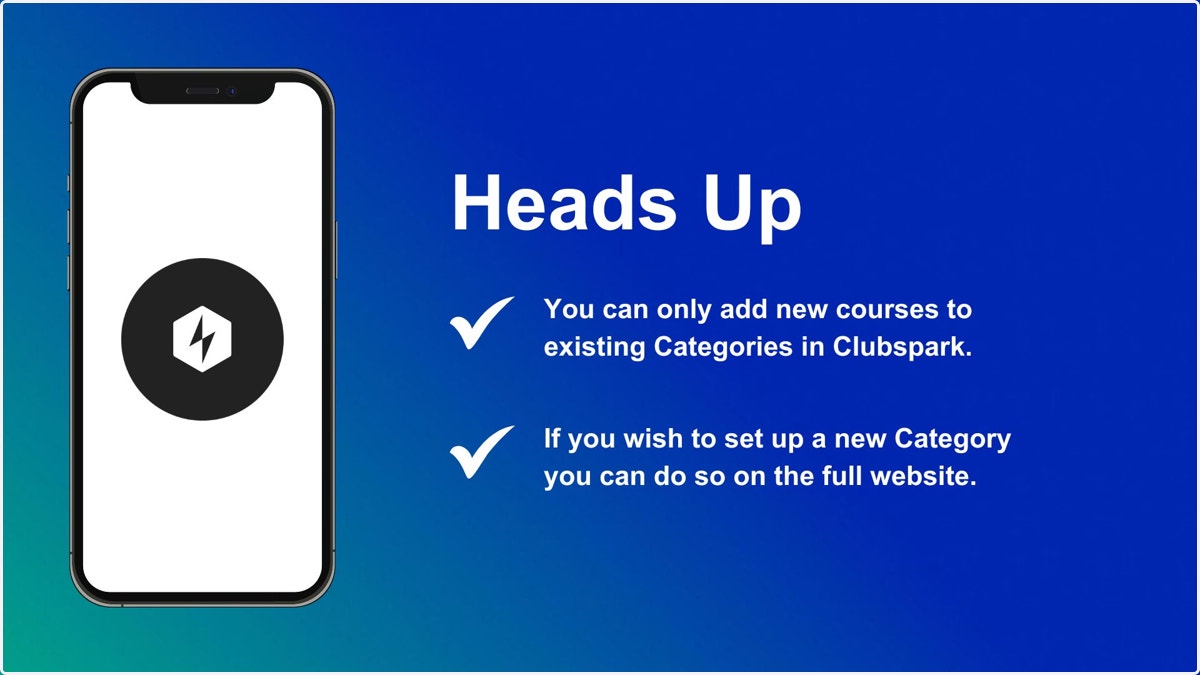
1. Heads Up
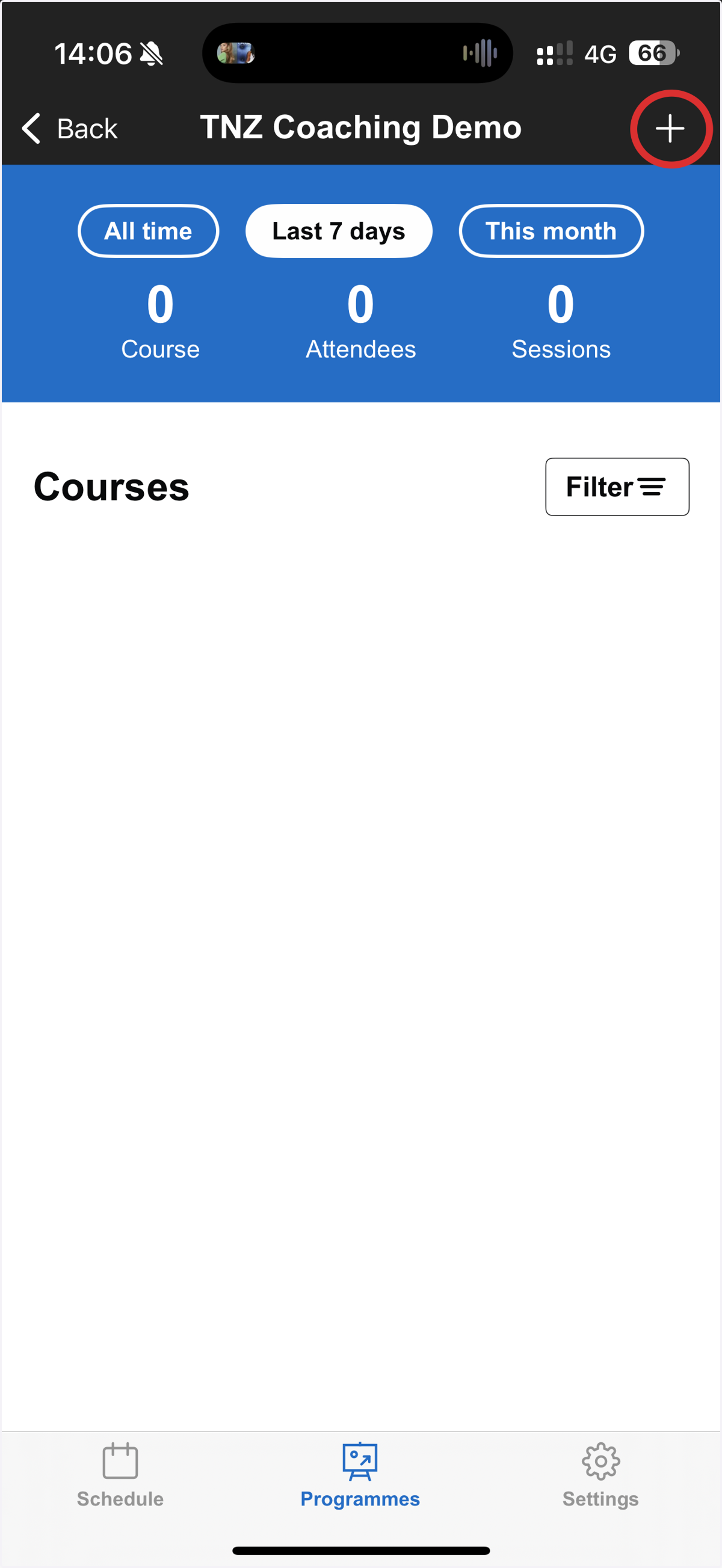
2. In the Programs page tap the + button located on the top right corner
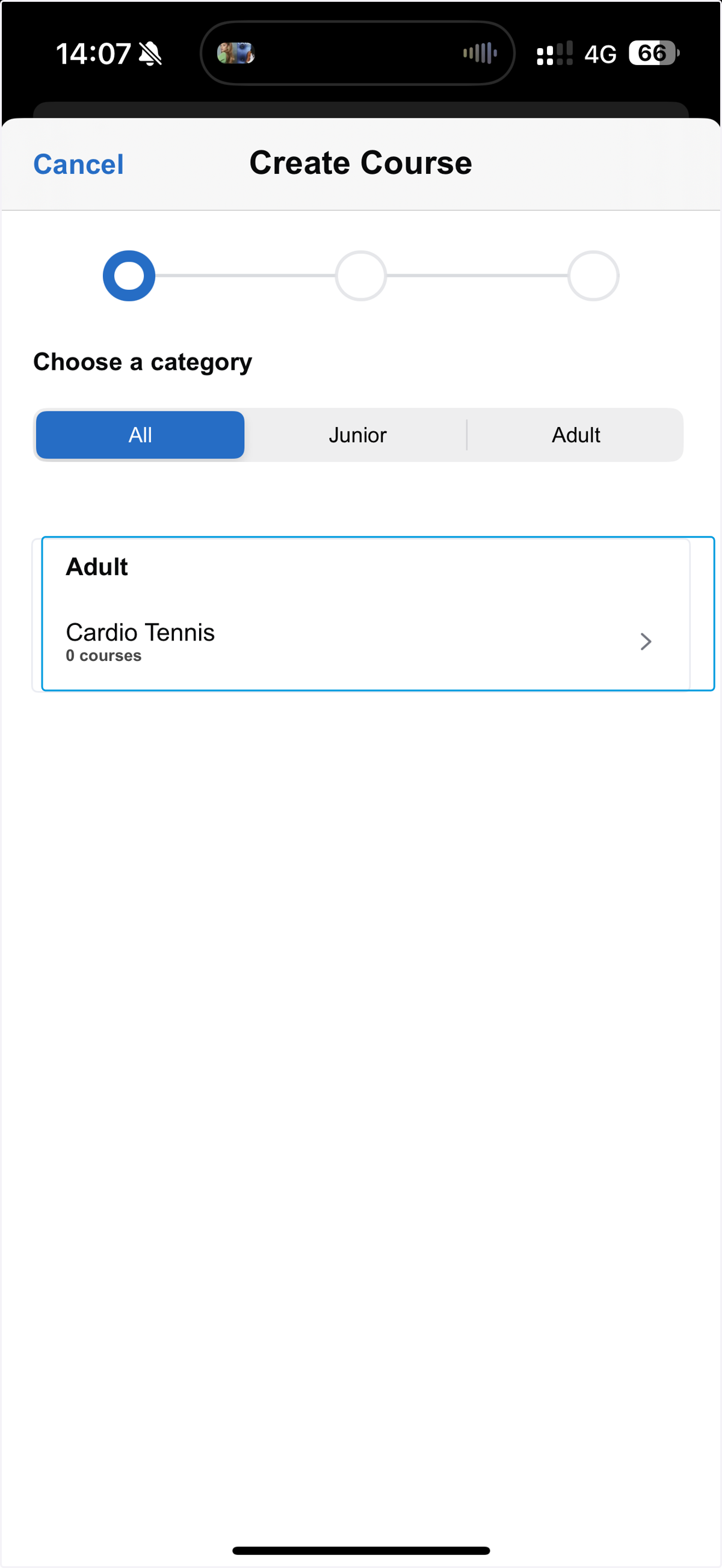
3. Select a category you with to add a course under
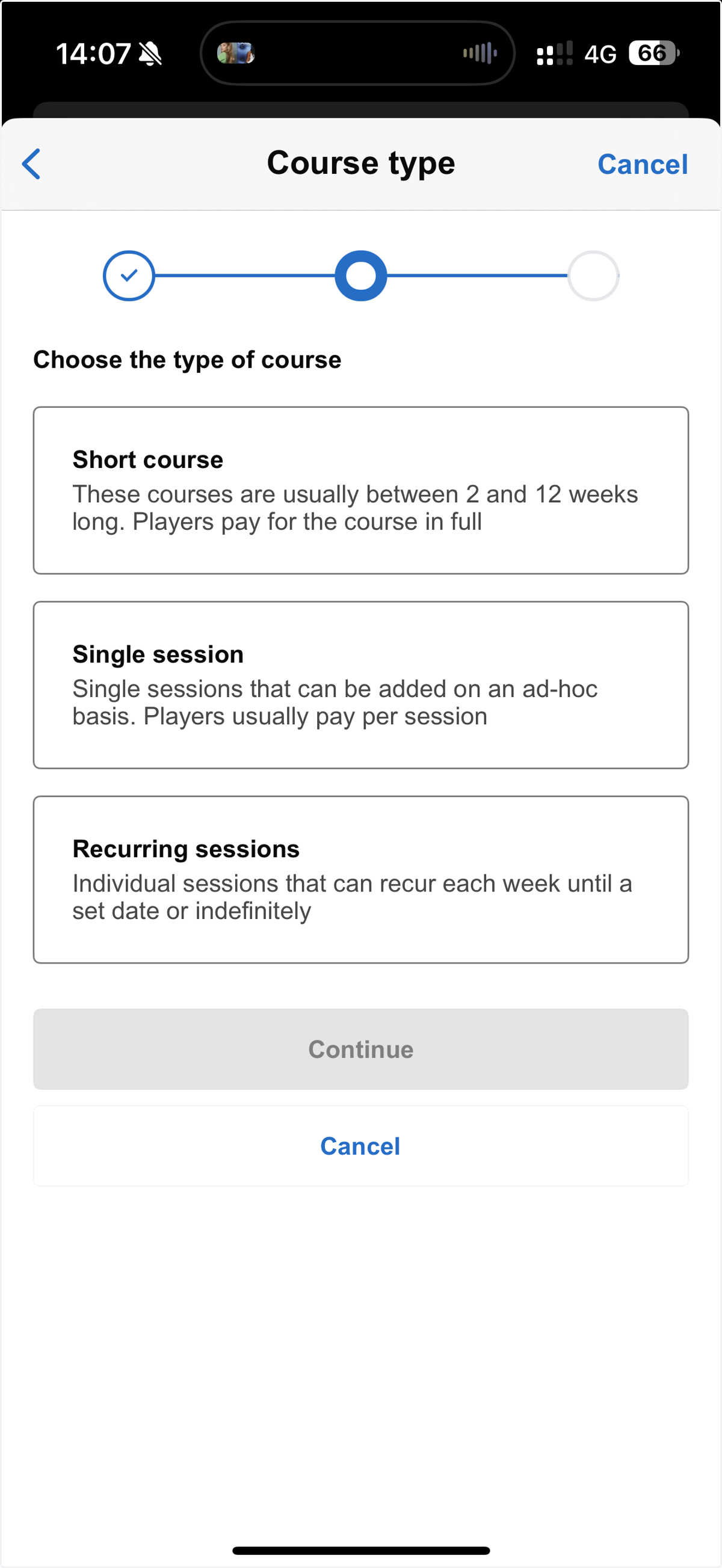
4. Choose type of course
For More information about the setup of the courses visit this resource link Creating A Coaching Course – ClubSpark