Syncing Projects from Sage 100 to FollowUpCRM in 5 Steps
FollowUpCRM
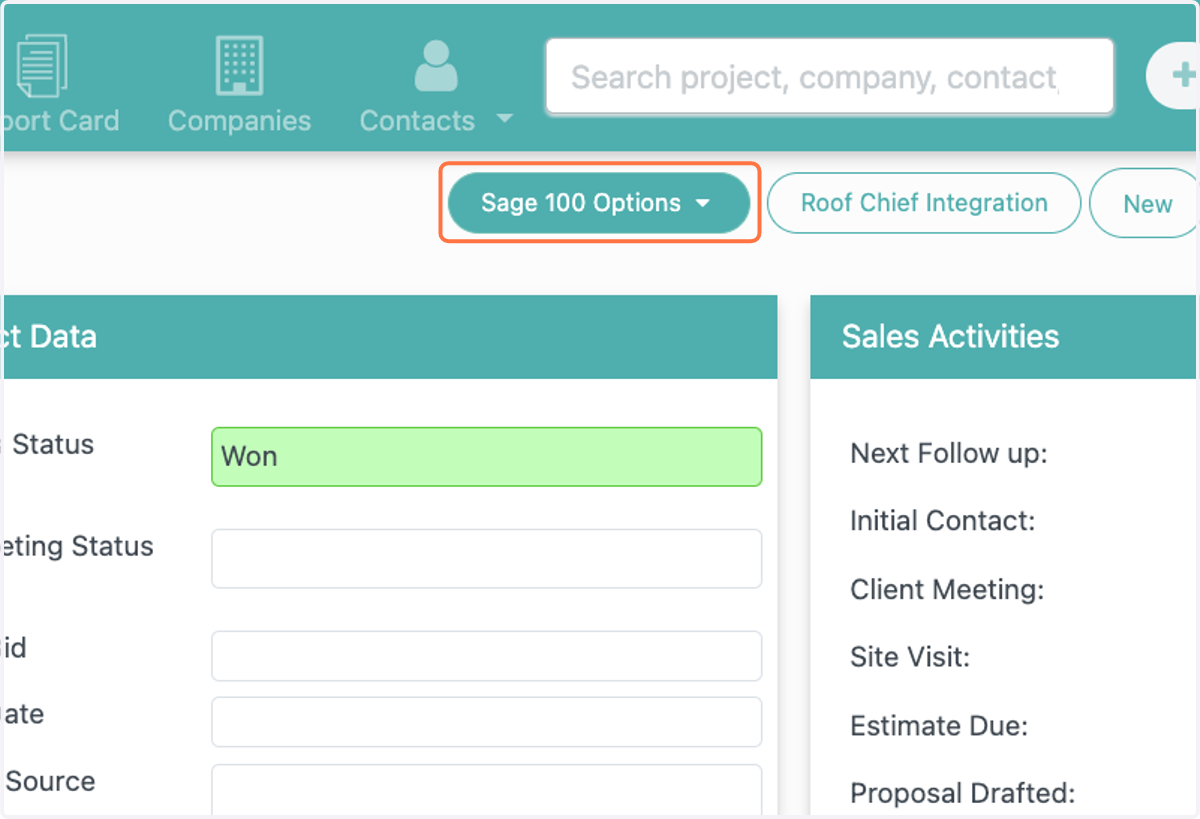
1. Click on dropdown trigger
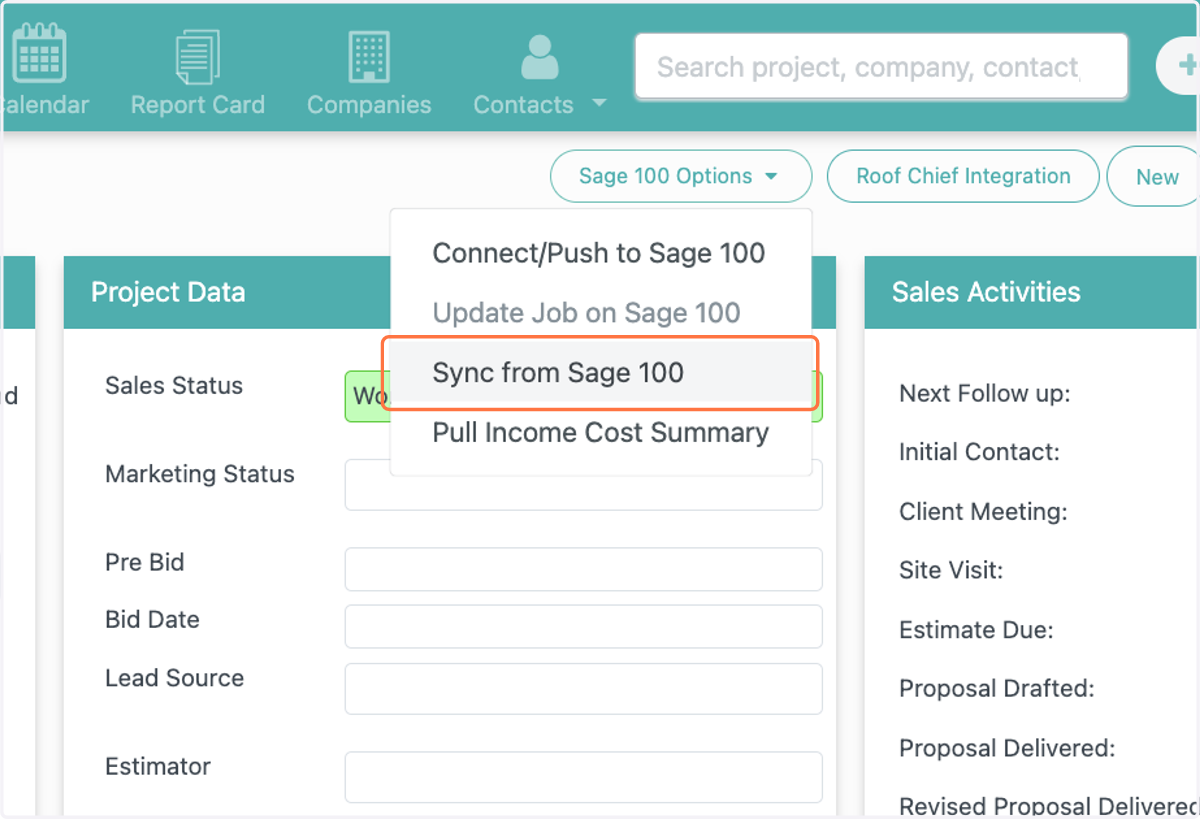
2. Click on Sync from Sage 100
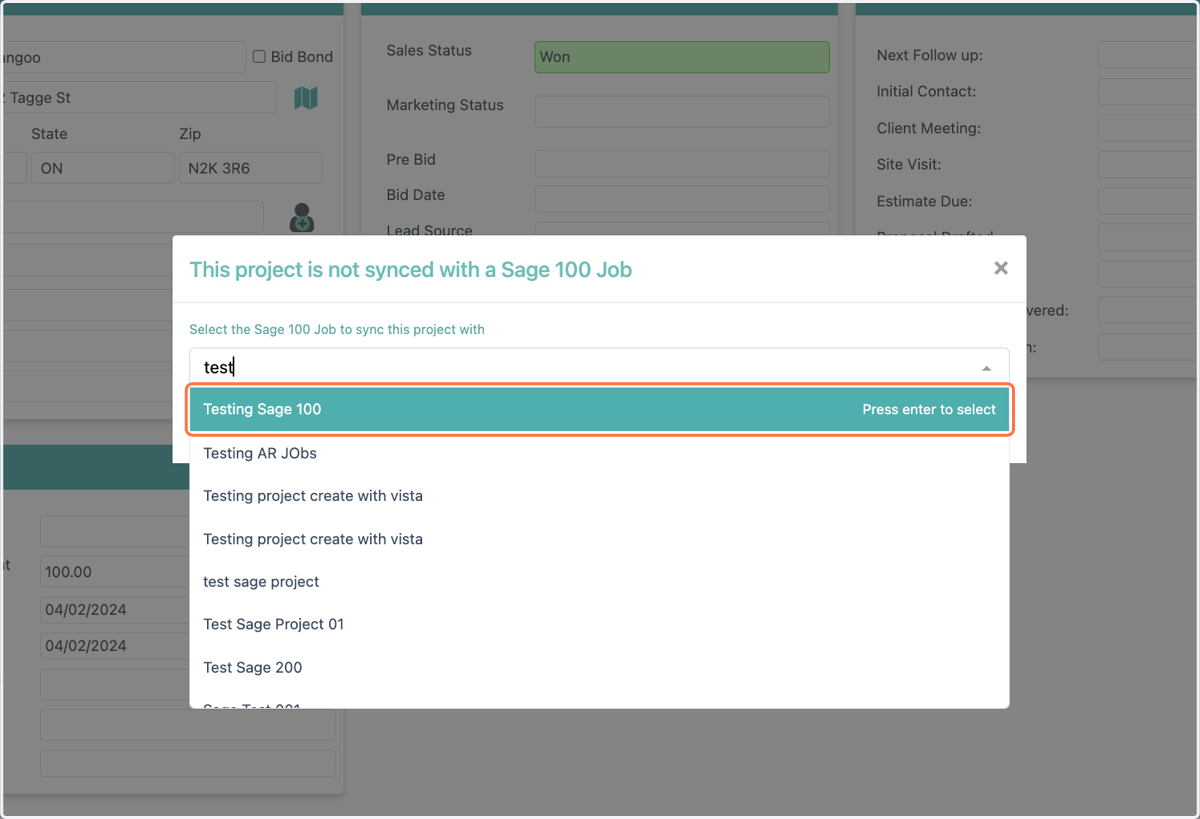
3. Find the project that you would like to pull
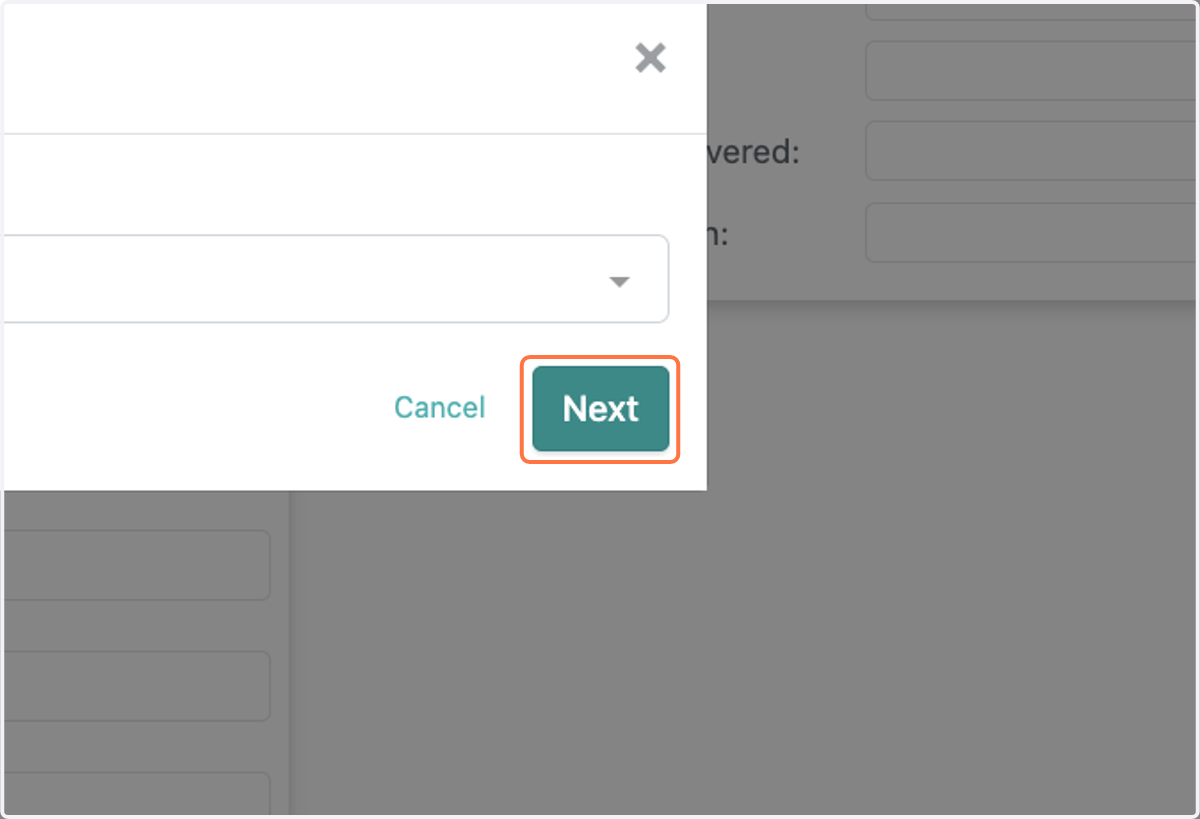
4. Click on Next
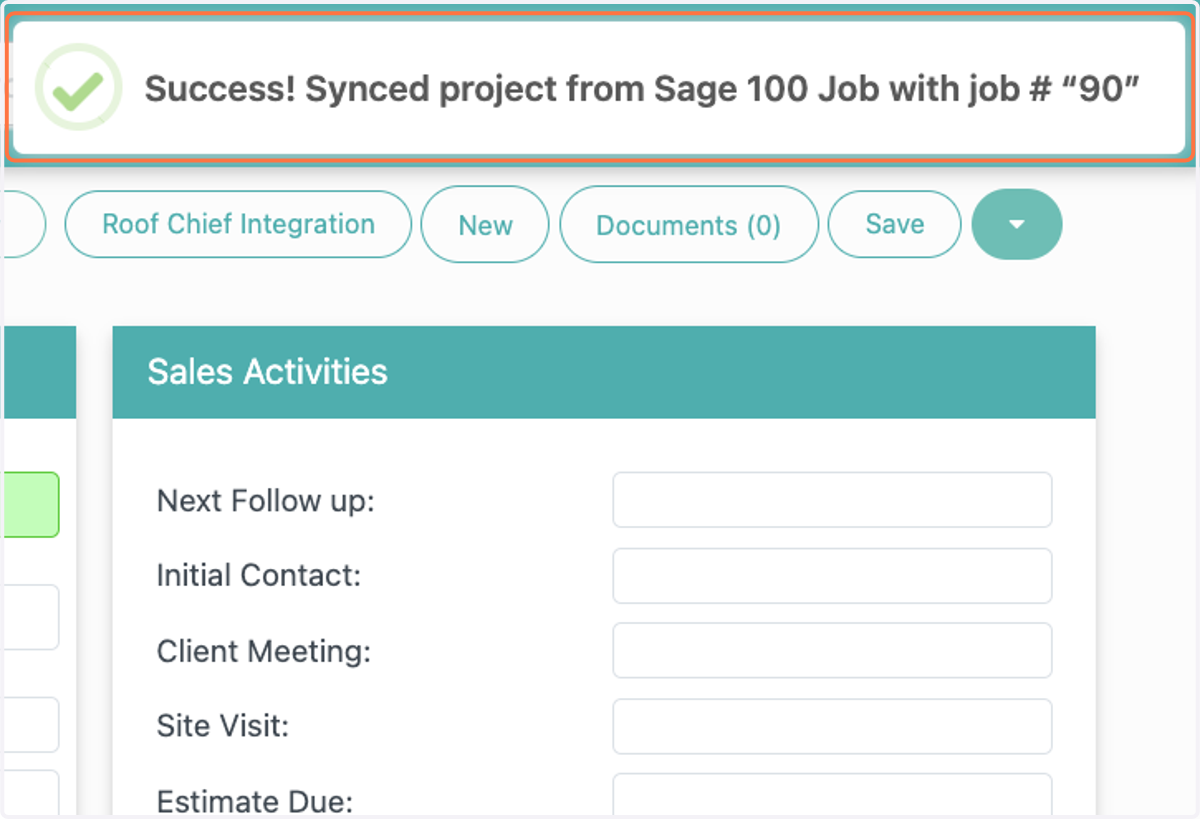
5. User will get a notificaiton saying that the sync was successful