Syncing FollowUpCRM with Spectrum Job
FollowUpCRM
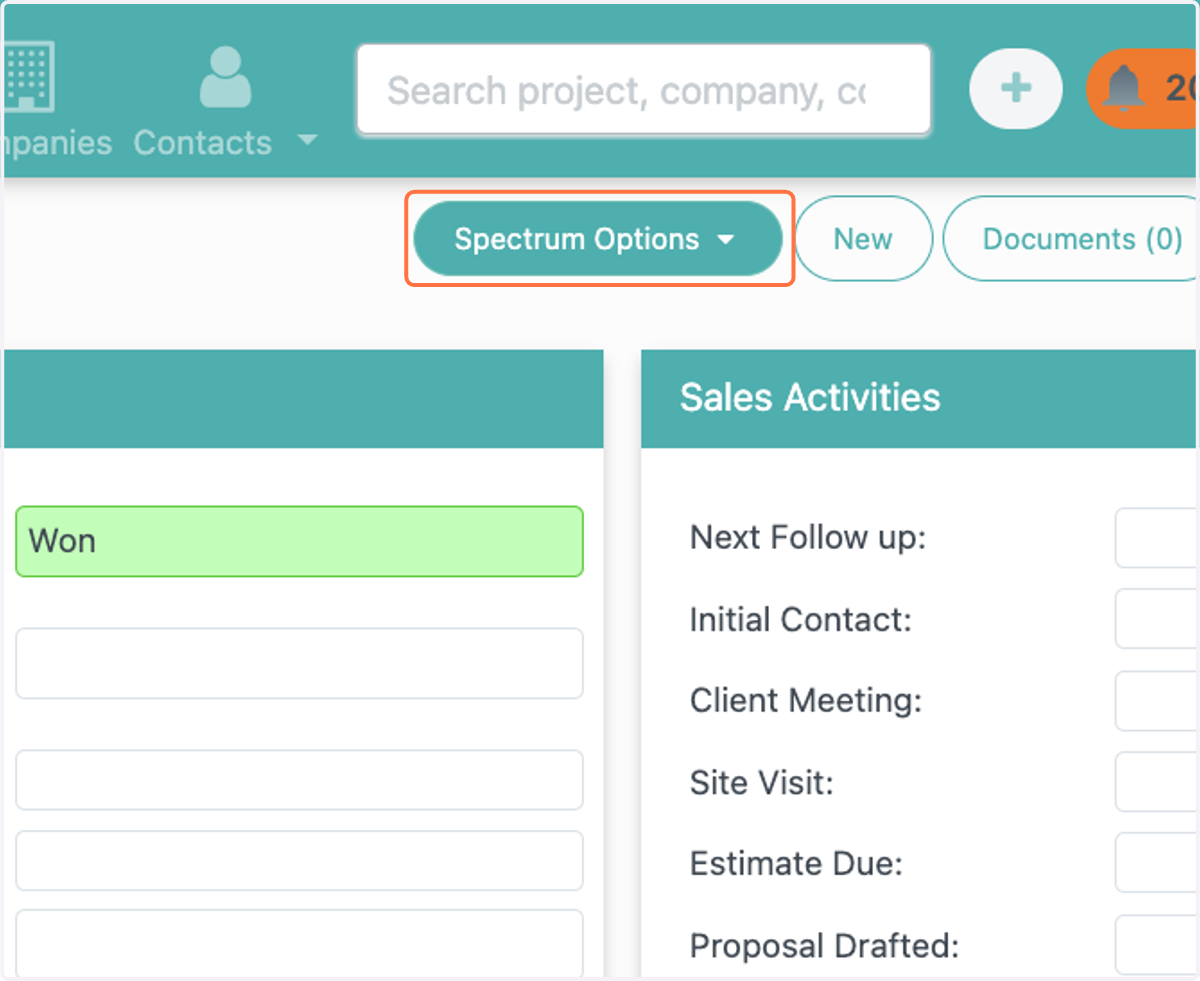
1. Click on dropdown trigger
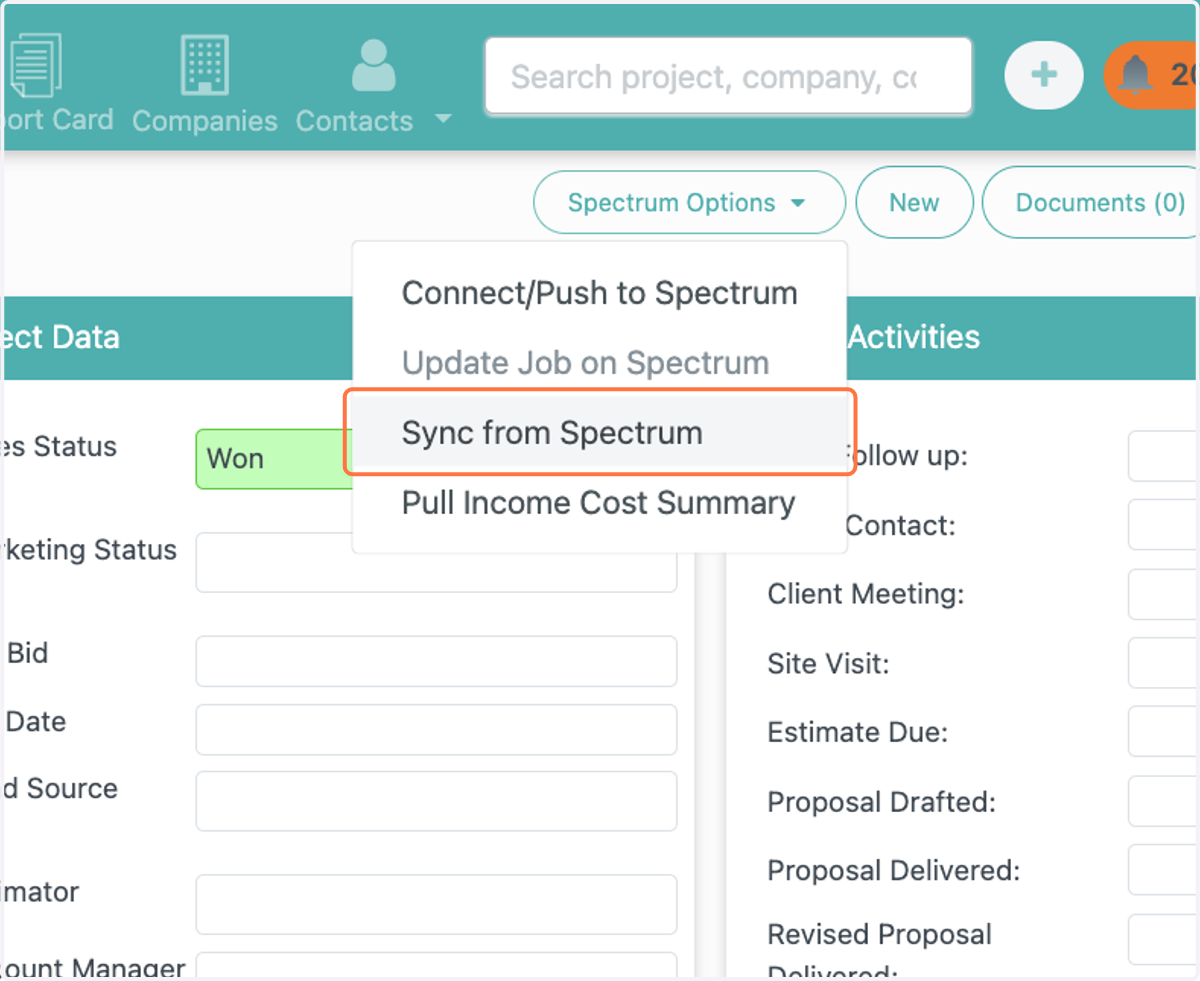
2. Click on Sync from Spectrum
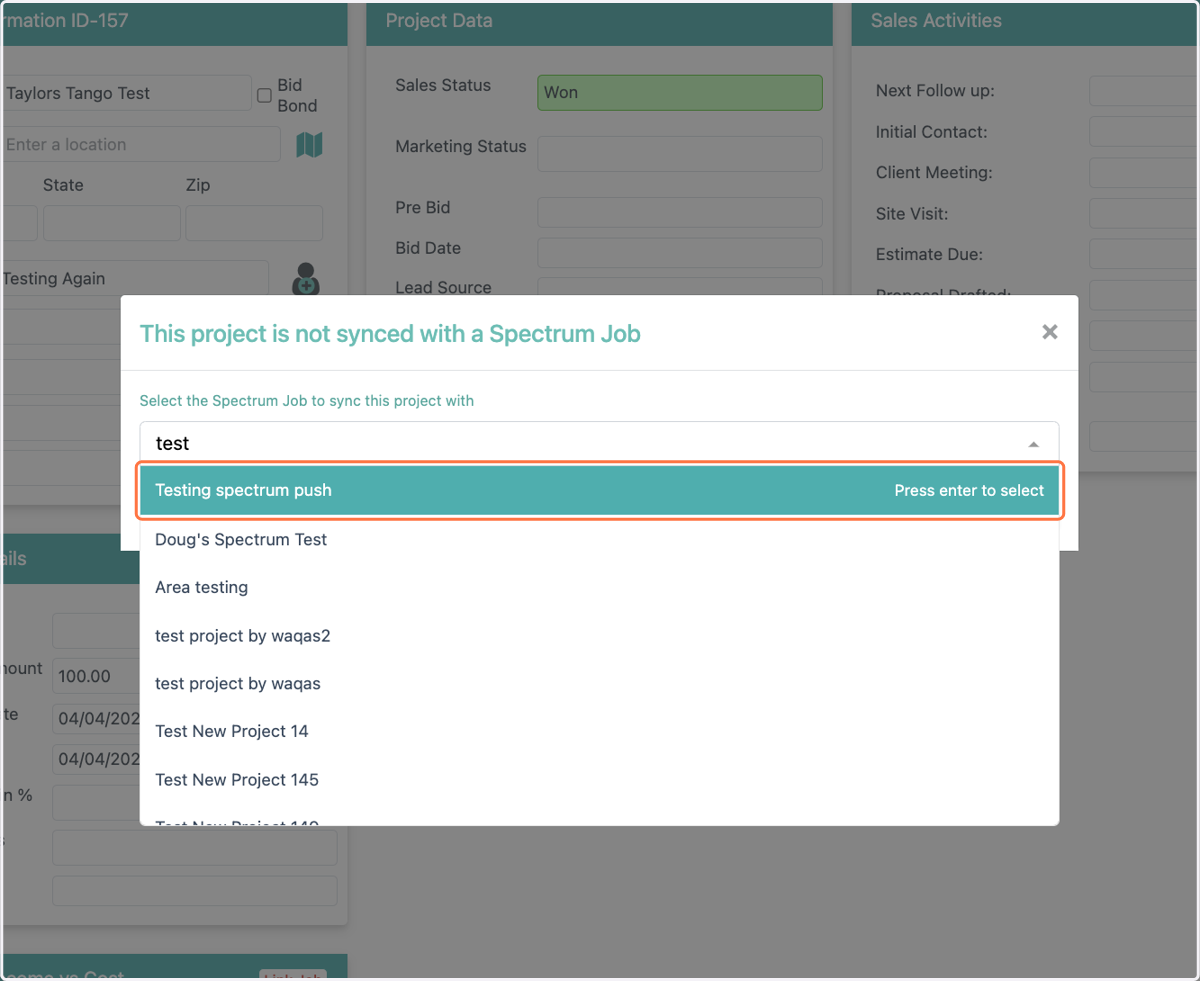
3. Click on This project is not synced with a Spectrum Job…
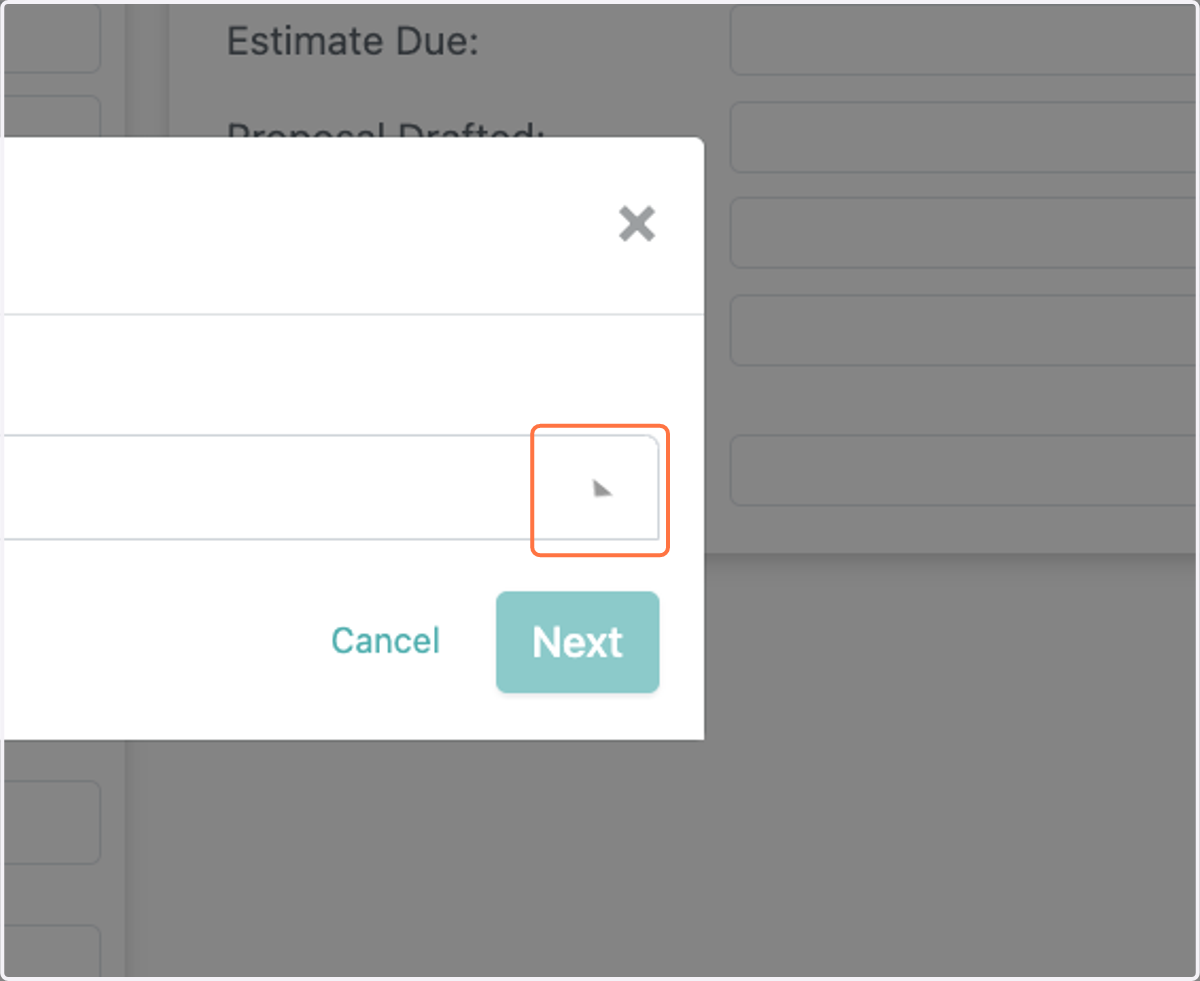
4. Click on Testing spectrum push
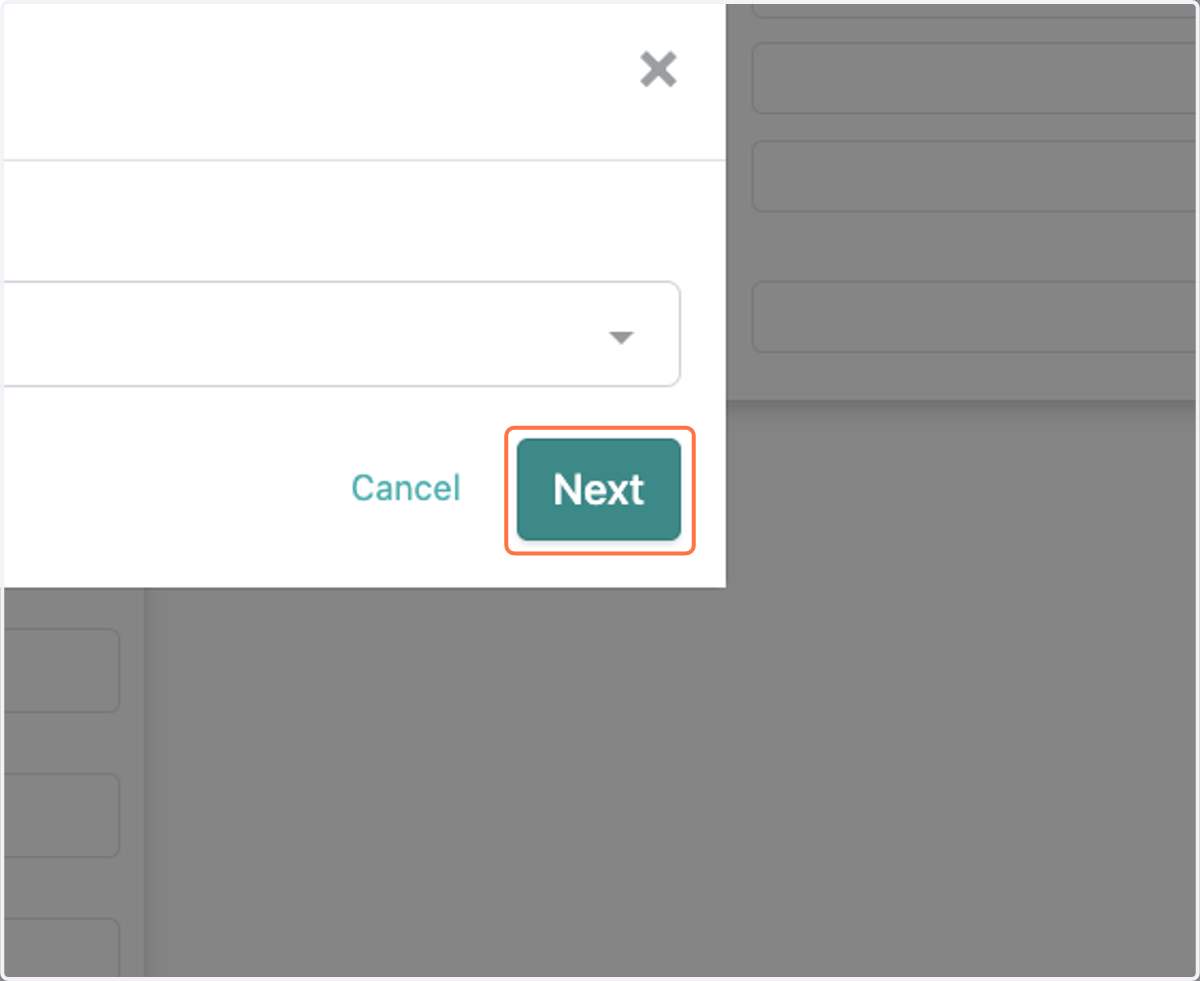
5. Click on Next
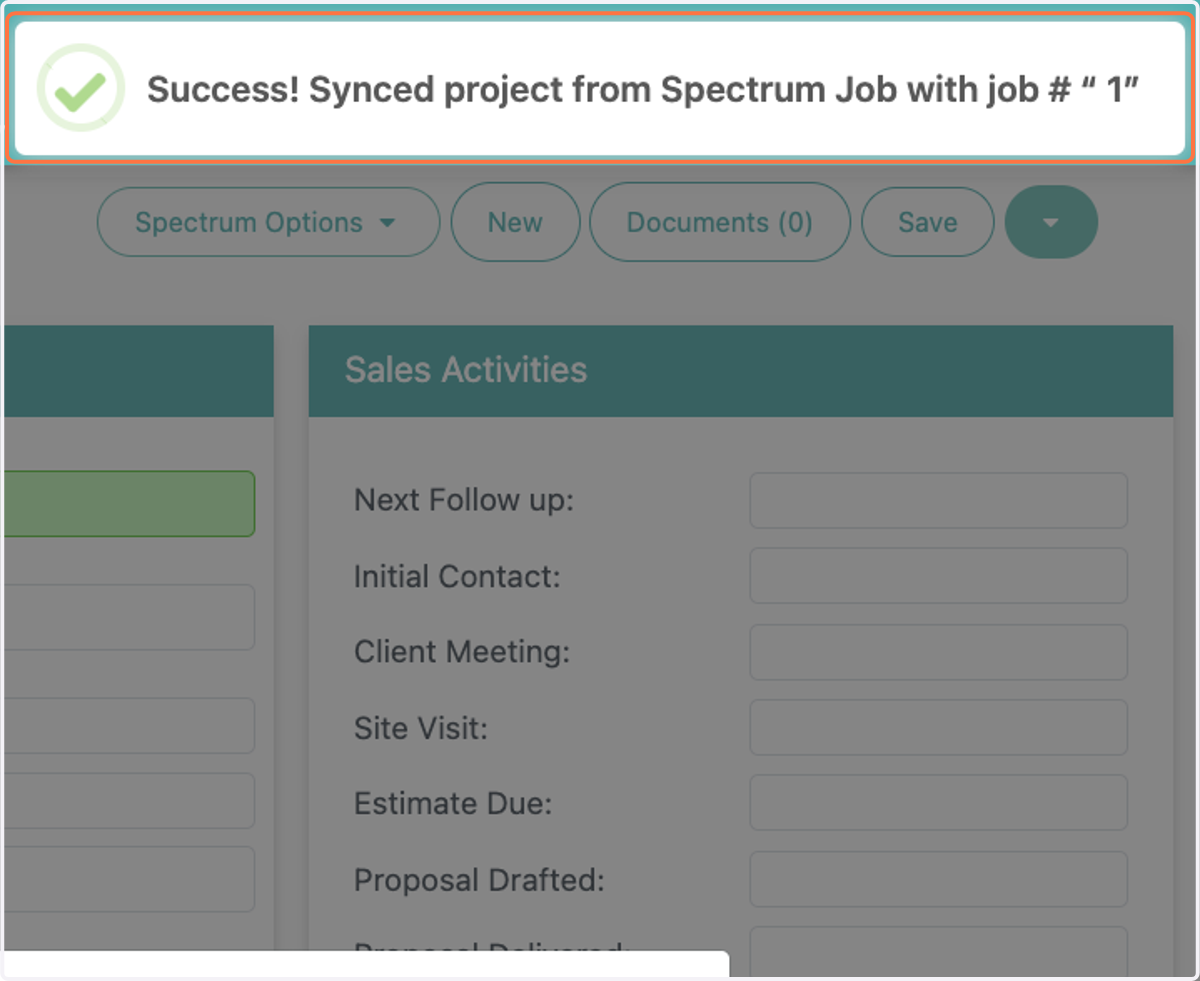
6. User will receive a notification saying that the update was successful