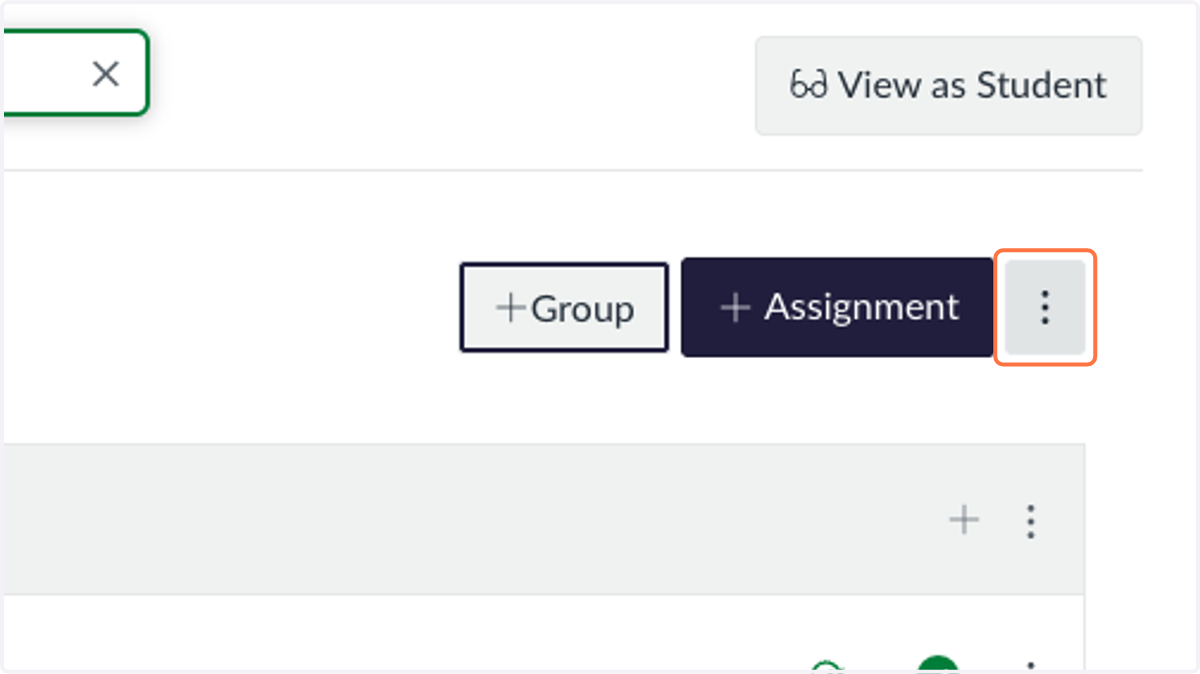
Sync SIS Categories in Canvas
Canvas
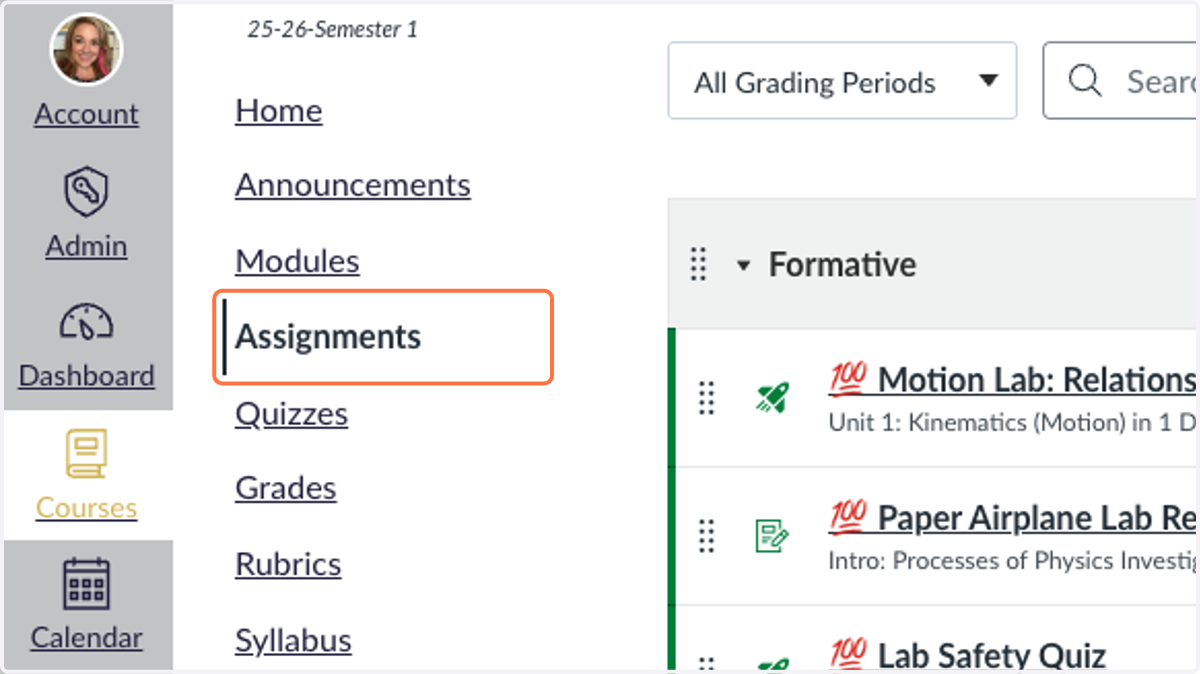
1. Click on Assignments
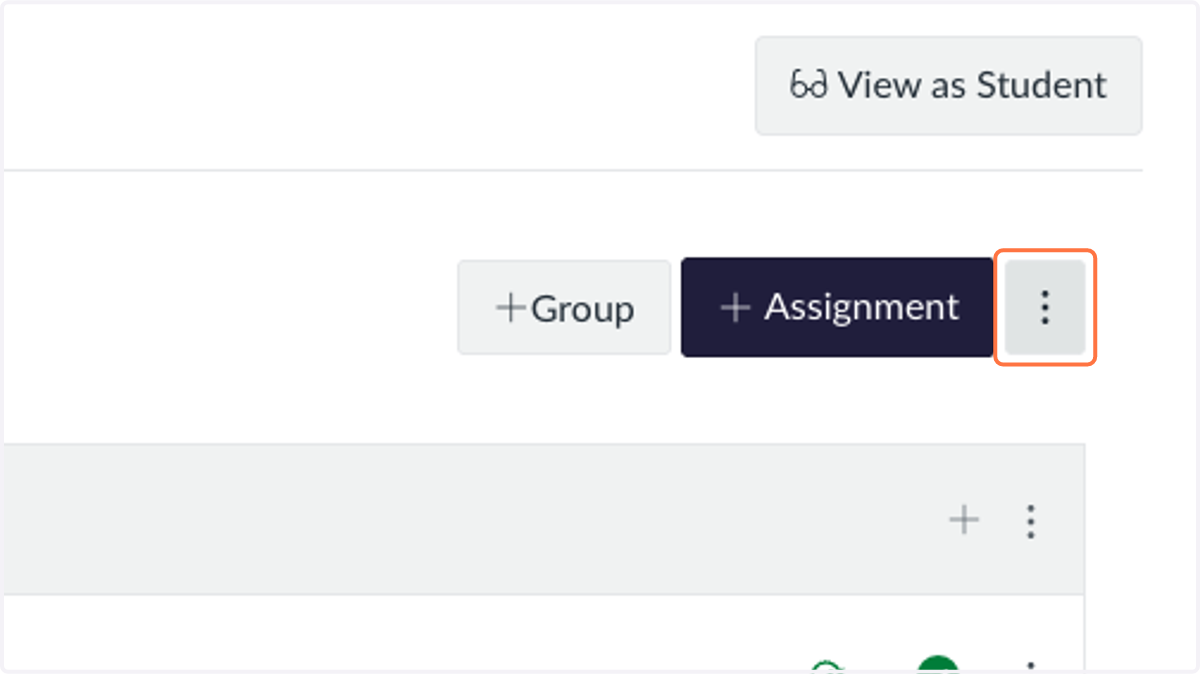
2. Click on Assignments Settings
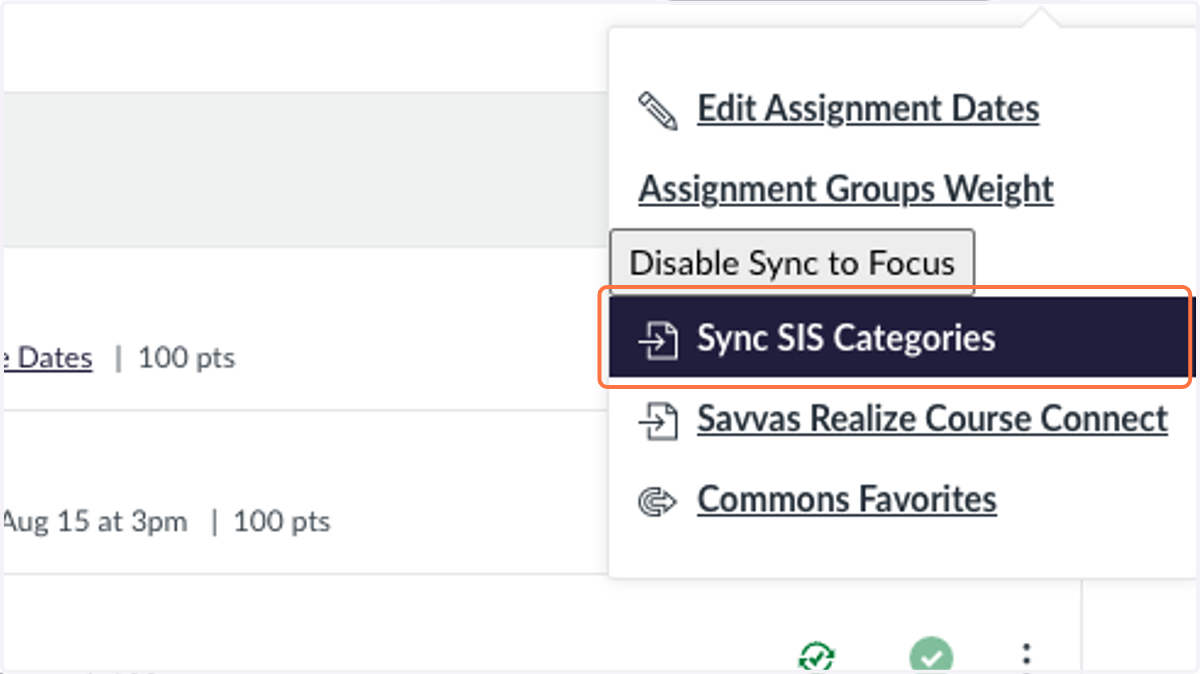
3. Click on Sync SIS Categories
4. Click on Formative
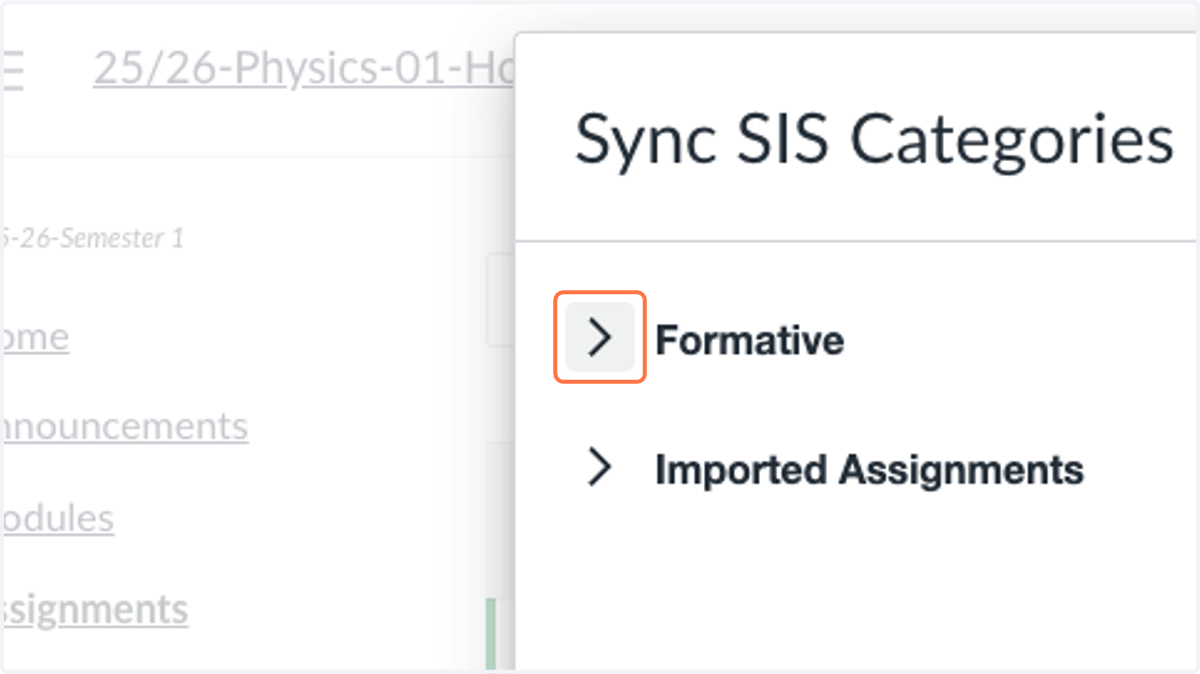
5. Click on Select SIS category for your class section
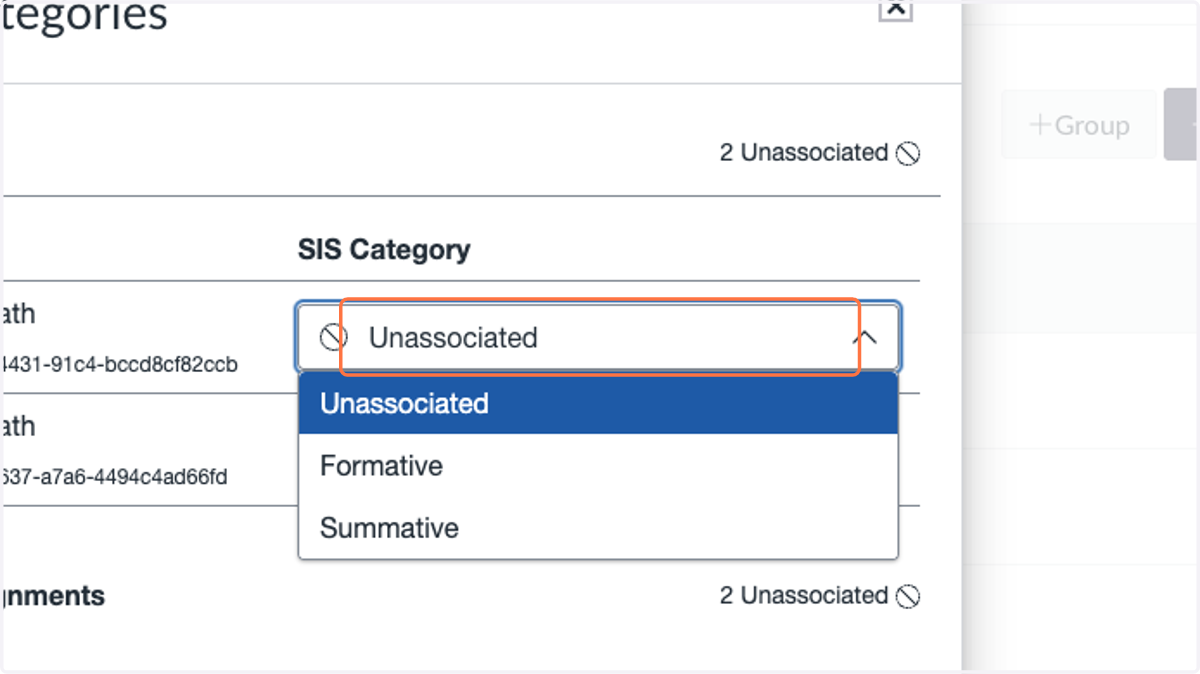
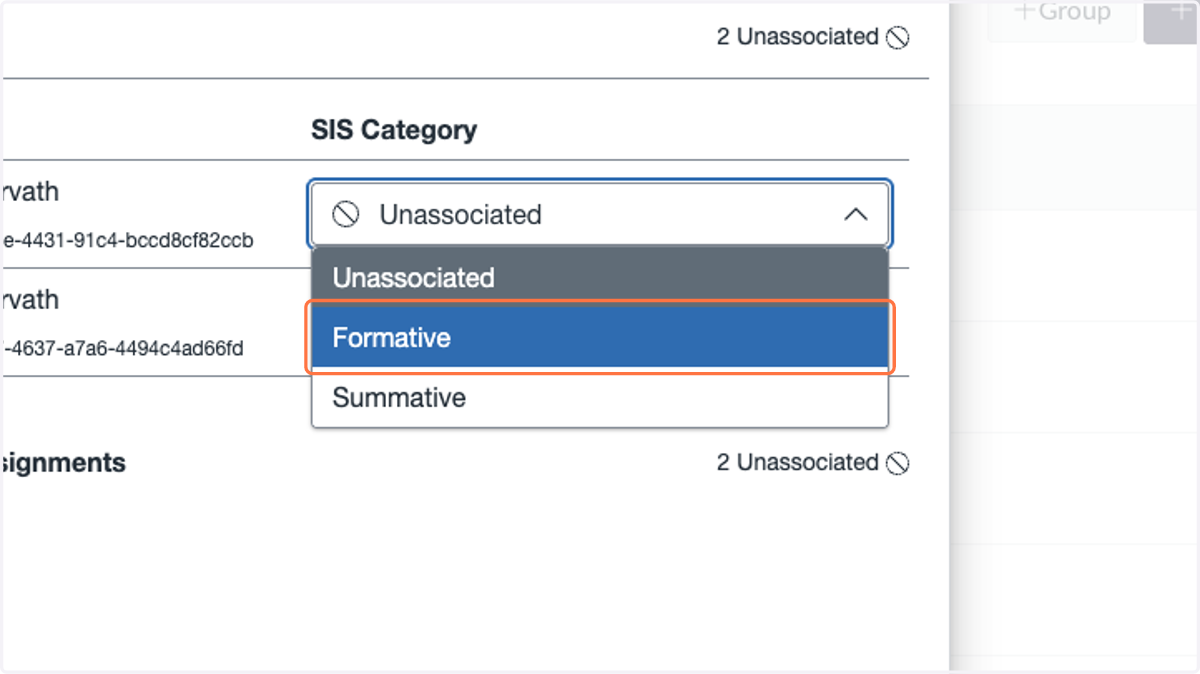
6. Click on Formative
repeat these steps for each class/section
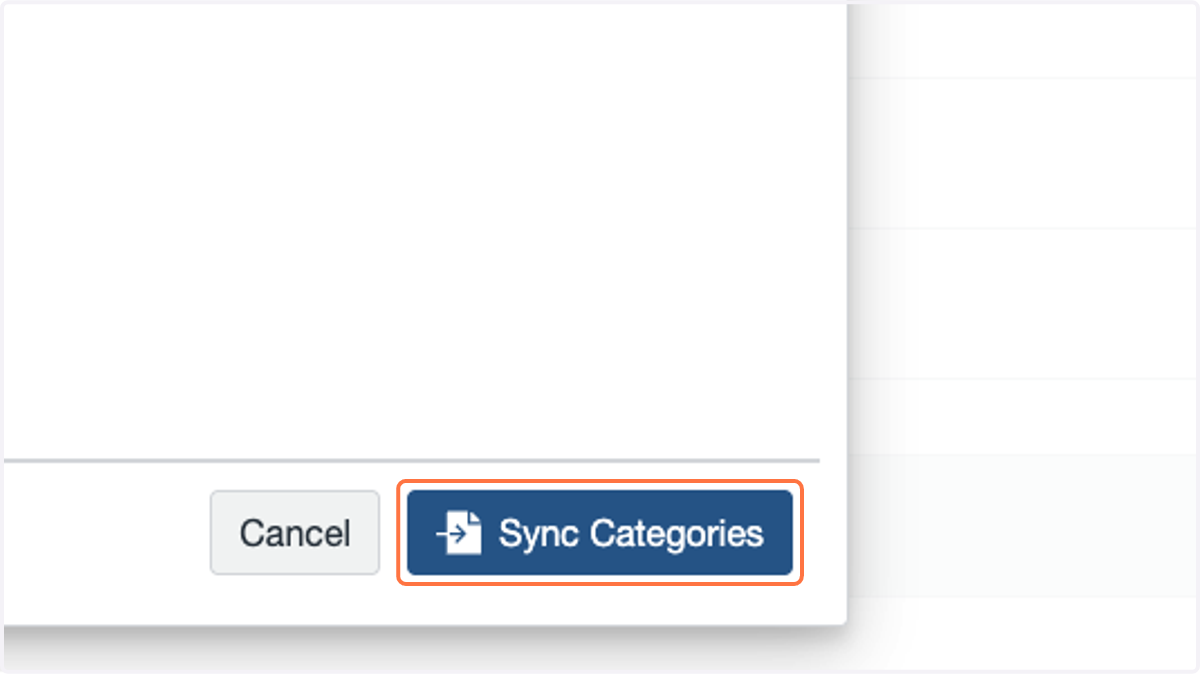
7. Click on Sync Categories
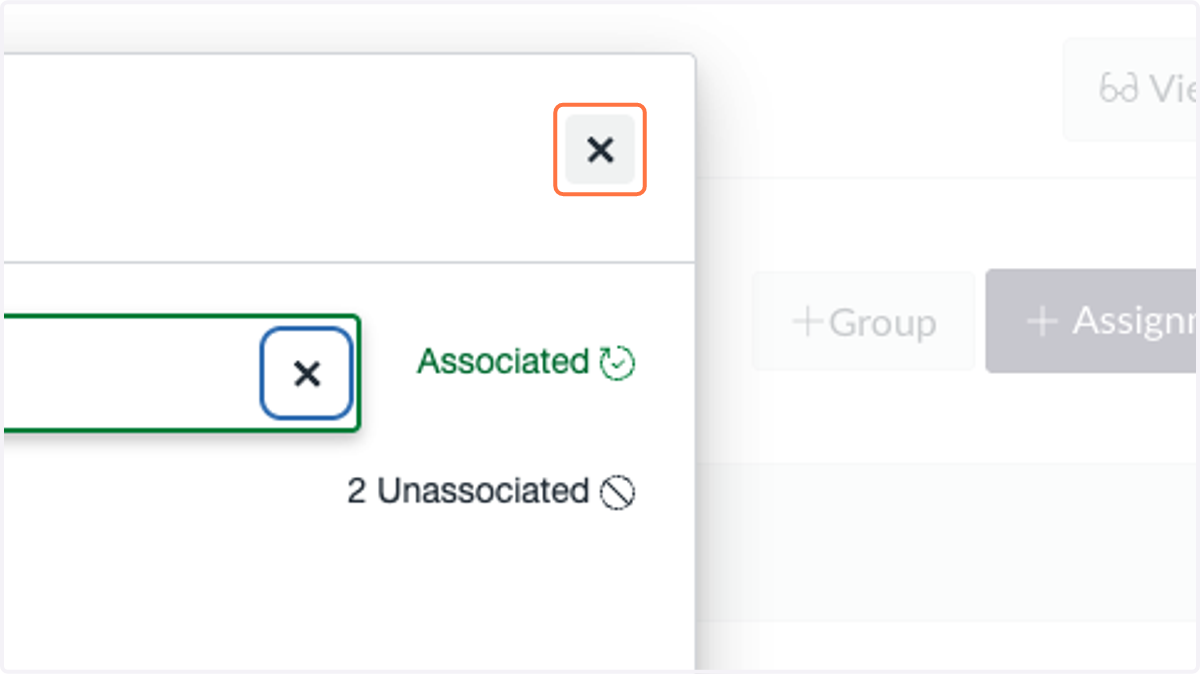
8. Click on Close
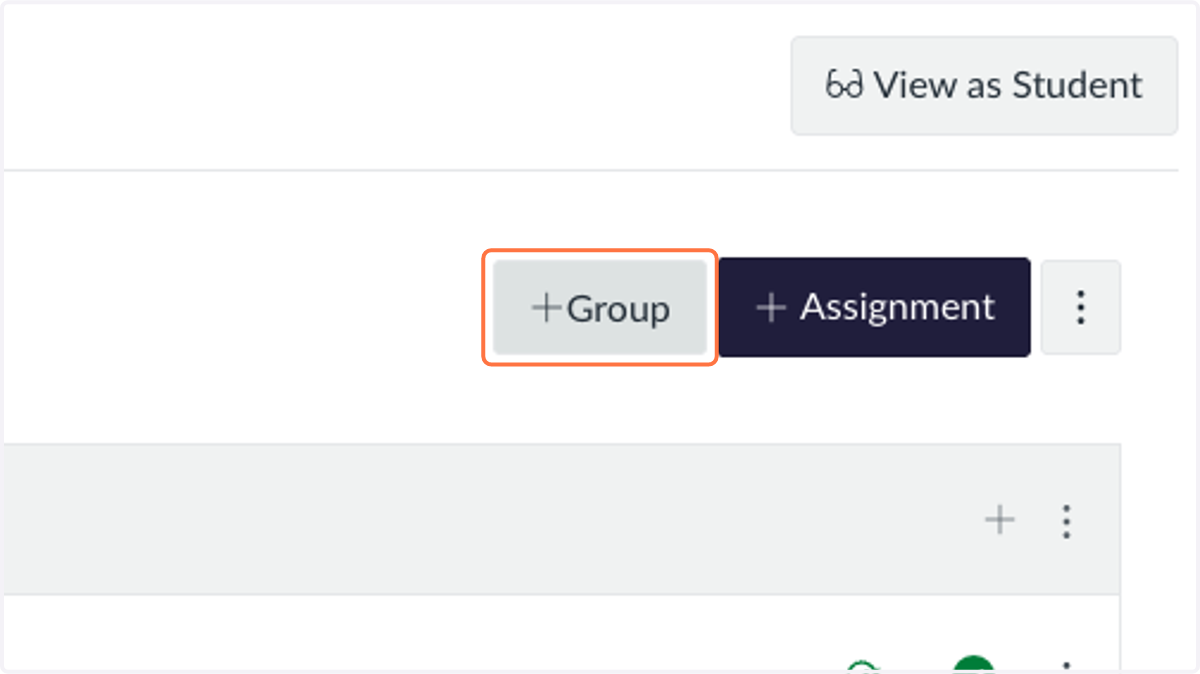
9. Click on Add Assignment Group
If you do not already have both Summative and Formative
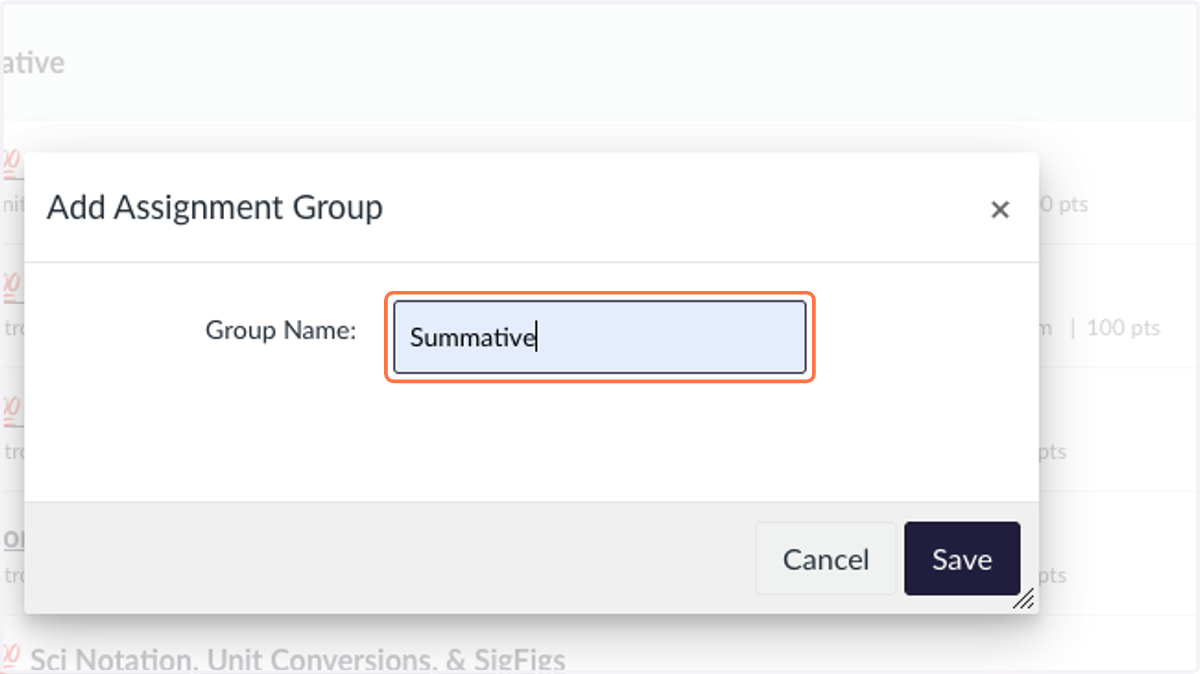
10. Type "Summative"
11. Click on Save
12. Click on Assignments Settings and Repeat Steps Above
This time for Summative