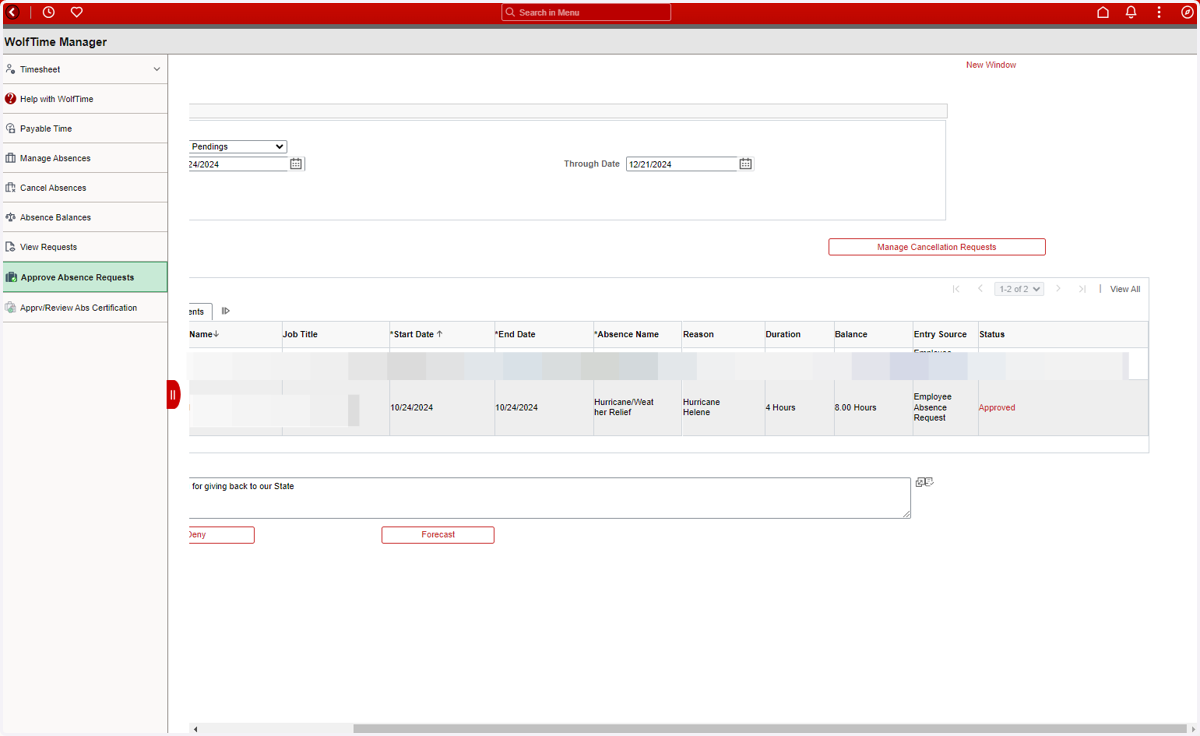
Supervisor’s Guide: How to Approve Community Service Leave for Hurricane Relief Efforts
As a supervisor at NC State, follow these steps to approve your direct report's community service leave specific to hurricane relief efforts.
Login to MyPackPortal using your NCSU credentials (mypack.ncsu.edu)
1. Click on the drop-down under the MyPack title bar
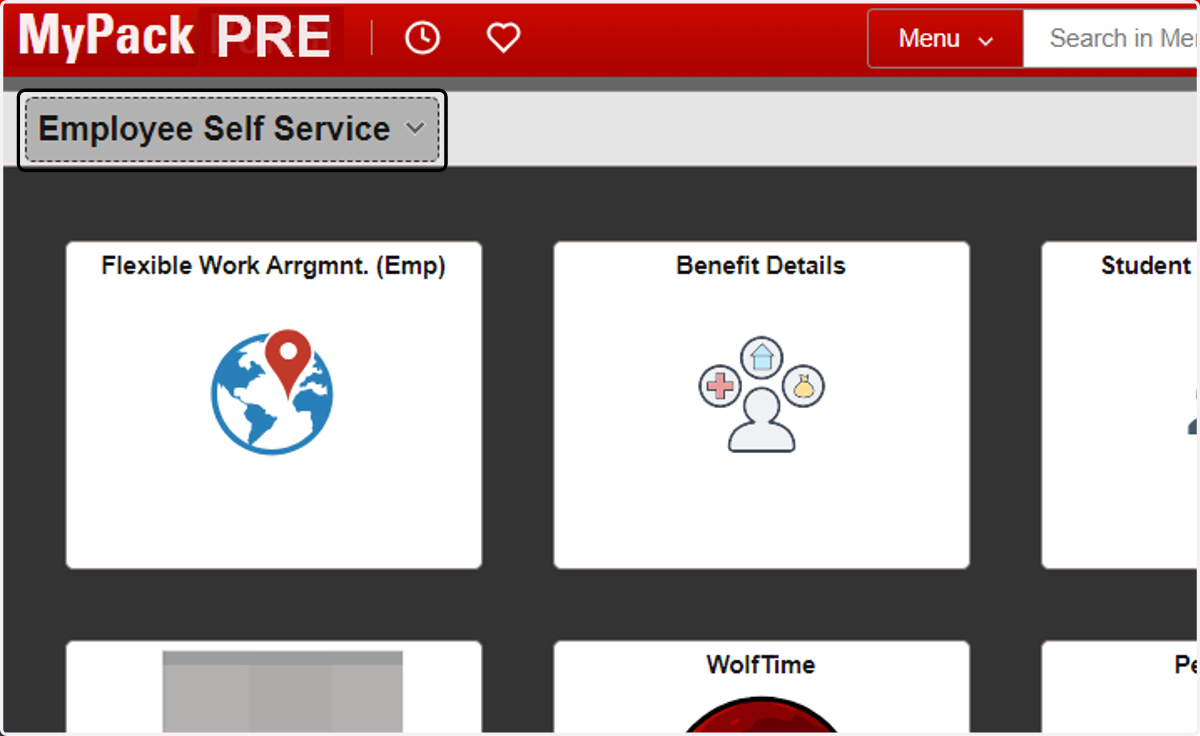
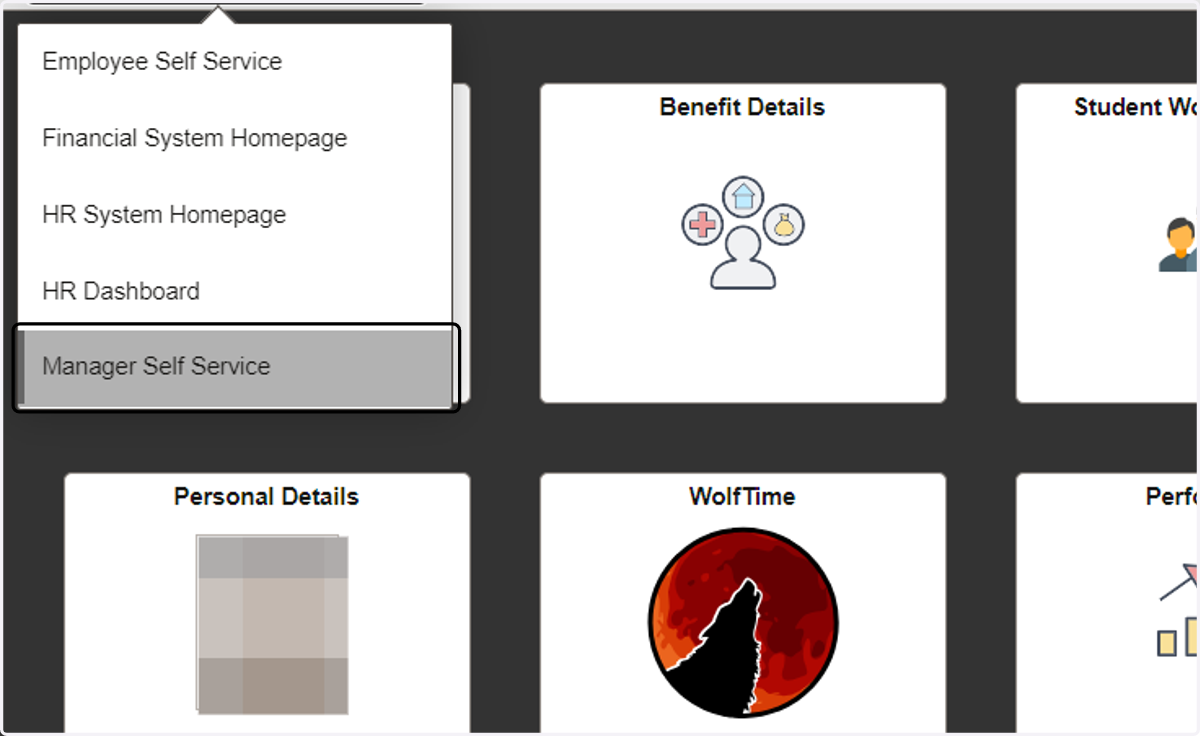
2. Navigate to Manager Self Service
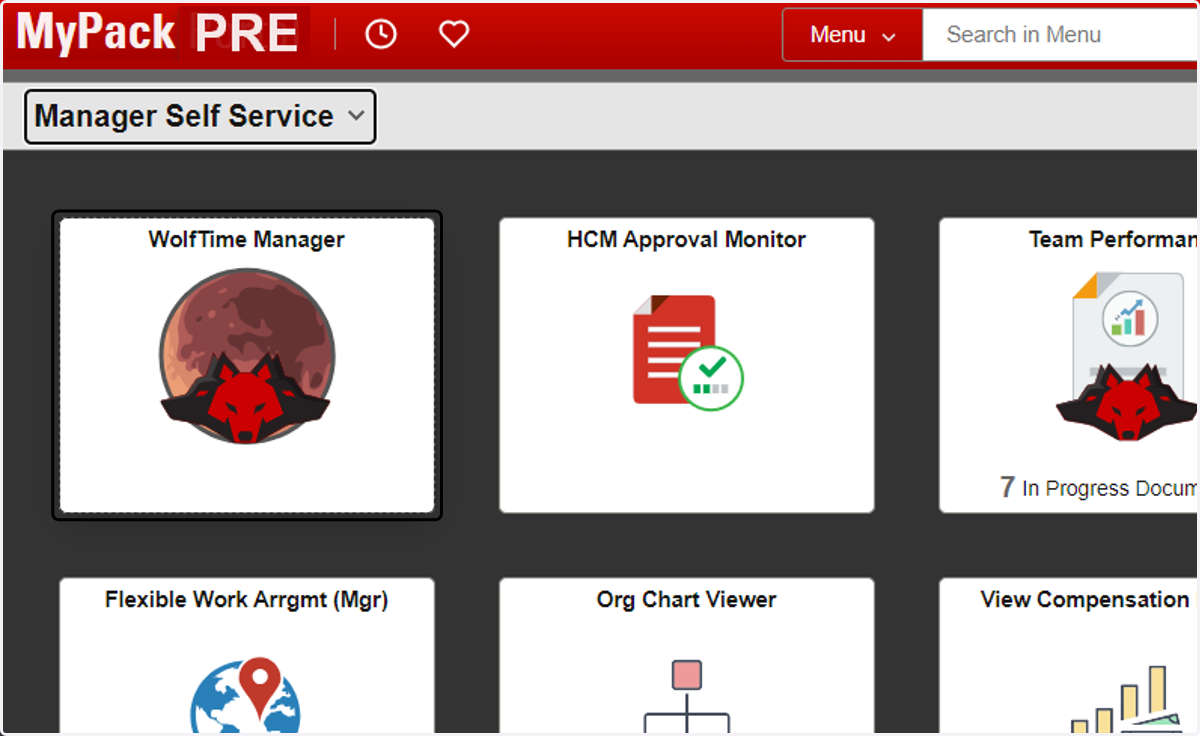
3. Click on WolfTime Manager
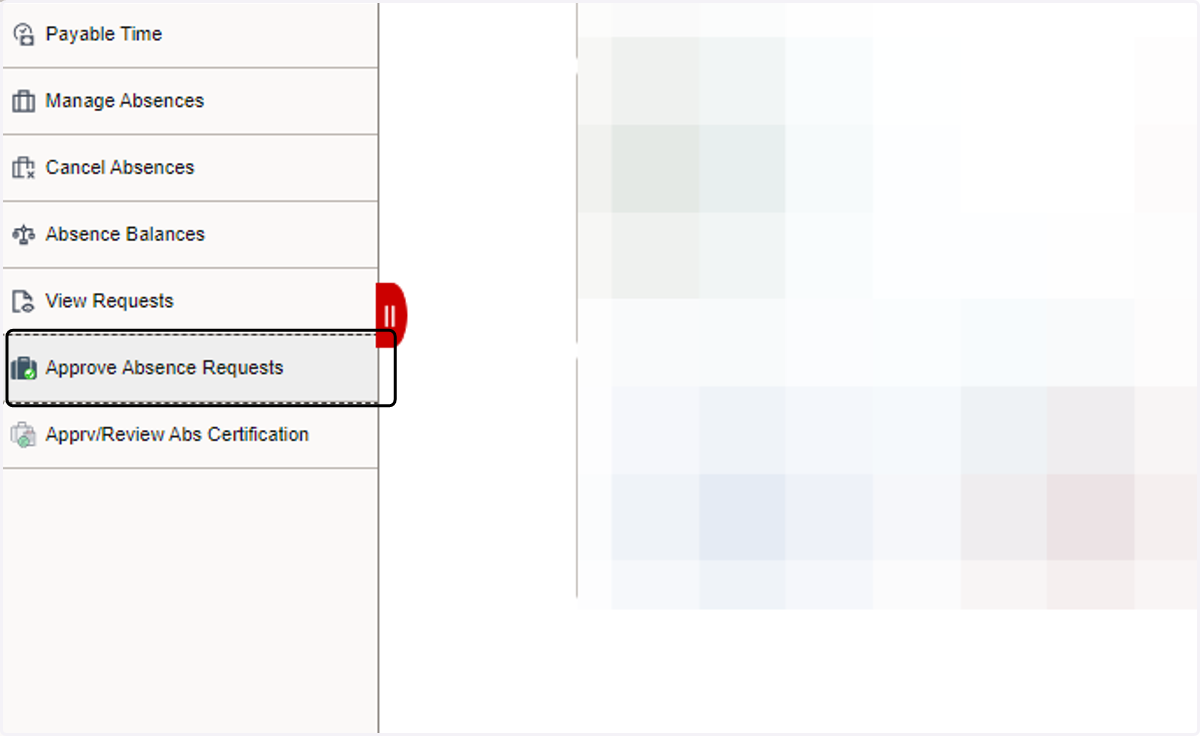
4. Click on Approve Absence Requests
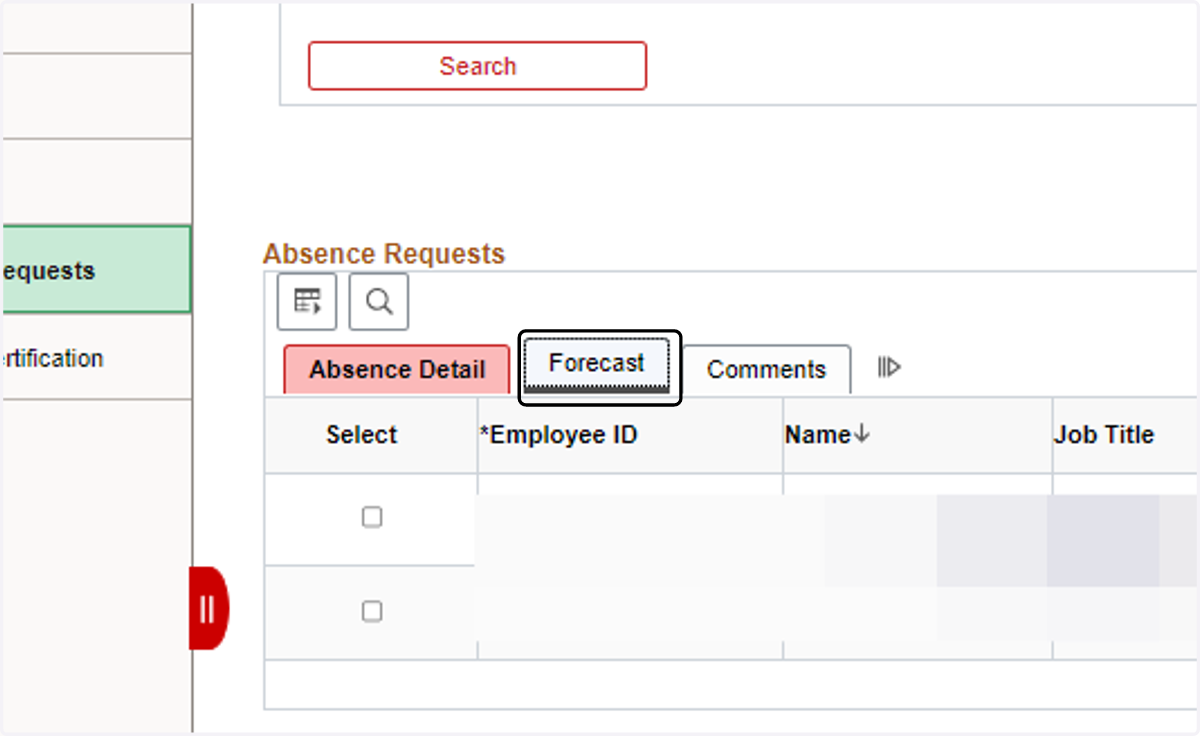
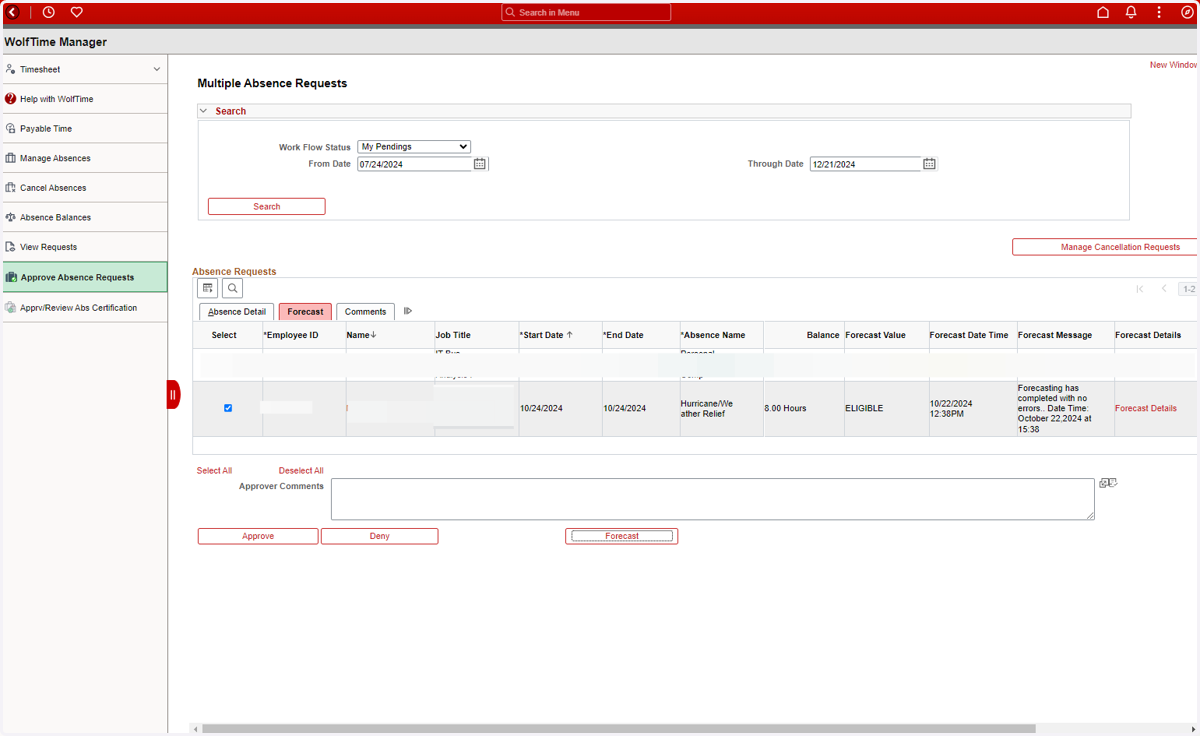
5. Click on Forecast
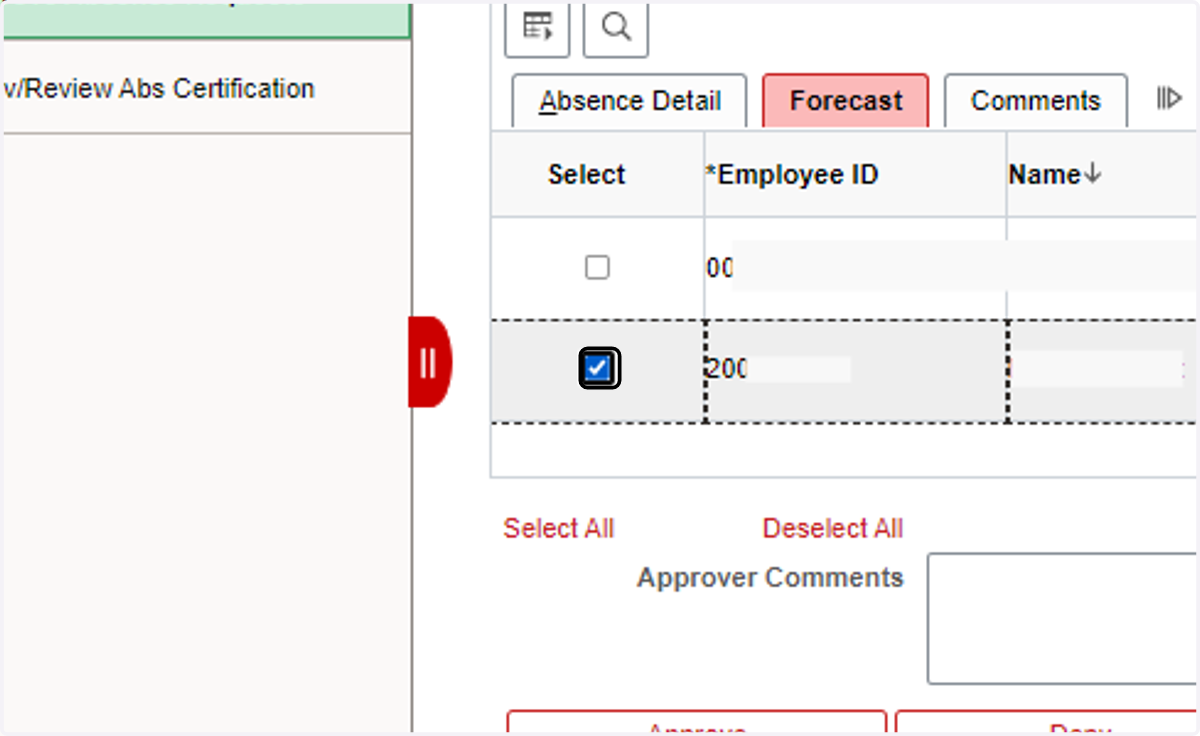
6. Select the absence that you are going to be approving
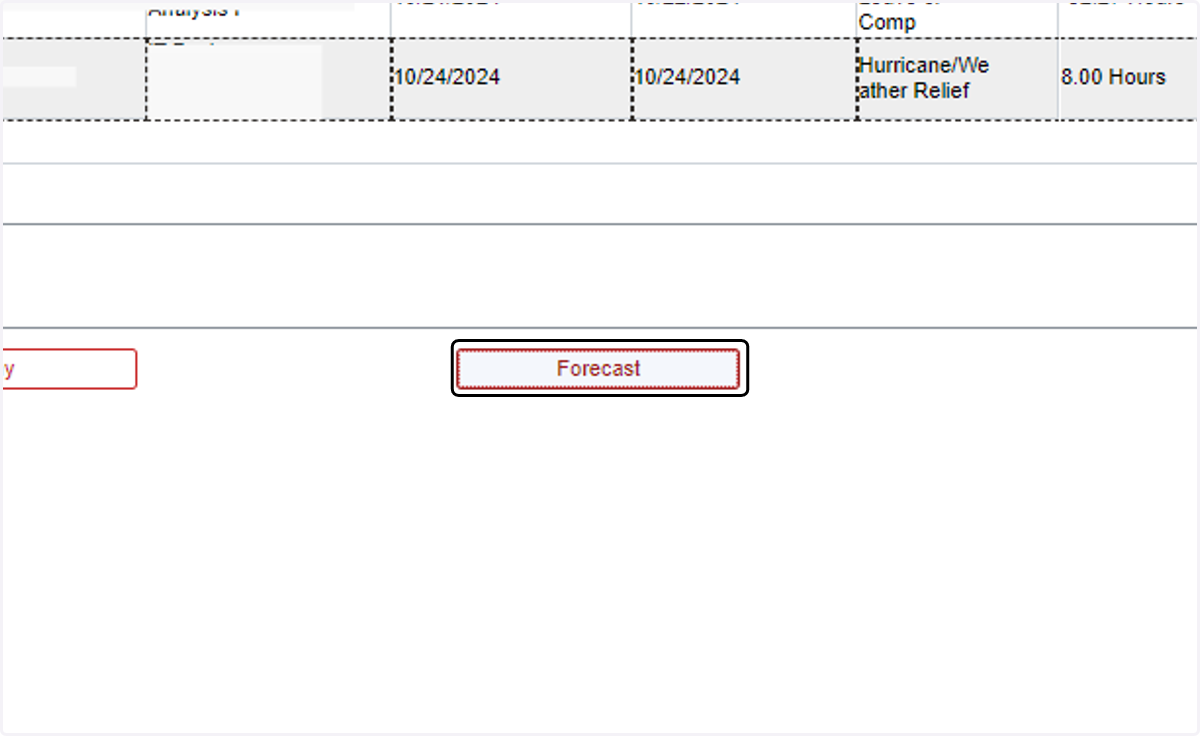
7. Click on forecast after selecting the absence
8. The Forecast Message will be updated after forecasting has been completed.
NOTE: If the absence forecasts with no errors, there is not anything else to review. If the absence forecasts with errors, this could be because the start and end dates are outside of the designated window, the employee could have exhausted the leave, or the duration entered may go beyond the leave provisioned.
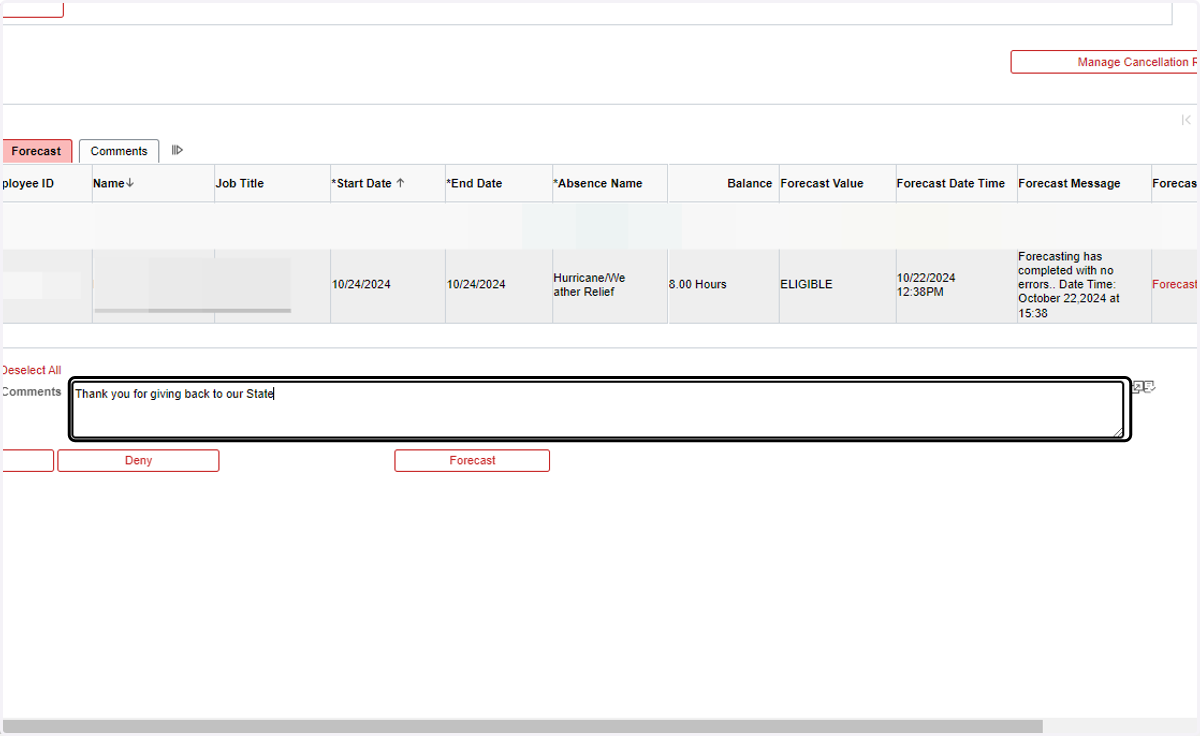
9. Type a comment before approving the leave request. Provide any information that is relevant.
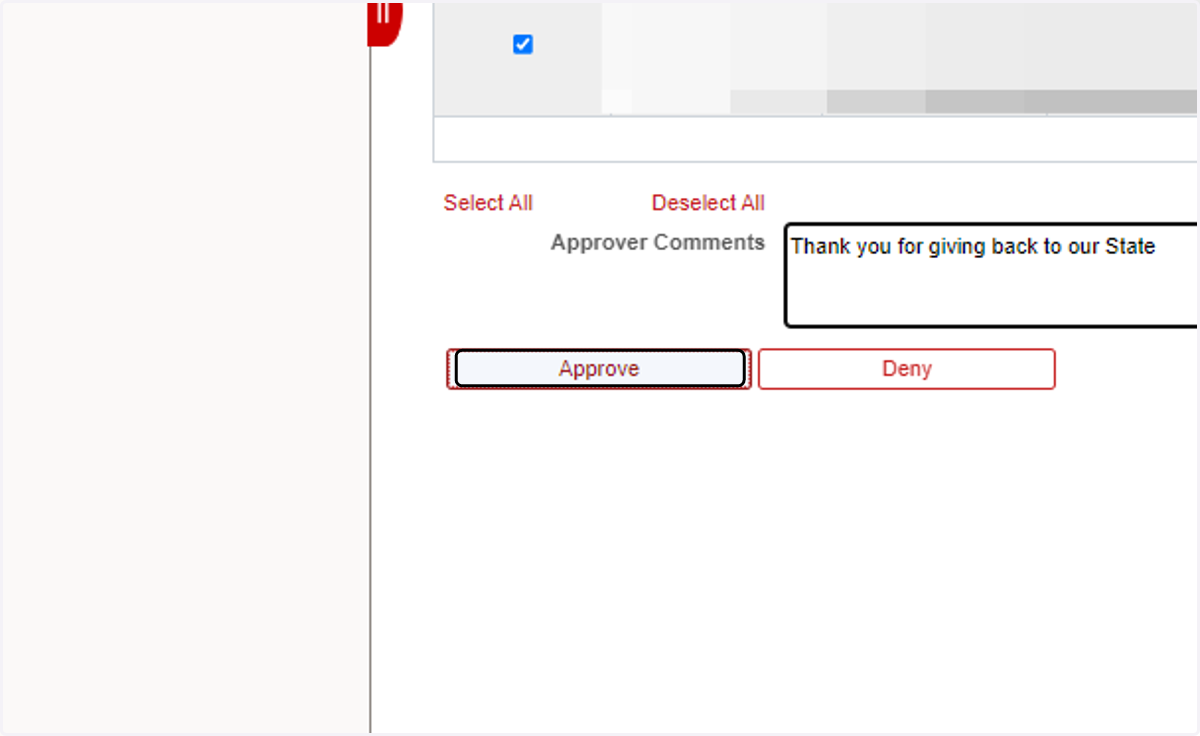
10. Click on Approve
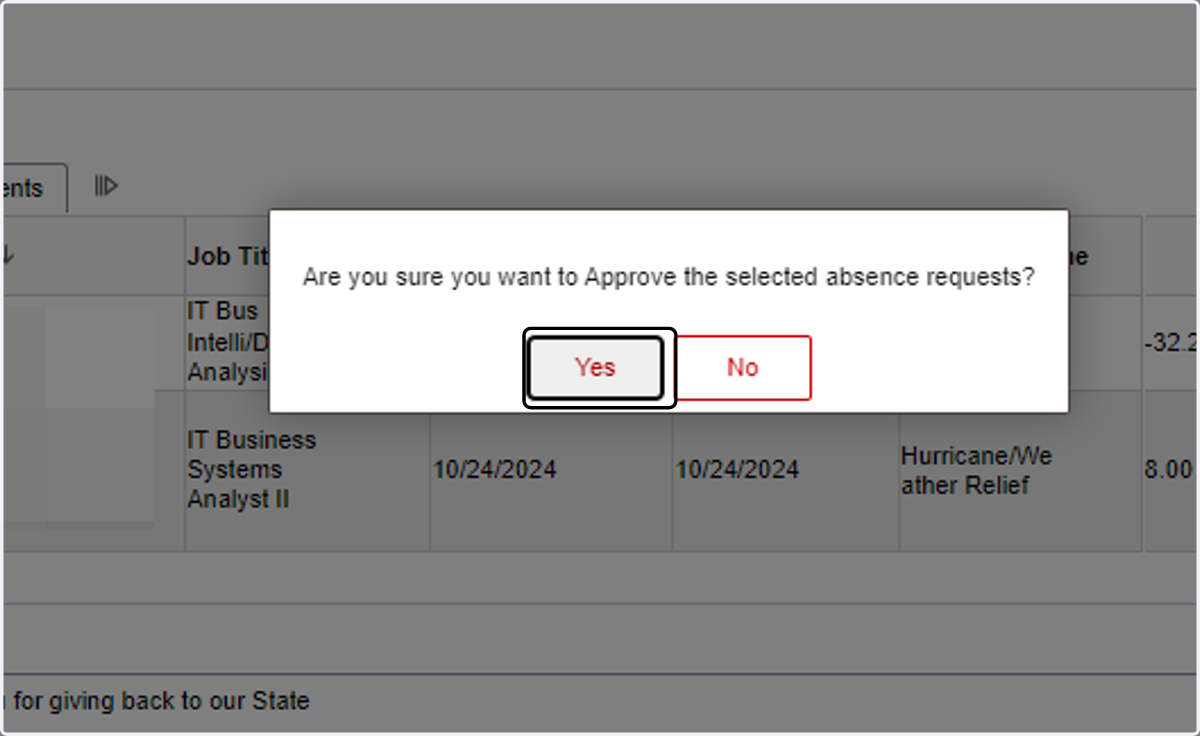
11. Click on Yes
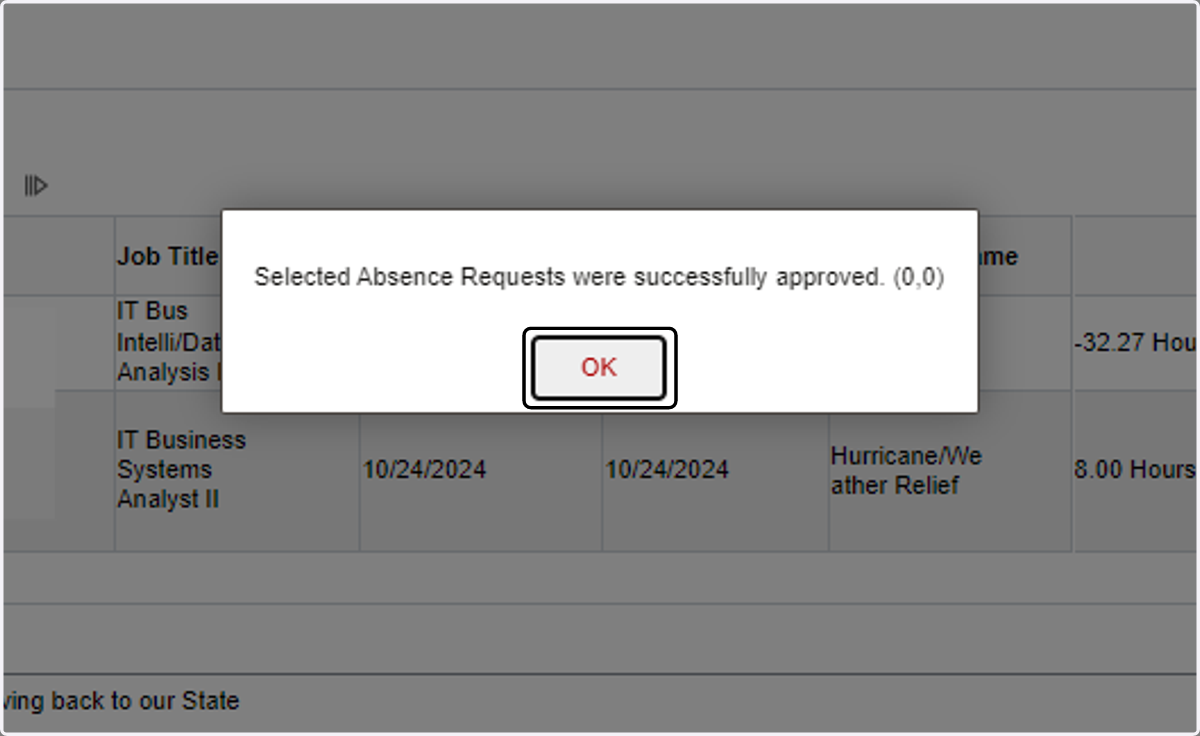
12. Click on OK
13. Navigate back to the Absence Detail tab
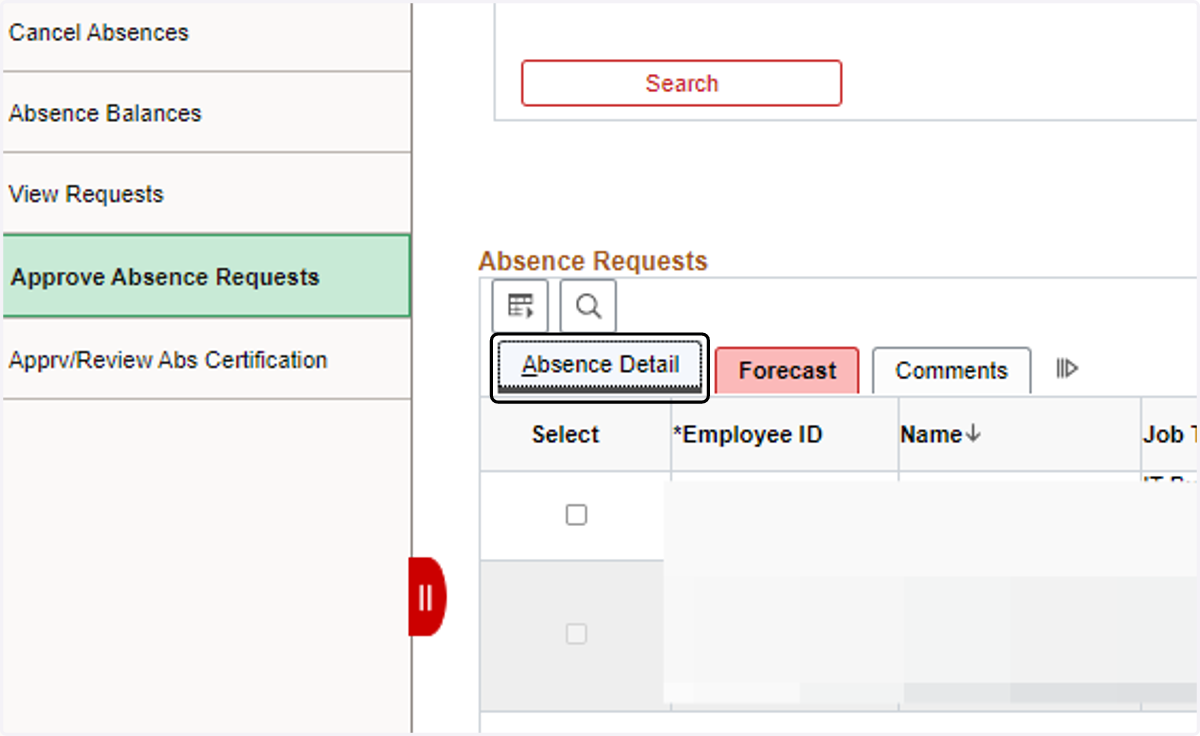
14. The status should have moved from "Submitted" to "Approved"