Supervisor Leave Approval Process
A step-by-step guide outlining how to review, approve, or return employee leave reports through the Employee Dashboard
Employee Dashboard
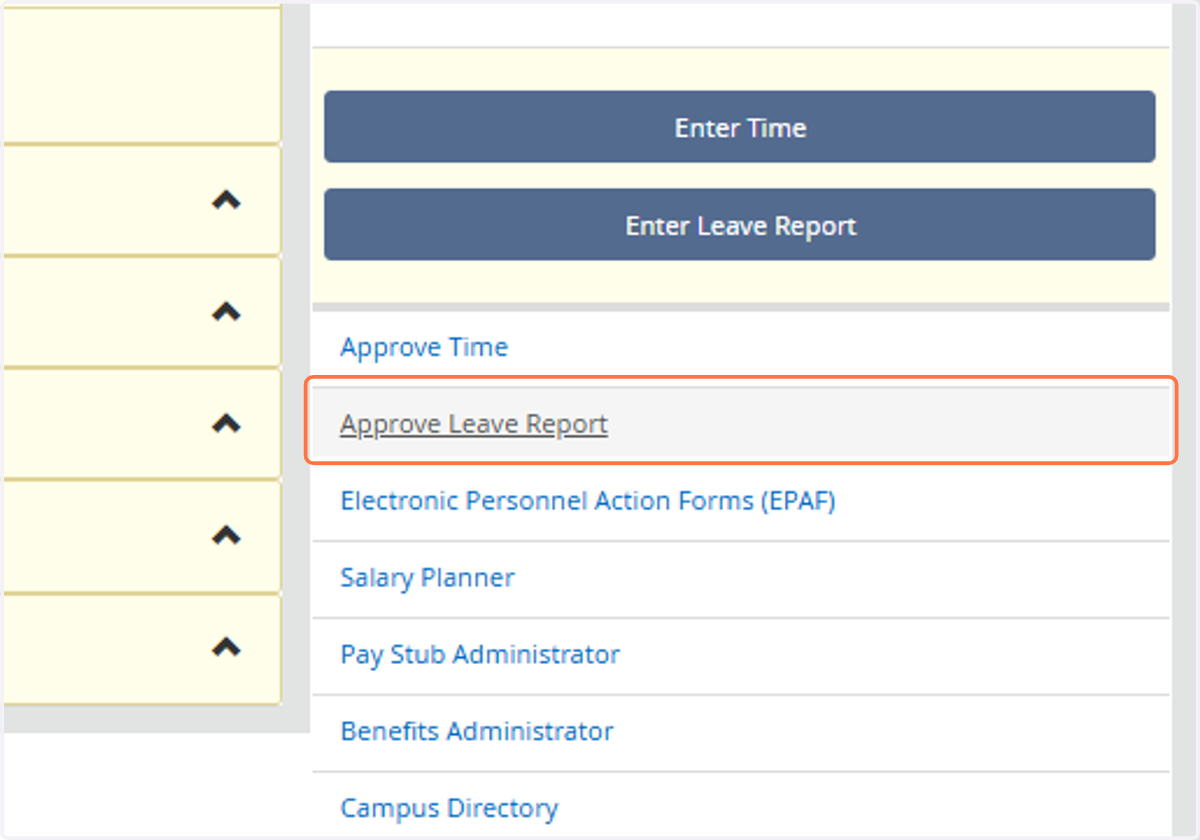
1. Click on Approve Leave Report
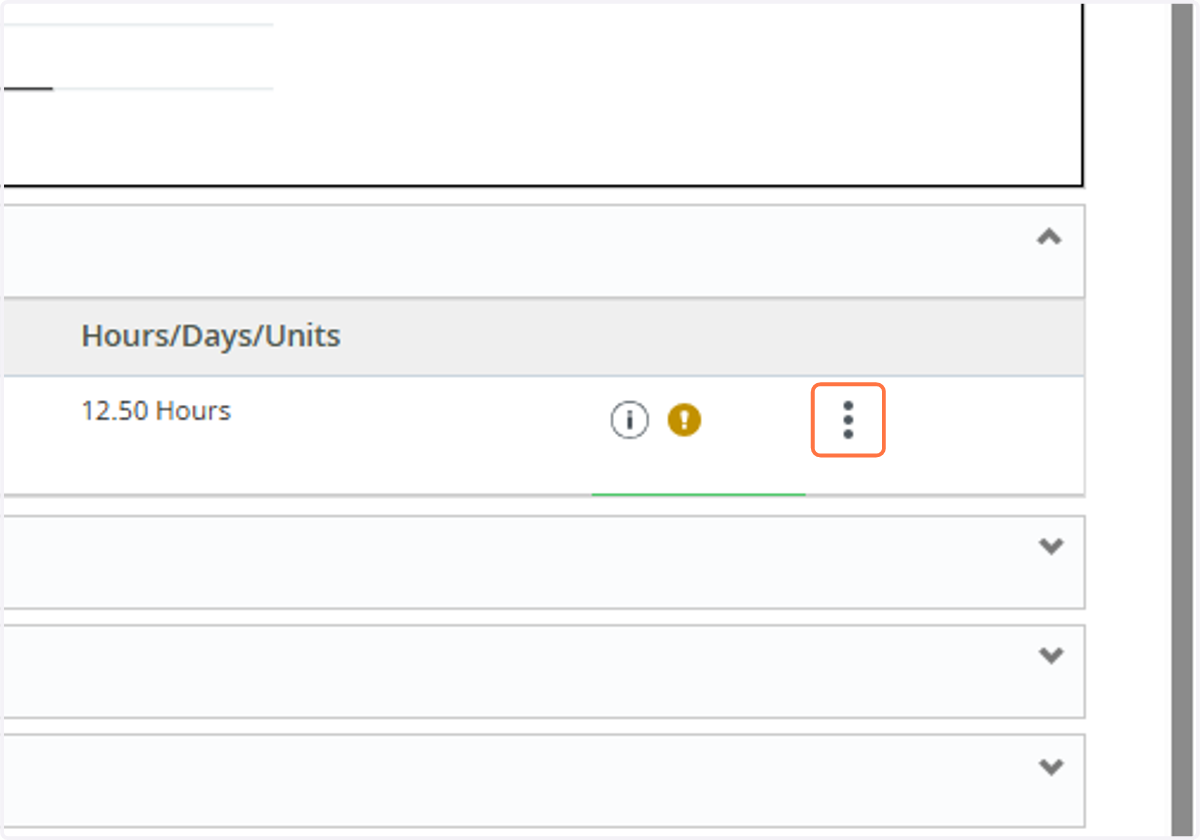
2. Click on the employee's name or select the action menu to enter the employee's leave report.
3. As an approver, you can either send the leave report back for corrections or approve it while adding a comment for clarification or feedback.
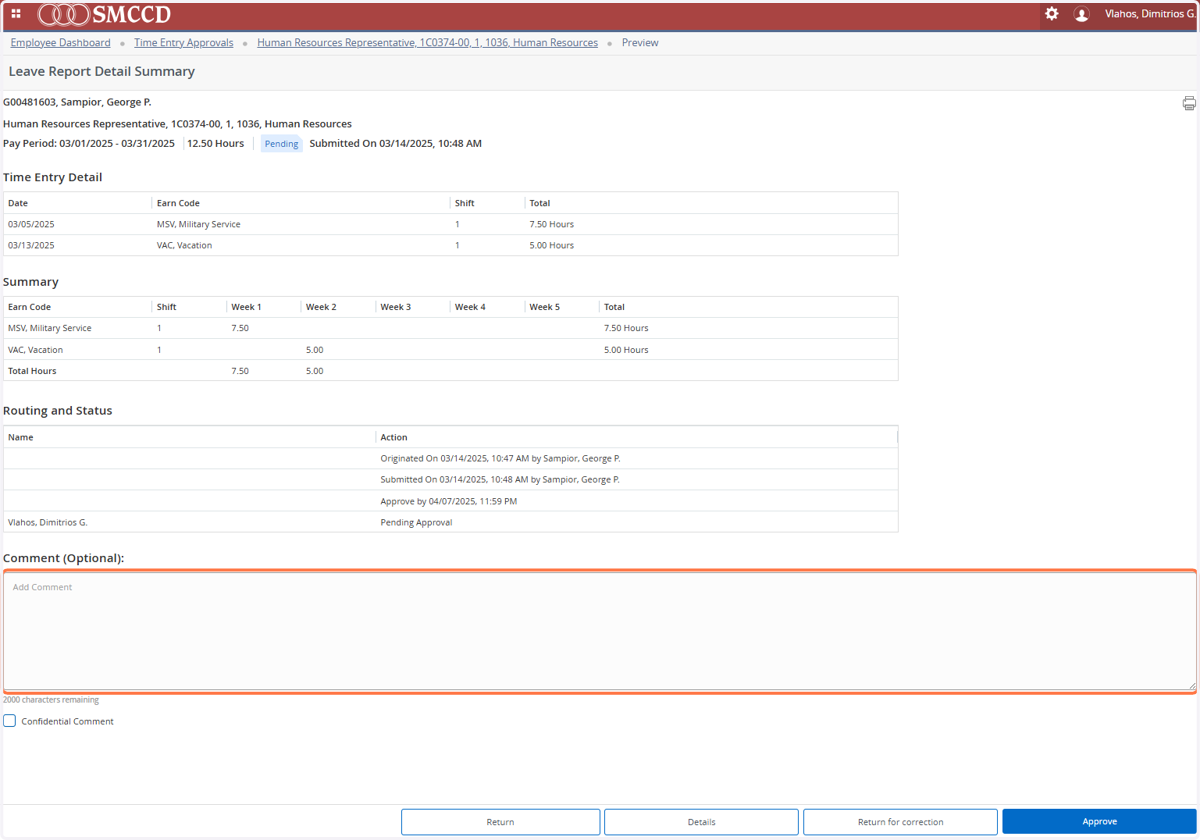
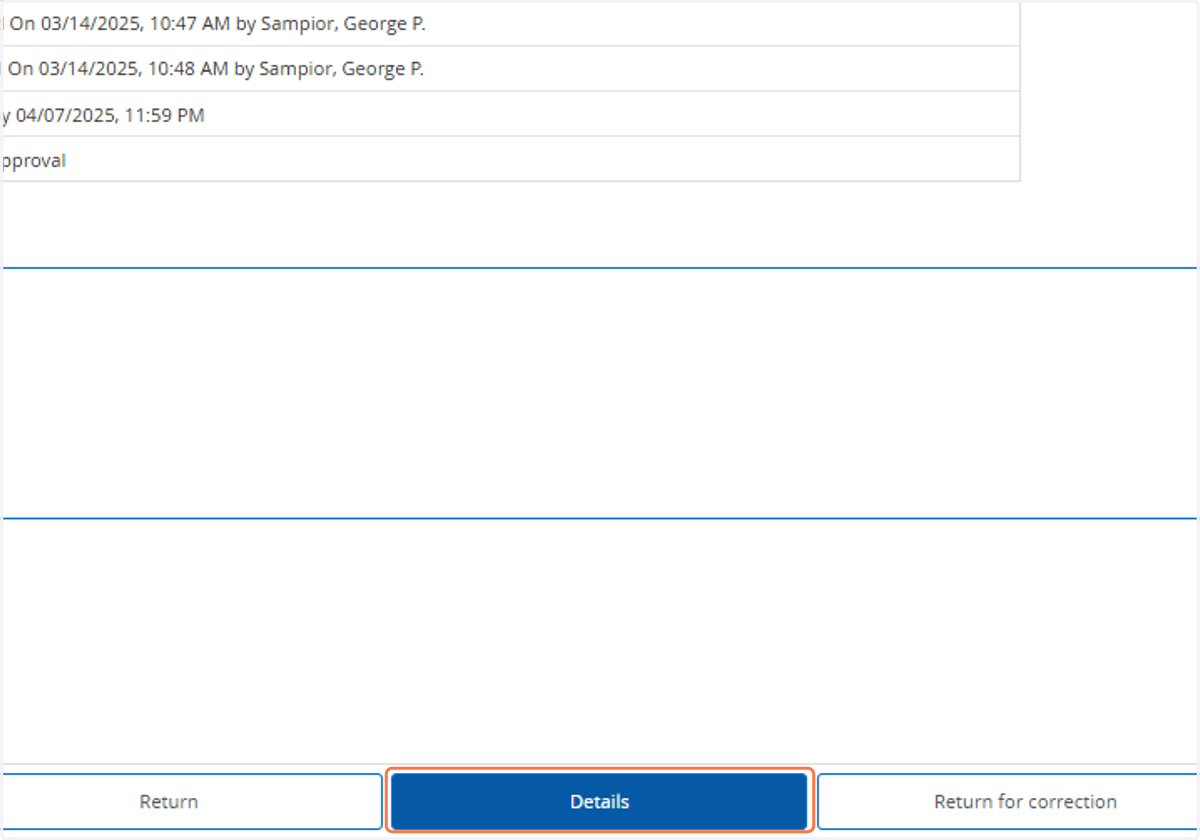
4. If you click on "Details," it will take you to a detailed calendar view of the employee's leave report.
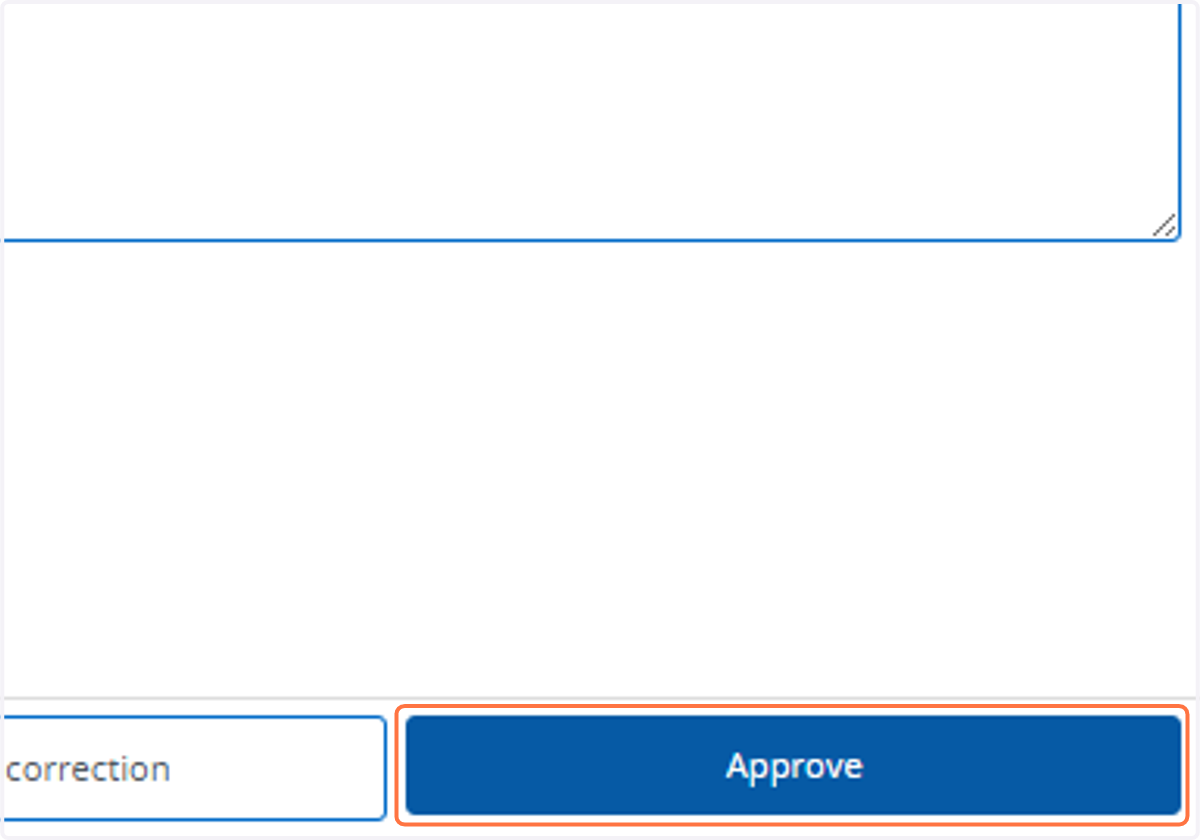
5. Click on Approve
6. Once approved, click on "Return" to go back to your organization's pending approvals.