Submitting Scholarship Application in CONNECT
1. Log into CONNECT using your member log in.
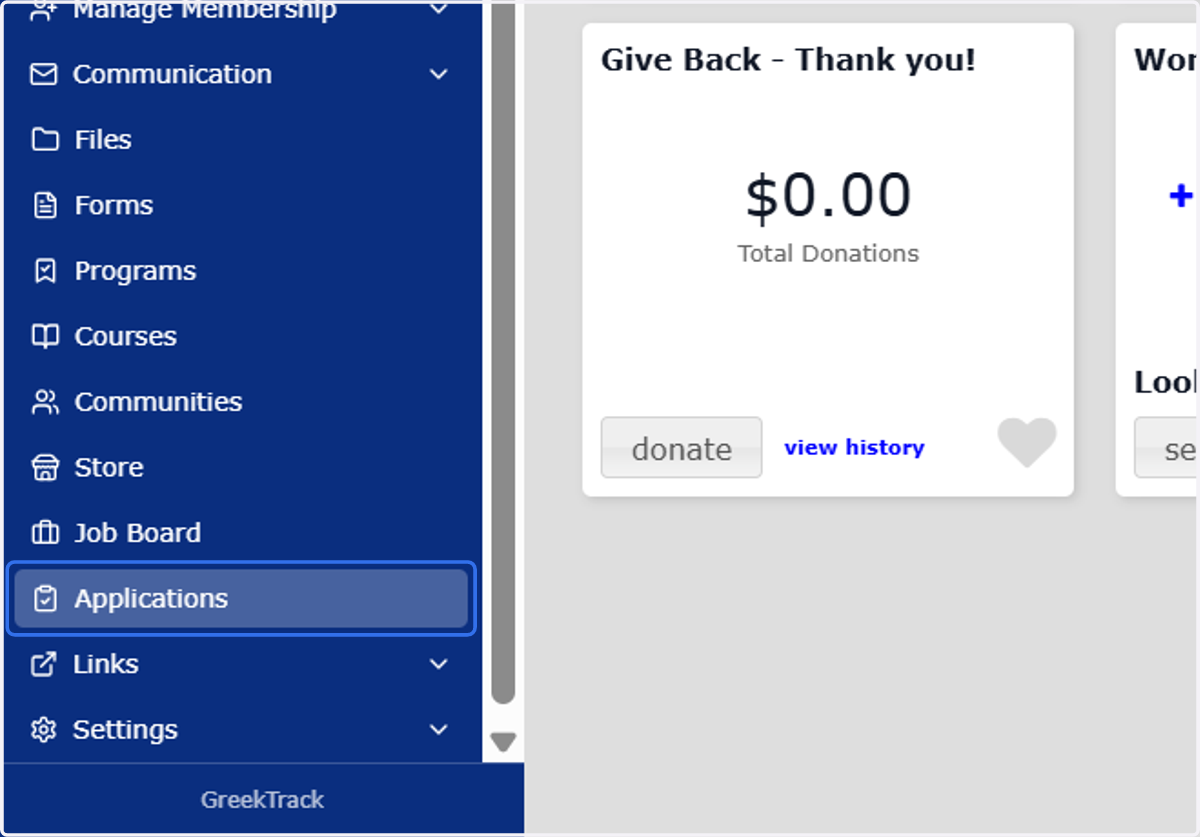
2. Click on Applications
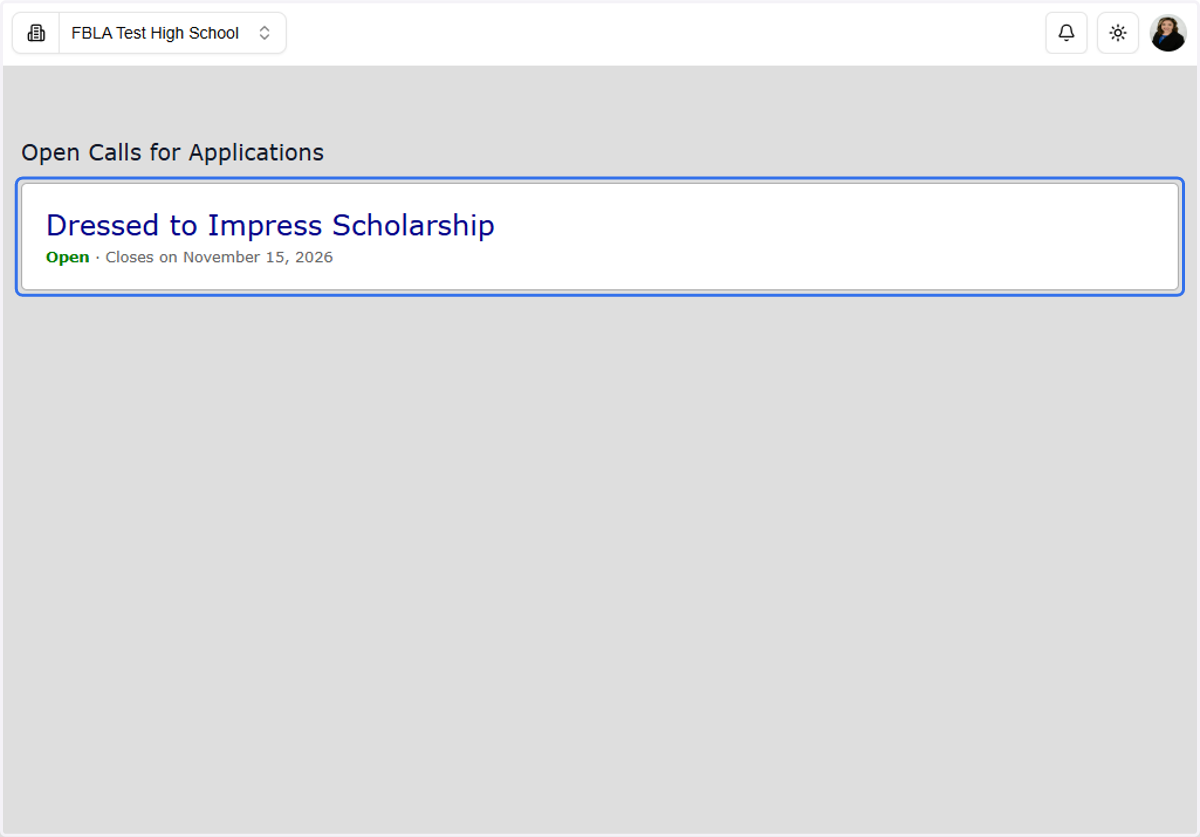
3. Click on a scholarship
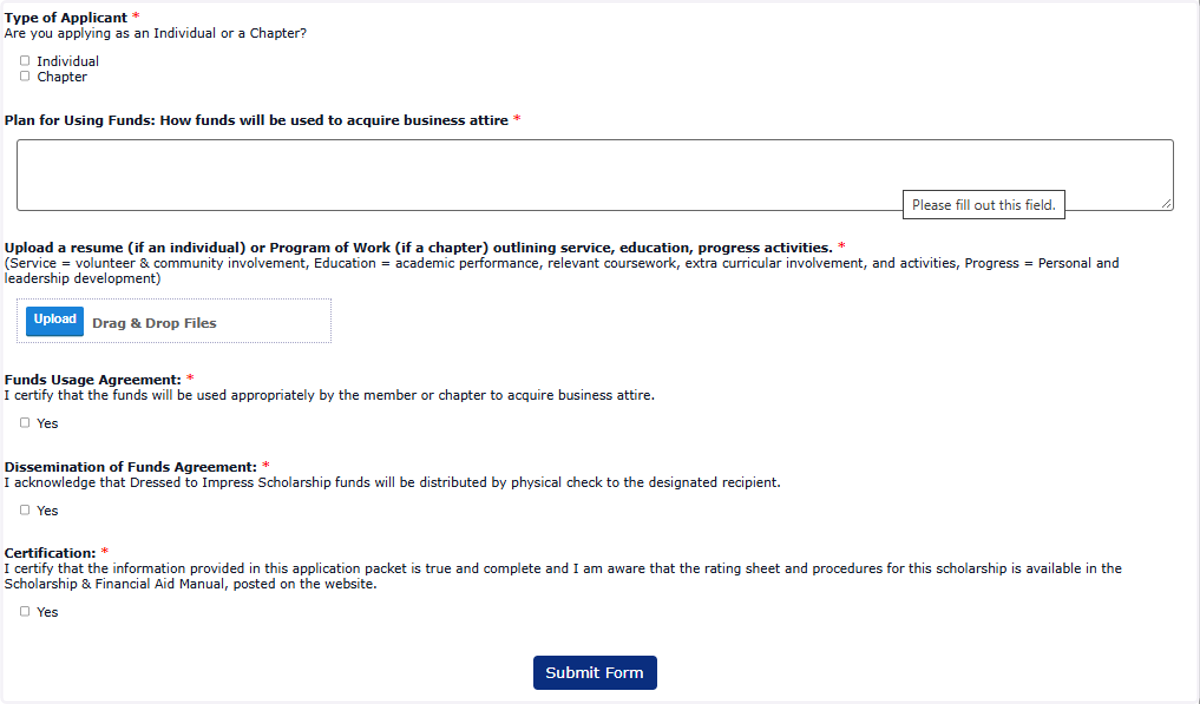
4. Complete all required questions
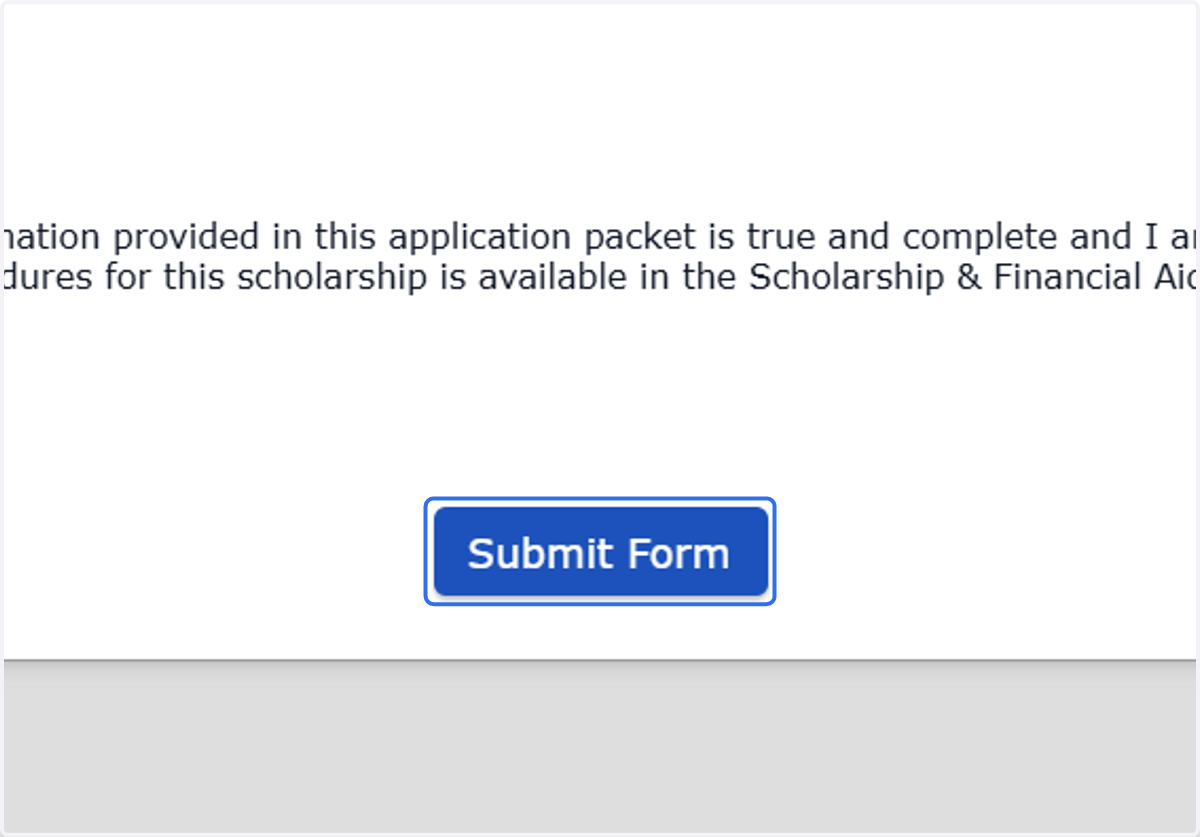
5. Click on Submit Form
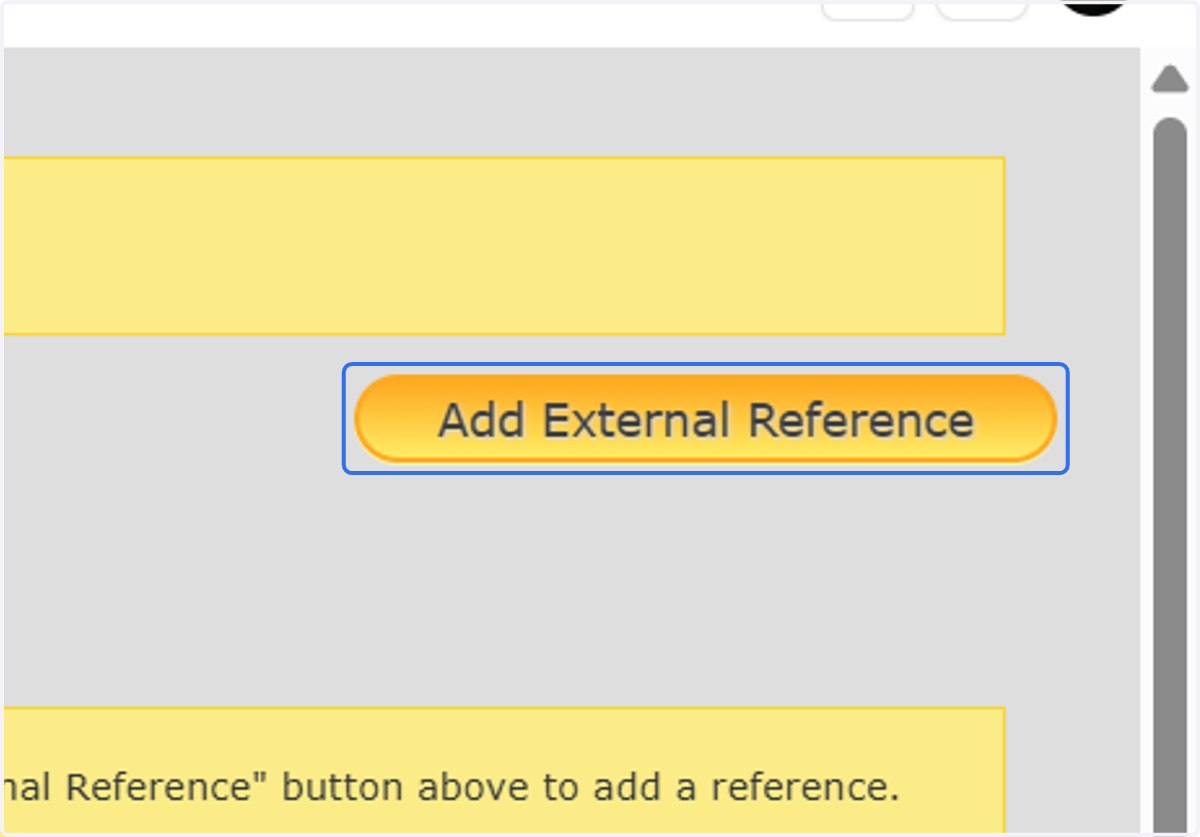
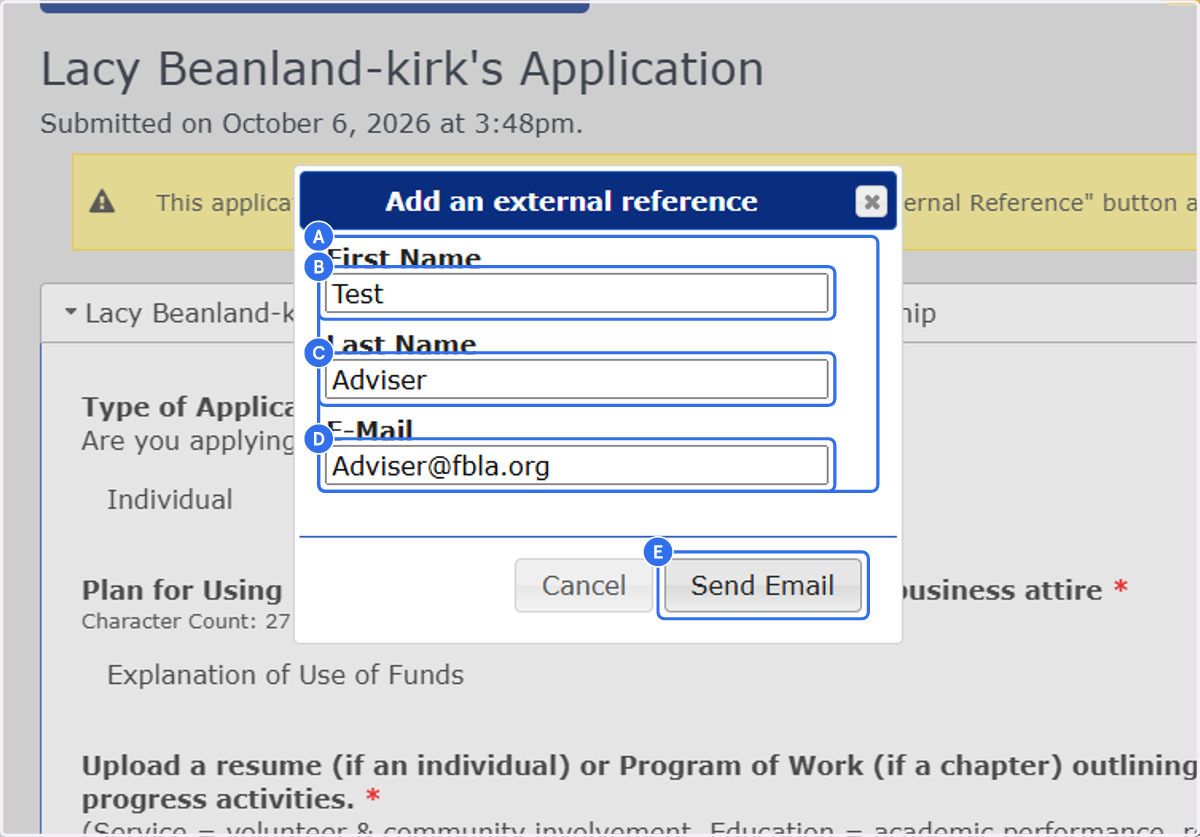
6. Click on Add External Reference
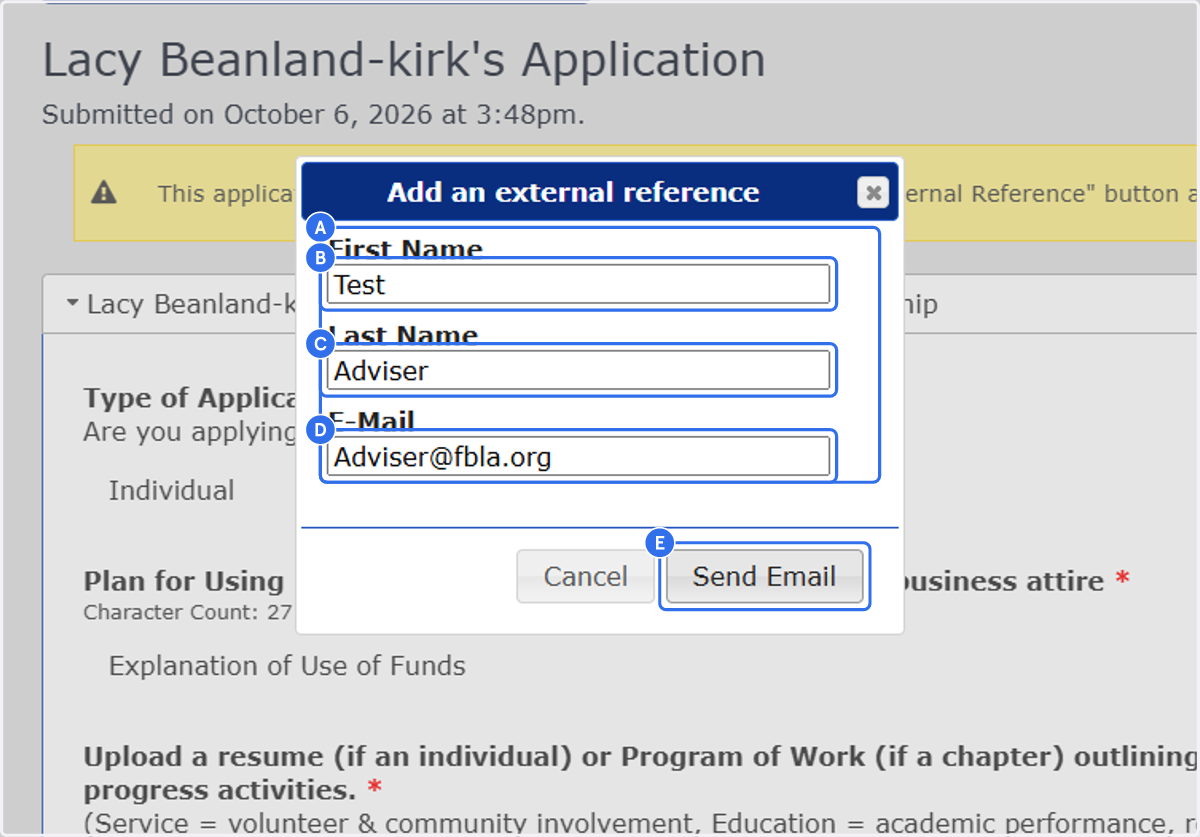
7. A. Click on First Name…
7. B. Click on firstname
7. C. Type in text field
7. D. Type in text field
7. E. Click on Send Email
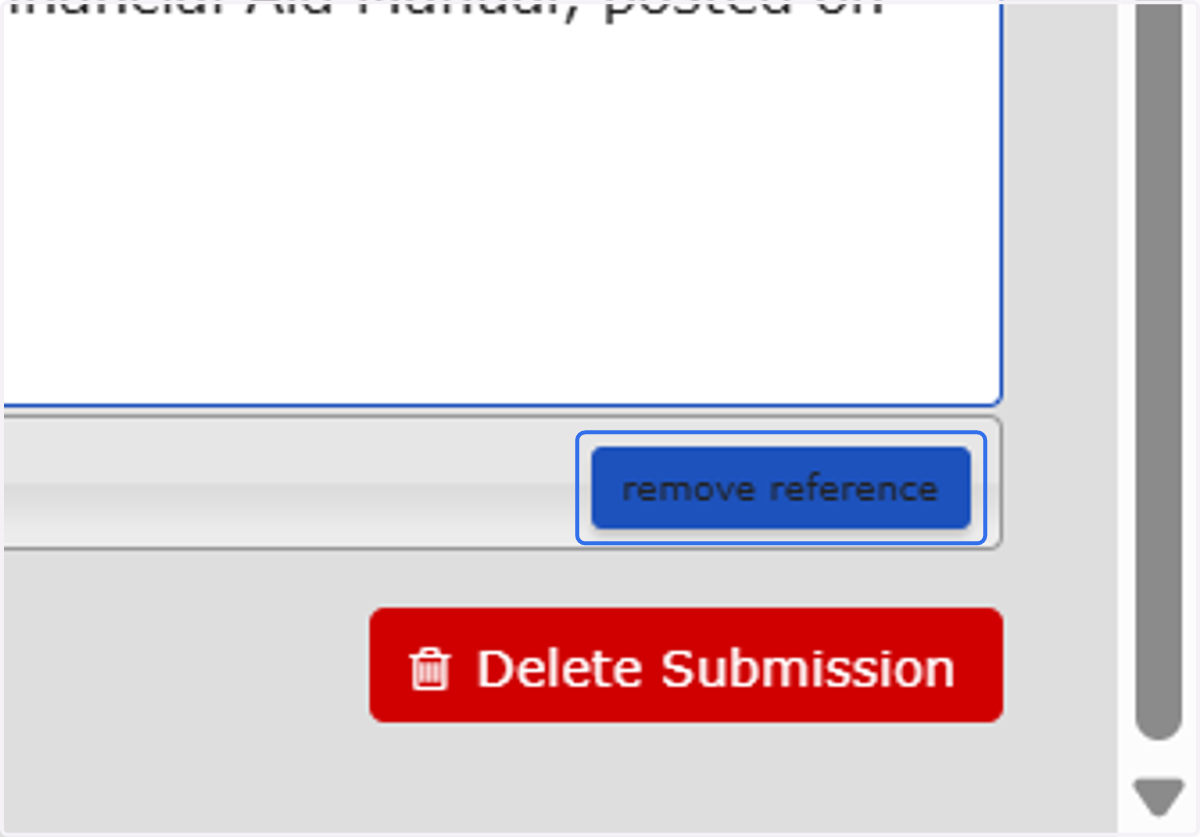
8. If you need to remove or edit your adviser reference contact, Click on remove reference
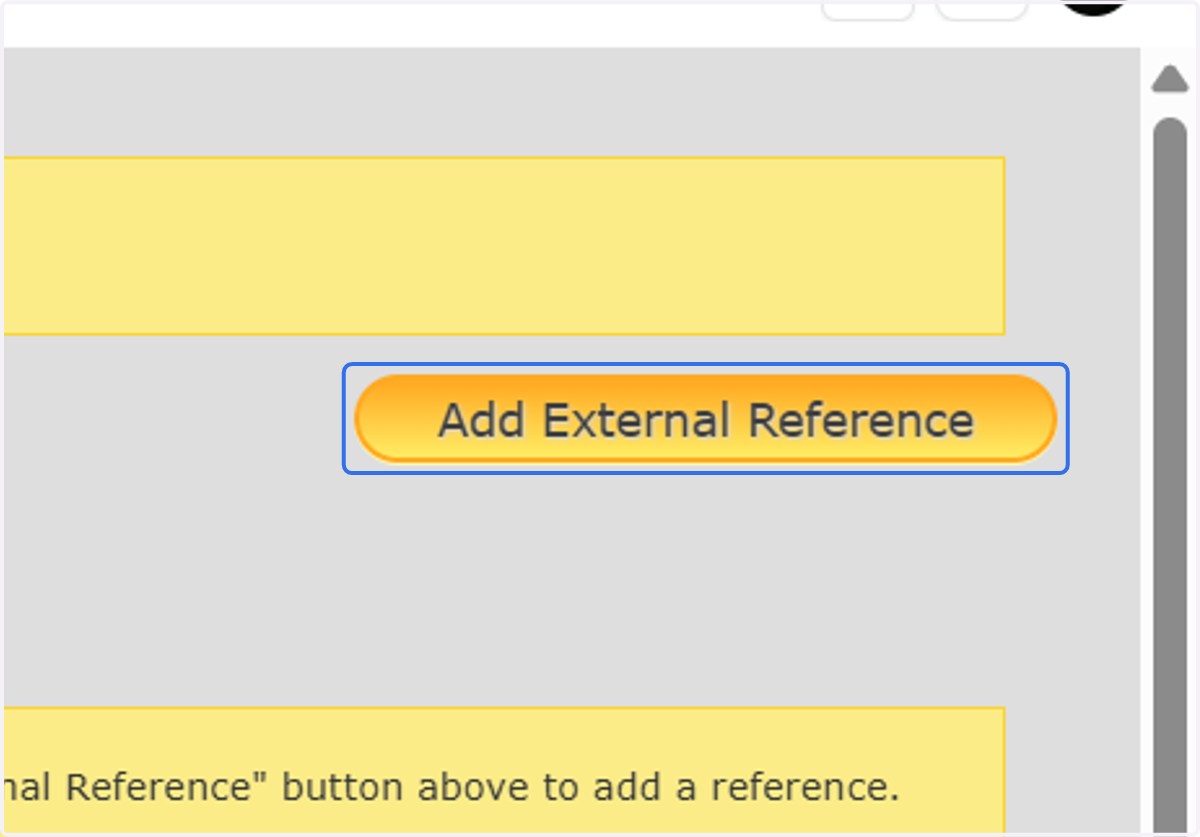
9. Click on Add External Reference again
10. A. Click on First Name…
10. B. Click on firstname
10. C. Type in text field
10. D. Type in text field
10. E. Click on Send Email
11. Adviser will then be able to submit your statement of need letter and Click on Submit Form
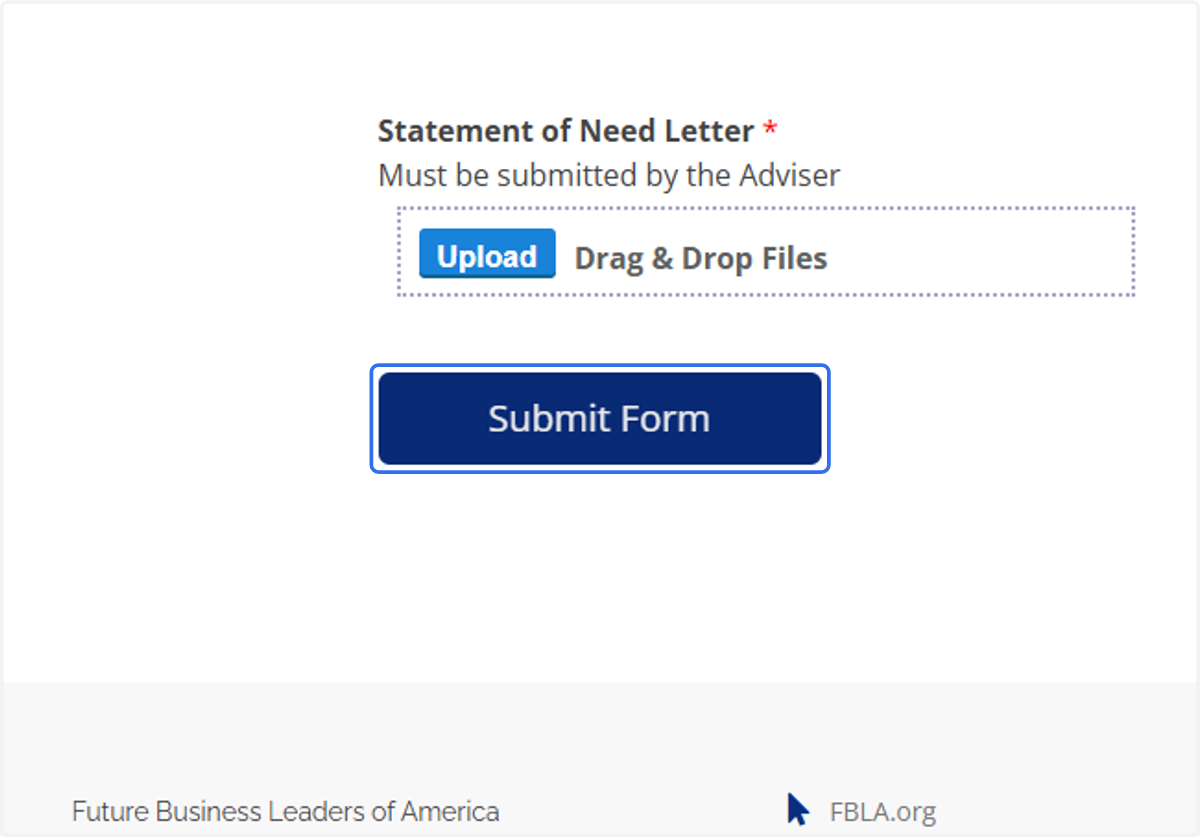
12. Then your application is received! The application will then be processed by FBLA and the reviewers.