Submit a School Choice/OOA Application in Infinite Campus
Student List | Home | Infinite Campus
1. Log onto your parent portal account
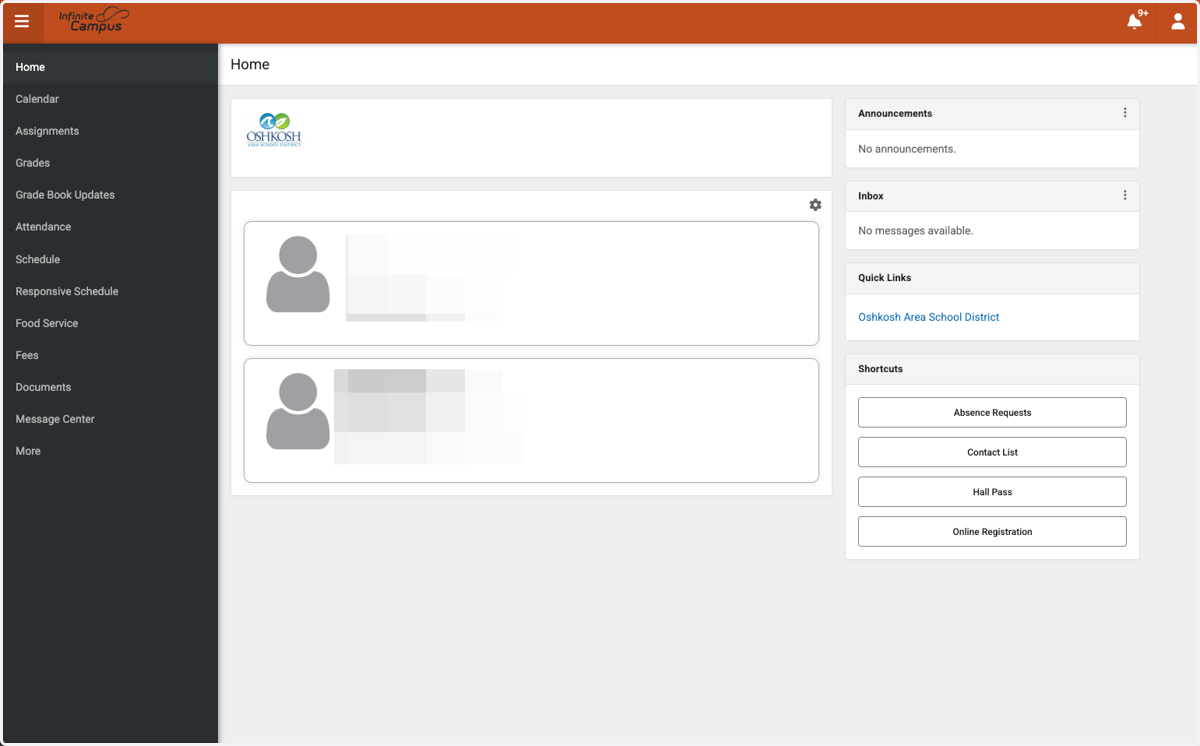
2. Click on More
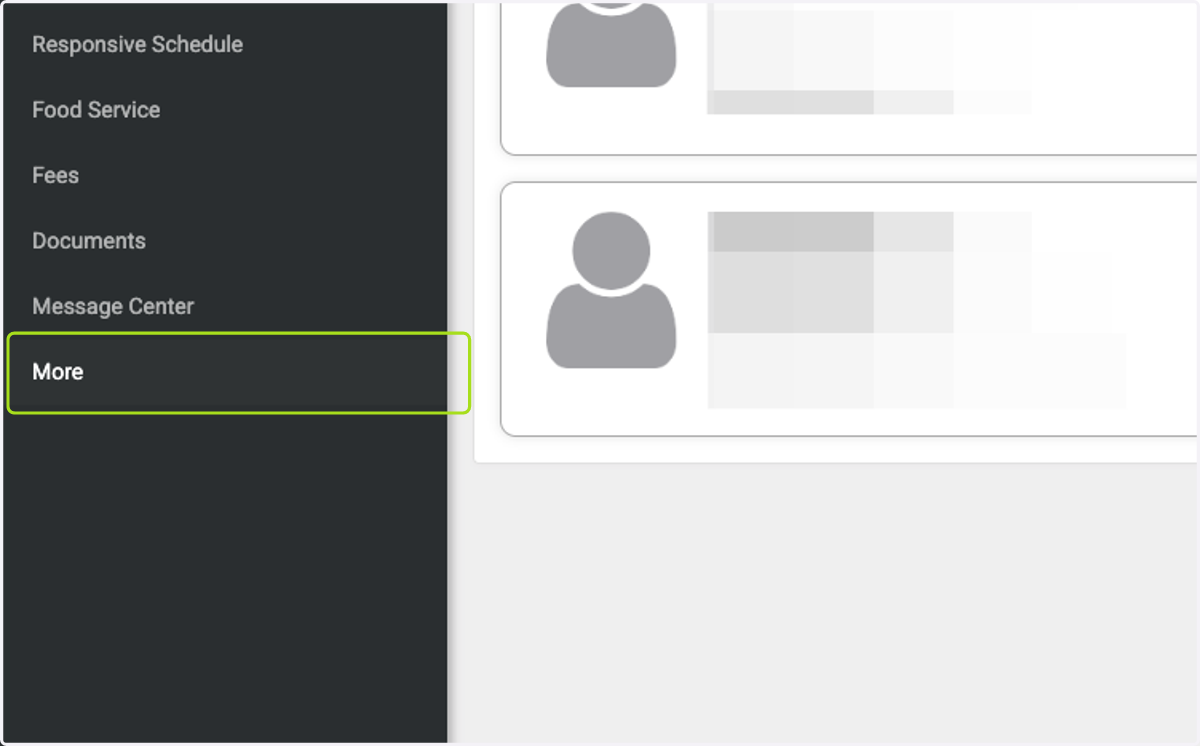
3. Click on Online Registration
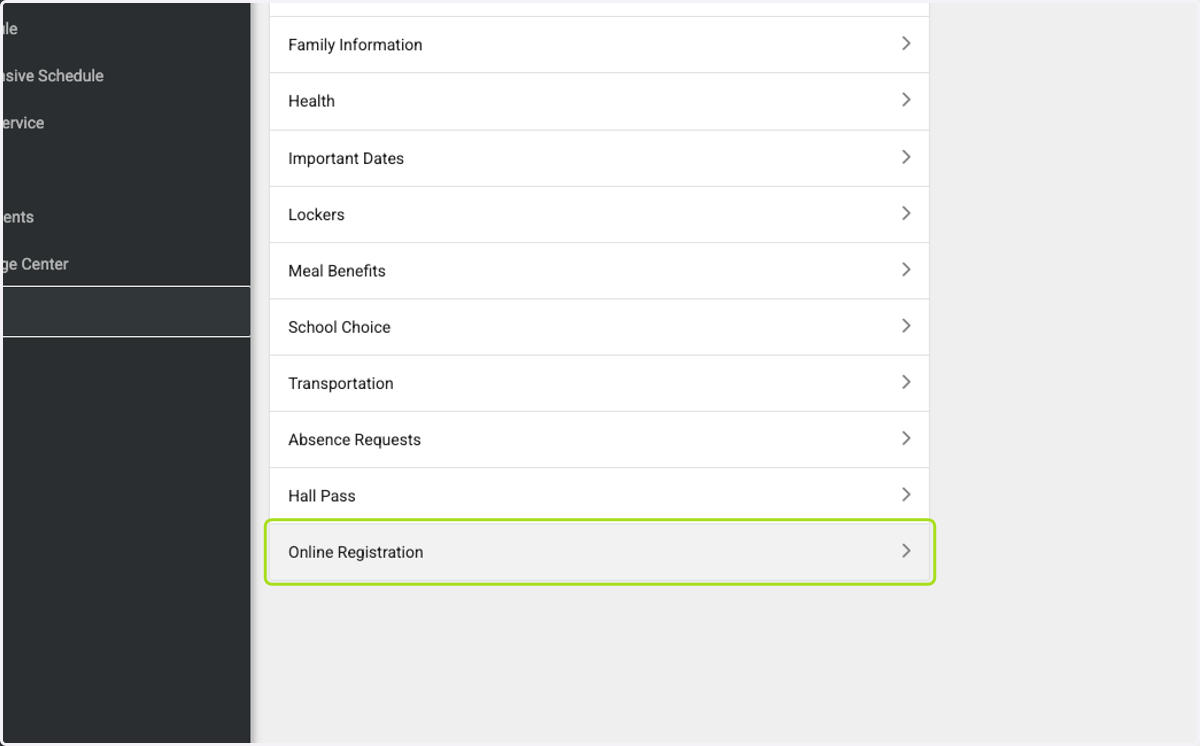
4. You will see New Student Registration - Not currently attending or new to the district, and School Choice/OOA Applications…
Select the grade level of the School Choice Application you would like to complete
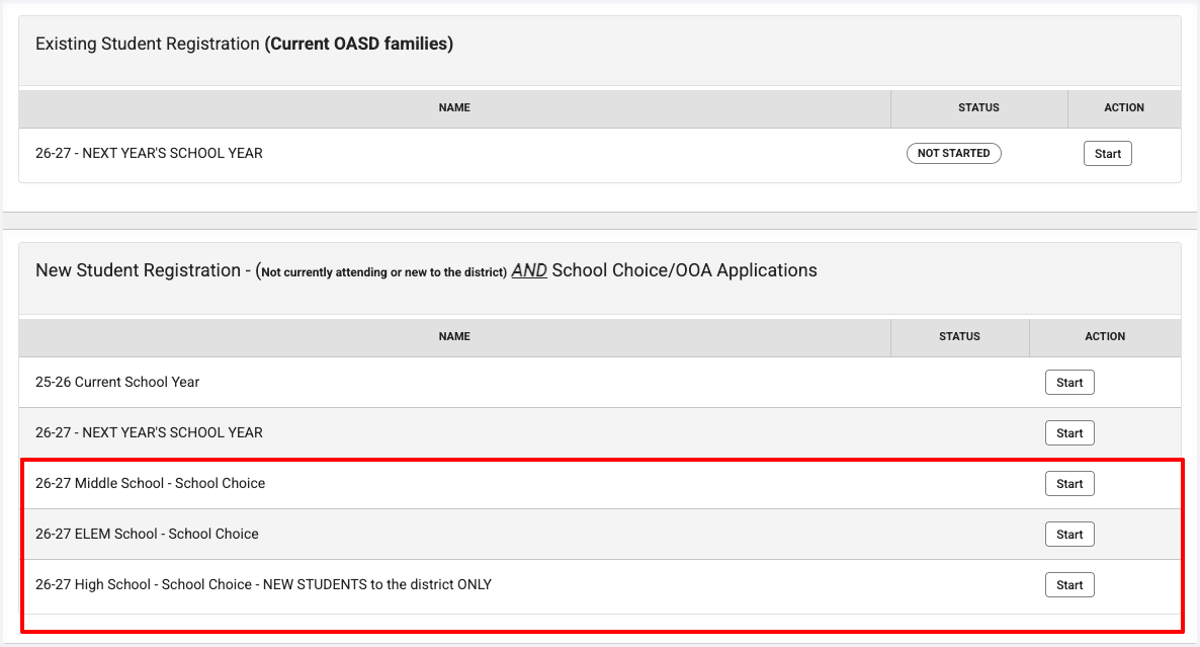
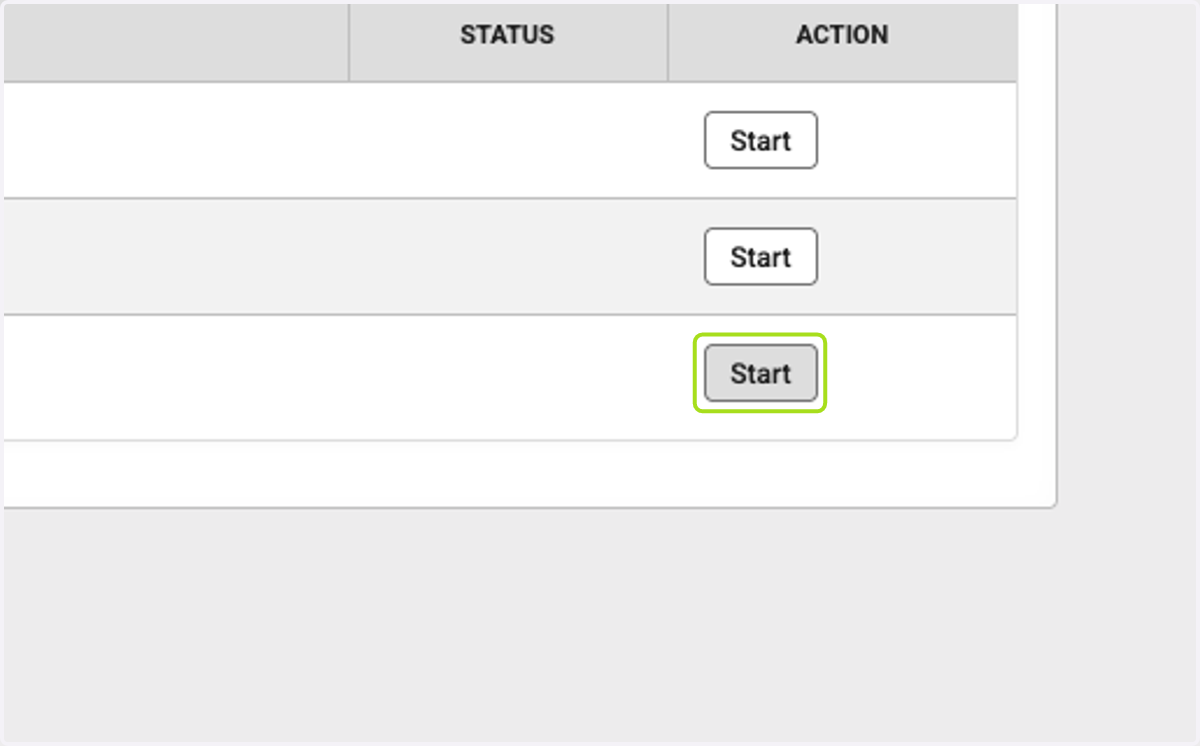
5. Click on Start
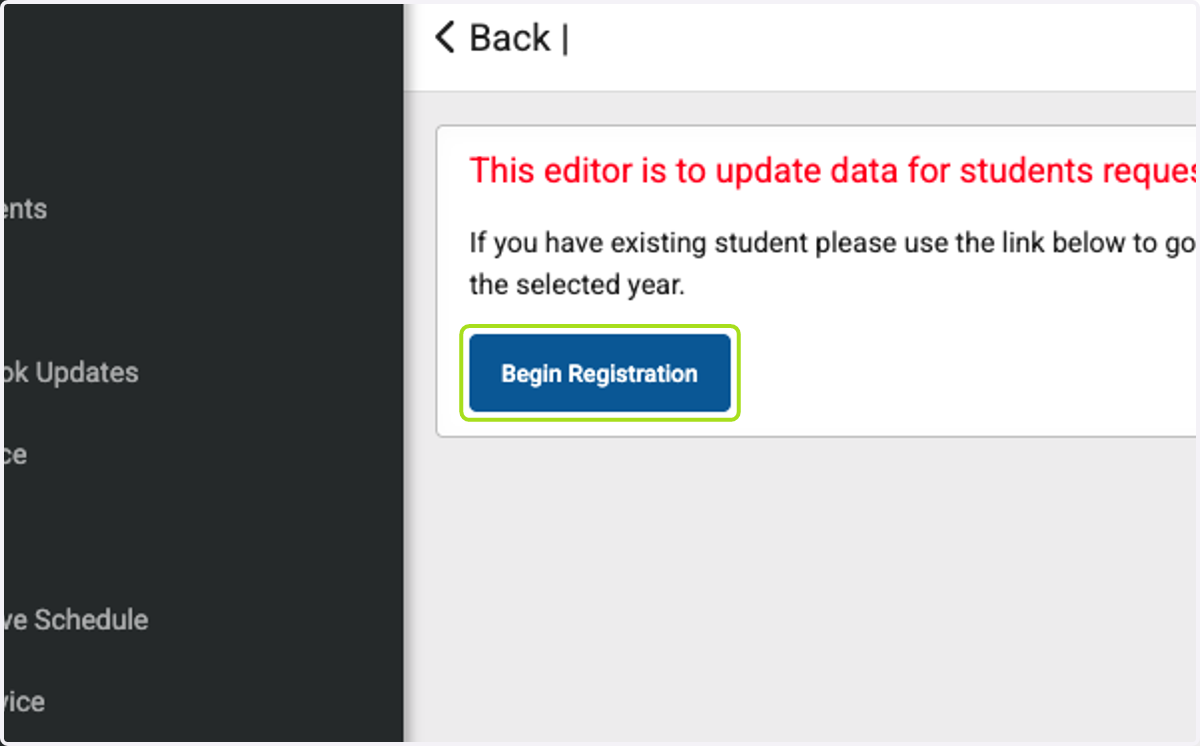
6. Click on Begin Registration
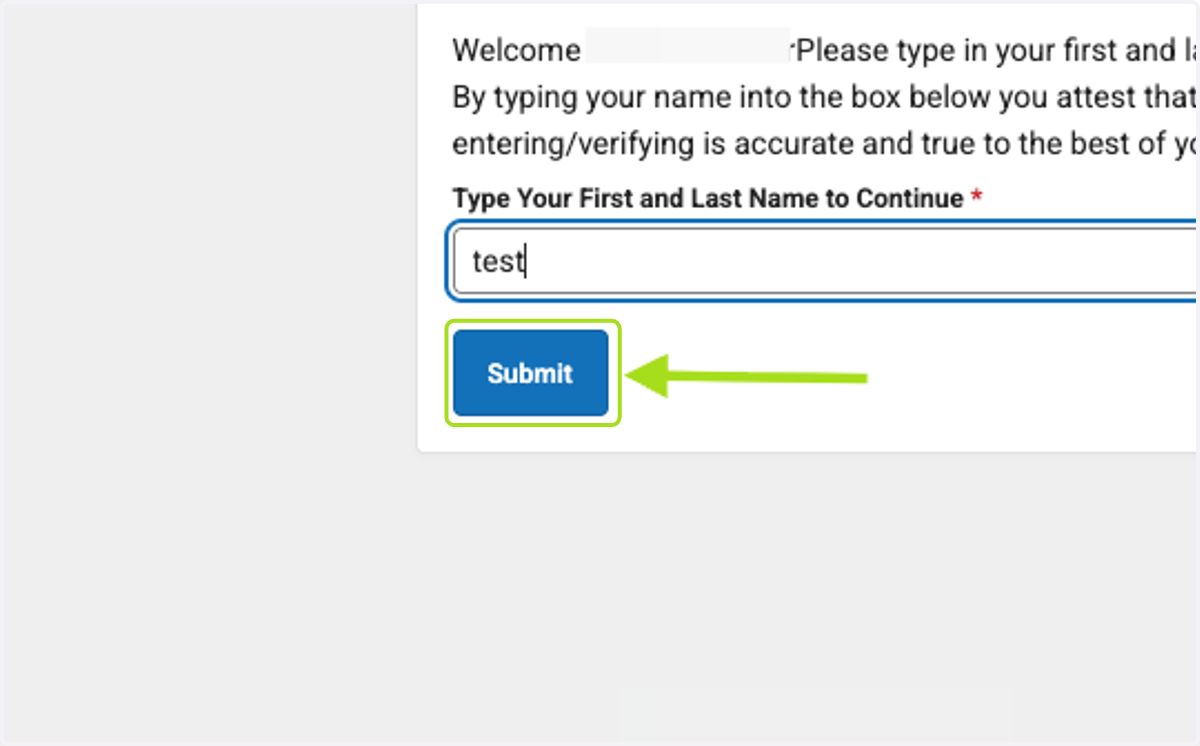
7. Type your name (Parent/Guardian)
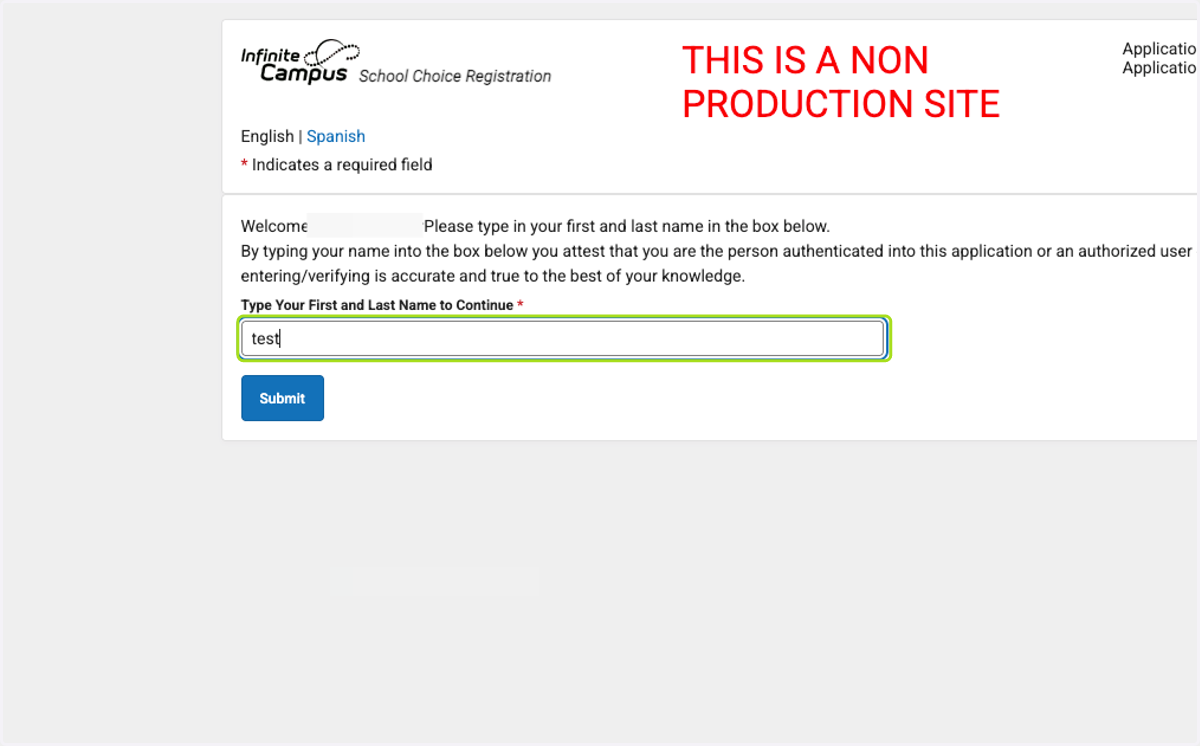
8. Click on Submit
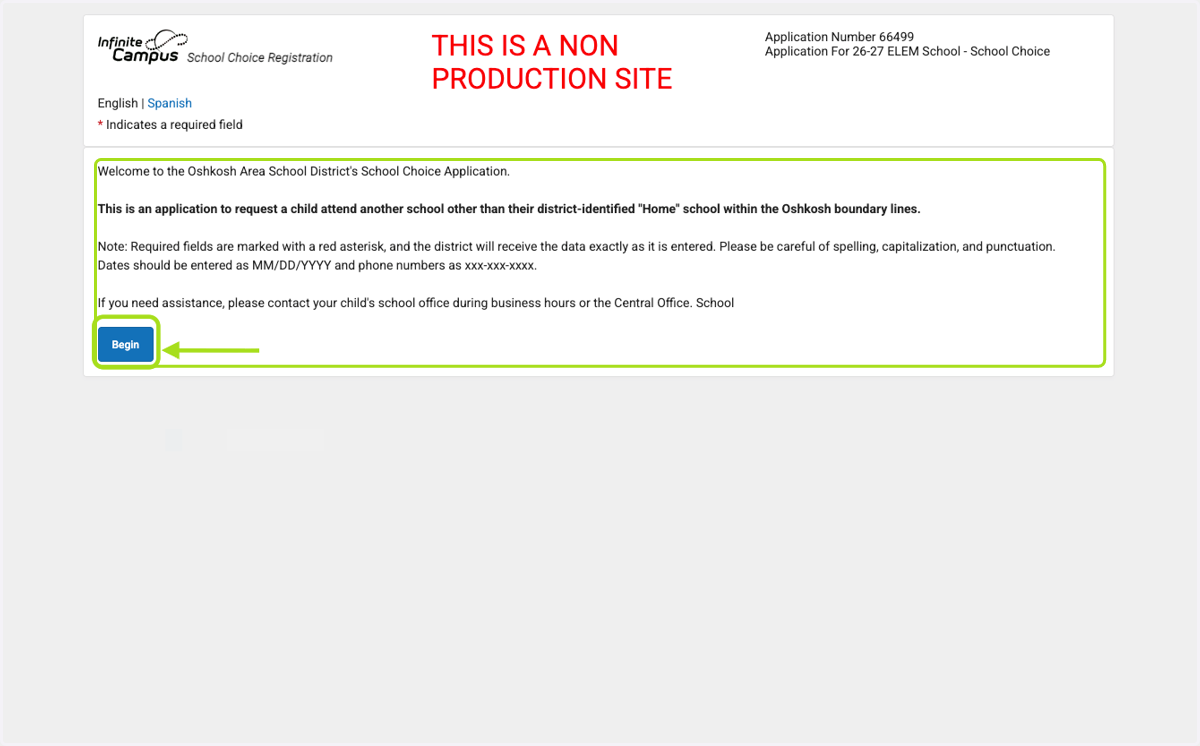
9. Welcome to the Oshkosh Area School District's School Choice Application. Click 'Begin'
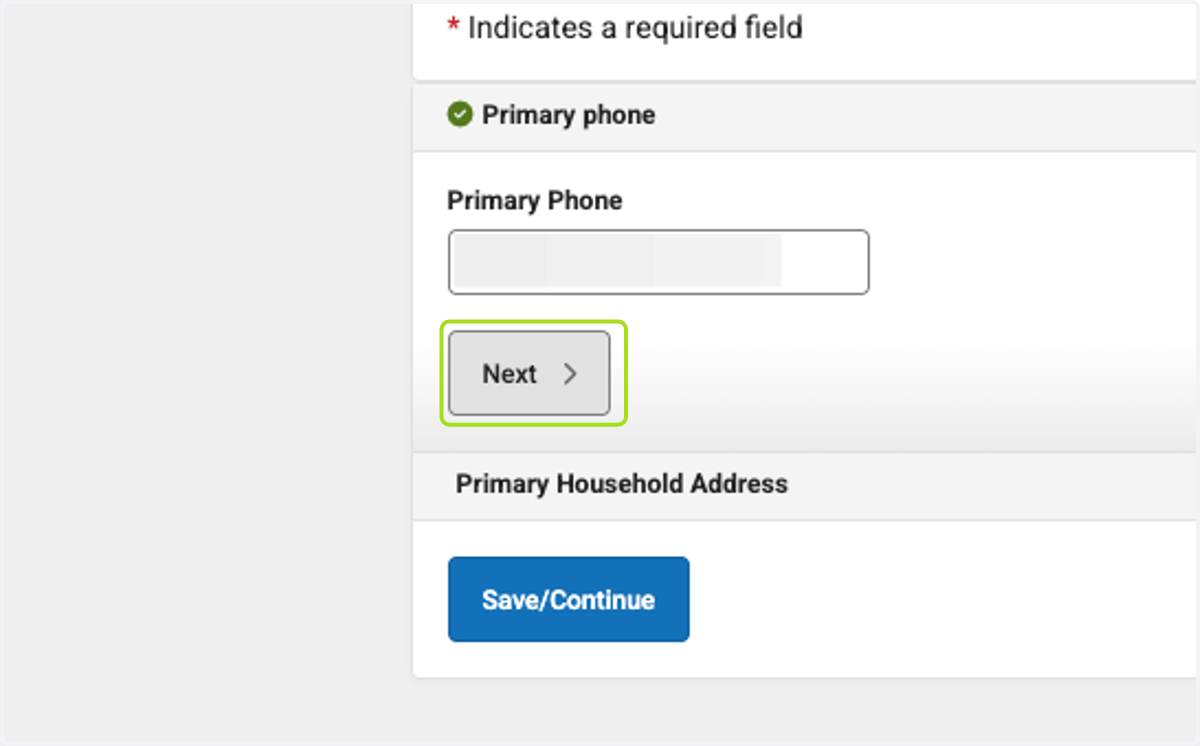
10. Click on Next
11. Click on Is this address current?
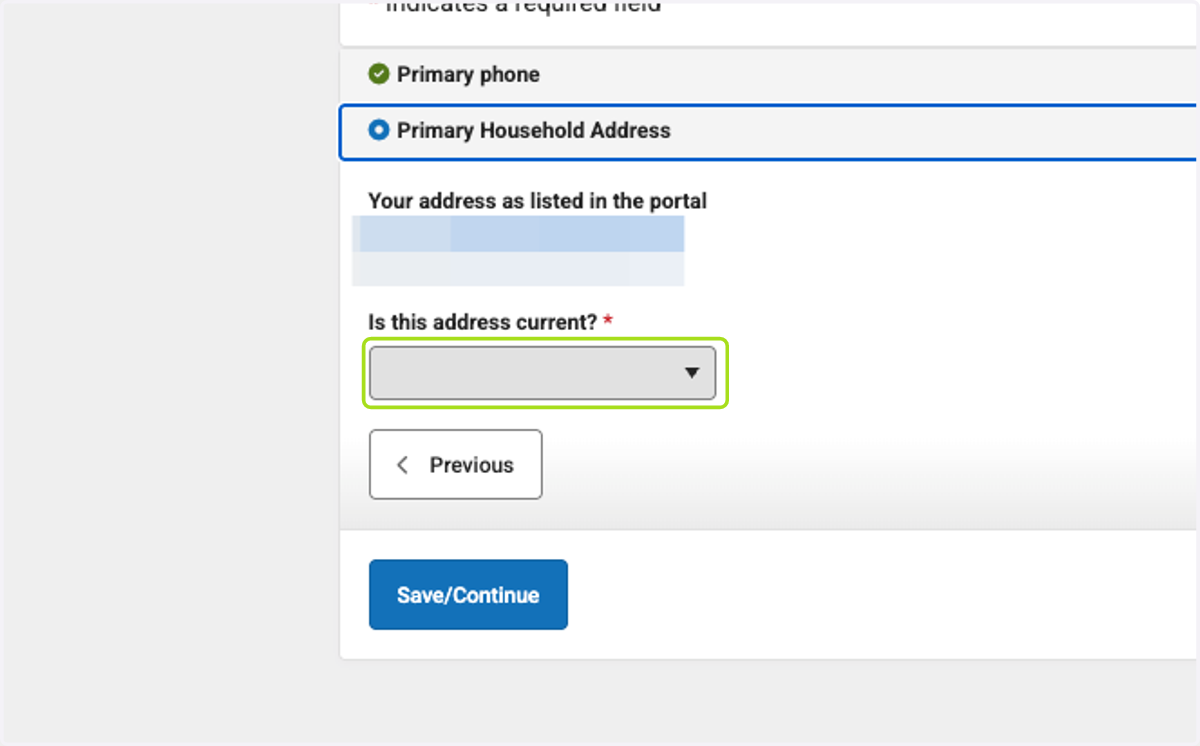
12. Click on Save/Continue
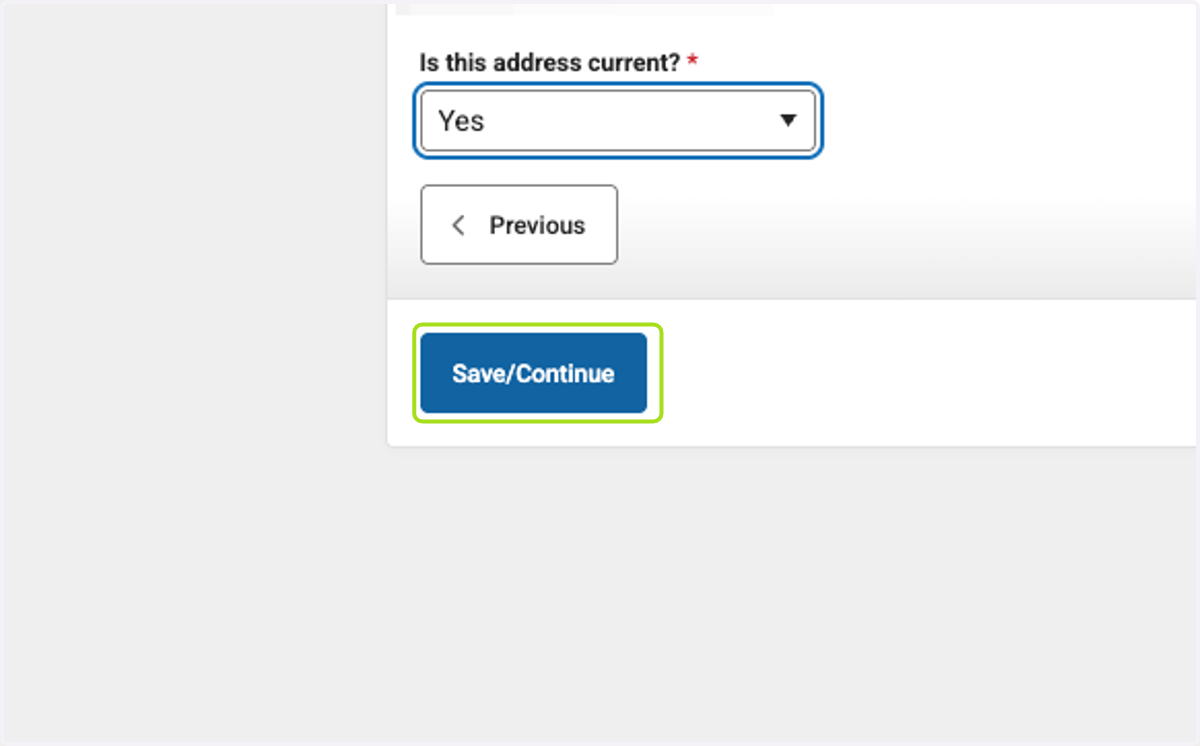
13. Click on each parents name and verify information. Yellow boxes must turn white.
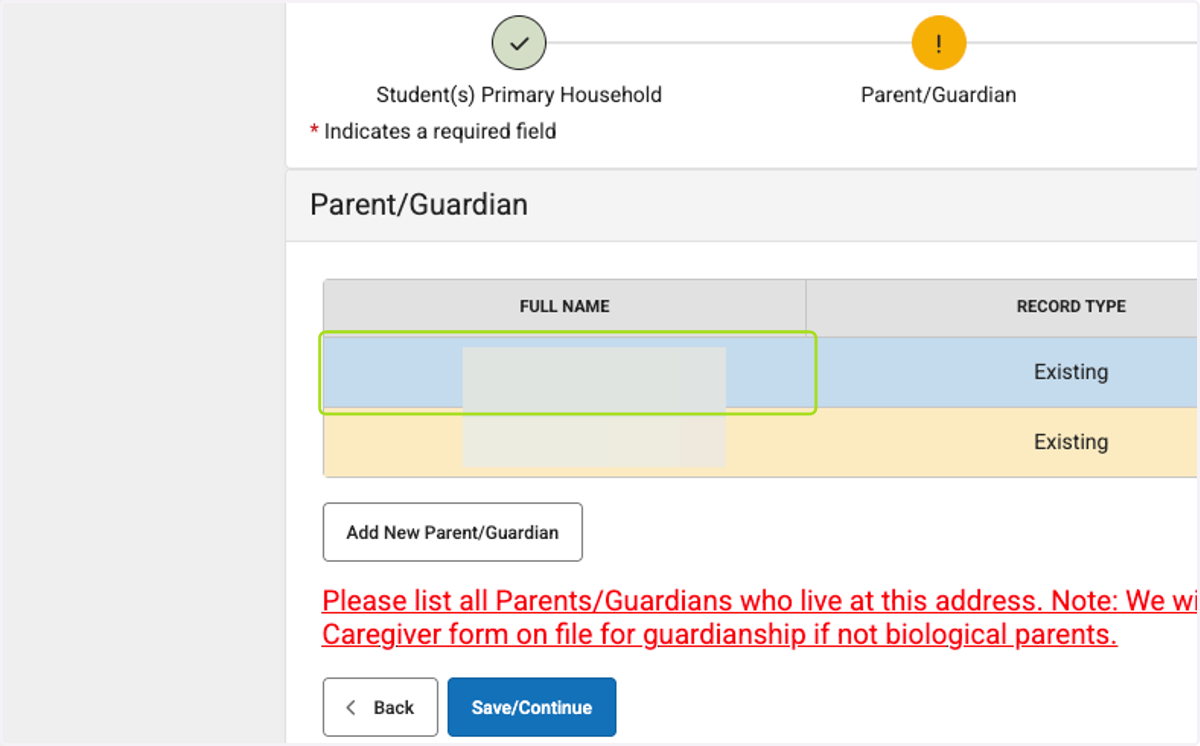
14. Click on Save/Continue
15. Click on Save/Continue
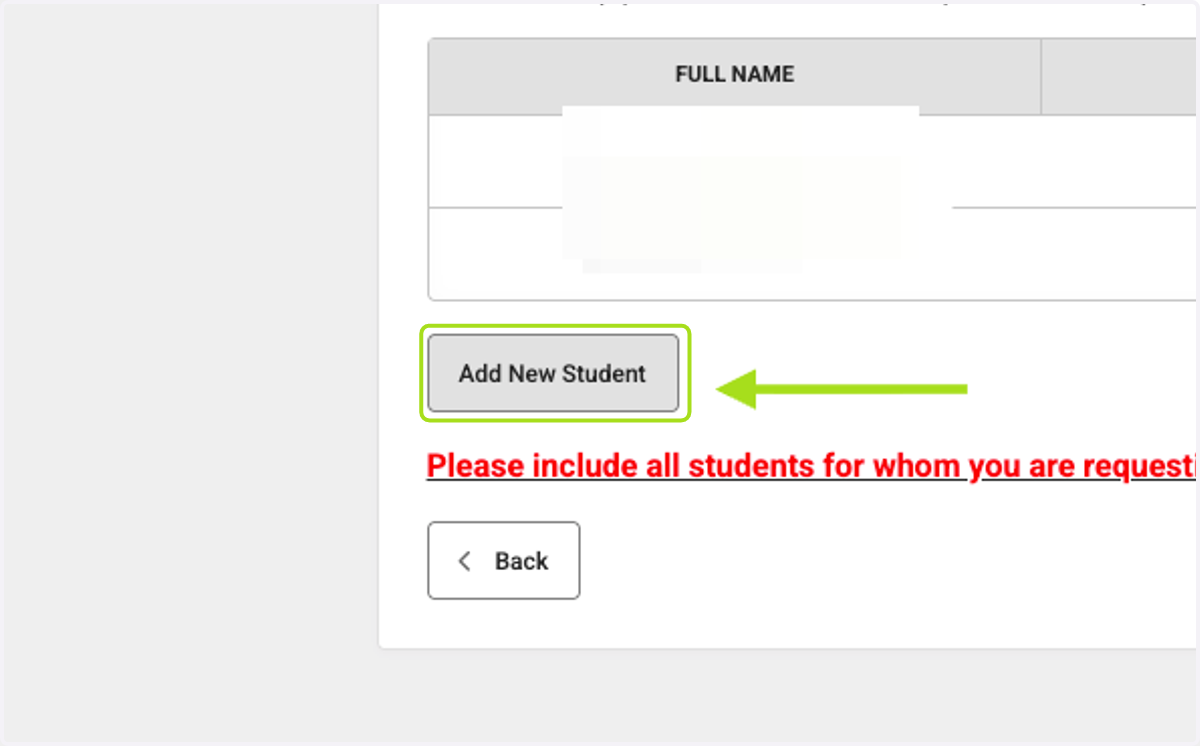
16. Click on Add New Student
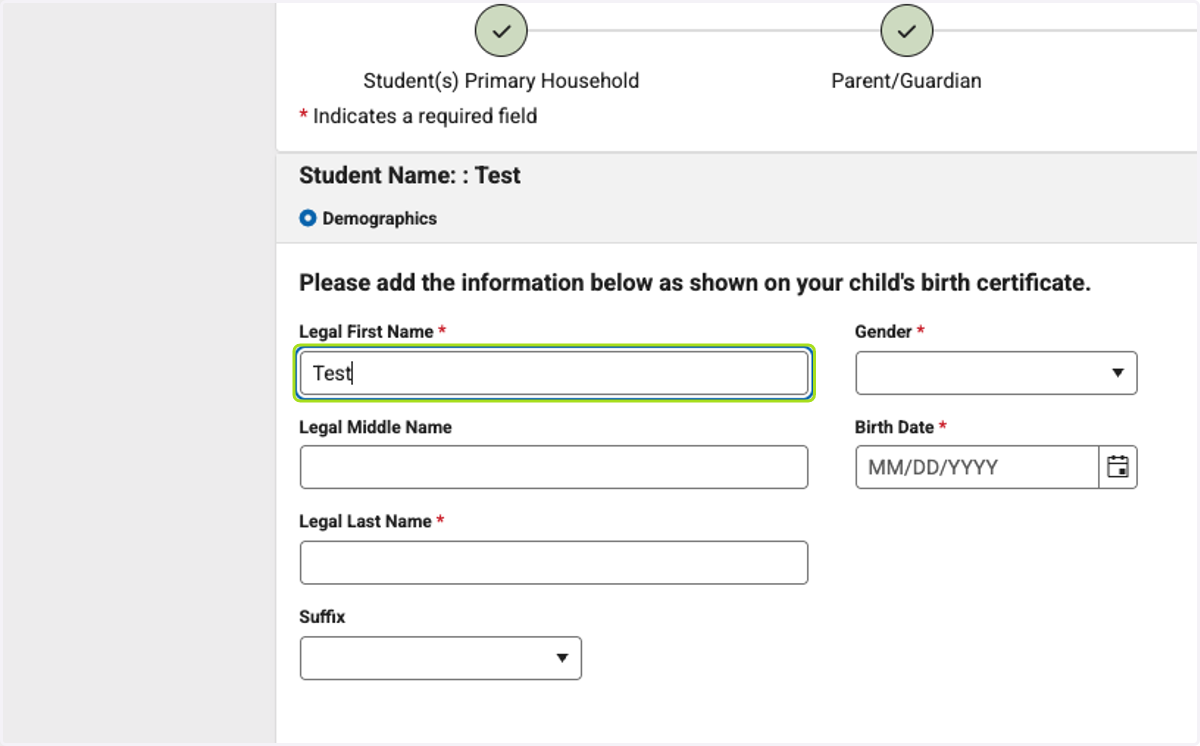
17. Enter all student demographic information
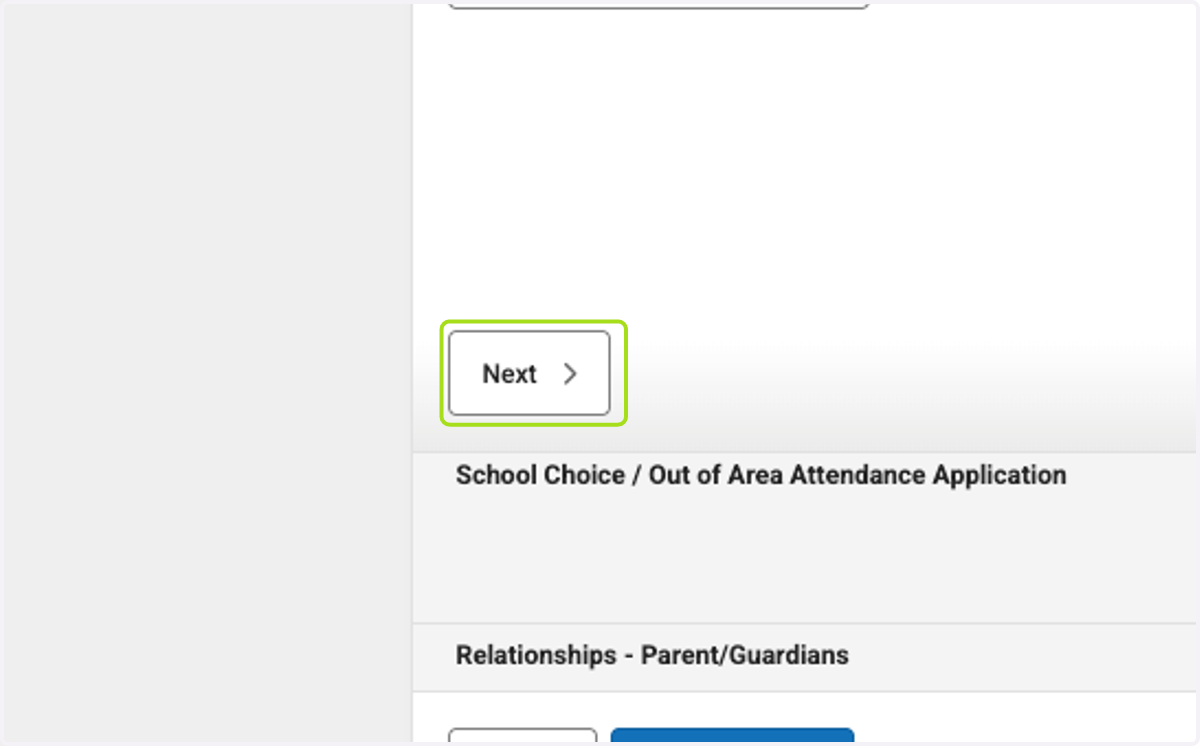
18. Click on Next
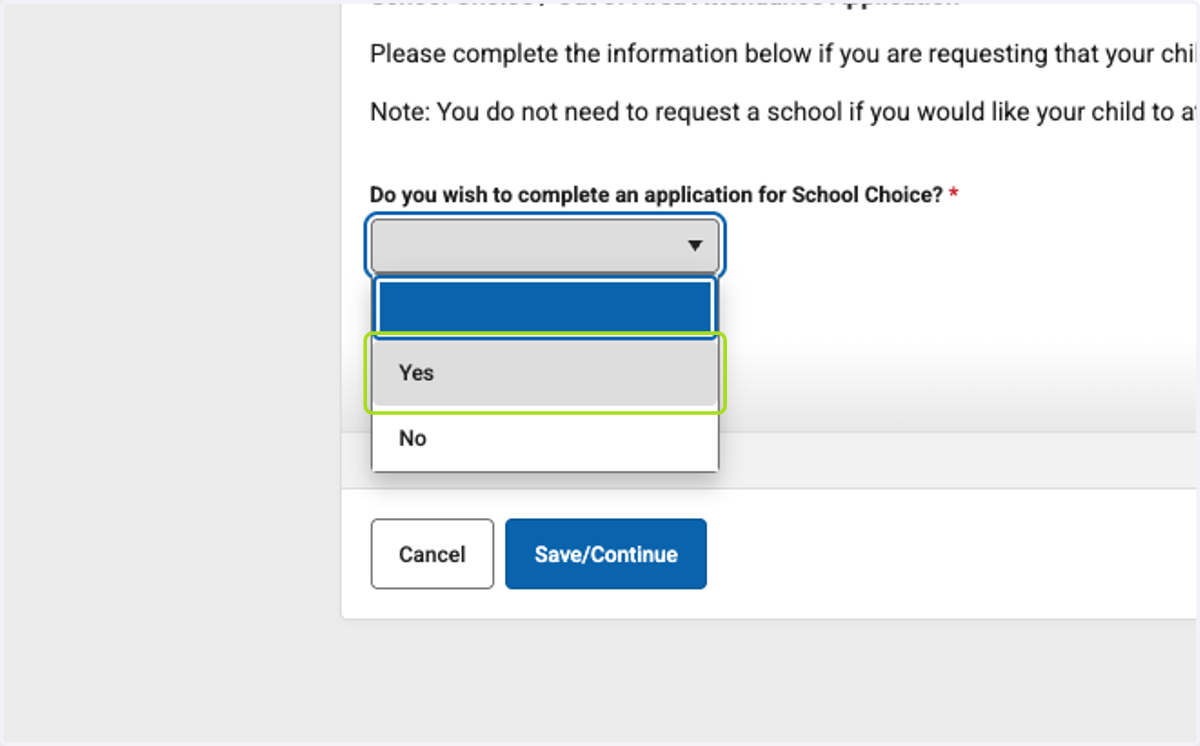
19. Select "Yes" to complete the School Choice requests
20. Select the grade level your child is applying for
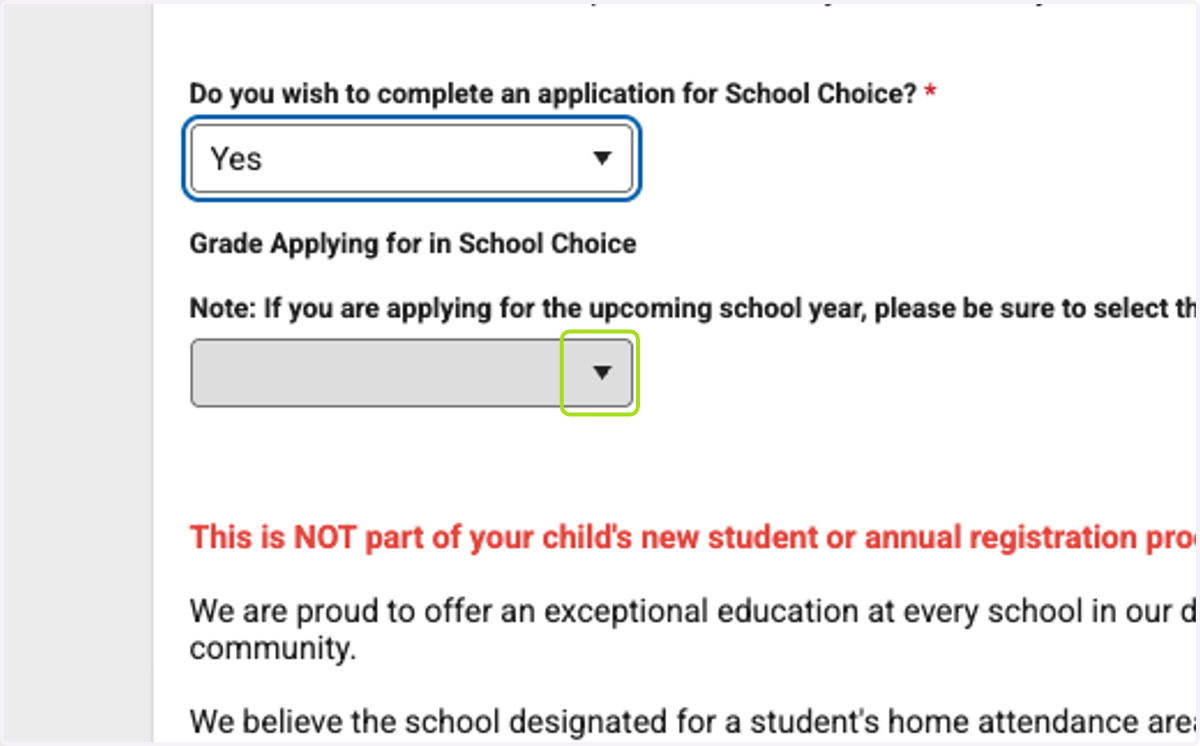
21. Click on This is NOT part of your child's new student or annual registration processWe are proud to offer an exceptional education at every school in our district. Our comprehensive facilities plan ensures our schools are the right size to serve all students in our community.We b…
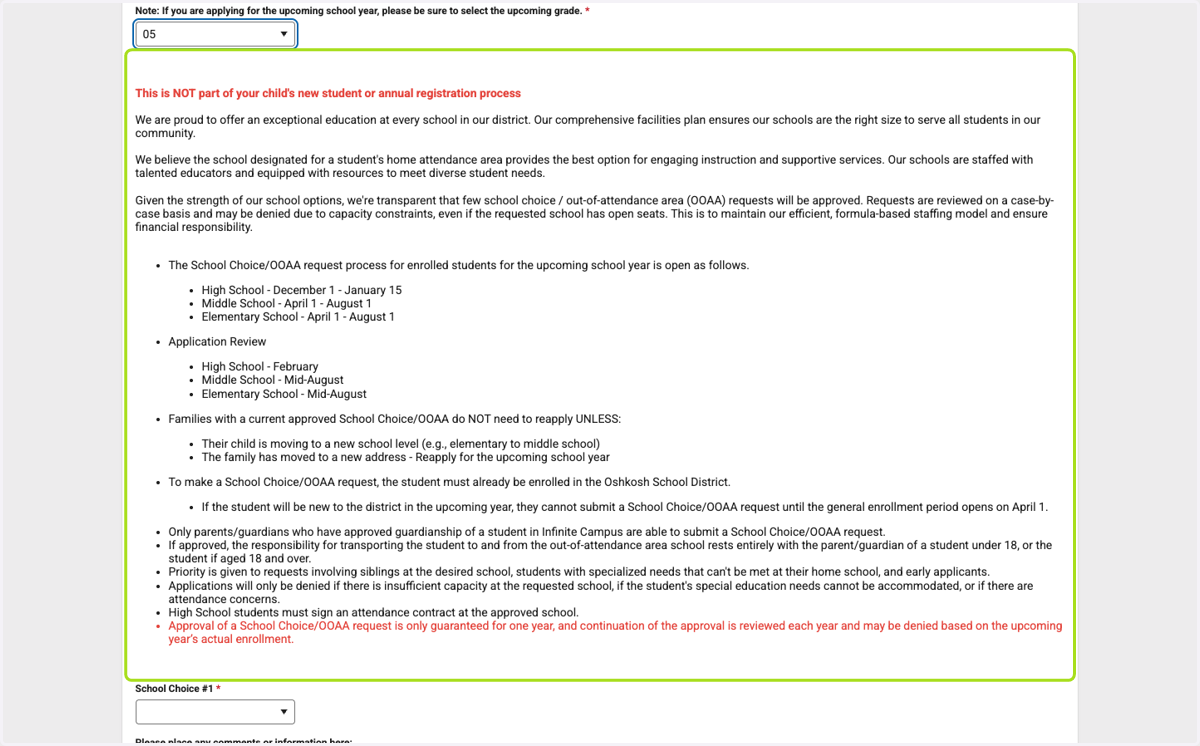
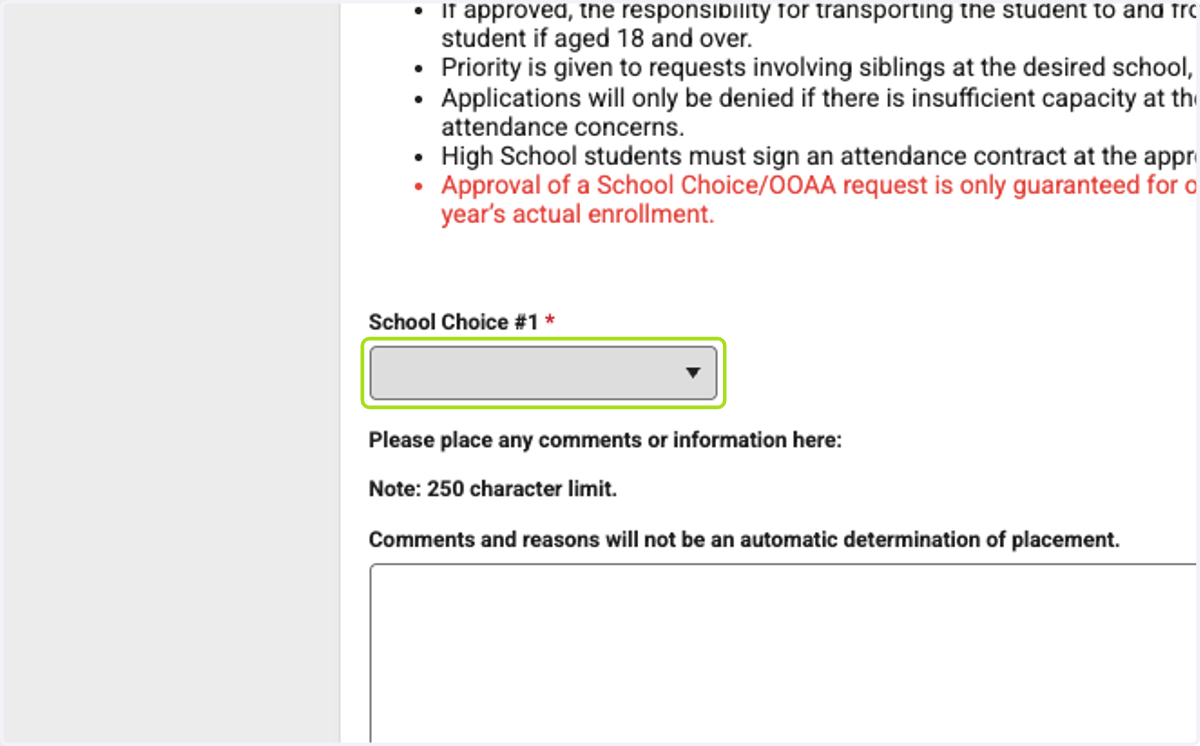
22. Click on School Choice #1 - Select your first choice
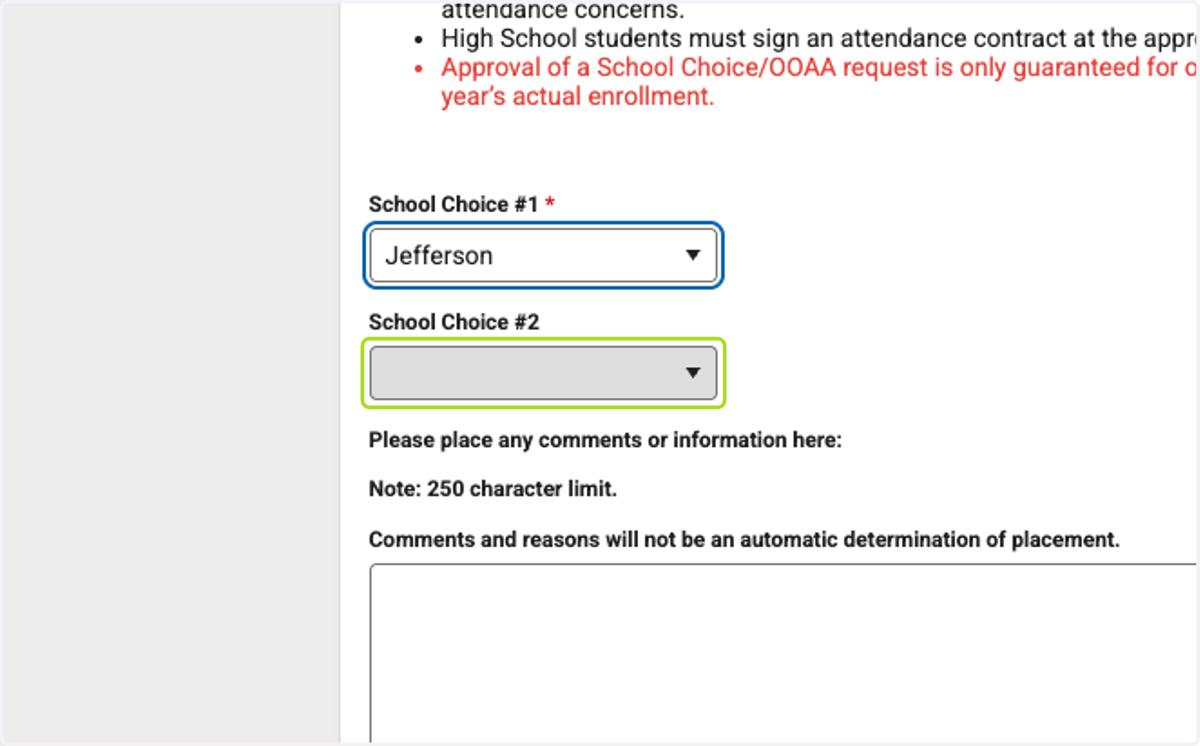
23. Click on School Choice #2 - Select your second choice
24. Type "Leave blank if no information is needed - Note: 250 Character Limit
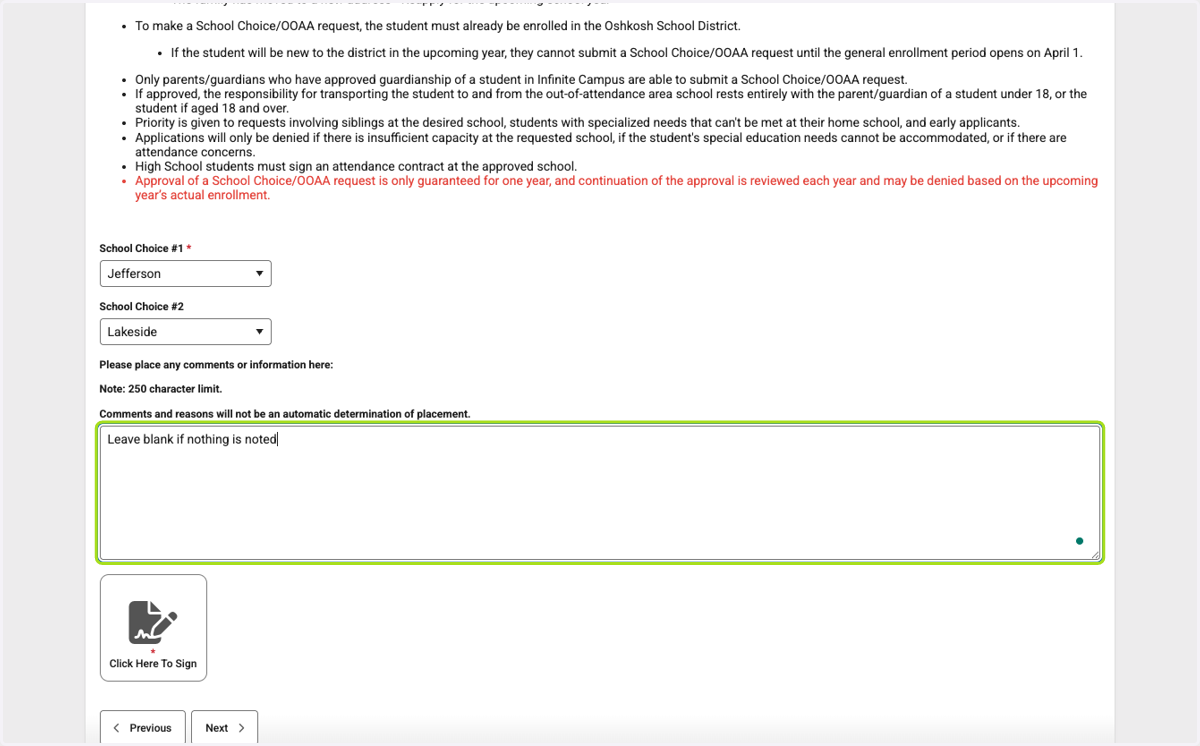
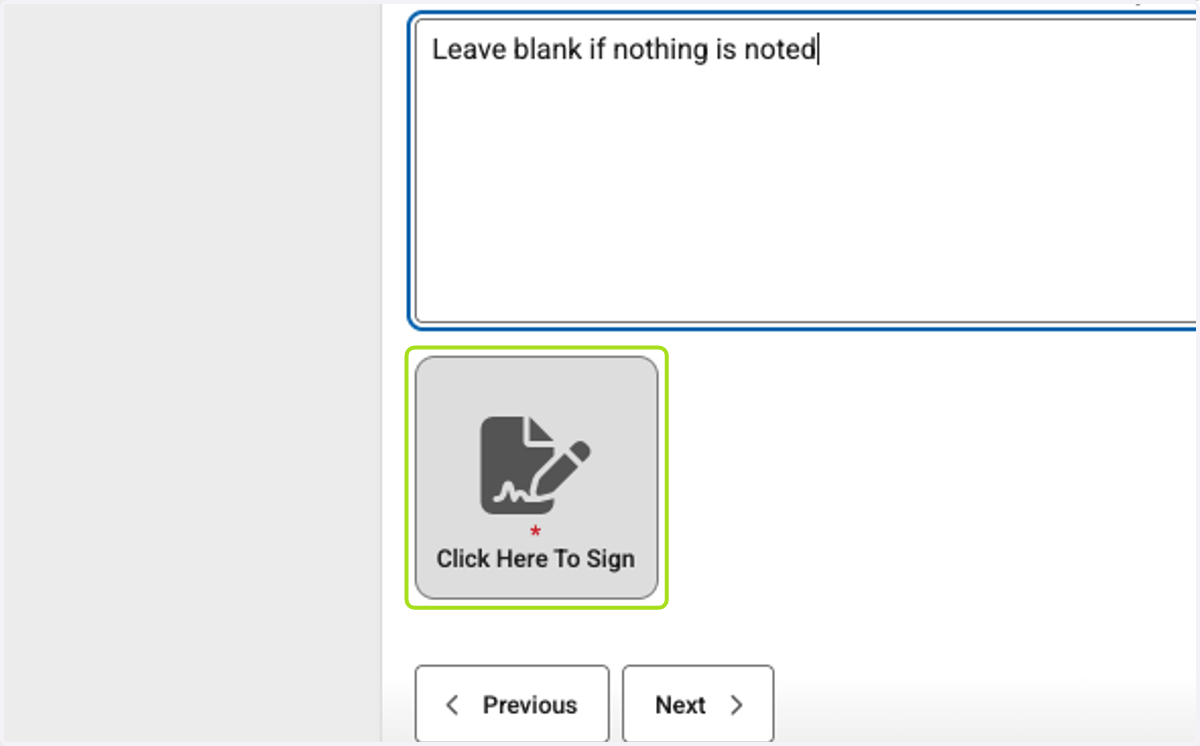
25. Click on Click Here To Sign
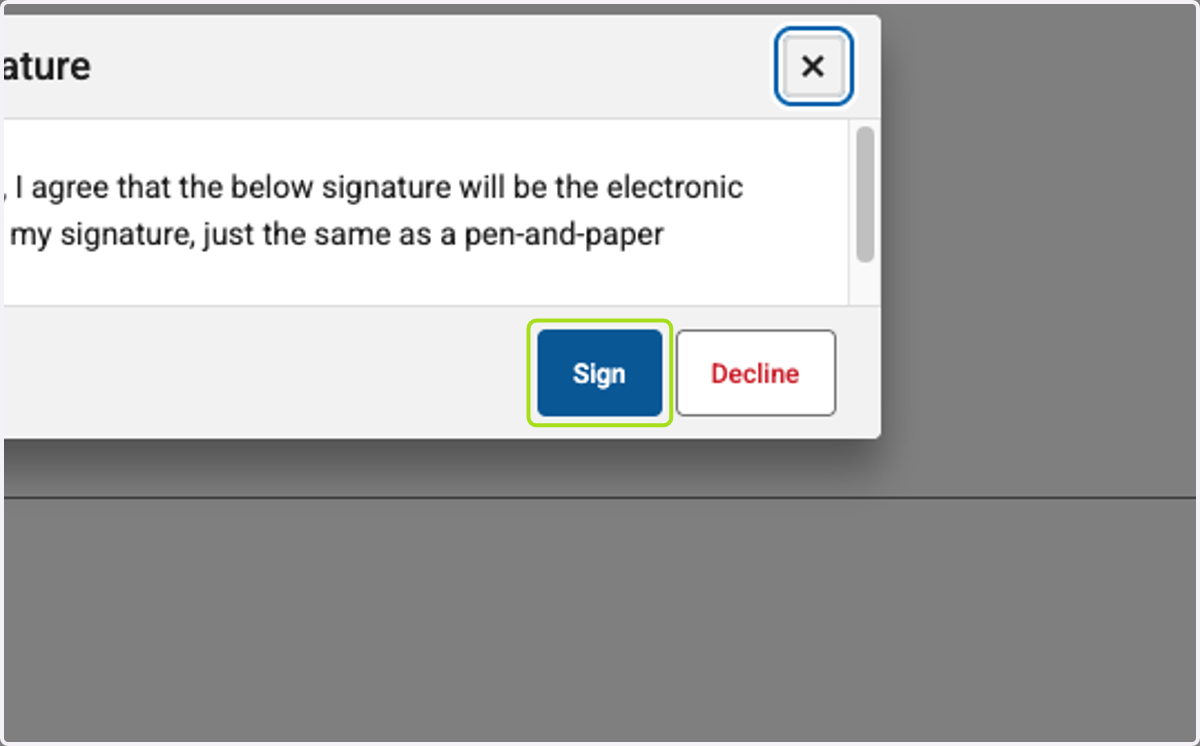
26. Click on Sign
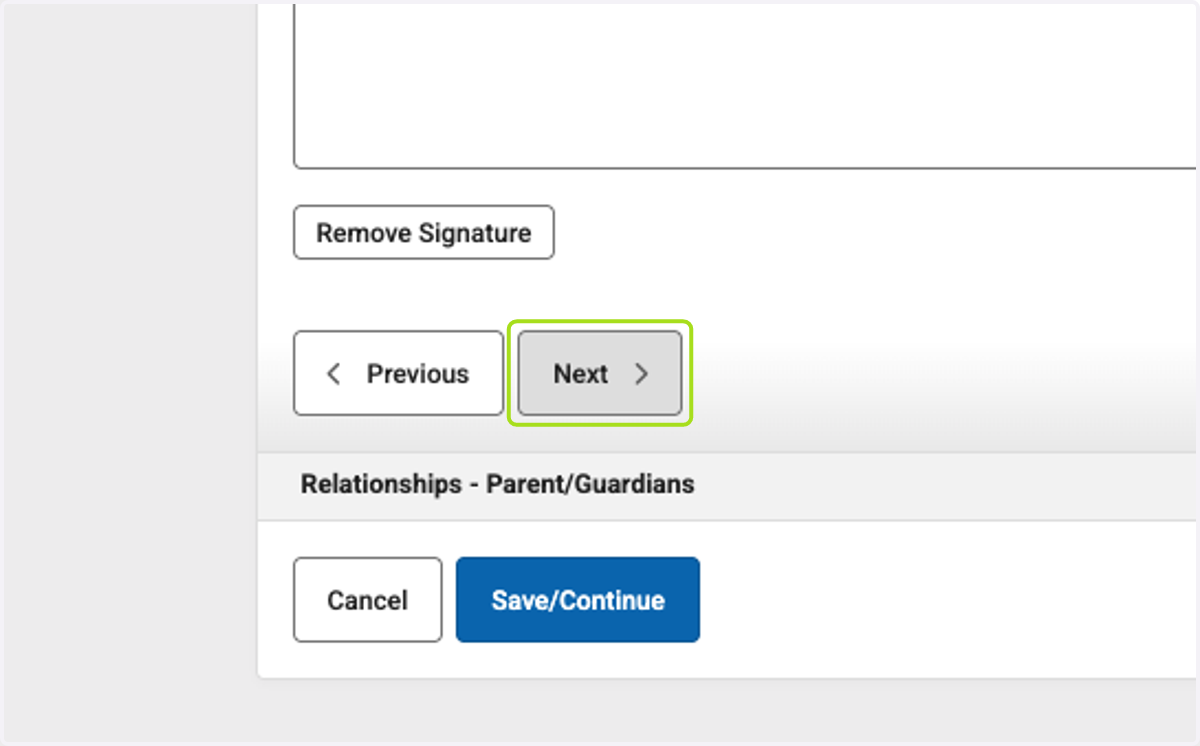
27. Click on Next
28. Click on dropdown trigger for each parent/guardian
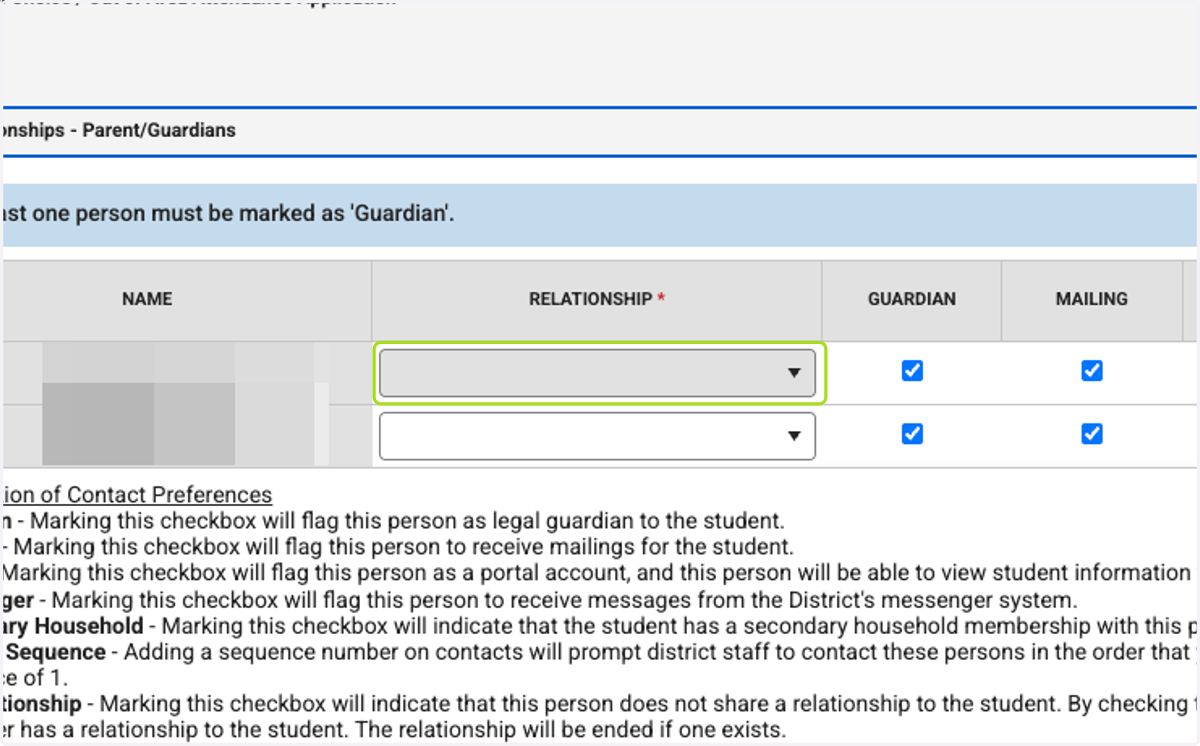
29. Select the contact sequence for each parent/guardian
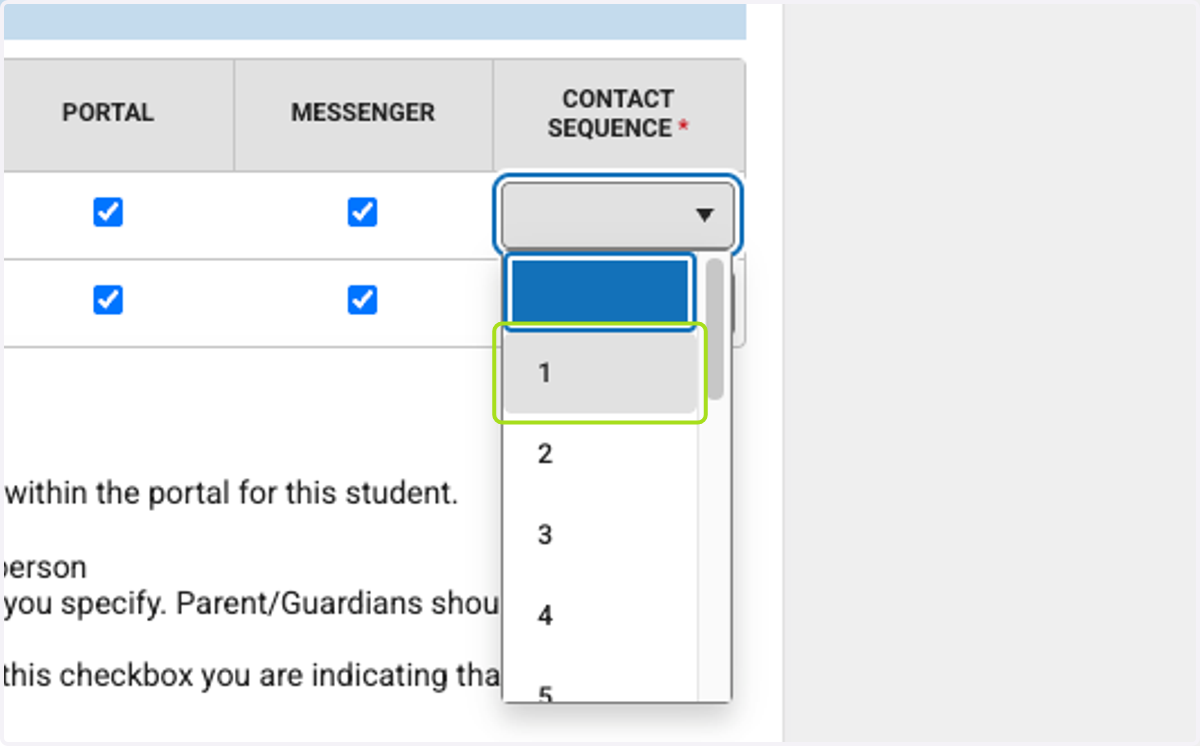
30. Click on Next
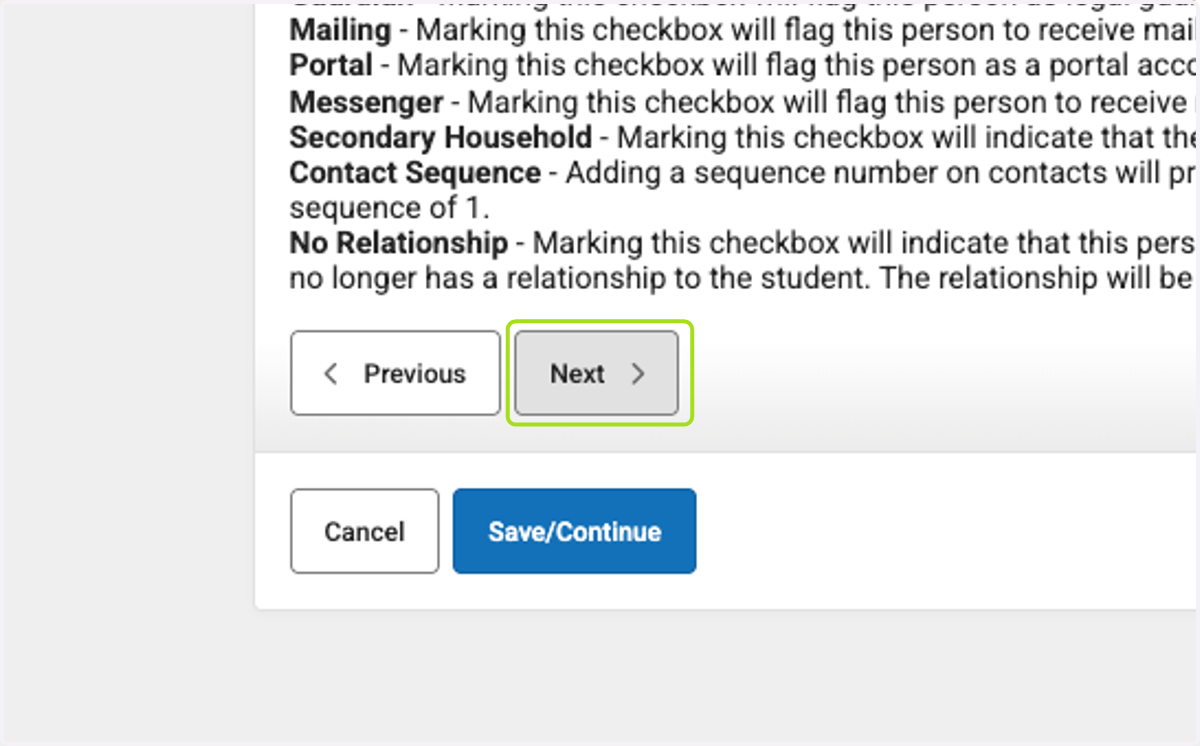
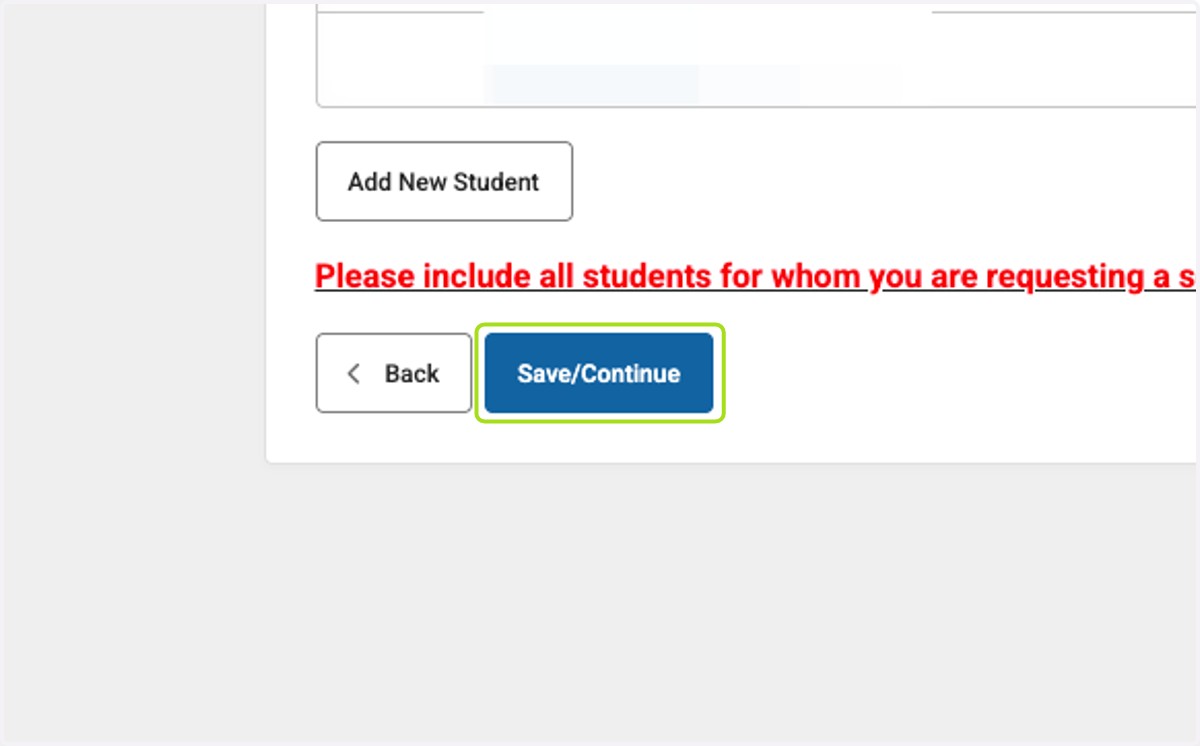
31. Click on Save/Continue
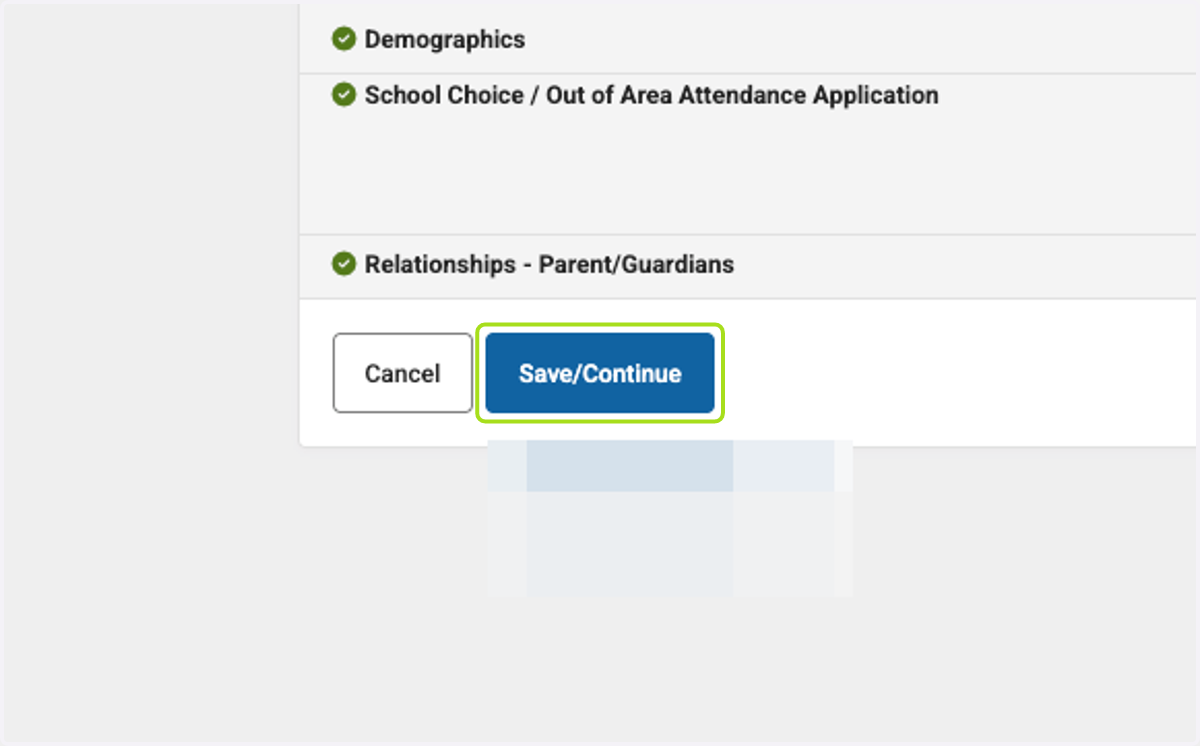
32. Click on Save/Continue
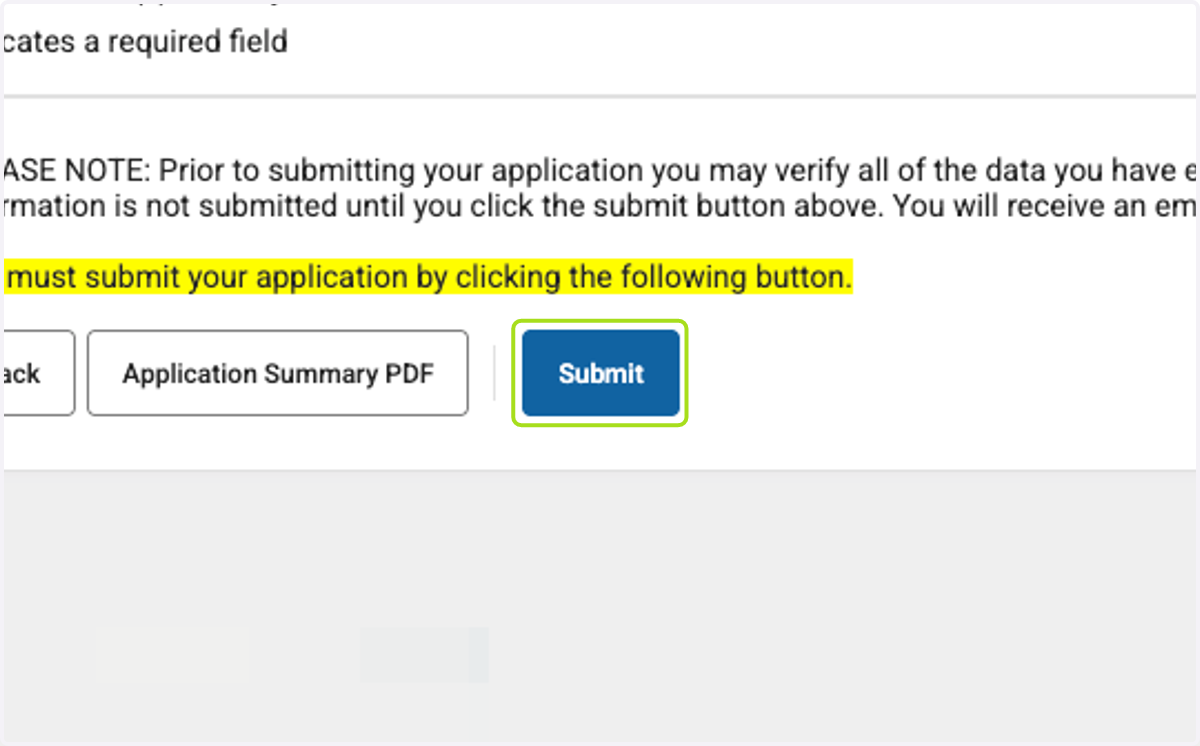
33. Click on Submit
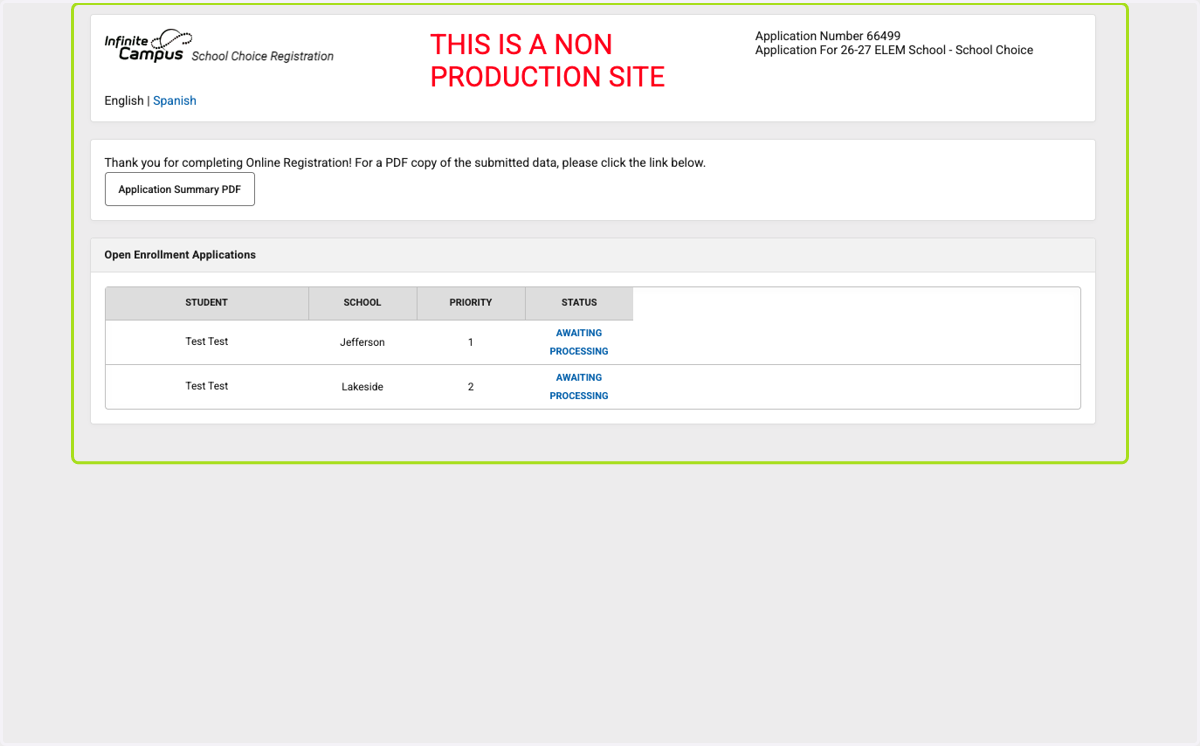
34. You will see that the applications are awaiting processing
After your application is processed you will see status changes of denied or pending. Pending status will be updated once a final determination has been made. You will be notified via email.