Submit MCCD Spring 2027 Housing Application
How to log in to MCCD Housing Portal and submit application
Merced College Promise Housing
1. Click on Merced College - Student SSO Login
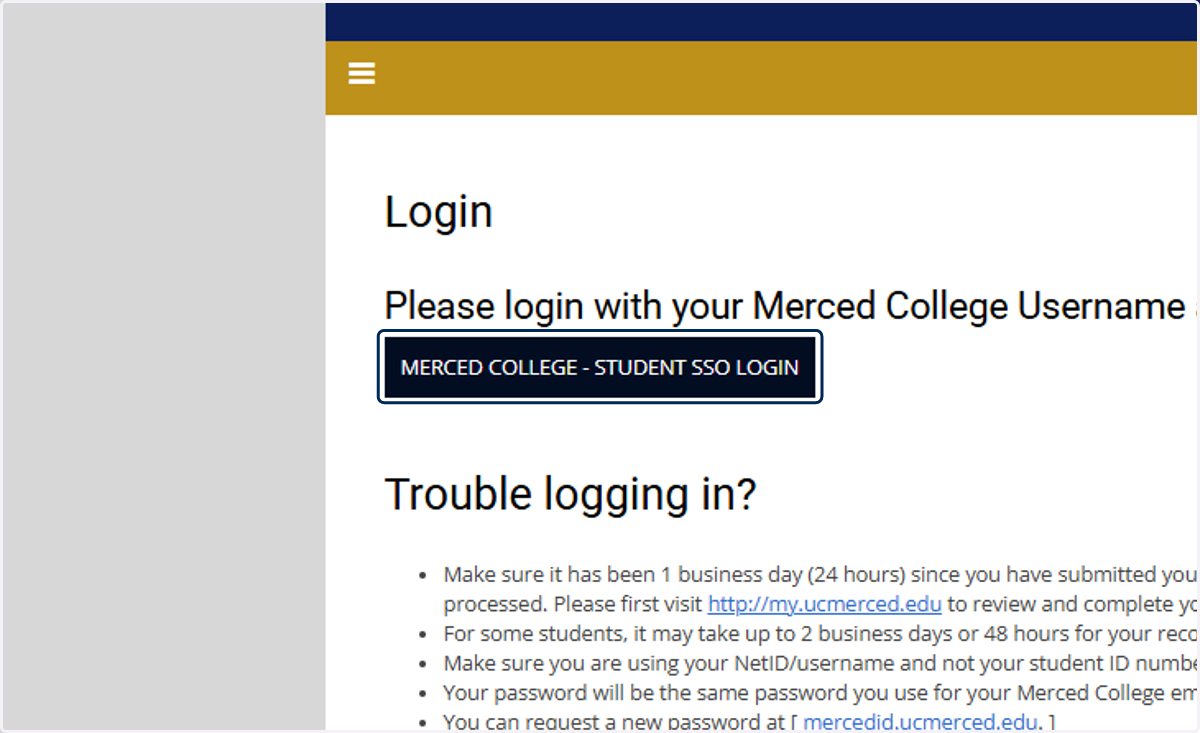
Sign in to your account
Merced College Promise Housing
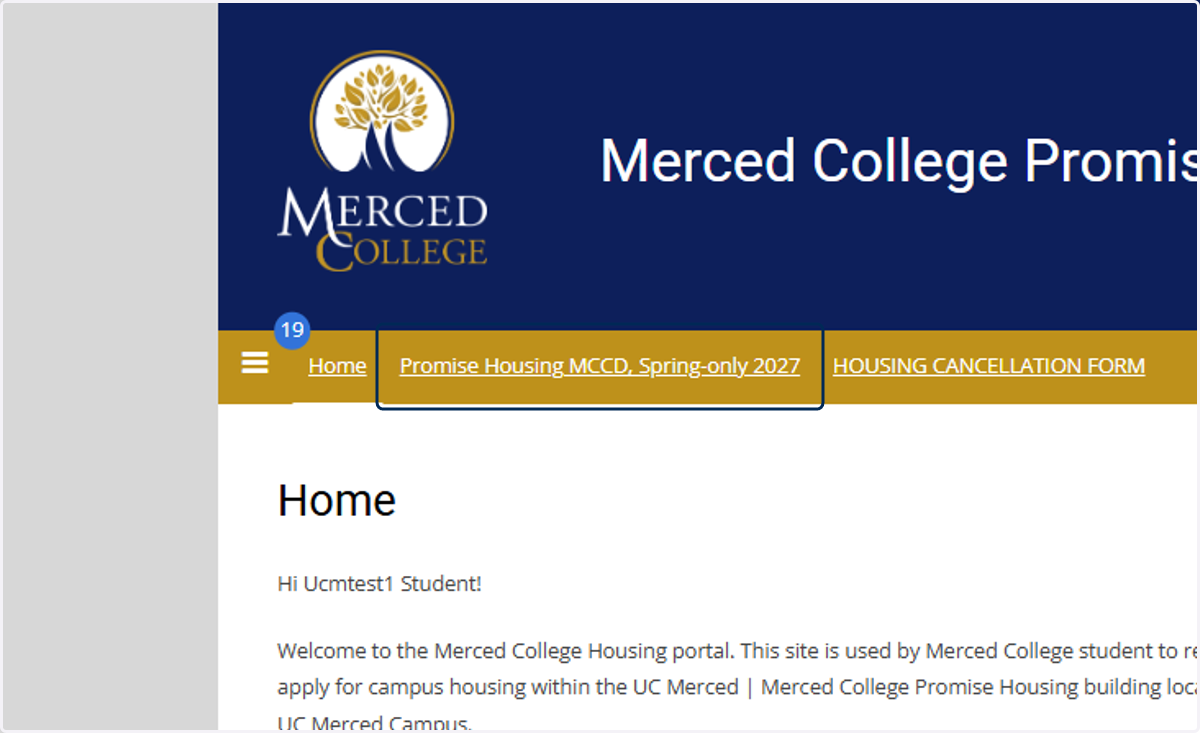
2. Click on Promise Housing MCCD, Spring-only 2027
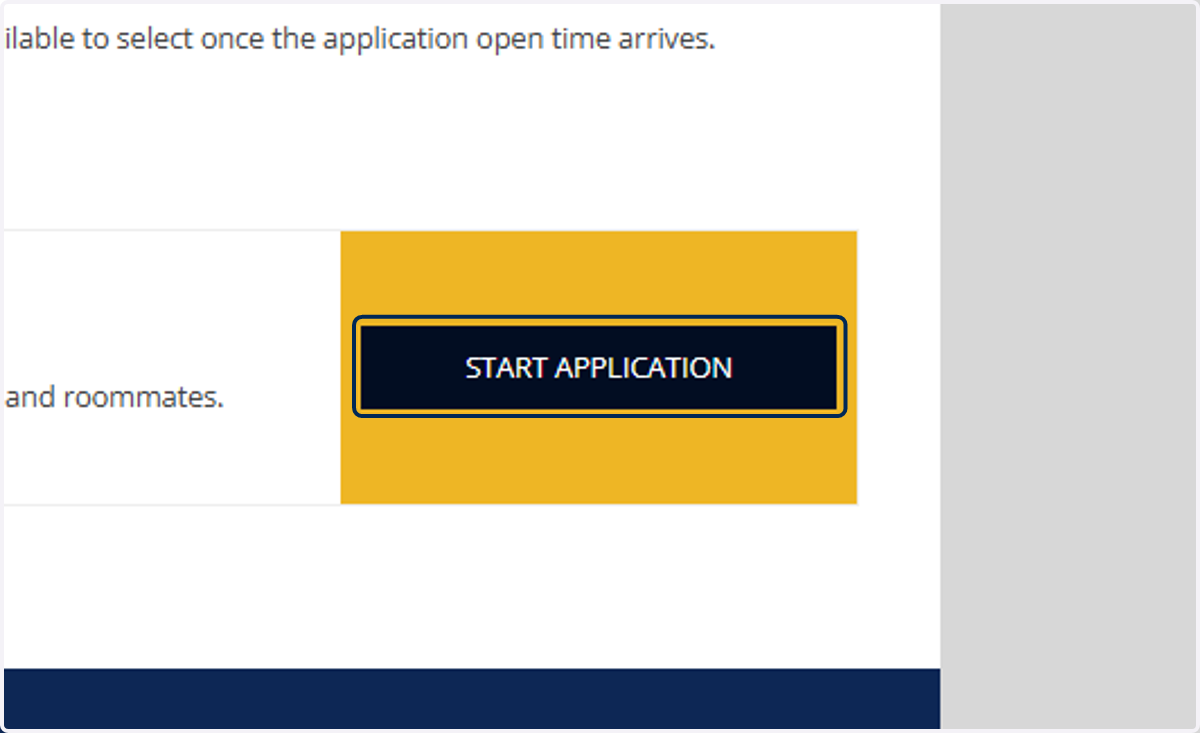
3. Click on Start Application for MCCD - Spring 2027
4. Click on Begin Application
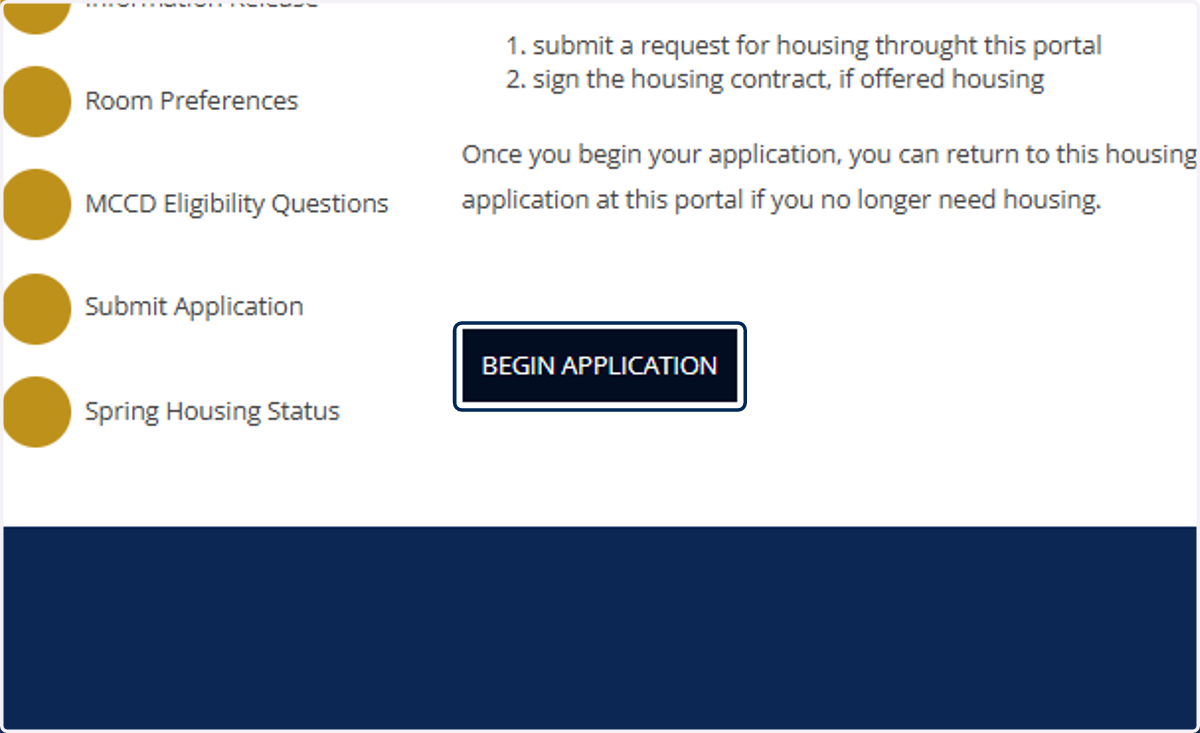
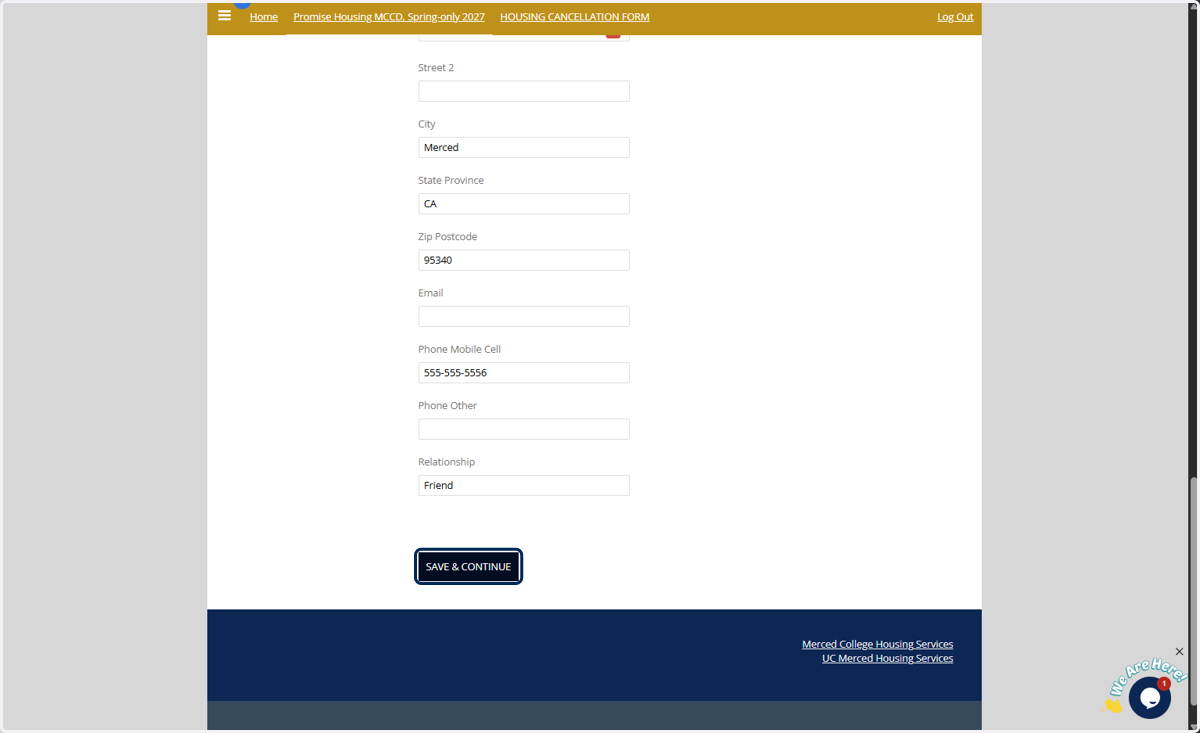
5. Fill out and confirm personal details
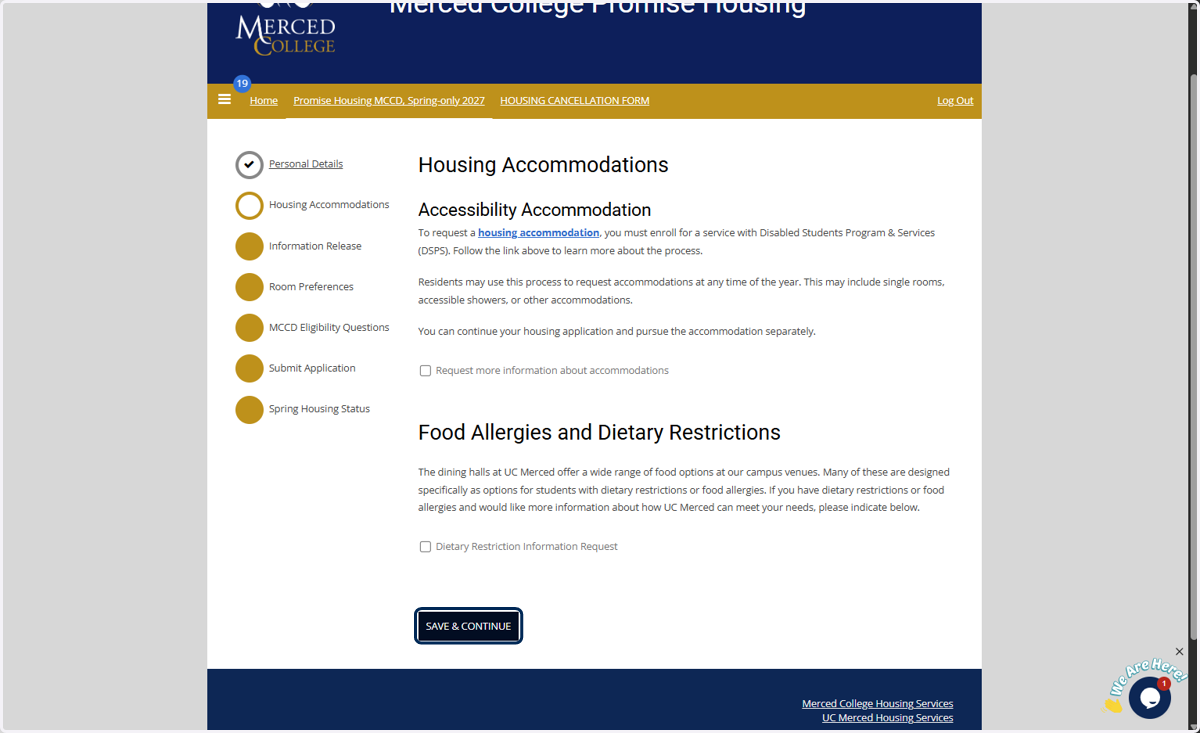
6. Read and click through Housing Accommodations info
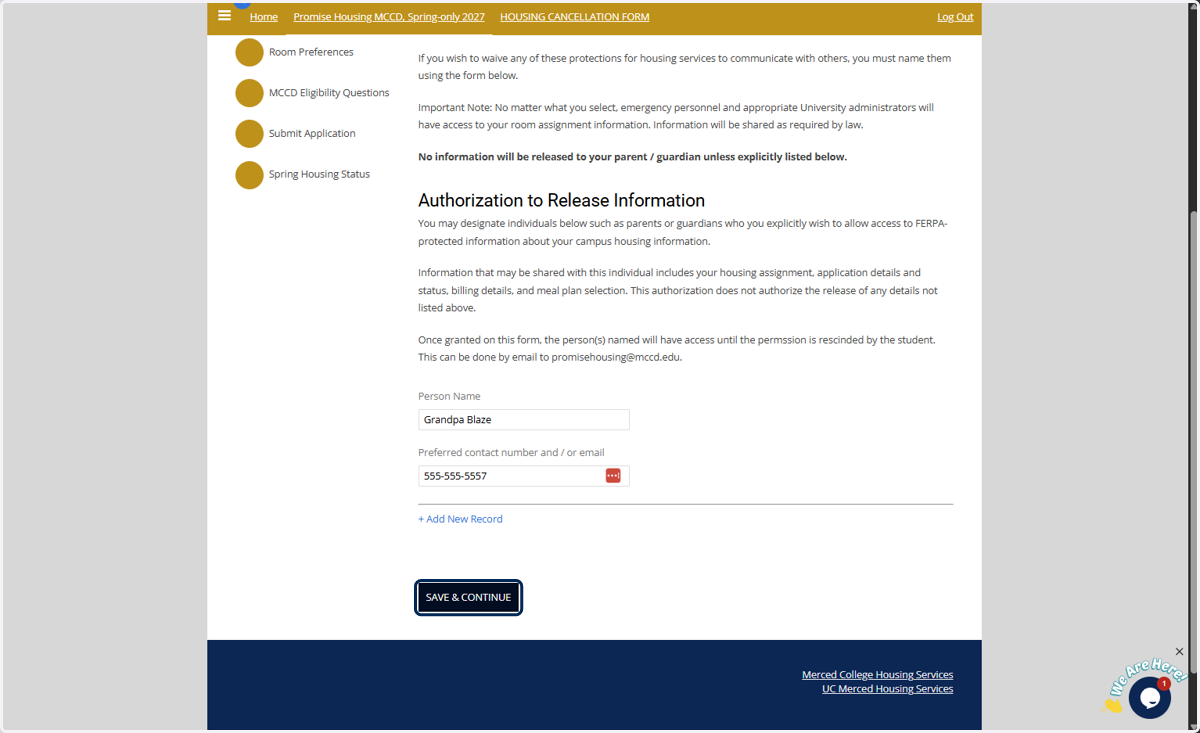
7. Review information release form
8. Order your room type preference
you must have 4 room type options ordered by preference in order to proceed. (students are not guaranteed a room type but we will use this info to assign rooms based on availability)
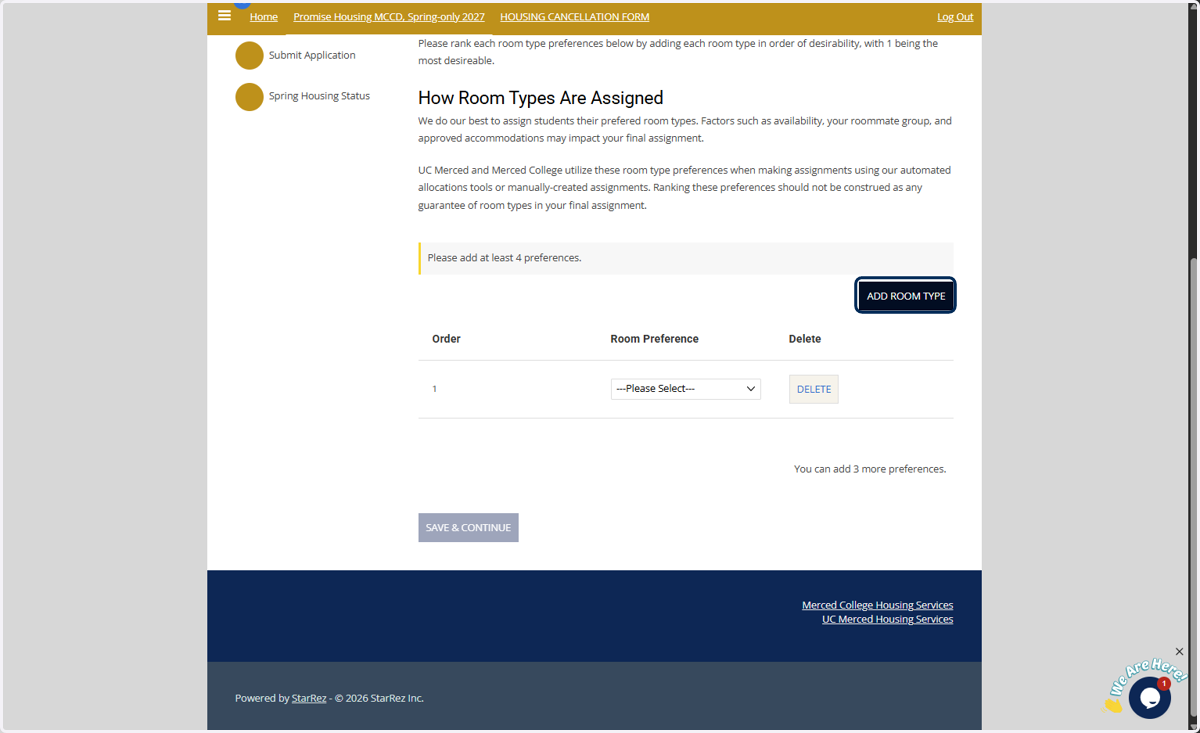
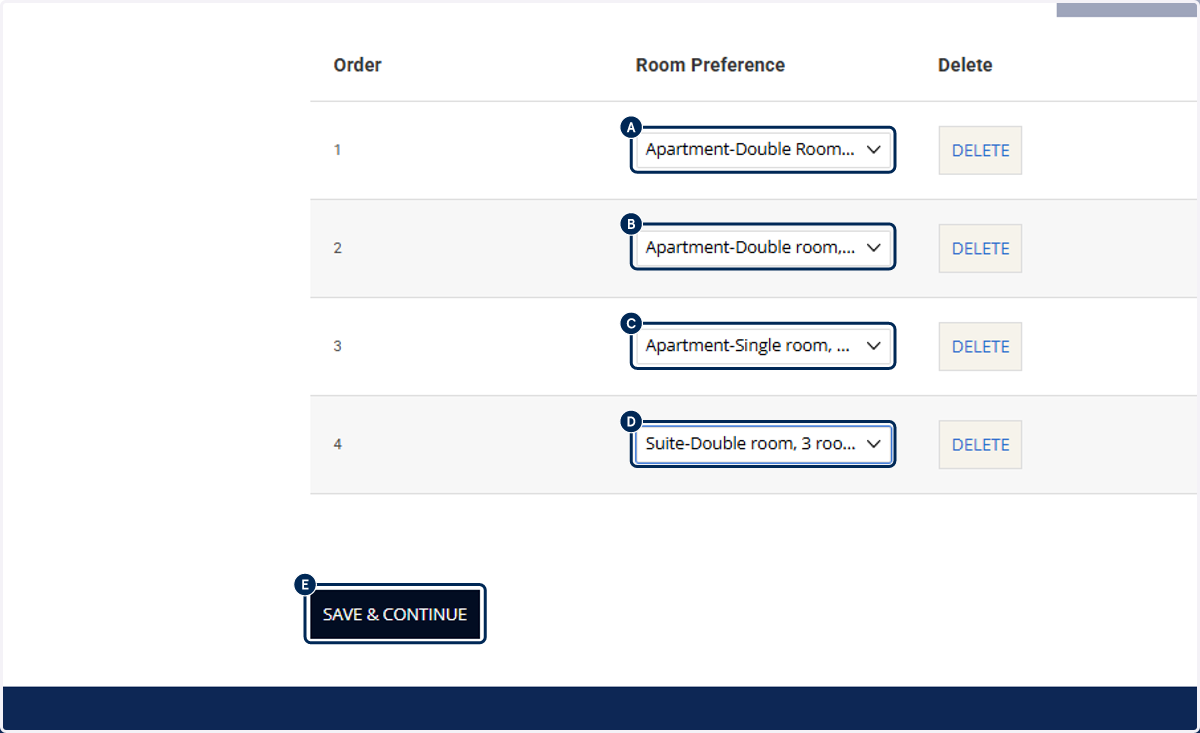
9. A. Select Room preference select dropd…
9. B. Select Room Preference
9. C. Select Room Preference
9. D. Select Room Preference
9. E. Click on Save & Continue
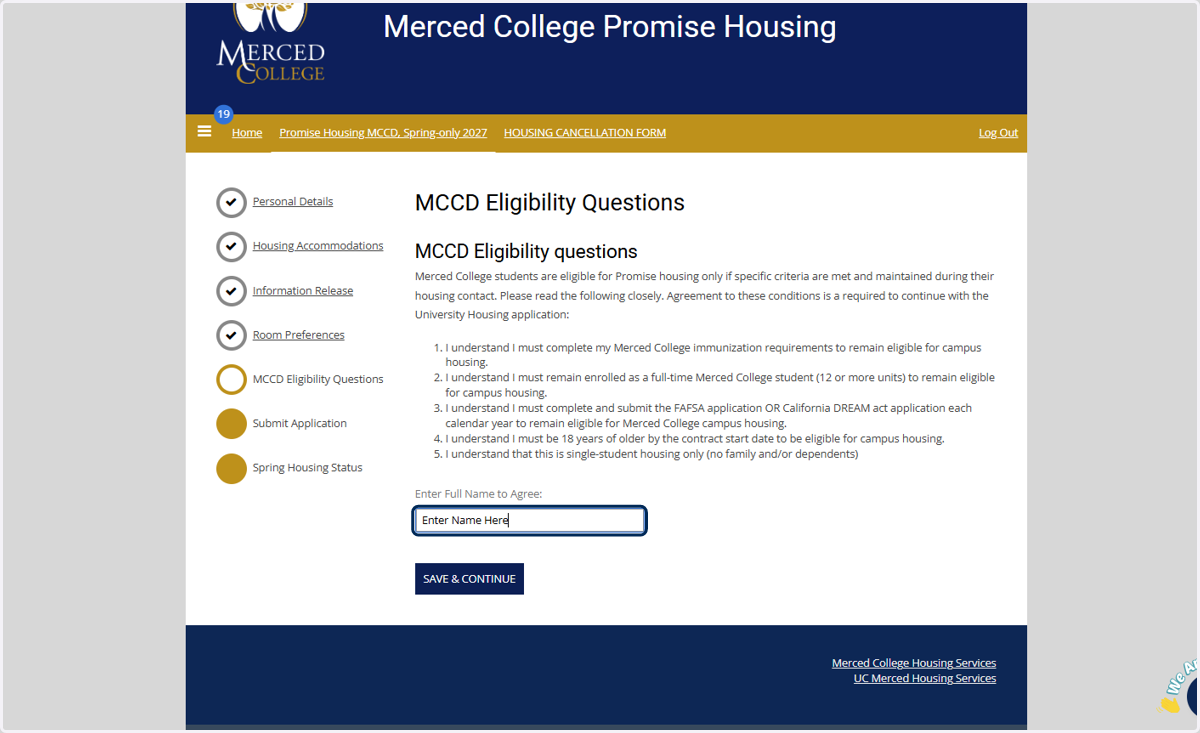
10. Review MCCD Eligibility Questions
after reviewing, you will enter your name
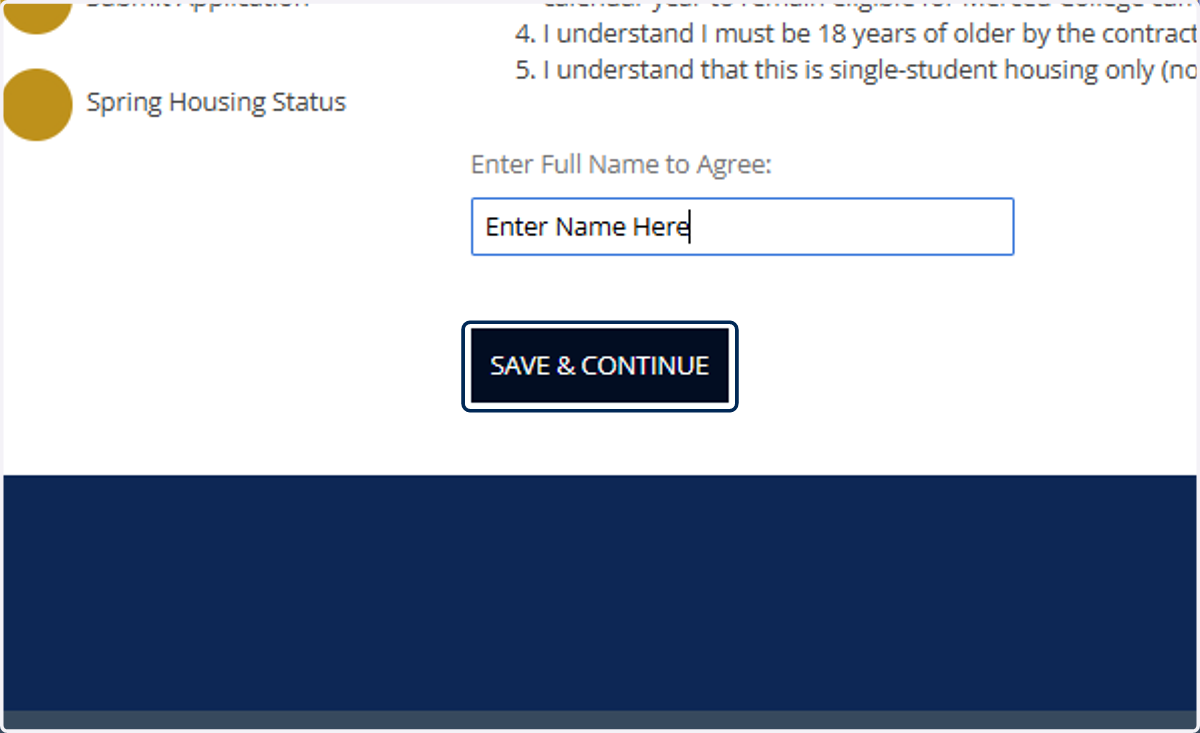
11. Click on Save & Continue
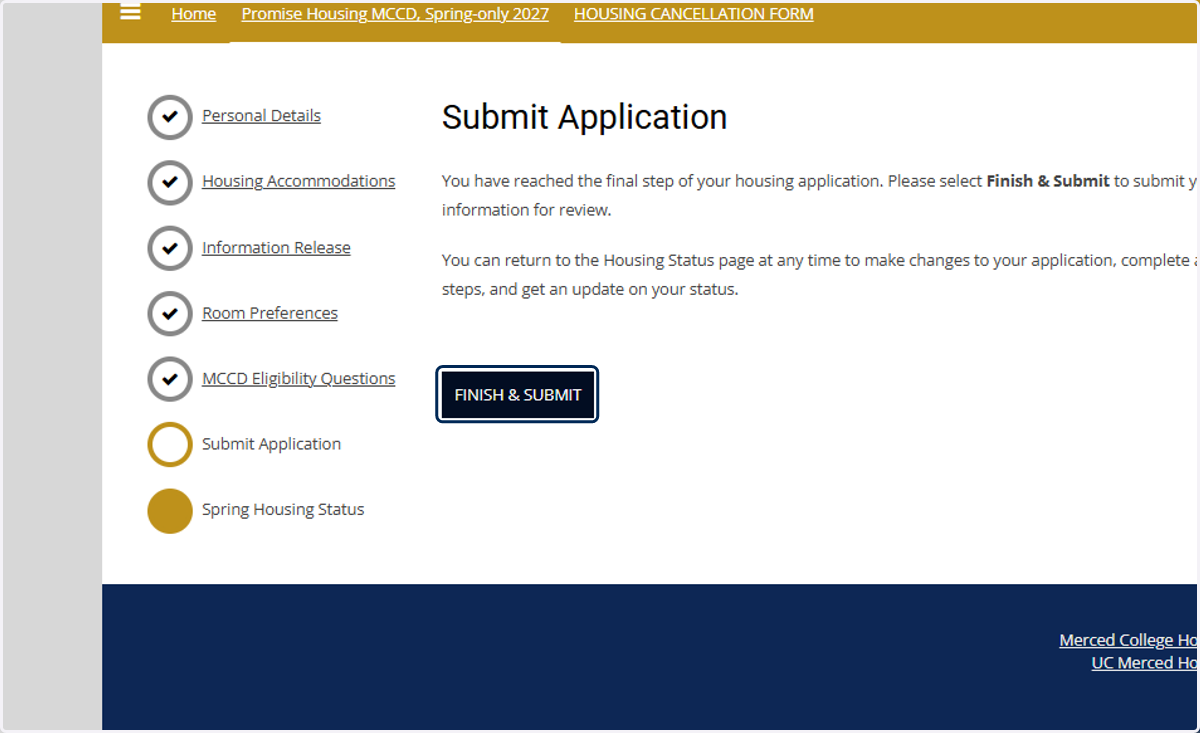
12. Submit Application
Click on Finish & Submit
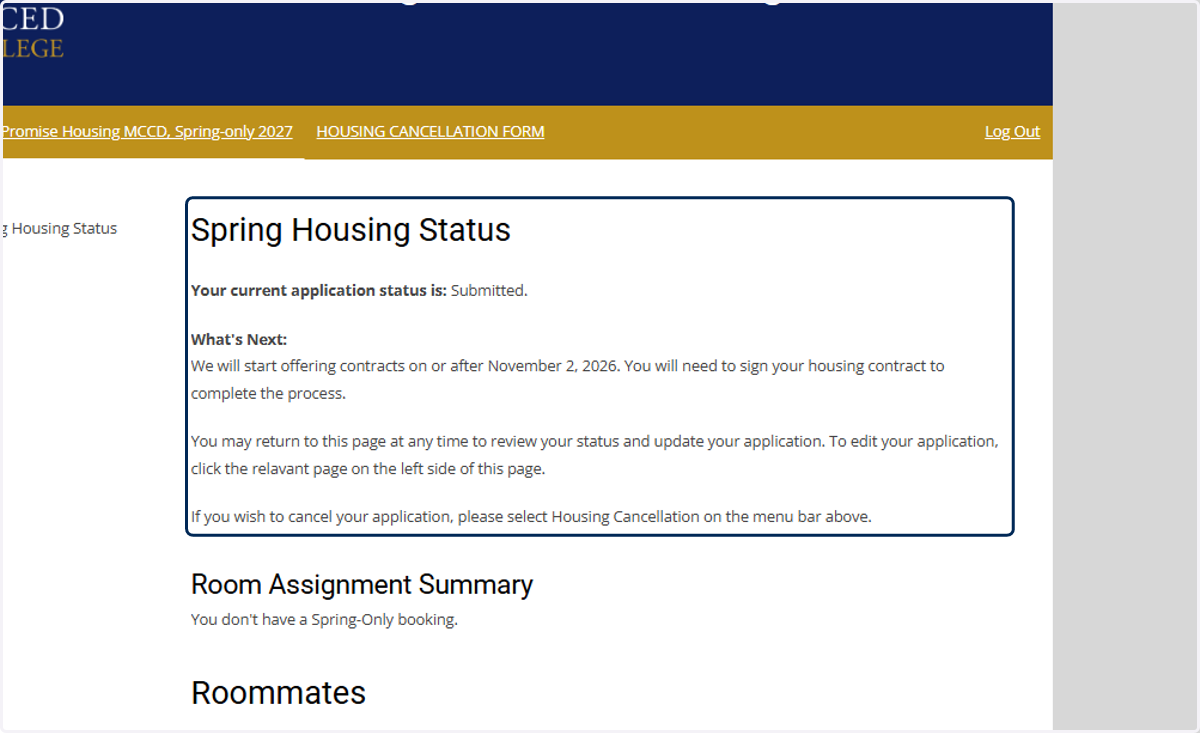
13. Spring Housing Status page
Here you can confirm that you have submitted your application and review your status.
For Spring 2027 we will begin offering contracts on or after November 2, 2026. If you are offered a contract your status will update to "Offered Housing" and you will receive an email with more information.