Submit Commission Request
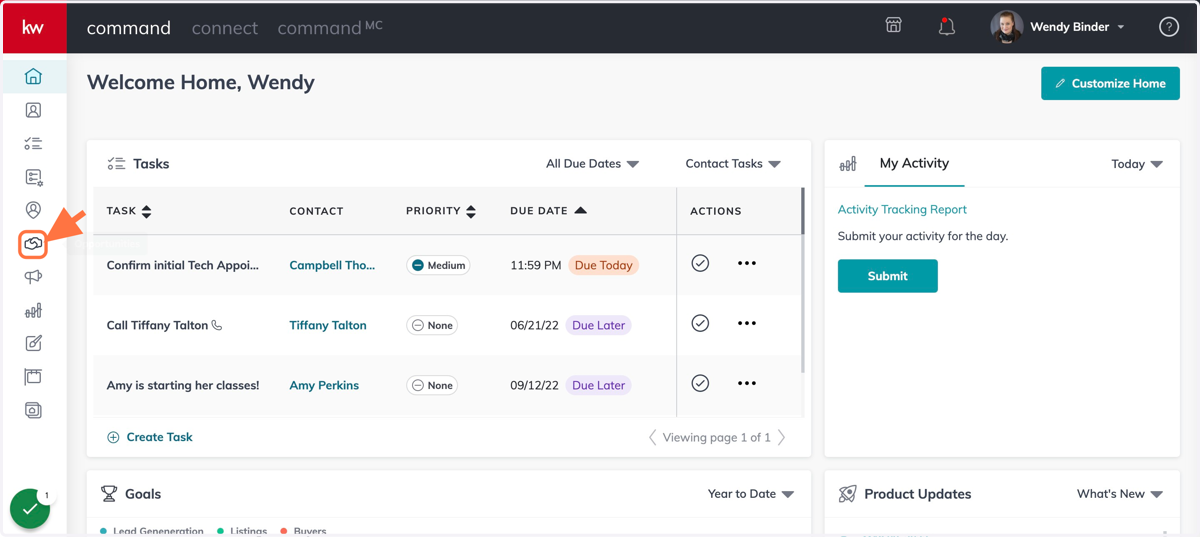
2. Click on Opportunities
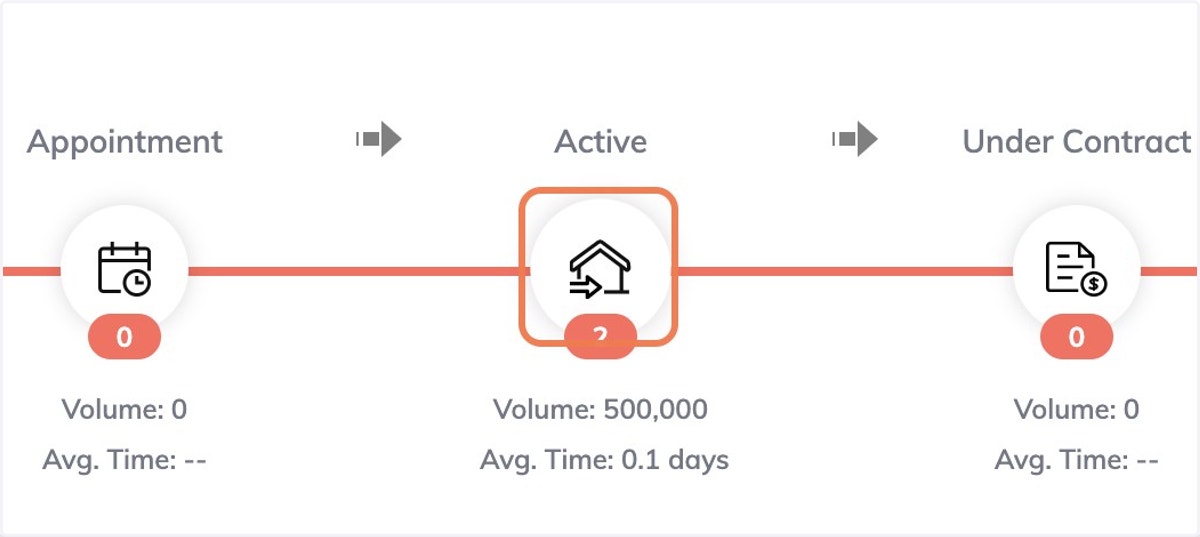
3. Go into Opportunity Phase
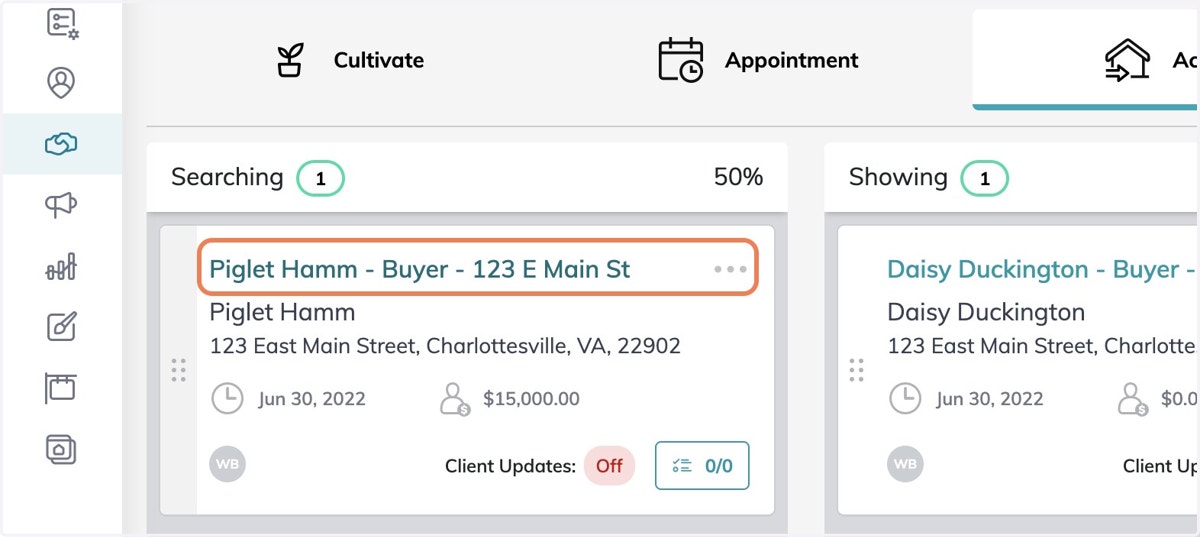
4. Select Opportunity
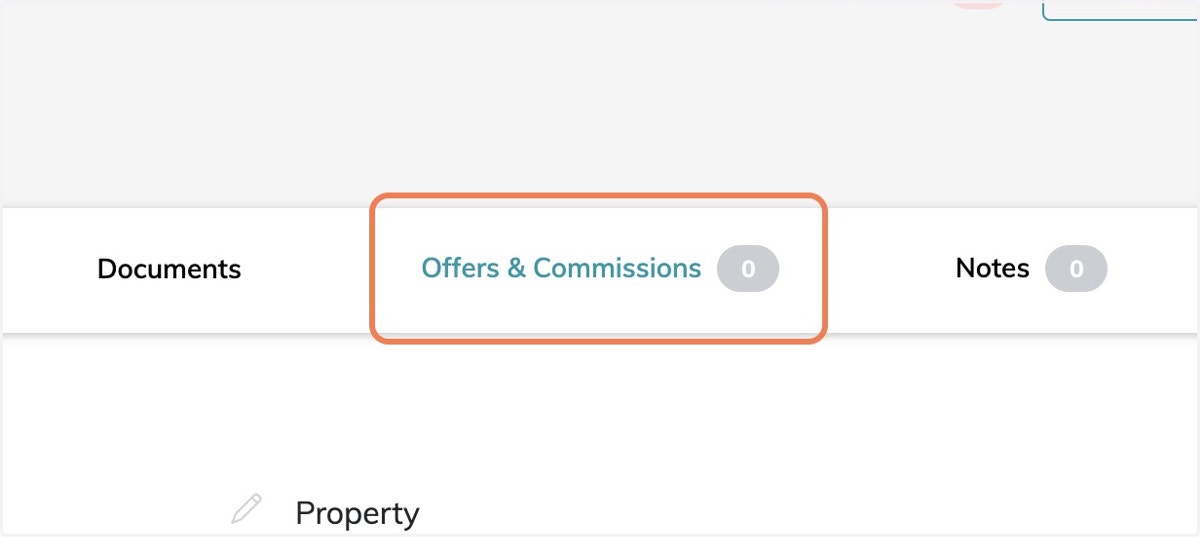
5. From the Opportunities Details page - Click on Offers & Commissions
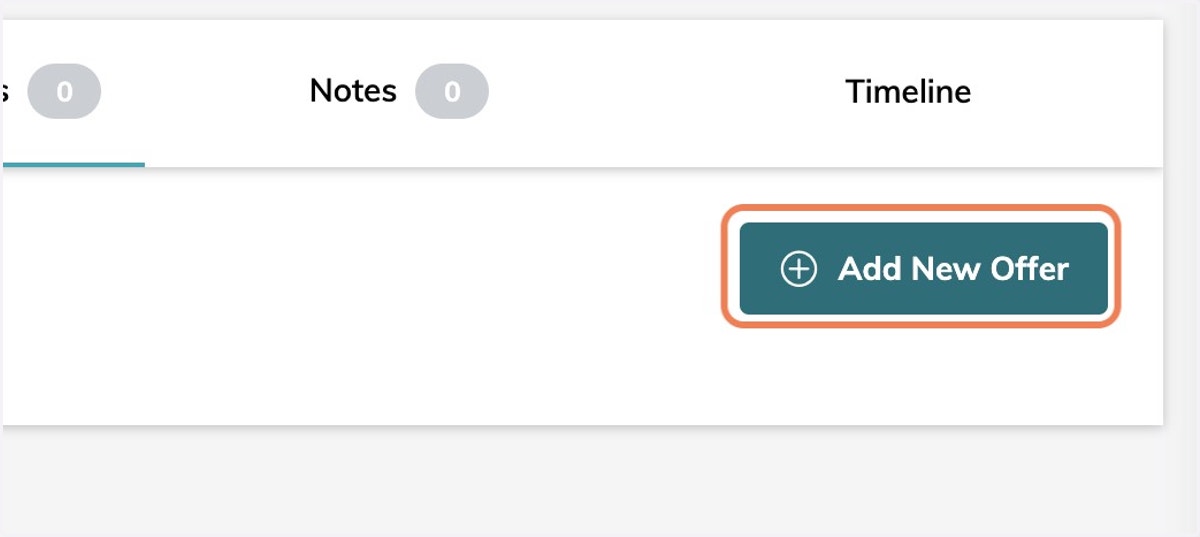
6. Click on Add New Offer
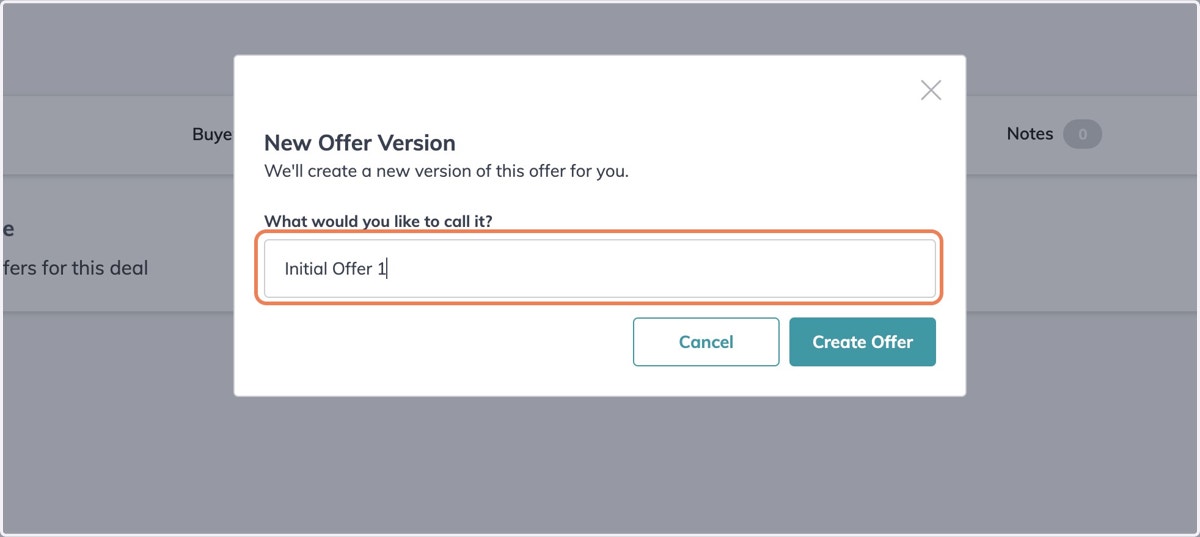
7. Name the Offer
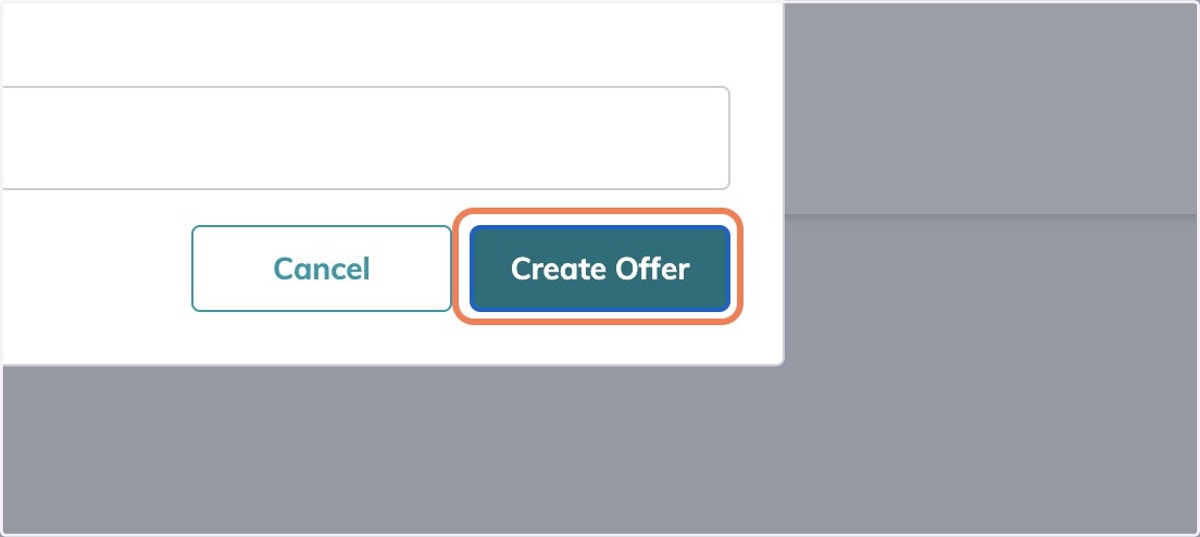
8. Click on Create Offer
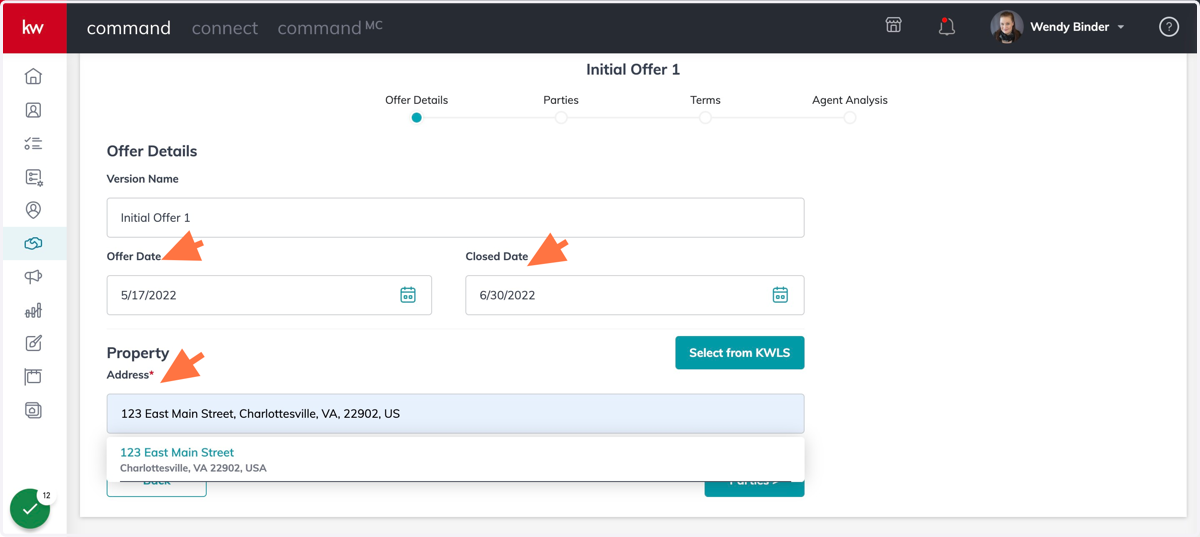
9. Put in Offer Date, Closed Date, and Property Address
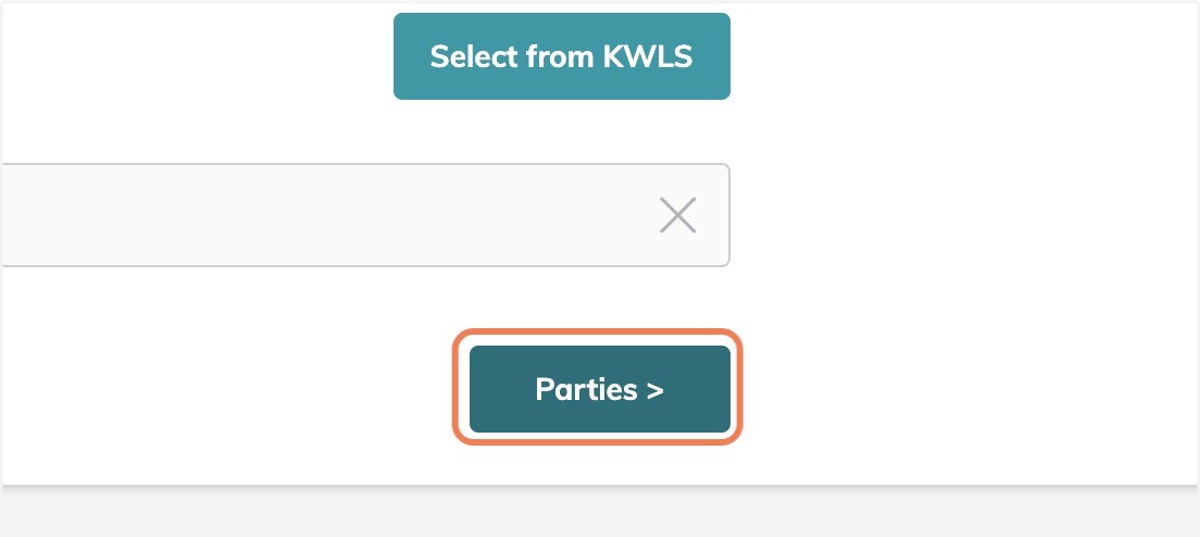
10. Click on Parties >
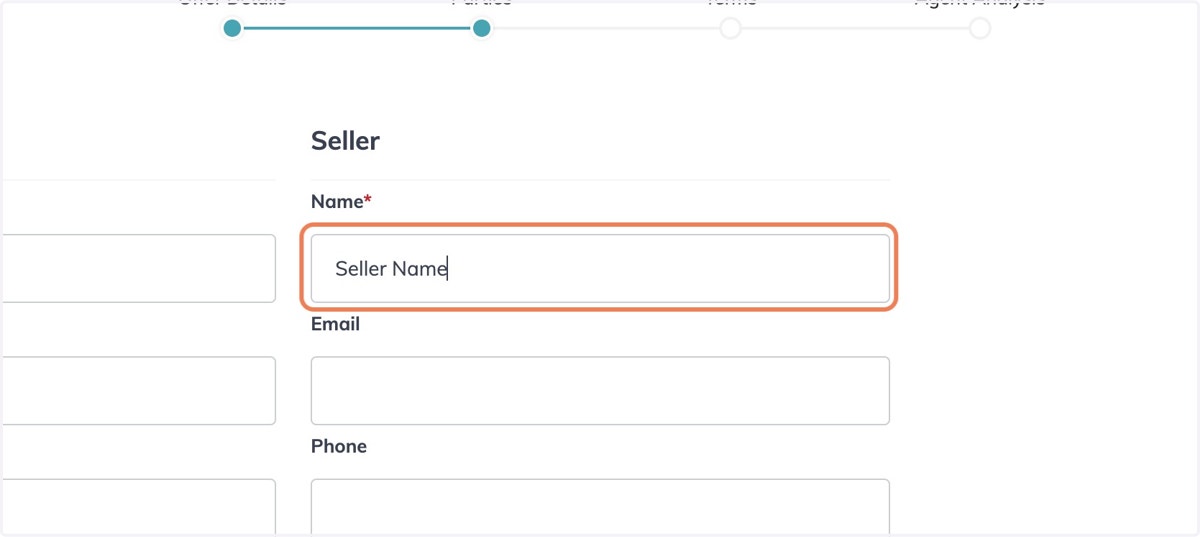
11. Fill in Required Information for Parties Involved
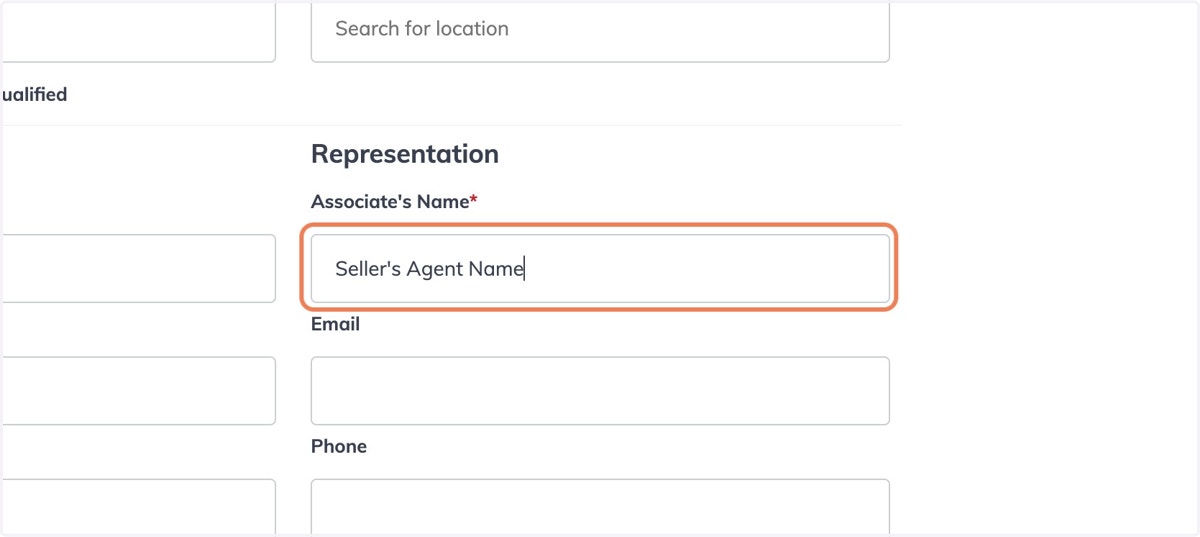
12. Fill in Required Information for Agent Involved
13. Check Pre-Approved or Pre-Qualified
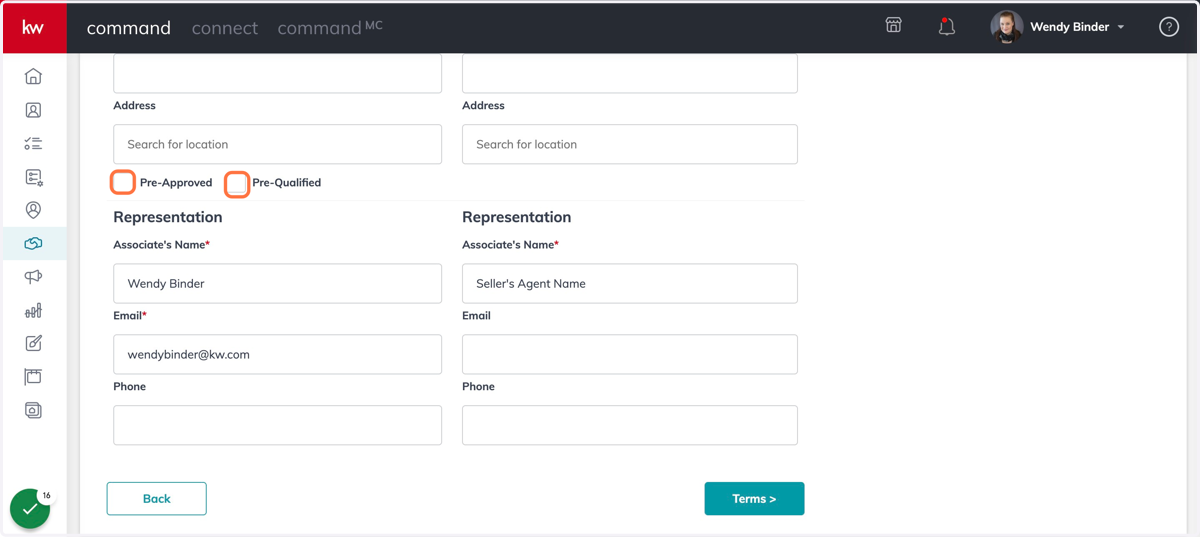
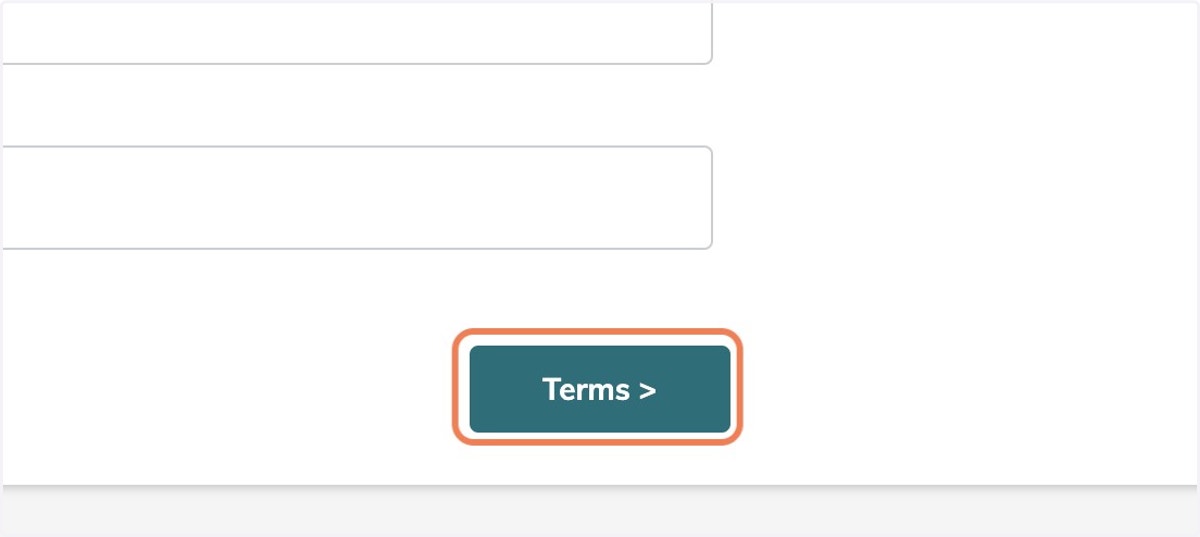
14. Click on Terms >
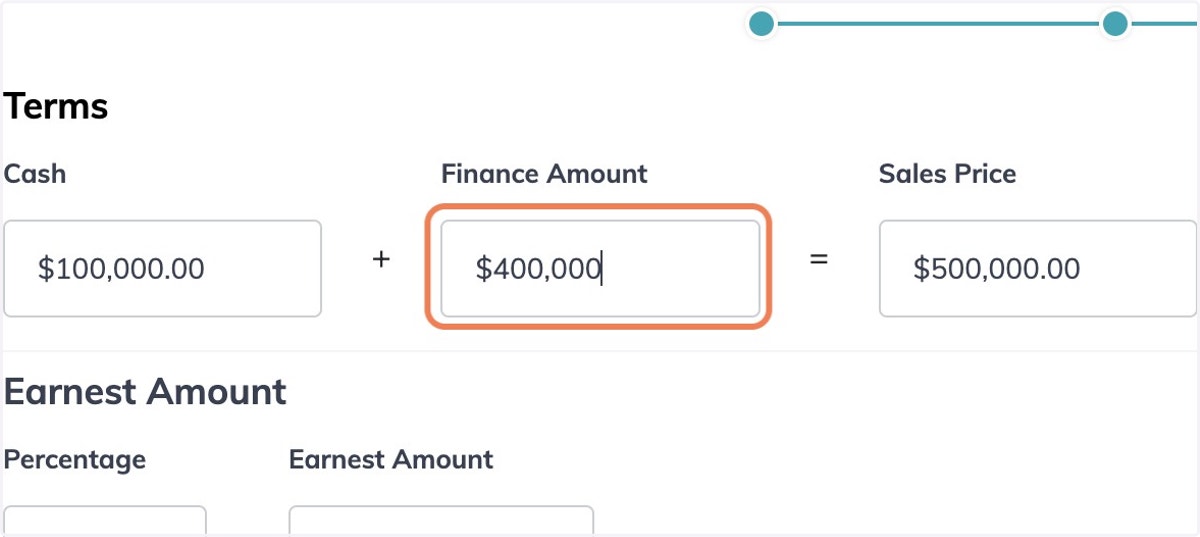
15. Enter Terms of Offer
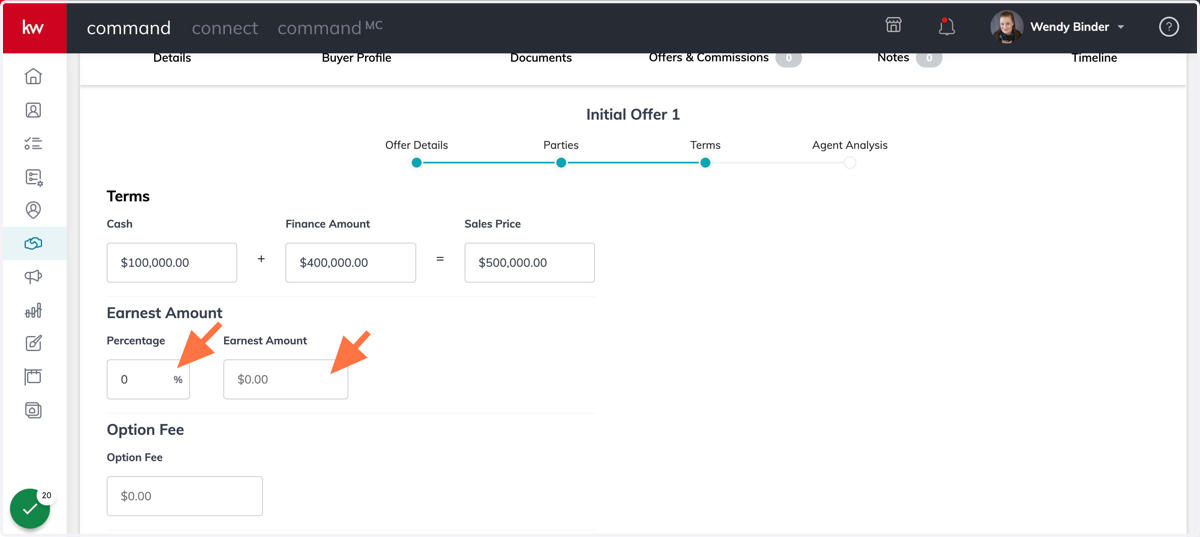
16. Enter Earnest Amount in % or $
17. Click on Agent Analysis >
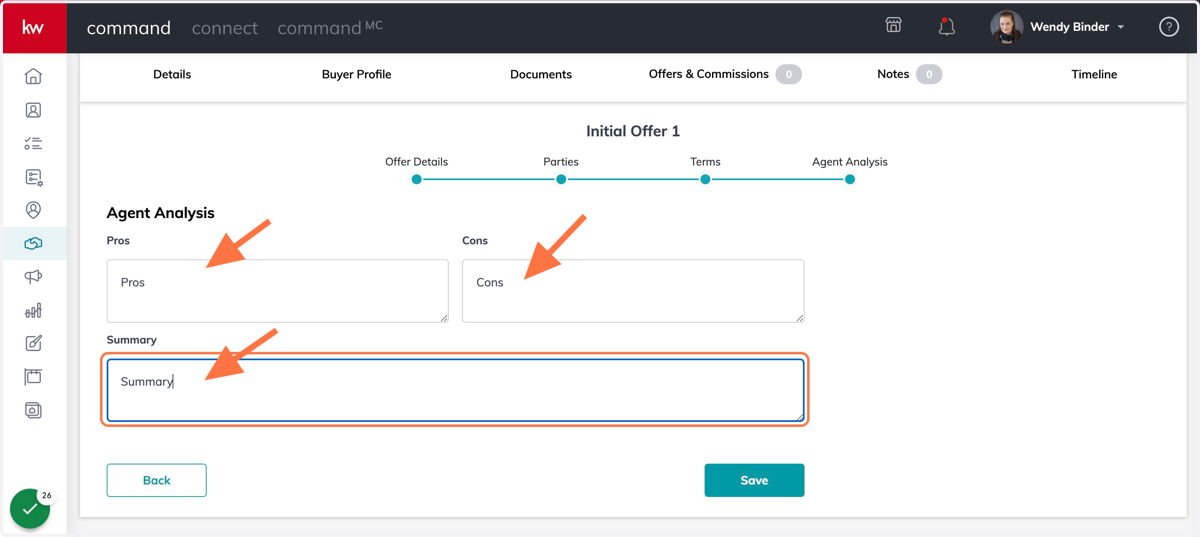
18. Fill in Pros, Cons, and Summary when Applicable
19. Click on Save
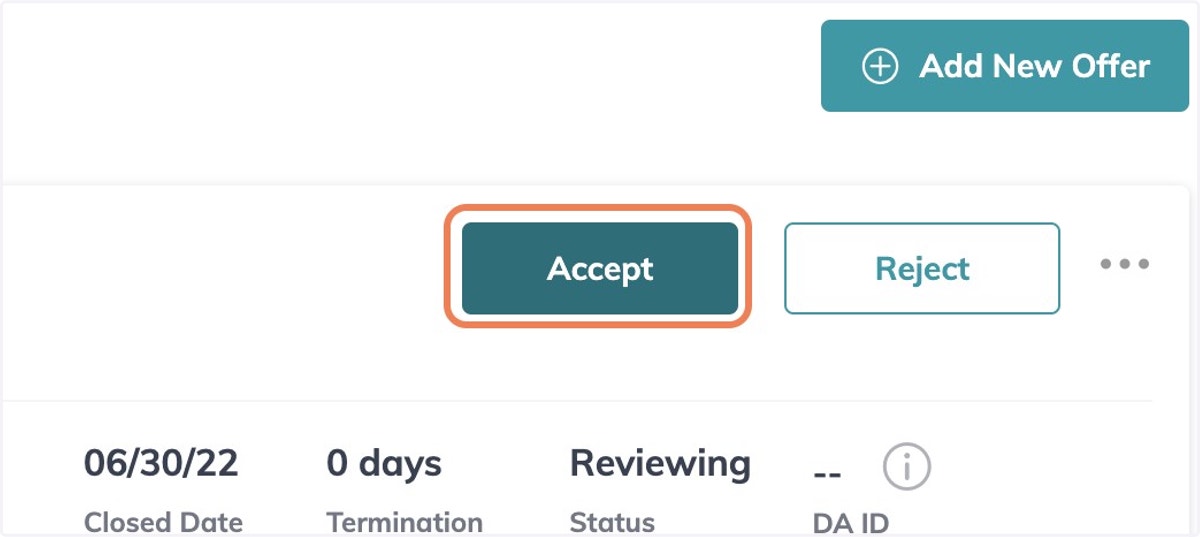
20. Click on Accept when offer is Accepted
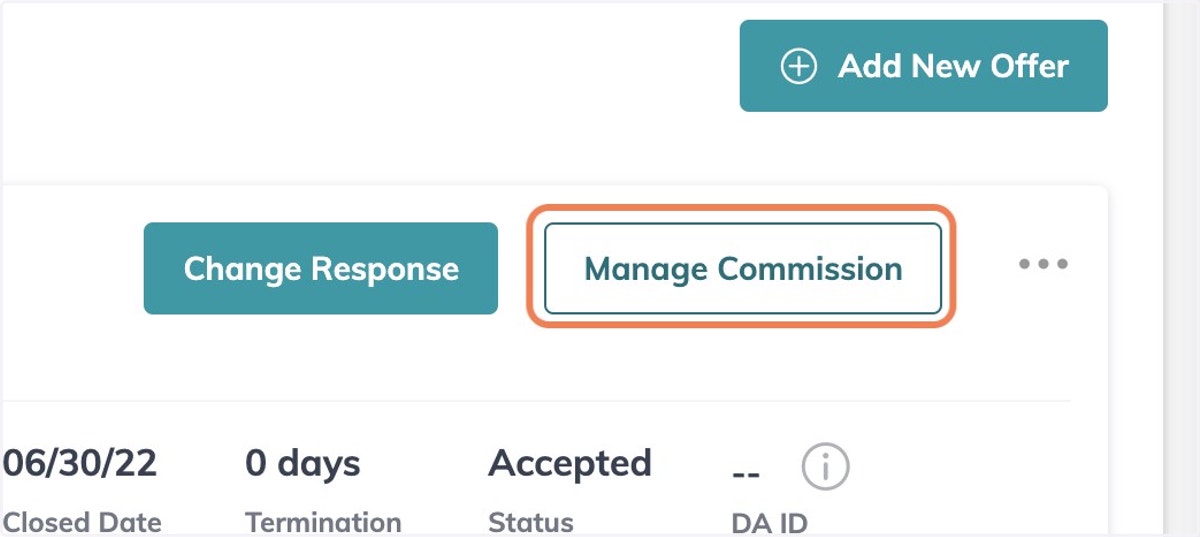
21. After you click on "Accept" - Click on the Manage Commission Button that appears
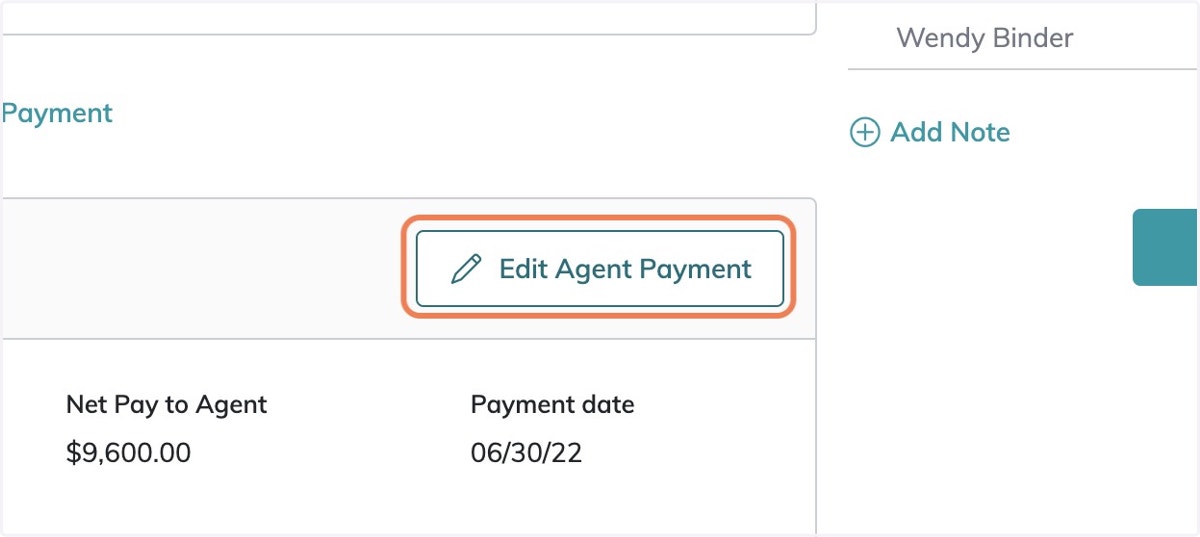
22. If you have a referral - Click on Edit Agent Payment
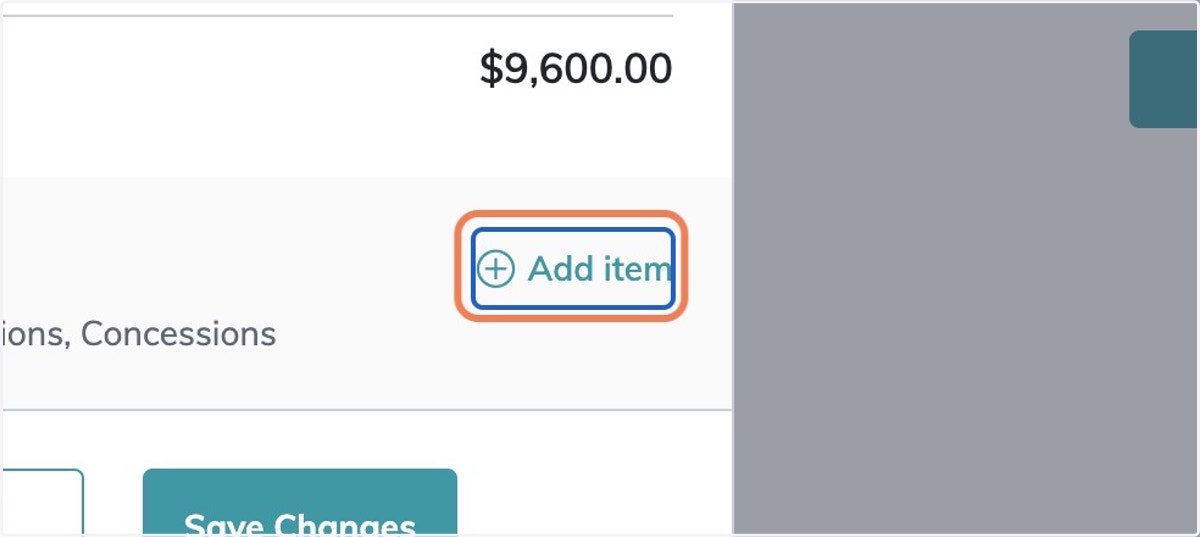
23. Scroll Down and Click on Add item
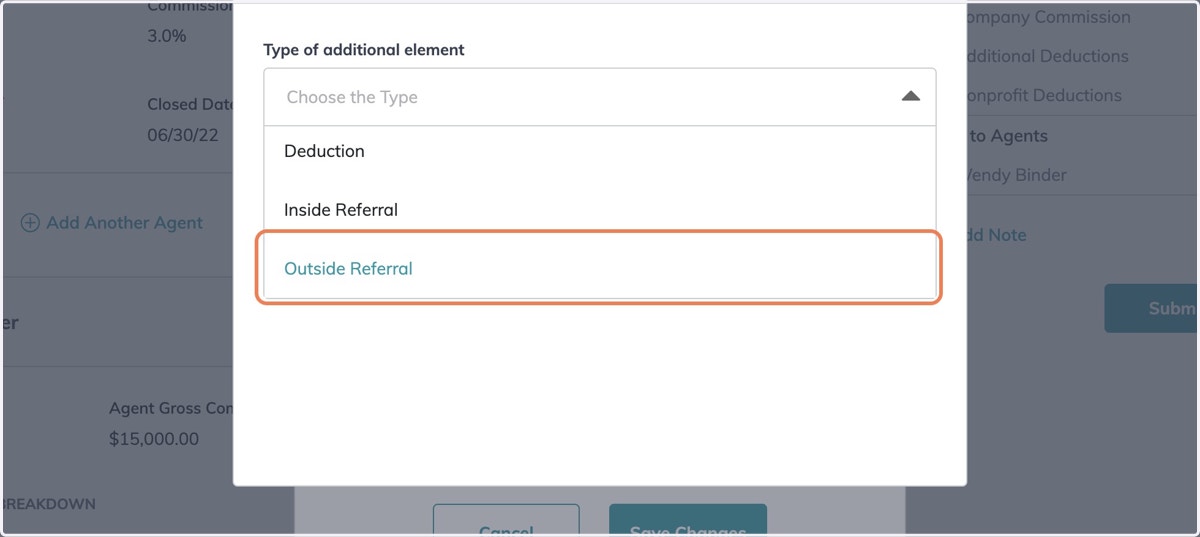
24. Click on Choose the Type
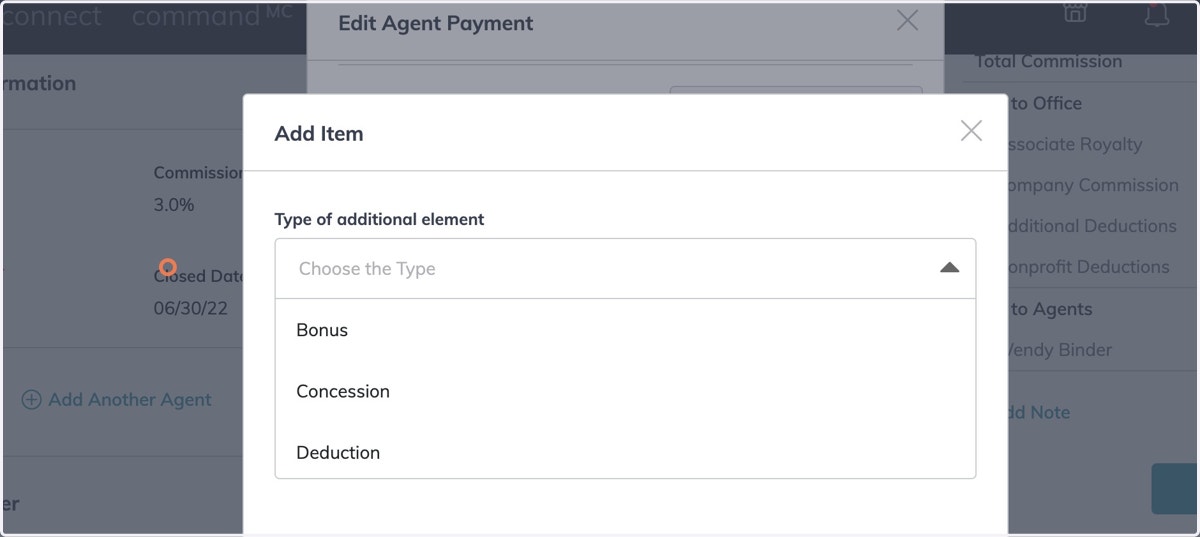
25. Scroll Down to Outside Referral
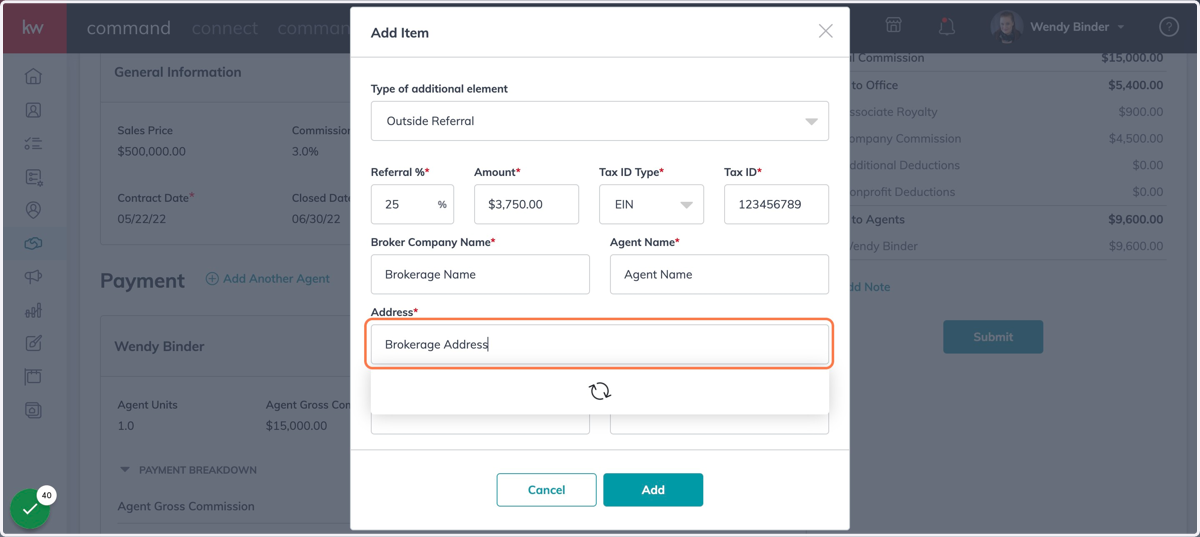
26. Fill in All Required Fields - You will need the EIN from the Brokerages W9
27. Click on Add
28. Click on Save Changes
29. Click on Add Note if you need to communicate anything to the MCA
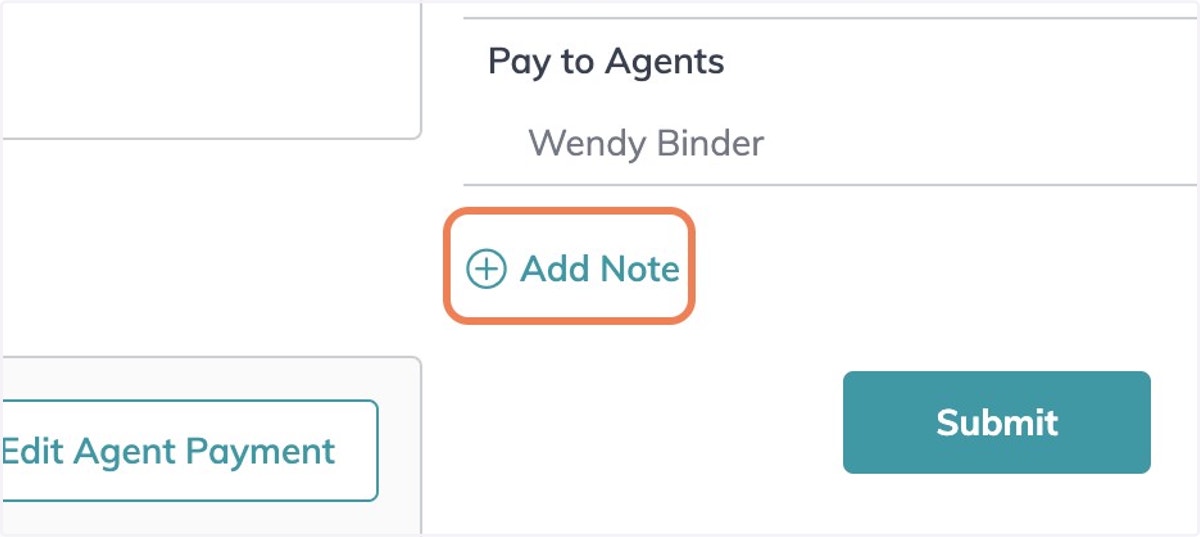
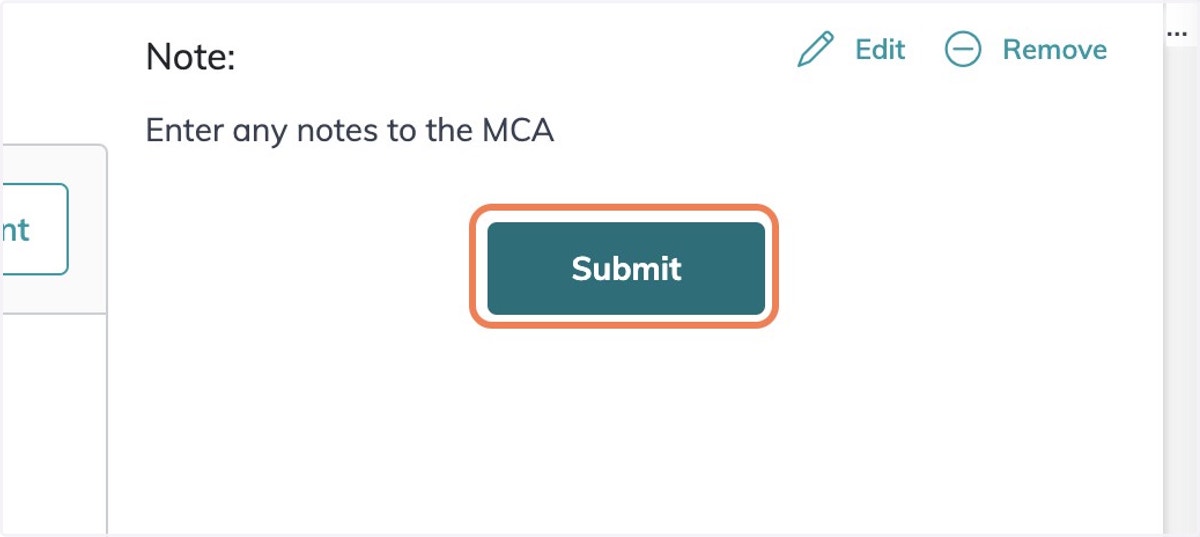
30. Click on Submit