Student Registration - HIS 2025
Cultivate Co-op
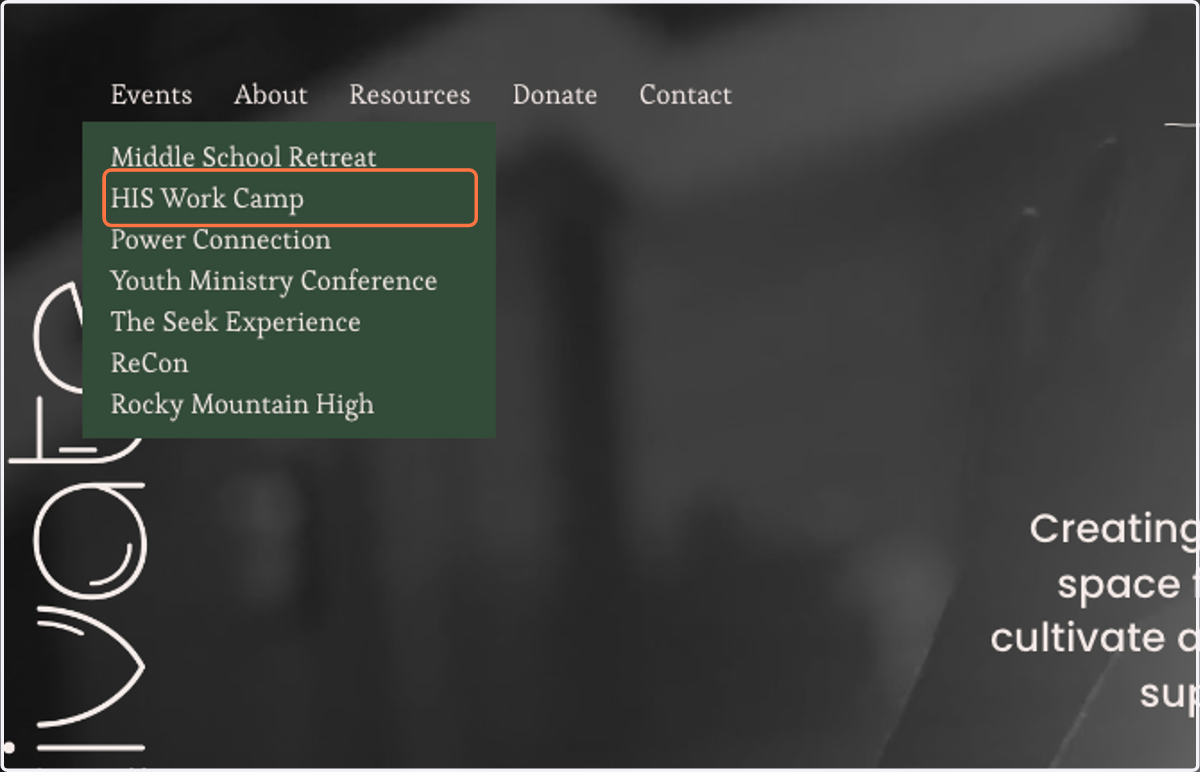
1. Click on HIS Work Camp
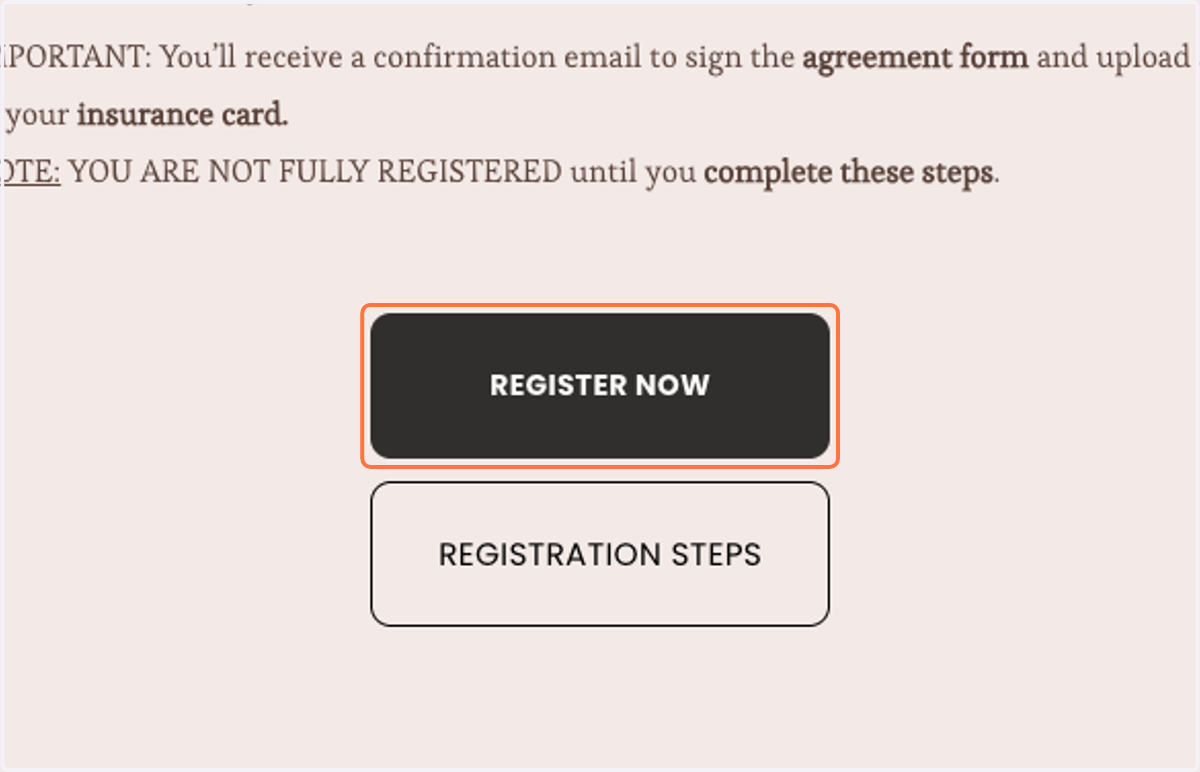
2. Click on REGISTER NOW
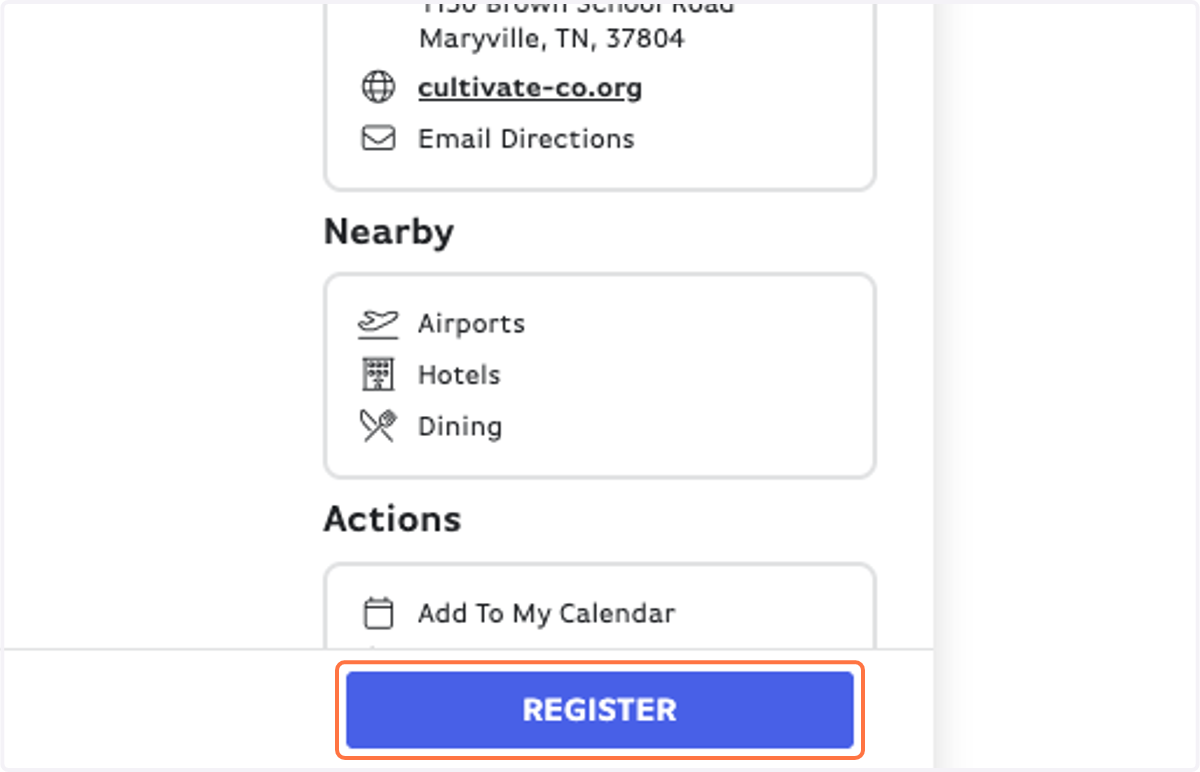
Brushfire Events
3. Click on REGISTER
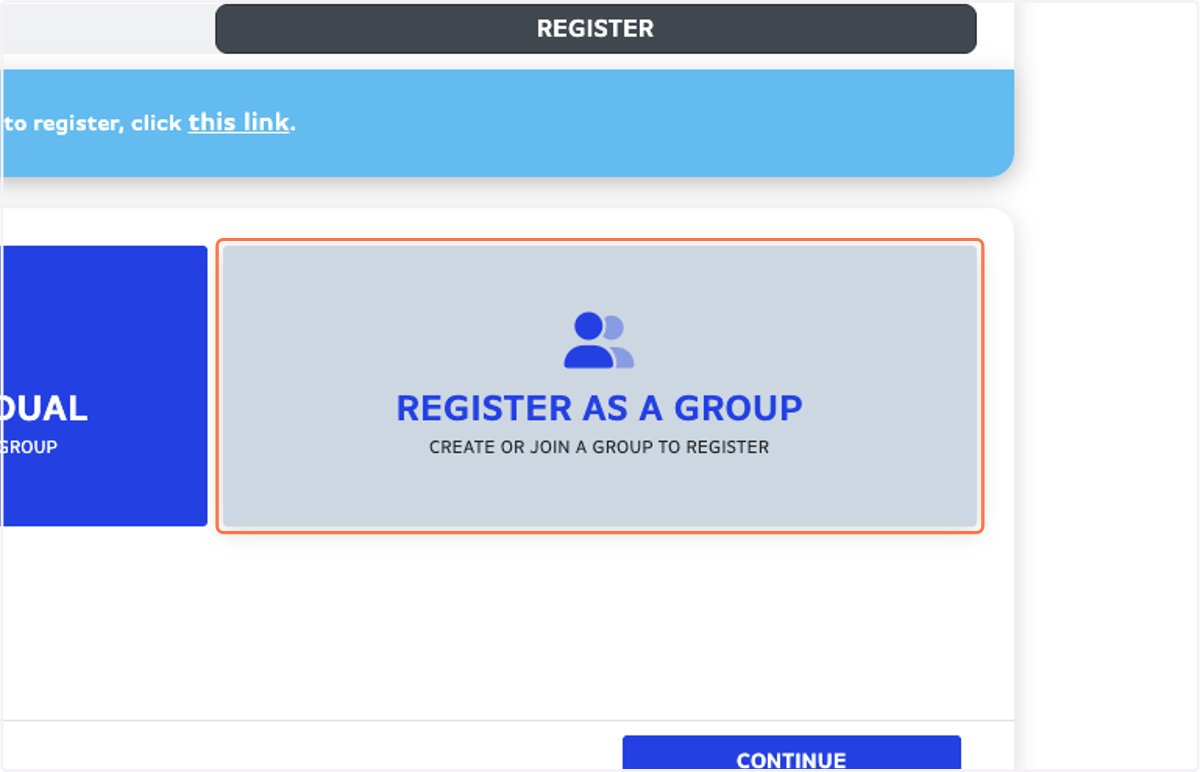
4. Click on REGISTER AS A GROUP…
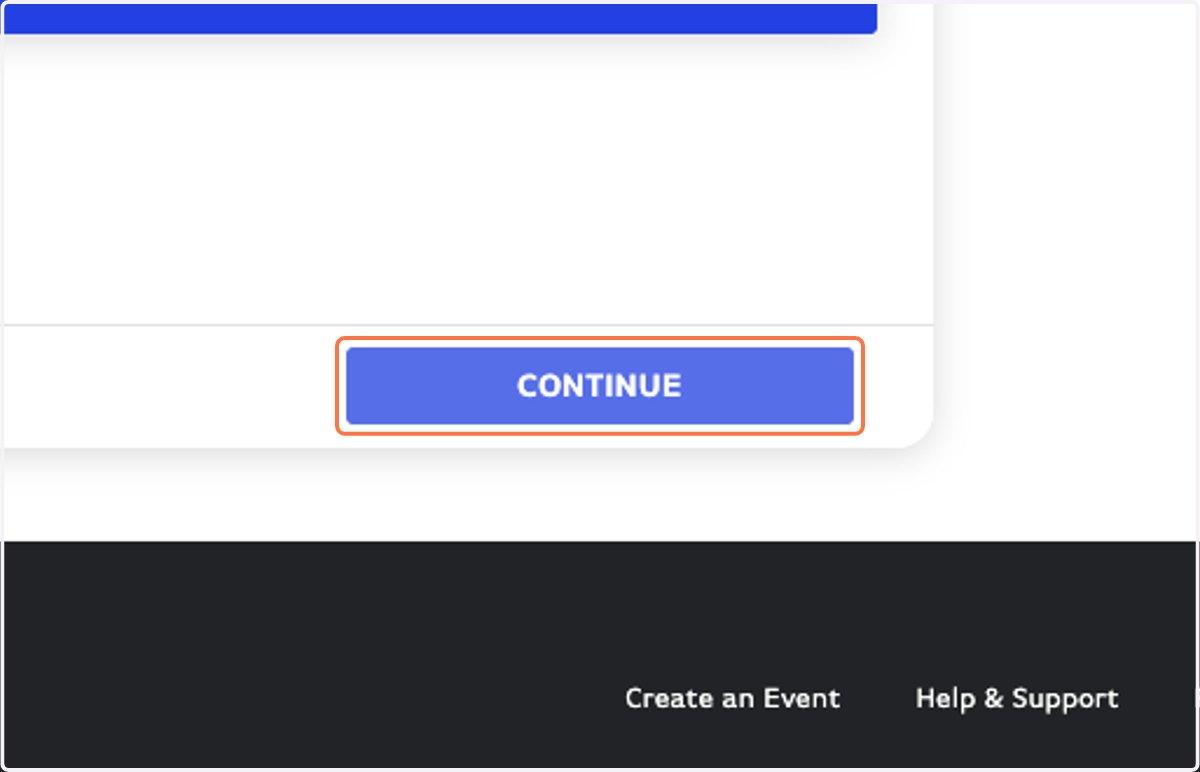
5. Click on CONTINUE
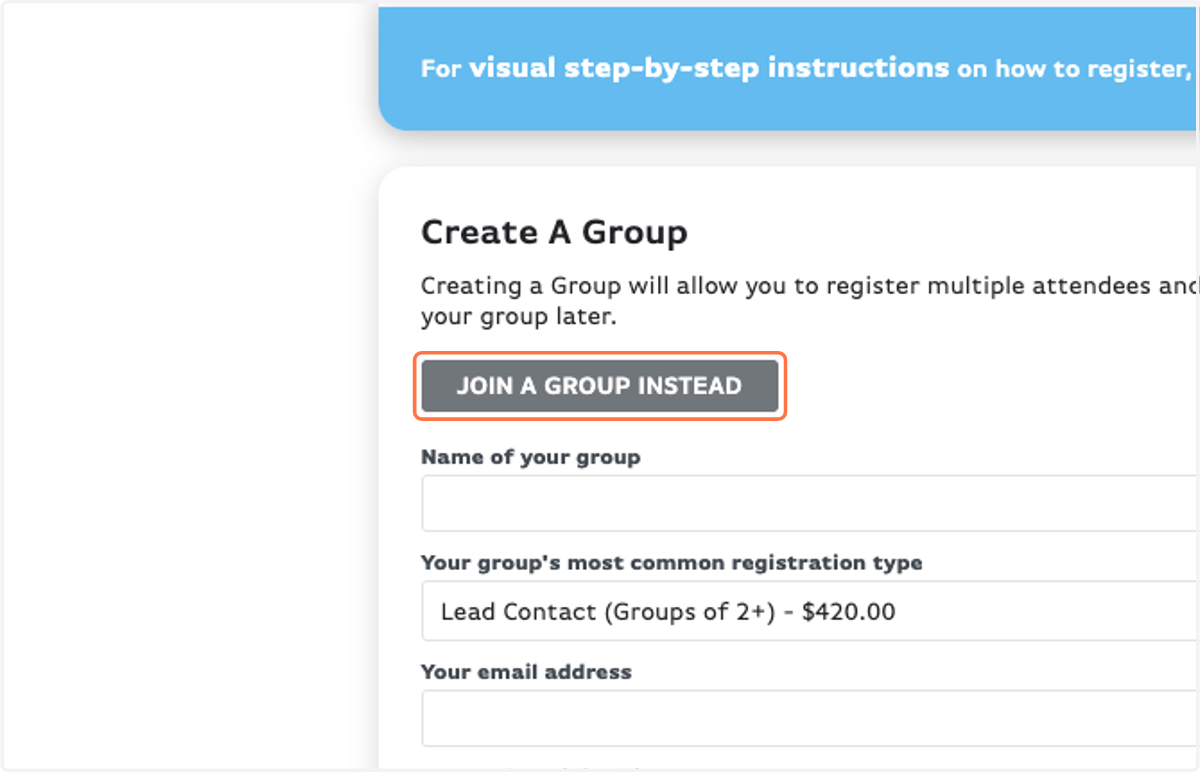
6. Click on JOIN A GROUP INSTEAD
7. Search for your group (named Church - Town)
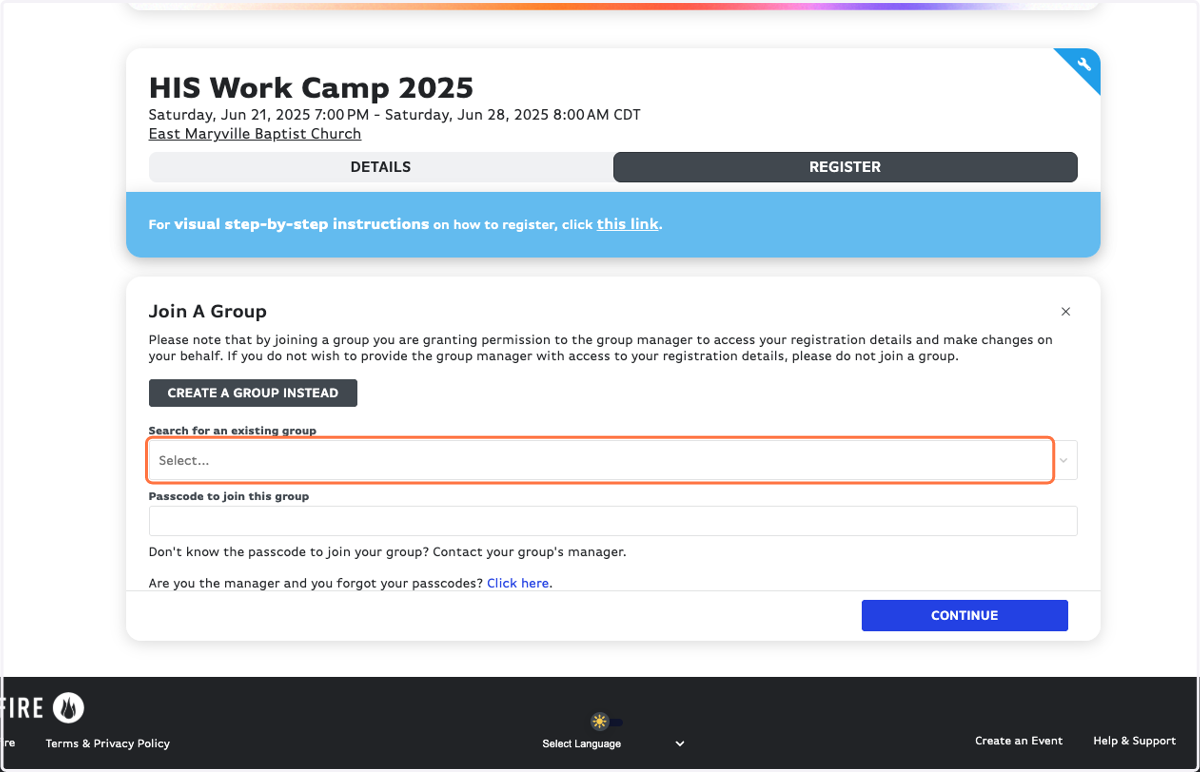
8. Type in the passcode from your youth leader to join the group
(this is different than the Access Code)
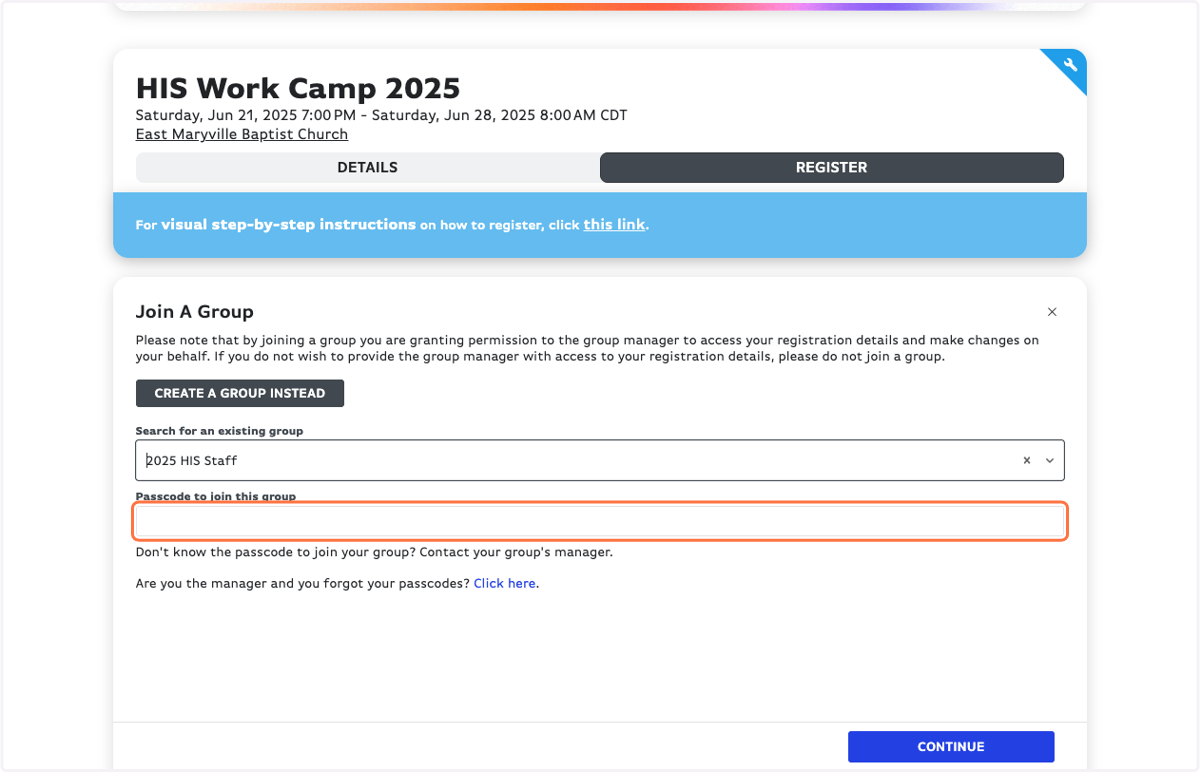
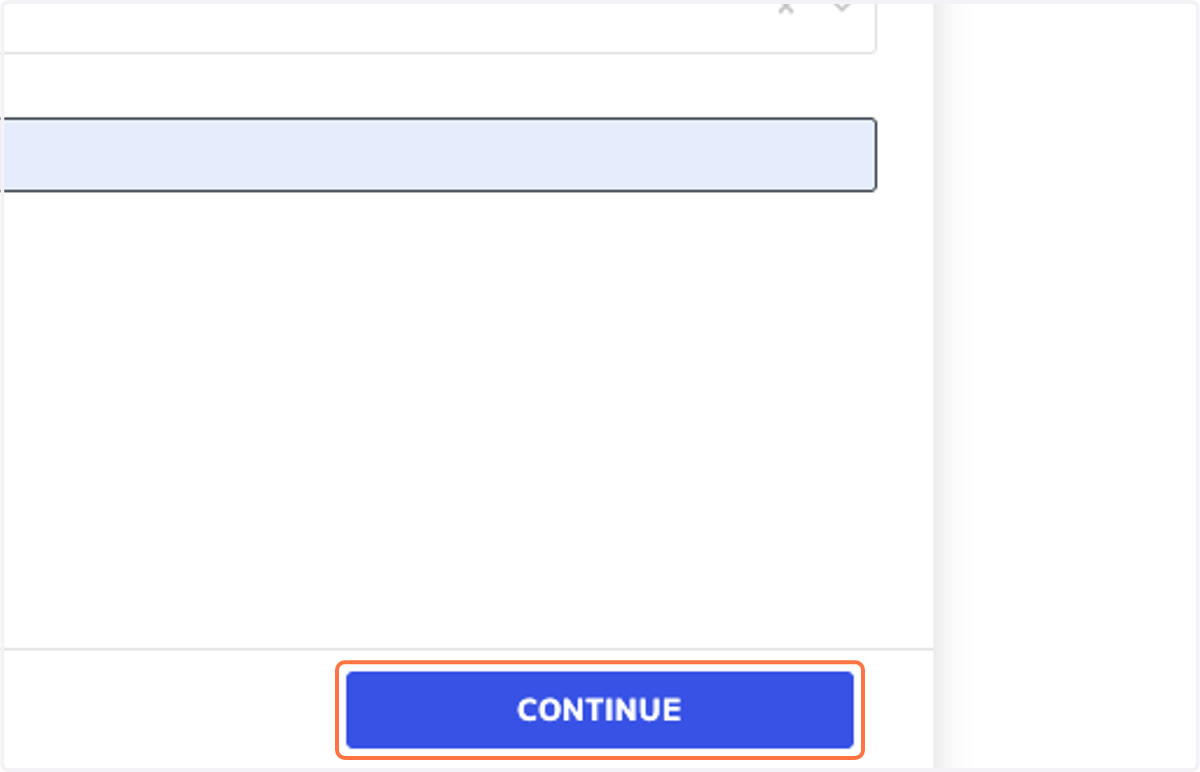
9. Click on CONTINUE
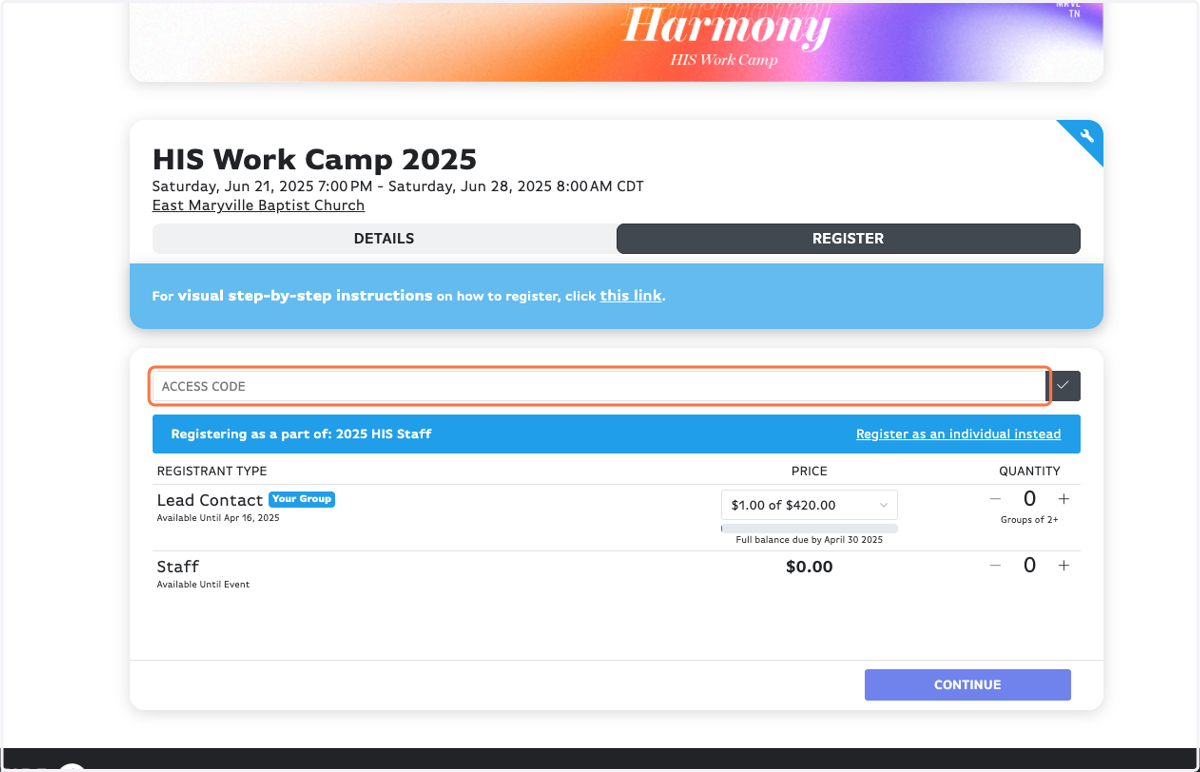
10. PARTNER GROUPS: Type in the Access Code your youth leader told you.
Note: You should only need the Access Code for the first 3 weeks registration is open.
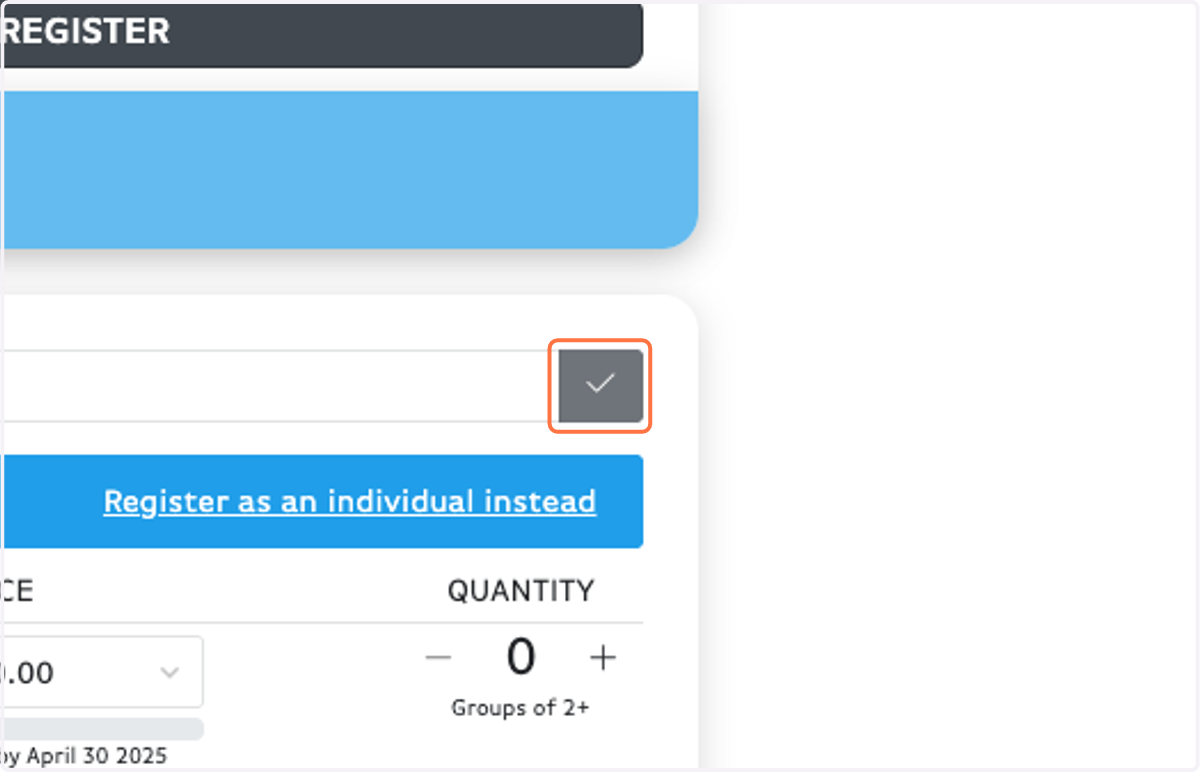
11. Don't forget the little gray check button!
12. Chose your Registrant Type.
Side note: Each group should have only ONE Lead Contact.
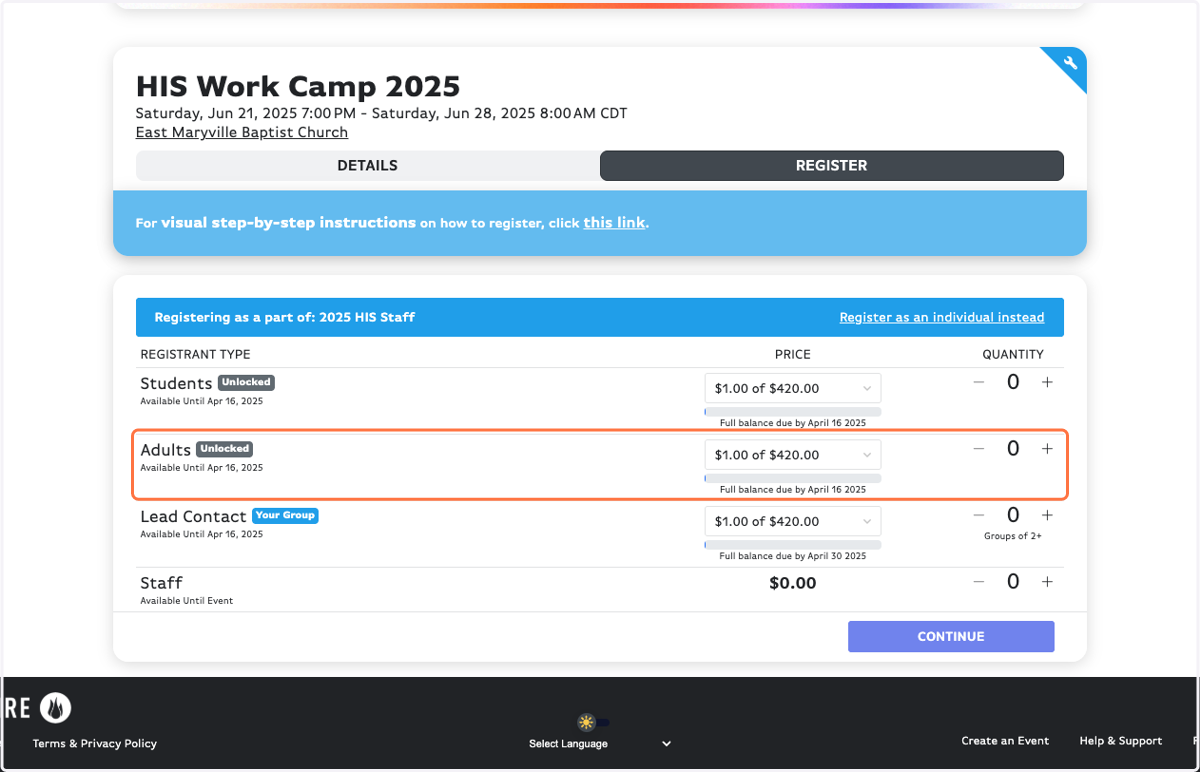
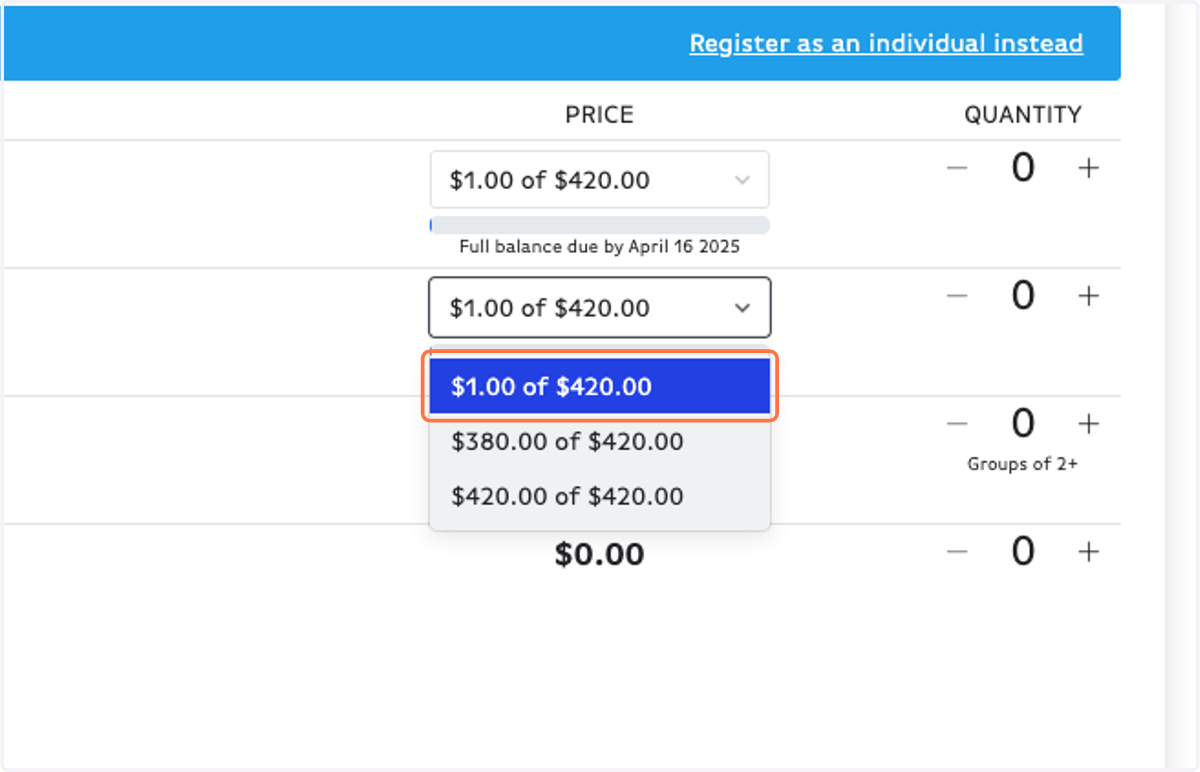
13. IMPORTANT: Choose your payment amount. There are only 3 options for a reason!
Choose $1.00 if: You plan to pay by check OR any amount not designated below. Once you register, you can go back in and make payments for any custom amount.
Choose $380.00 if: You are a partner group (this is your discounted price) and plan to pay the full amount upon registration.
Choose $420.00 if: You are a non-partner group and plan to pay the full amount upon registration.
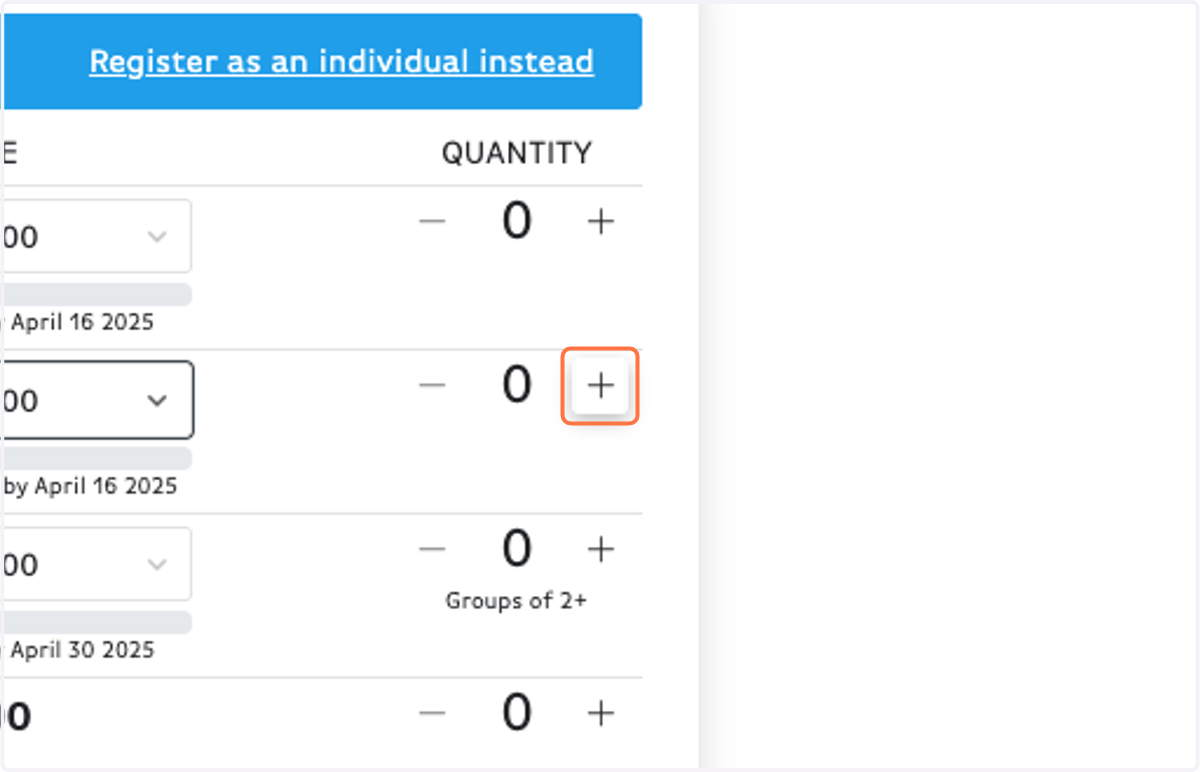
14. Click on Increment Amount for however many people you are registering.
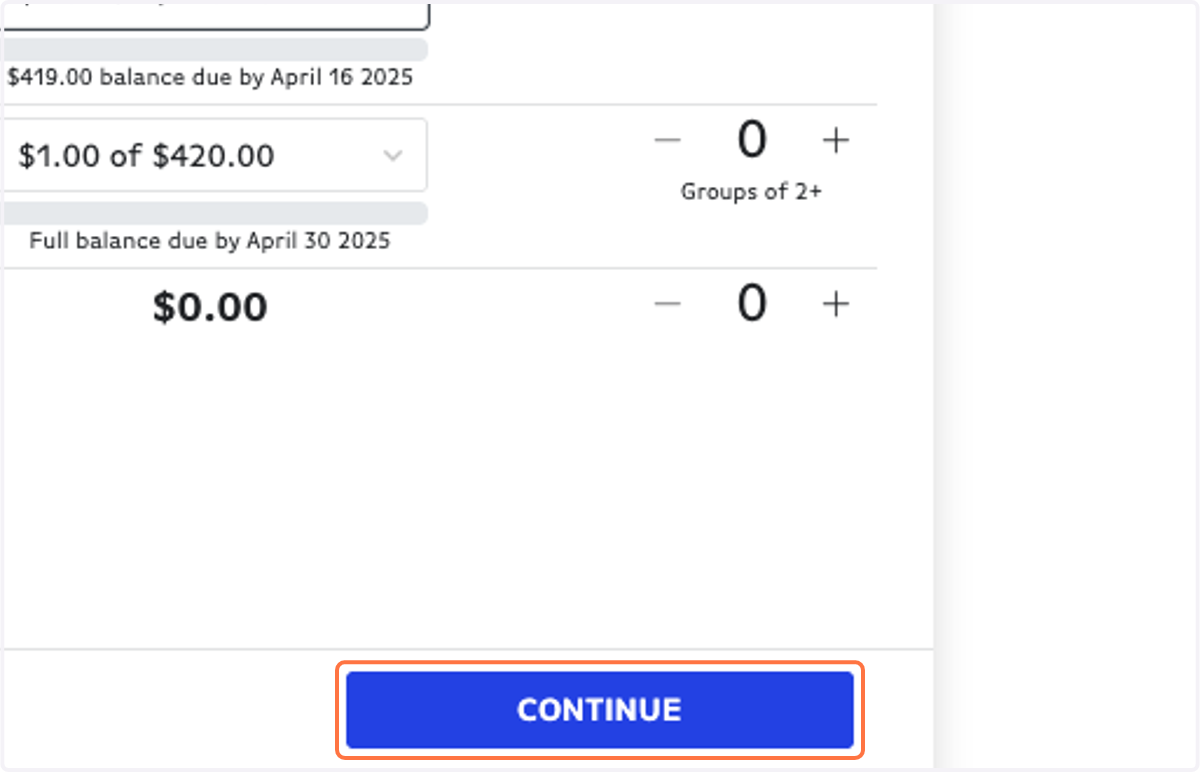
15. Click on CONTINUE
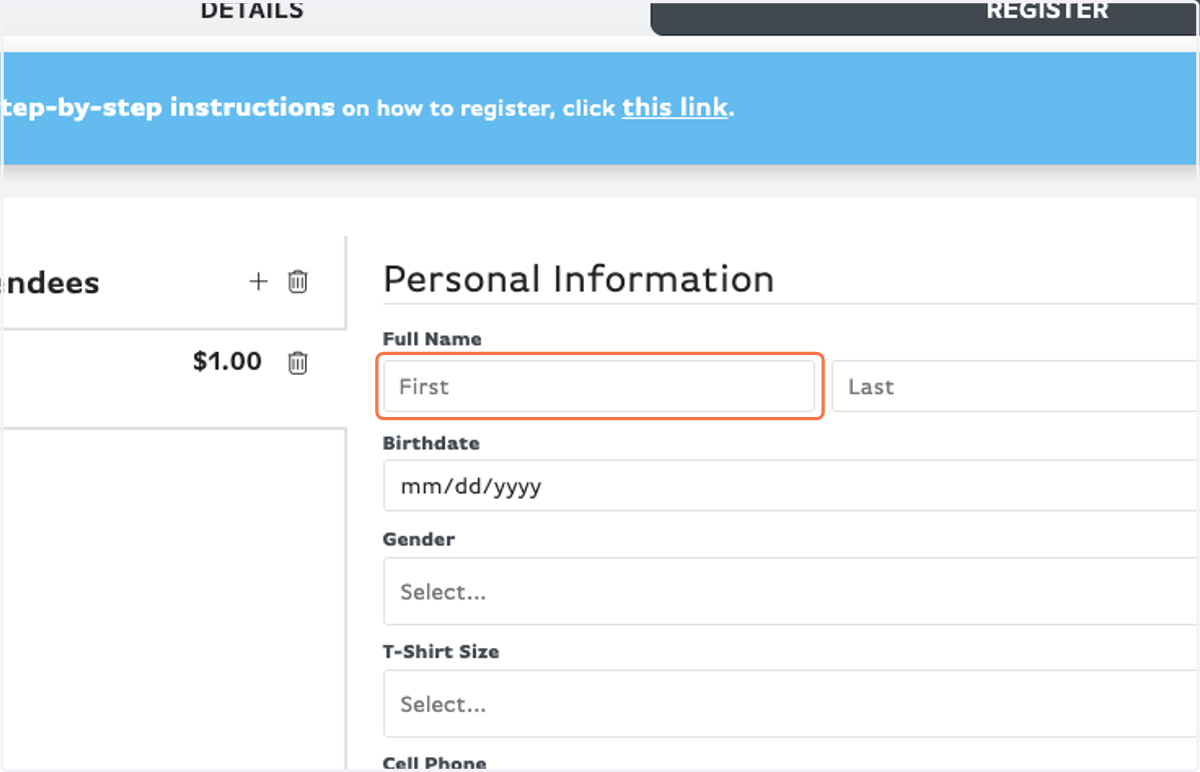
16. Fill out your Personal Information.
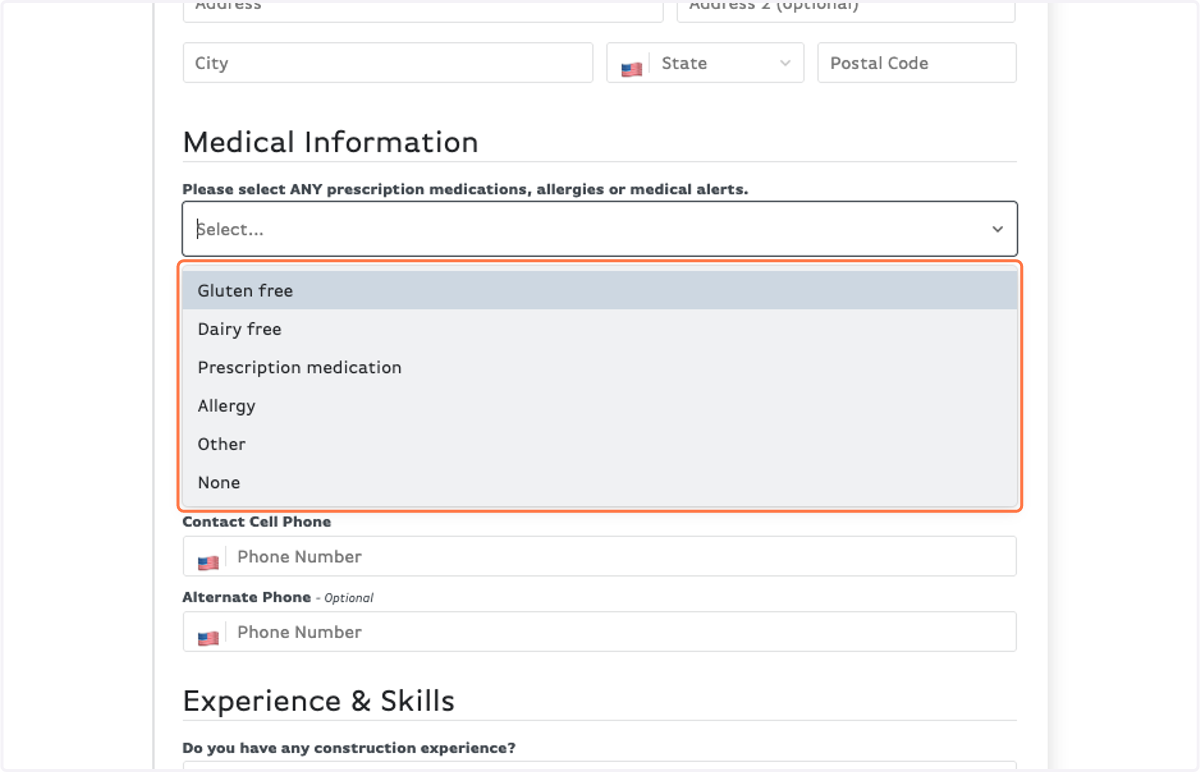
17. Please indicate any medical alerts.
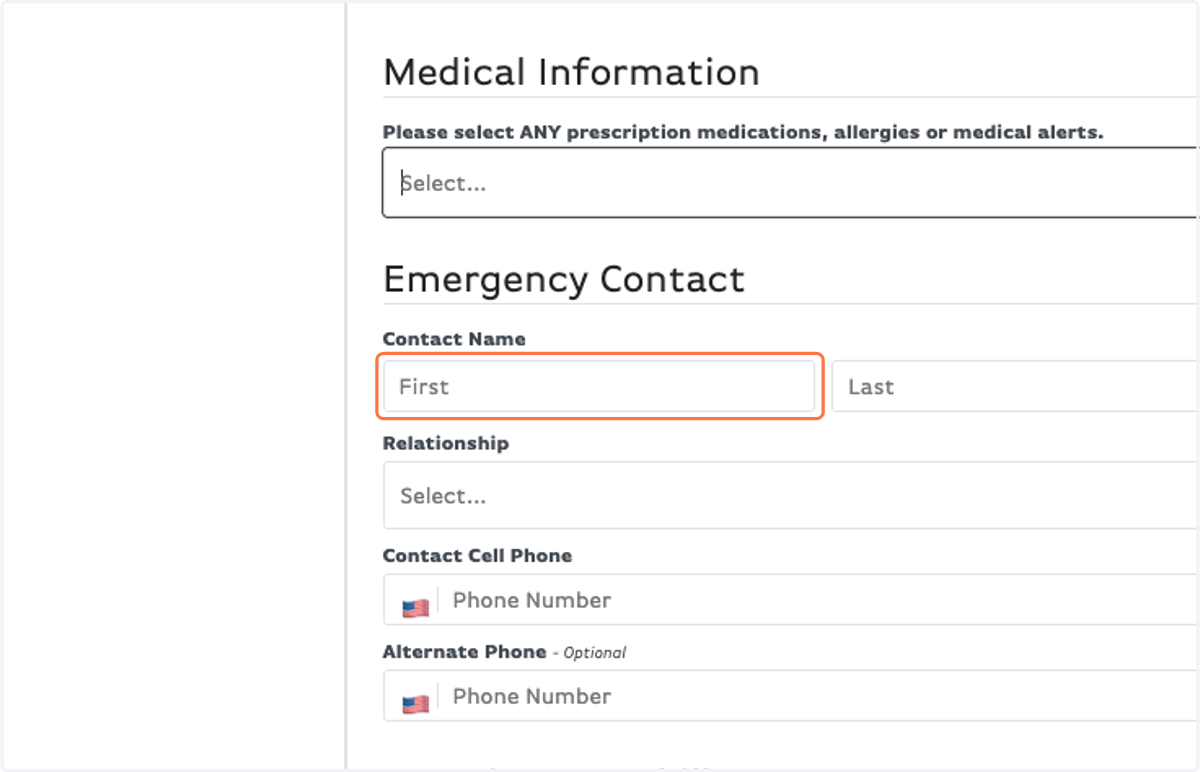
18. Fill out Emergency Contact information
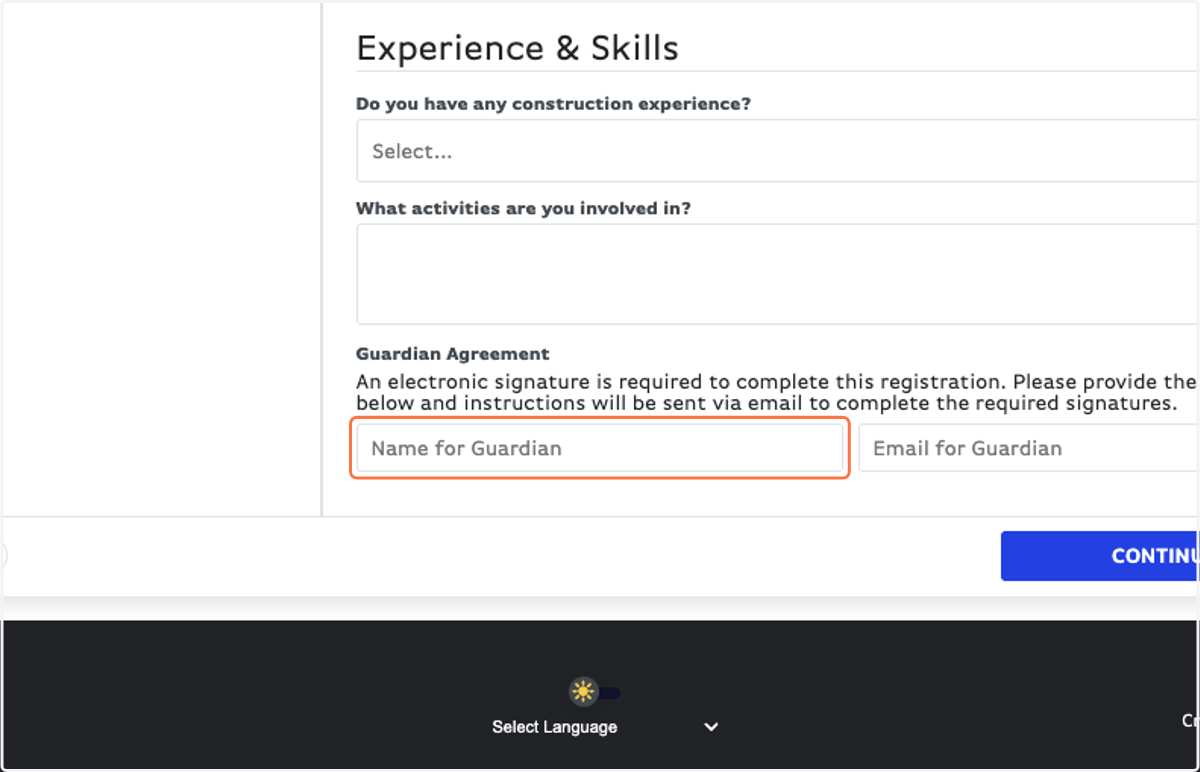
19. Fill out the Experience & Skills section as best as you can!
This helps us assign sites and make the best groups possible! :)
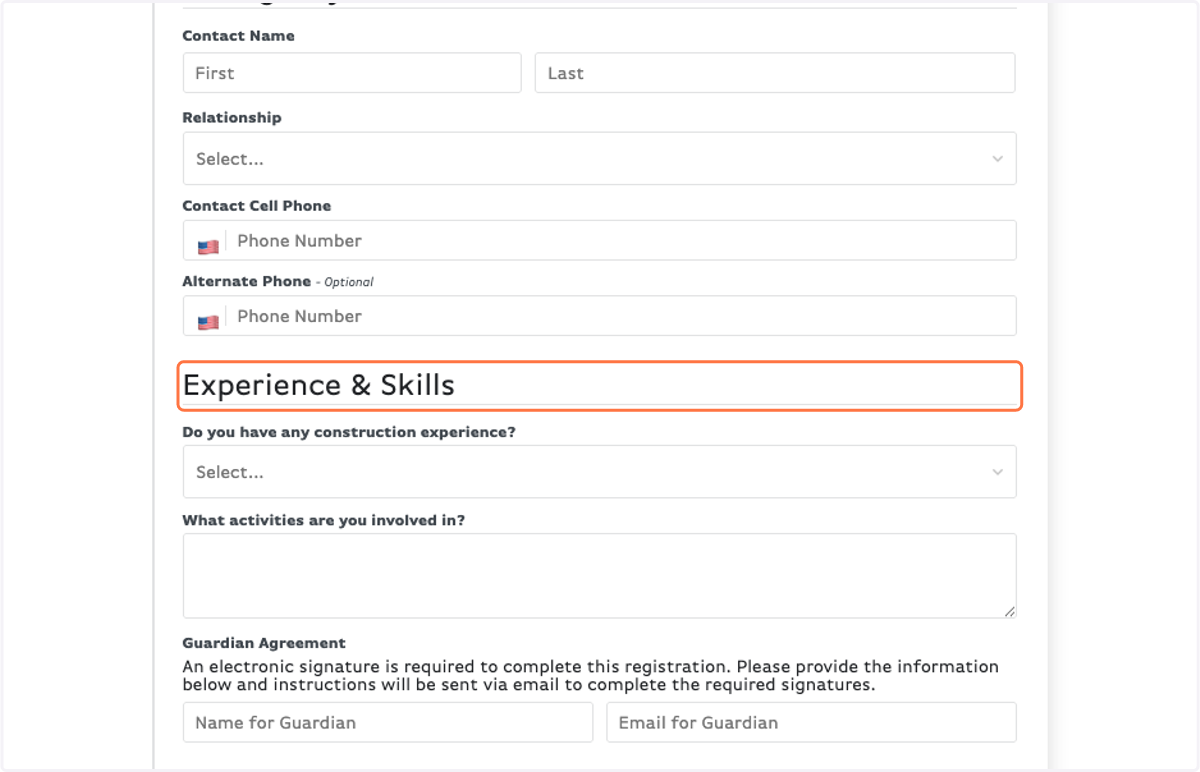
20. Fill in a Guardian's information so they can sign the Agreement form.
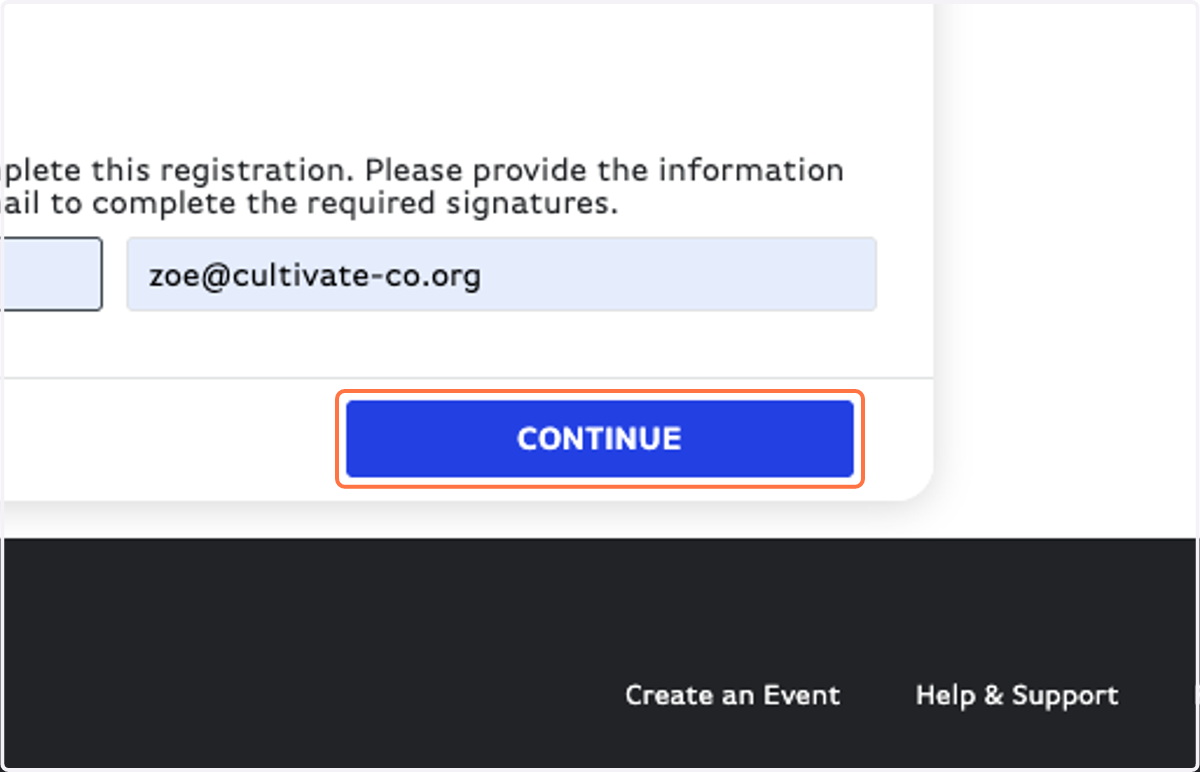
21. Click on CONTINUE
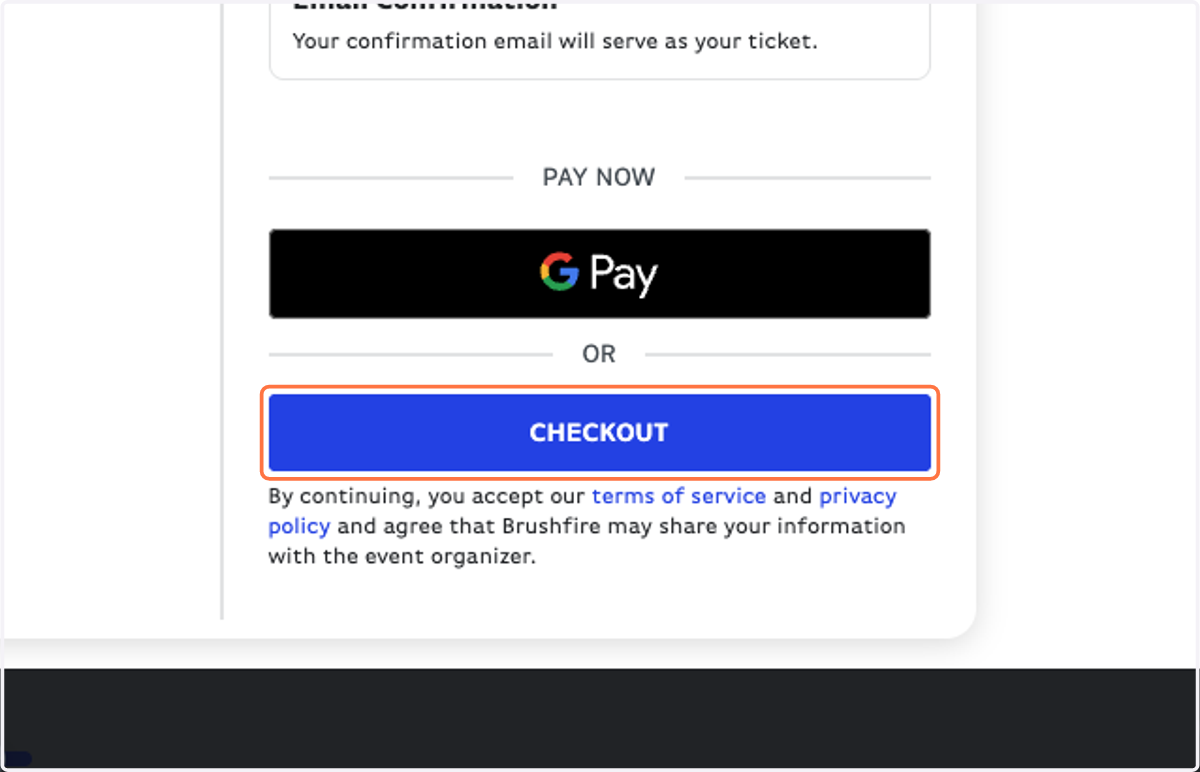
22. Verify registrants & click on CHECKOUT
23. Fill in your card information OR select Check.
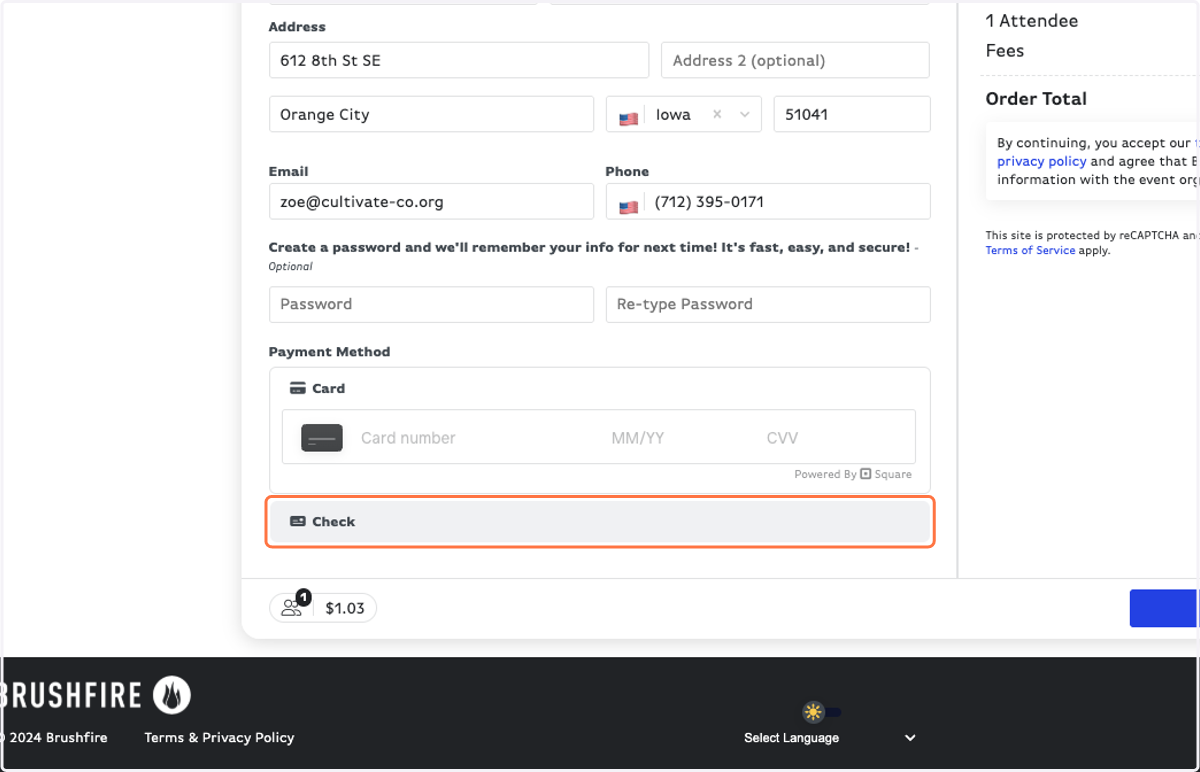
24. NOTE: All card payments will incur a 2.9% service fee.
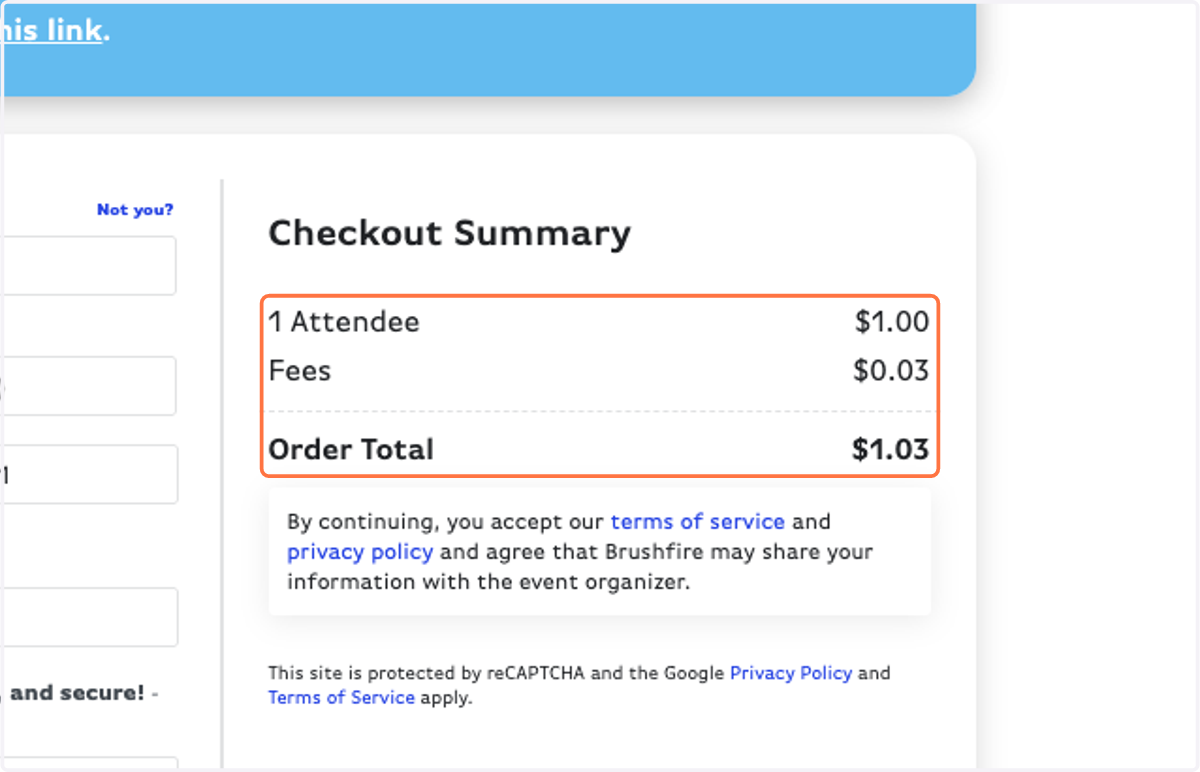
25. Click PAY NOW
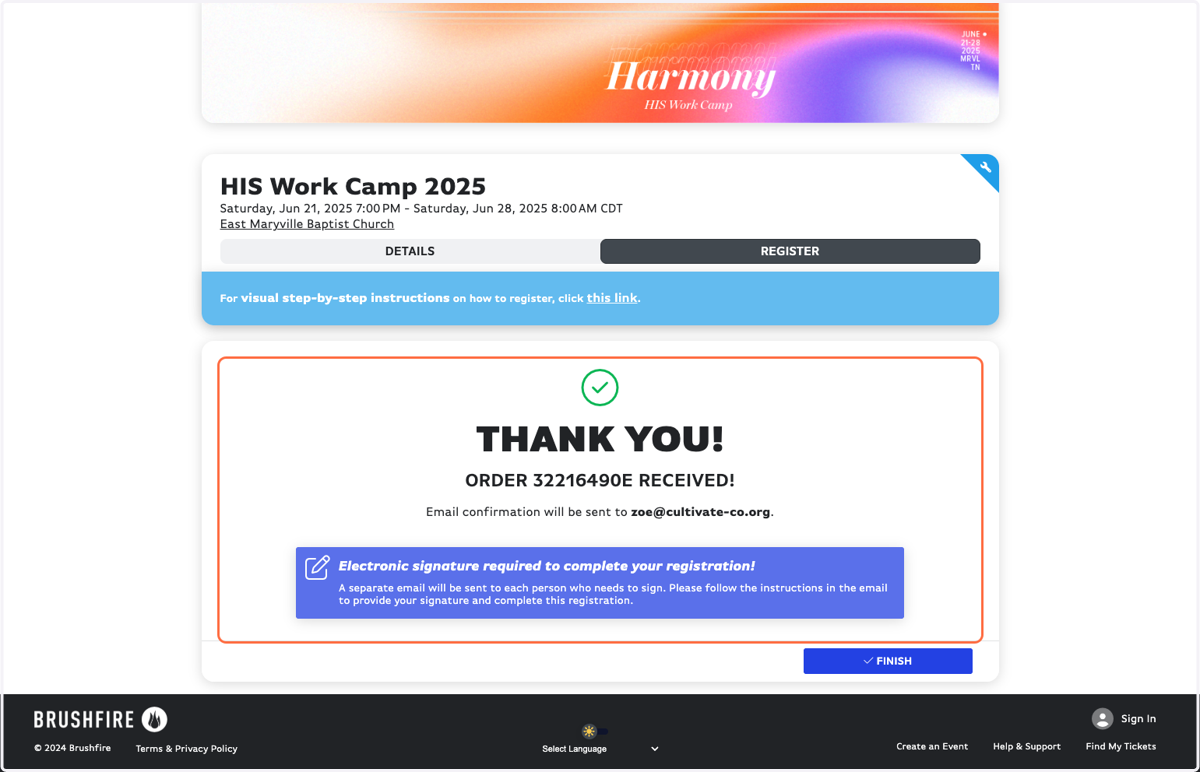
26. IMPORTANT: You must find the Agreement Form signature request in your email and fill it out to finish your registration!