Steps to Set Up Payment Account for Argent Cottages
Argent Cottages
Go to Argent Cottages (activebuilding.com)
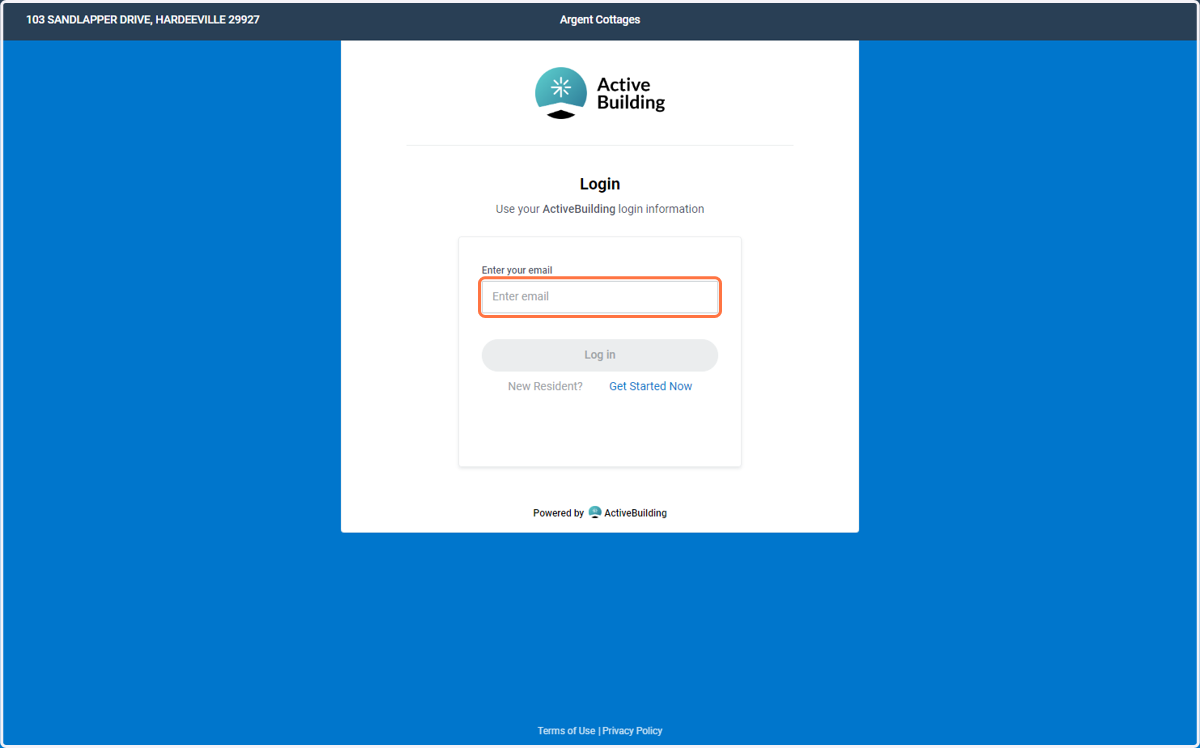
Log in if you are a resident using your username and password that you created on move in day. If you have not moved in yet and are paying online before move-in day Click "New User? Get Started Now"
1. Enter Your Email or "Get Started Now"
Log in if you are a resident using your username and password that you created on move in day. If you have not moved in yet and are paying online before move-in day Click "New User? Get Started Now"
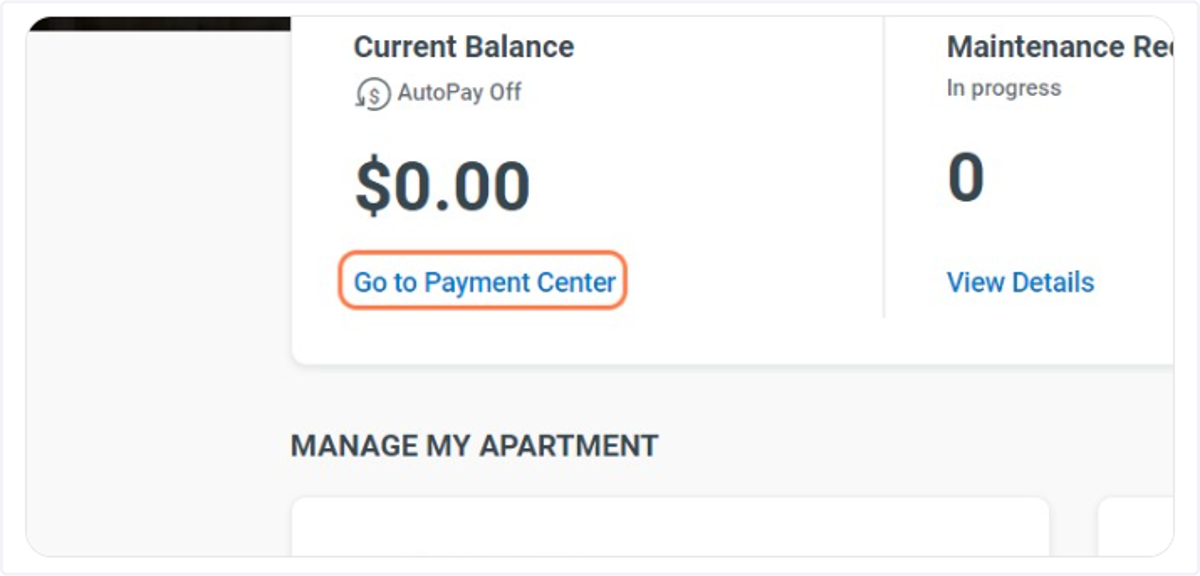
2. Click on Go to Payment Center
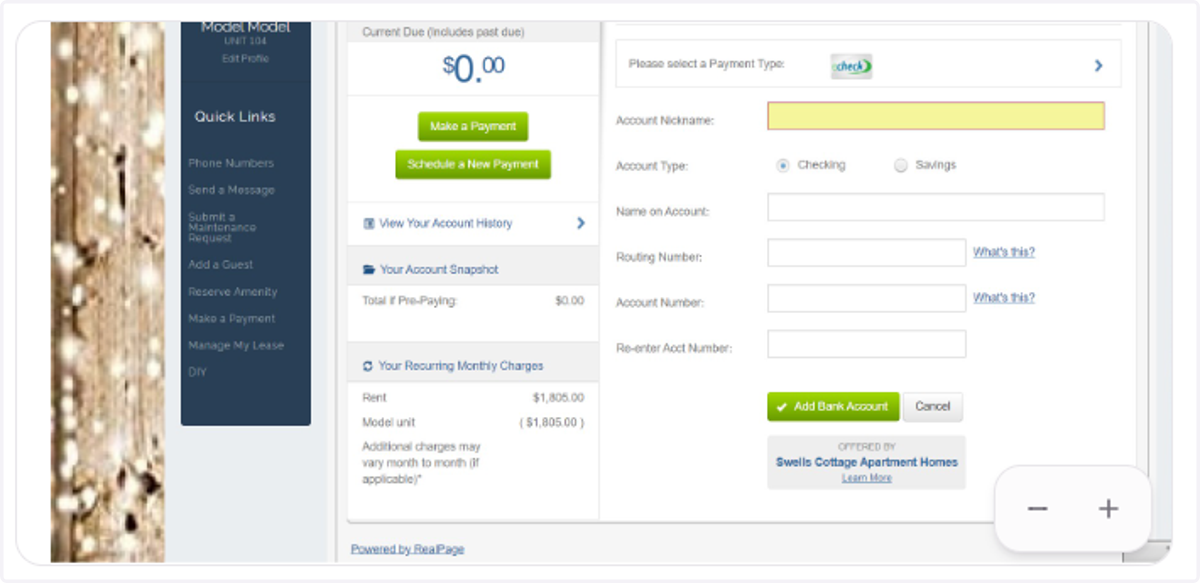
3. Click on Add New Payment Account
4. Create an Account Nickname
This is how you can save your payment account to make future payments easier
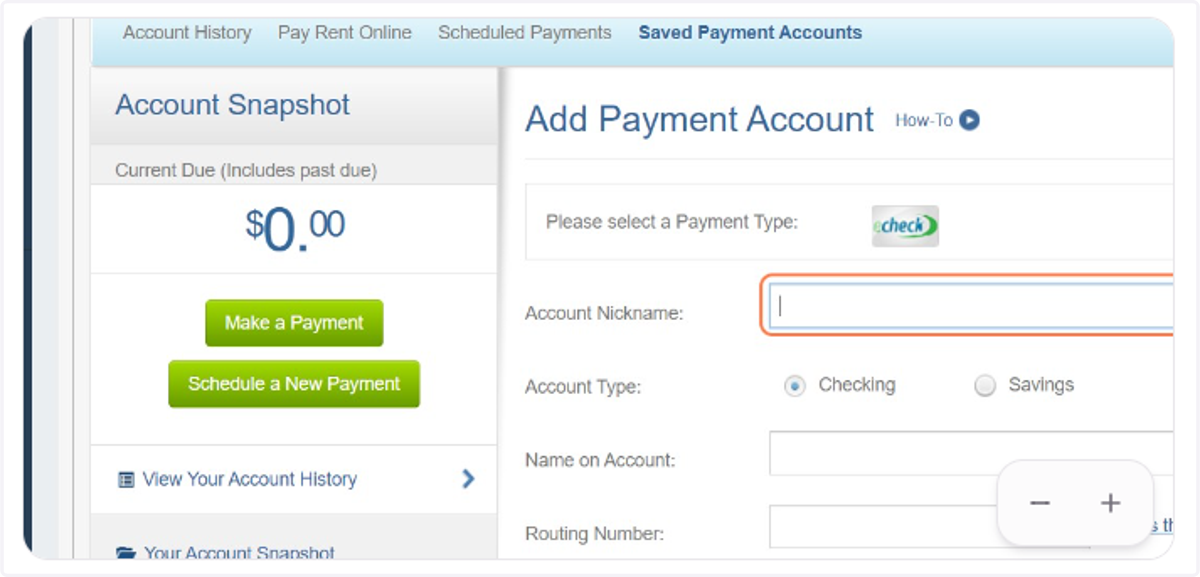
5. Click on Please select a Payment Type
If you would like to avoid a service fee. Please click "echeck" and fill in your account and routing number. When you are finished adding your bank account. Click "Make a Payment" and then click the account nickname that you chose.
6. All Done!
