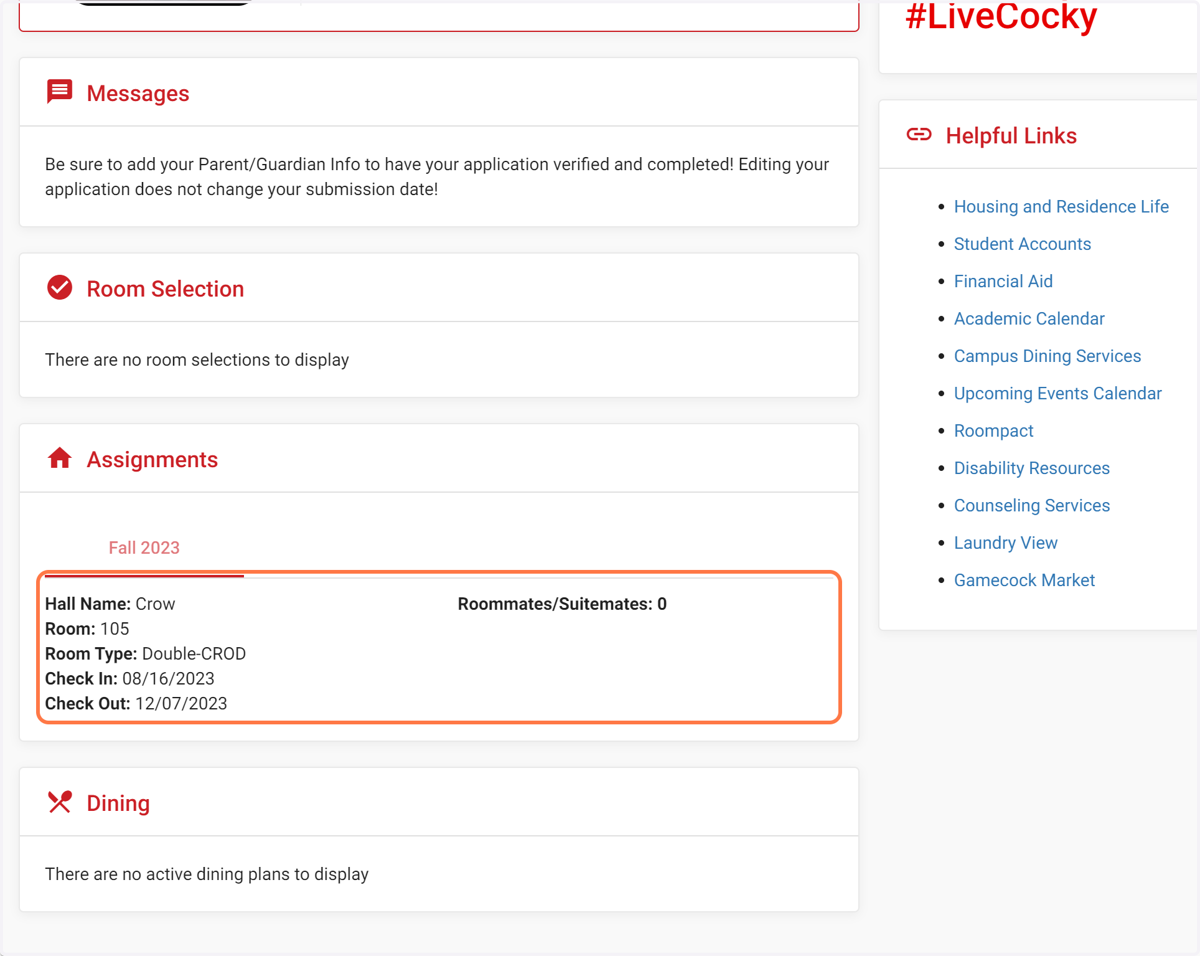
Steps to Select Room during First-Year Student Room Selection on THD Self Service.
Adirondacksolutions
1. Go to https://jsu.datacenter.adirondacksolutions.com/jsu_thdss_prod/index.html
2. Check Room & Roommate Selection
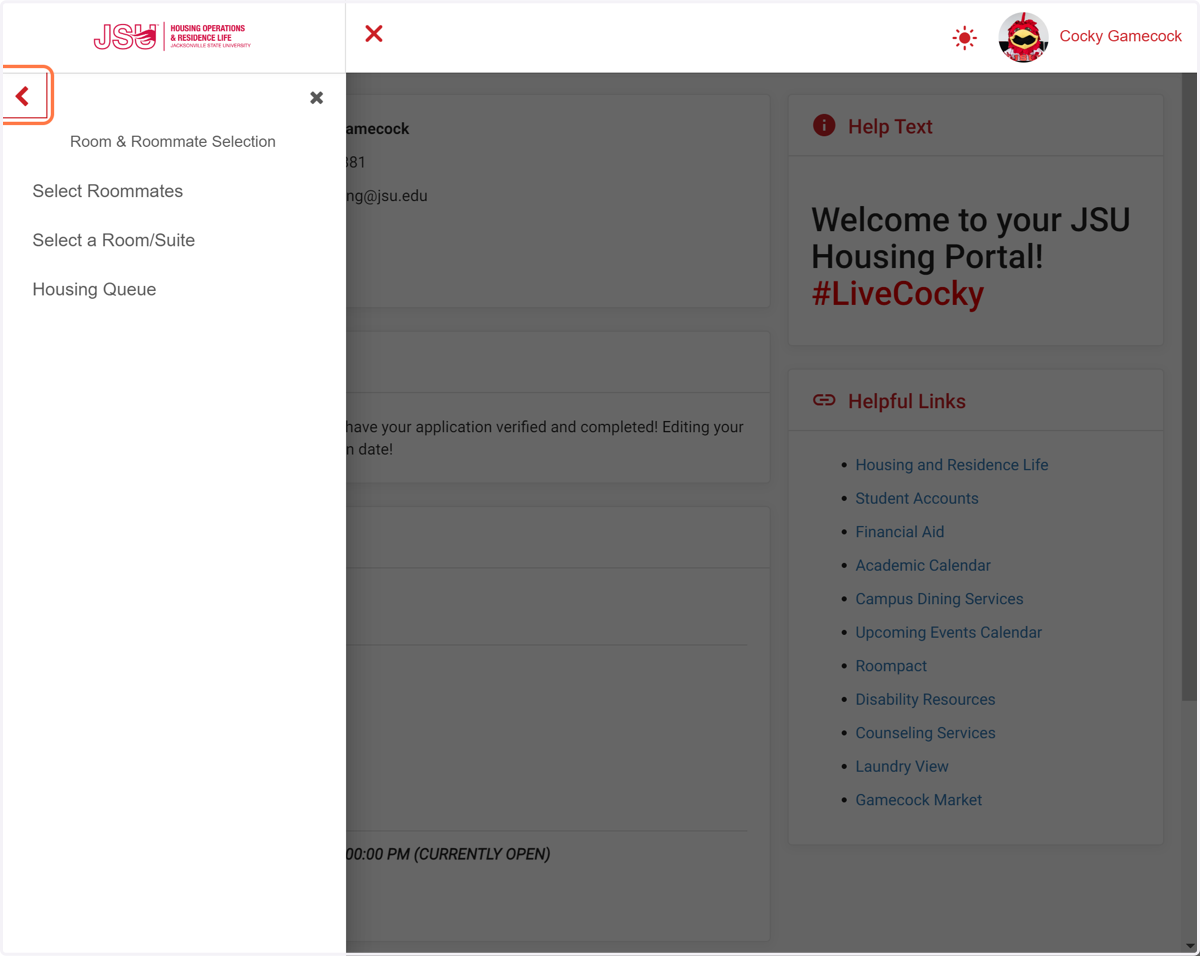
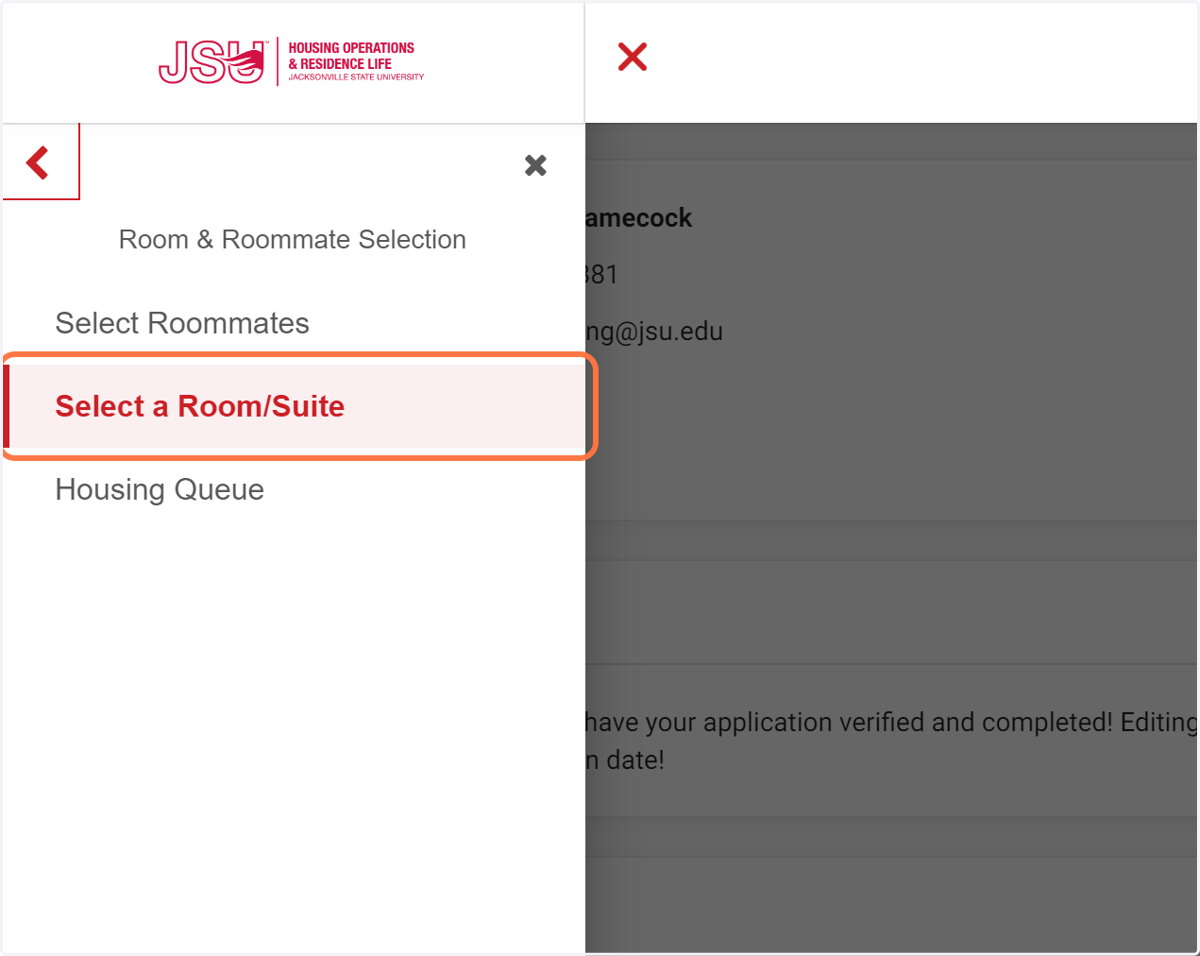
3. Click on Select a Room/Suite
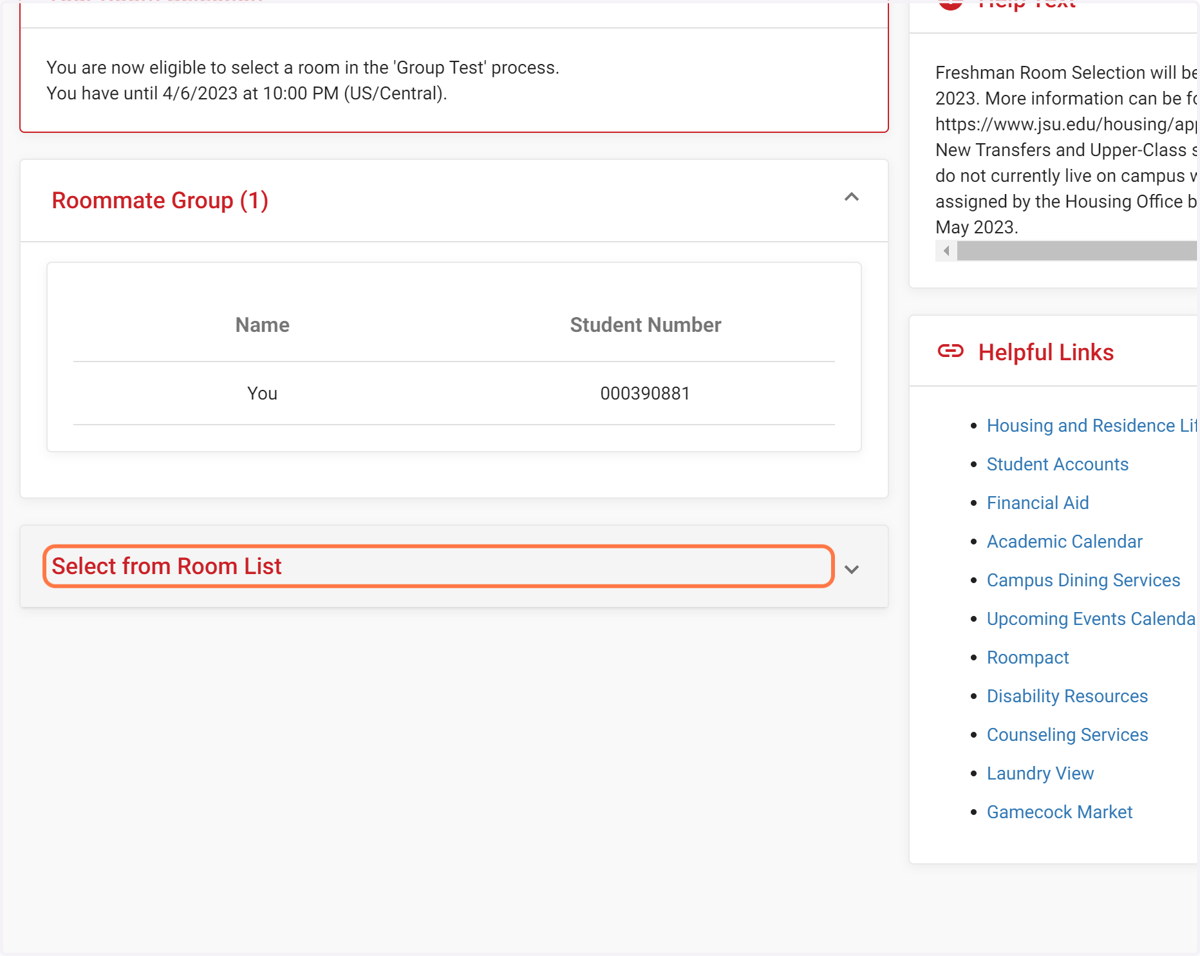
4. Click on Select from Room List
5. Click on Hall and Search for Your Preferred Hall
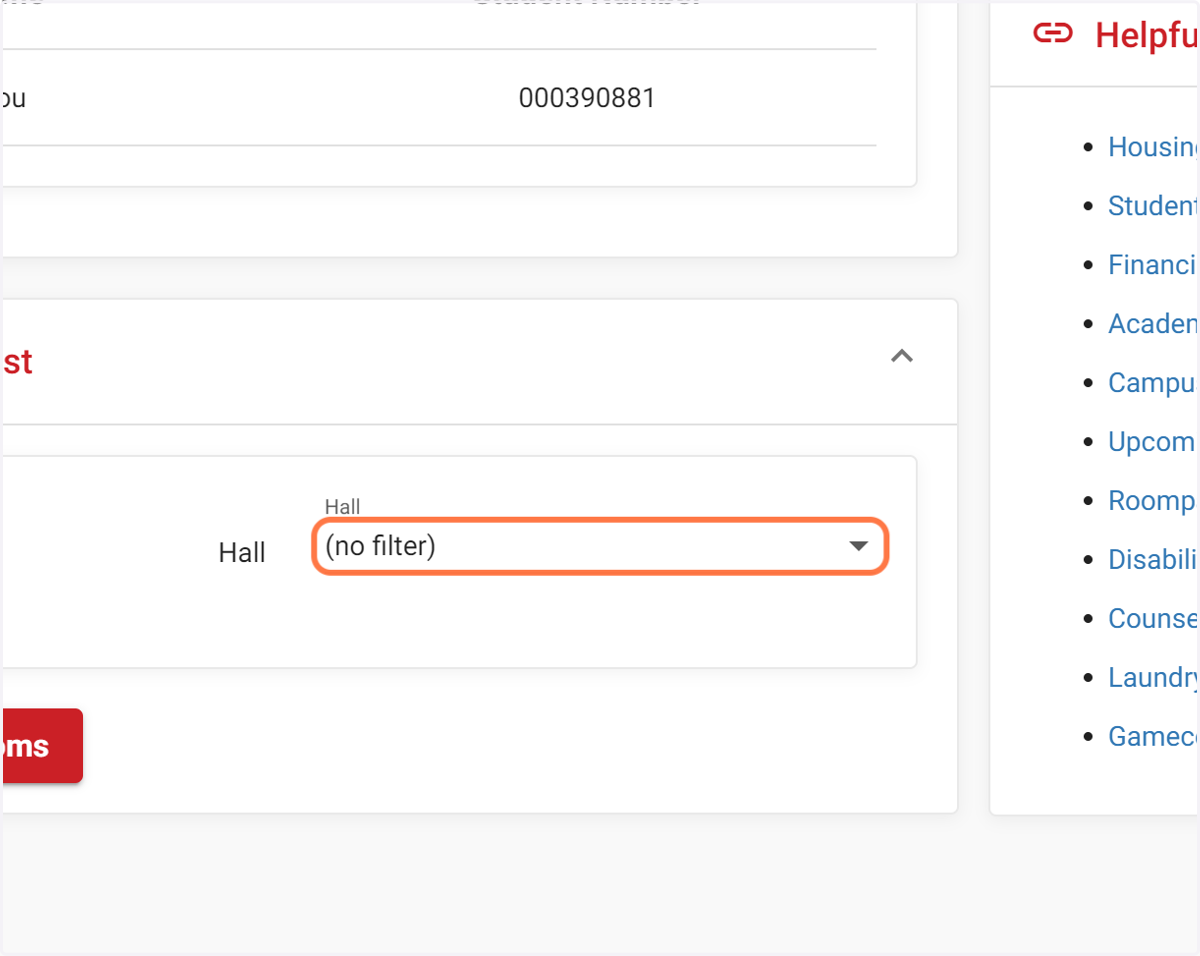
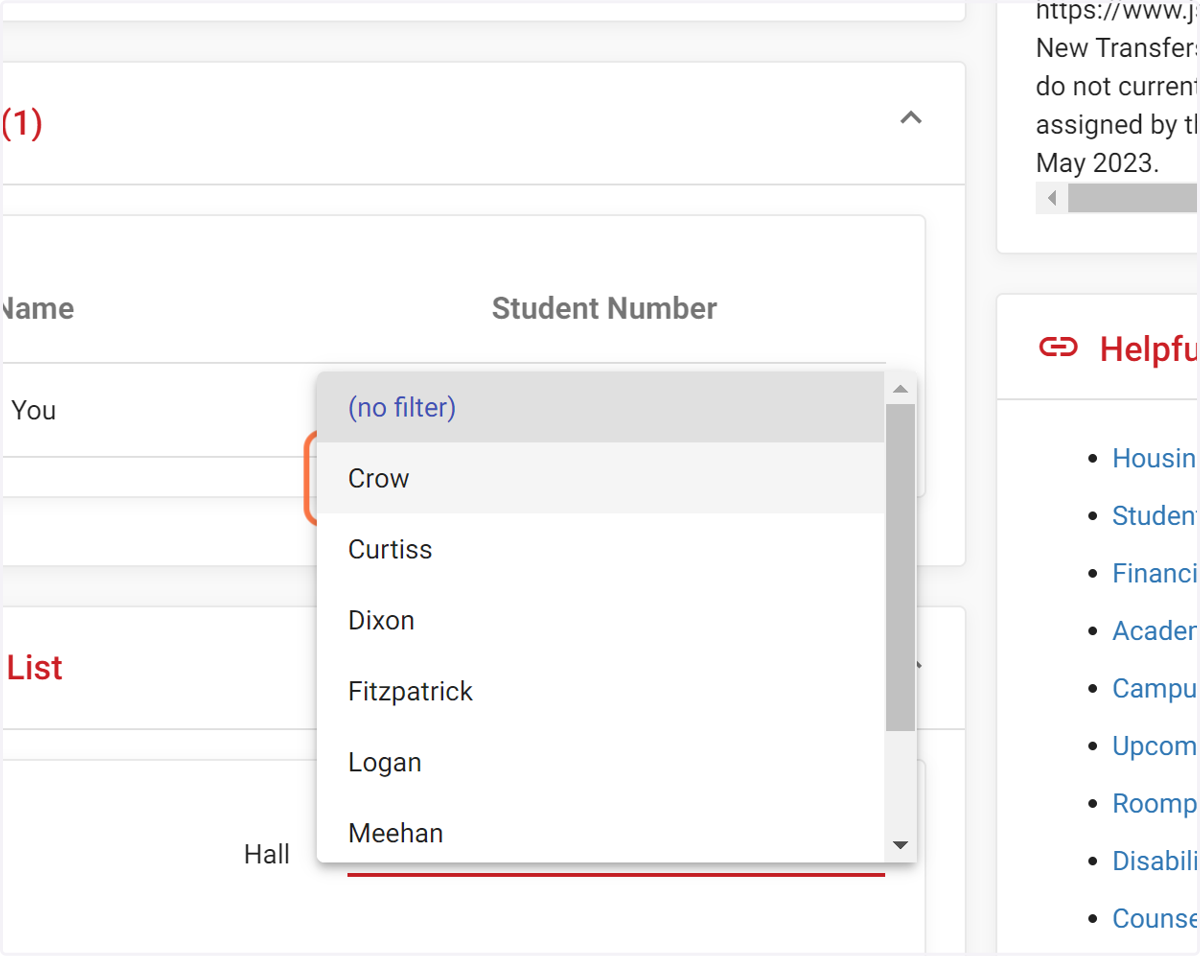
6. Select Your Preferred Hall
Available options are: Crow, Curtiss, North Village - Males; Dixon, Fitzpatrick, North Village - Females. Logan and Meehan are not part of the First-Year Student Room Selection Process.
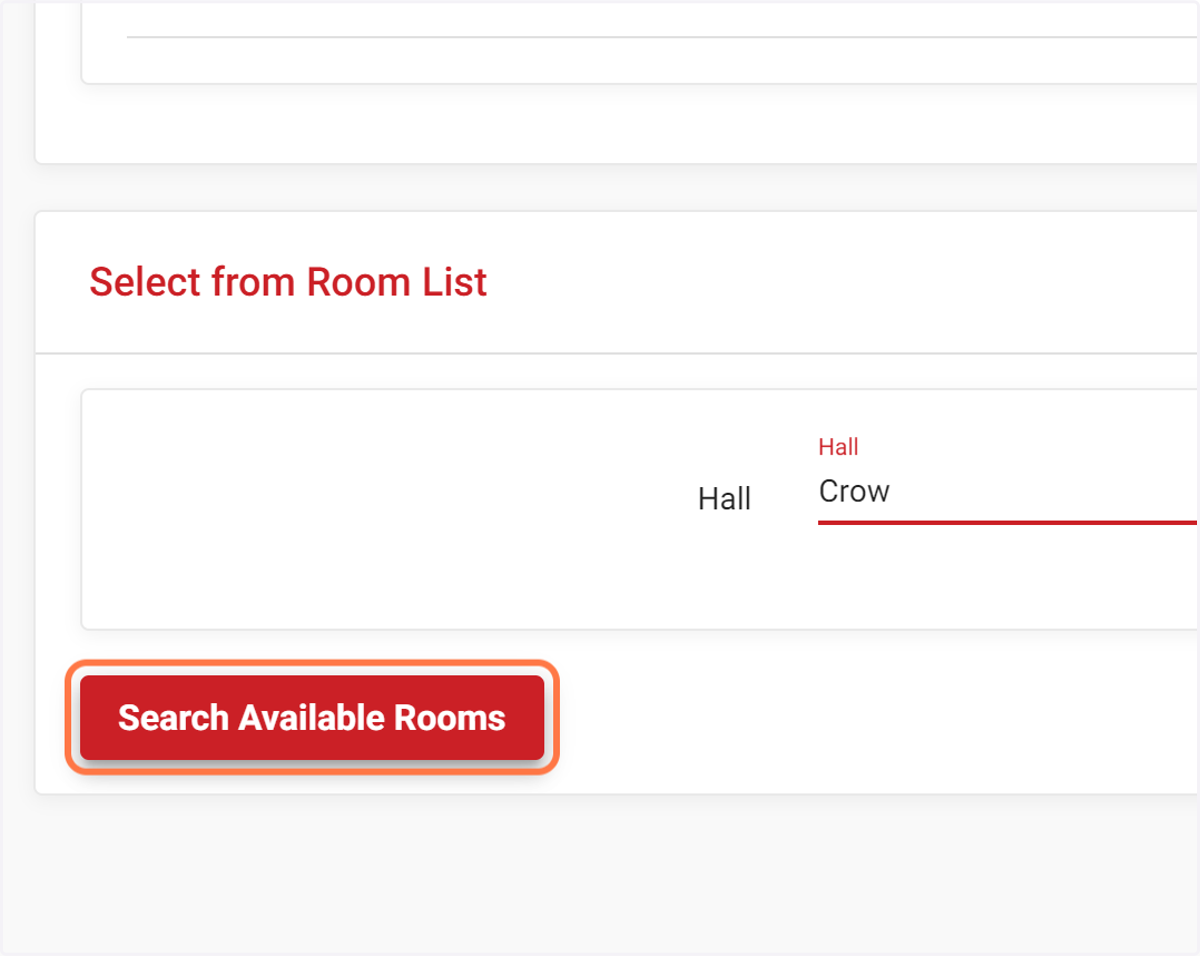
7. Click on Search Available Rooms
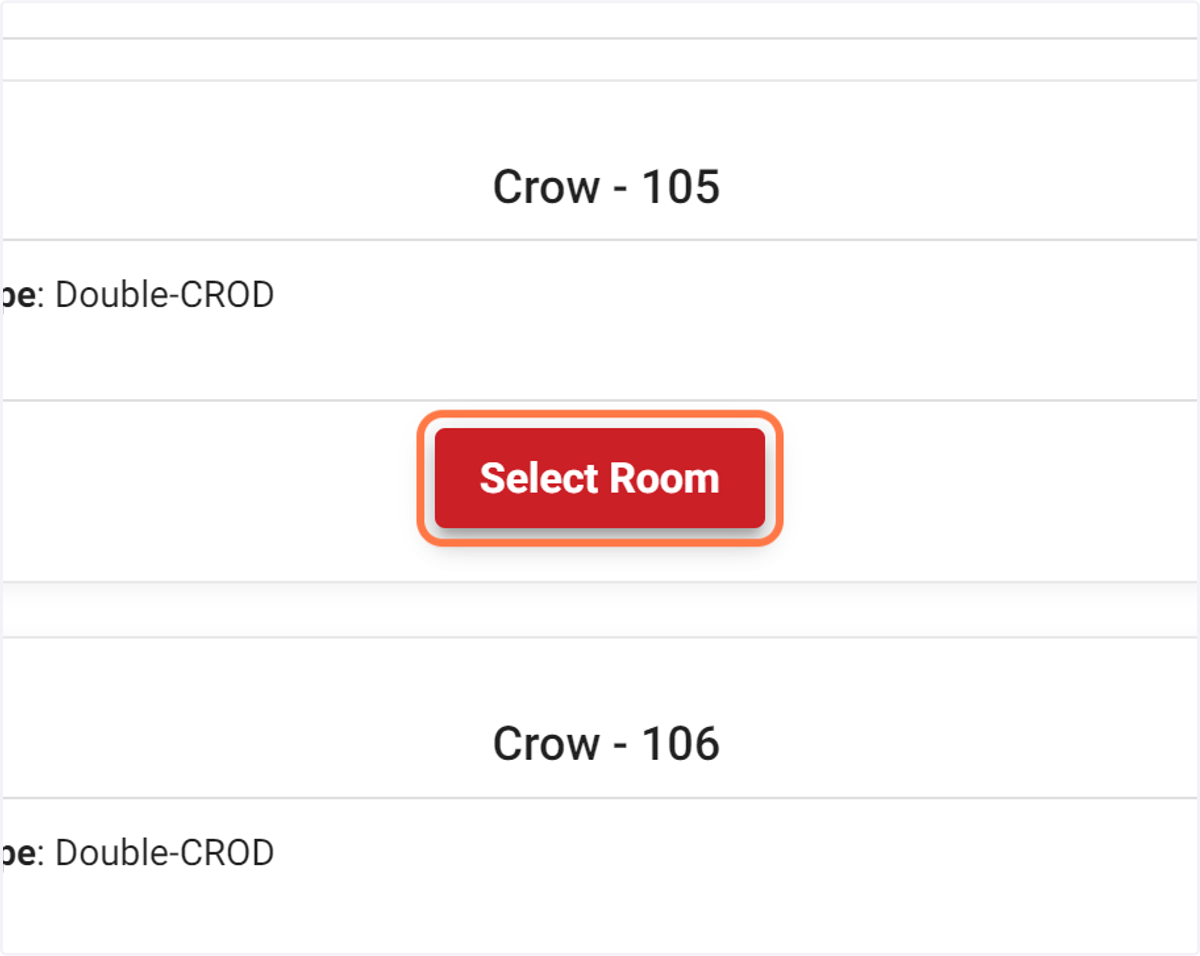
8. Click on Select Room
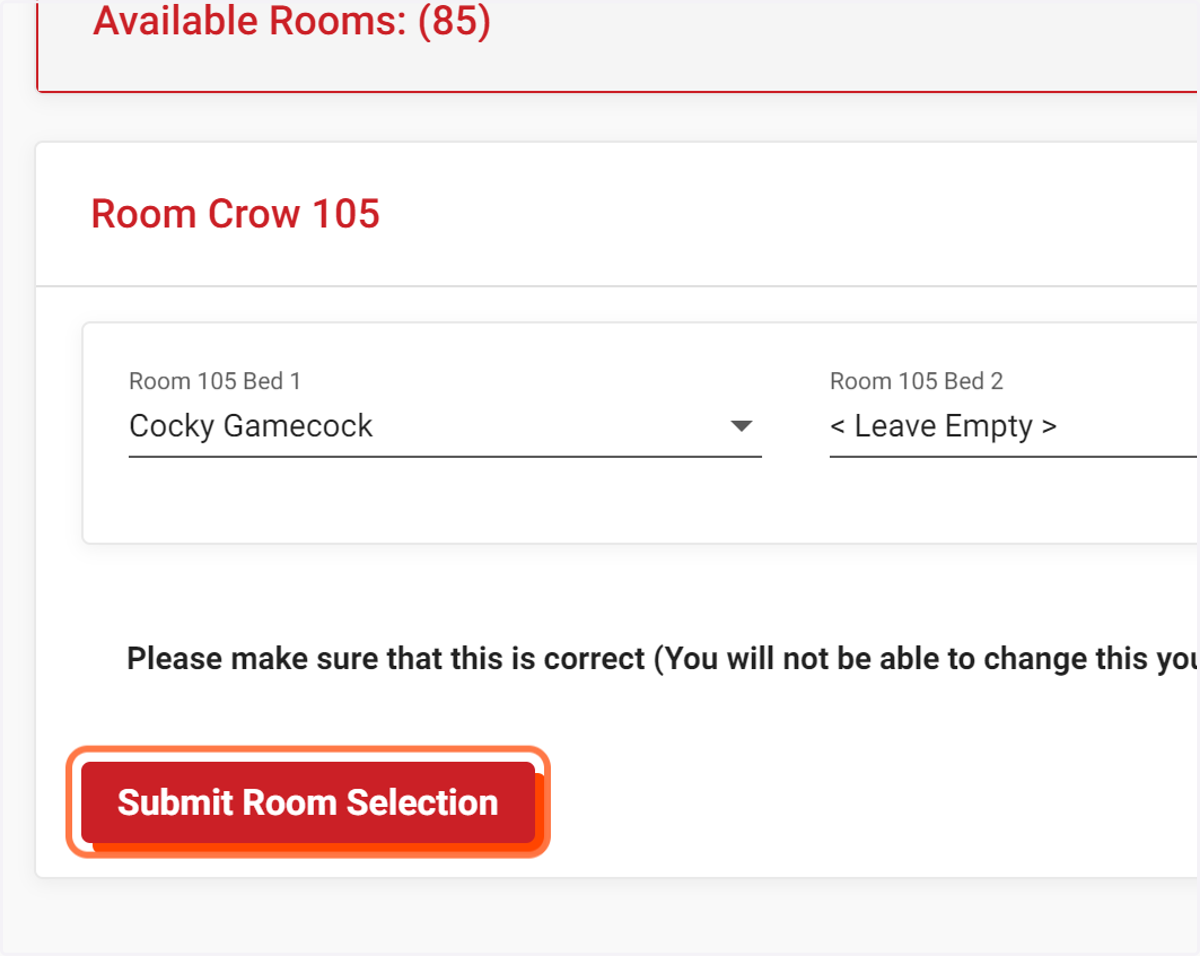
9. Click on Submit Room Selection
10. Click on Home
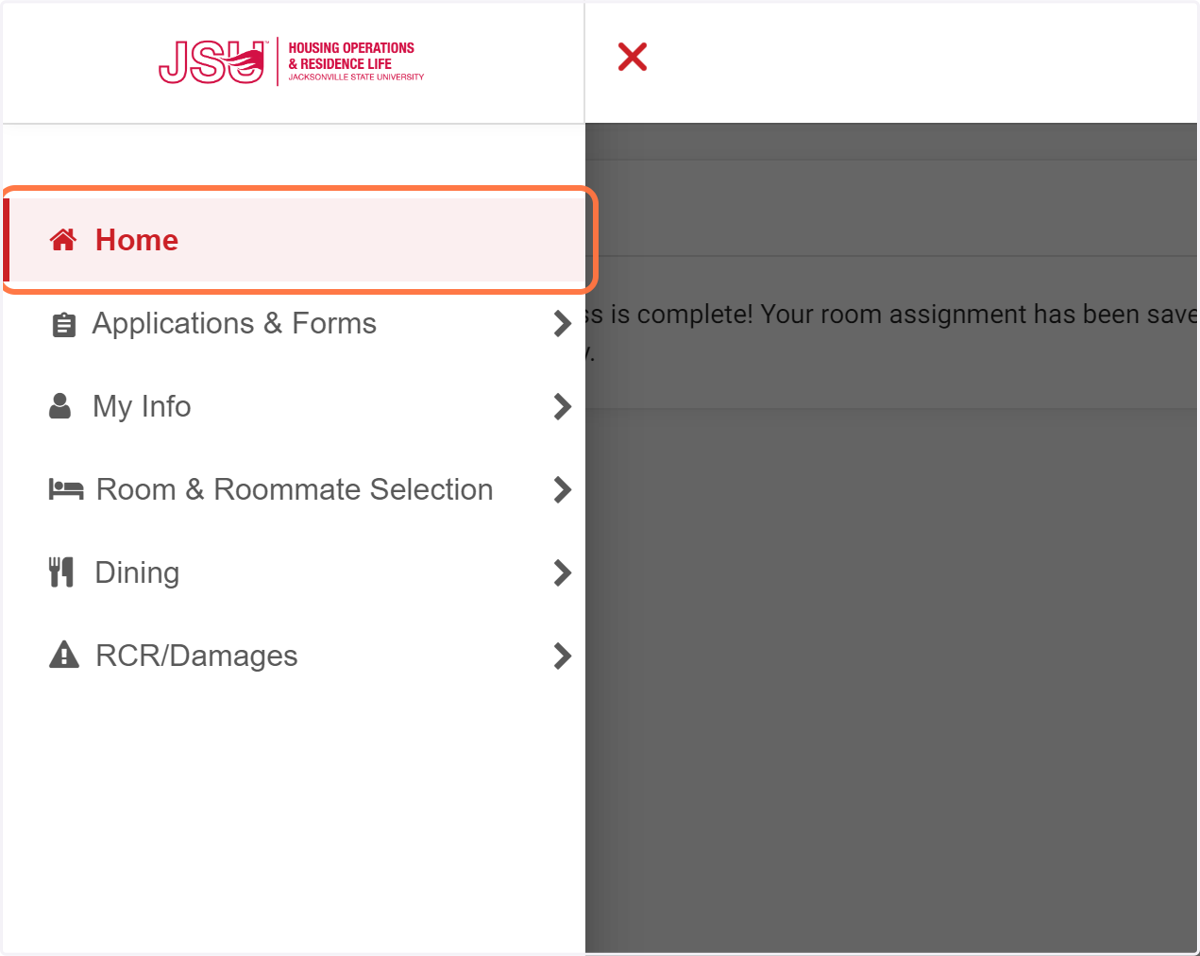
11. Your Room Assignment and Roommate Information Can Be Viewed on the Home Screen.