Steps to Redeem Your Techsylvania Tickets
Techsylvania
1. Go to techsylvania.com/tickets
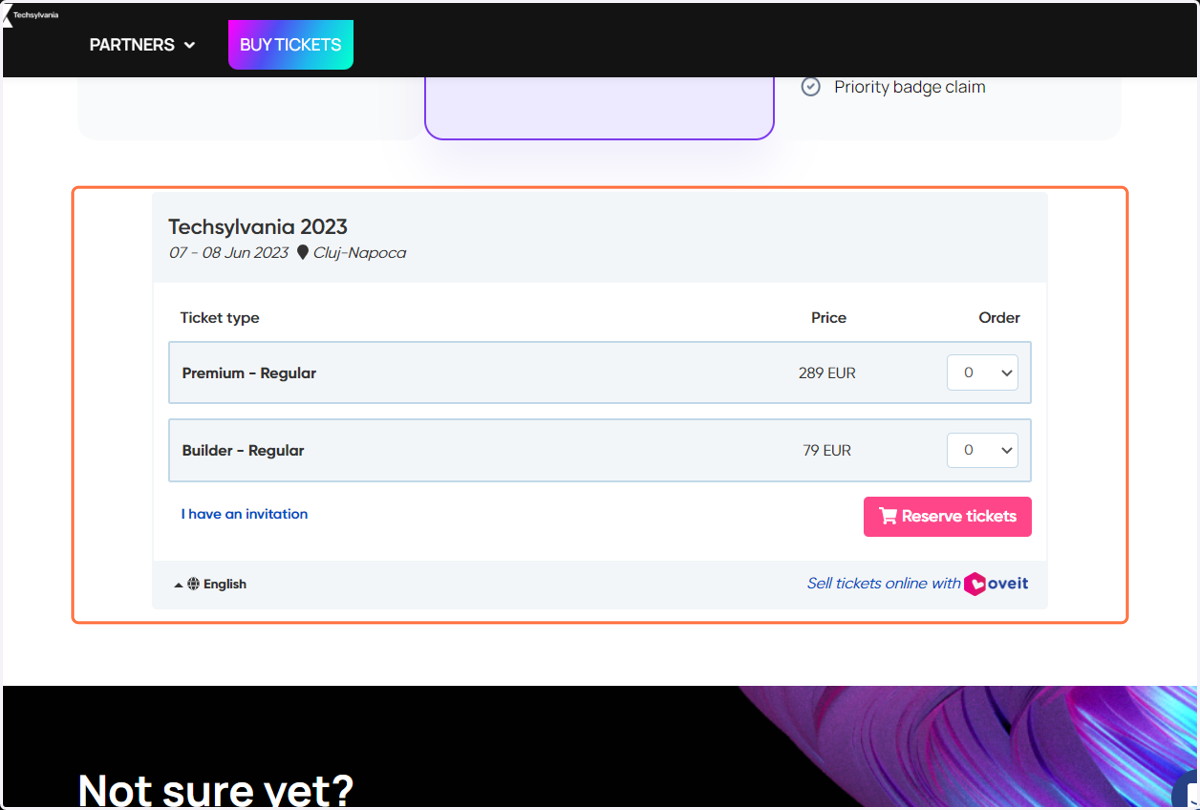
2. Scroll down to the tickets section
Oveit
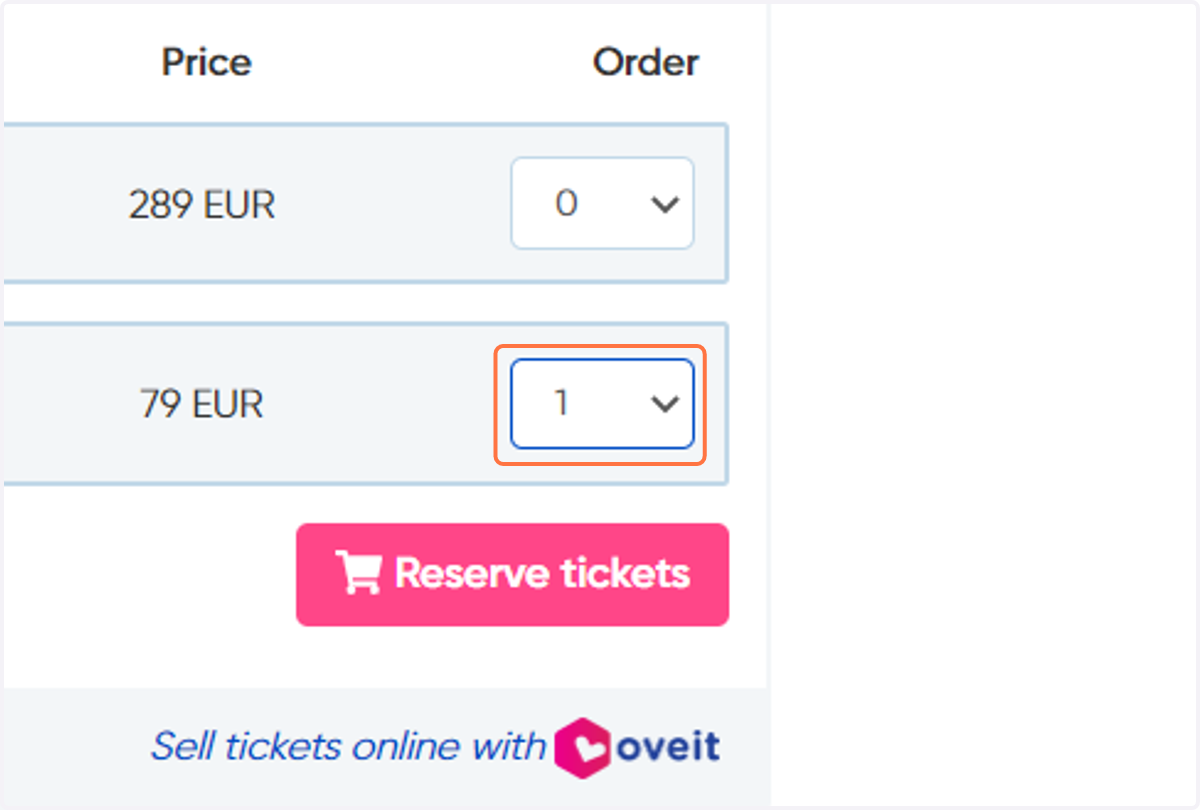
3. Select your ticket type and the number of tickets included in your benefits
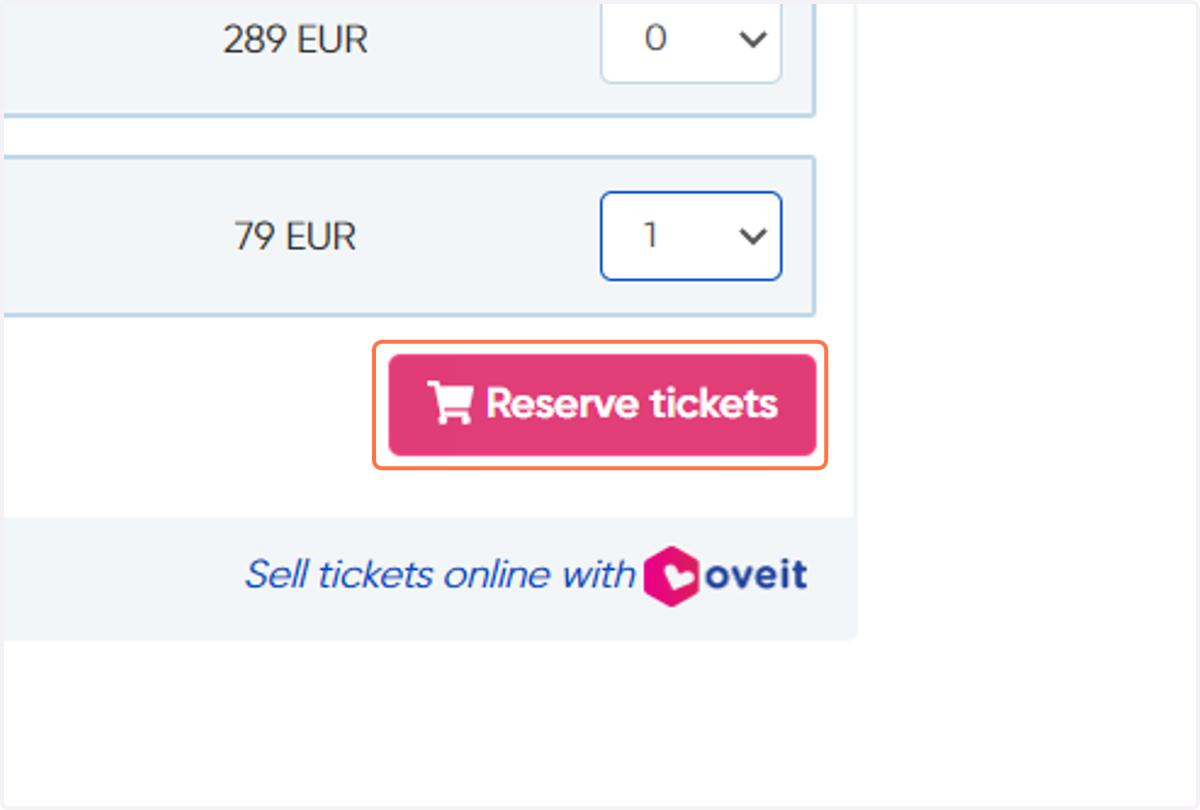
4. Click on Reserve tickets
5. Go to Promo Code box
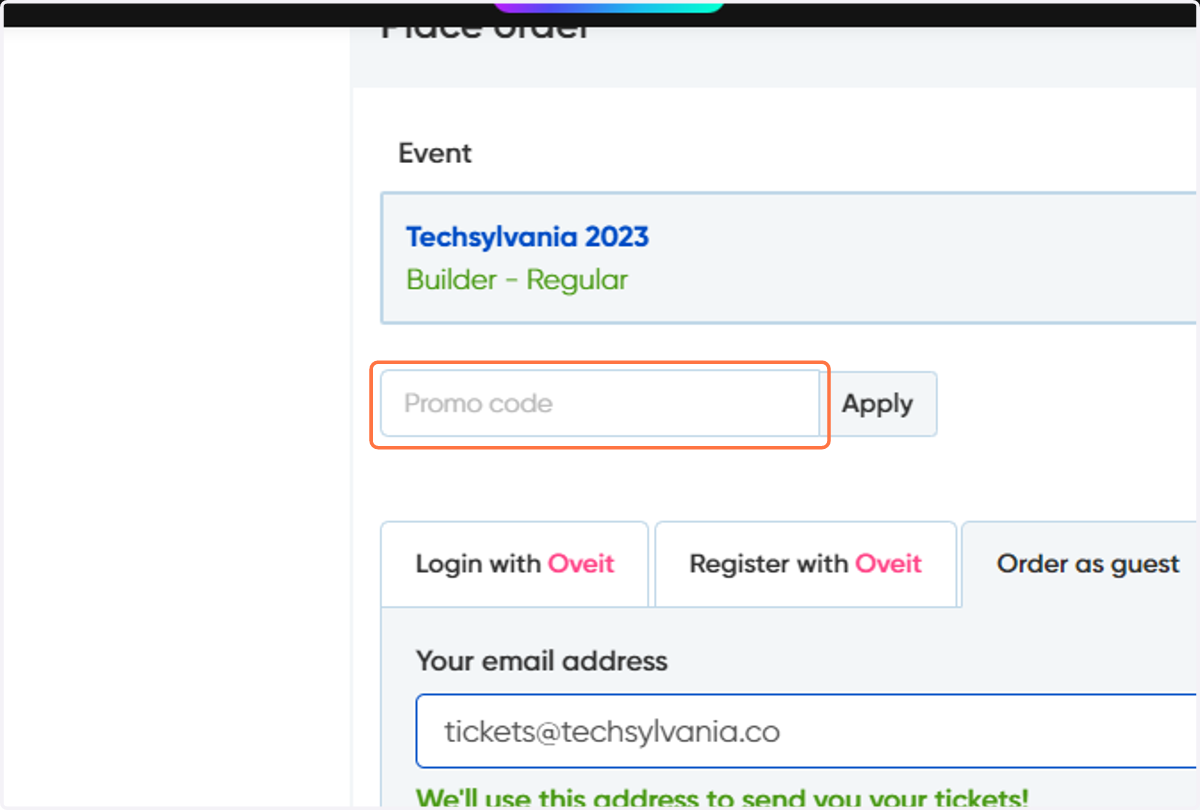
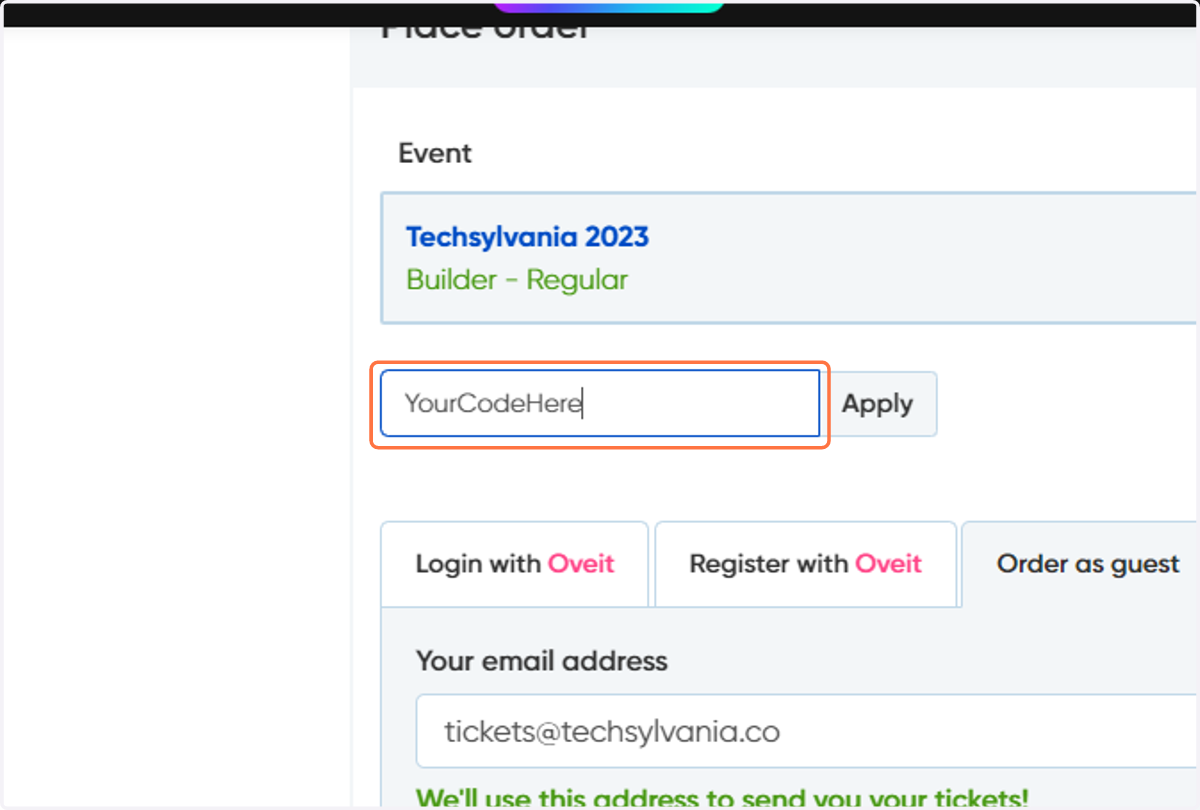
6. Type in your own code
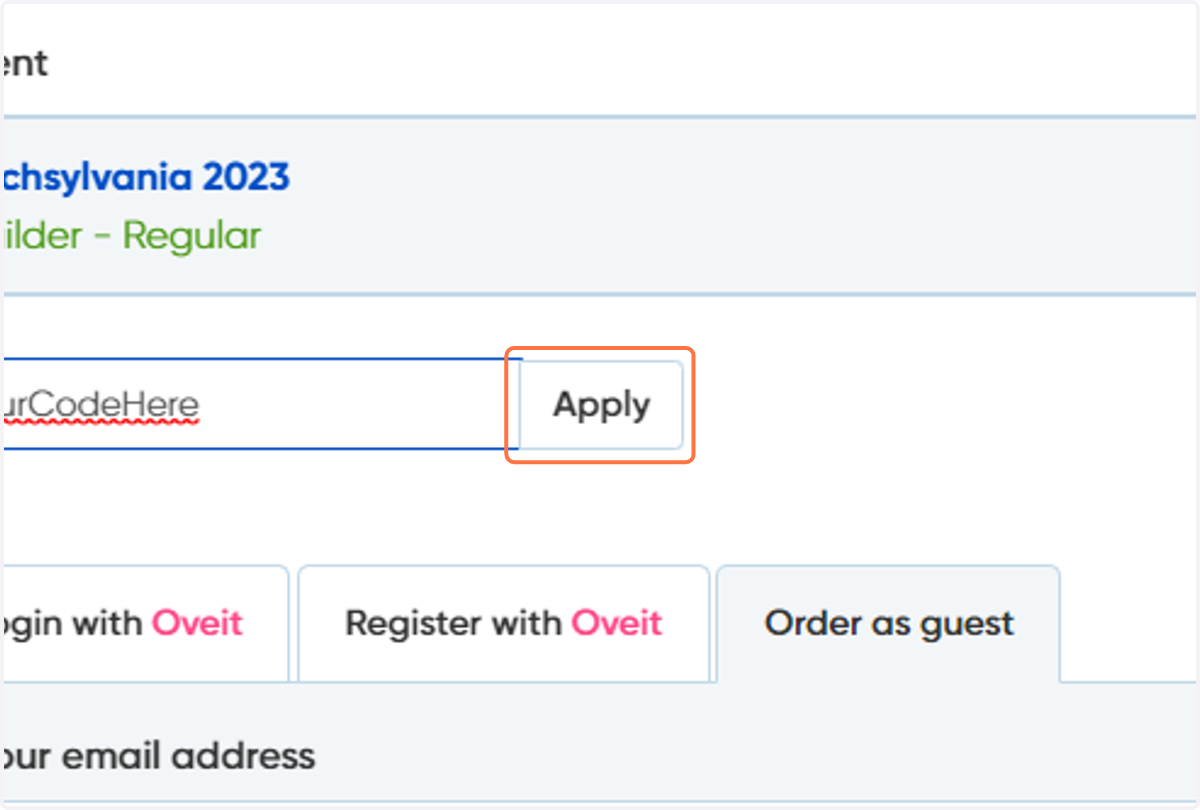
7. Click Apply
8. You should see your tickets being discounted by now
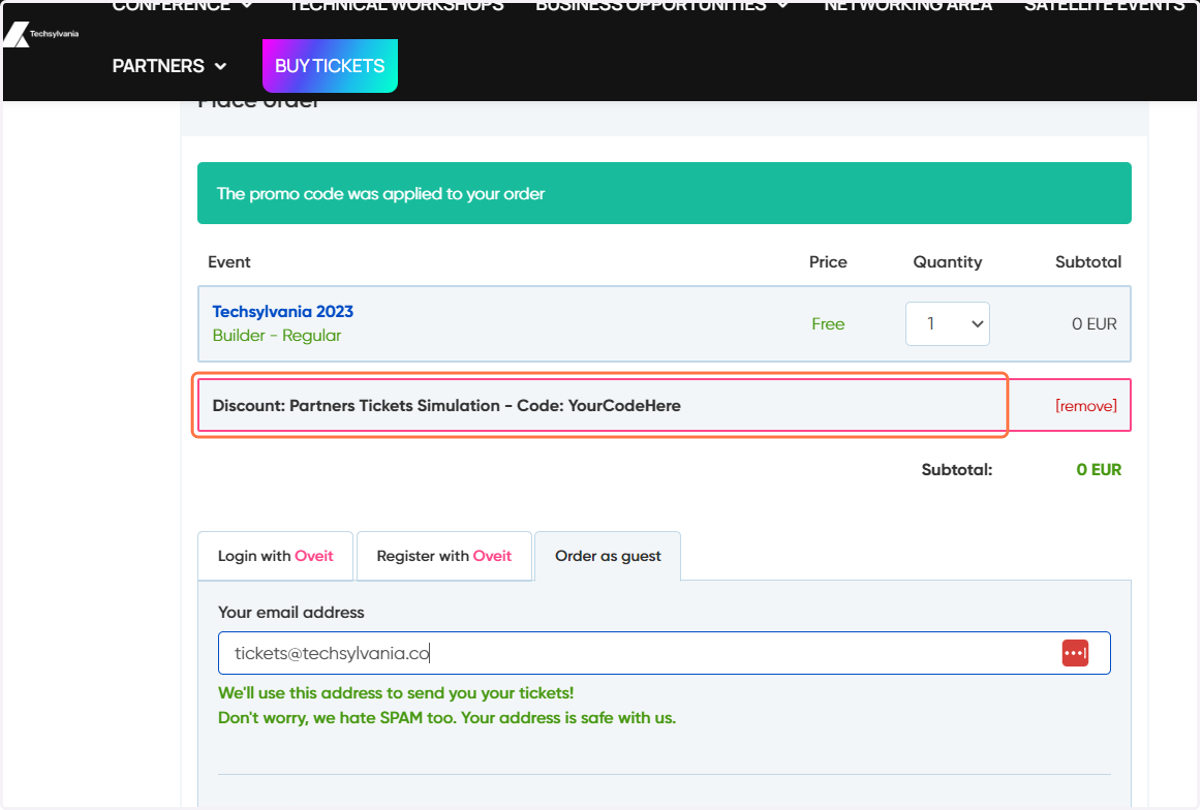
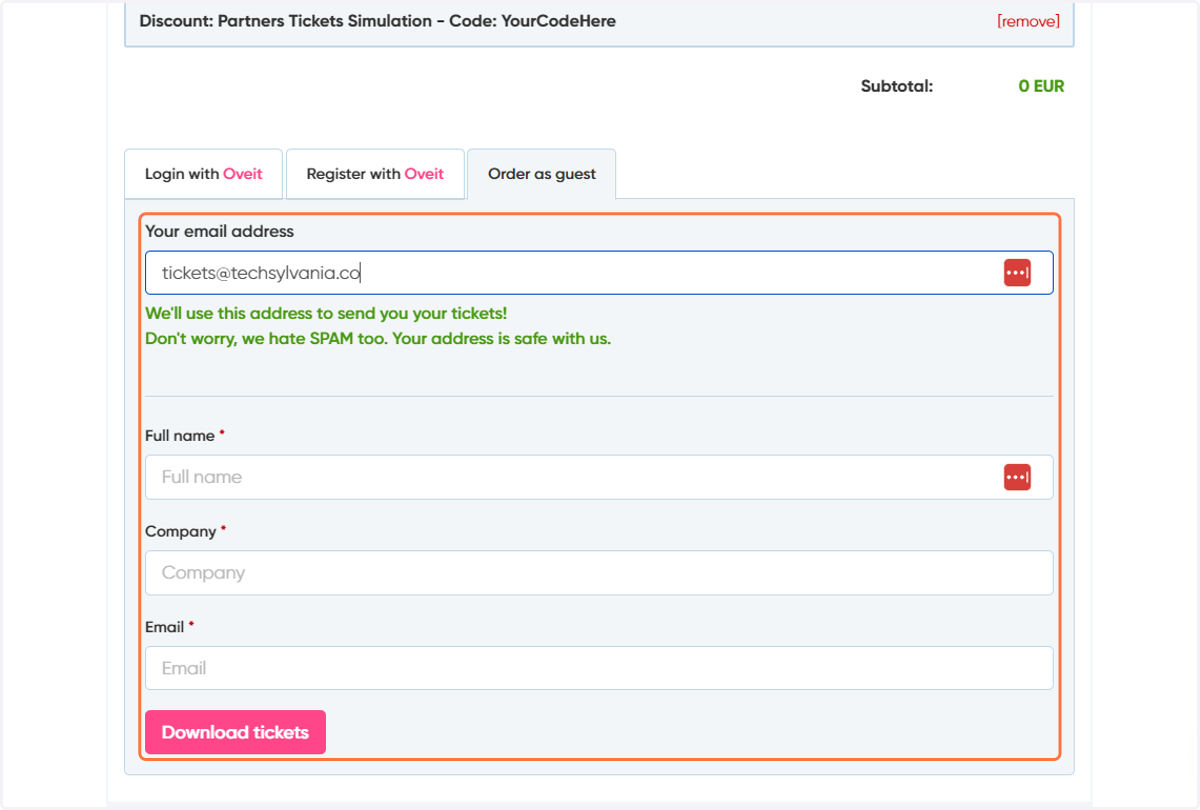
9. Continue by filling in your customer info and then the information for each of your attendees.