Steps to Complete the SOM 2025-2026 Housing Application
Log in to the Housing Portal.
You will use your Rowan Net ID and Password to access the site.
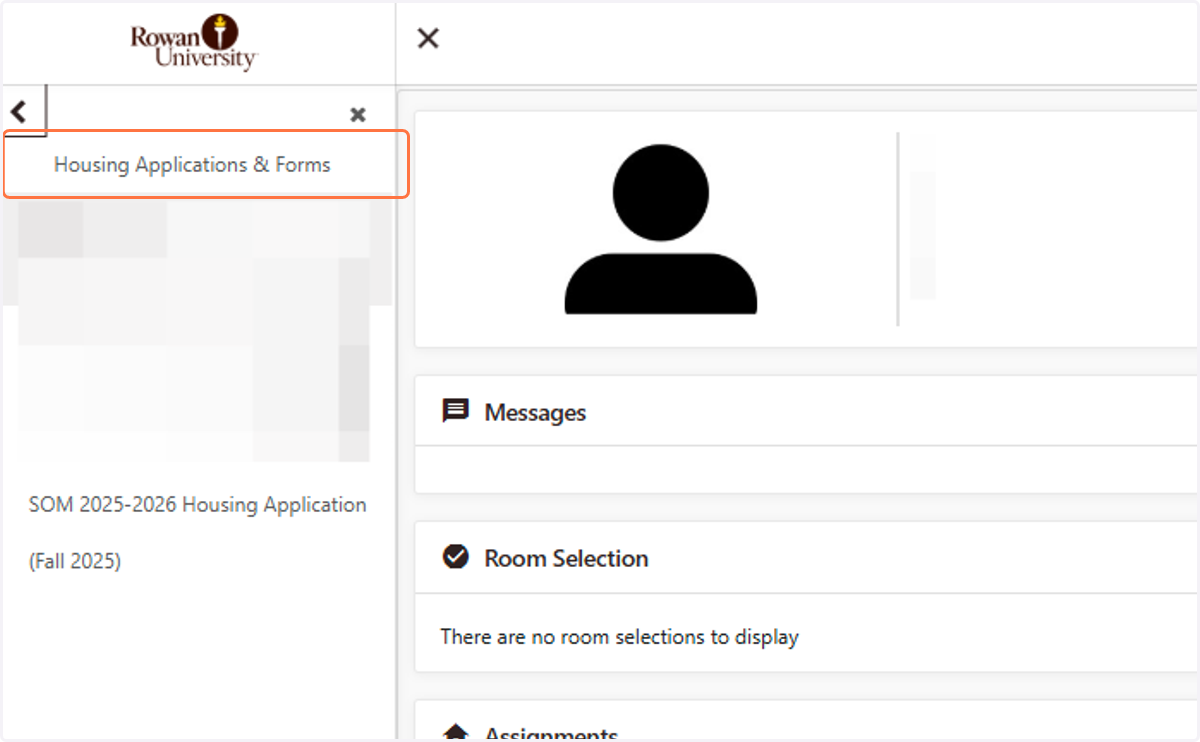
1. Housing Applications & Forms
Navigate to the left-hand side and select Housing Applications & Forms.
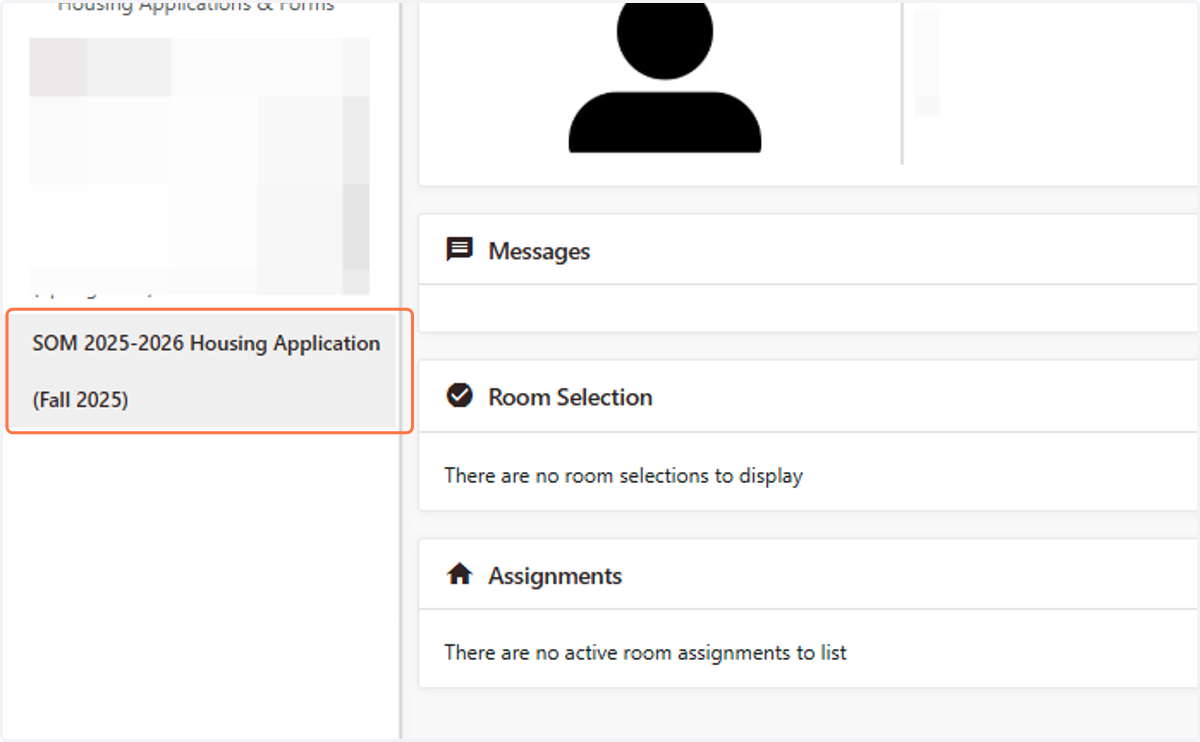
2. Click on SOM 2025-2026 Housing Application…
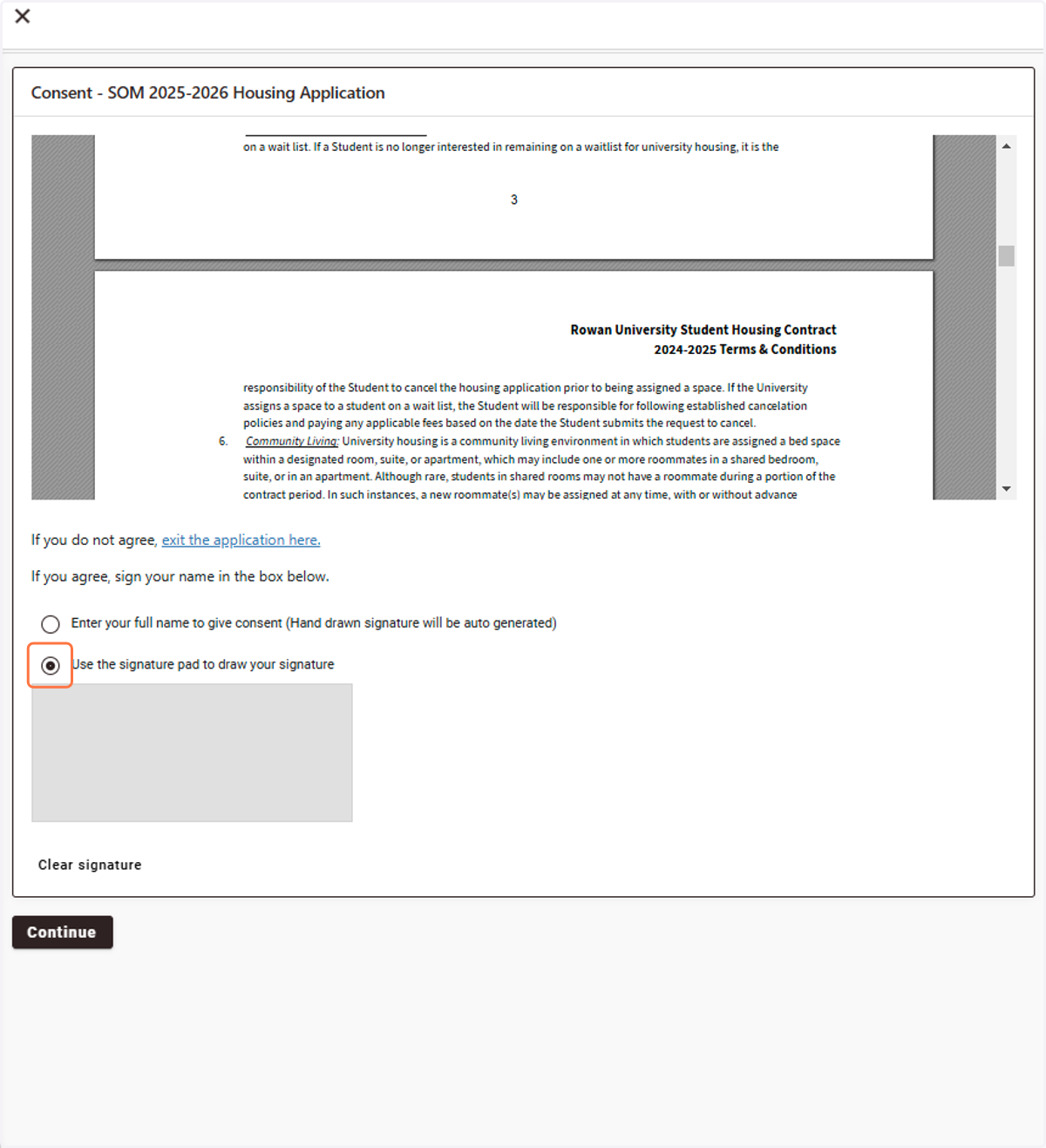
3. Review the Housing Contract.
A copy of the contract will also be sent via email after completion.
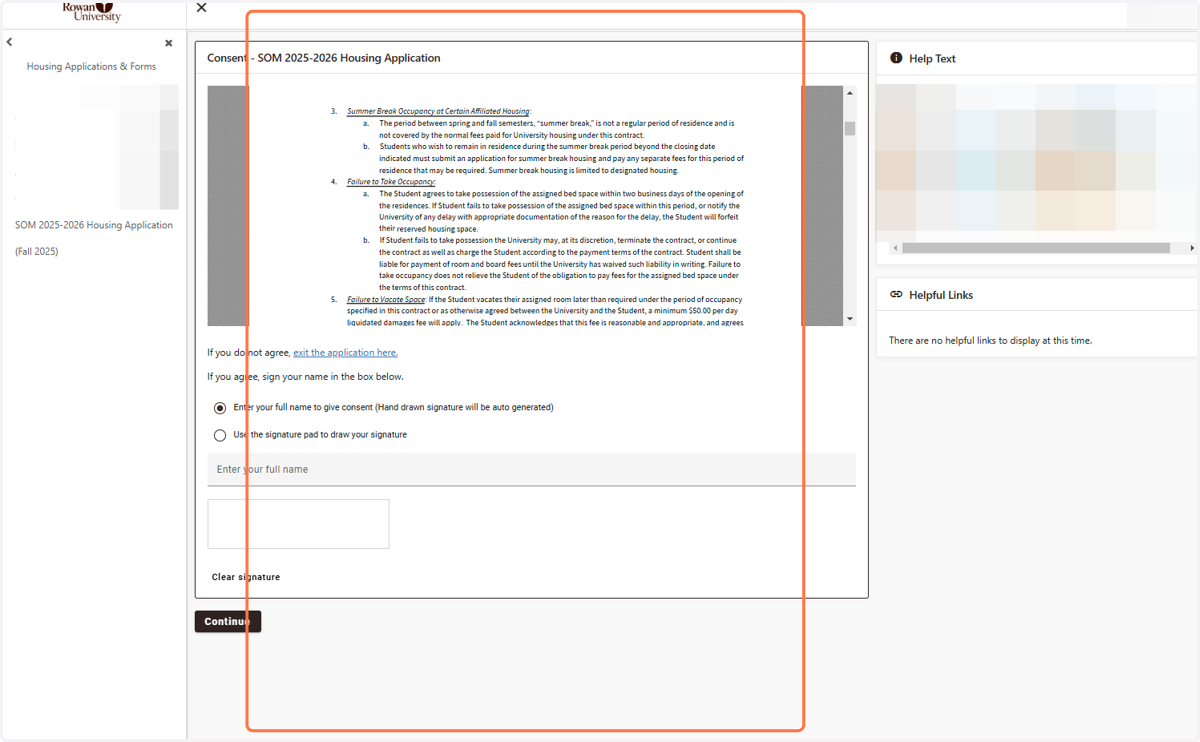
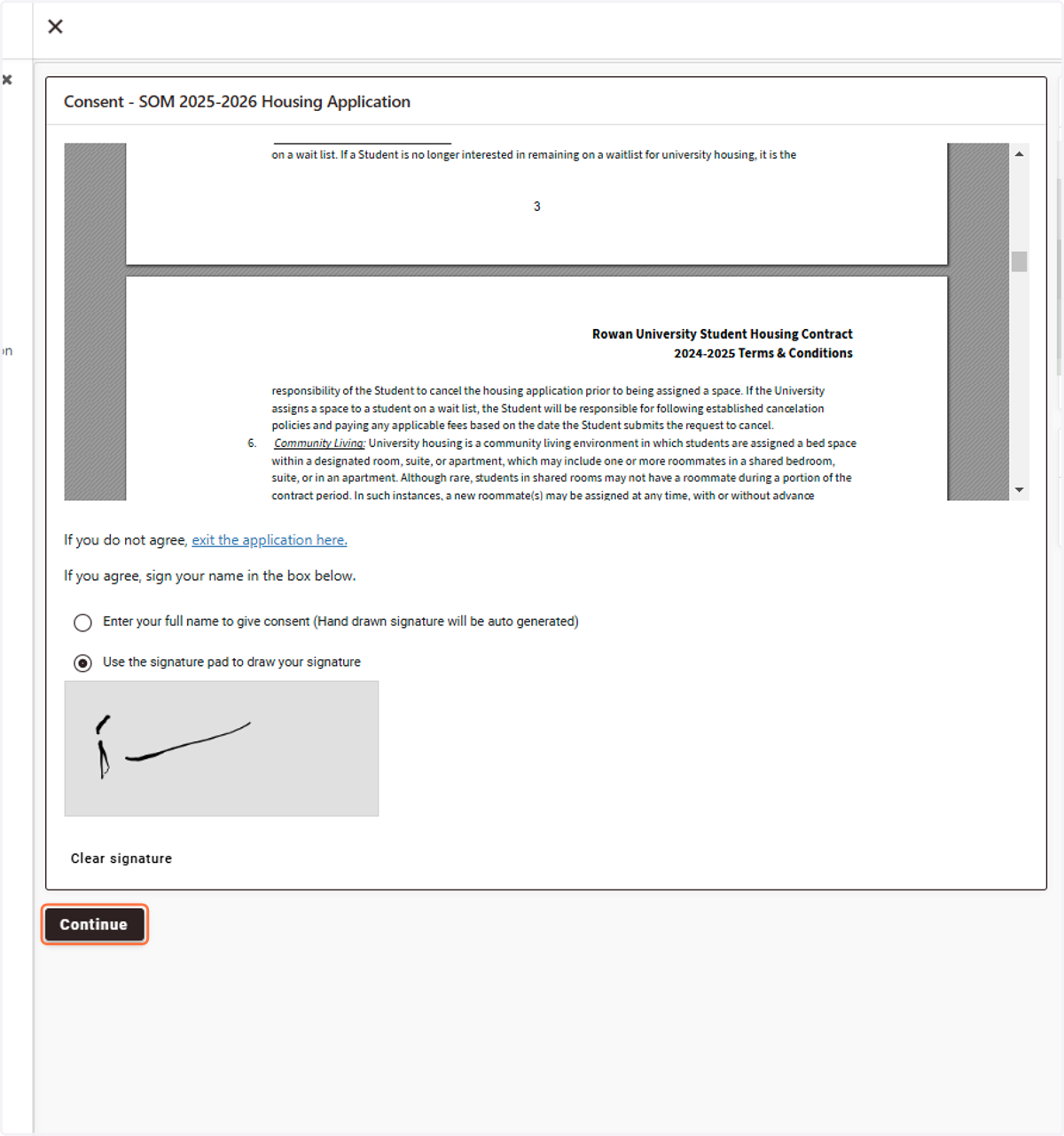
4. Select Use the signature pad or type your full name
5. Click on Continue
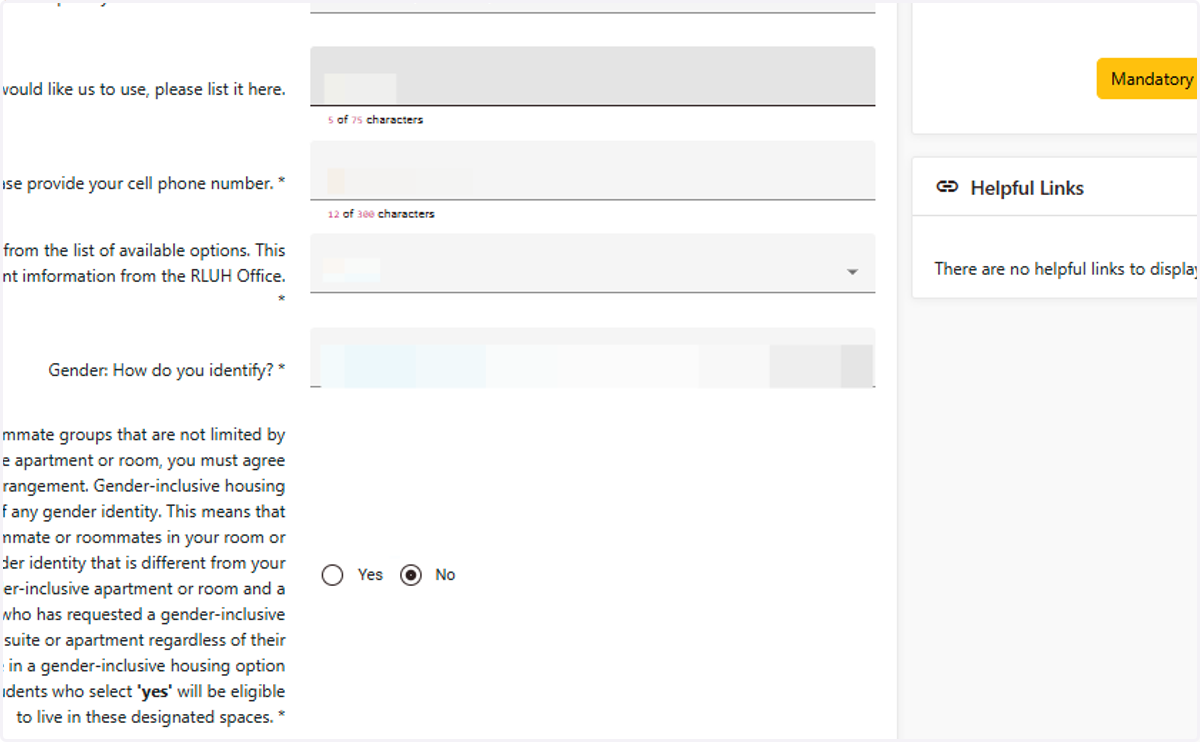
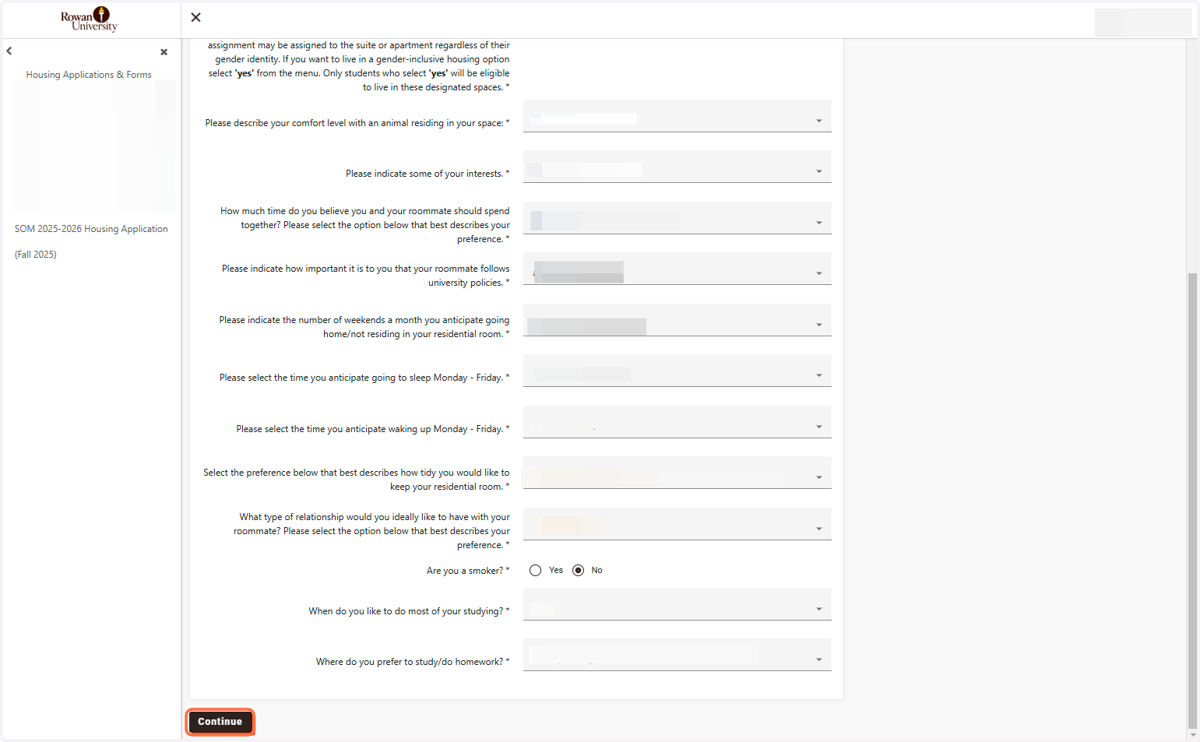
6. Complete the Application Questions
7. Click on Continue
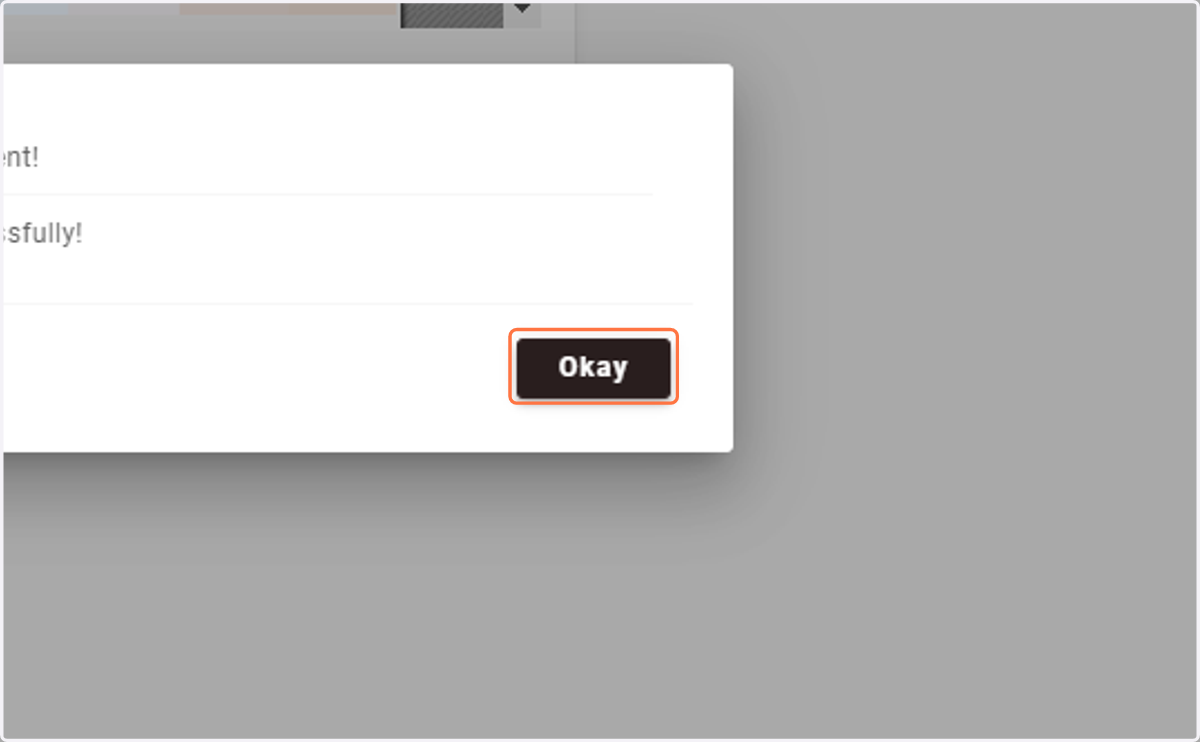
8. Click on Okay