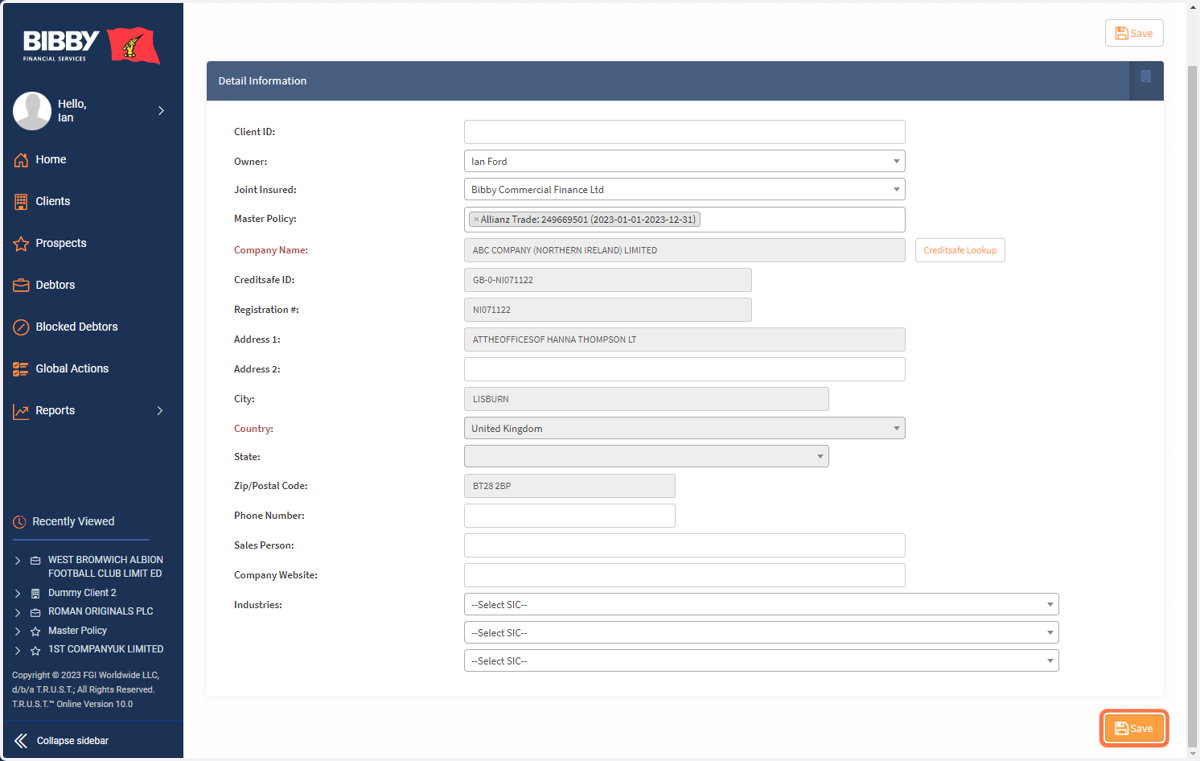
Steps to Add a Prospect in TRUST
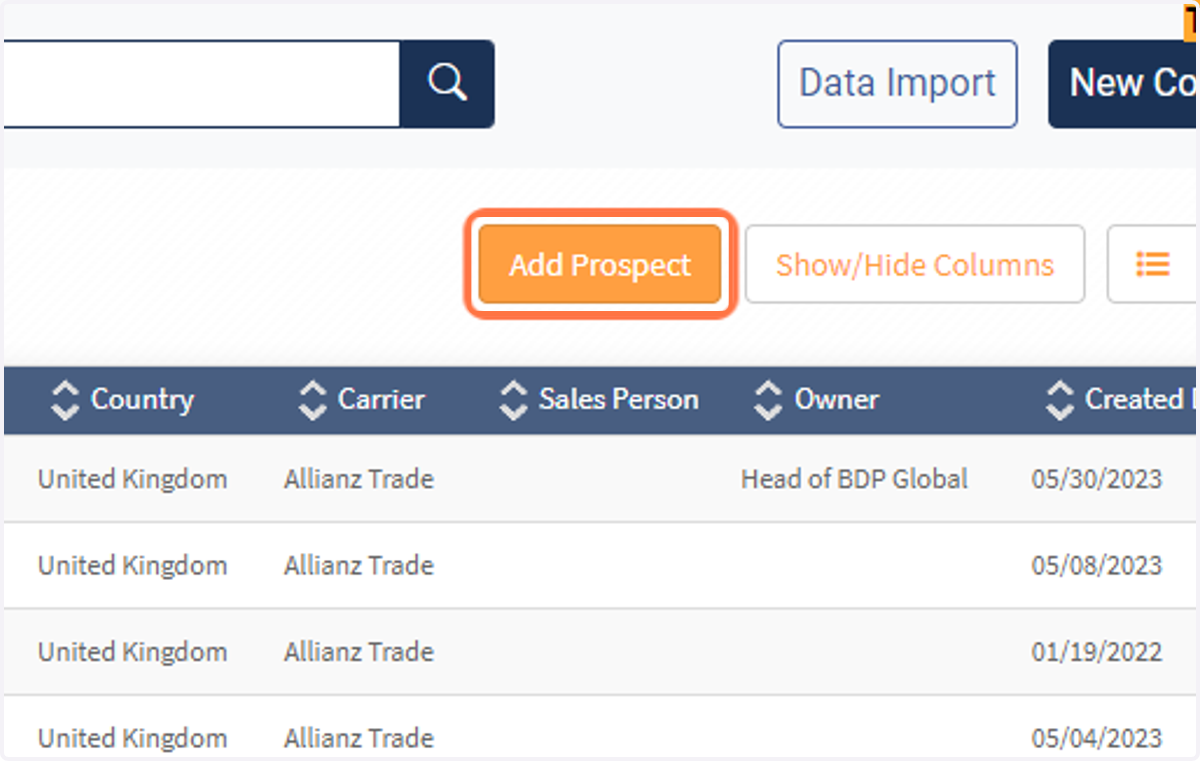
1. Click on Add Prospect
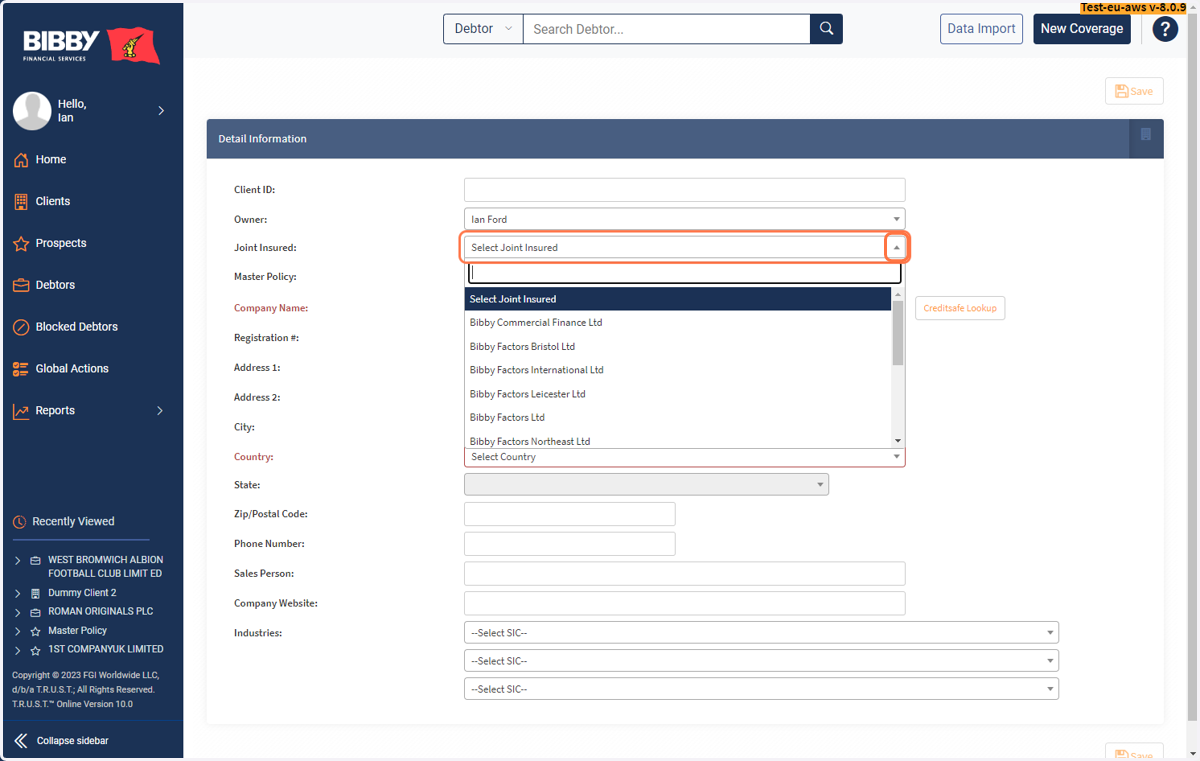
2. Select a Joint Insured from the dropdown menu
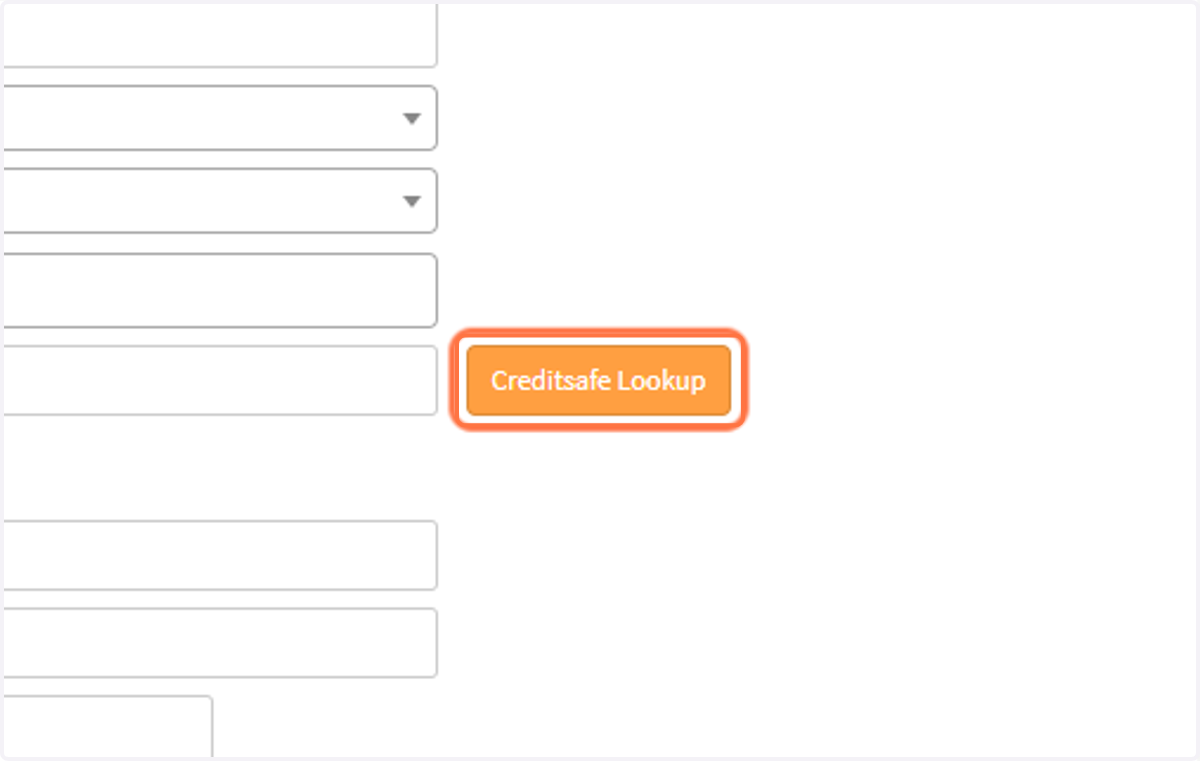
3. Click on Creditsafe Lookup
4. Select a Country from the dropdown menu
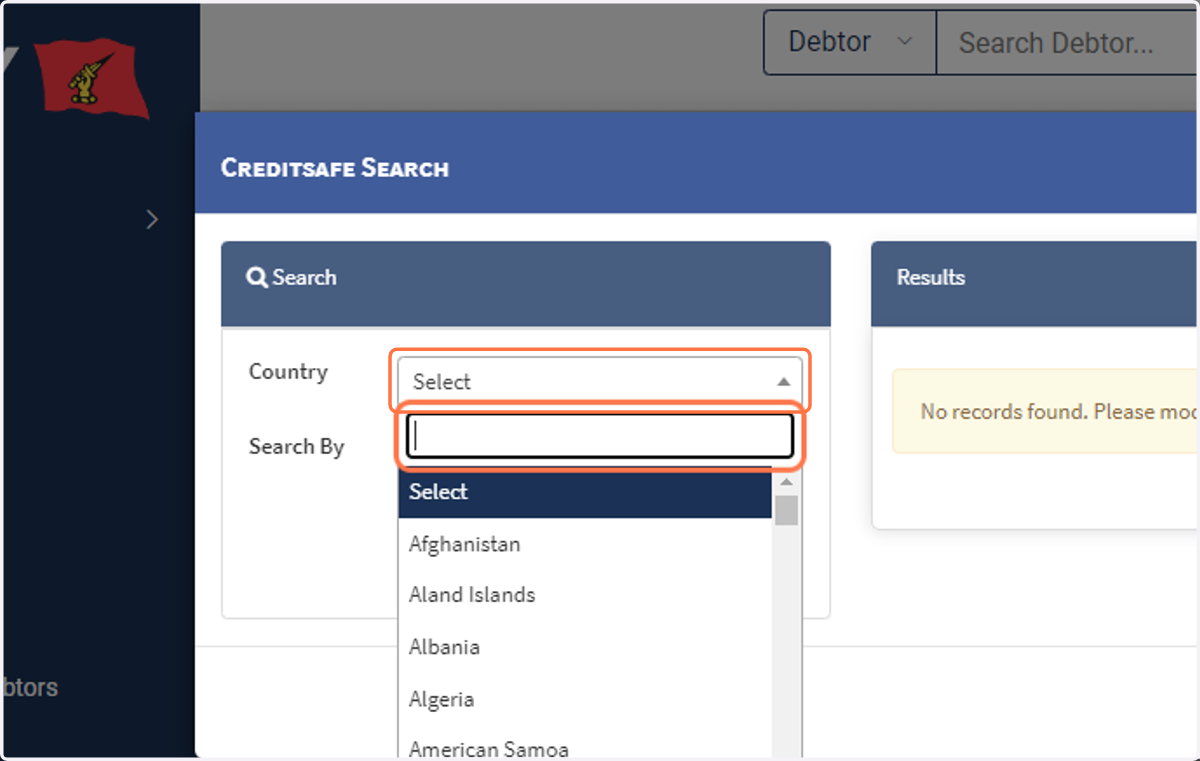
5. Start typing the Country name that you want to search for
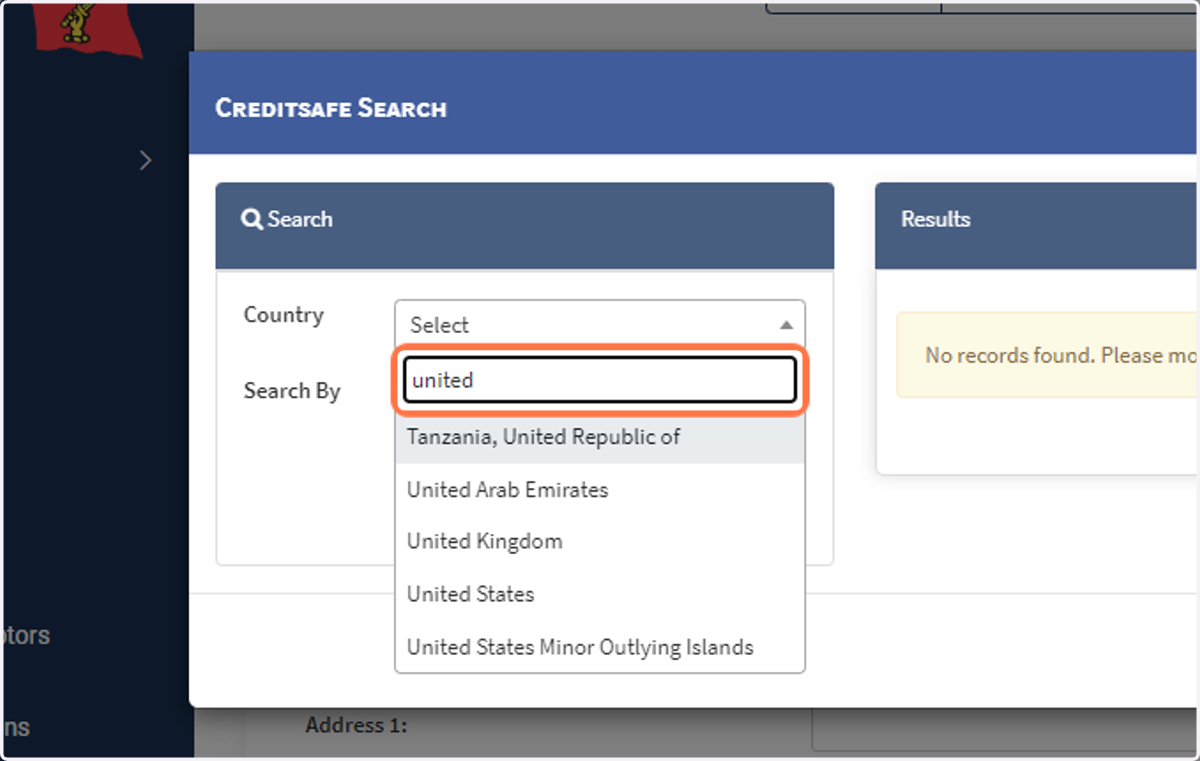
6. Select the Country once found in the list
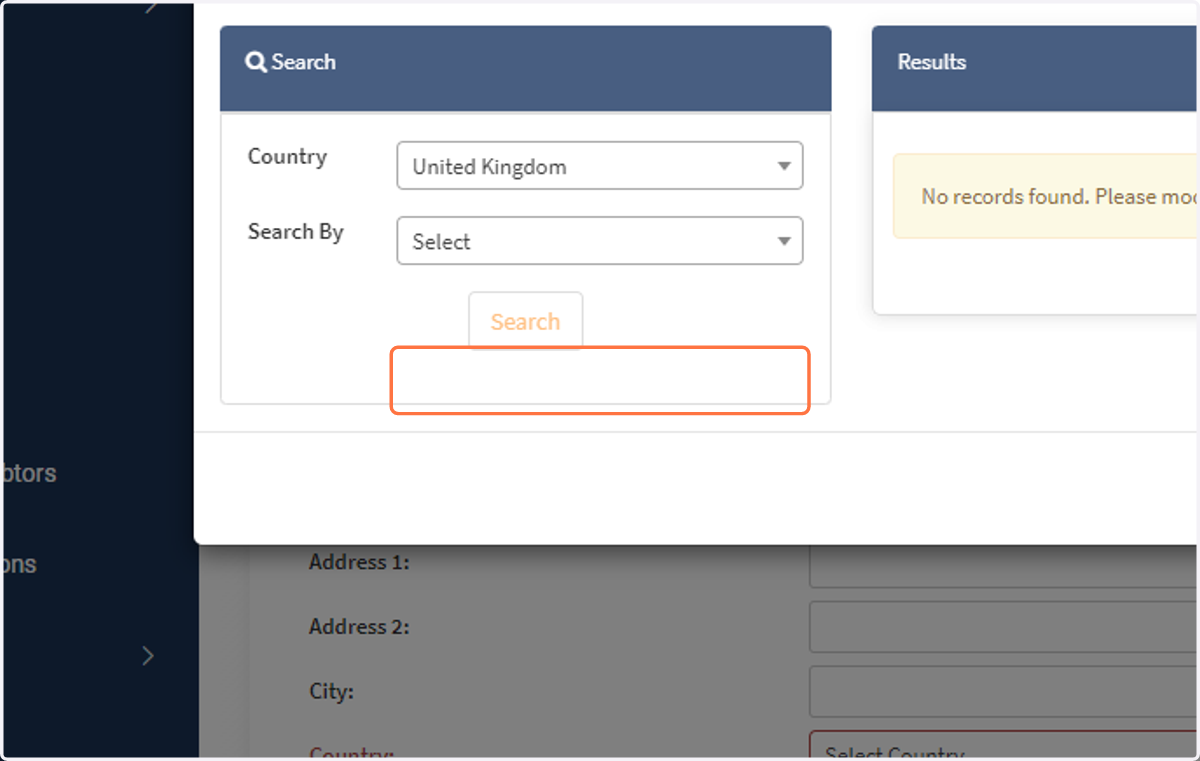
7. Choose a method to search by
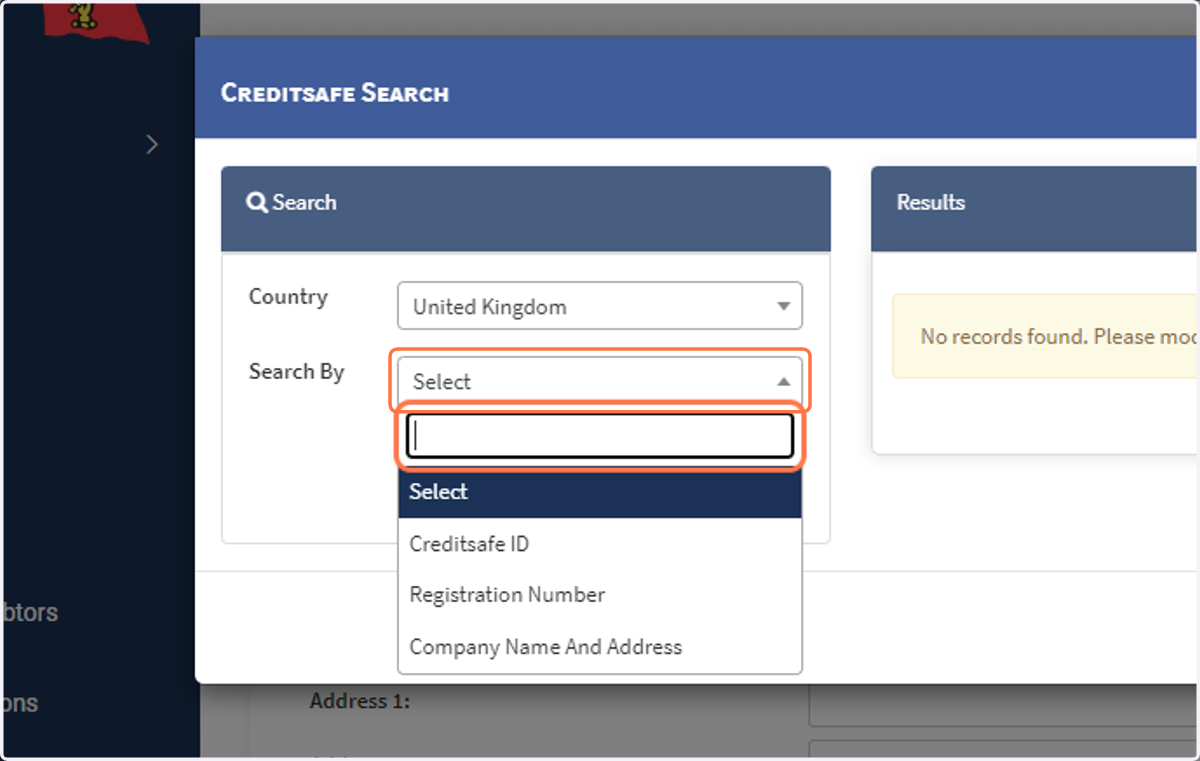
8. Start typing in the Company Name if searching by company name
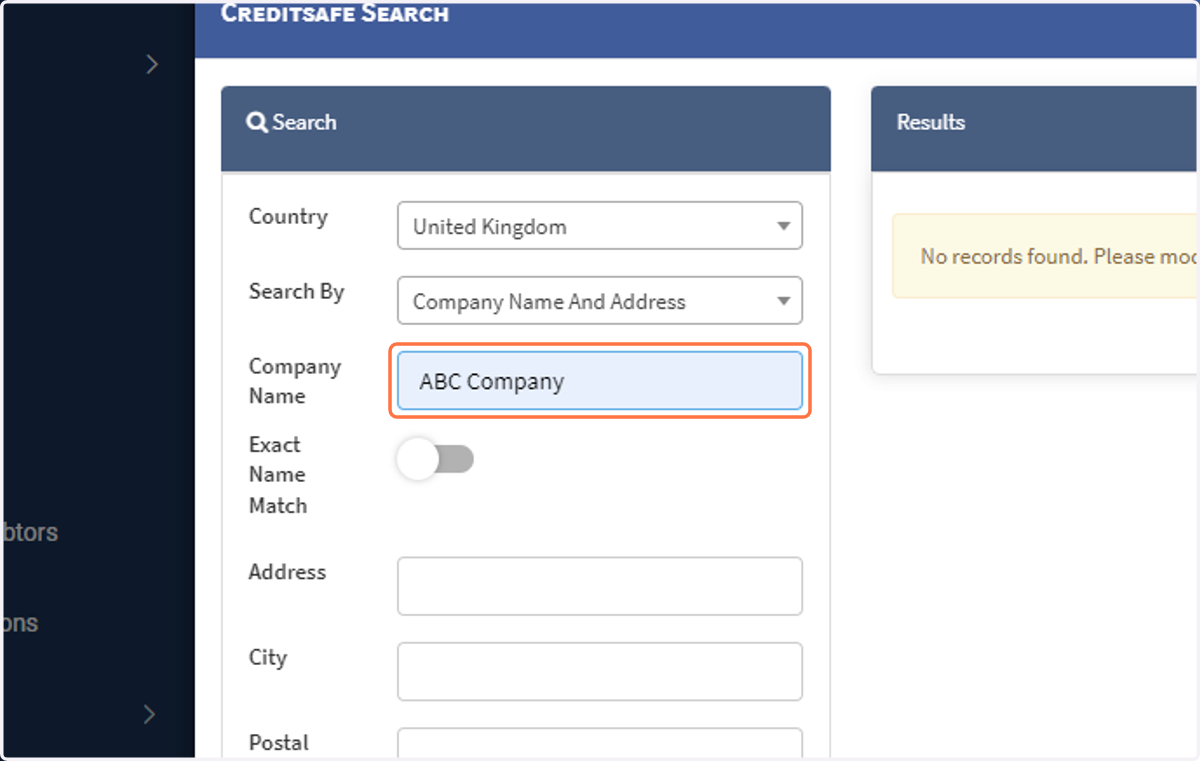
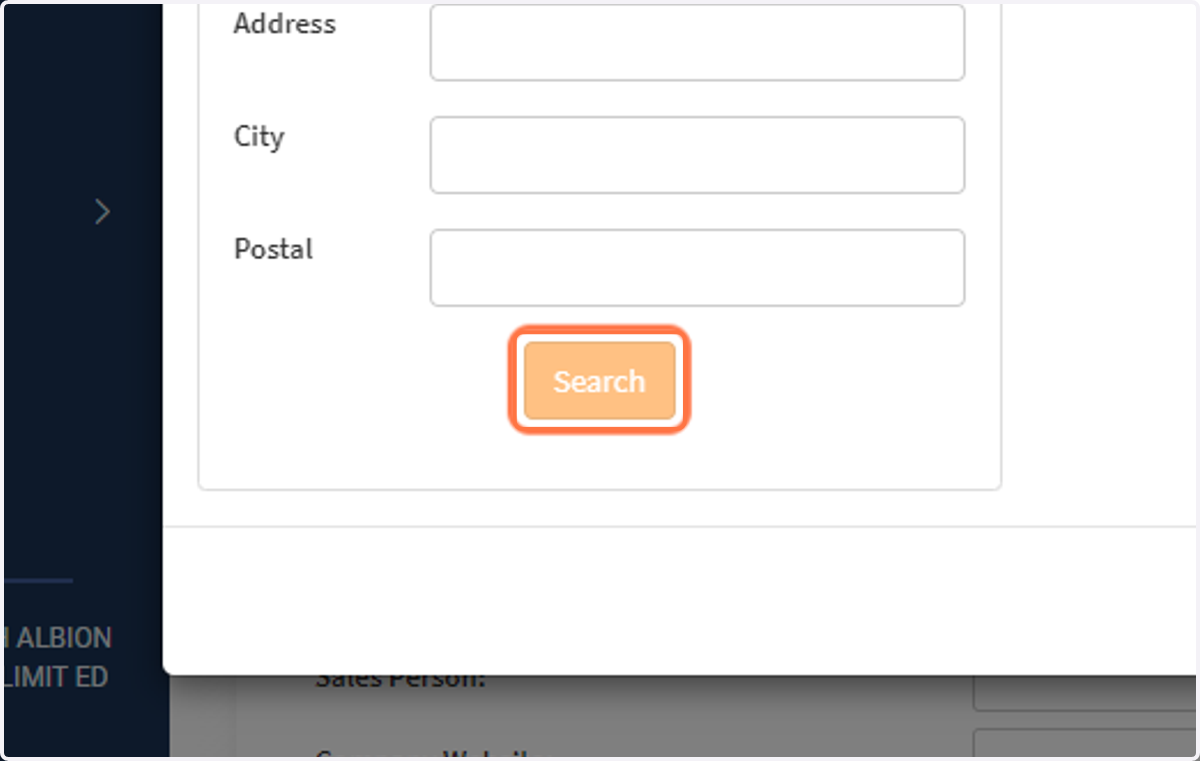
9. Click on Search
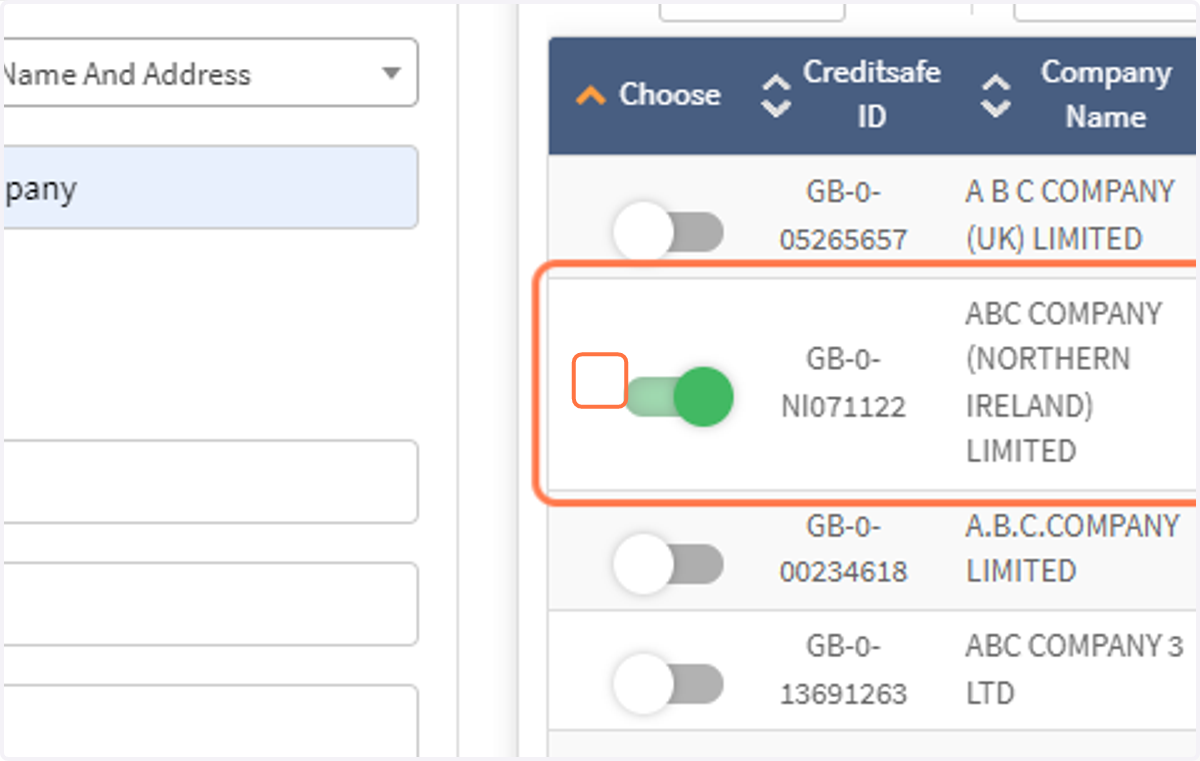
10. Click on the toggle button to select a debtor that matches your search
11. Click on Save
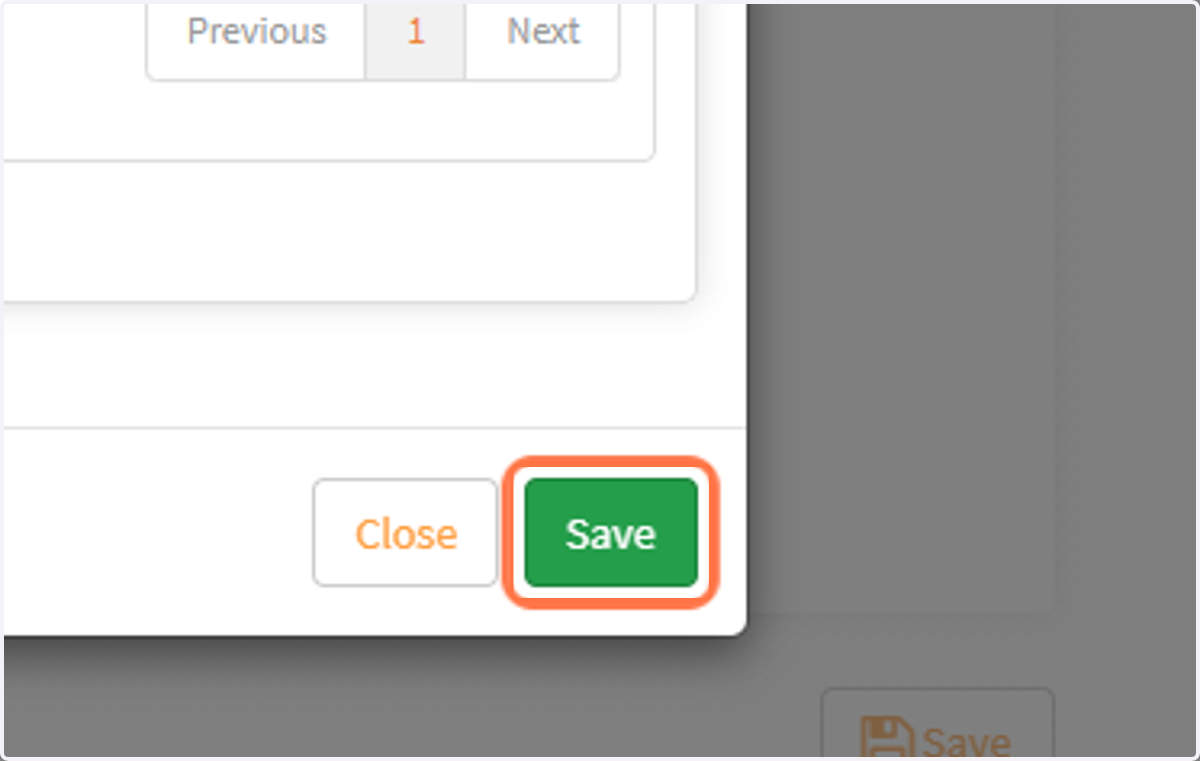
12. Click on save to create the new prospect