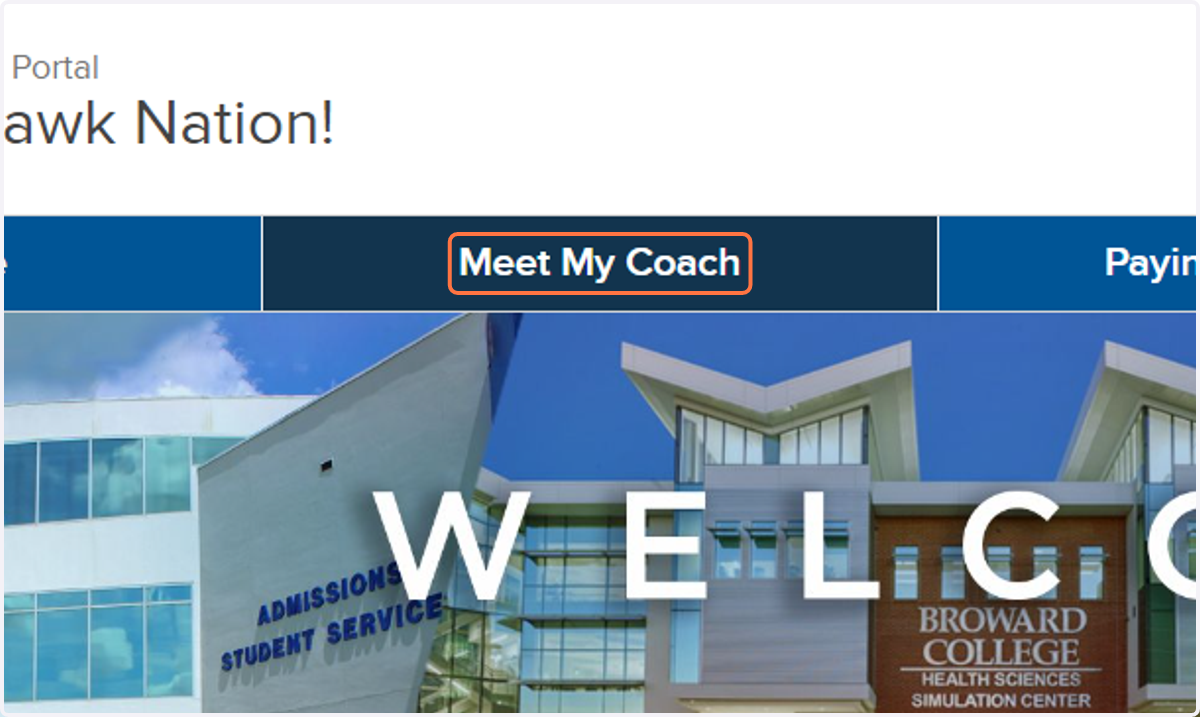
Steps to Access Your Student Success Coach Contact Information
Broward College | Affordable Florida College in Broward County
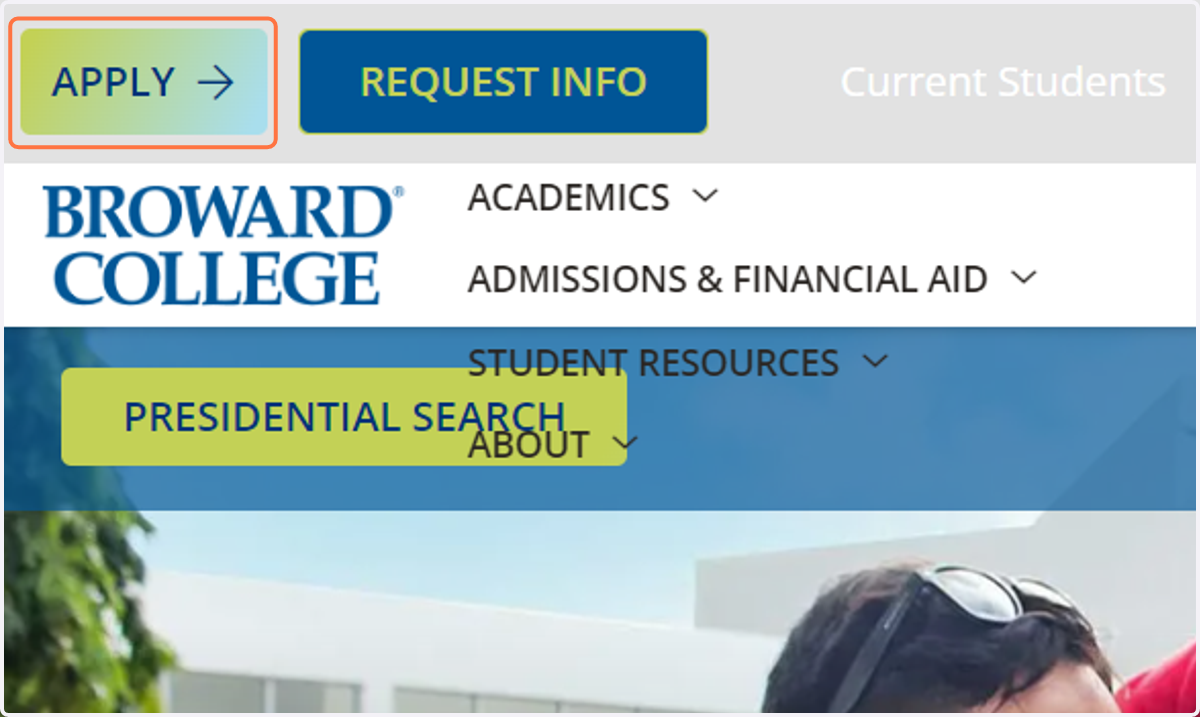
1. Click on APPLY
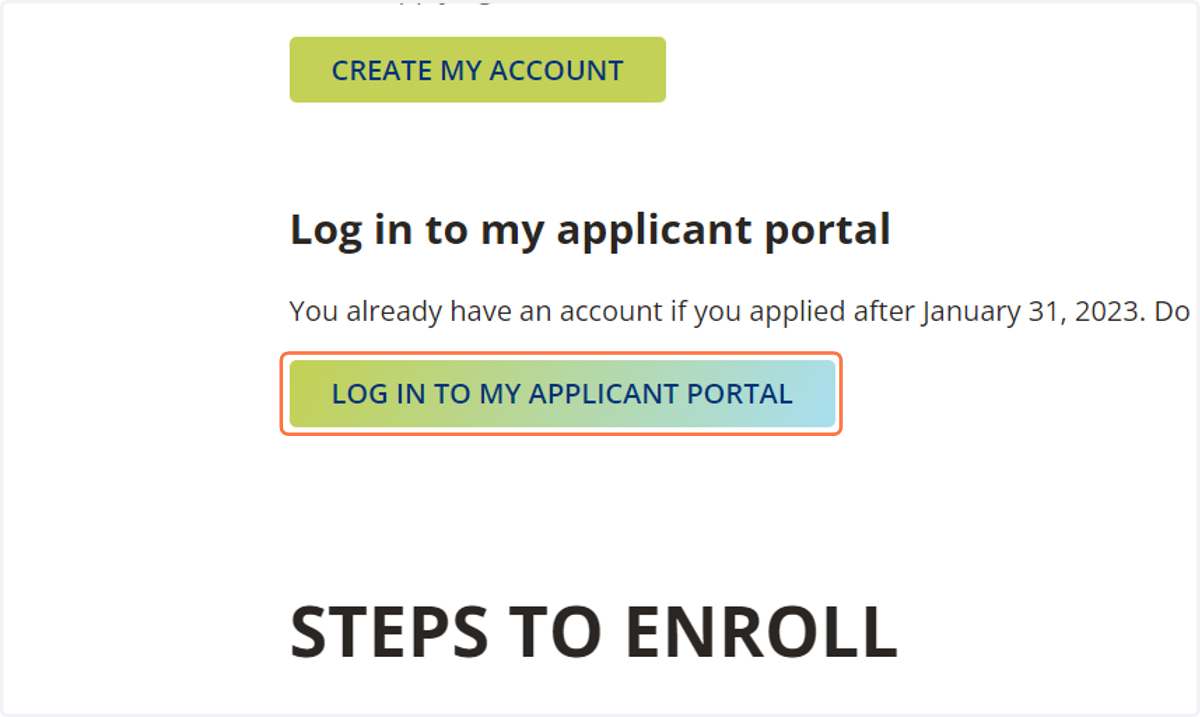
2. Click on LOG IN TO MY APPLICANT PORTAL
Broward College
3. Sign in using the personal email address used when completing the Broward College application.
Q: Which email address should I use to log in?
A: Use the personal email address and password you created when applying to Broward College.
Q: What should I do if I forgot my email address?
A: If you forgot your password, contact the Student IT Help Center for assistance.
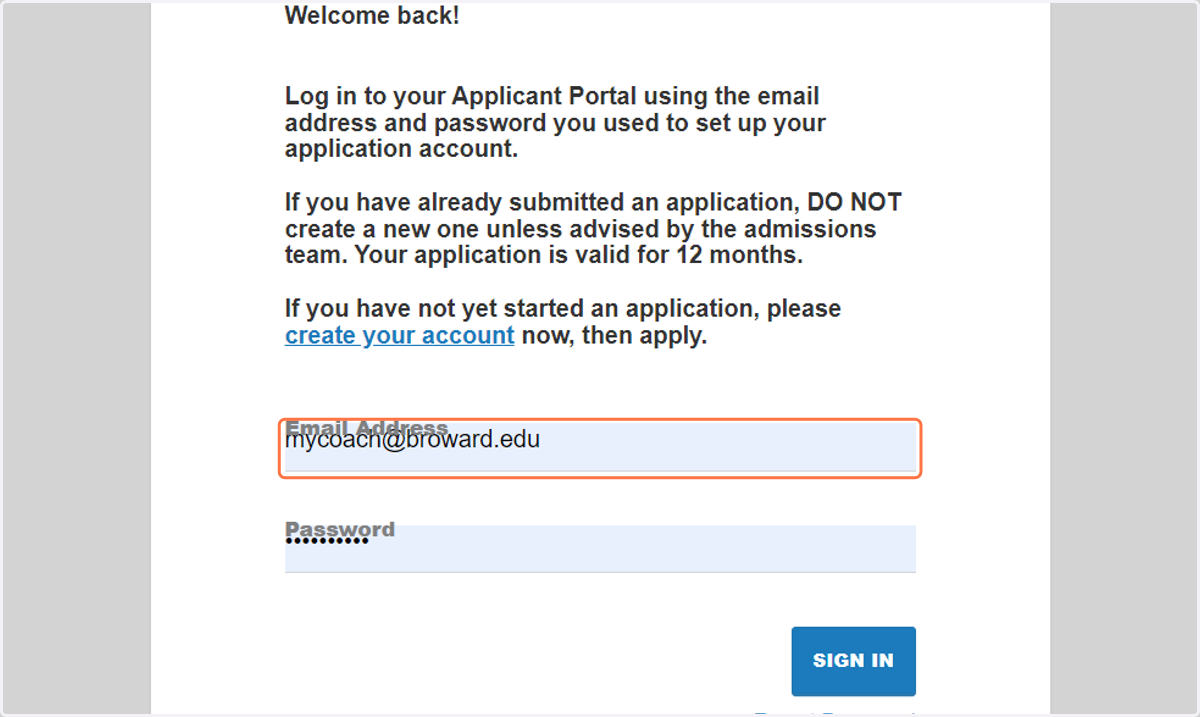
4. Type password
Q: Which email address should I use to log in?
A: Use the personal email address and password you created when applying to Broward College.
Q: What should I do if I forgot my email address?
A: If you forgot your password, contact the Student IT Help Center for assistance.
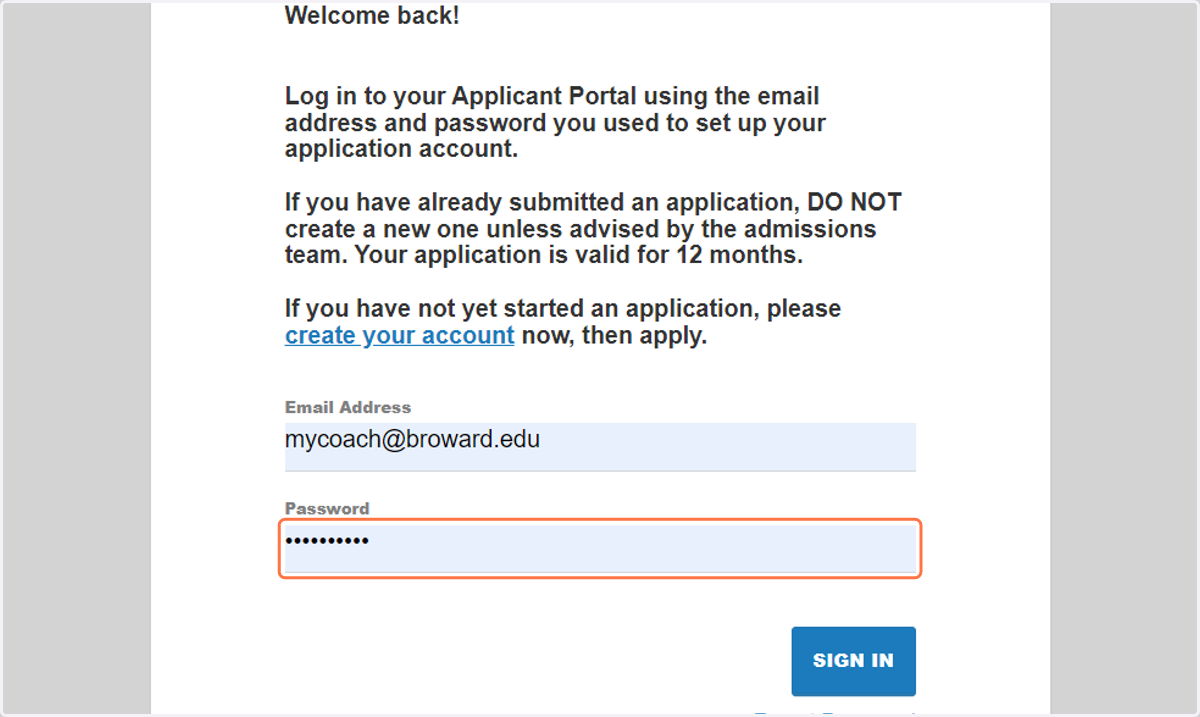
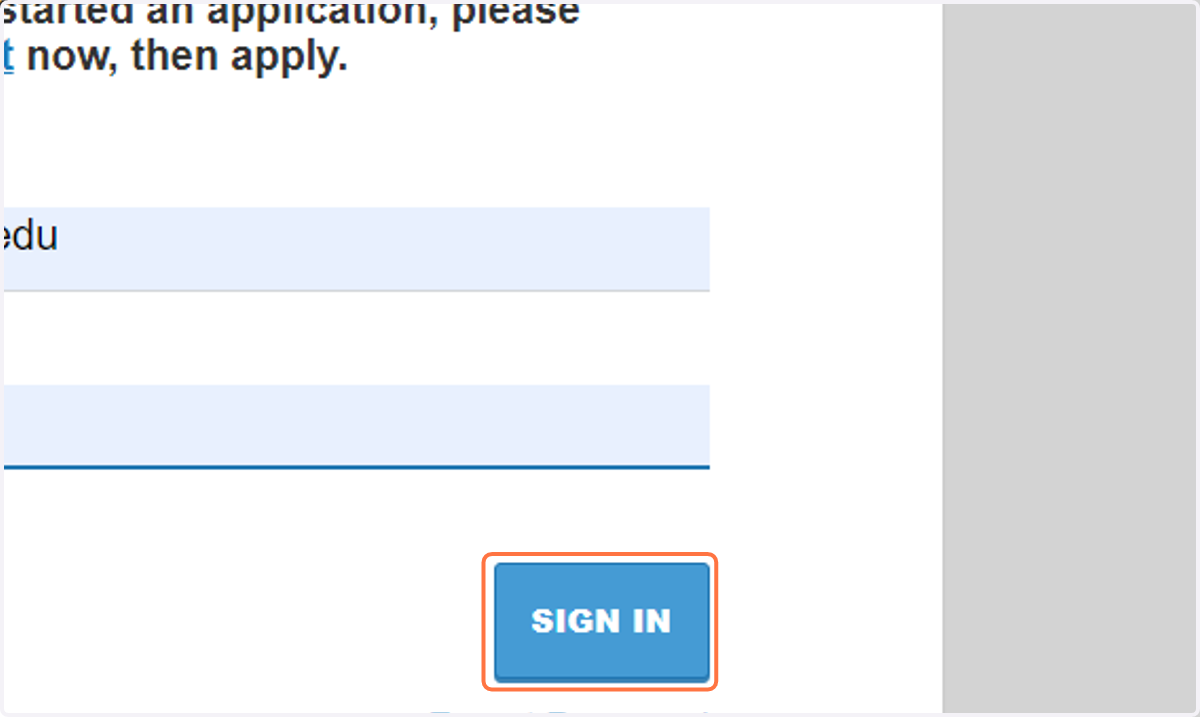
5. Click on SIGN IN
6. Click on "Meet My Coach"