Steps on Using the Lock & Earn Feature - Substance Exchange
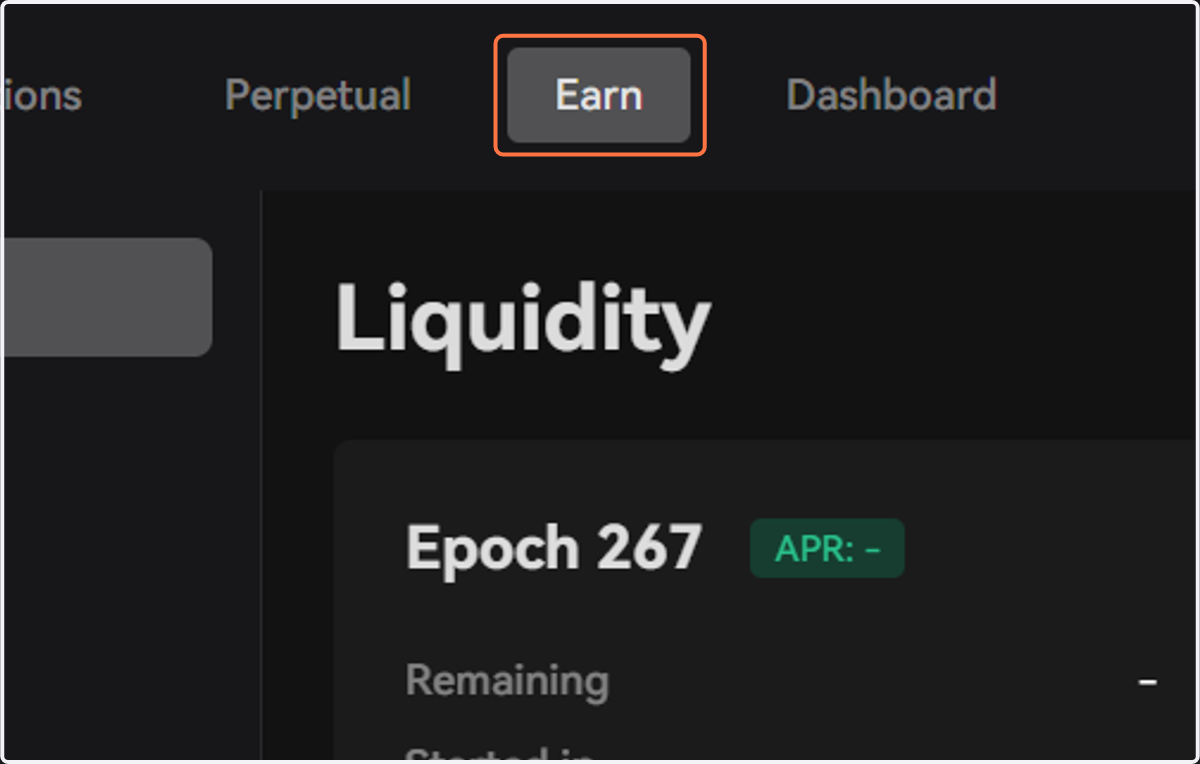
1. Click on Earn
Substance Exchange
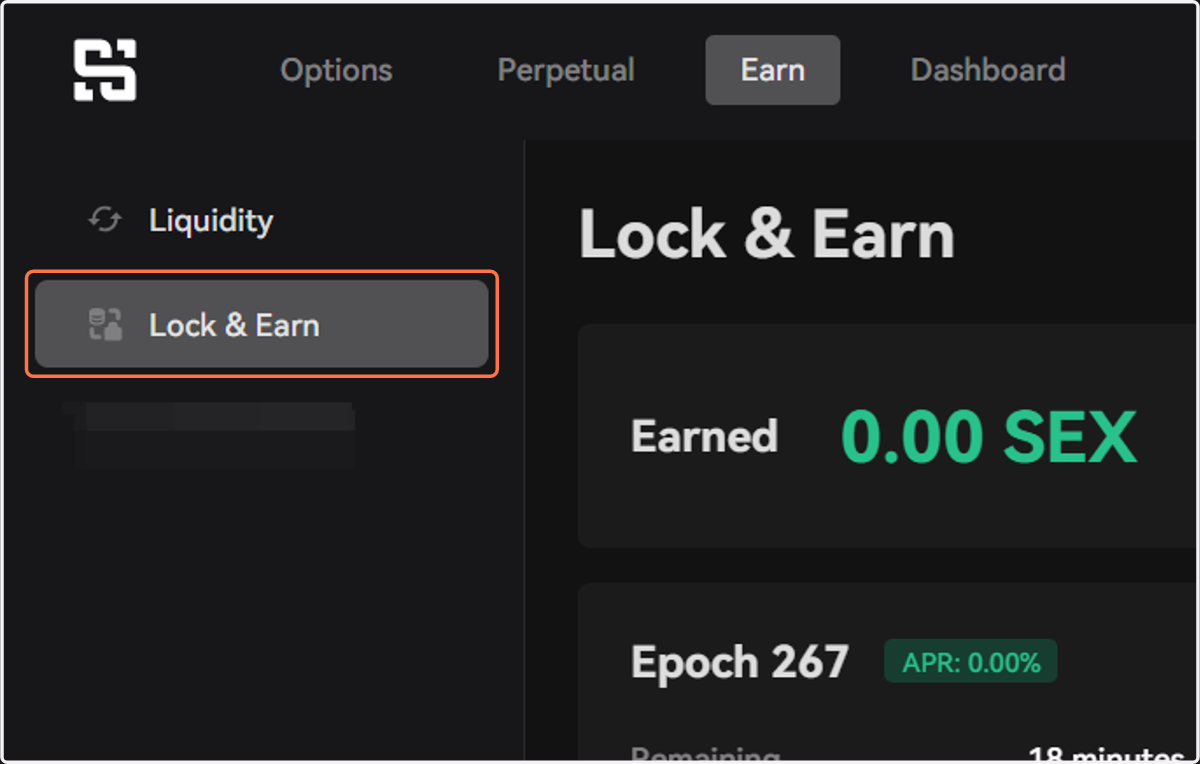
2. Click on Lock & Earn to start locking your investment
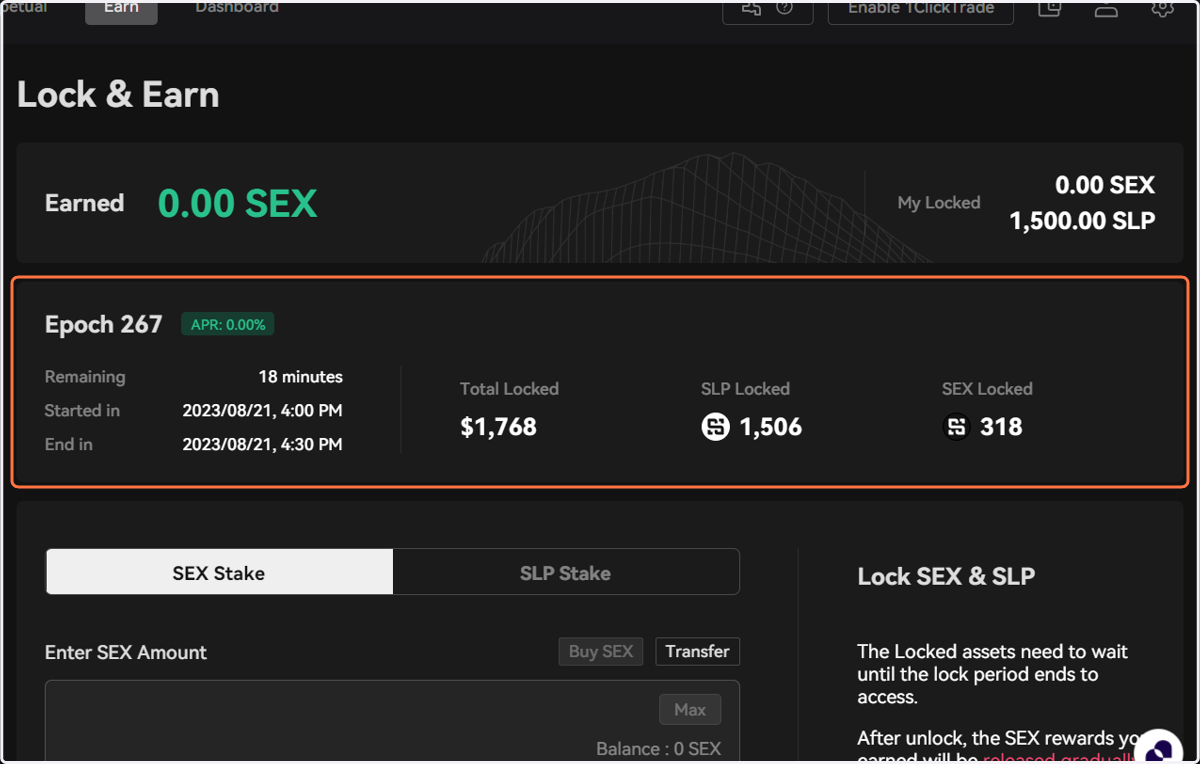
3. The Epoch banner shows detailed information of the current epoch, such as time remaining, total locked value, and etc.
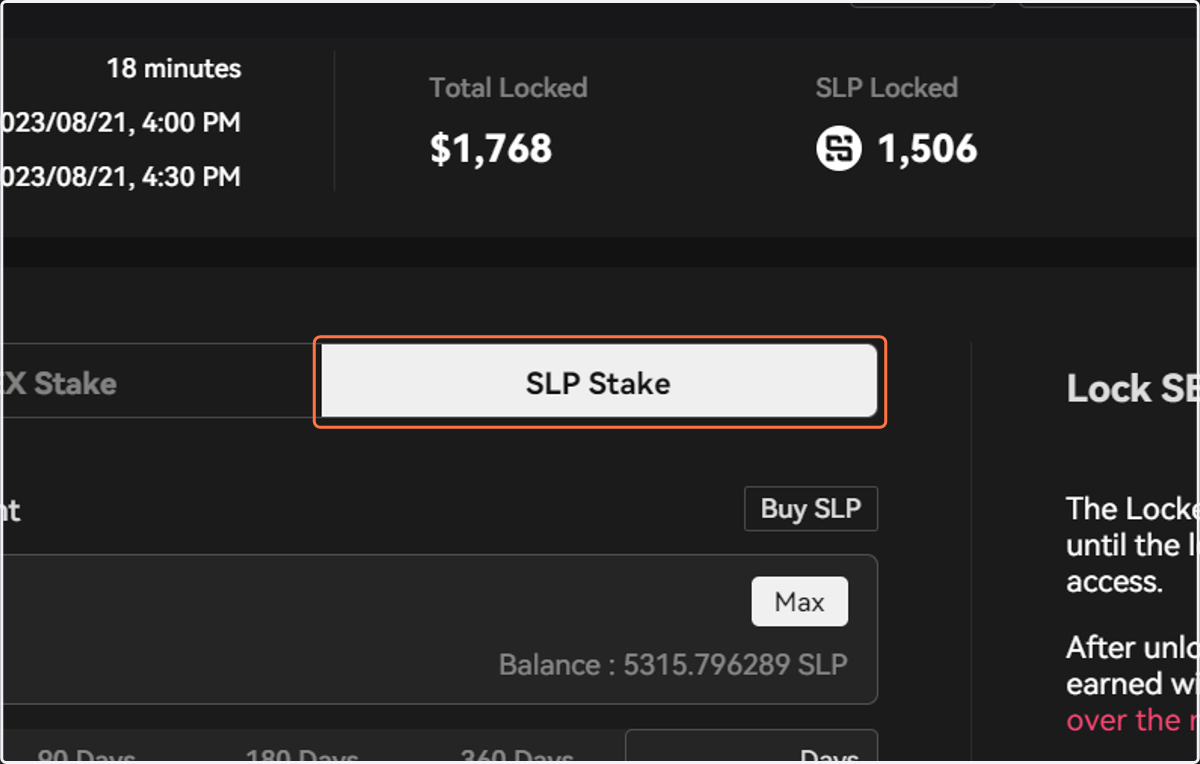
4. Click on SLP Stake
Both SEX and SLP can be locked
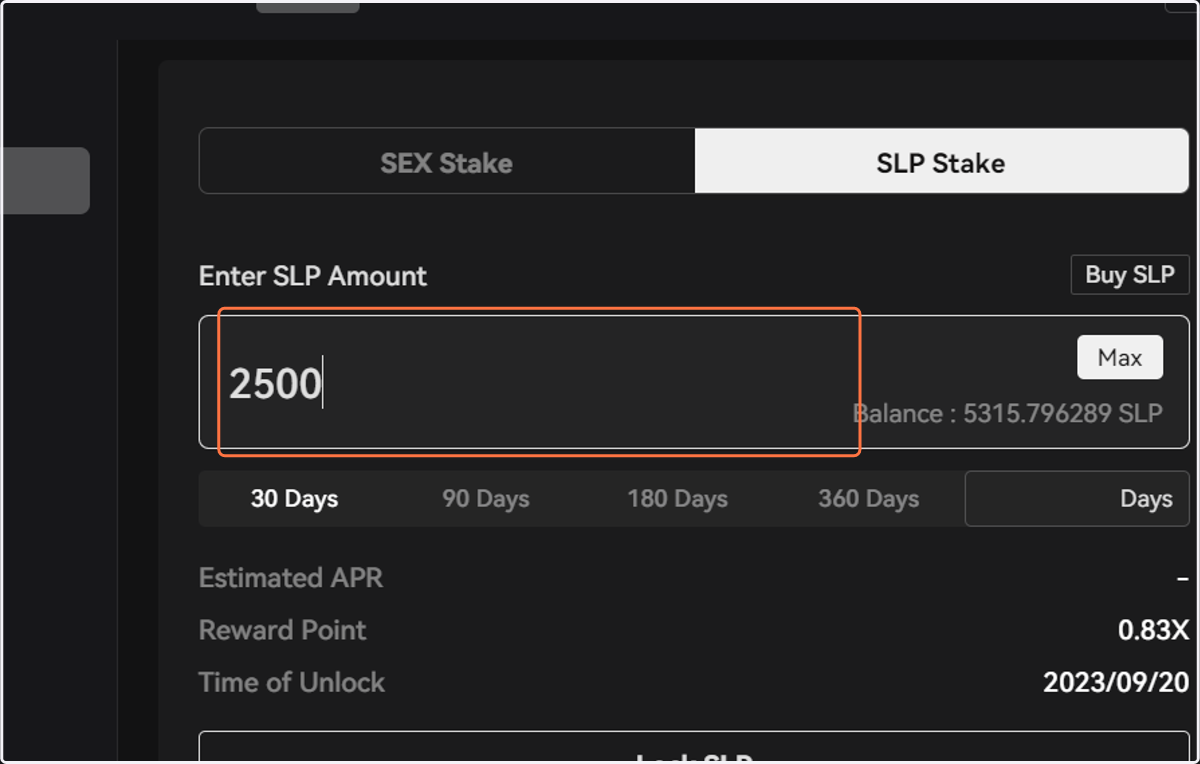
5. Enter the amount of SLP you would like to lock
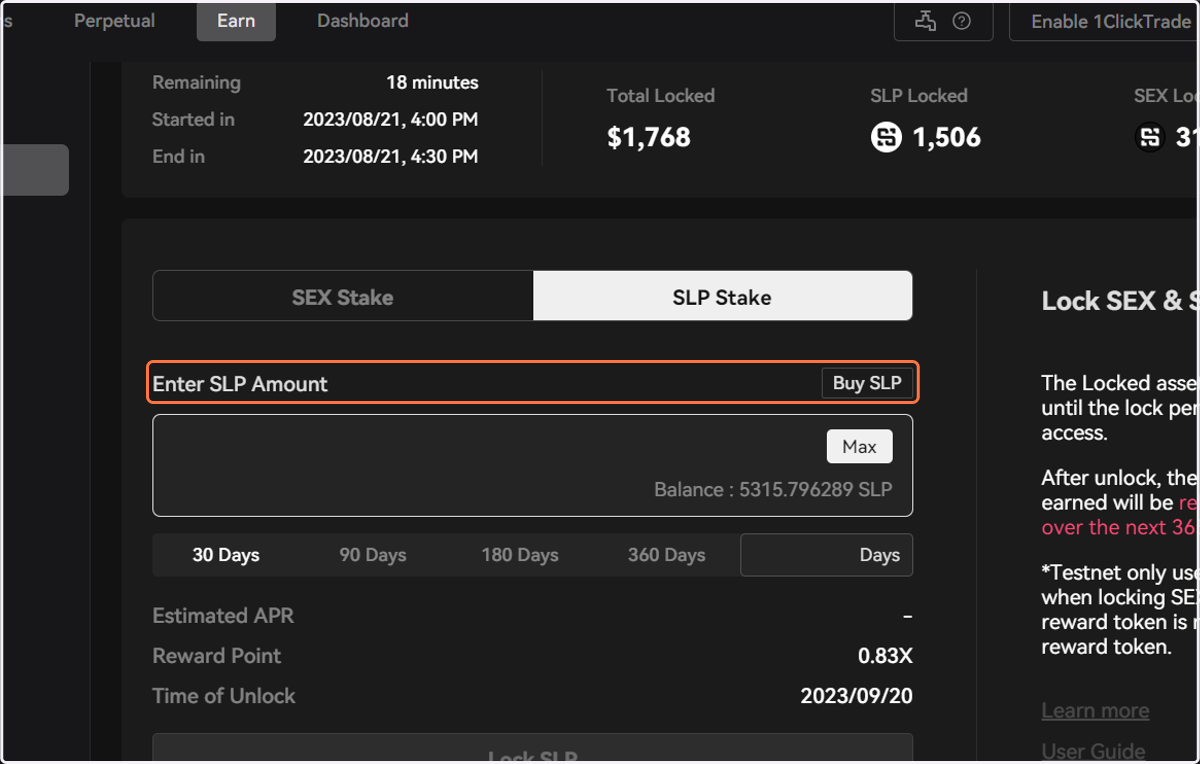
6. If you need more SLP, click the Buy SLP button on top
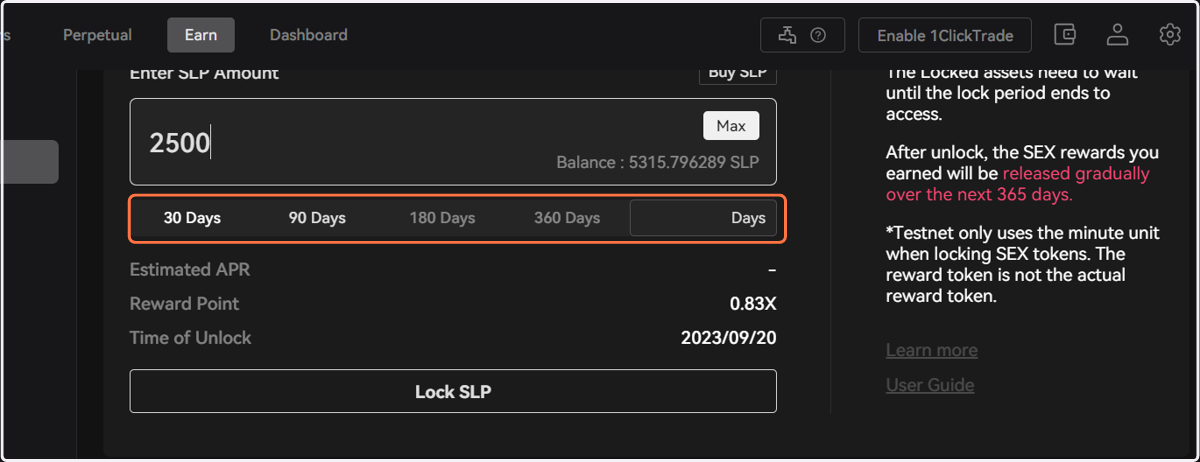
7. Next, select your lock period
Users may select a customized lock period other than the default options
8. After confirming the information, click on Lock SLP
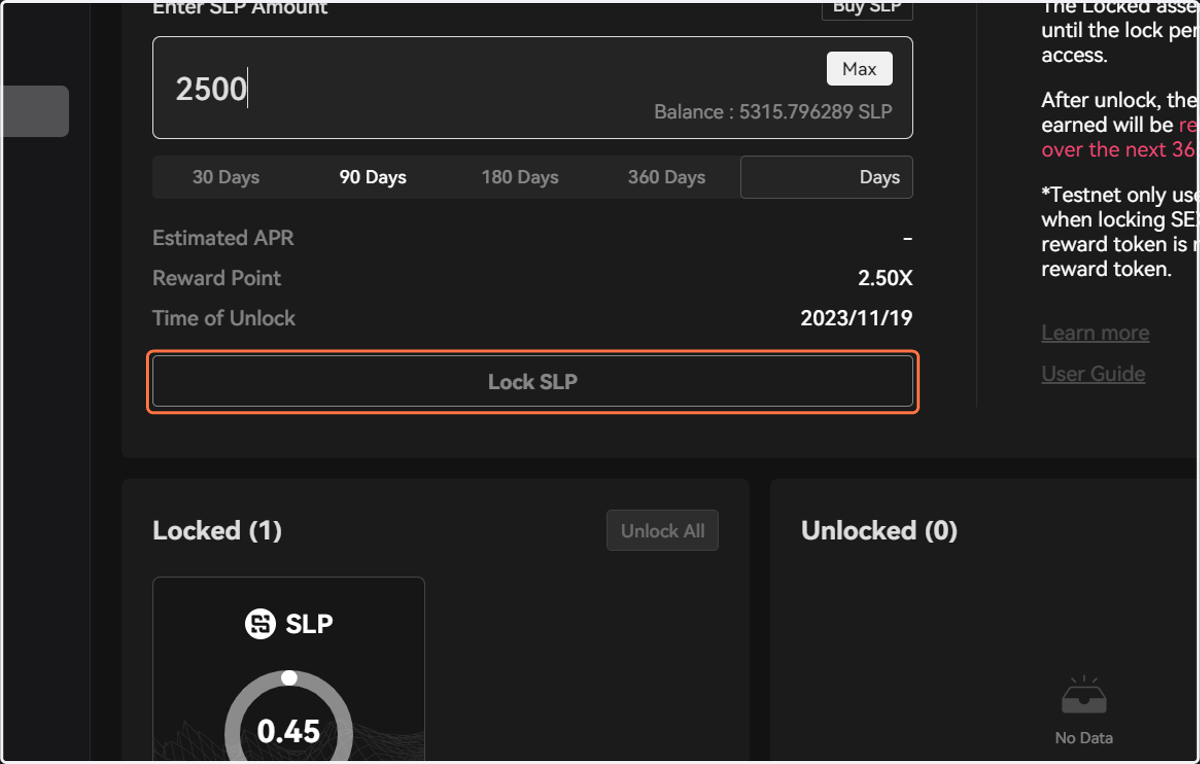
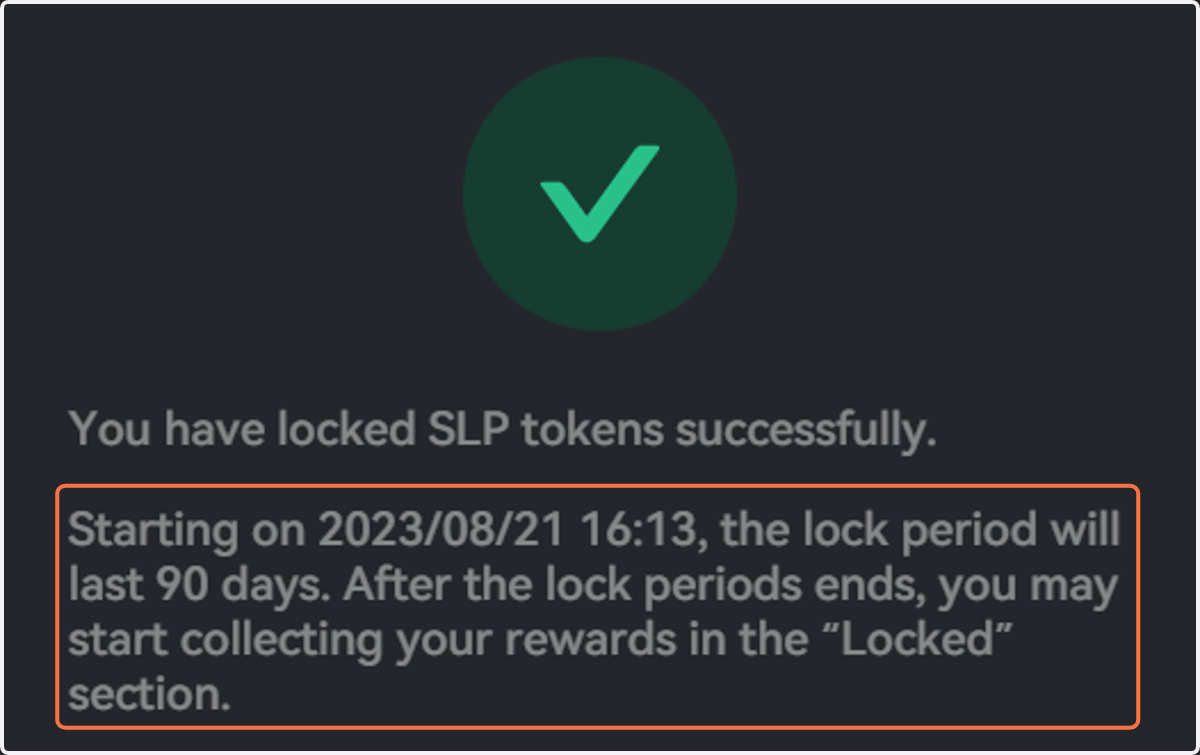
9. You will be notified when the action is processed and we will remind you again of the duration of the lock period
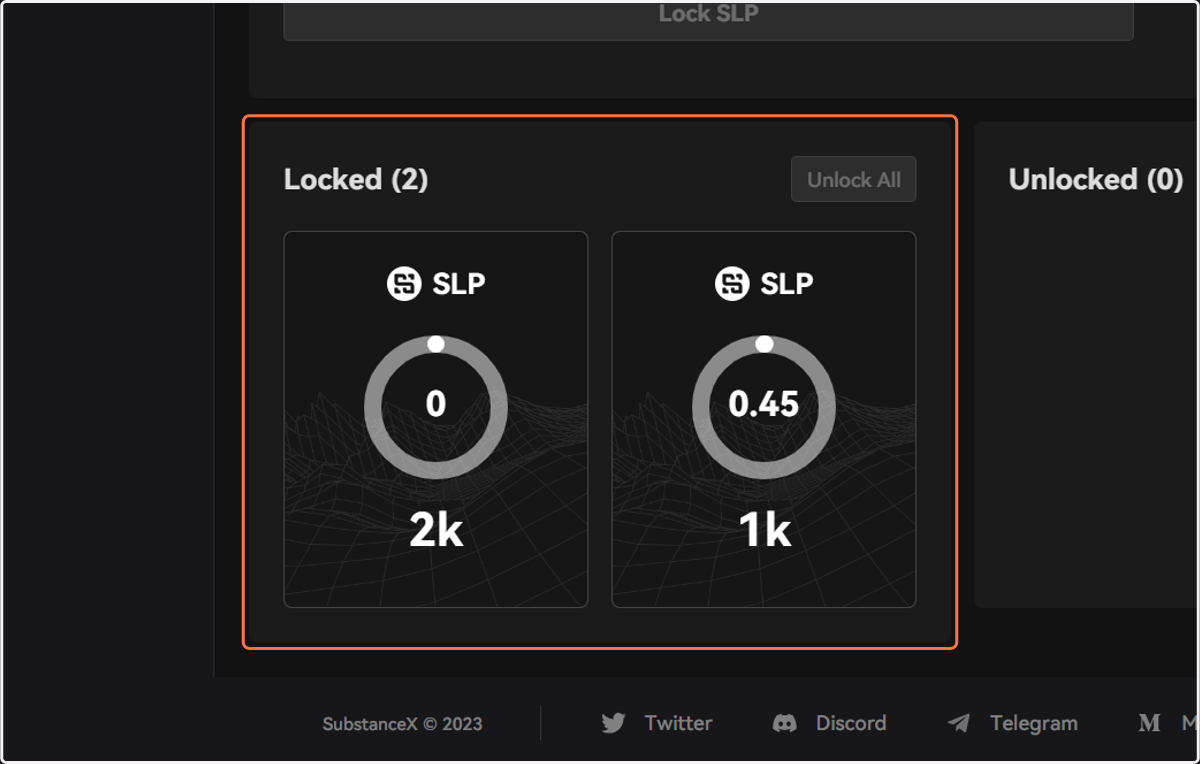
10. Users may view their locked tokens under the Locked tab
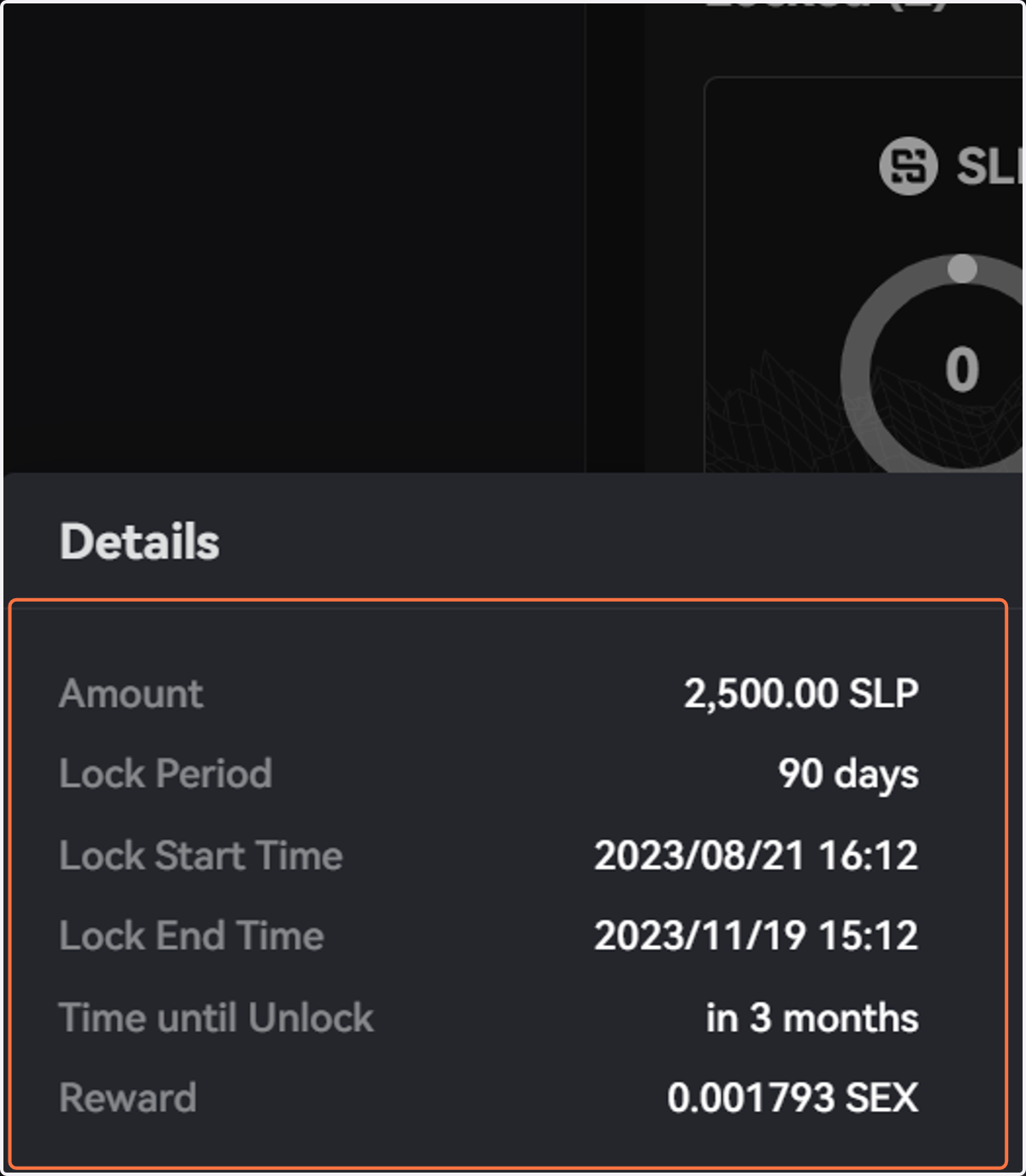
11. Click on the circle for detailed information on your locked investment
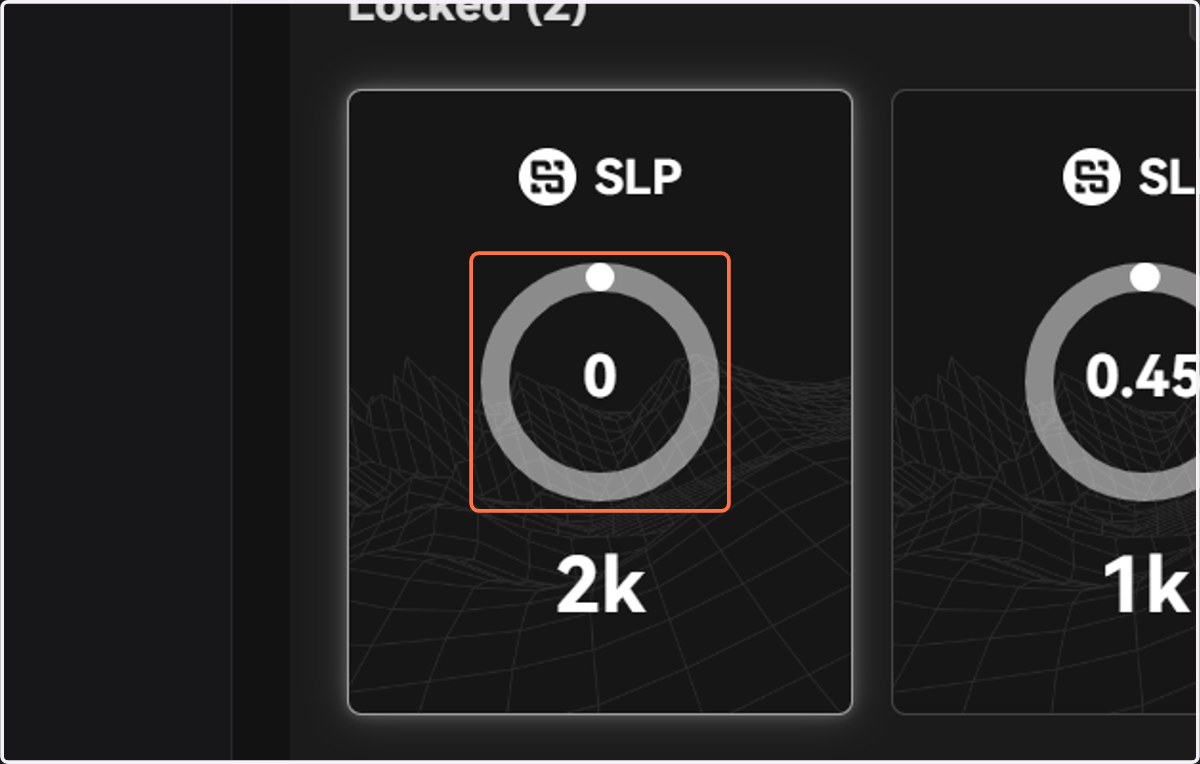
12. Your locked amount, period, remaining time, and reward will be displayed here
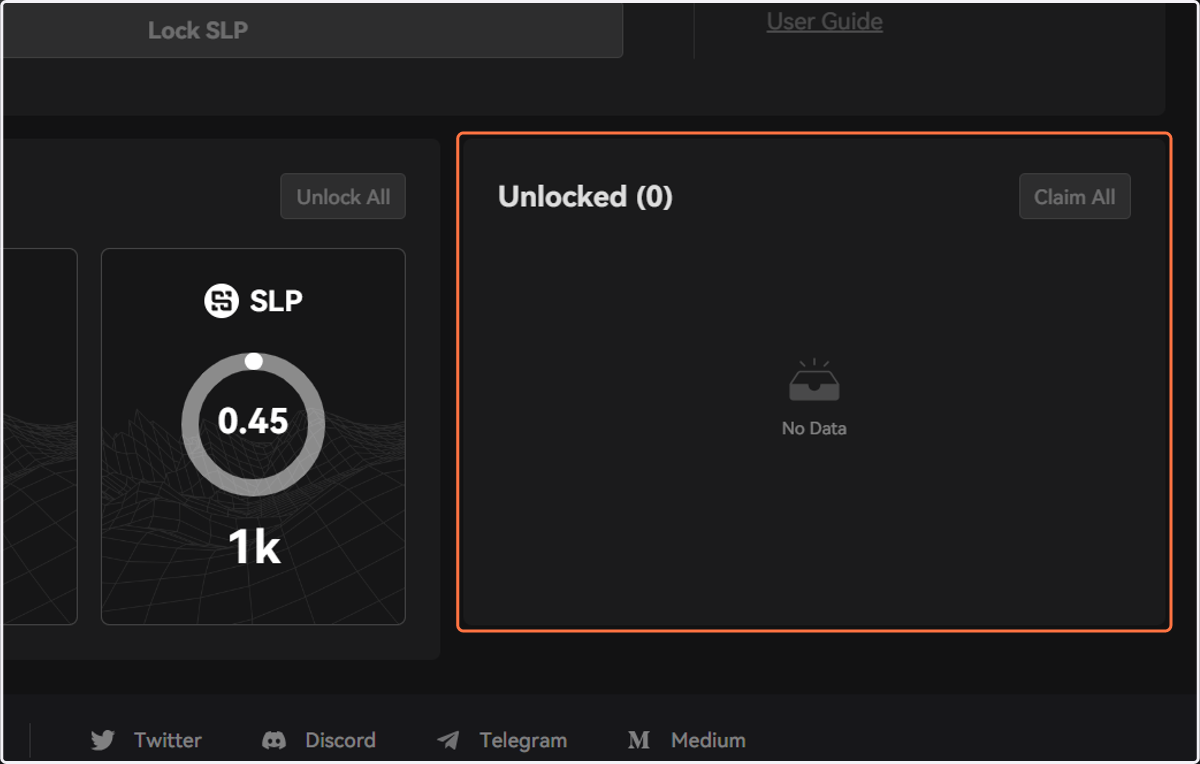
13. When the lock period ends, users may find and claim their rewards under the Unlocked tab
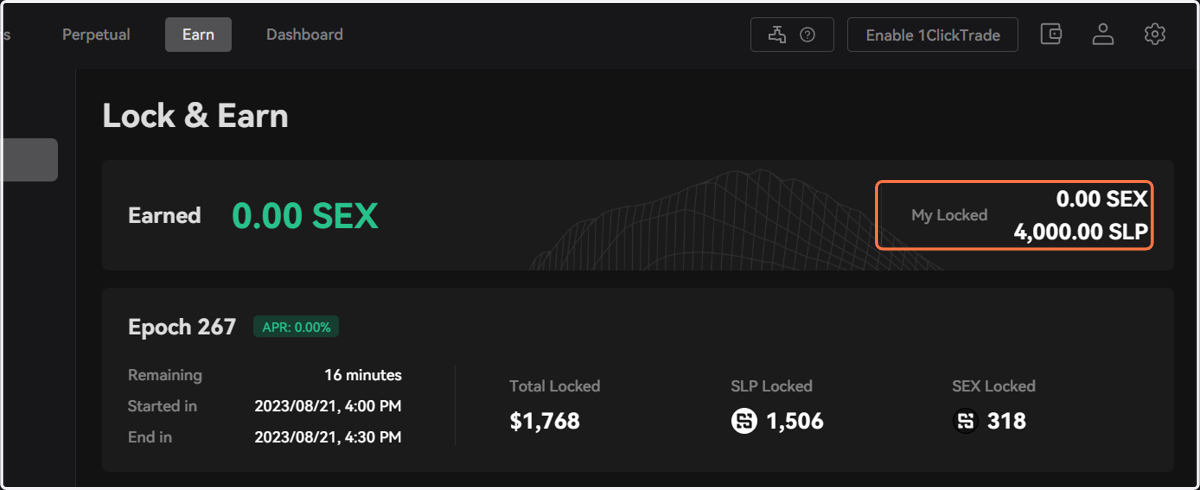
14. Your locked/earned data will be updated on the top banner in real-time