Steps for Creating a Facebook Page and Google Account Integration
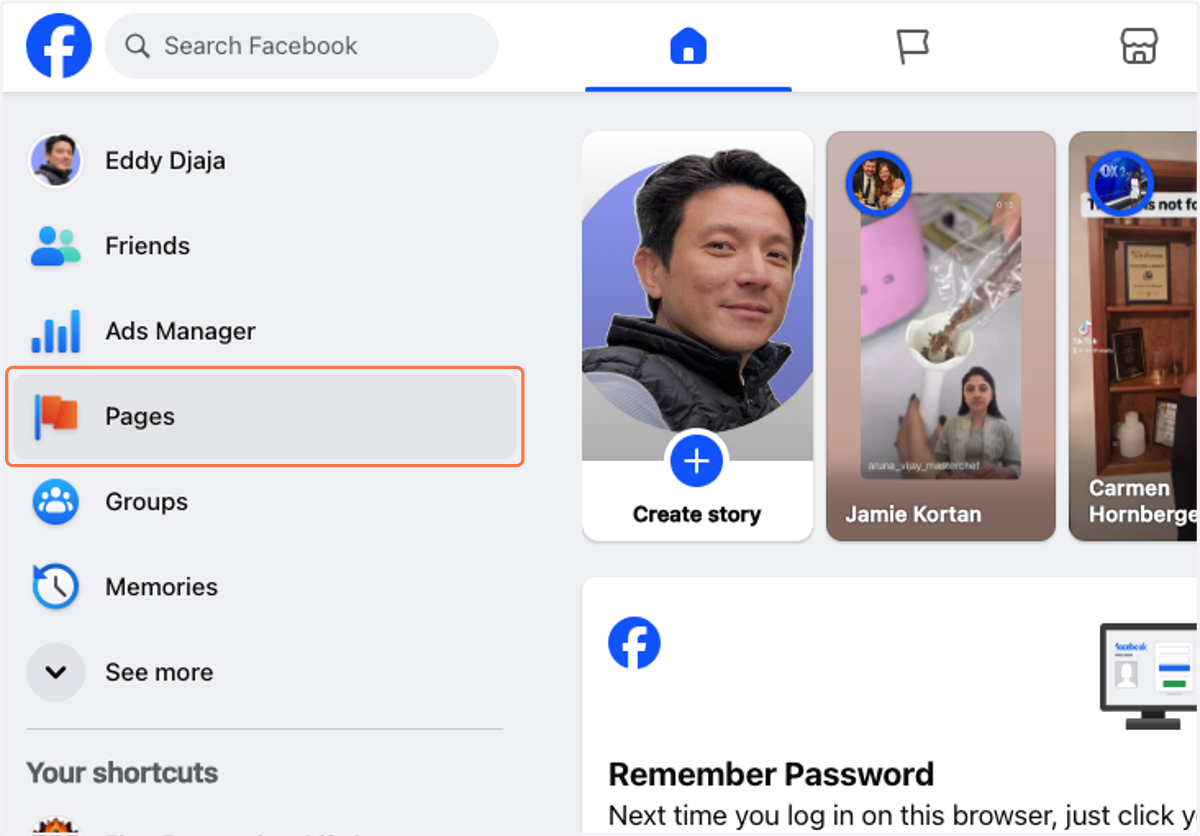
1. Click on Pages
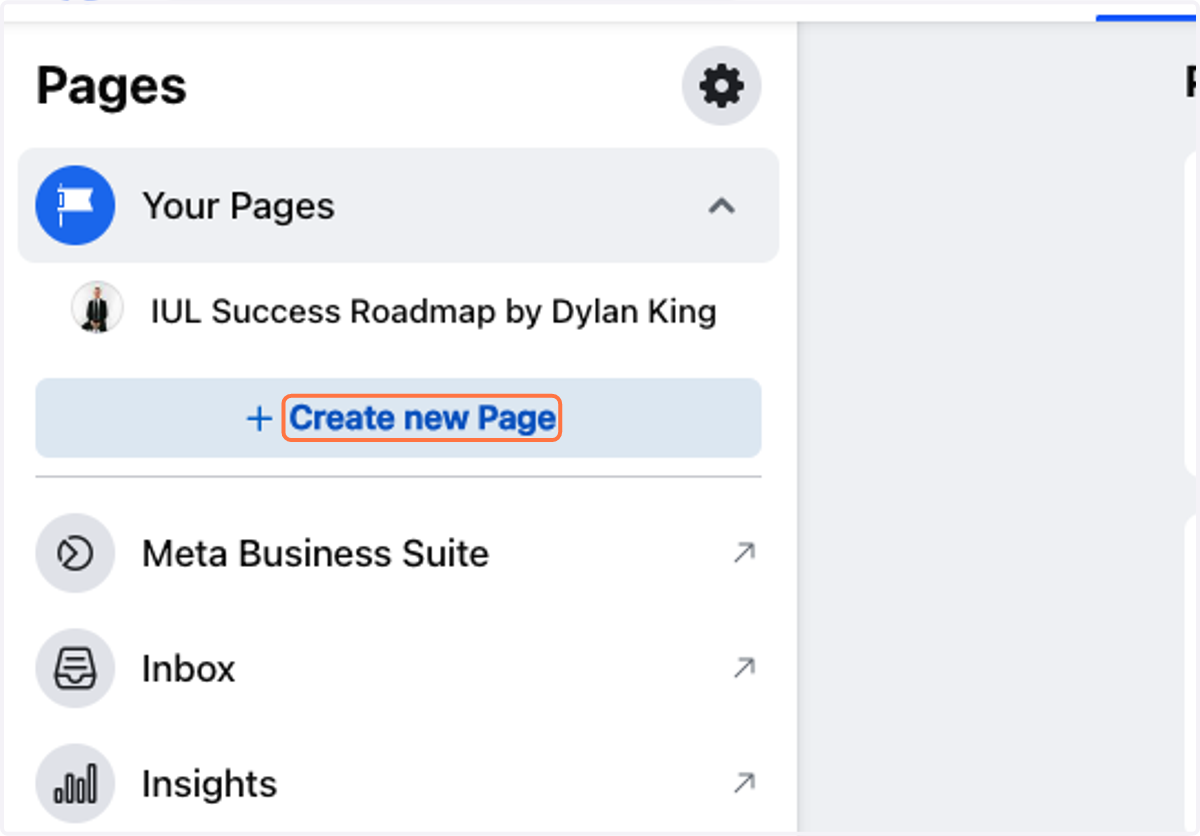
2. Click on Create new Page
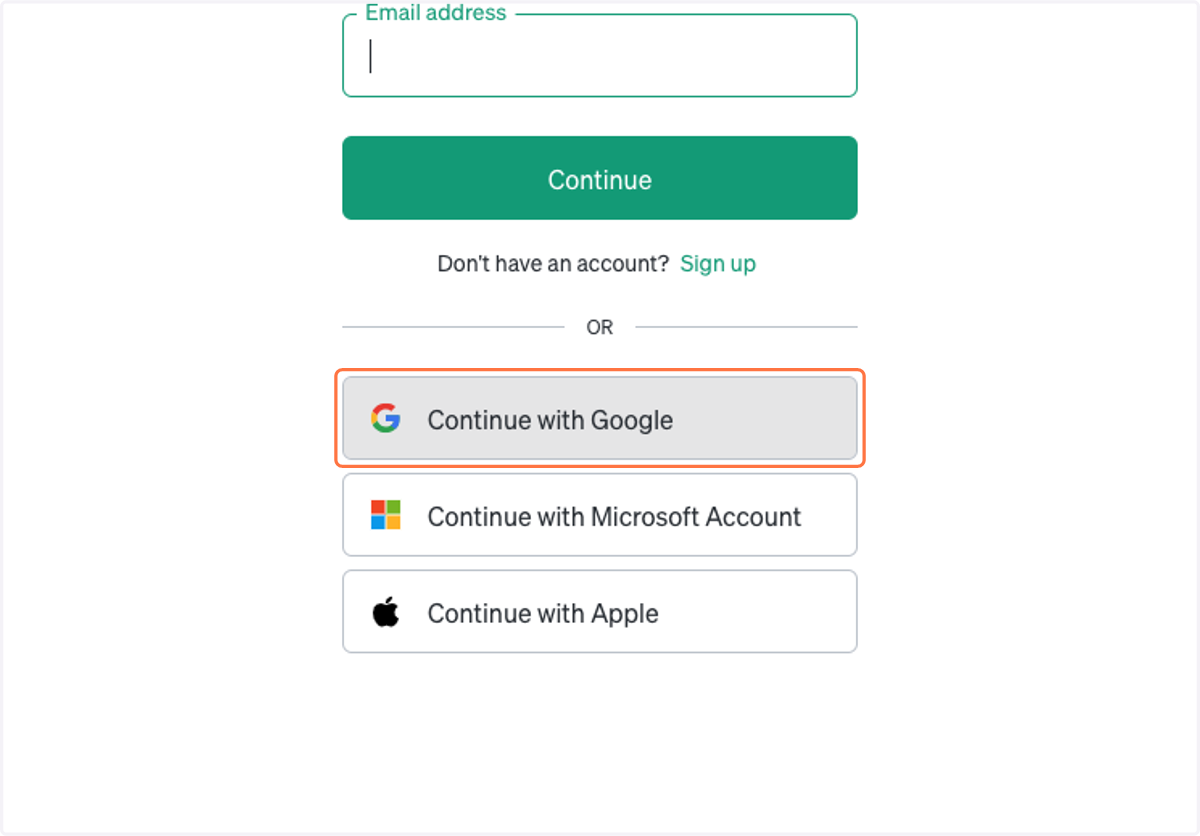
3. Click on Continue with Google
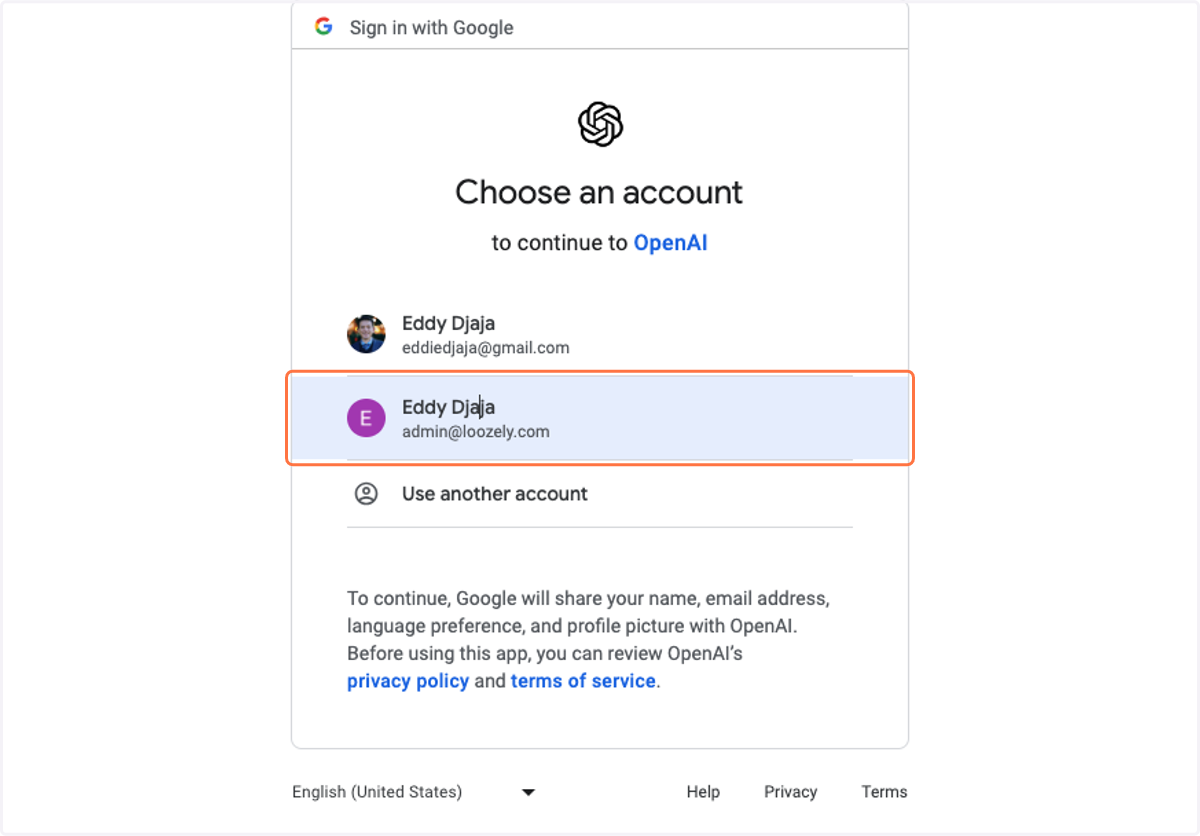
4. Click on Eddy Djaja…
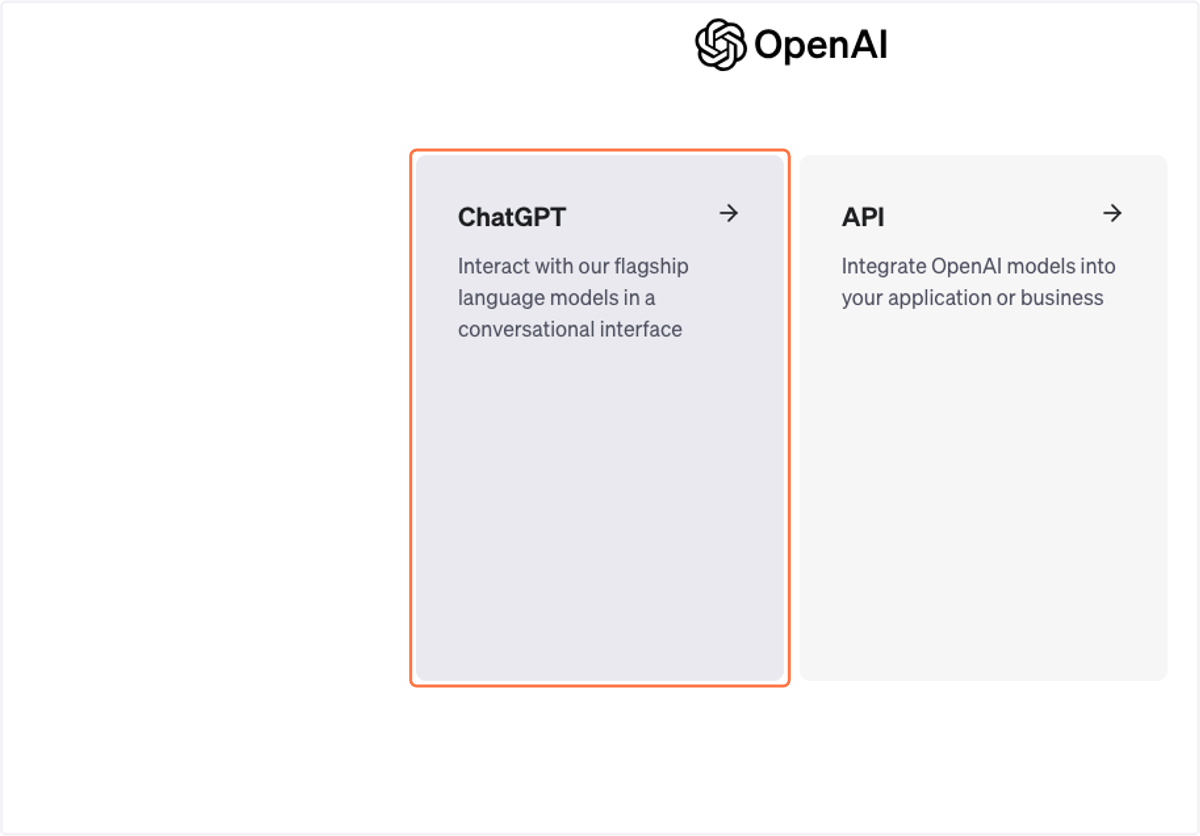
5. Click on ChatGPT…
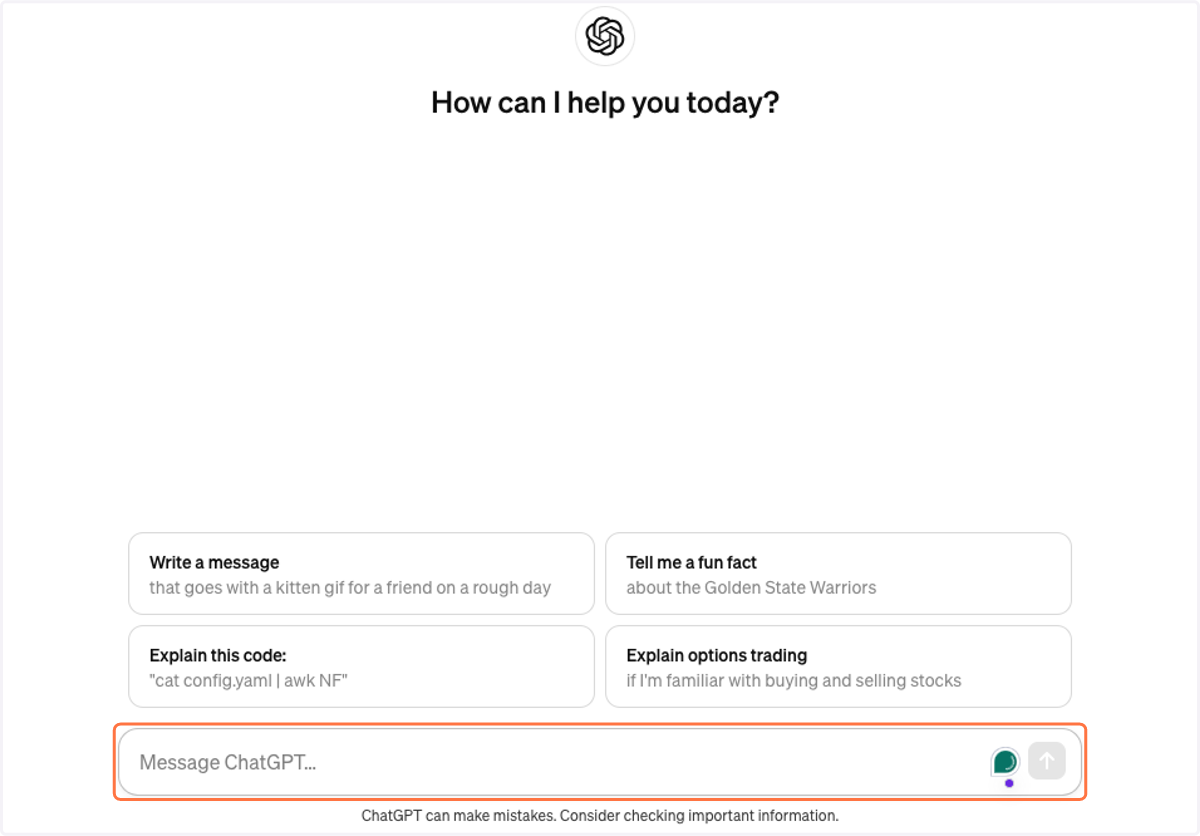
6. Type Message ChatGPT…
7. Drag highlighted element
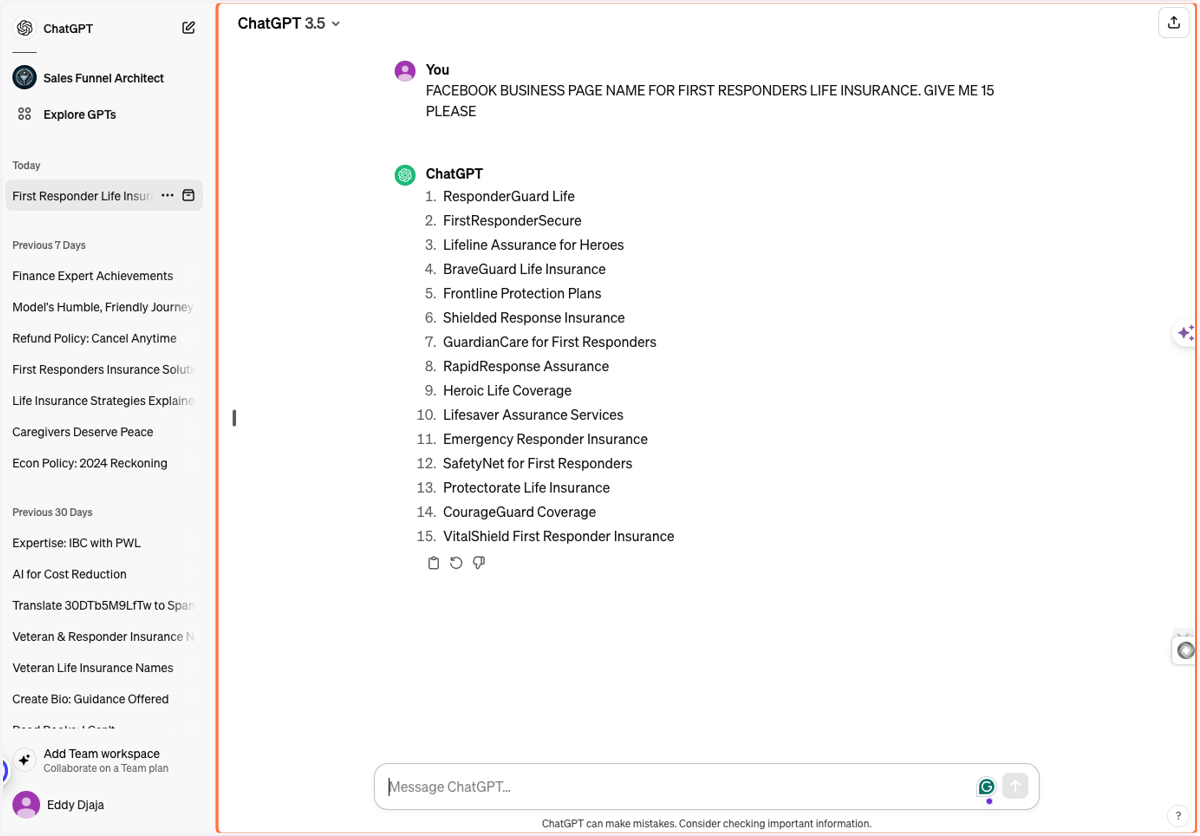
8. Type "BraveShield Life Insurance"
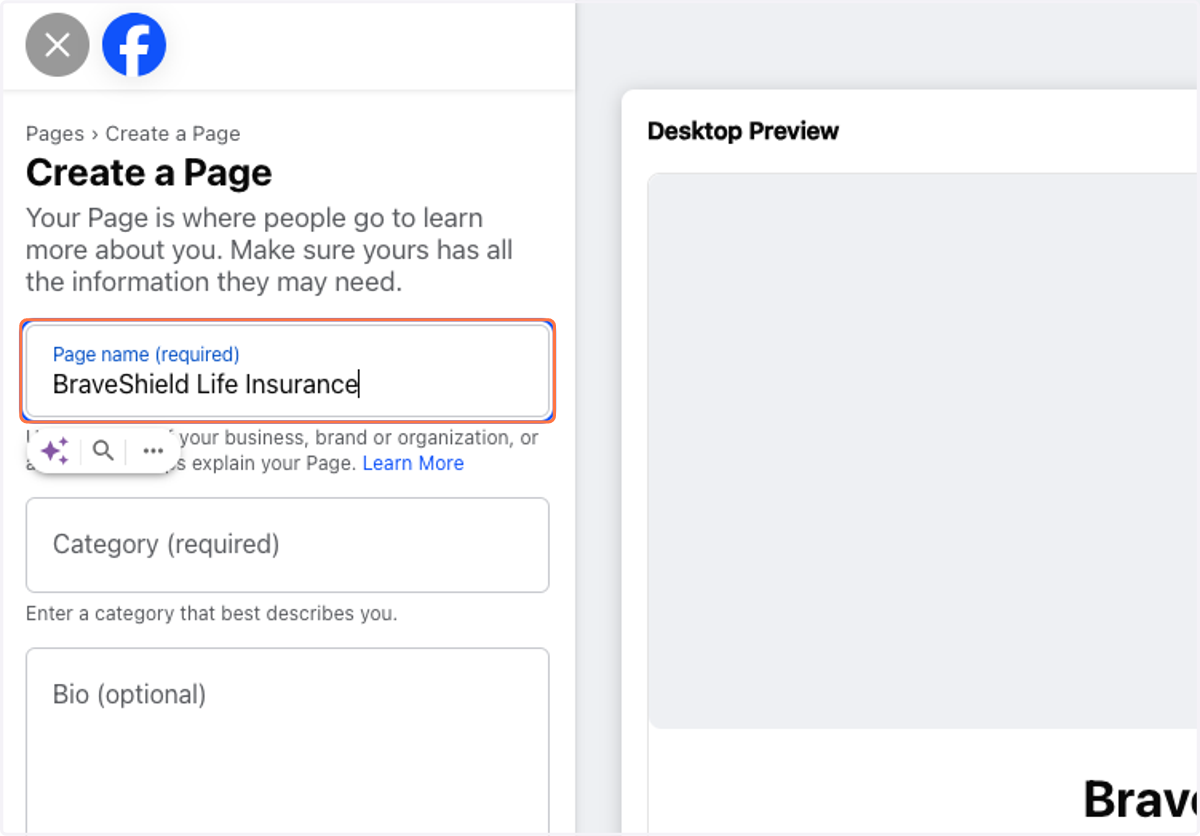
9. Type "financial"
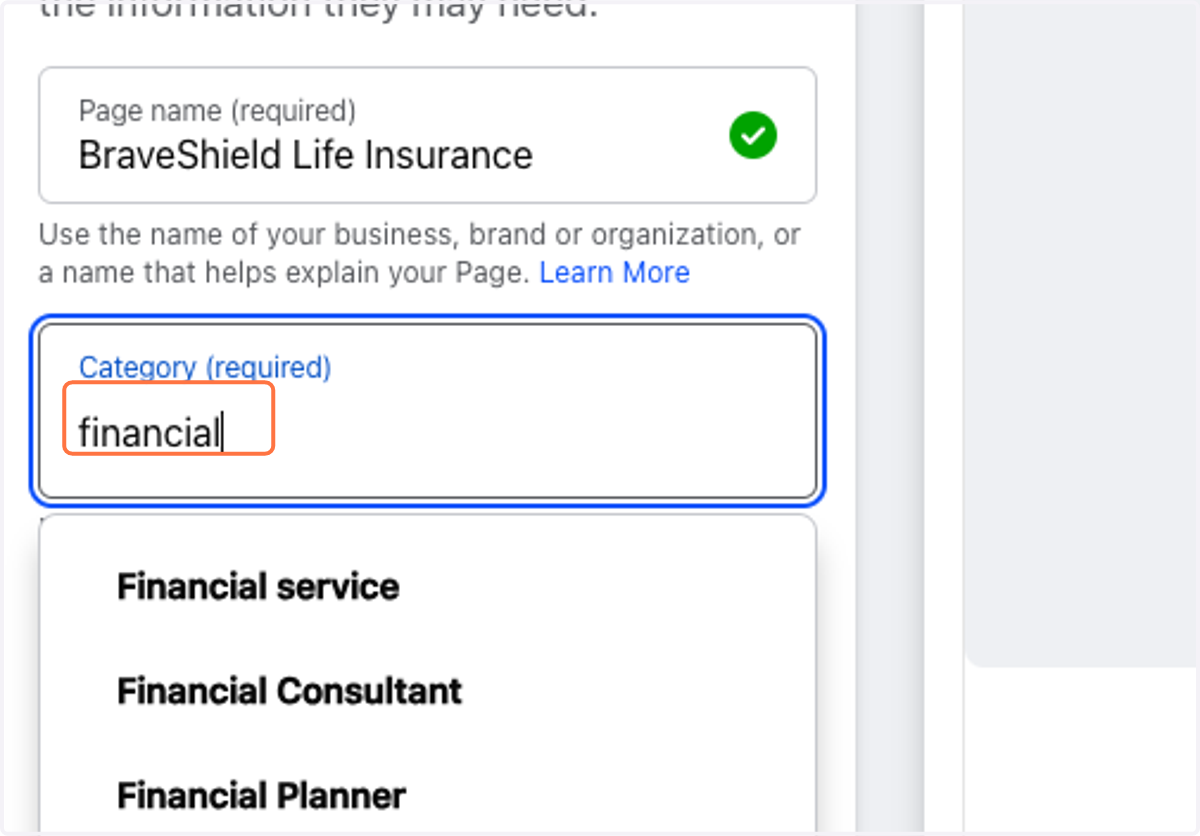
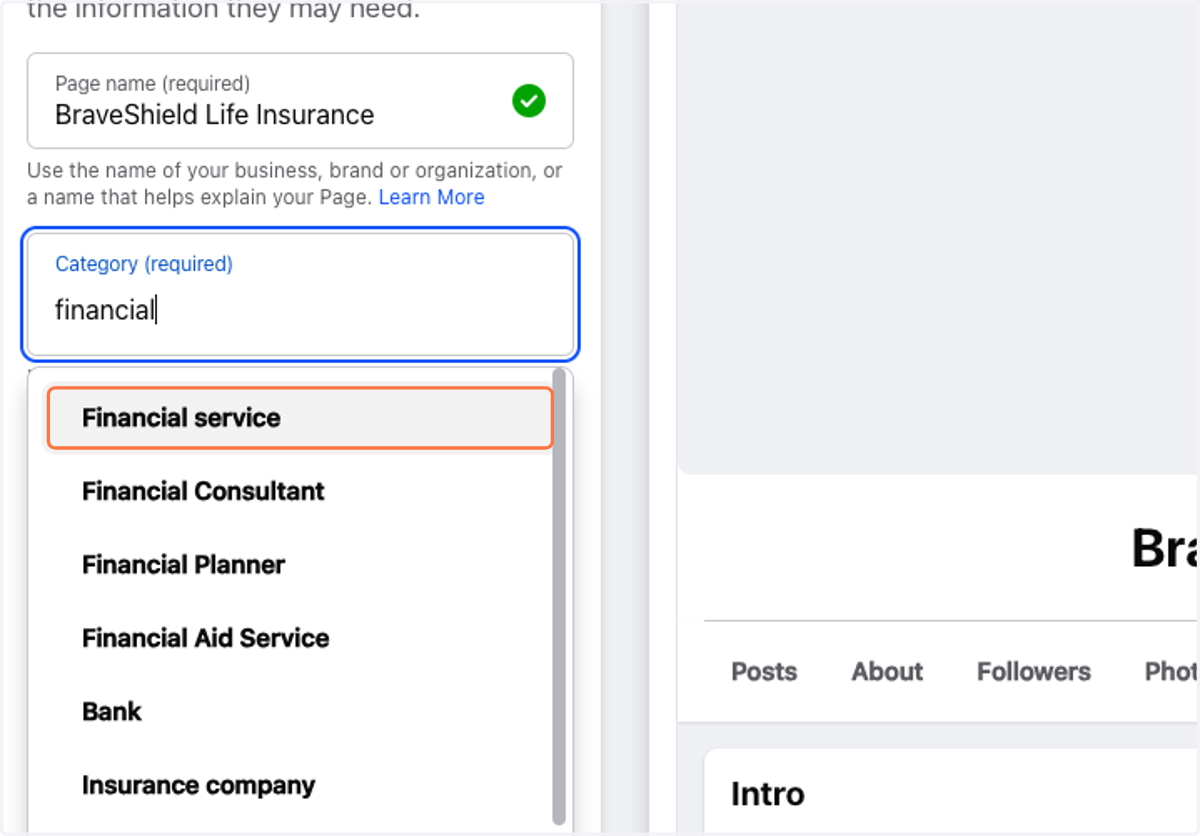
10. Click on Financial service
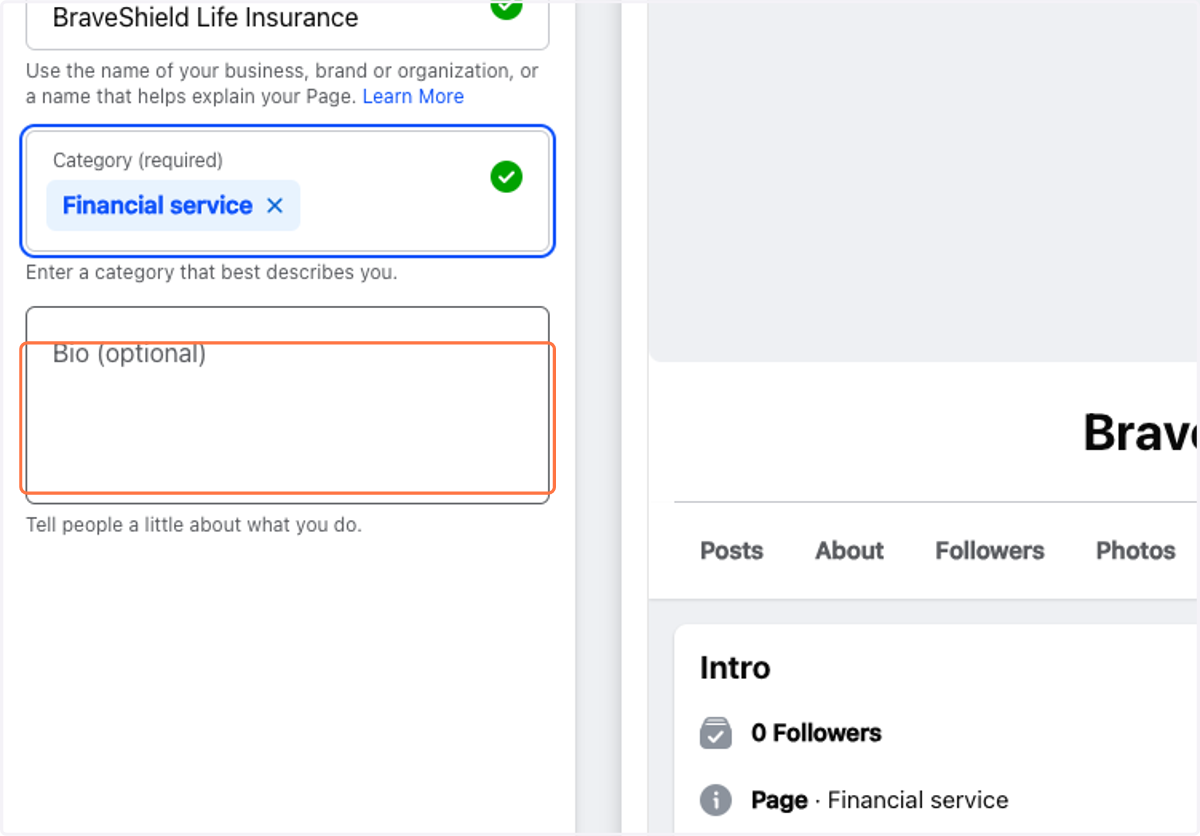
11. Click on Bio (optional)
12. Type Message ChatGPT…
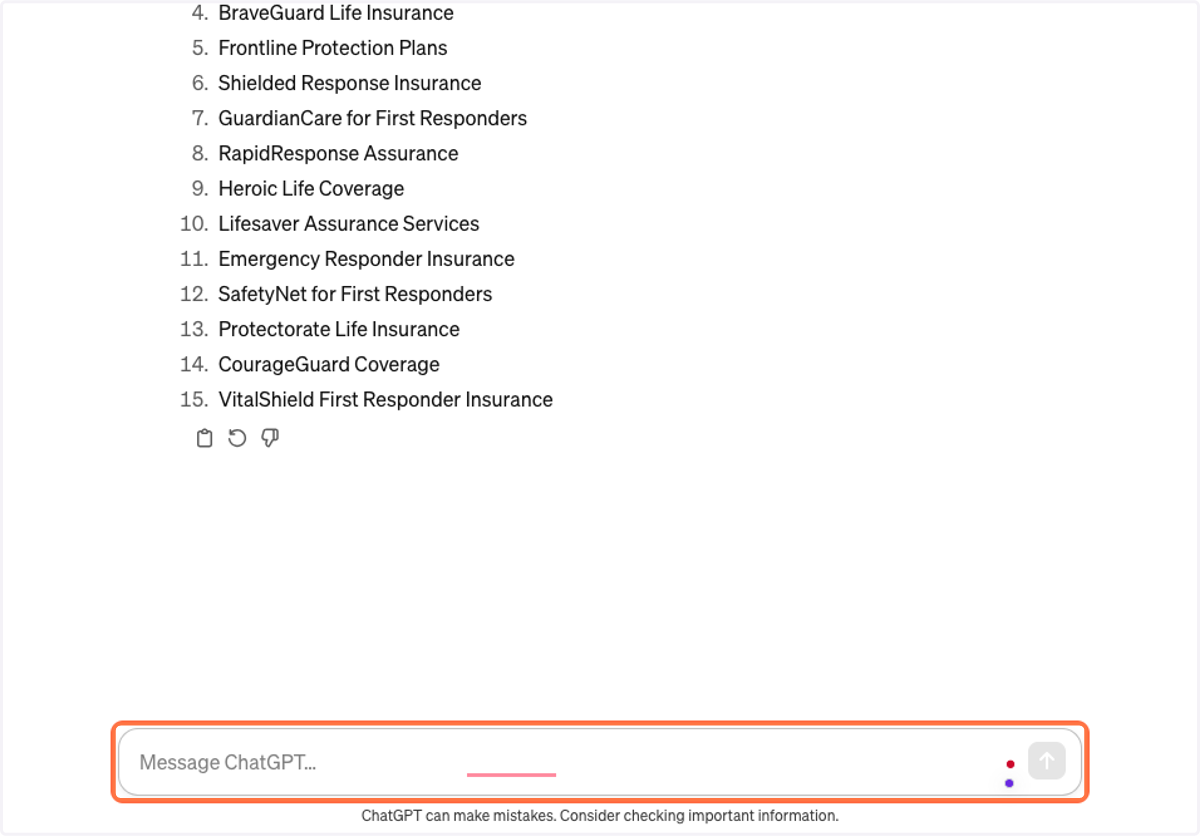
13. Drag highlighted element
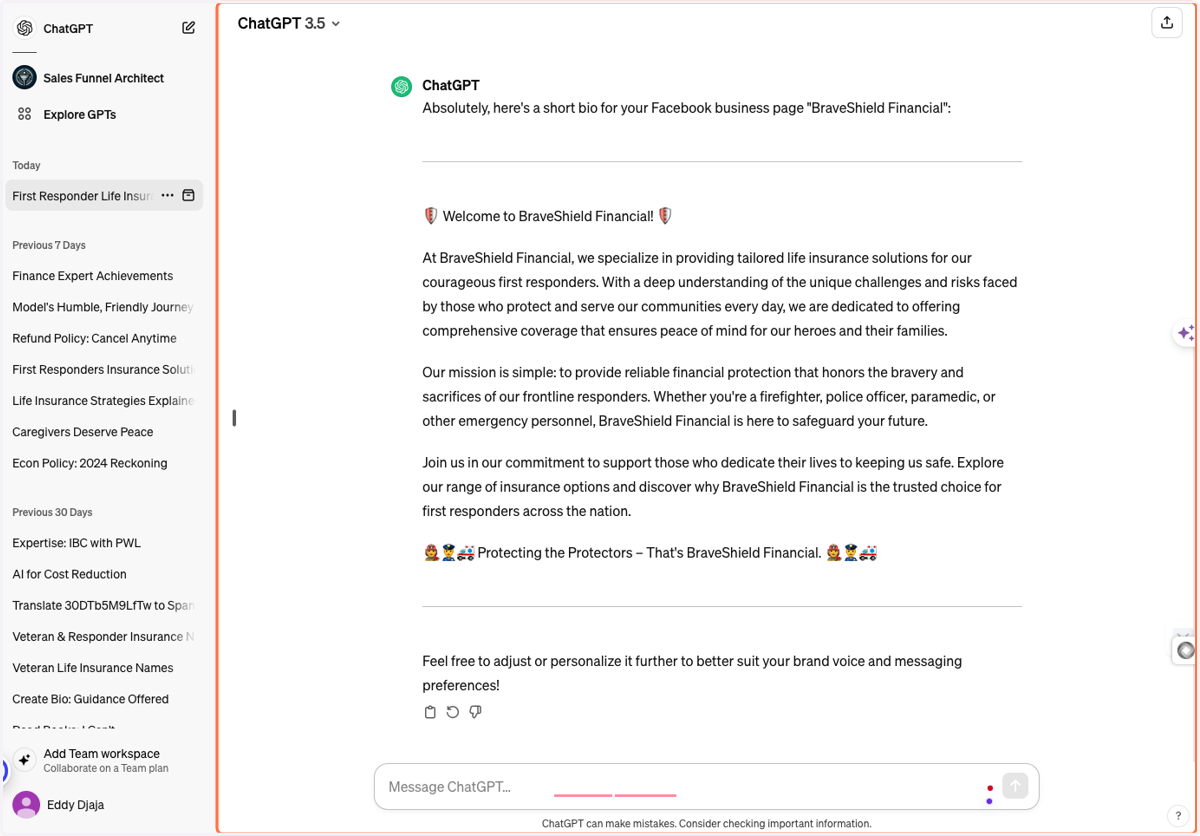
14. Type "Providing Tailored Life Insurance for First Responder and Veterans"
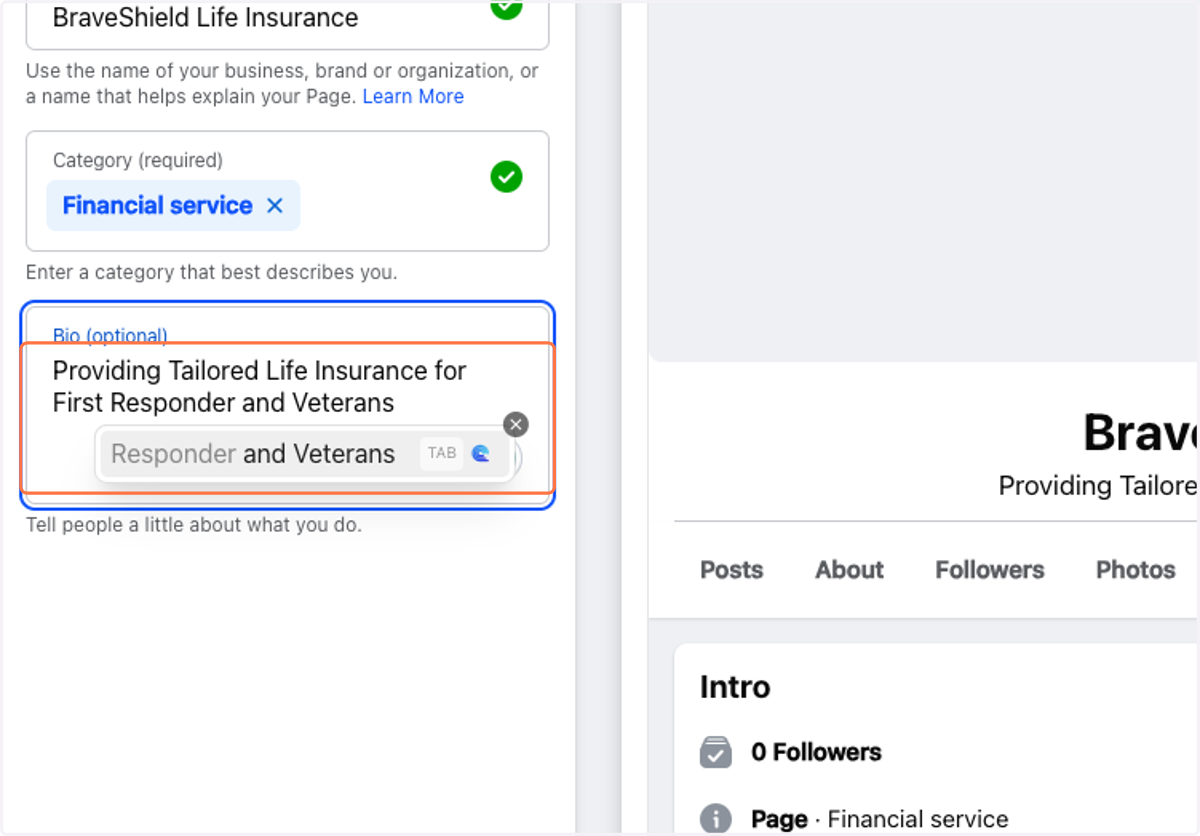
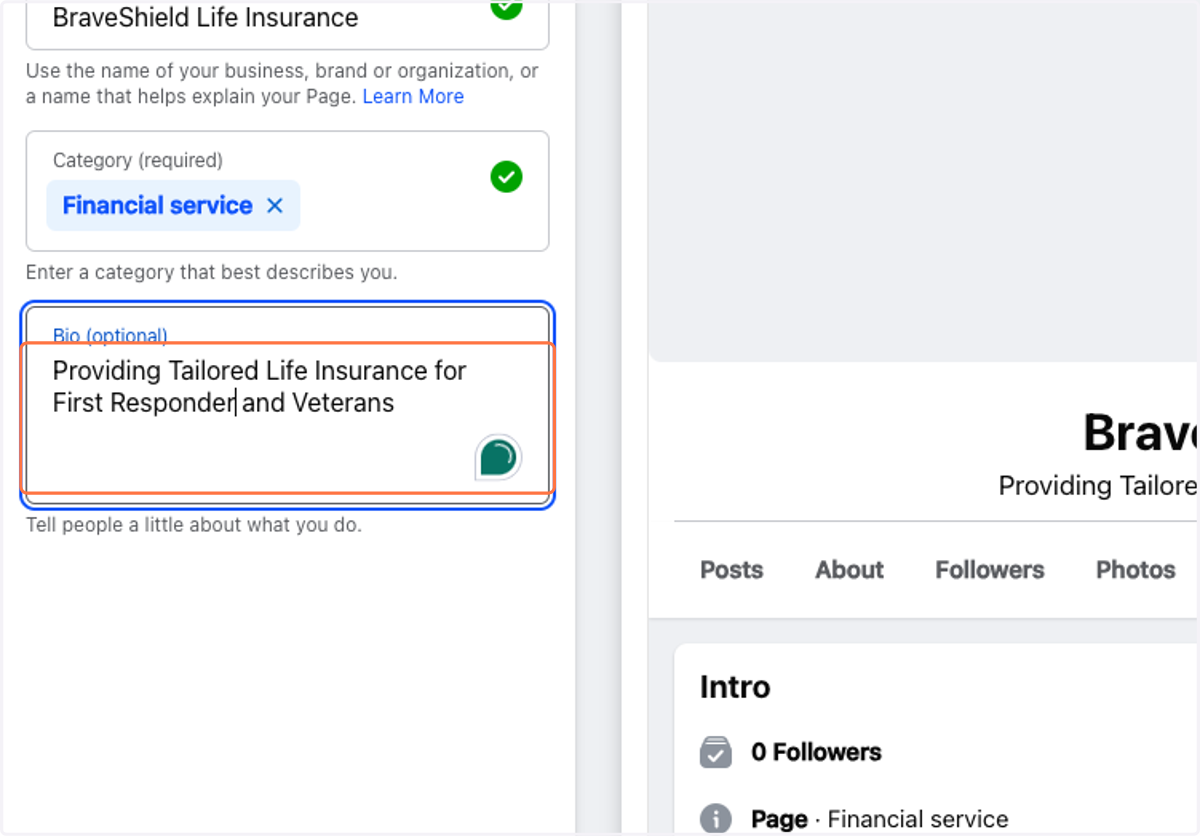
15. Type "Providing Tailored Life Insurance for First Responder and Veterans"
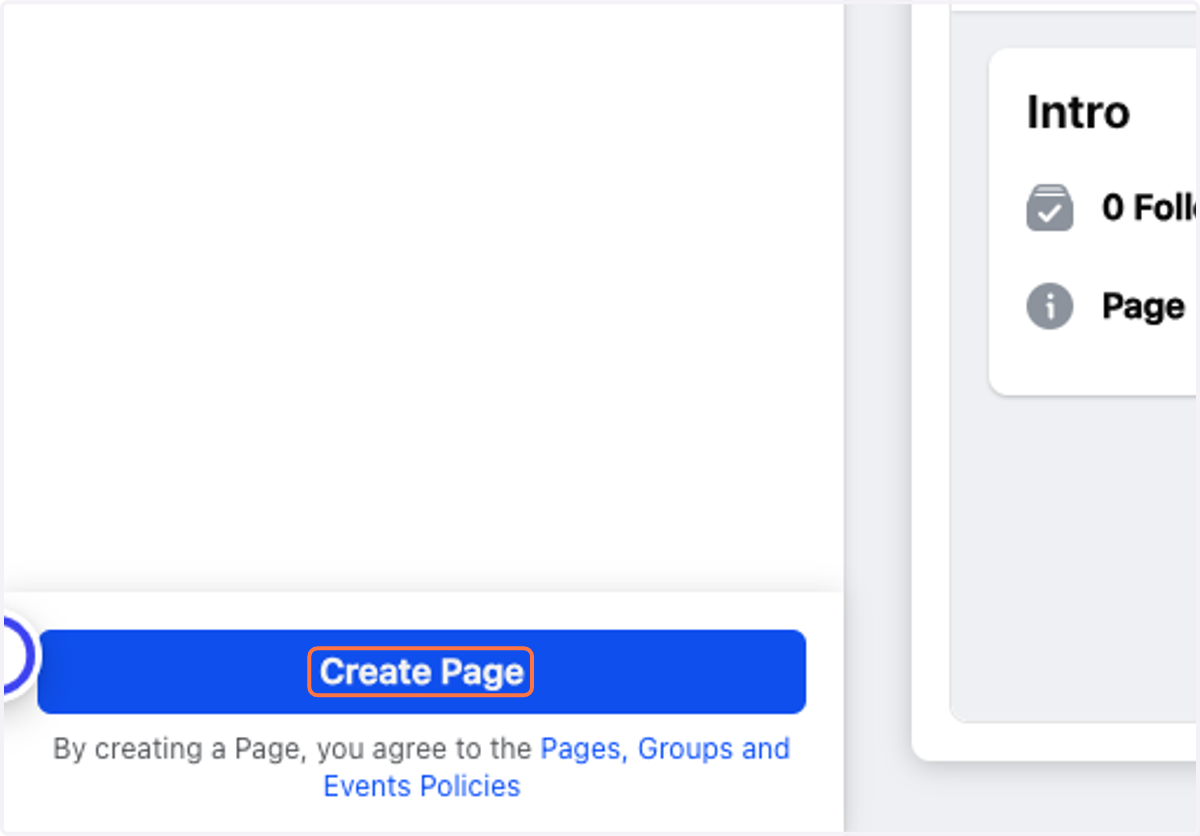
16. Click on Create Page
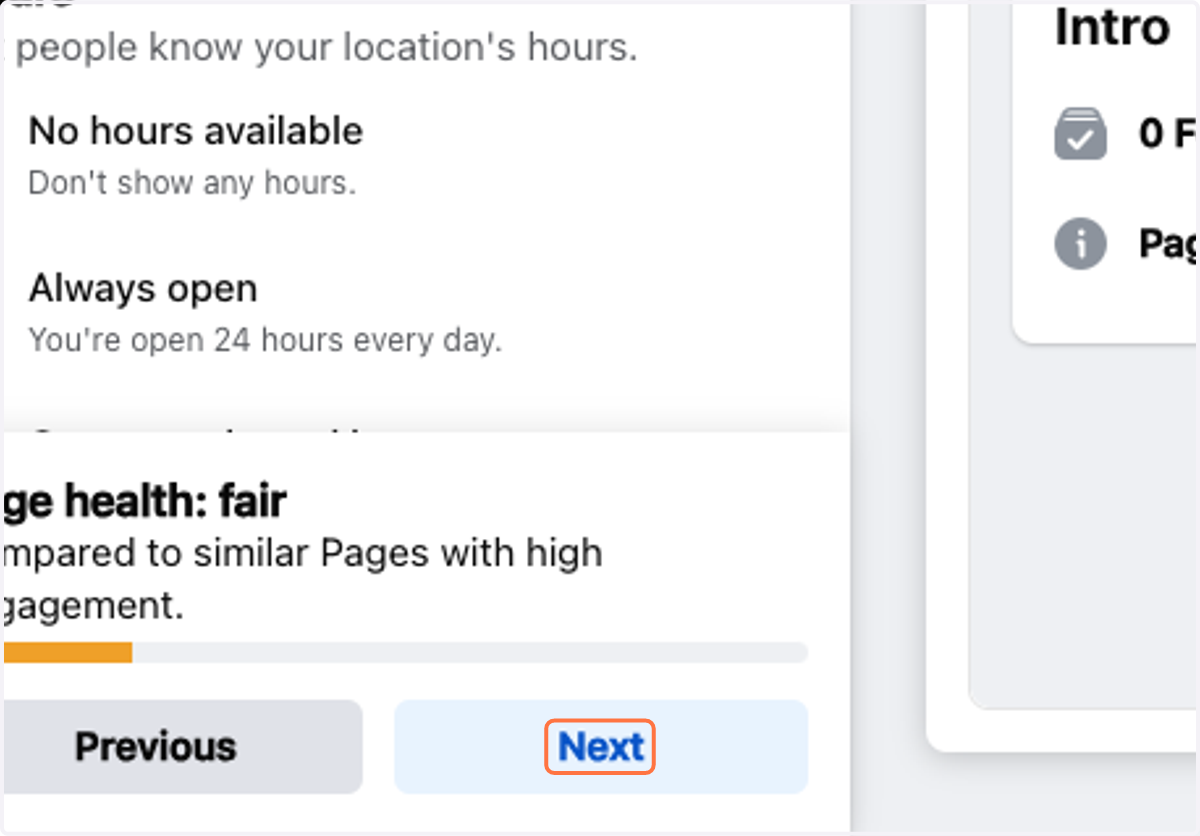
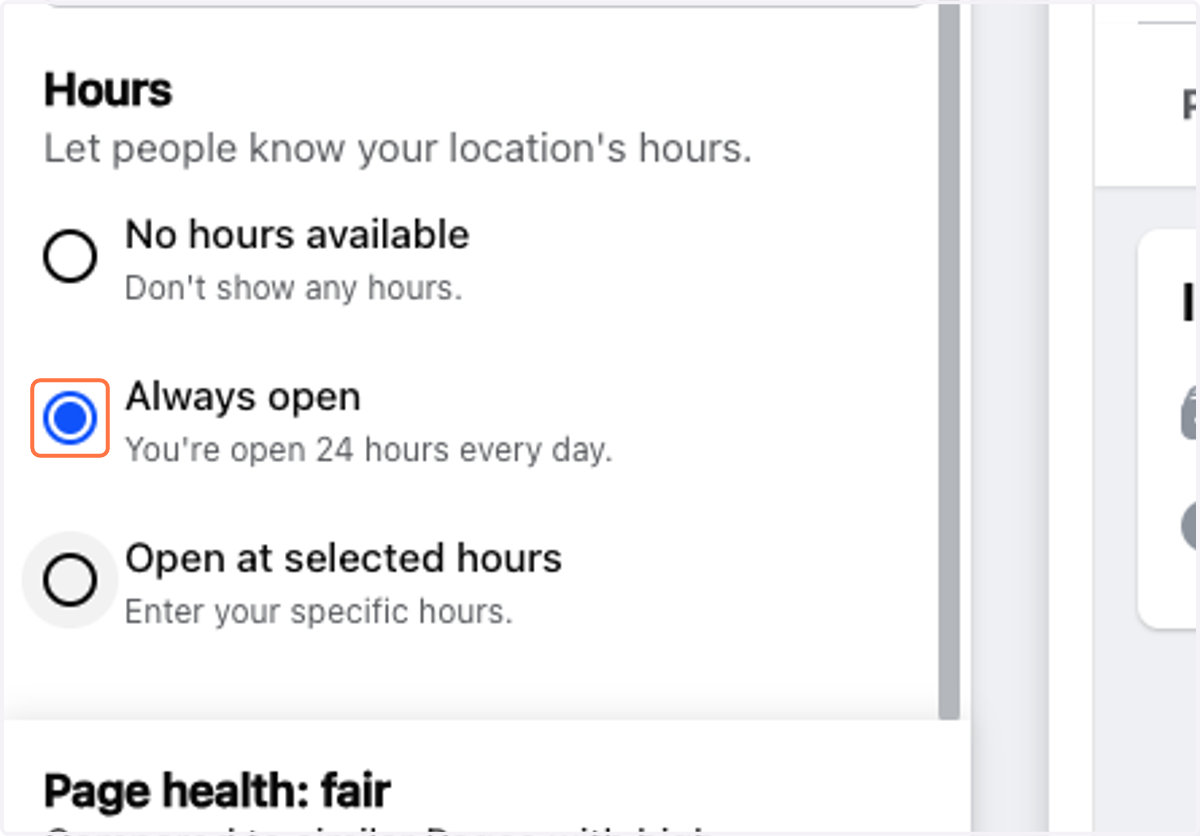
17. Select Always open
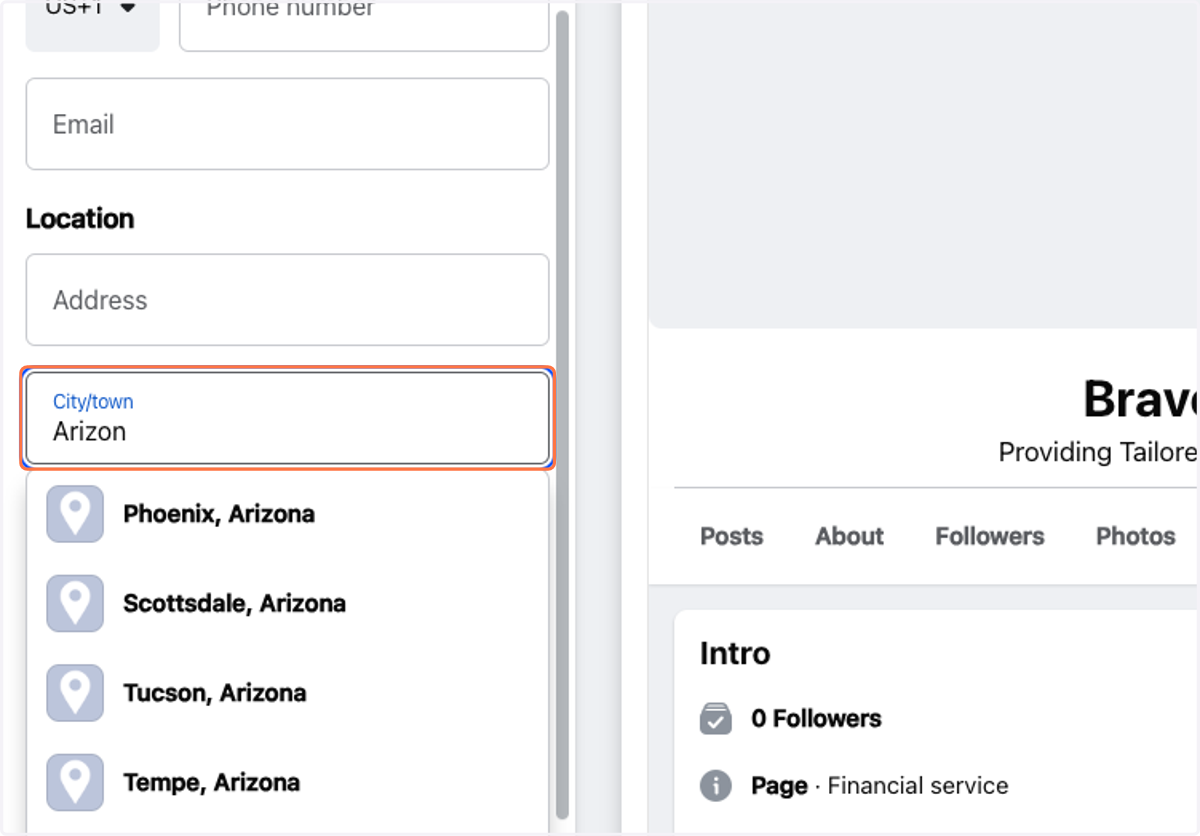
18. Type "Arizon"
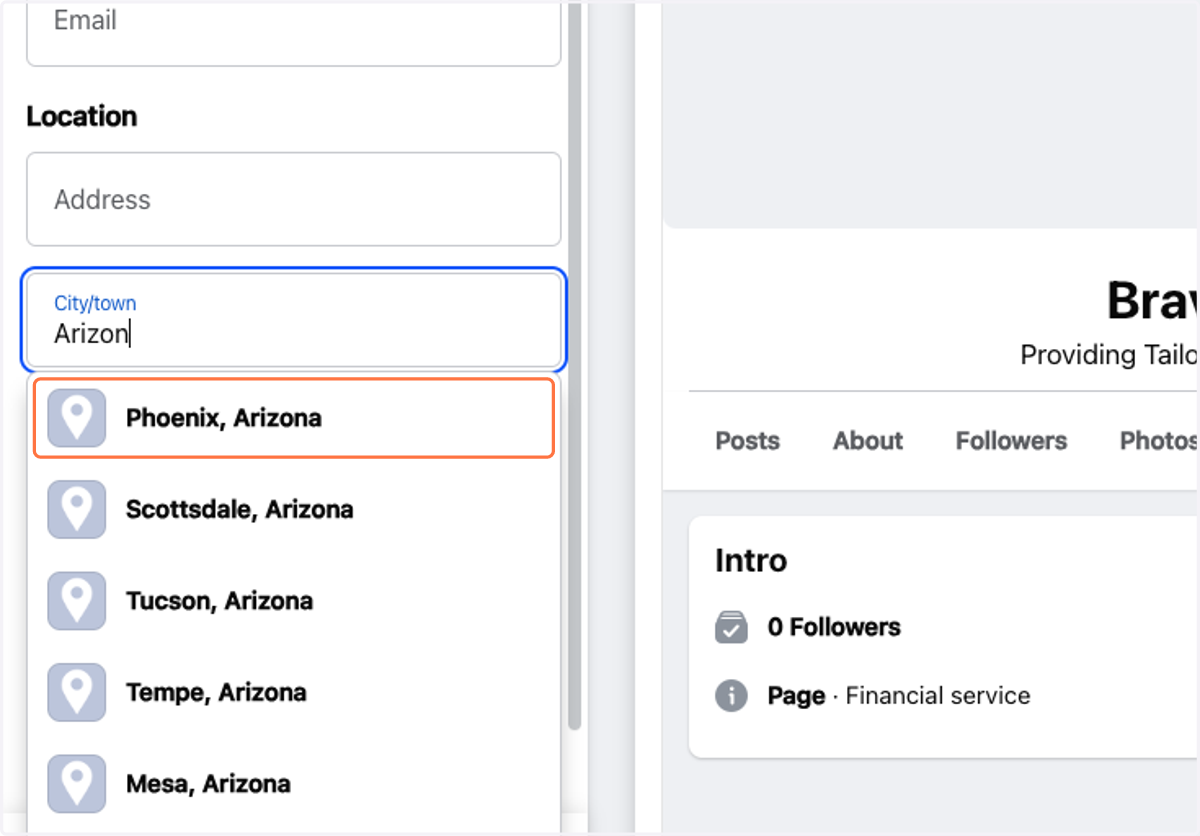
19. Click on Phoenix, Arizona
20. Click on Next