(Student) Midterm Self-Evaluation
Start at the Dashboard
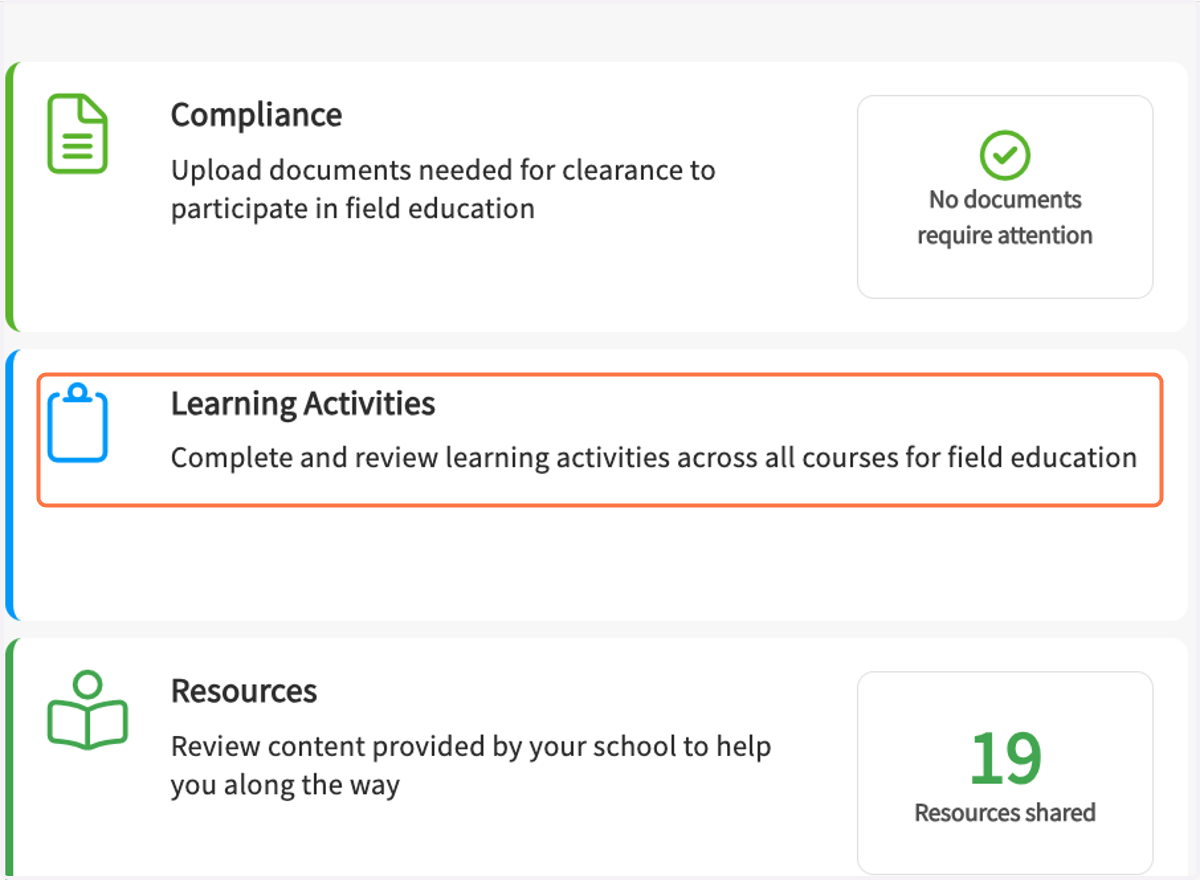
1. Click on Learning Activities…
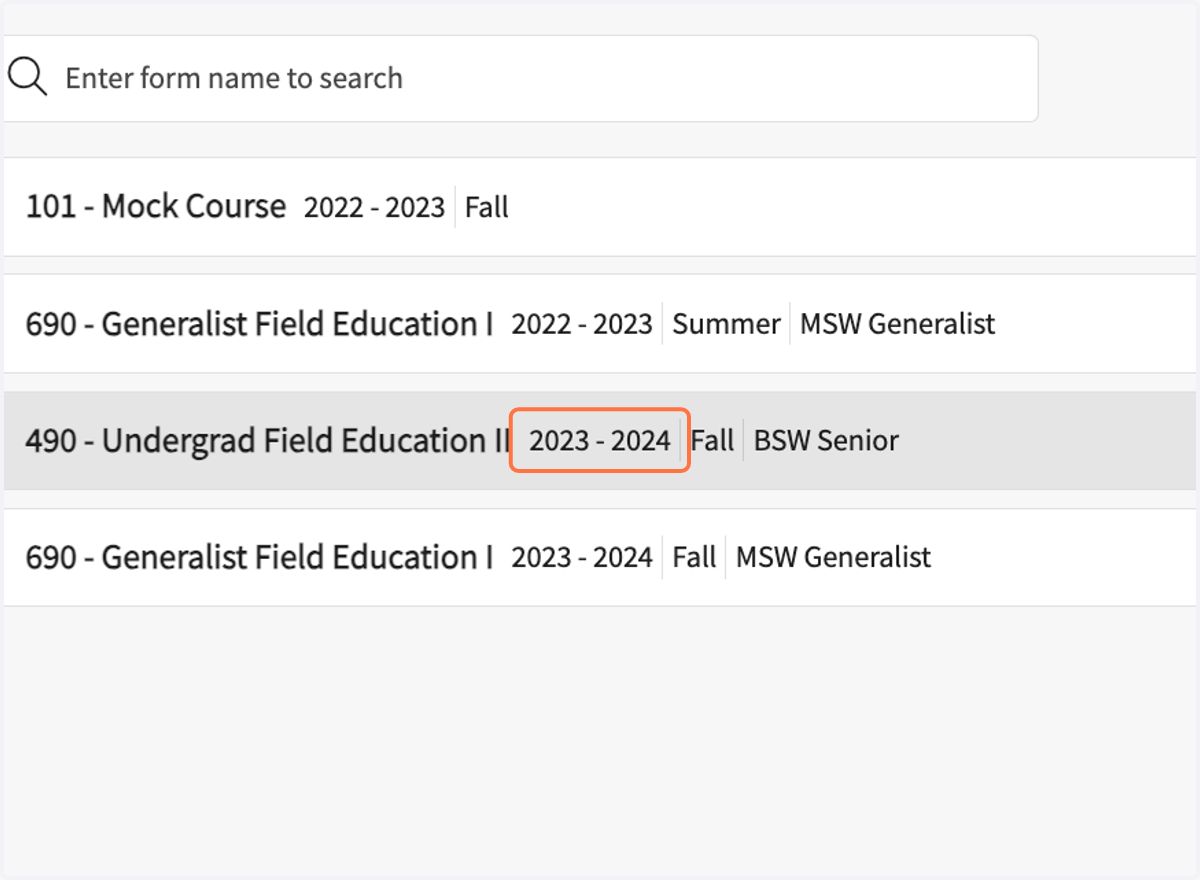
2. Click on your field course name.
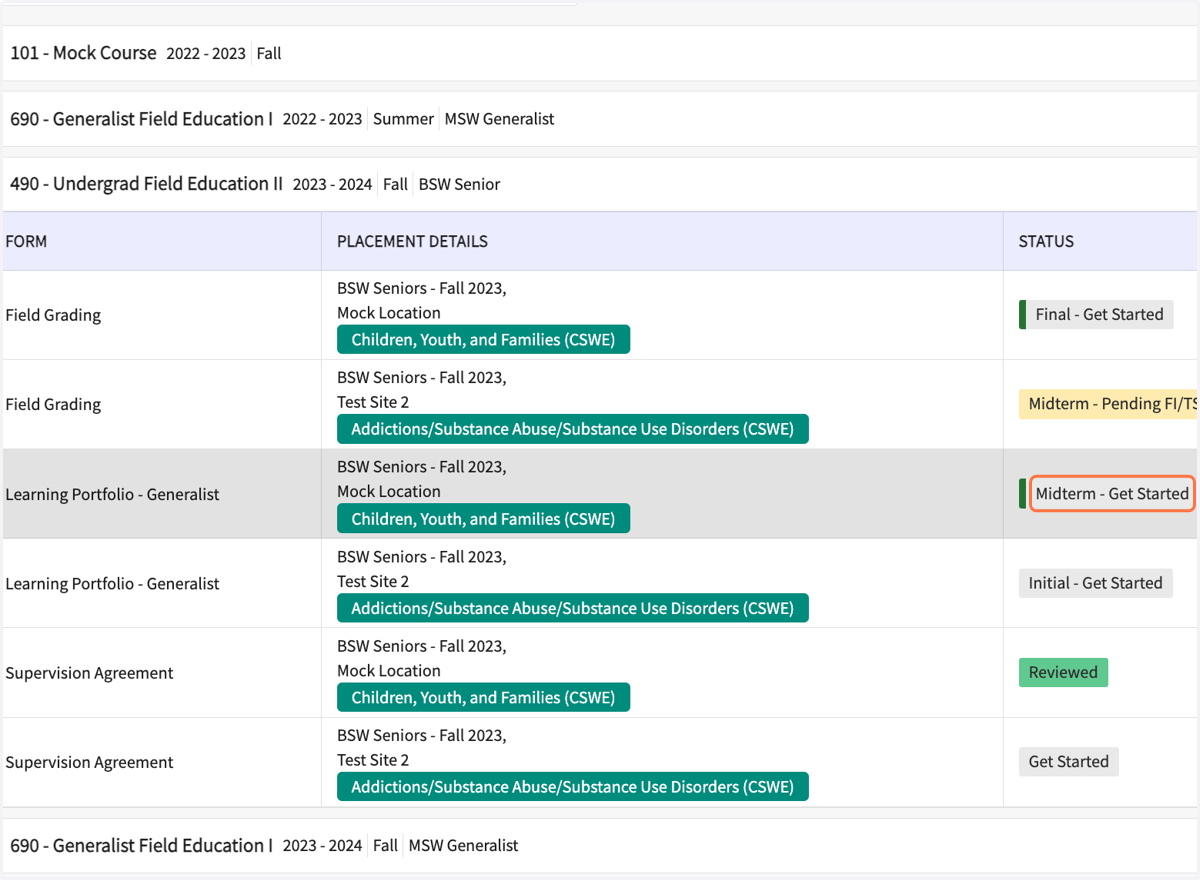
3. On the Learning Portfolio row, click on "Midterm - Get Started"
If you see "Pending FI/TS Review" or "Pending School Review" follow up with your FI/SS/FC. You will be able to start the midterm after the FI/SS, and FC (Field Coordinator) completes their review.
4. Review the Evaluation Rating Scale
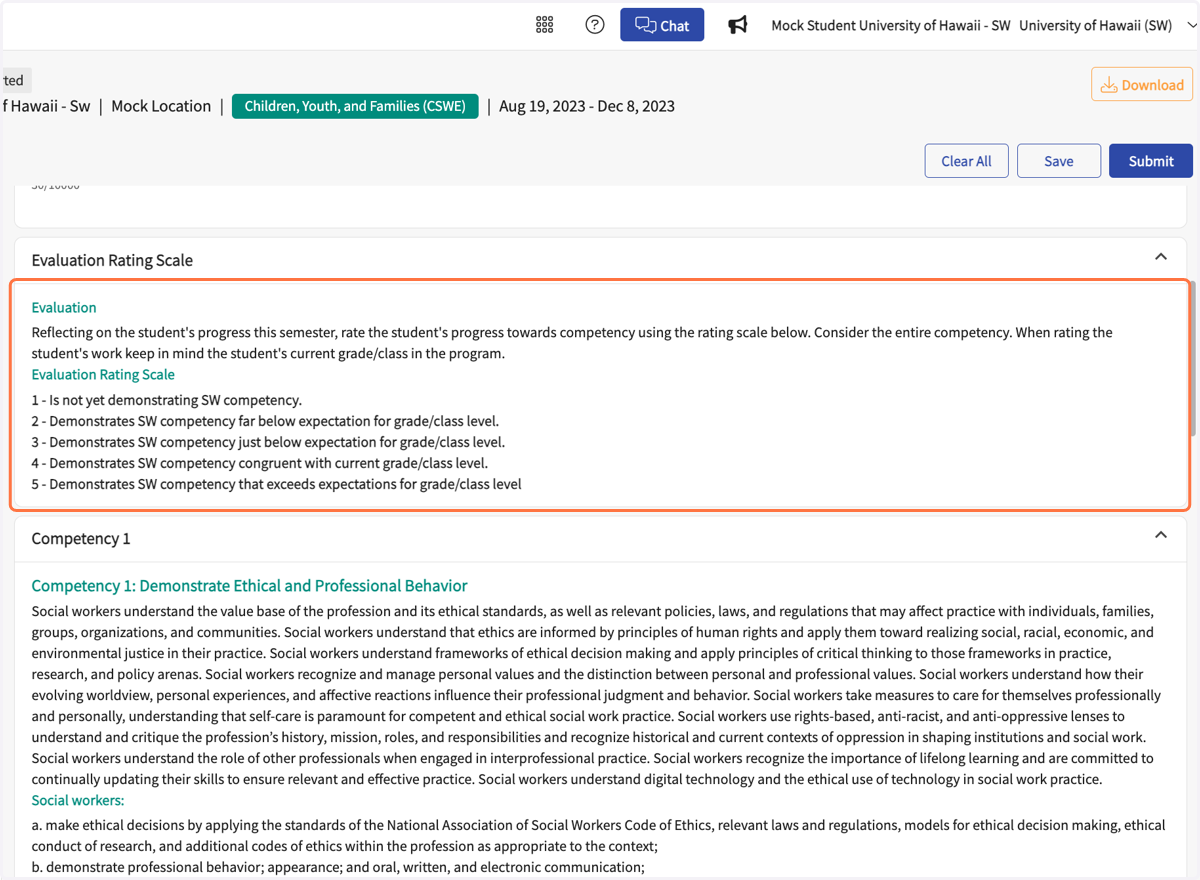
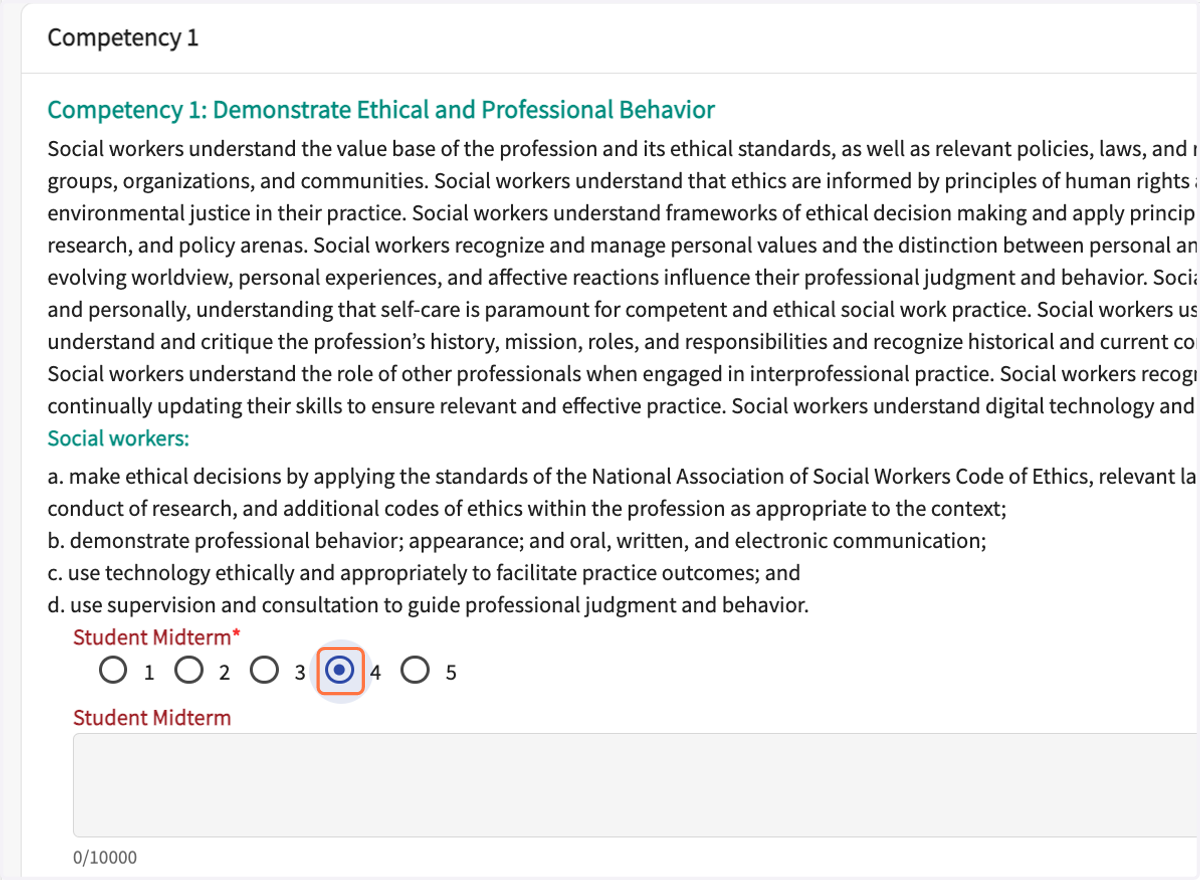
5. Review each of the 10 competencies. Rate your progress toward competency at this point in the semester.
All competencies must have a self-rating selected.
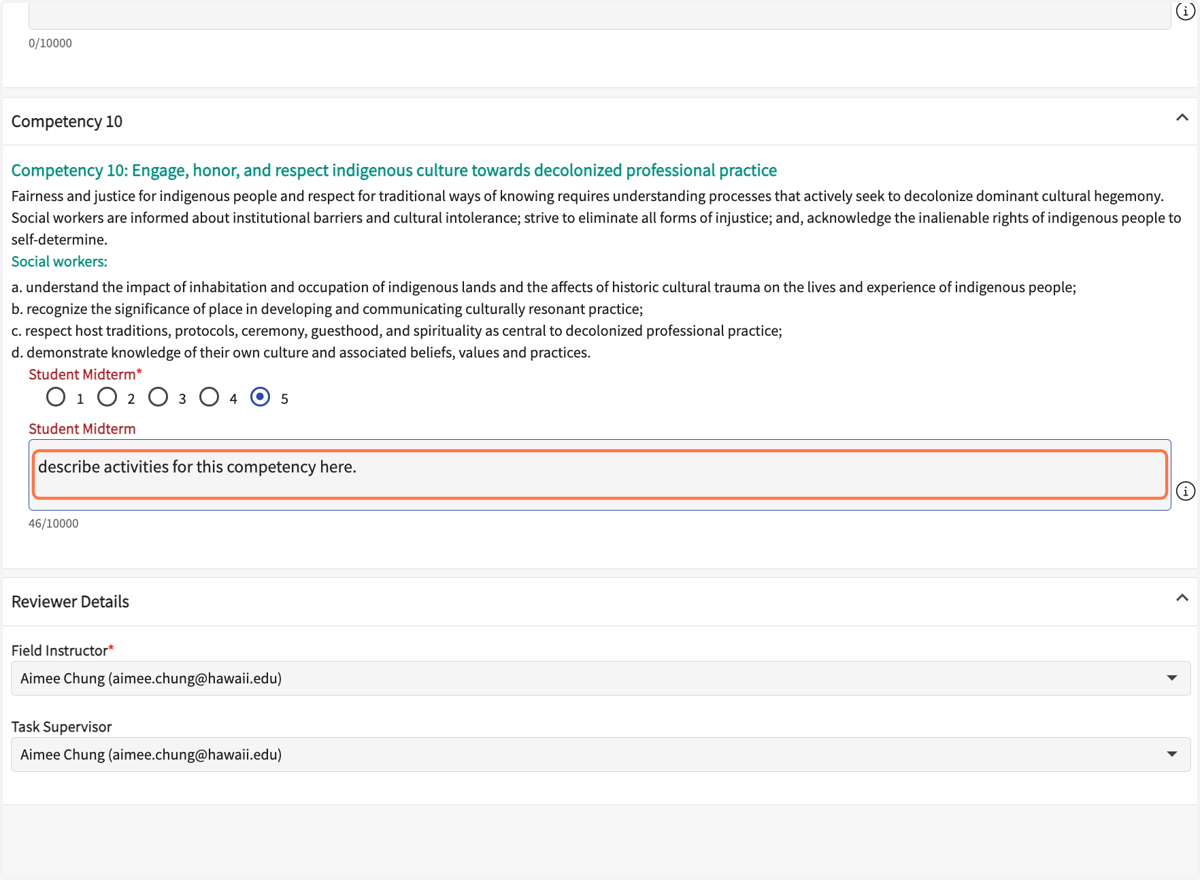
6. In each comment box, enter the activities you've done to support your rating. If you have a low rating, explain why and describe your plan to do improve.
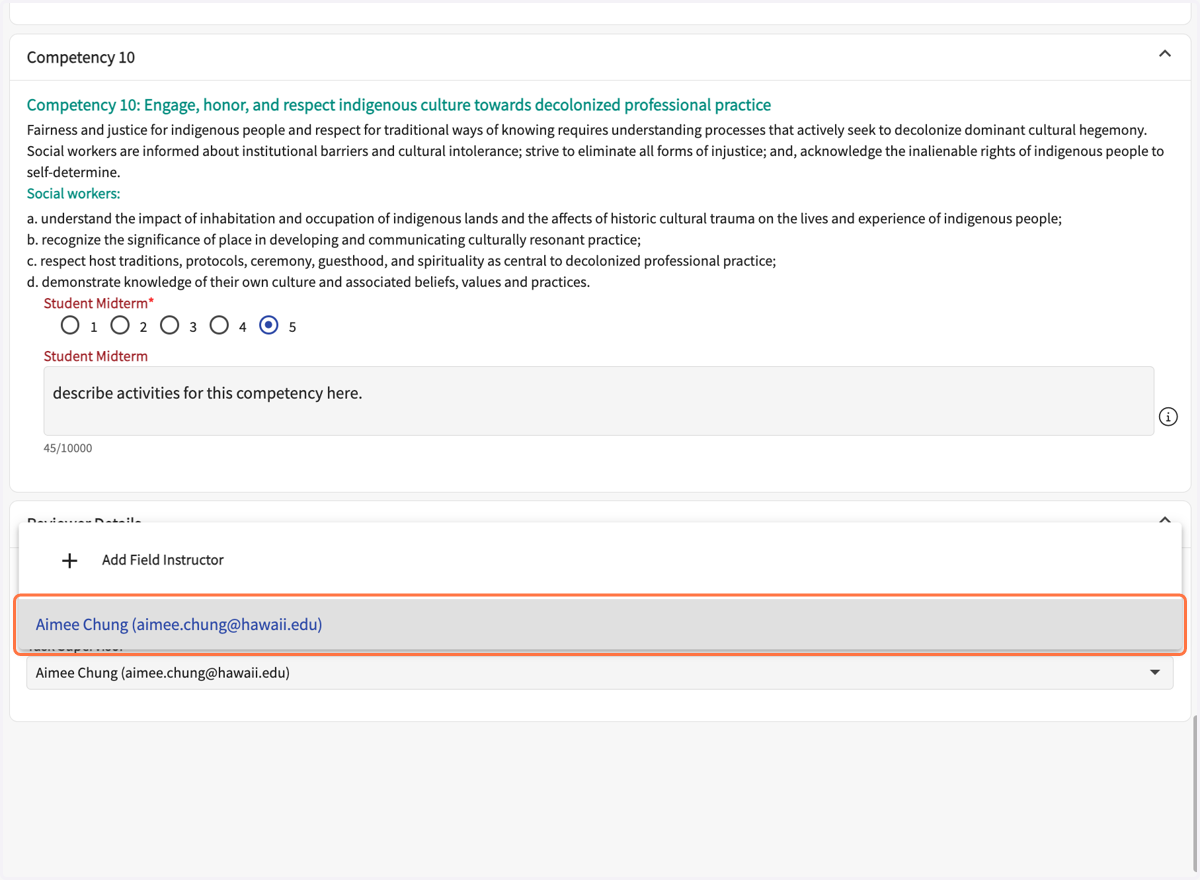
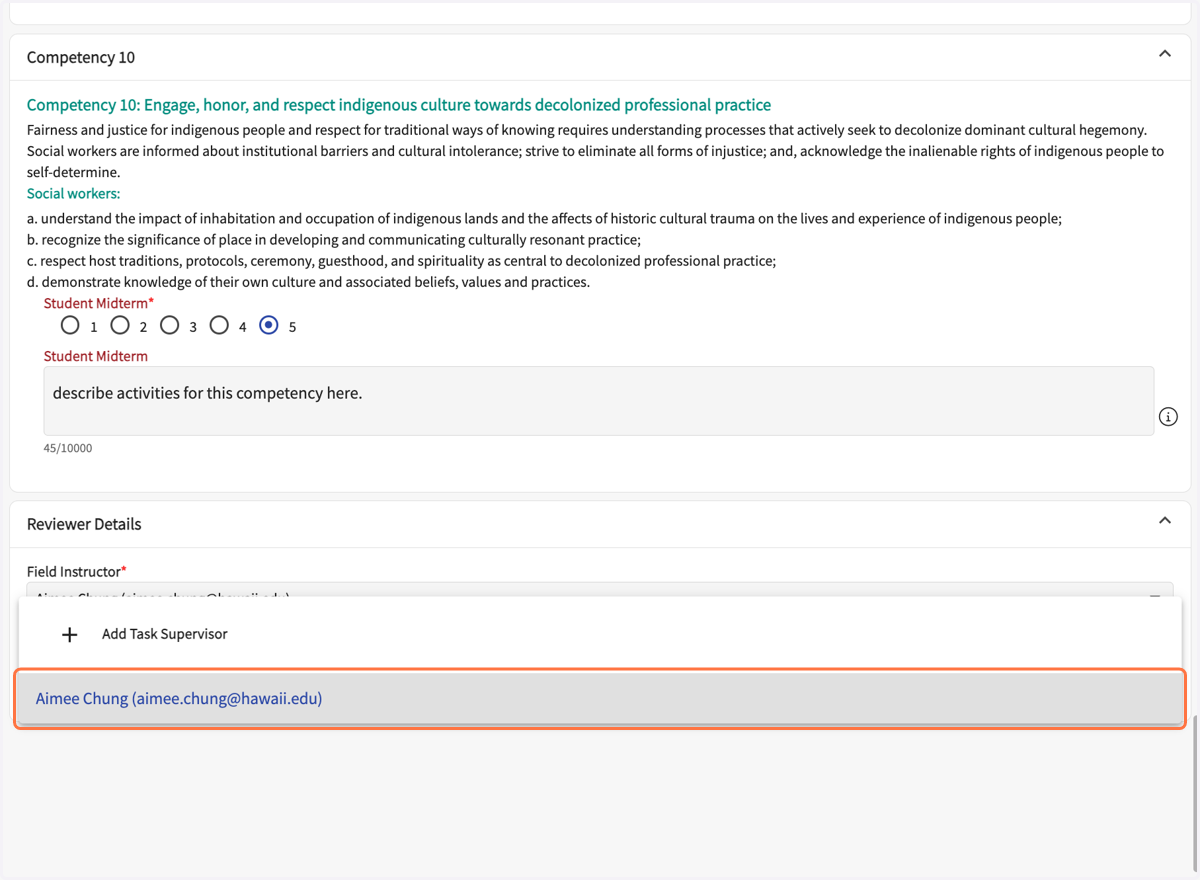
7. Select your Field Instructor from the drop down.
8. Select your Task (aka Site) Supervisor from the drop down.
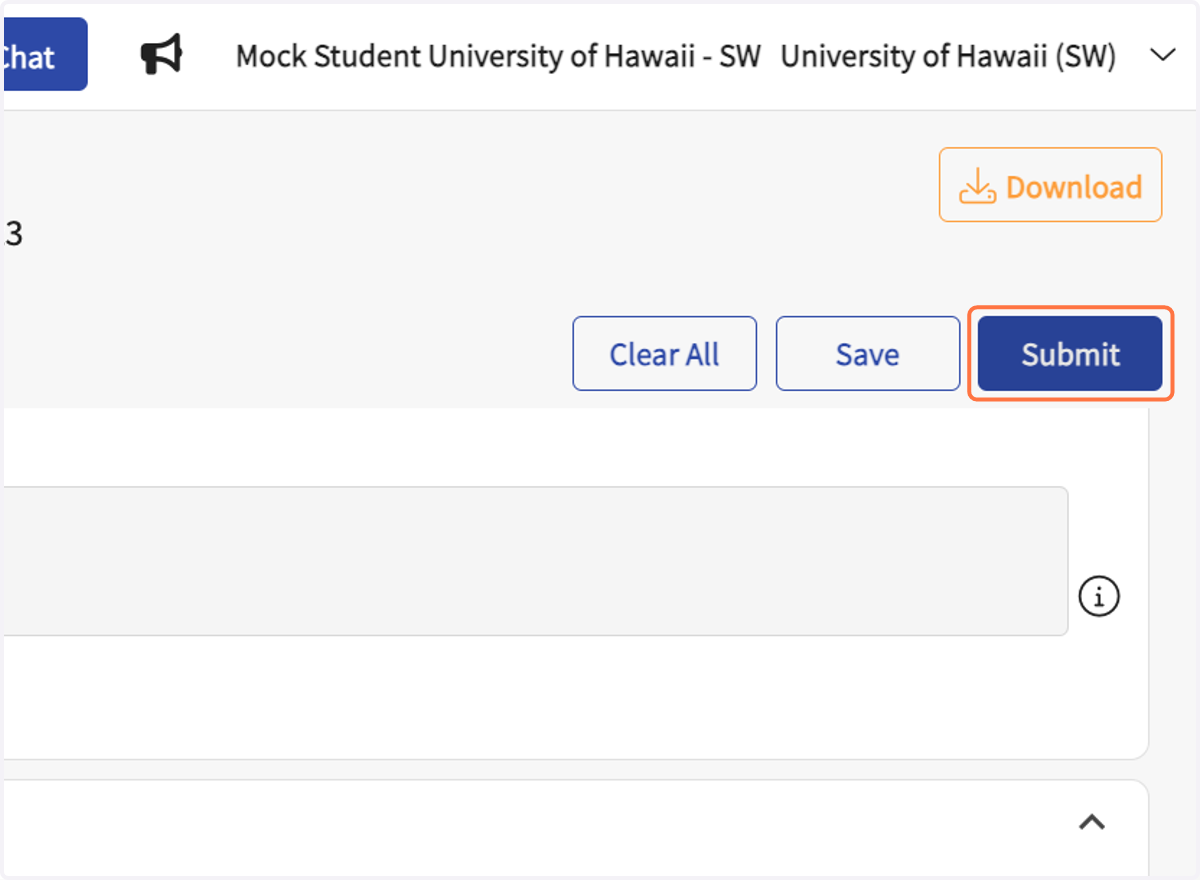
9. Click on Submit
(Top right corner.)
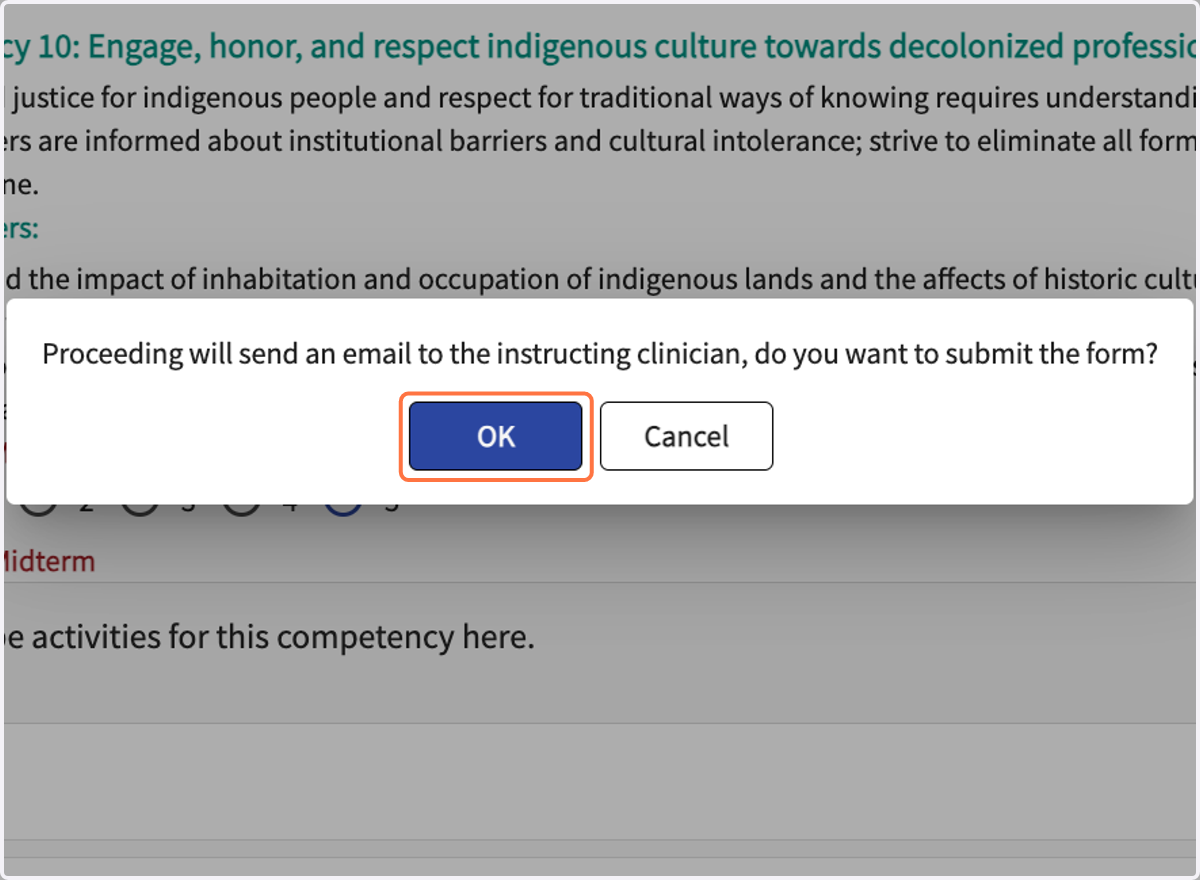
10. Click on OK in the pop-up window.
If you do not see this pop-up, check your browser's settings. Be sure it is not preventing pop-ups from Prsim/Exxat.
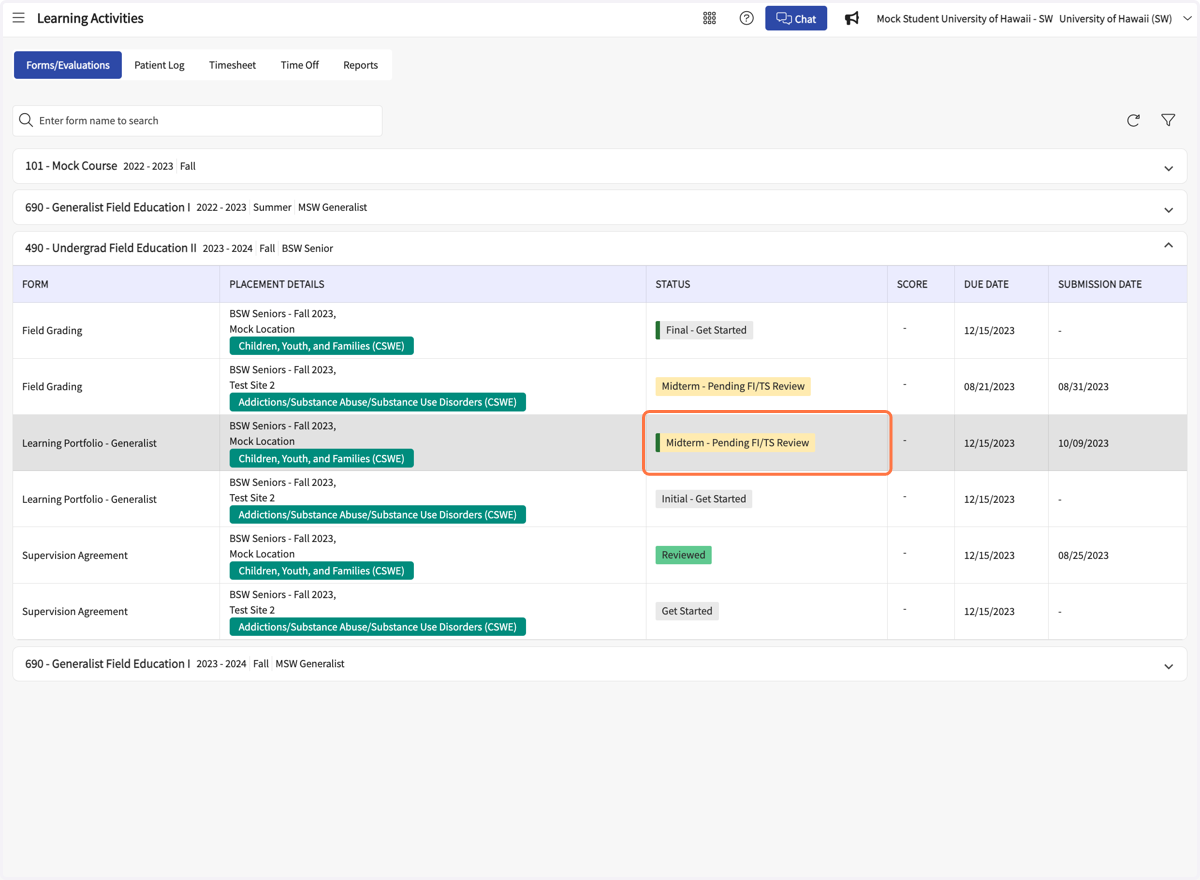
11. On the Learning Activities page, the Learning Portfolio row should say "Midterm - Pending FI/TS Review" if it was submitted correctly.
Student final review & signature
12. After the FI reviews the midterm, the student needs to review and sign.
Start at your dashboard, click on Learning Activities.
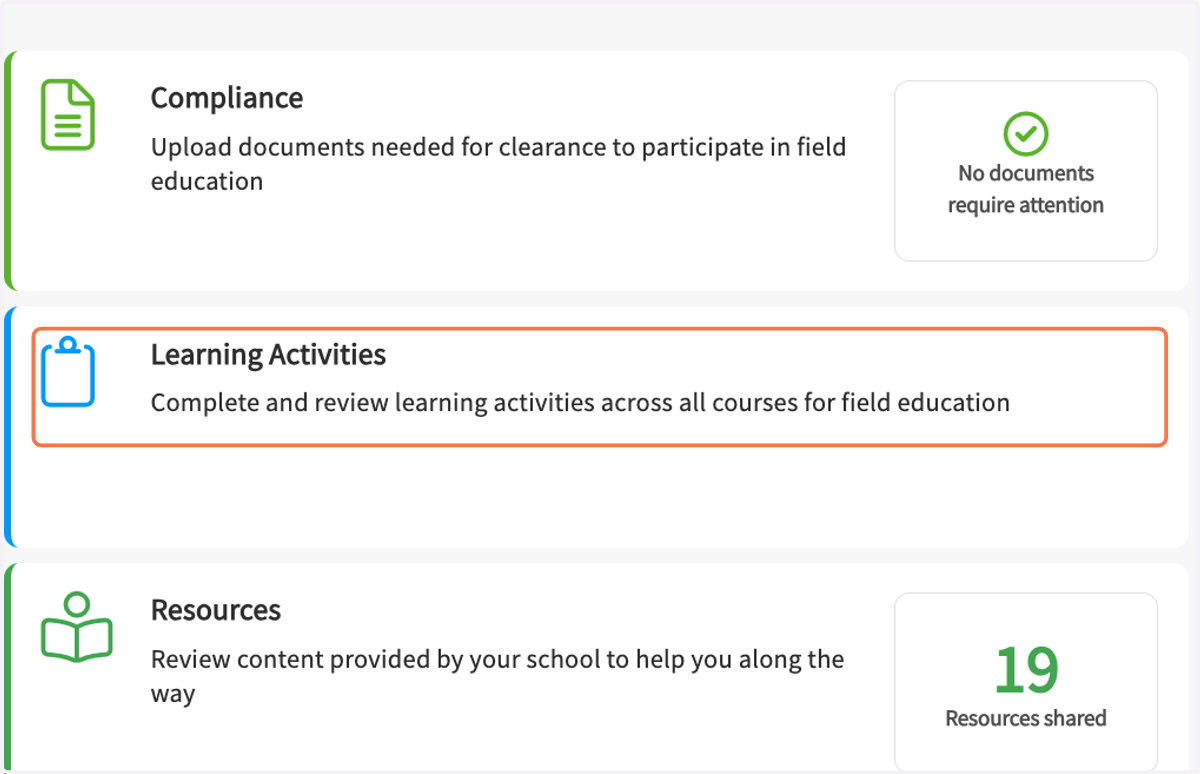
13. Click on your field course name.
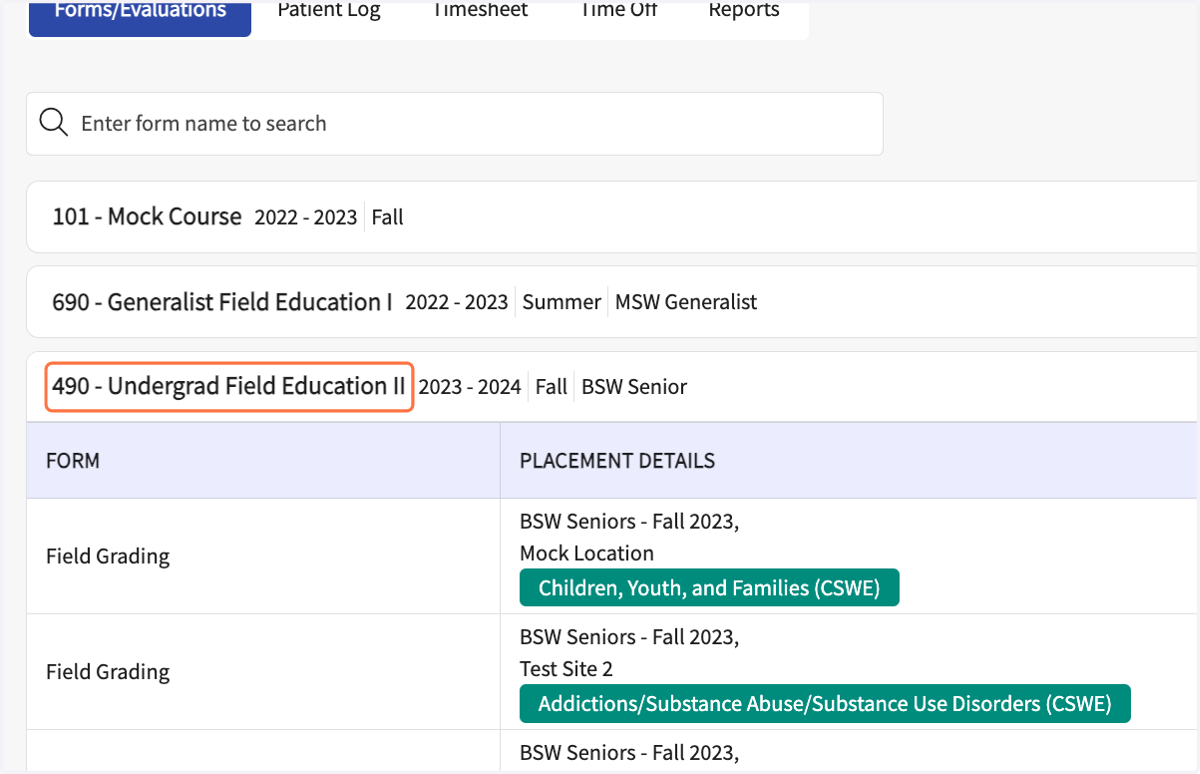
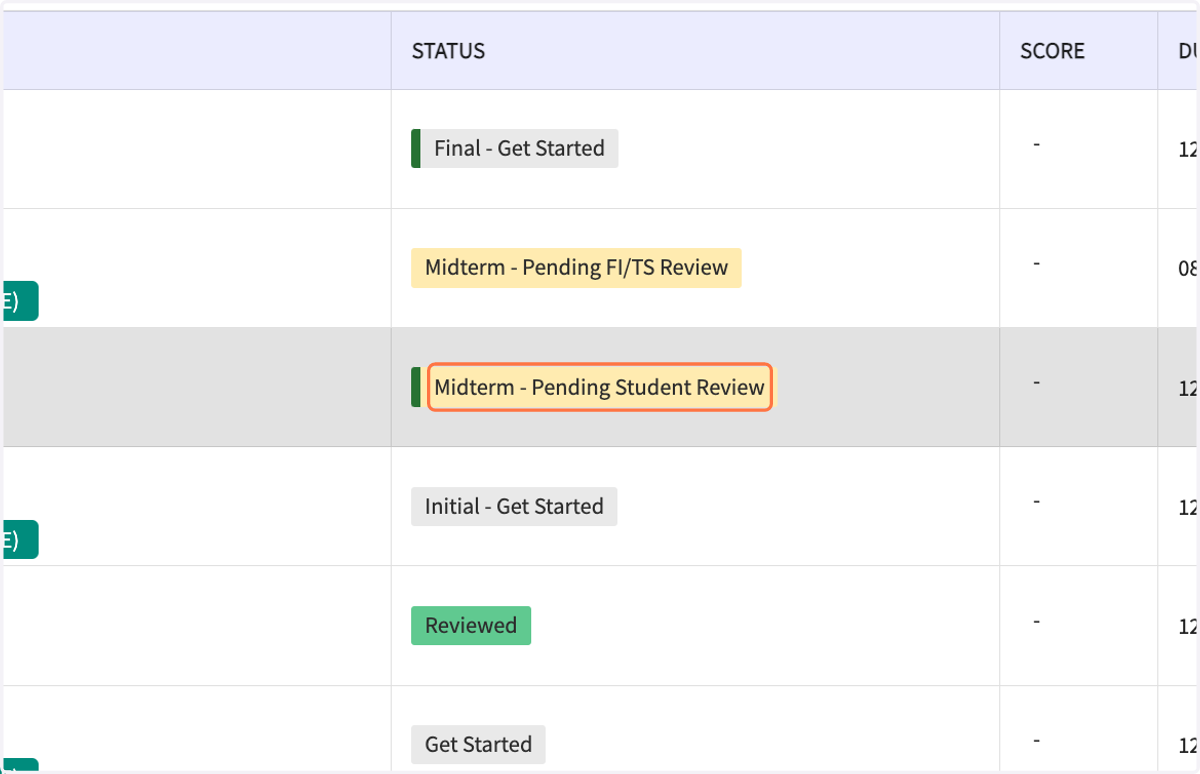
14. Click on Midterm - Pending Student Review
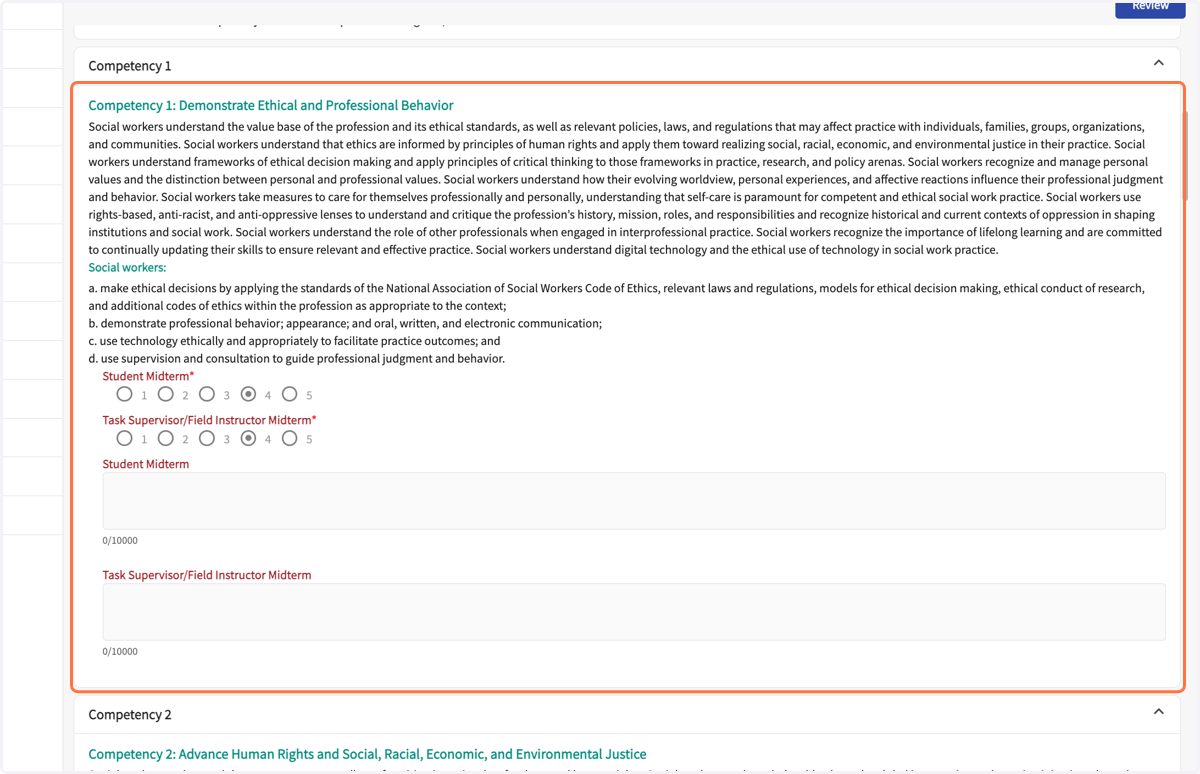
15. Review the FI's ratings and comments for all the Competencies.
16. Draw your signature in the student midterm signature box.
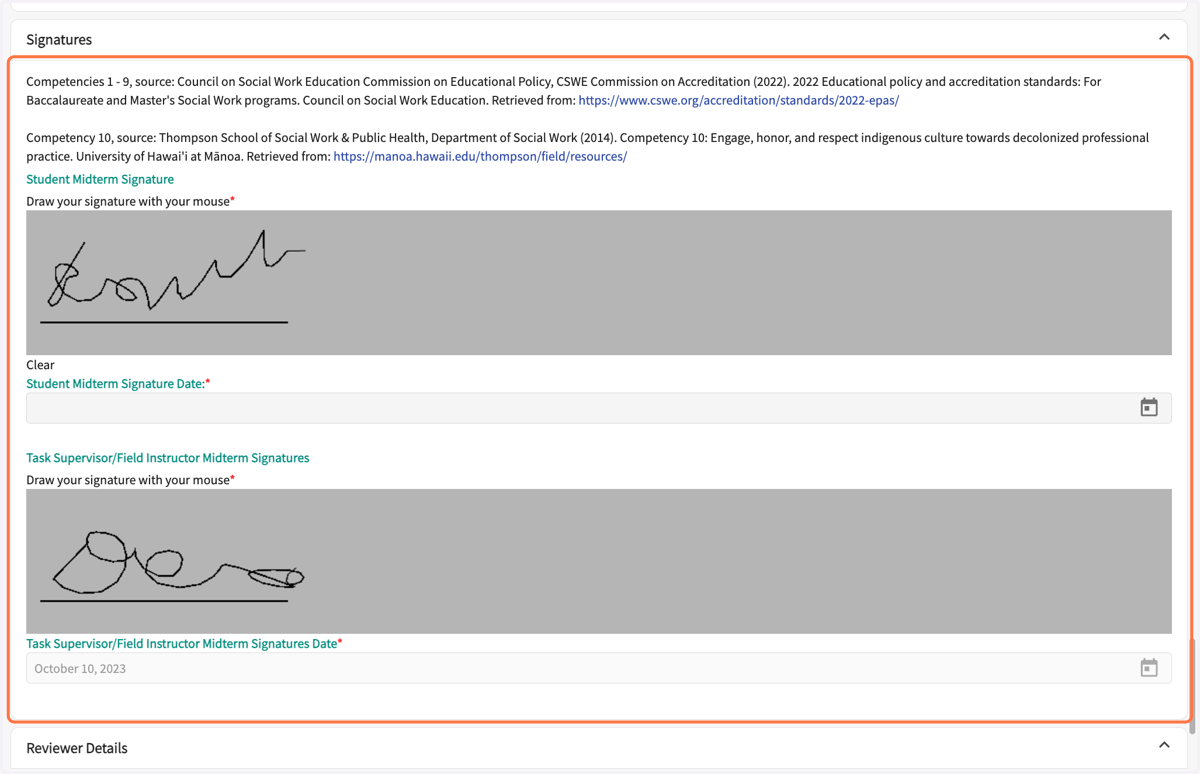
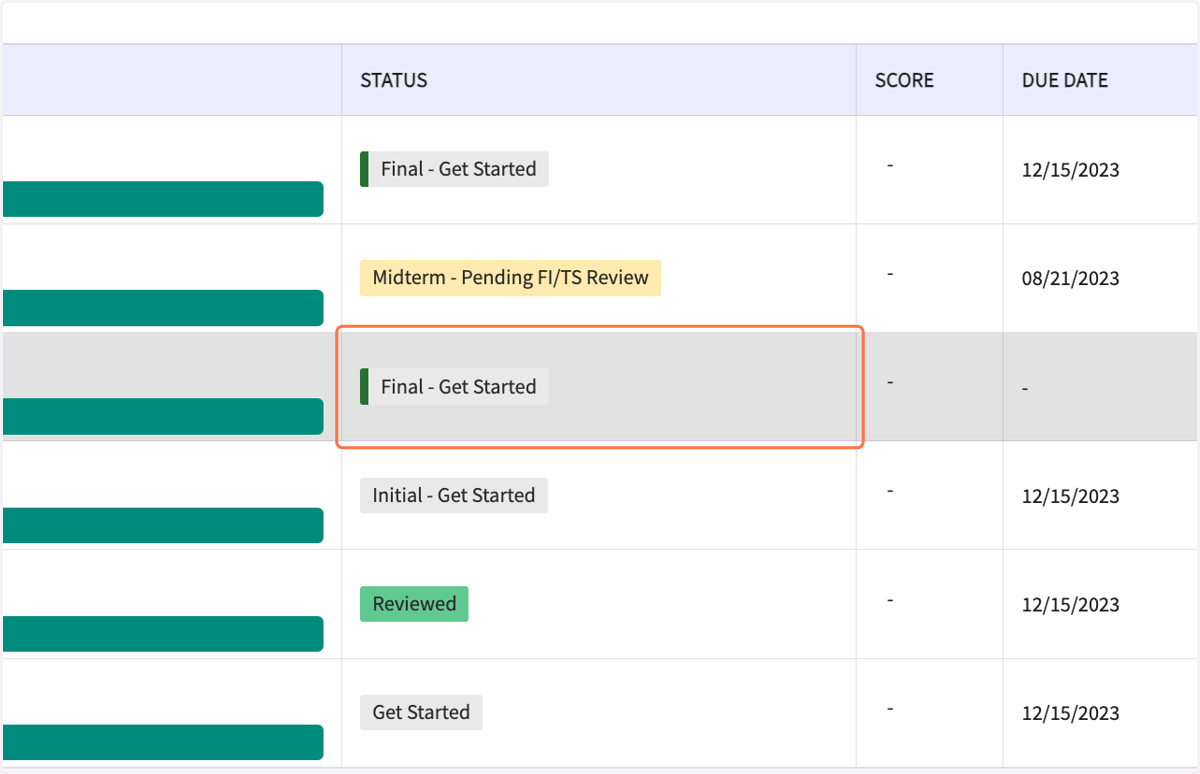
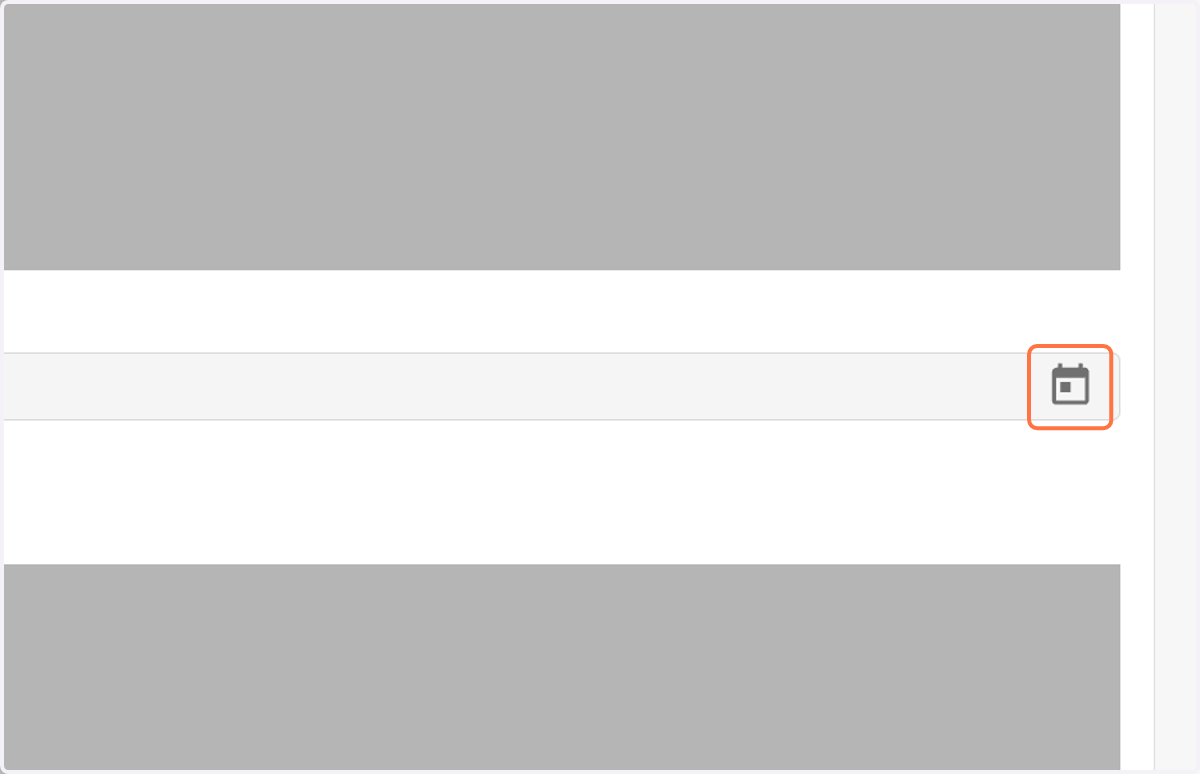
17. Select your signature date. Open the calendar widget.
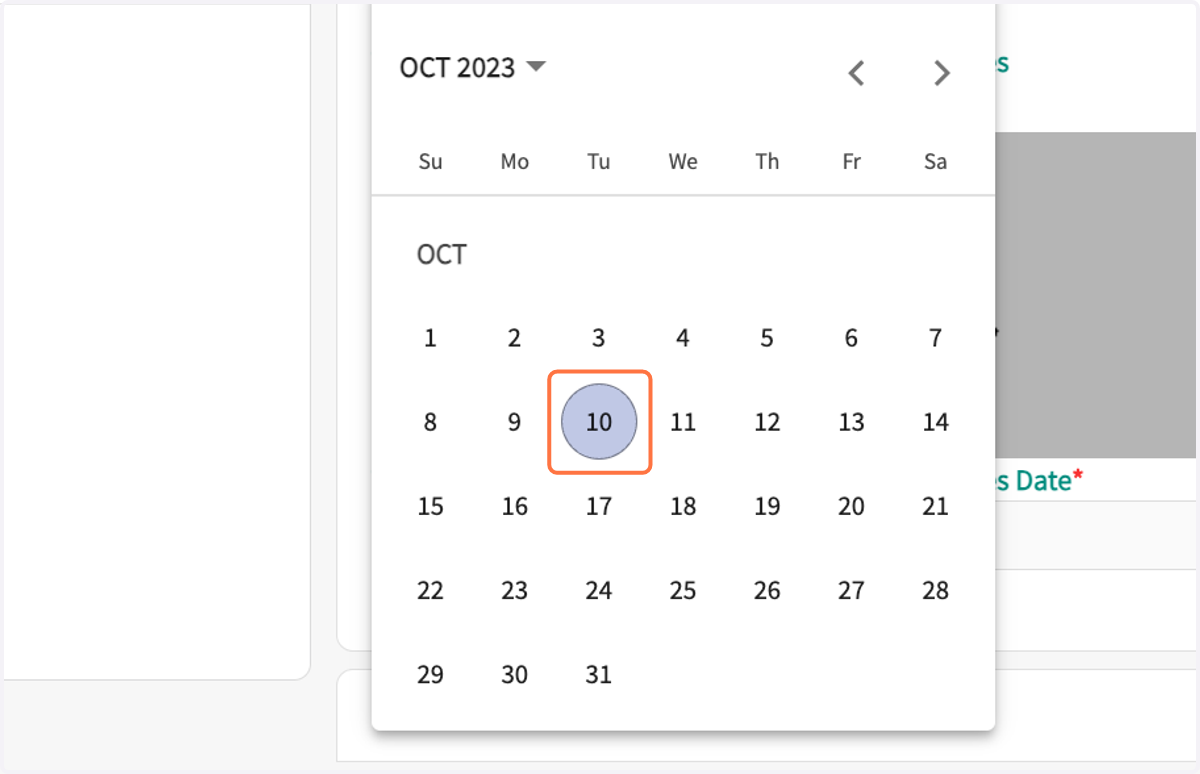
18. Select the date.
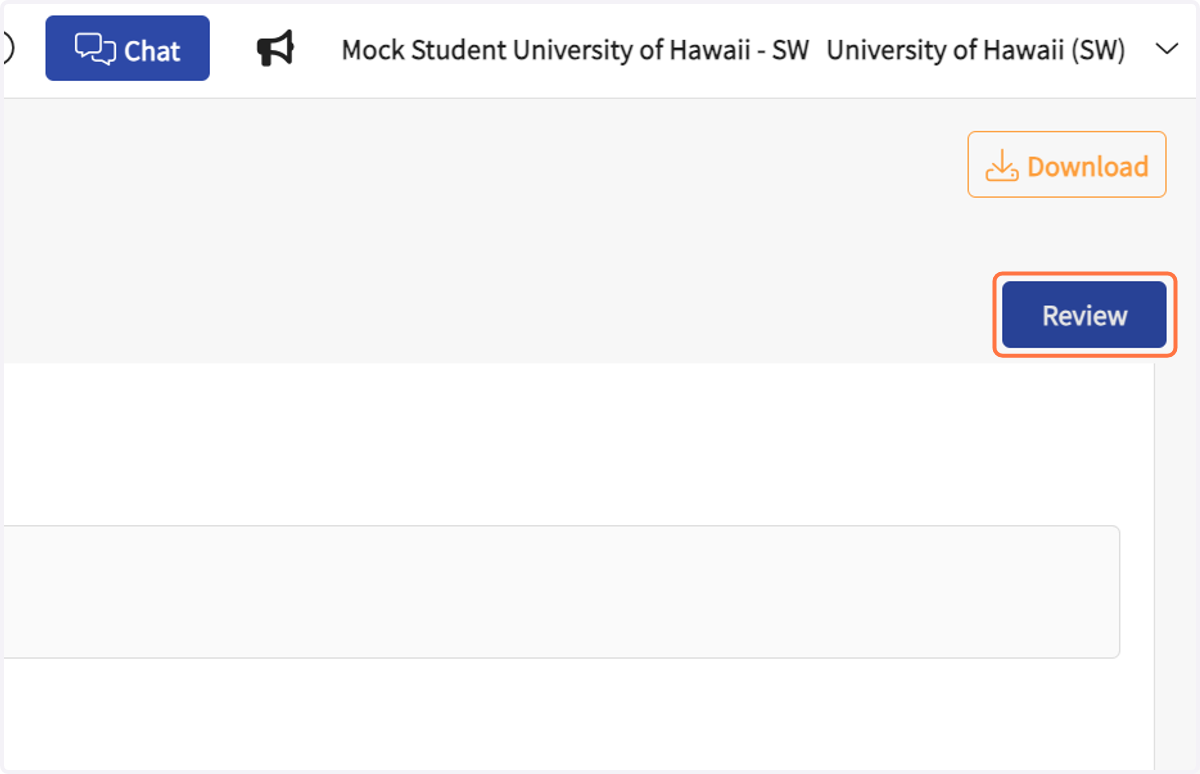
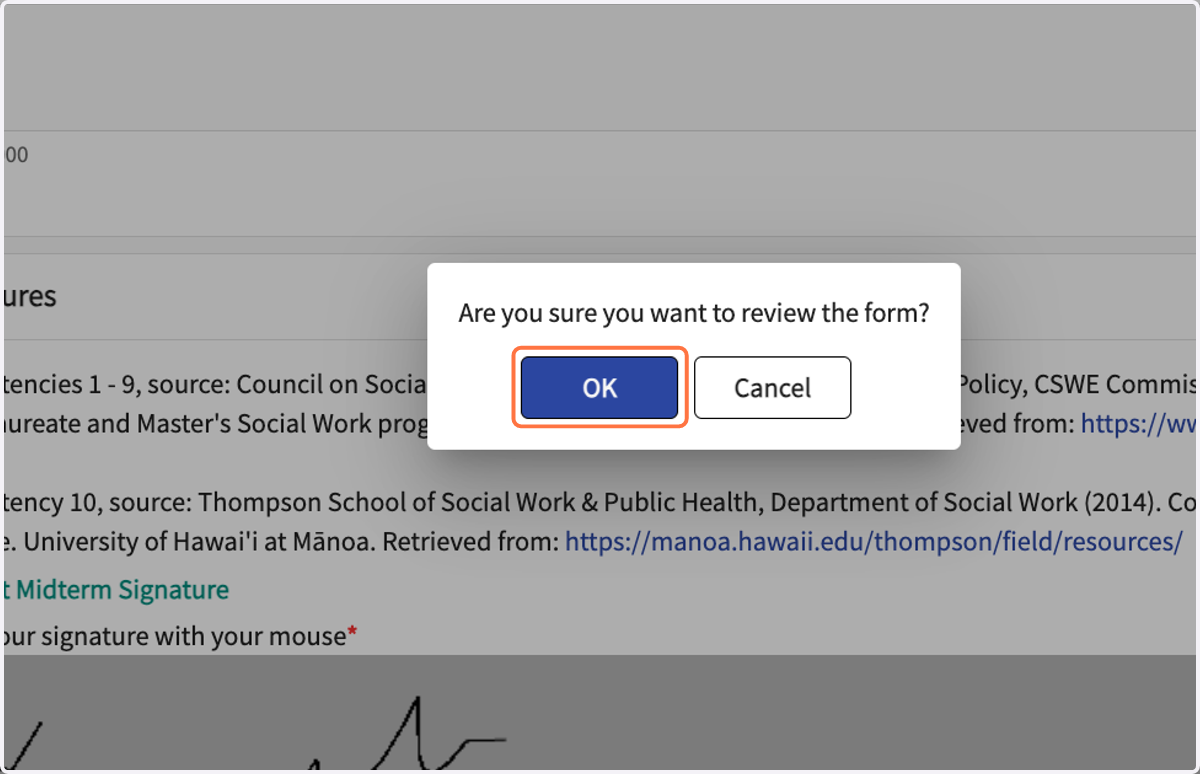
19. Click on Review
Top right corner.
20. Click on OK in the pop-up.
21. To review the status of the midterm, go to the activities page, click on the name of your field course.
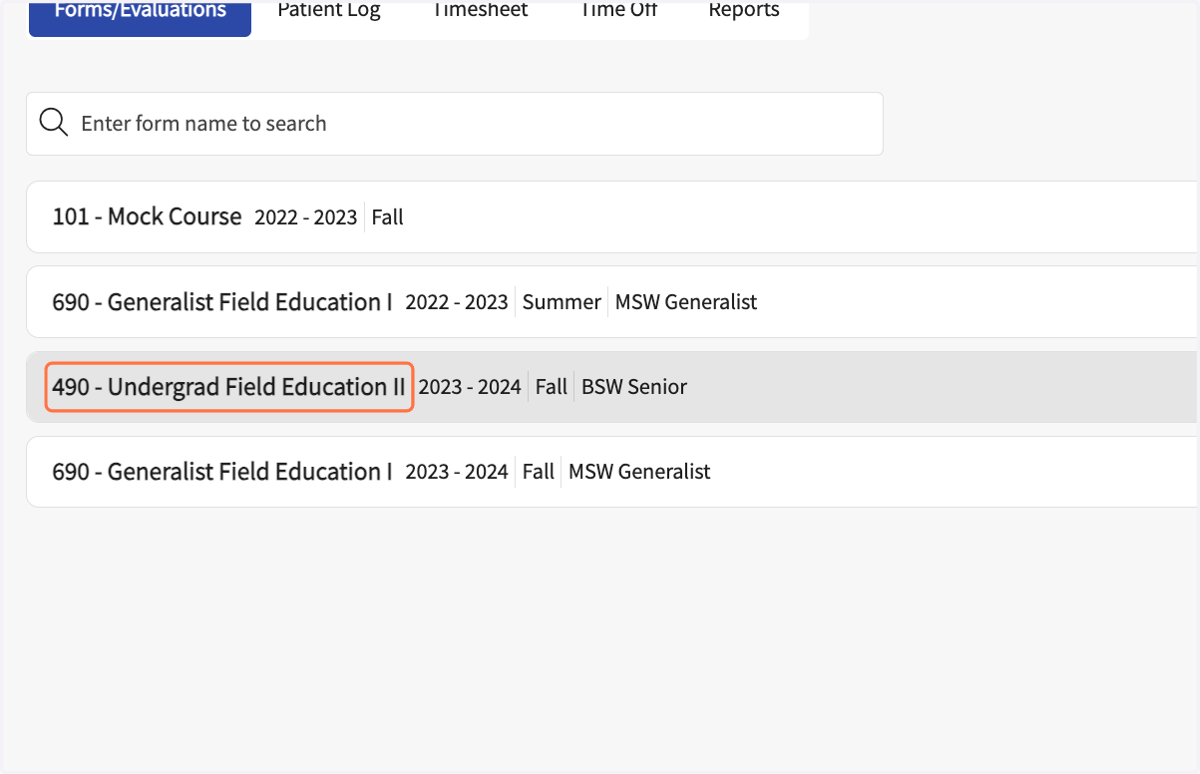
22. It should say "Midterm - Pending School Review."
This means your Field Liaison or Coordinator needs to review before you can access it to start your final evaluation.
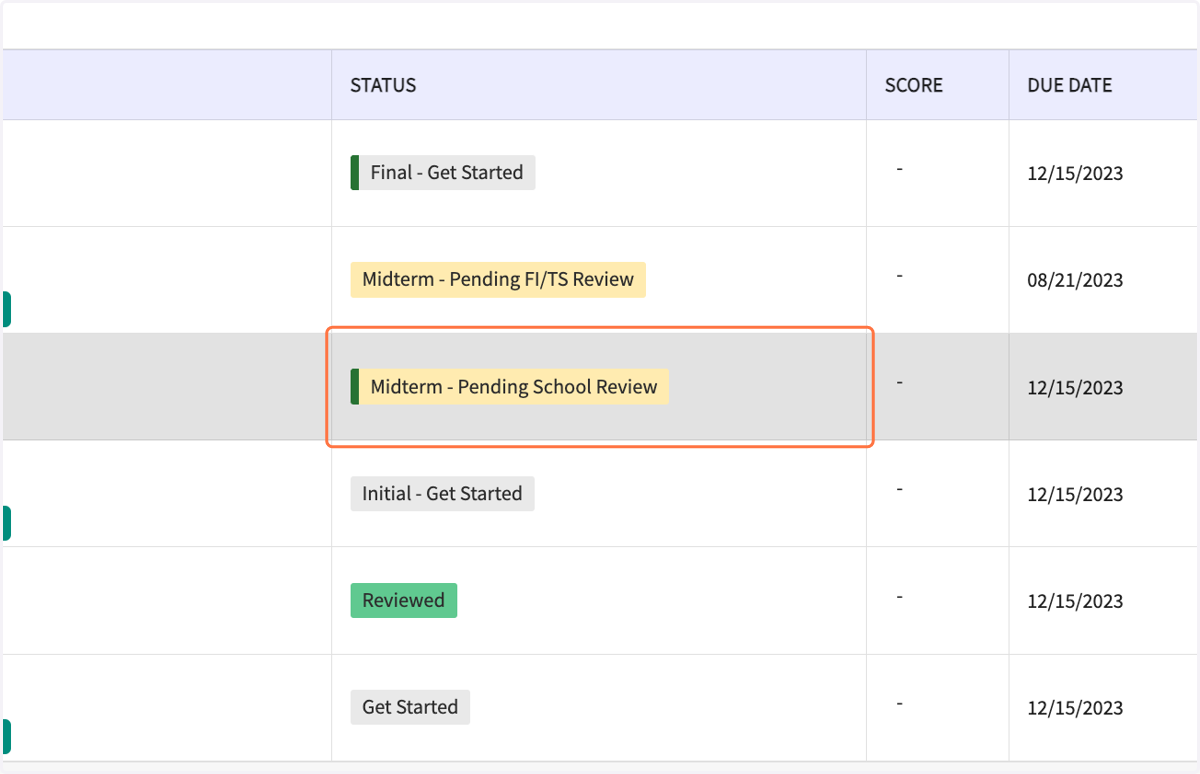
23. To review the status of the midterm, go to the activities page, click on the name of your field course. Click on 490 - Undergrad Field Education II
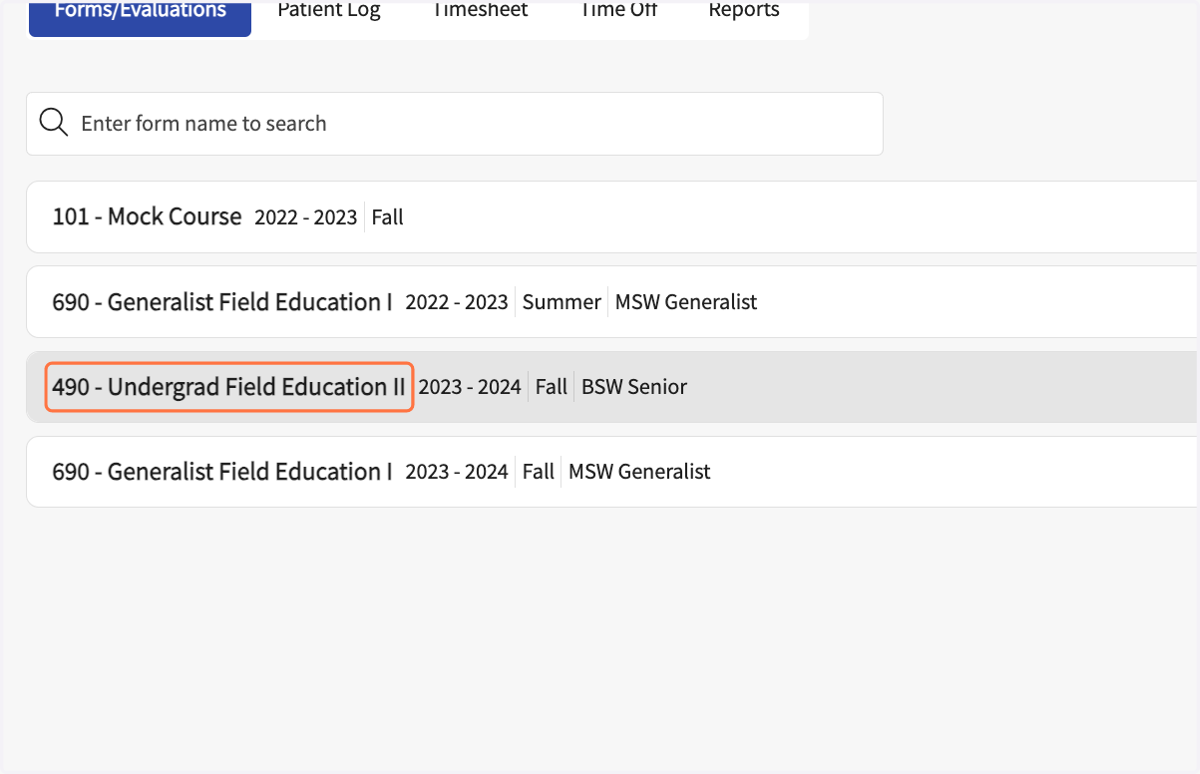
24. After your Field Liaison or Coordinator reviews the Midterm, you will see the status as, "Final - Get Started." This means it is editable and ready for you to start your final self-evaluation.