Step-by-Step Guide
How to redeem a course on the CASP Library:
Any individual employed by a CASP Member Organization can redeem courses on the CASP Library free of charge. No coupon codes needed. To access, follow the instructions below.
Visit the new library at library.casproviders.org
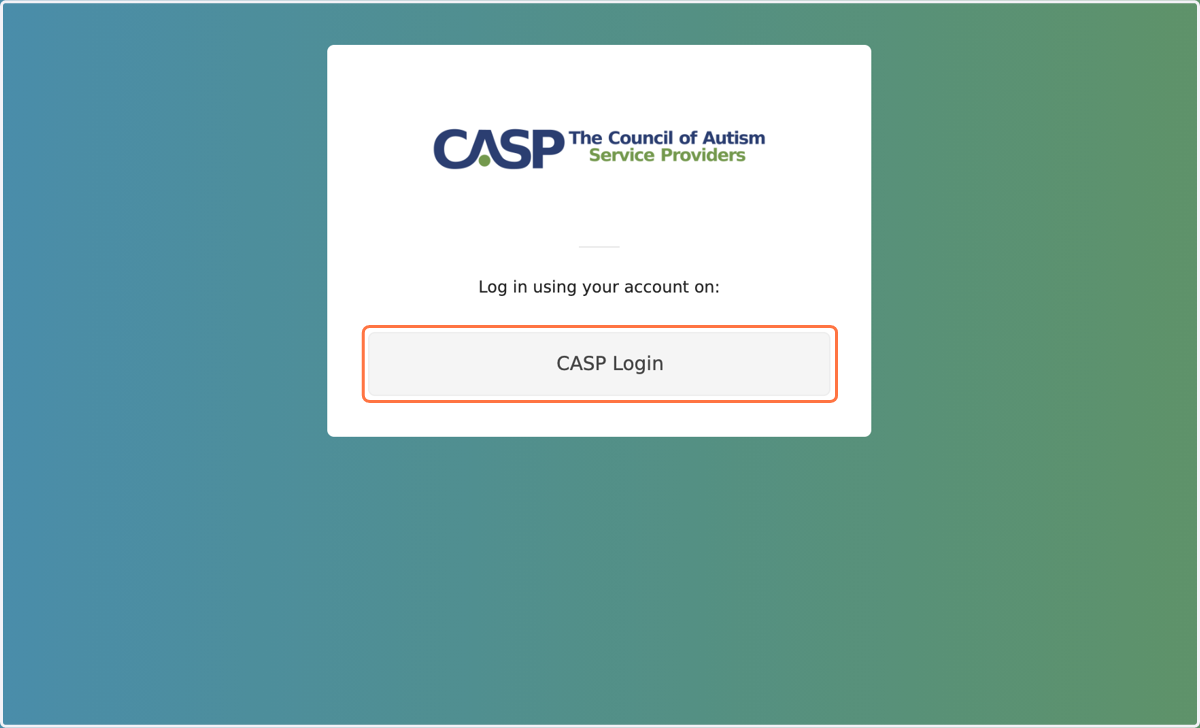
1. Click on CASP Login
This will ask for your existing CASP website login.
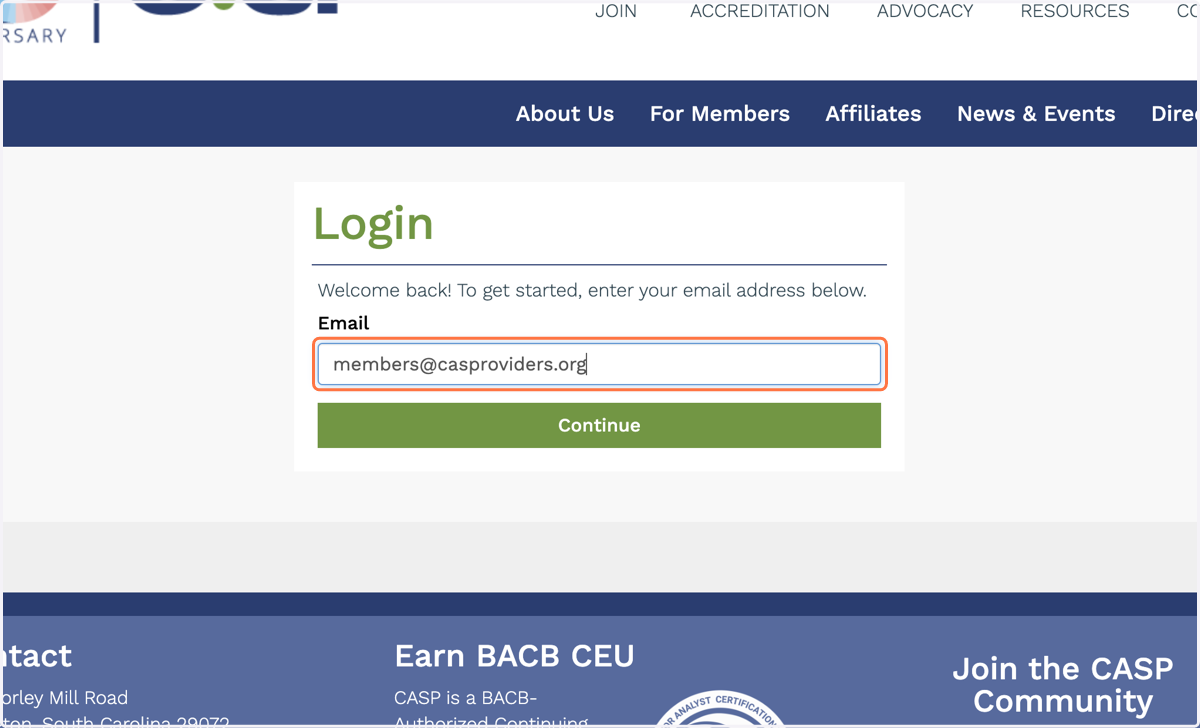
2. Use your CASP Login Credentials
After entering your login details, you will return to the CASP Library.
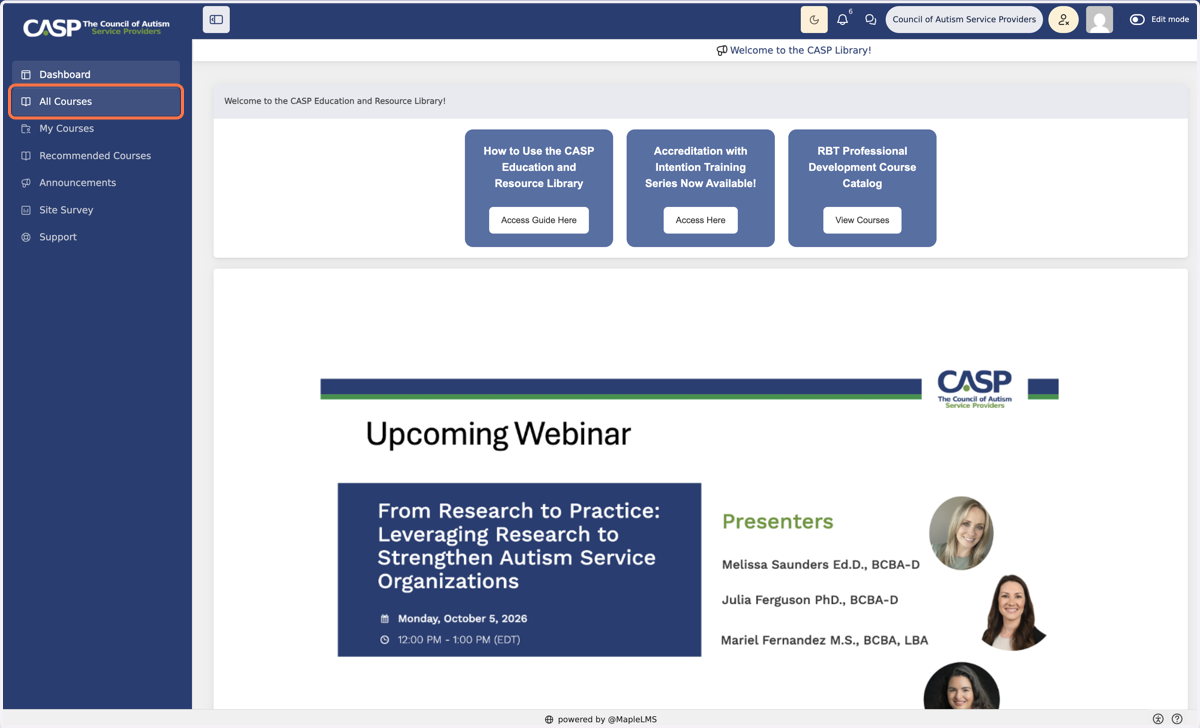
3. To view all available courses, click "All Courses"
More CEU, PDU, and other resources are on the way soon!
4. Select the course you'd like to redeem
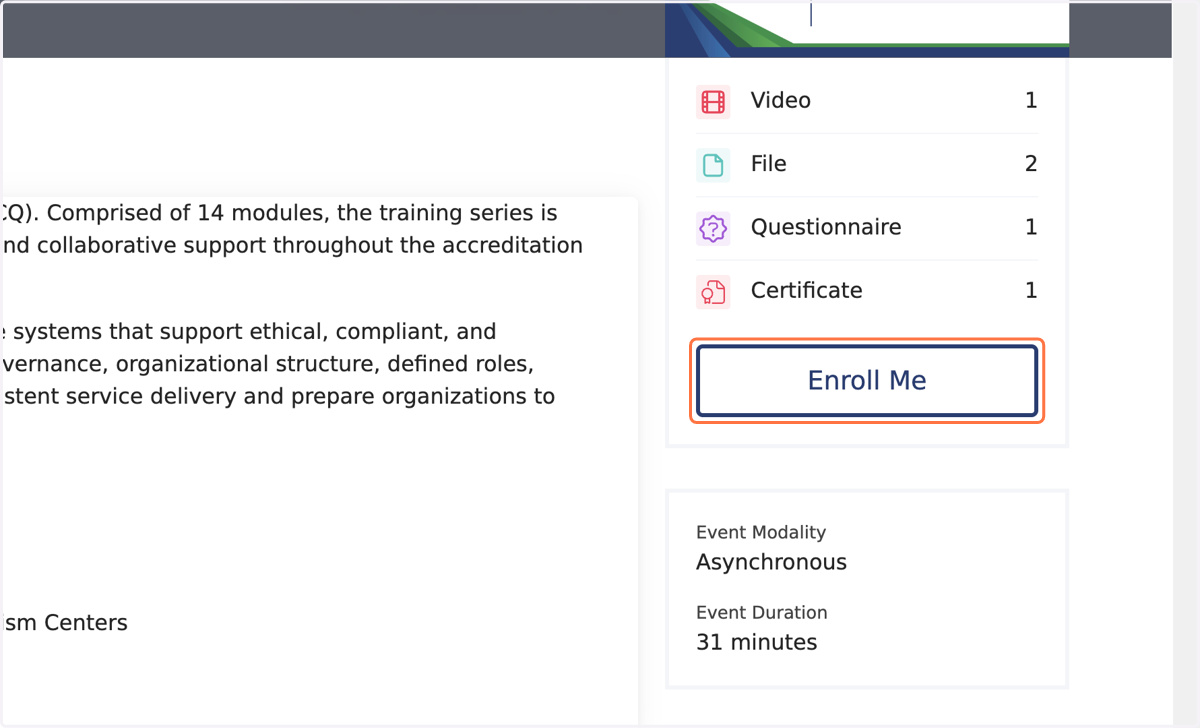
The "enroll me" button at the bottom of the thumbnail will allow you to view more information (e.g., abstract, instructor information, credits offered).
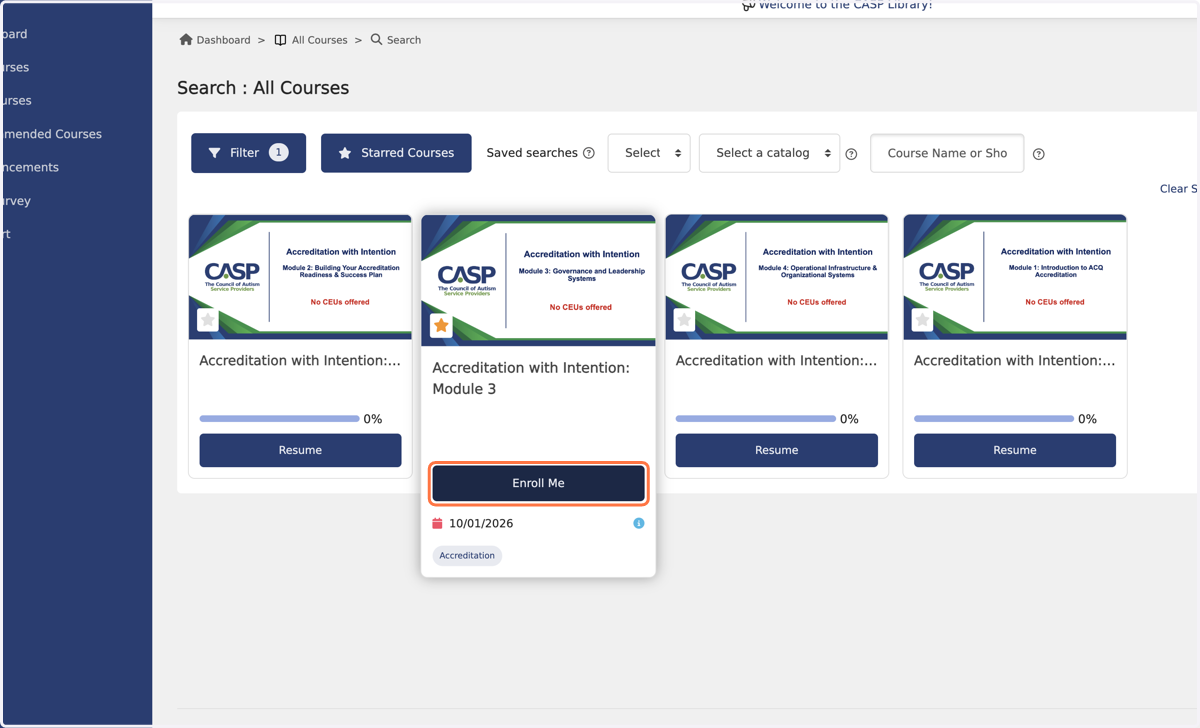
5. Click Enroll Me
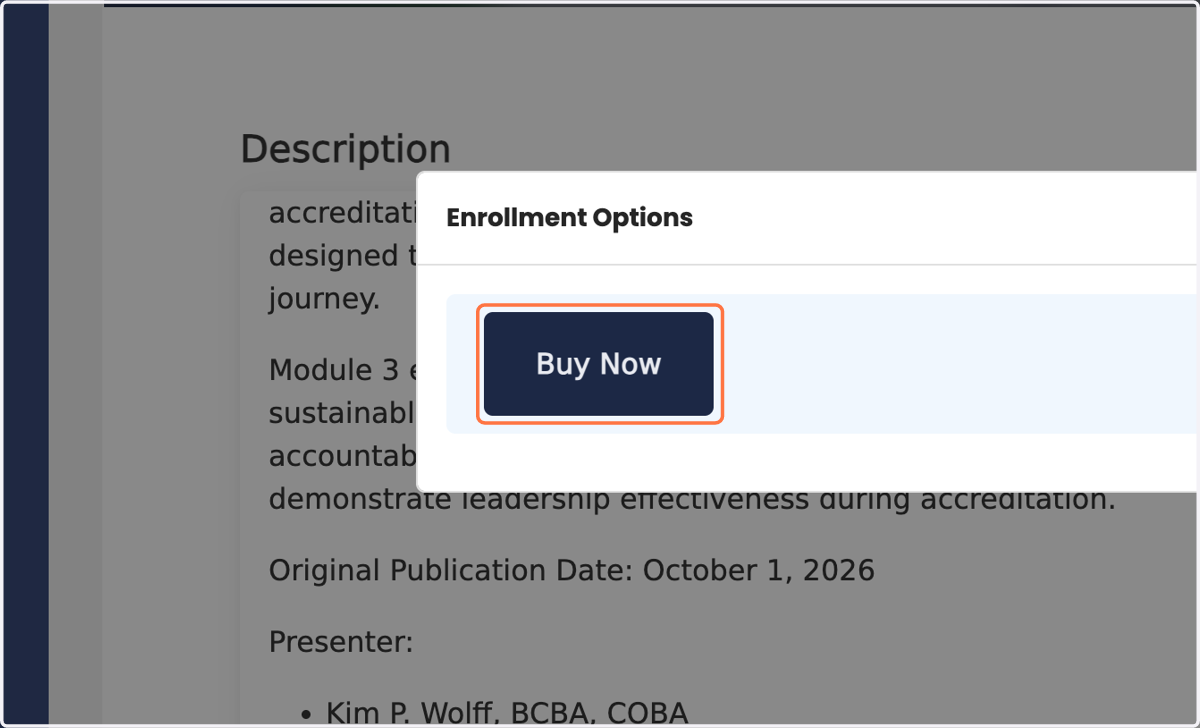
6. Click on Buy Now
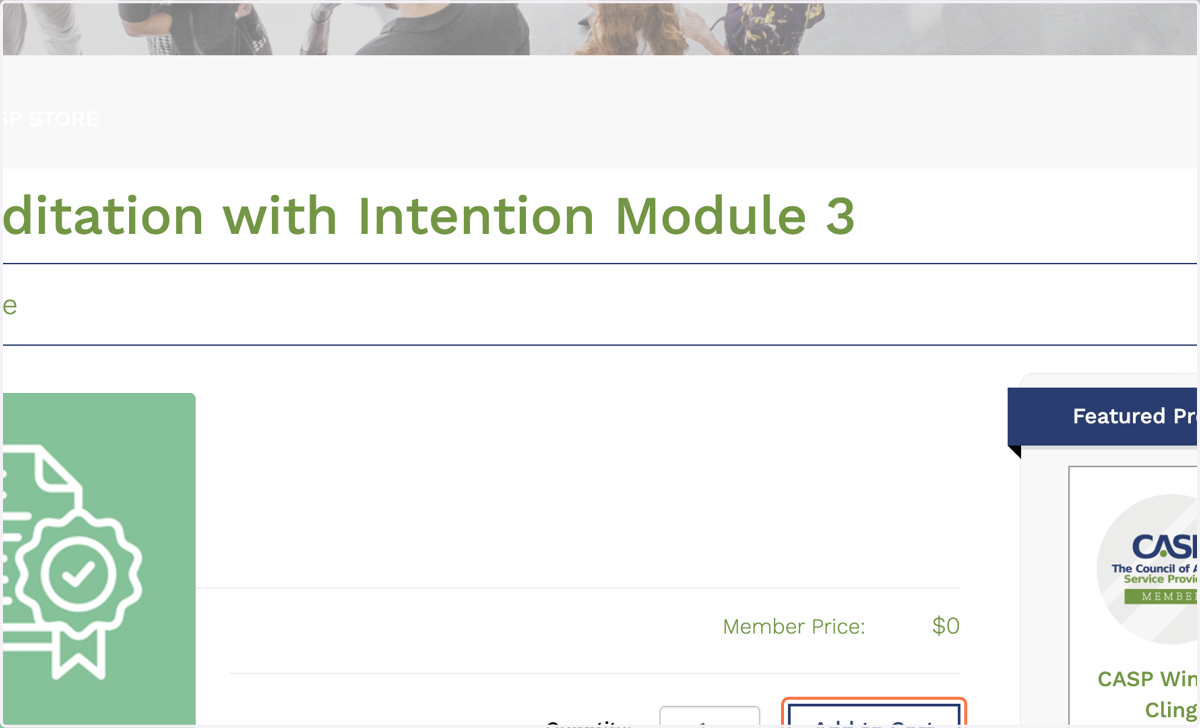
7. Proceed to checkout by clicking "add to cart"
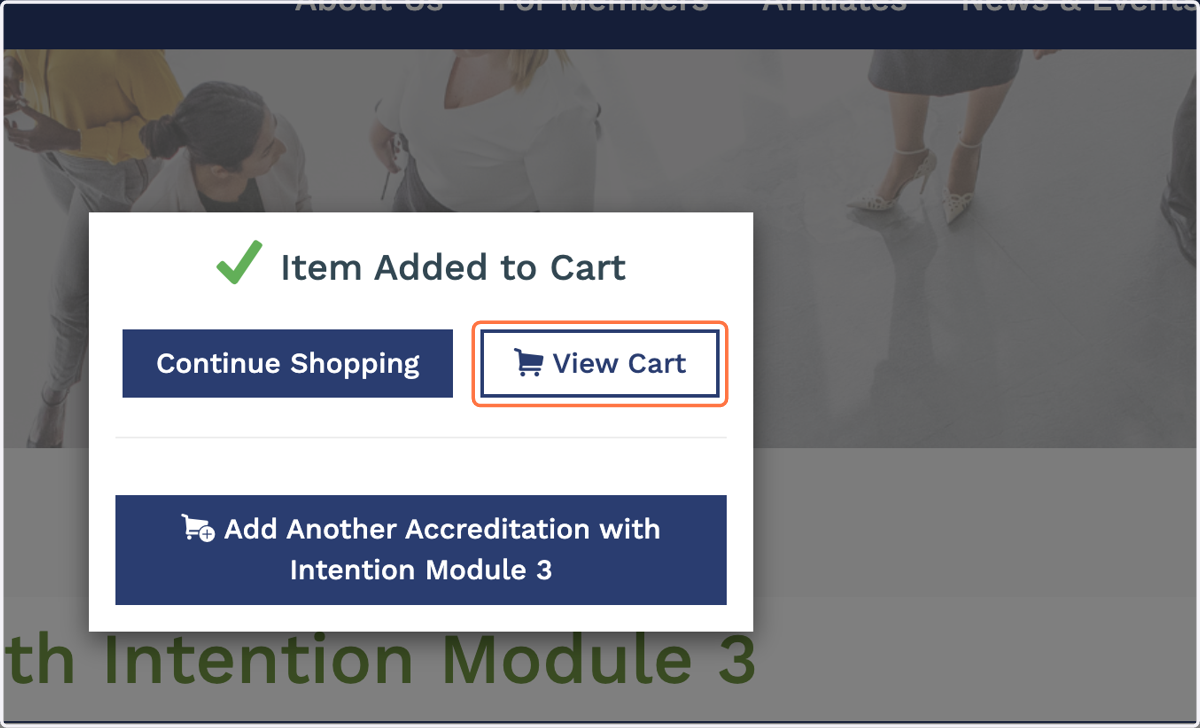
8. Click on View Cart
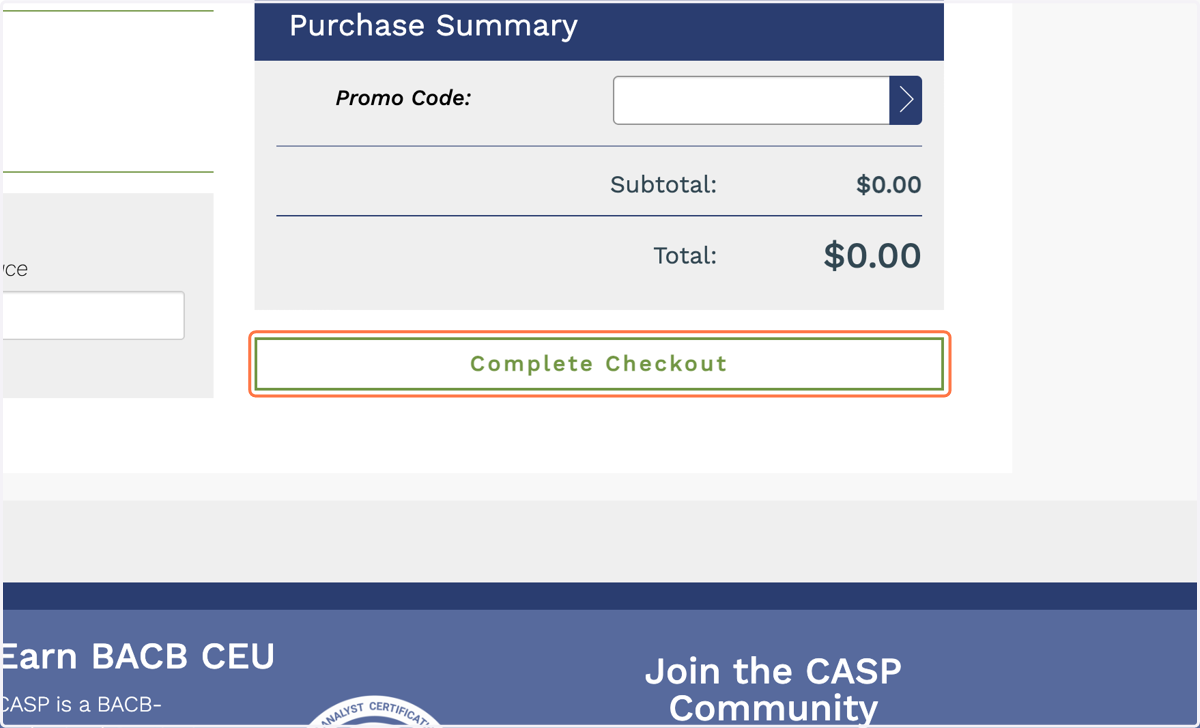
9. Click on Complete Checkout
You can see the member discount automatically applied in the total.
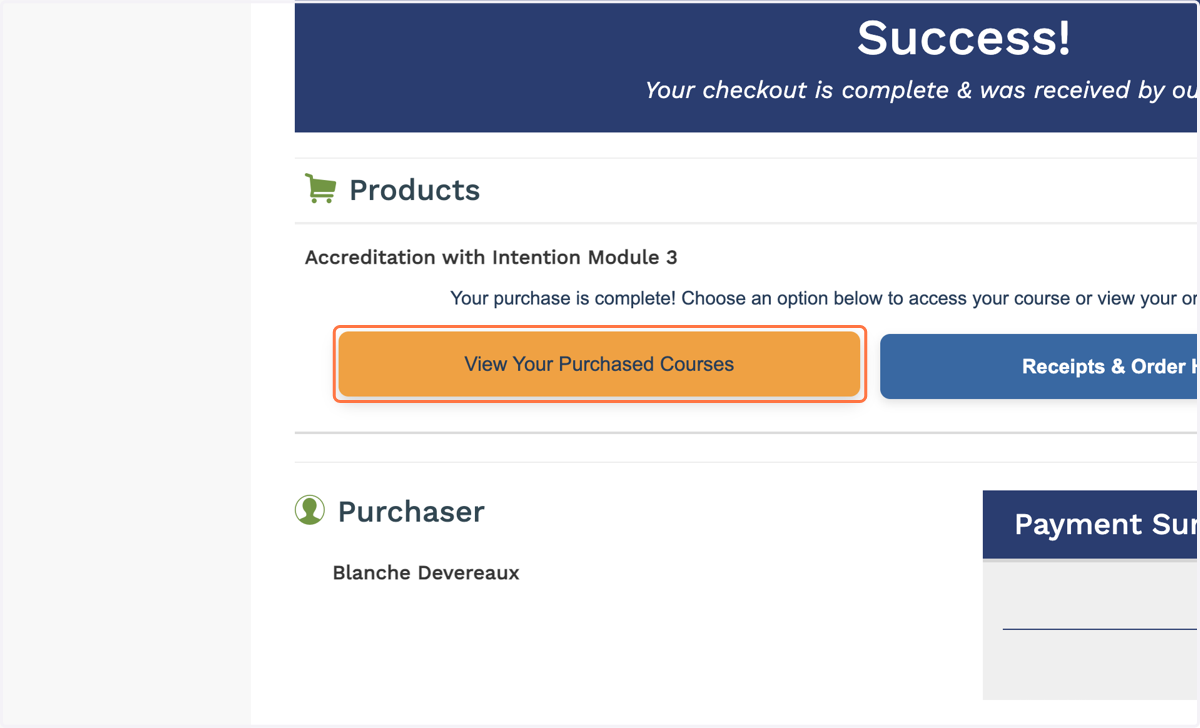
10. Click the orange button to return to your course list
The blue button will show you transaction history for your account.
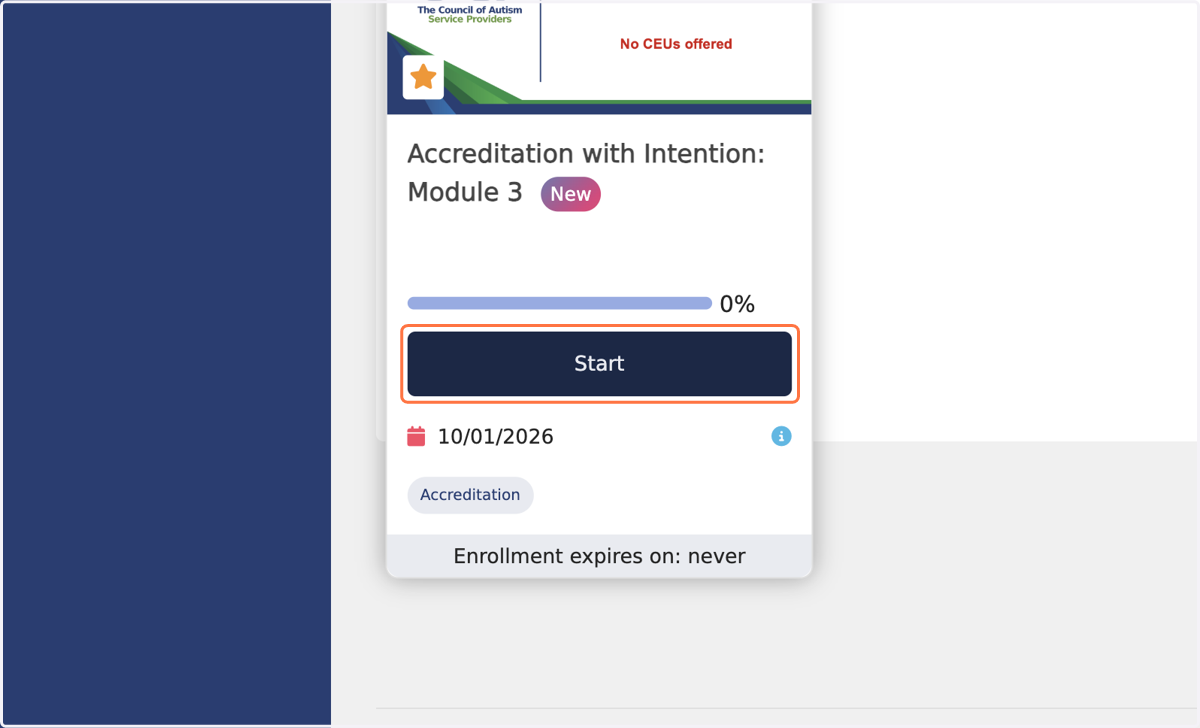
11. To begin the course you have purchased, click "Start"
Contact CASP with any questions.