(FI/SS) Grading
Evaluation Review Request email
1. Click on the link.
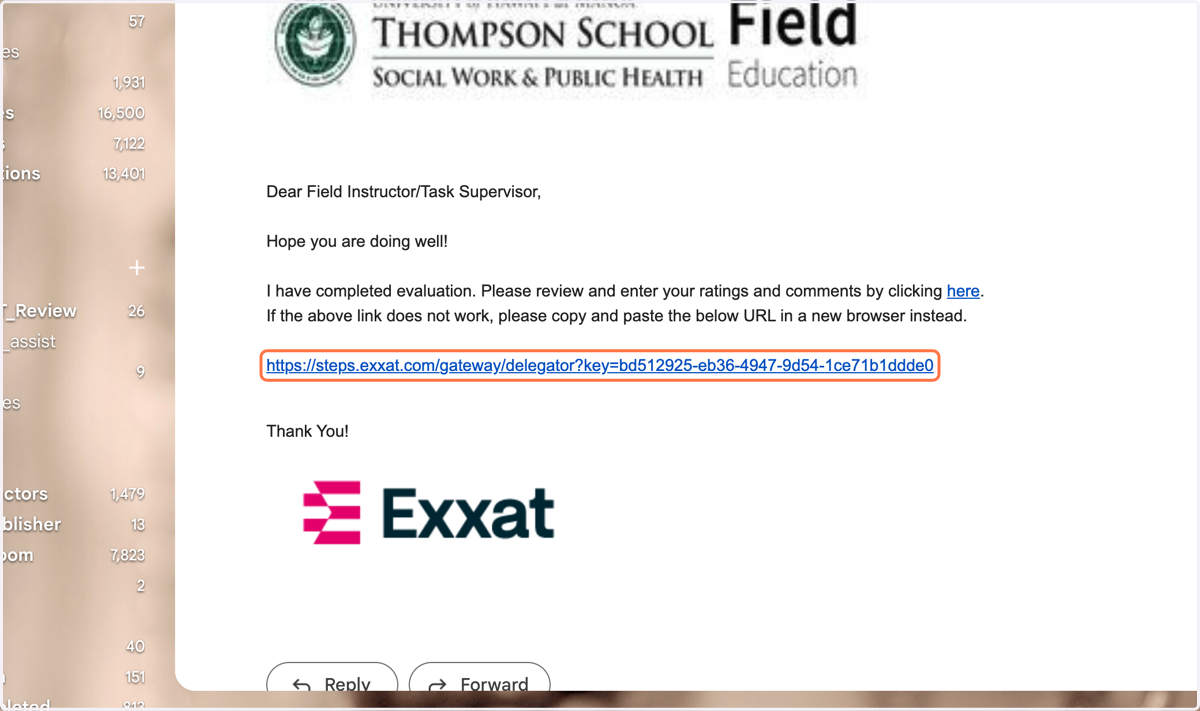
Exxat
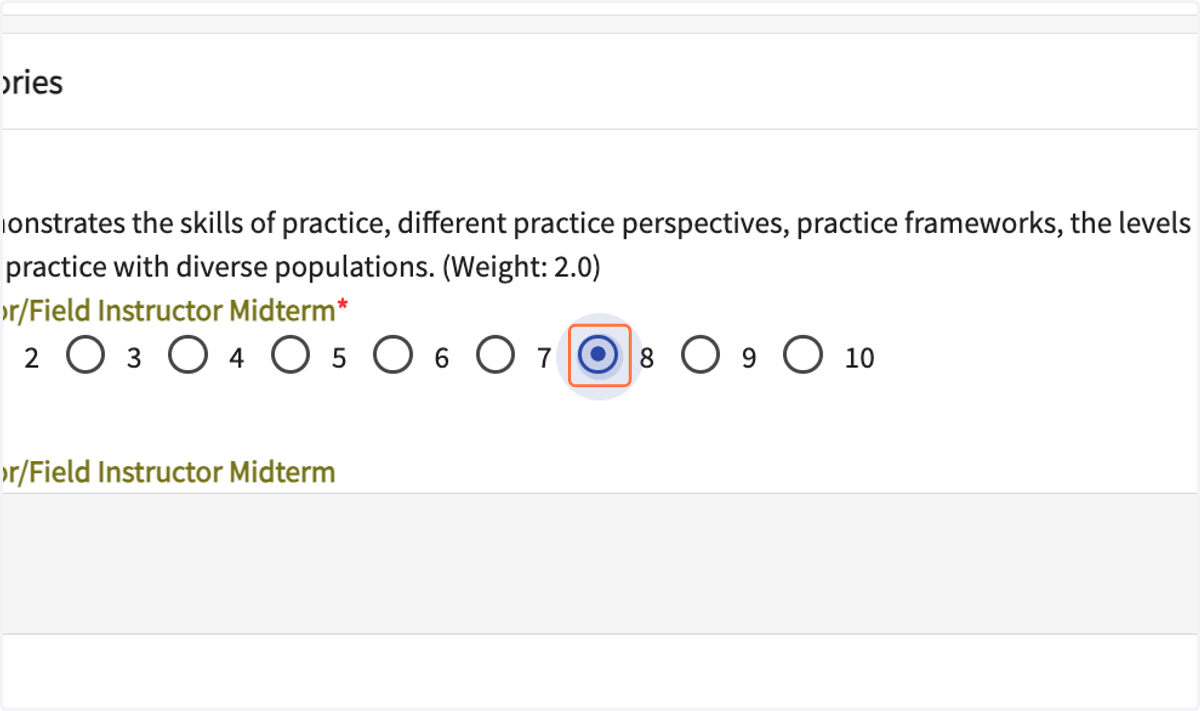
2. Select a score of 1-10 for each of the six grading categories.
3. In the comment box, enter feedback for each item scored under 10.
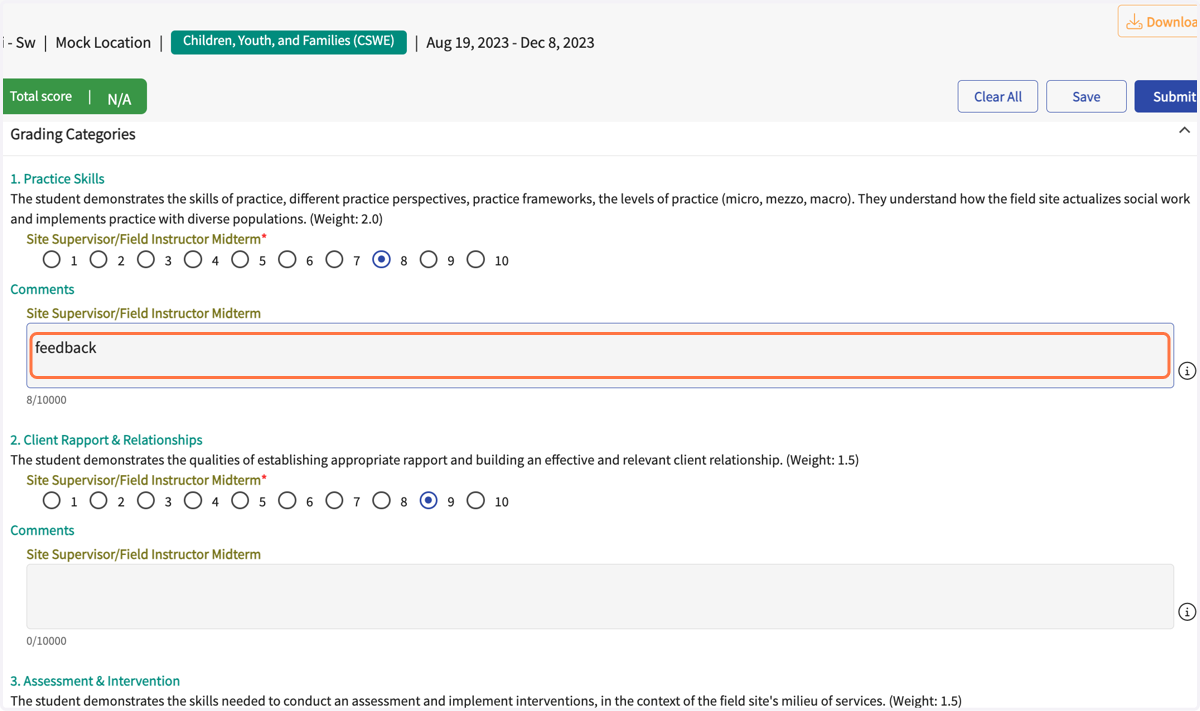
4. A score is required for each item.
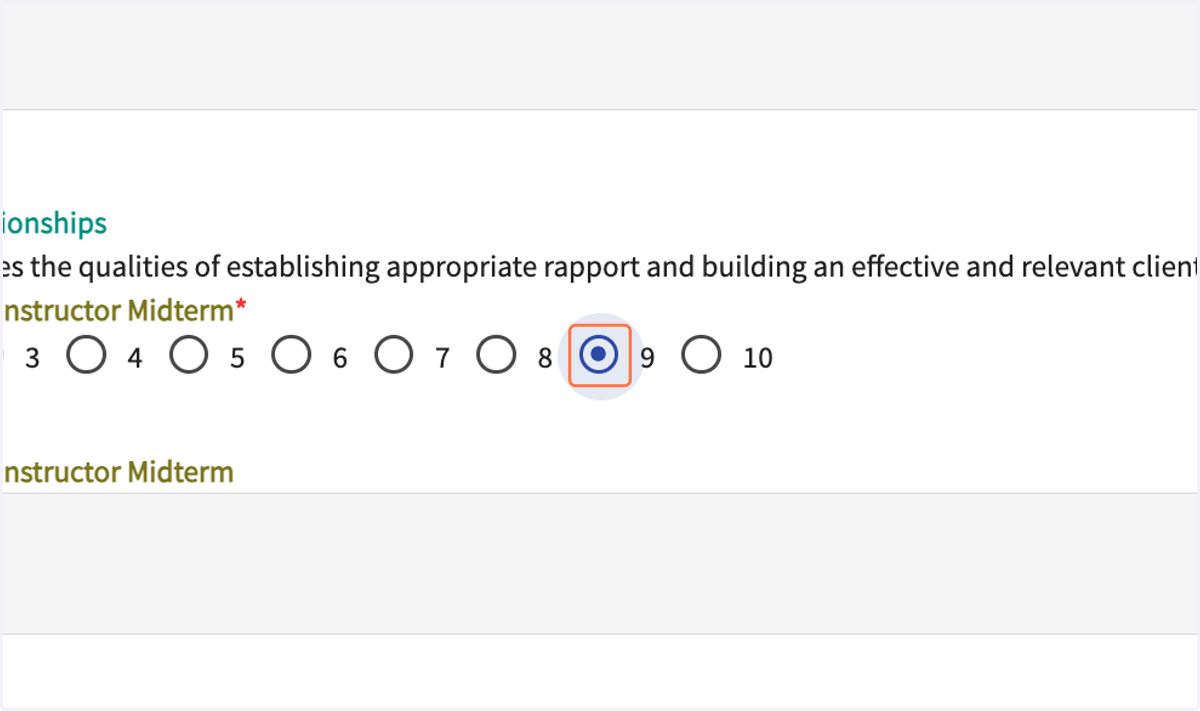
5. The form will weight each item and calculate the final grade.
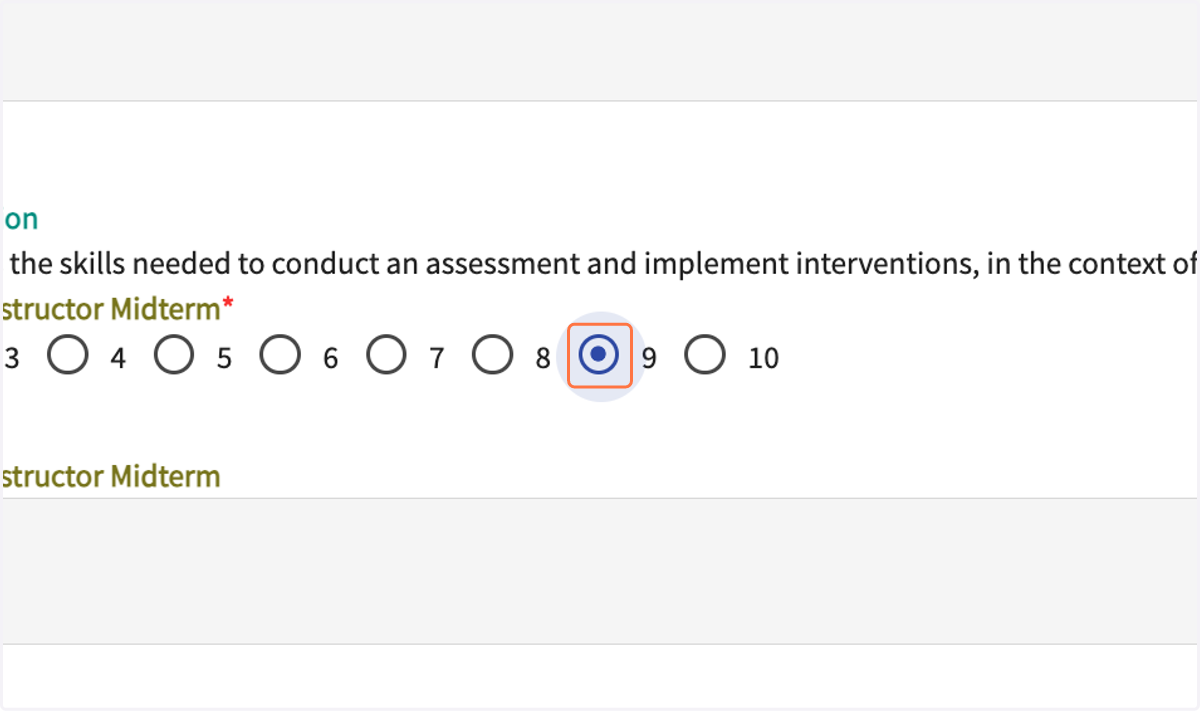
6. Feedback on each item should be discussed with the student in supervision.
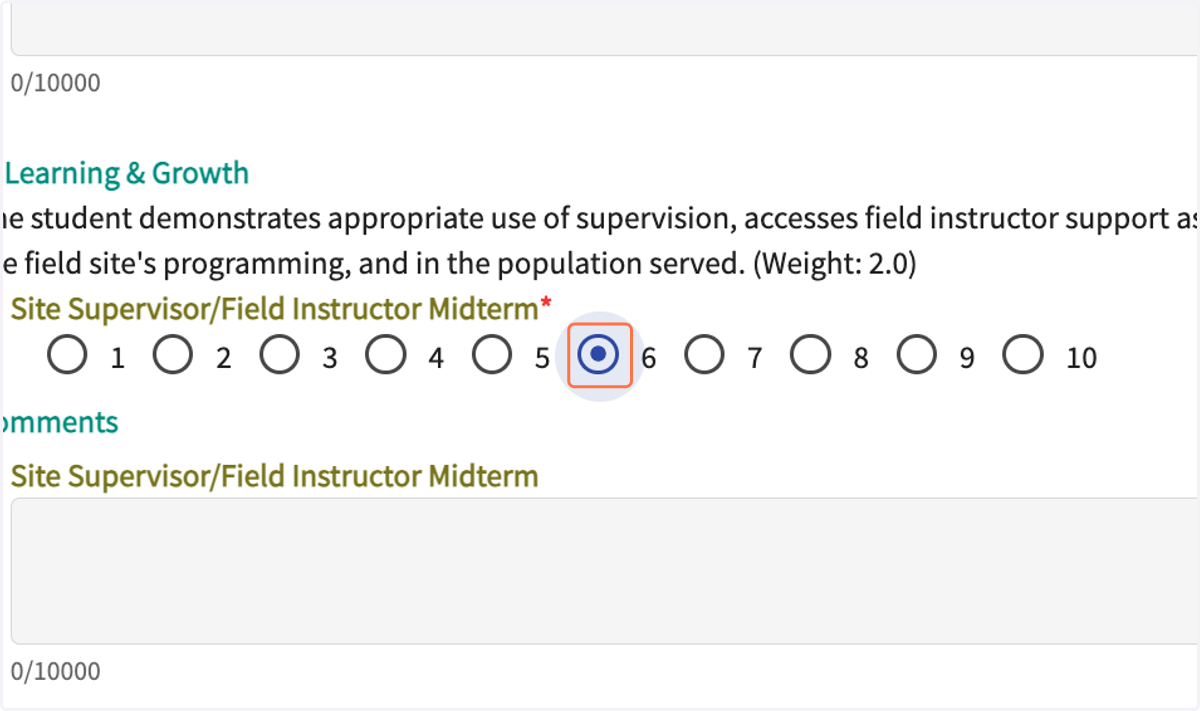
7. Select the grade appropriate to the student's year and semester.
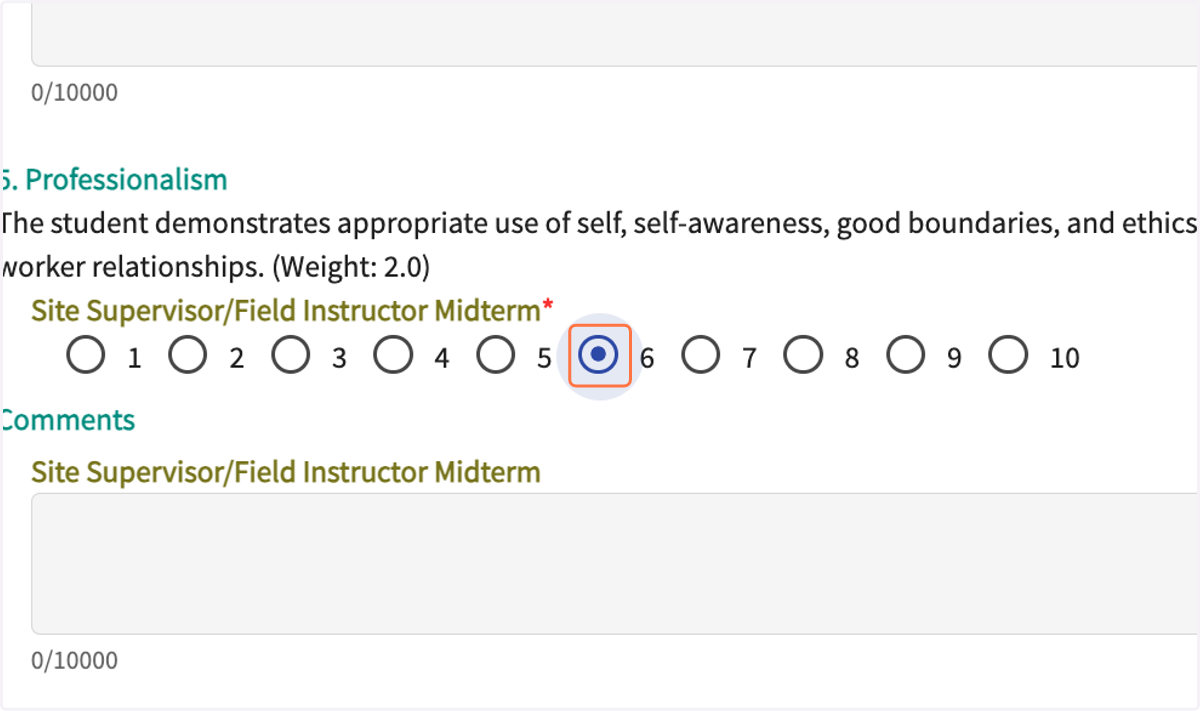
8. The grading form is due at the time of the midterm evaluation and final evaluation each semester.
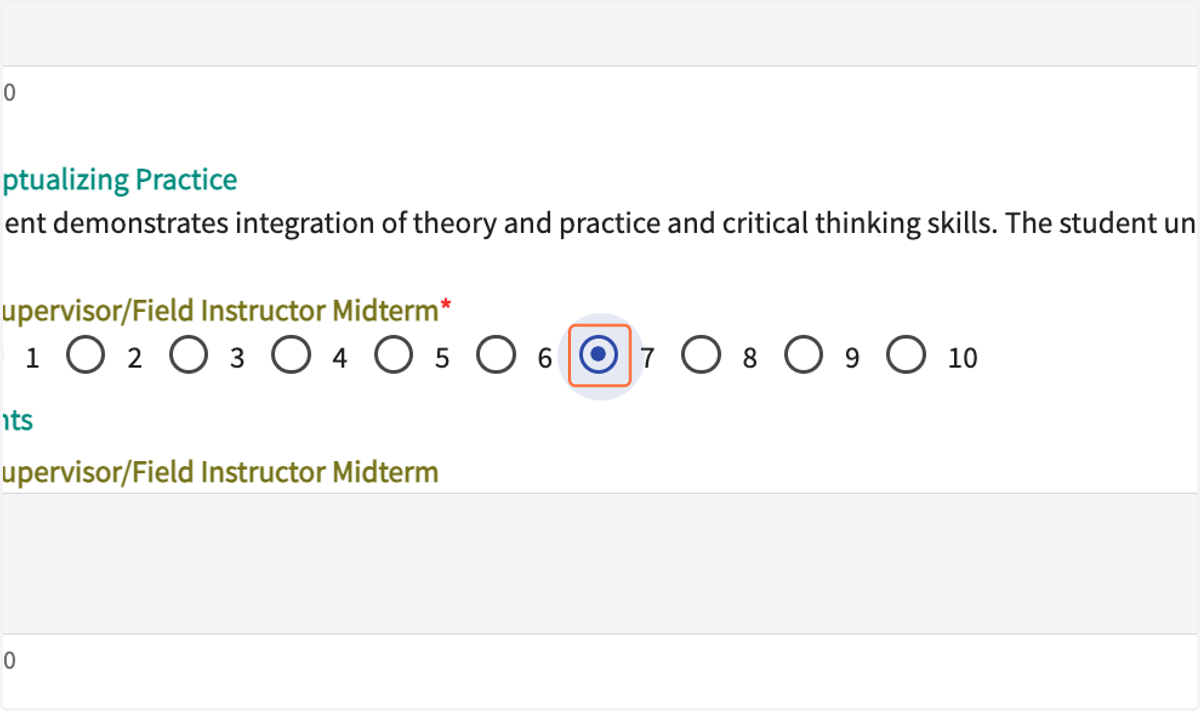
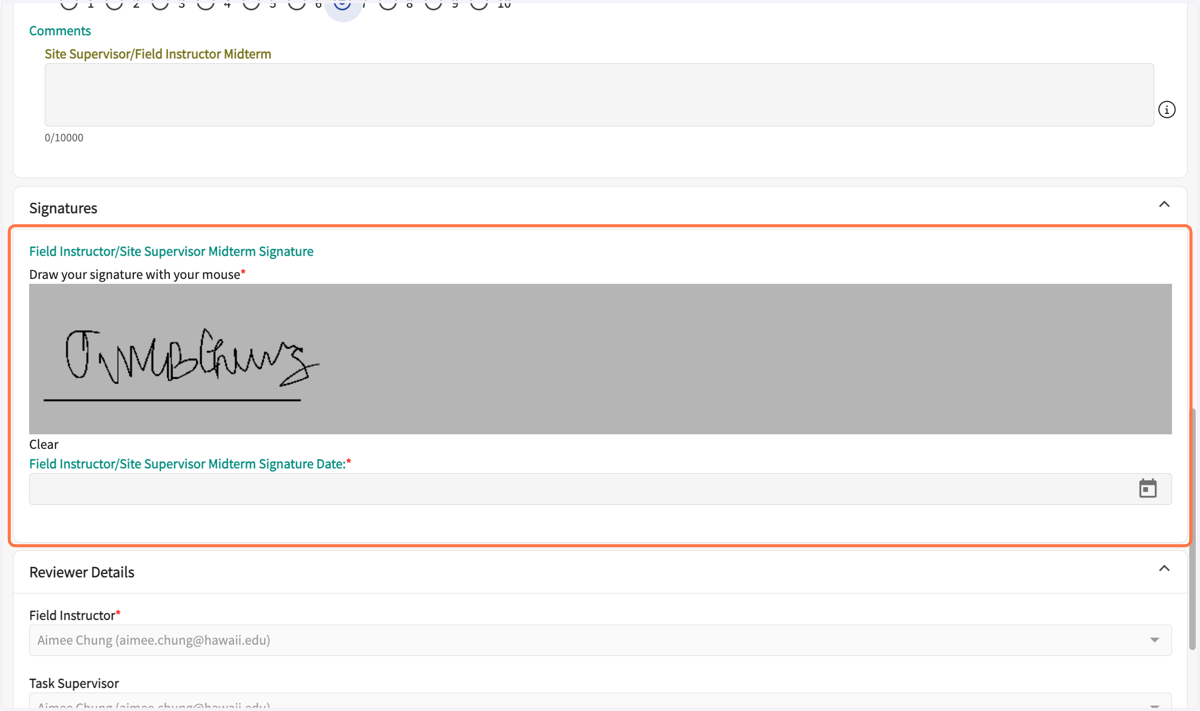
9. The Field Instructor signs the form.
If there is a Site Supervisor, there is no signature required.
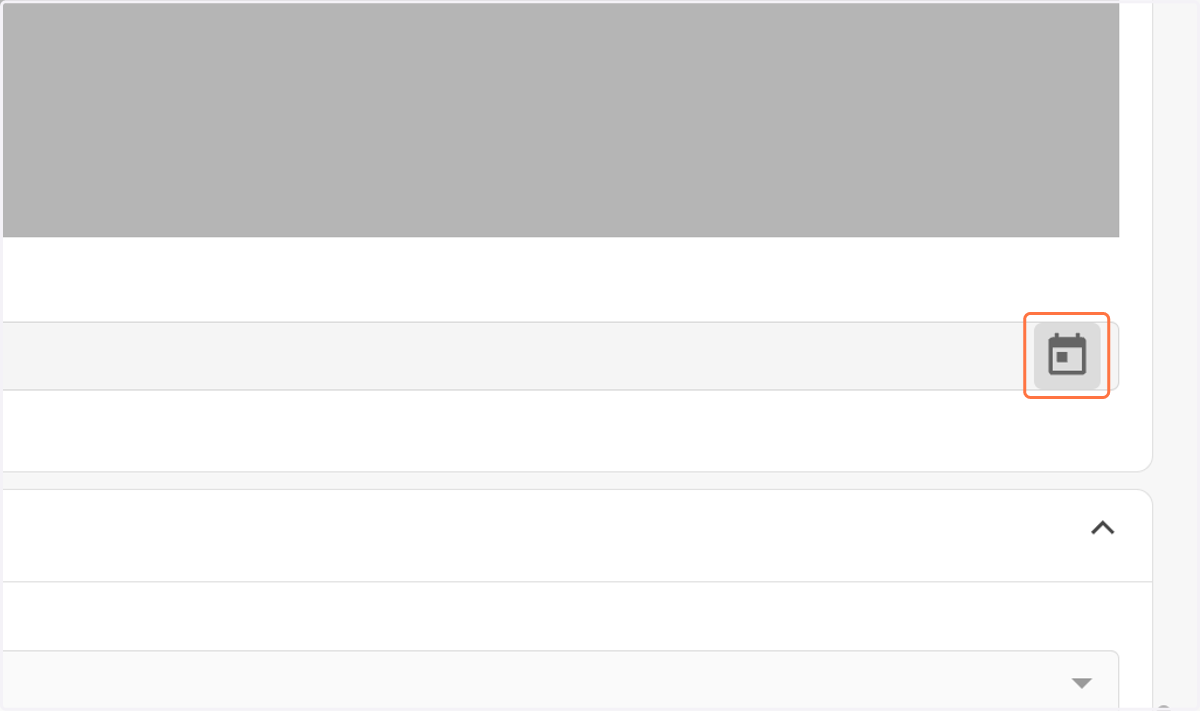
10. Select the date of signing.
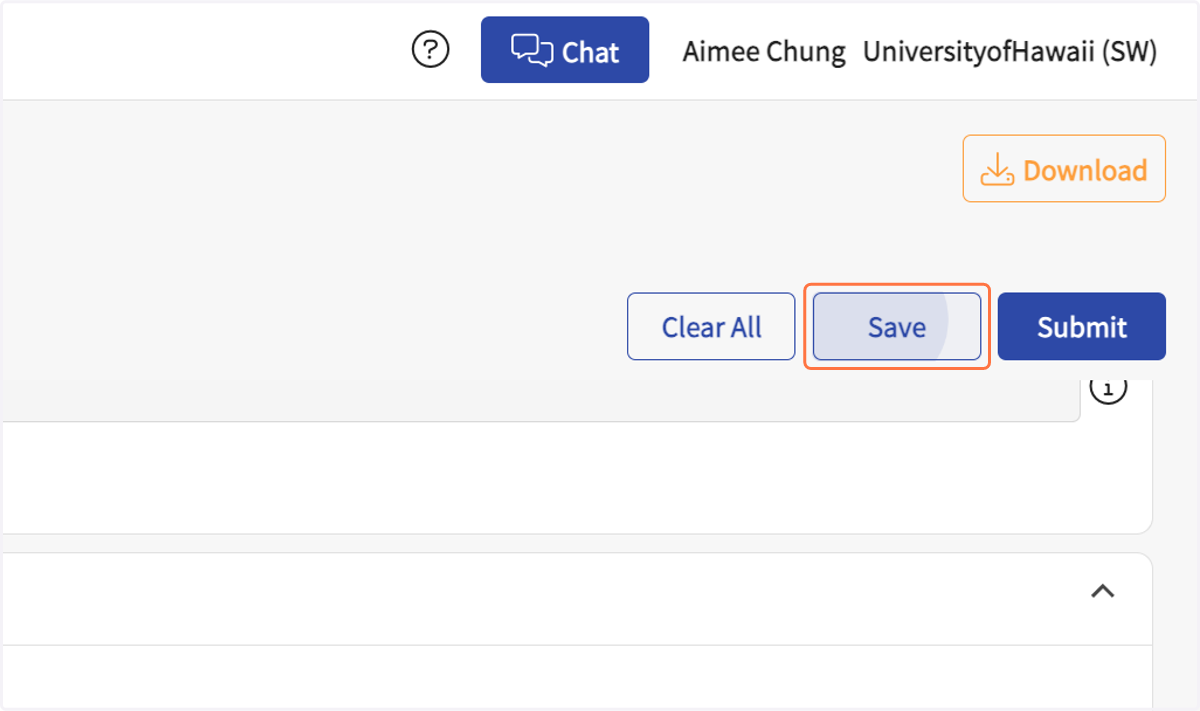
11. Click on Save
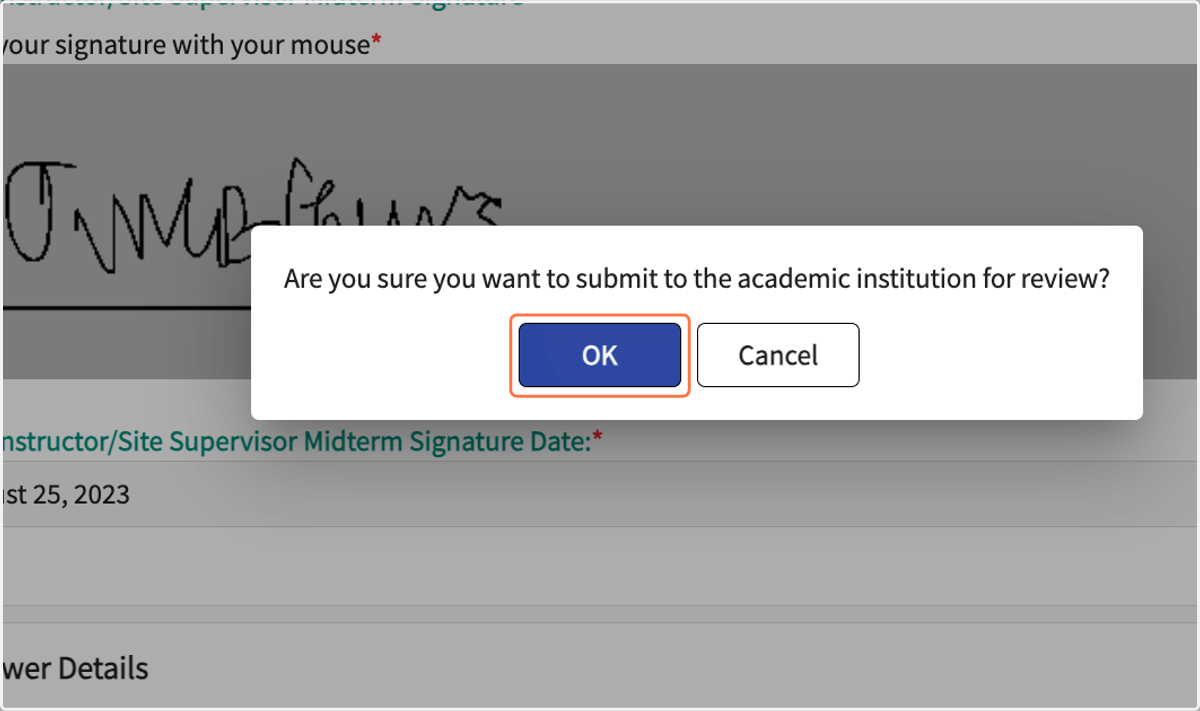
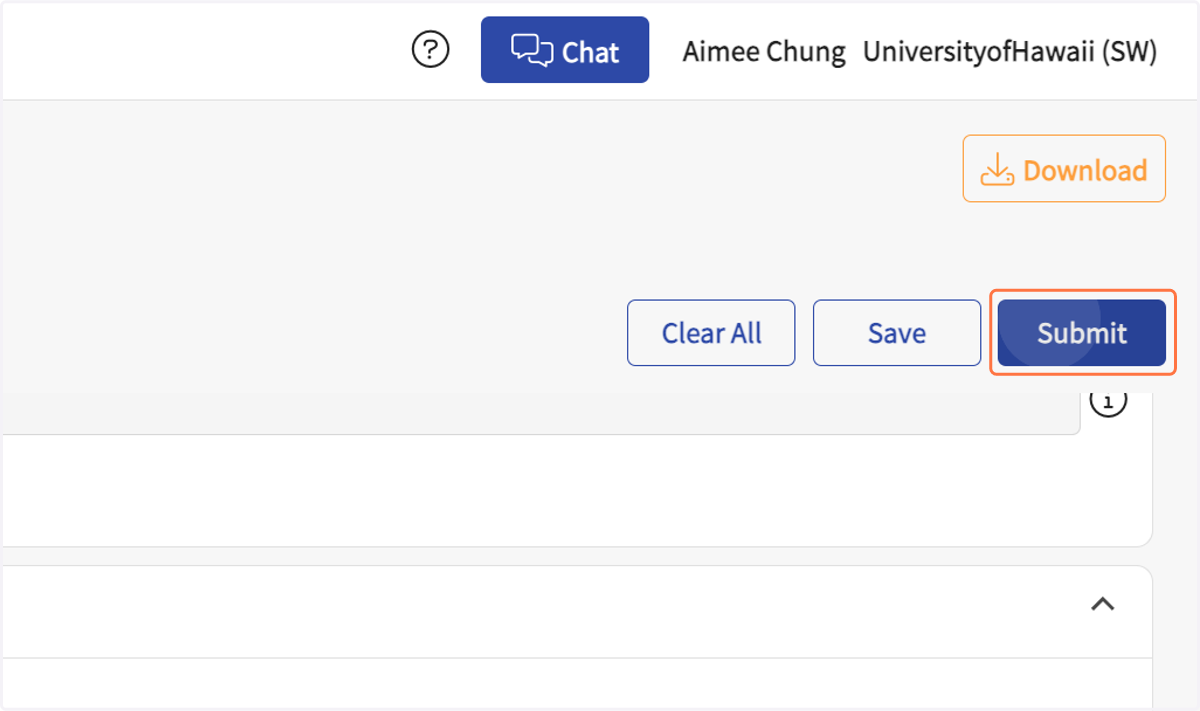
12. Click on Submit
The form will be sent to the student for their review and signature.
13. Click on OK