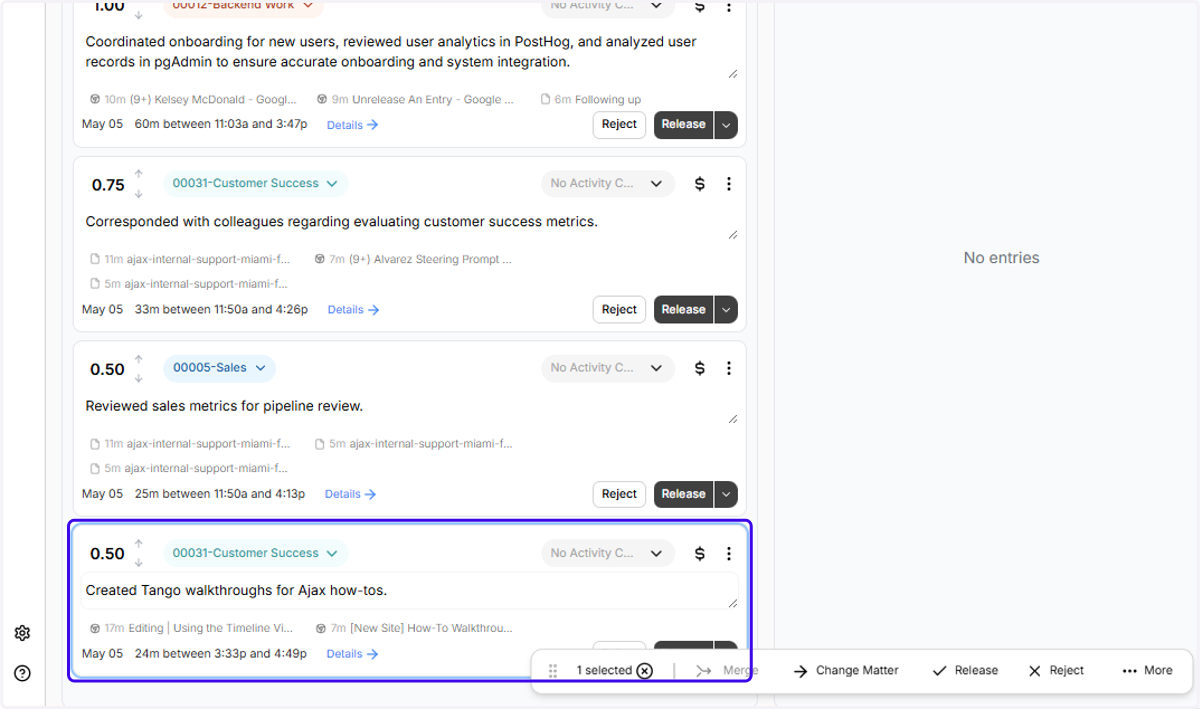
Splitting Out Activities + Adding Them to a New Entry
Sometimes, there may be some tasks (we call them threads) in an entry that don't belong. Here's how to split them out into a new entry:
Ajax
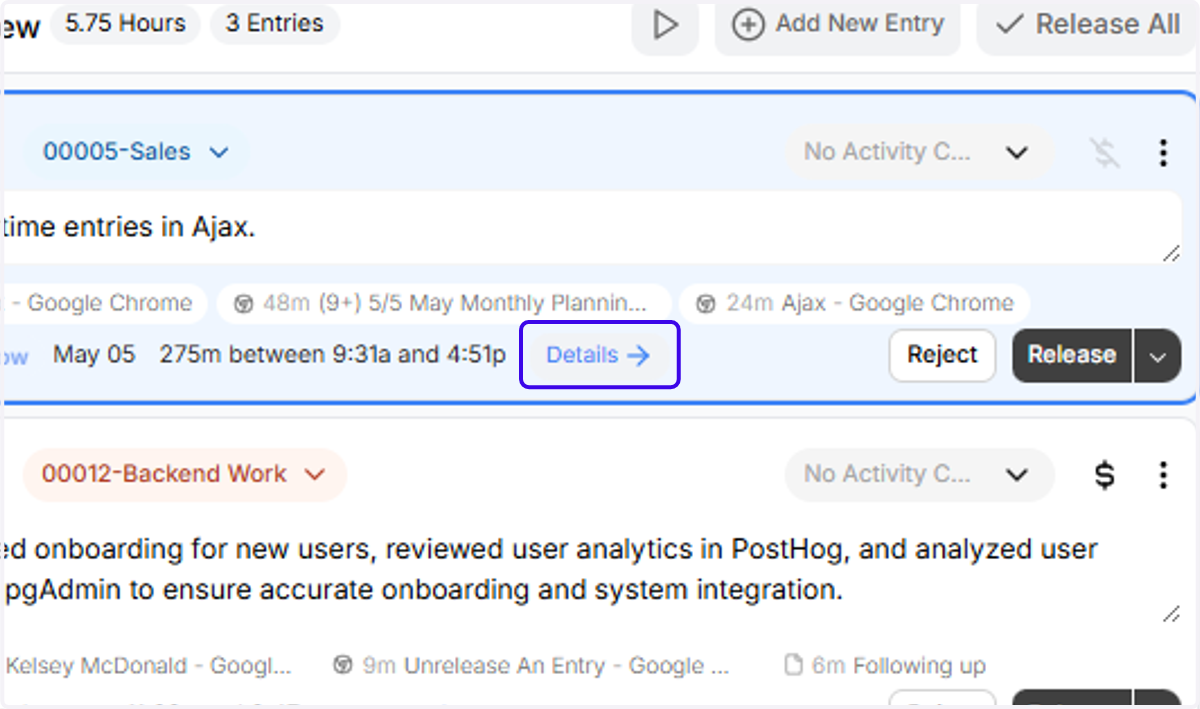
1. Click on "Details"
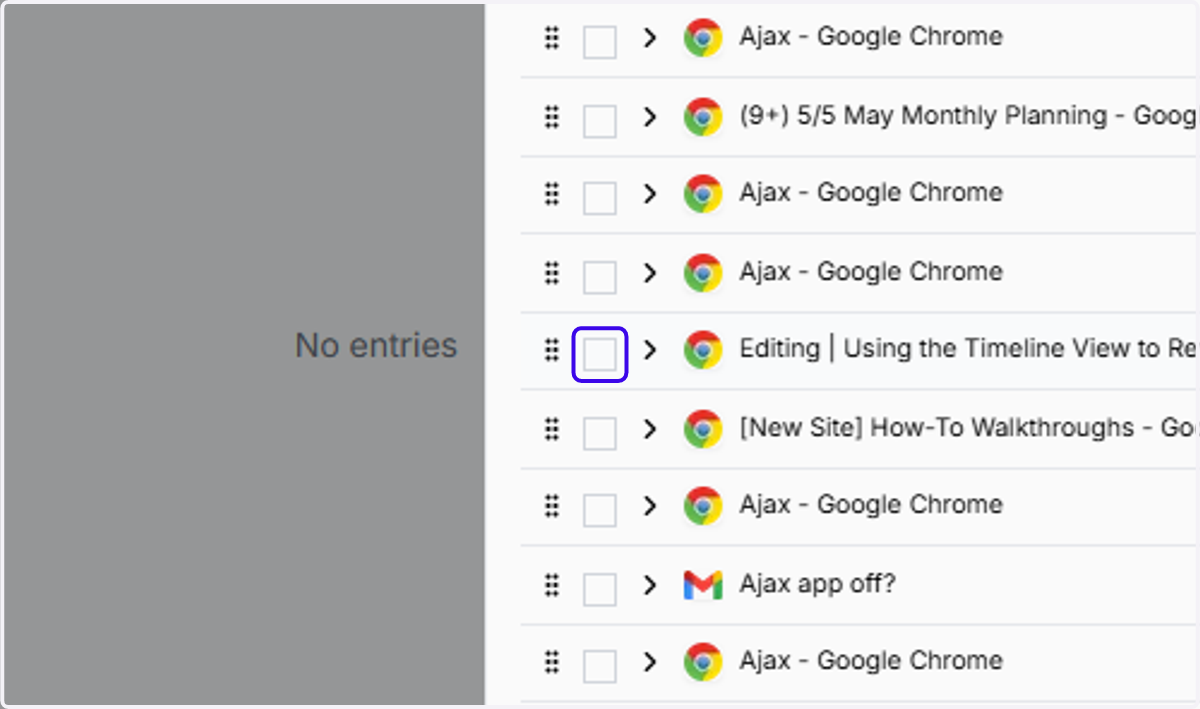
2. This thread doesn't belong in the entry! Click the checkbox to select it
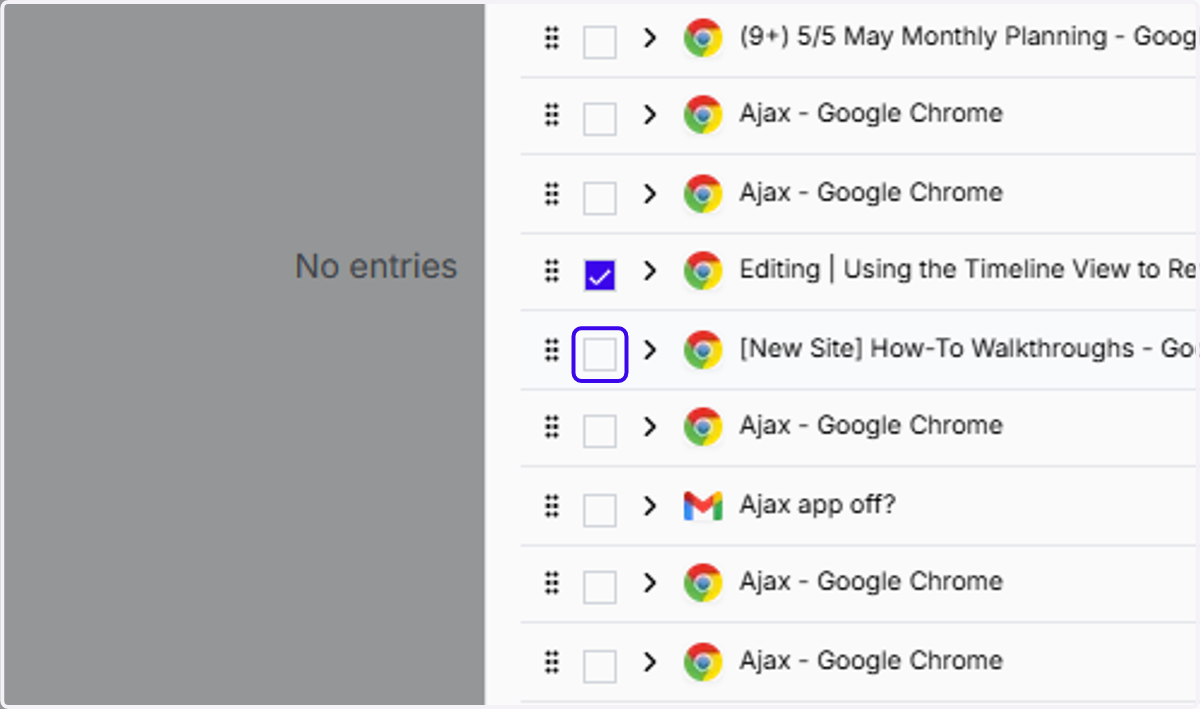
3. Same with this thread! I'll select it as well
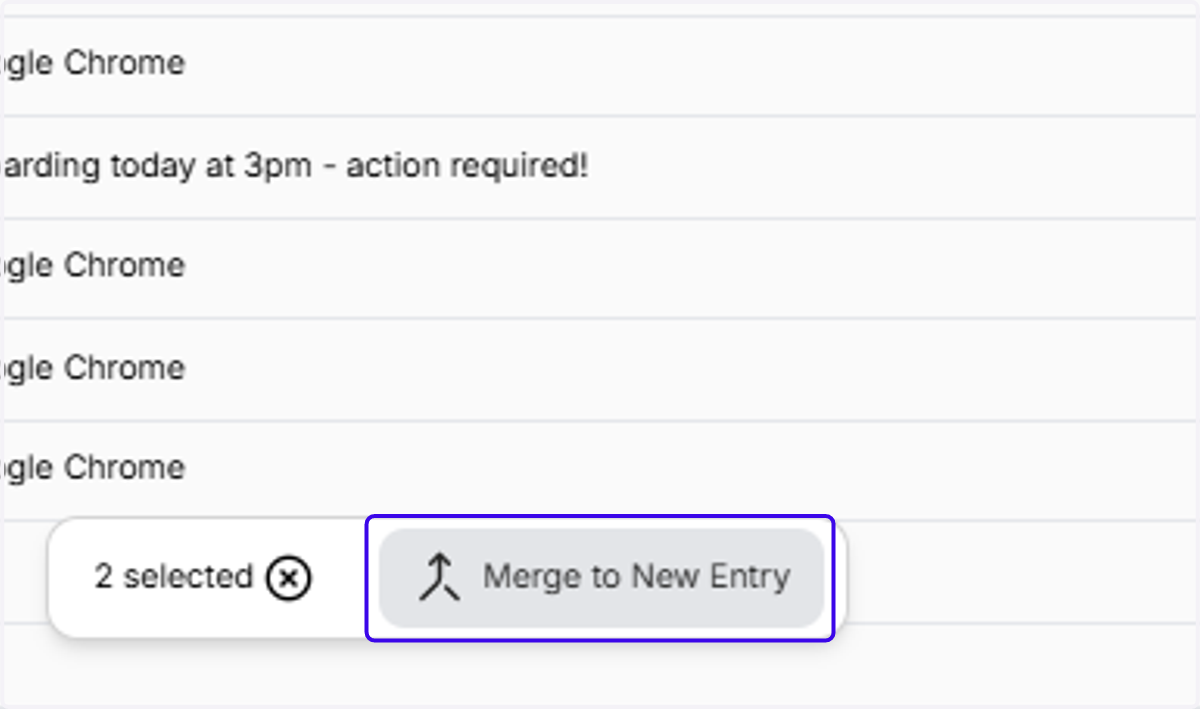
4. Once the threads you want to move out are selected, go ahead and click "Merge to New Entry"
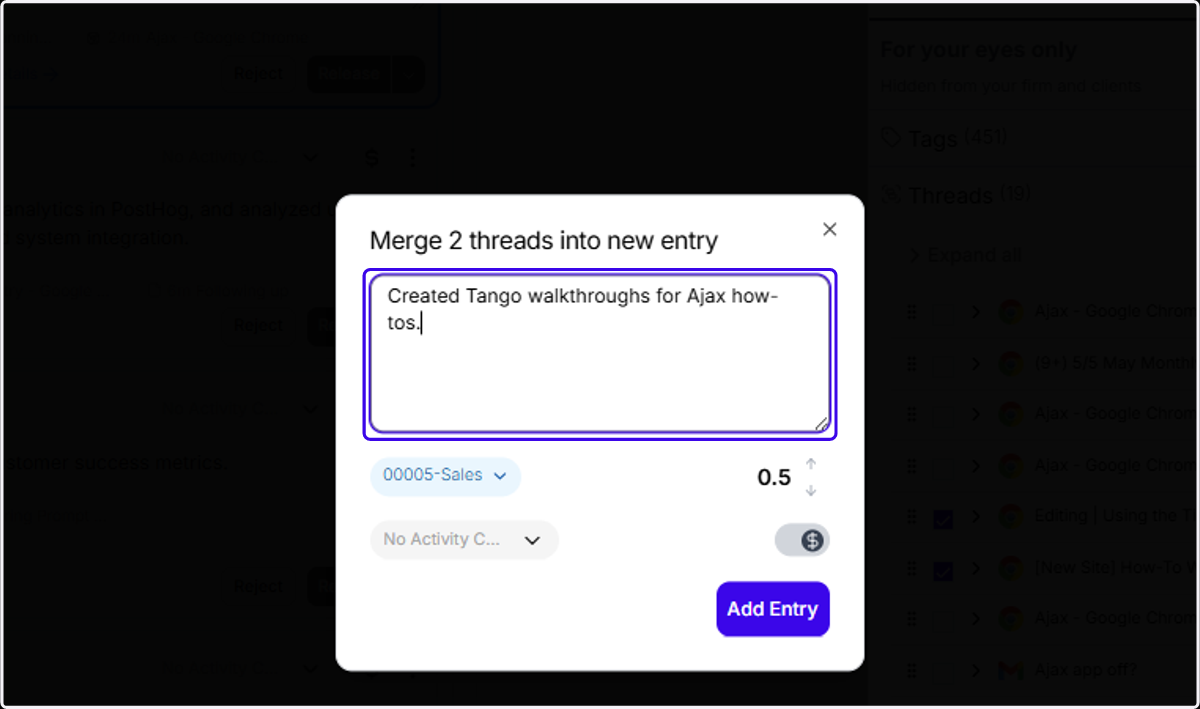
5. Type in a narrative for the new entry
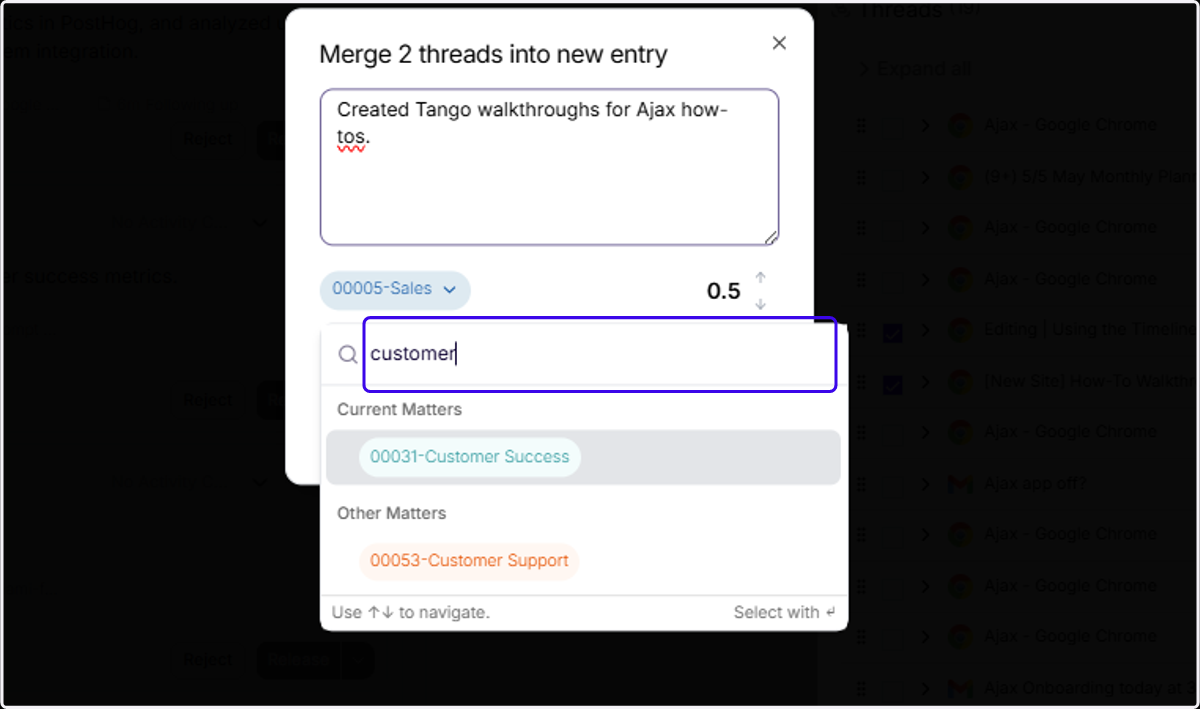
6. ... And select a new matter by clicking the matter pill and typing in your desired matter
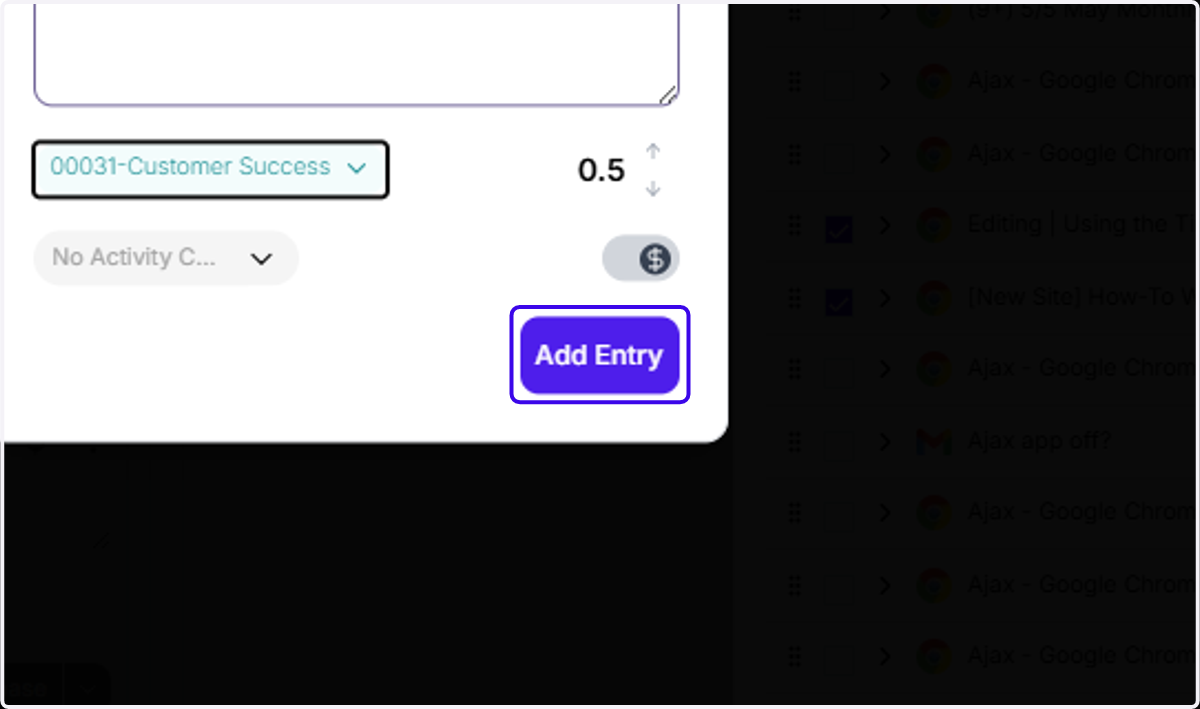
7. Click on "Add Entry" to create this new entry
8. ... And there's the new entry with the threads you wanted to split out!