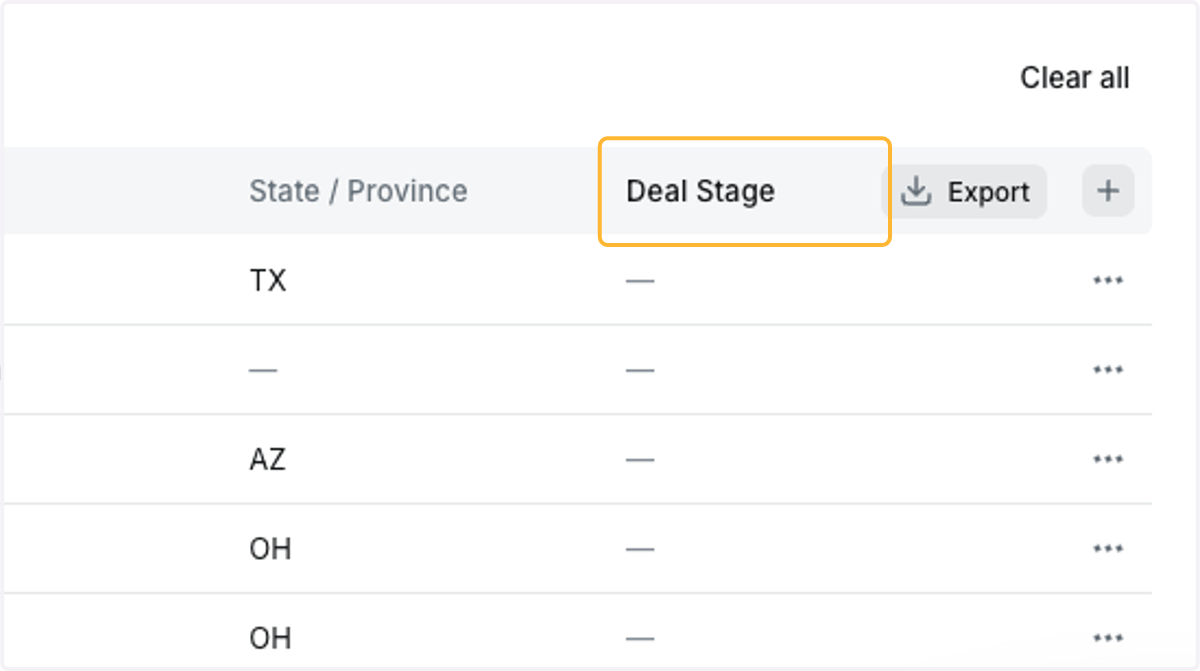
Sola Salon Studios - SalesMsg Update: Adding Deal Stage to Contacts
An update has been added to SalesMsg where you can now add a column on your Contacts lists to see the Deal Stage associated with the Contact. This guide will walk you through how to add the column to your lists.
Jump into SalesMsg
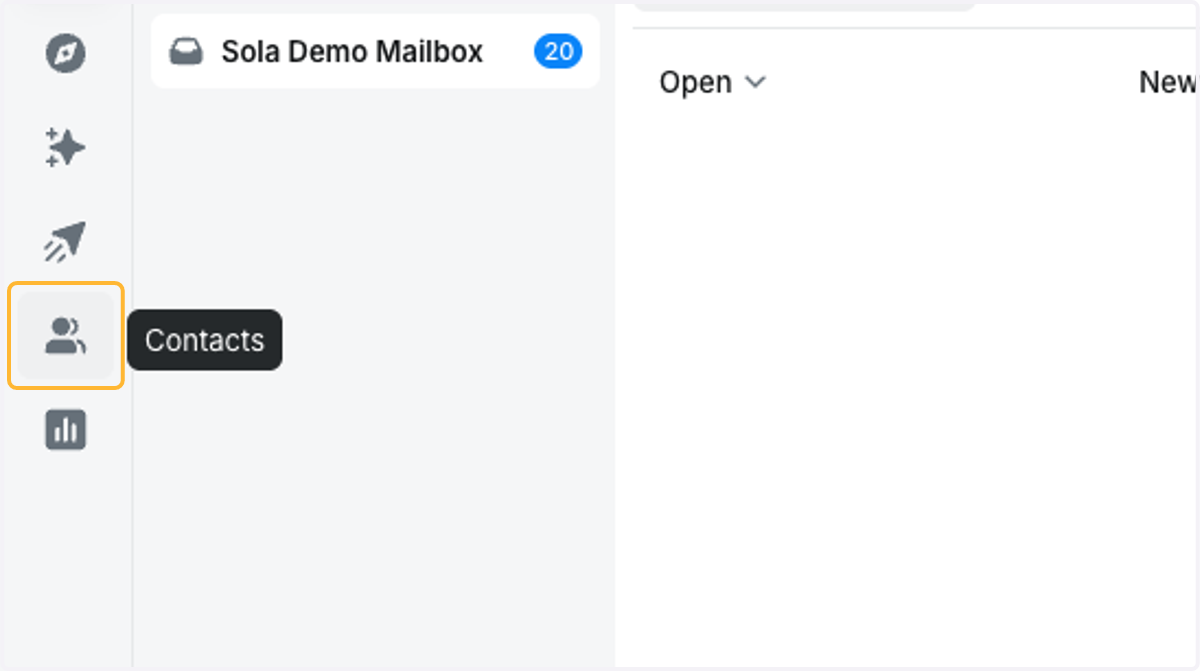
1. Click on Contacts
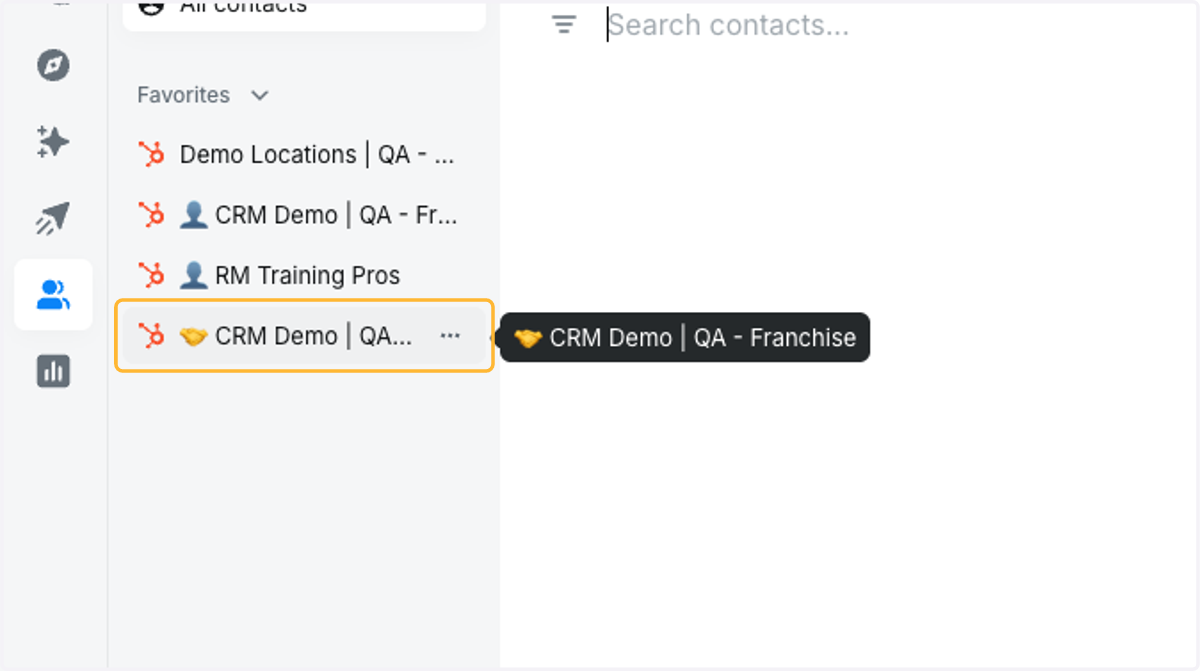
2. Click on a list with a handshake emoji
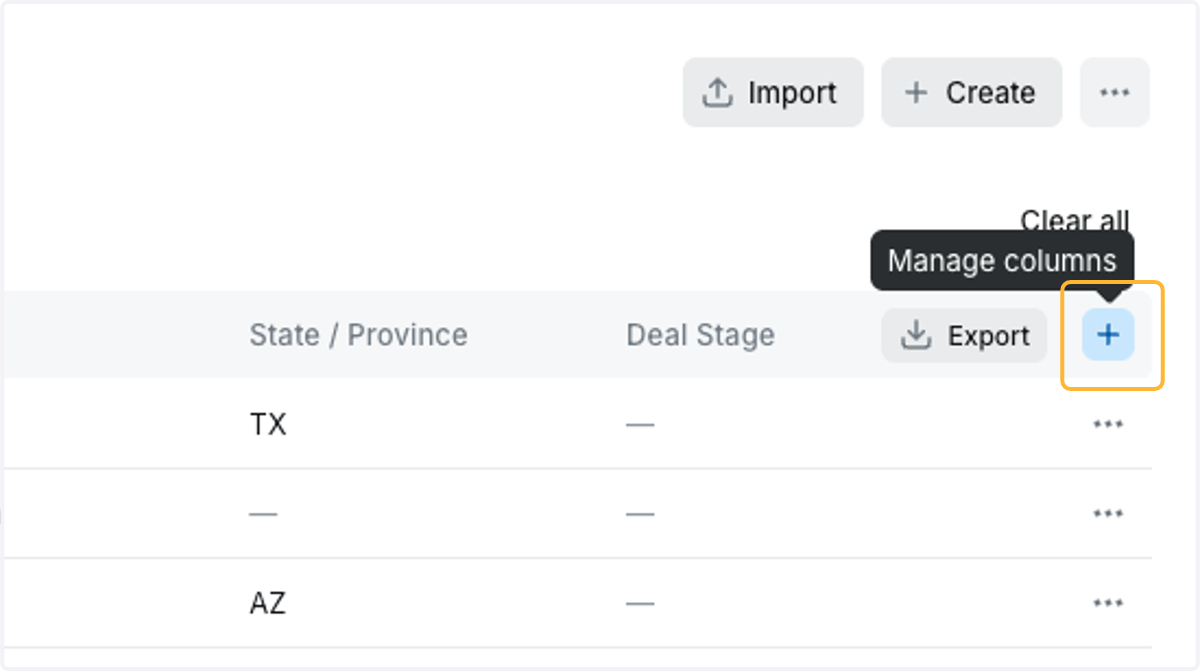
3. Click on the plus button to the right-hand of your screen
4. Search for Deal
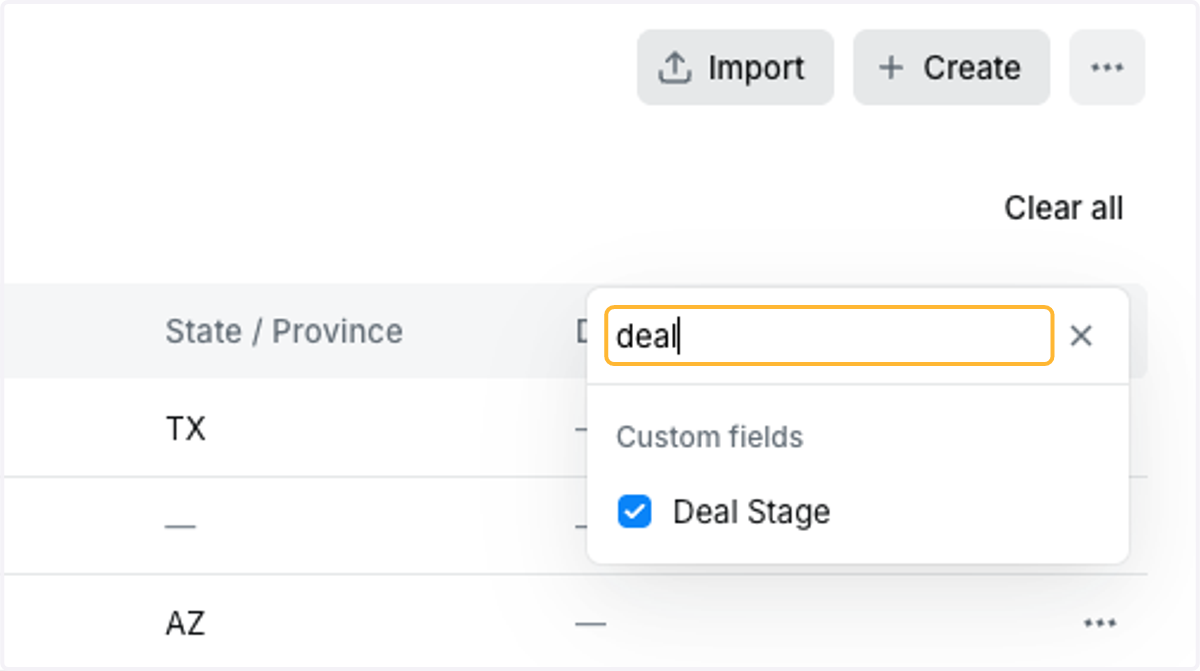
5. Check the Deal Stage
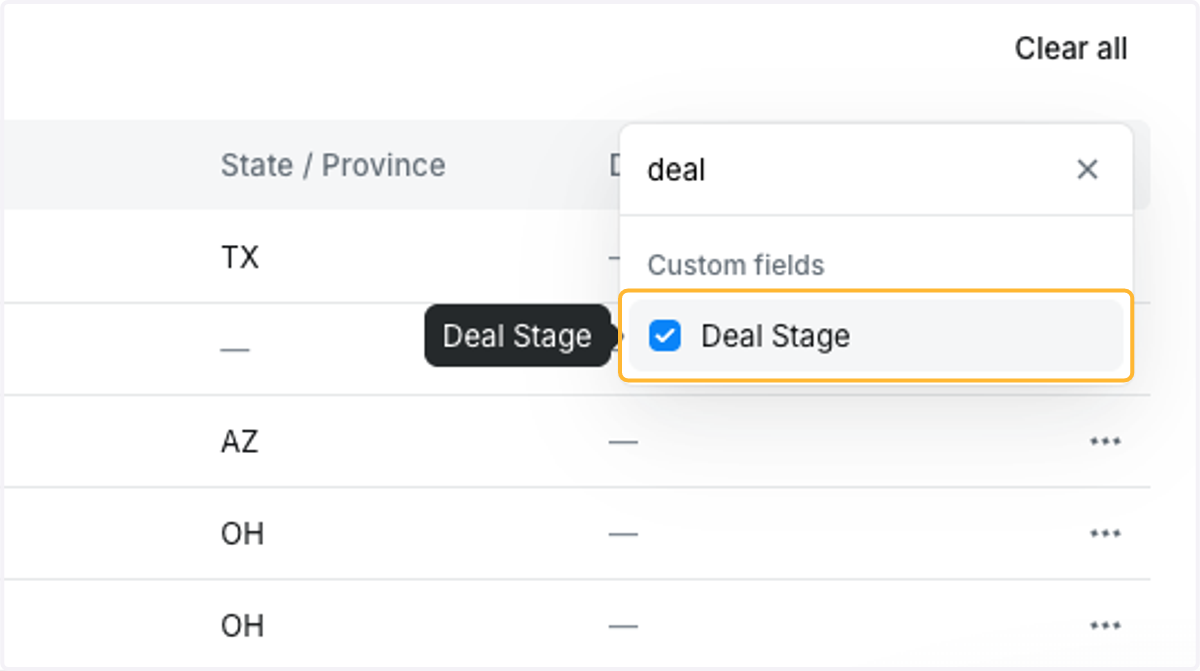
6. The column for Deal Stage will be added to your list of Contacts