Sign up for BRGs via UKG
Interested in signing up for involvement in one of our BRGs? Follow this guide to learn how to officially register for BRG Communications and events!
OneLogin
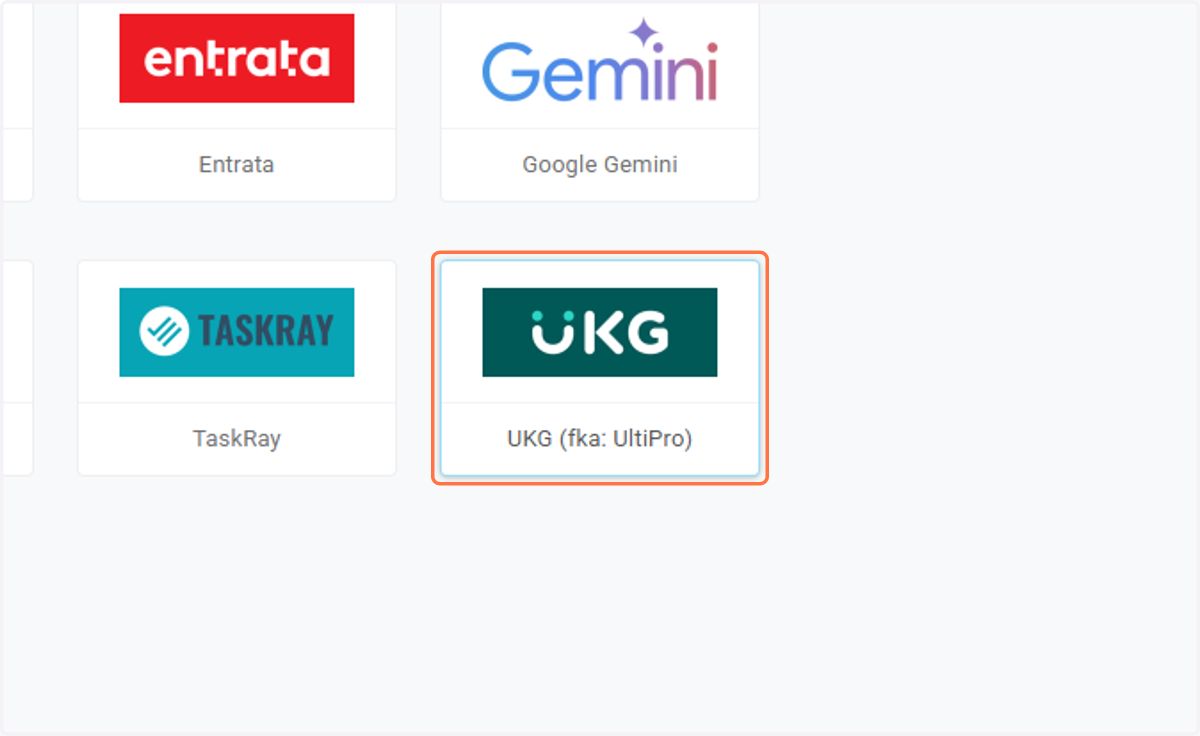
1. Click on UKG (fka: UltiPro)
User Activation
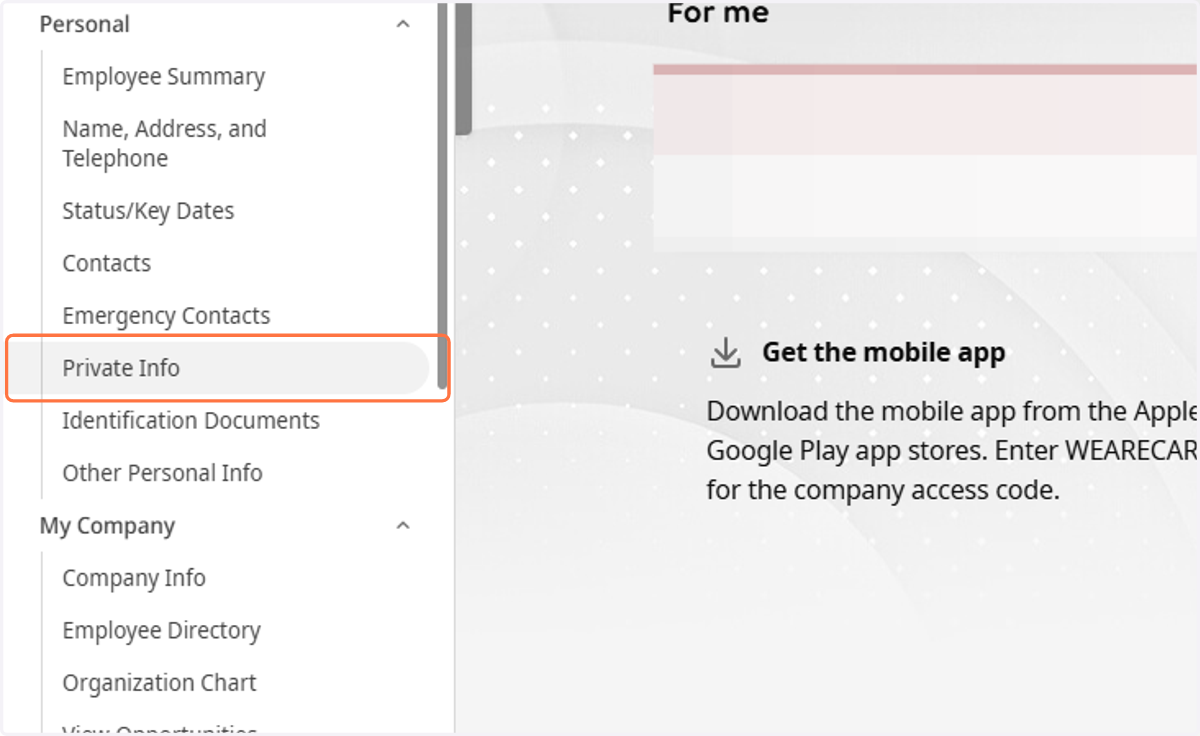
2. Click on Private Info
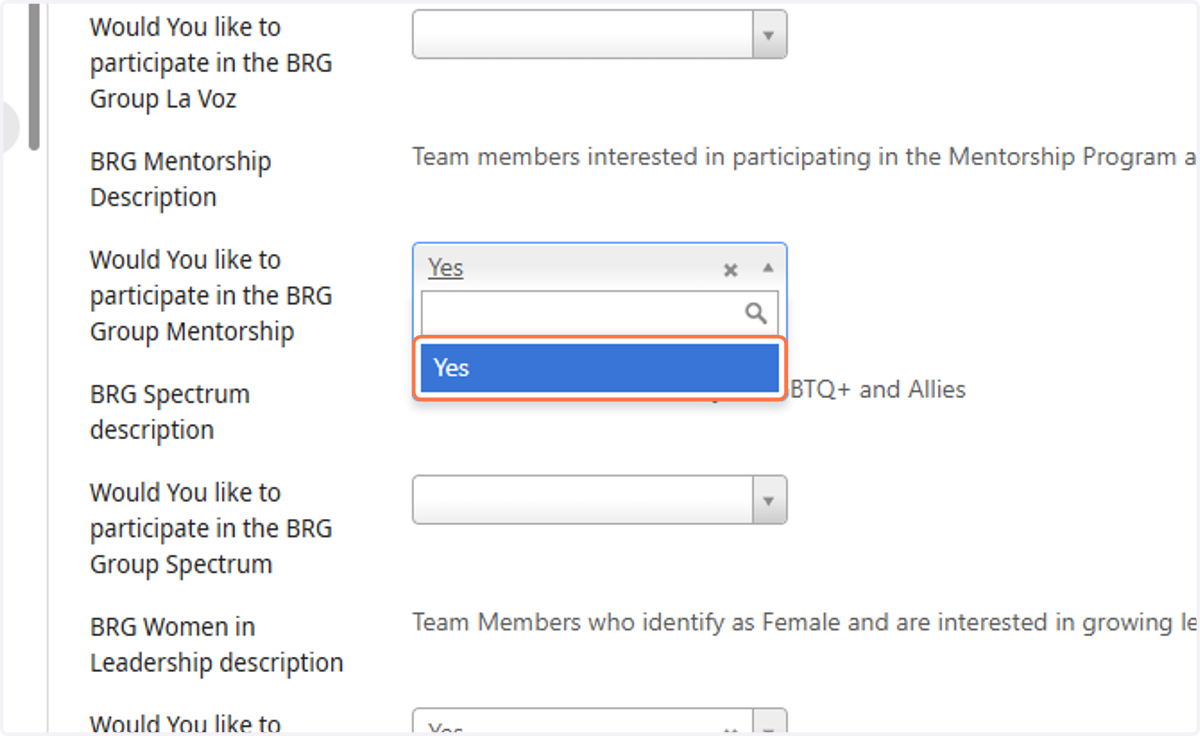
3. Scroll down to the BRG you would like to join, then click the dropdown menu.
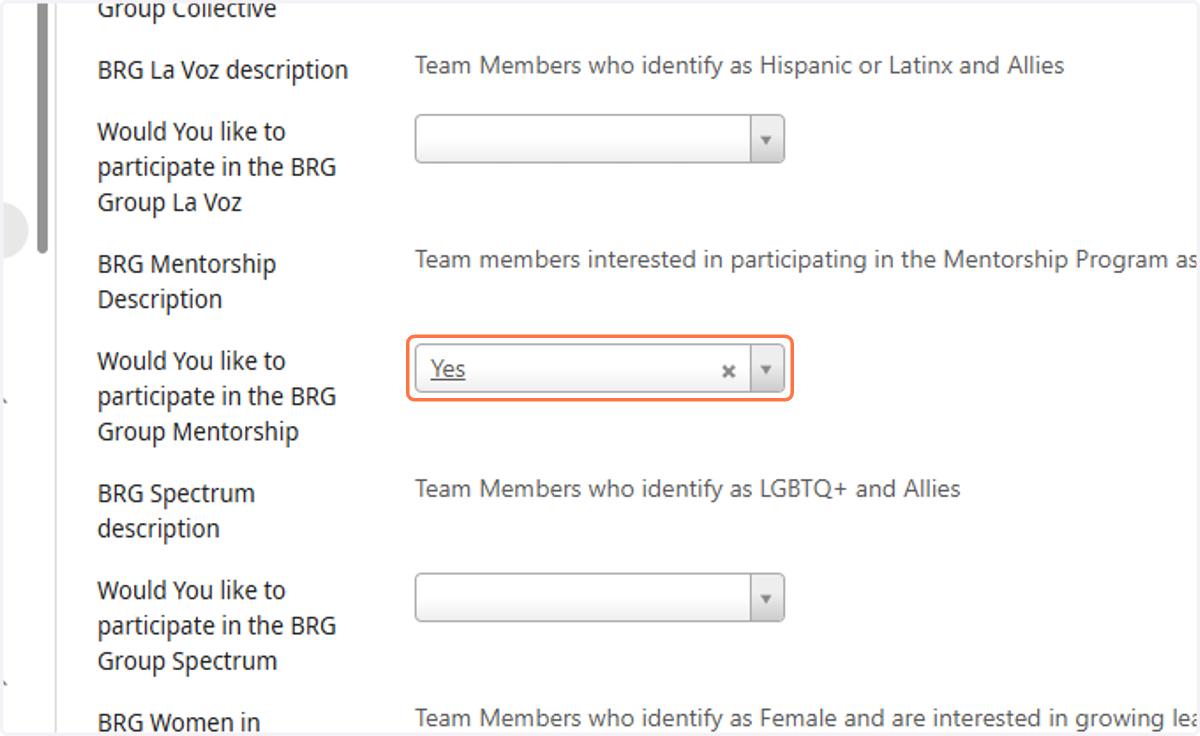
4. Click on Yes
Clicking Yes will add you to the BRG's Roster, which signs you up for email communications and more! Some BRGs also offer Ally membership, which can also be selected via this field.
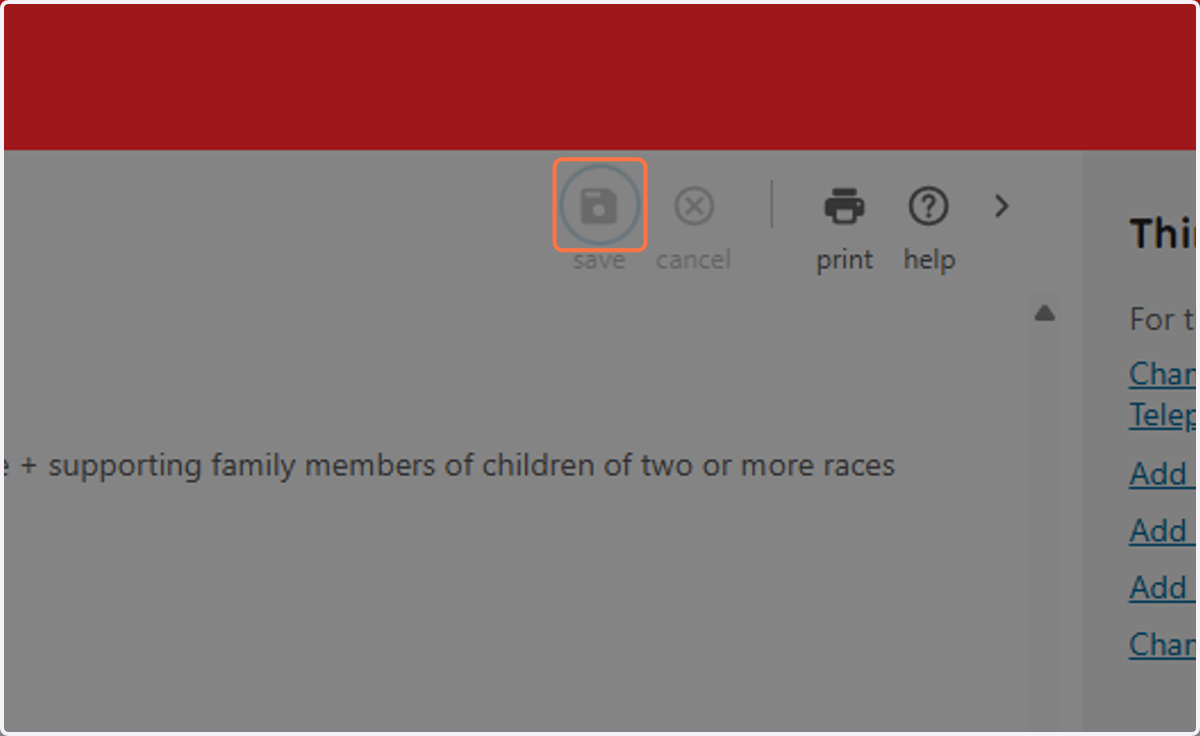
5. Click on save