Sign in to Flipgrid
Flipgrid
1. Go to Flipgrid address your teacher gives
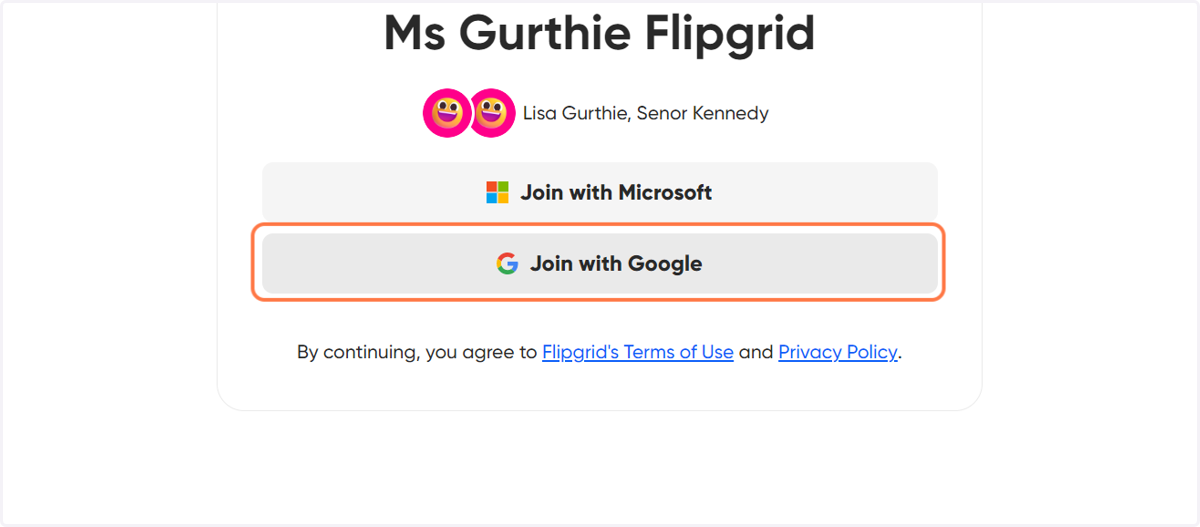
2. Click on Join with Google
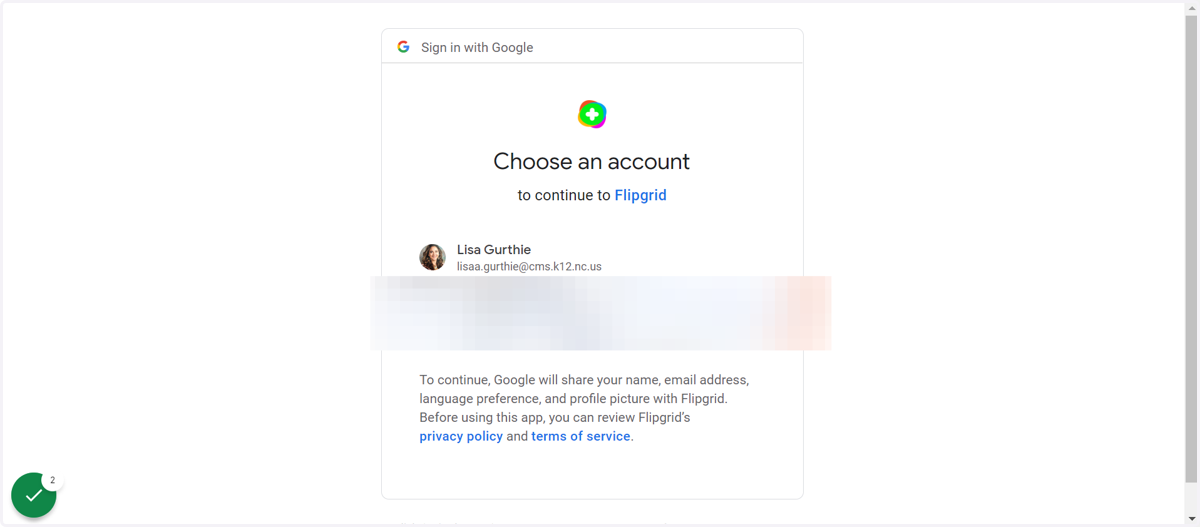
3. Use your CMS accoint to sign in
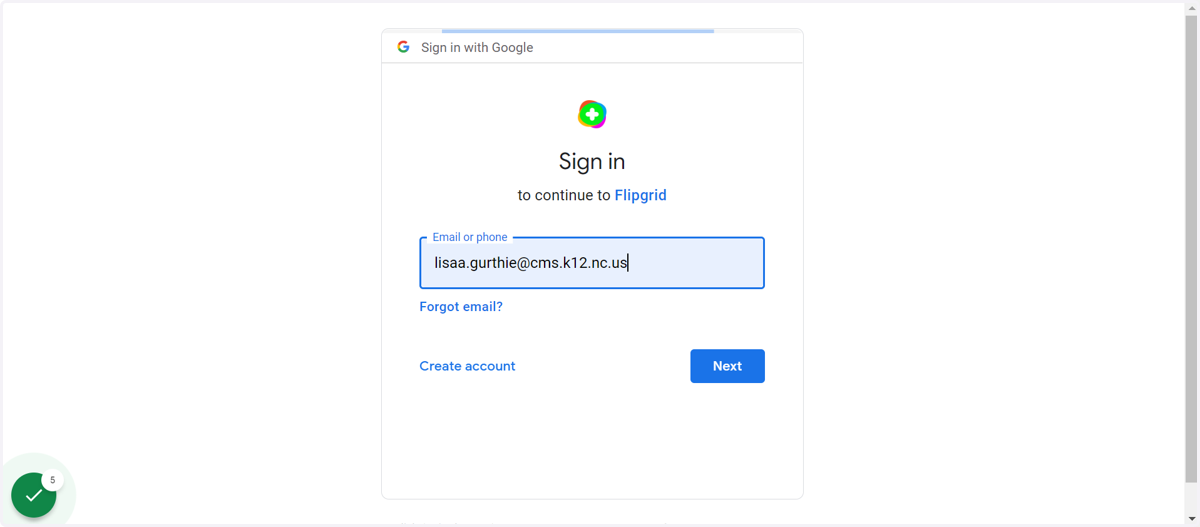
4. Enter username and password if youre not on a chromebook
5. Opens to Flipgrid - your Profile
6. Click on Birthday Month
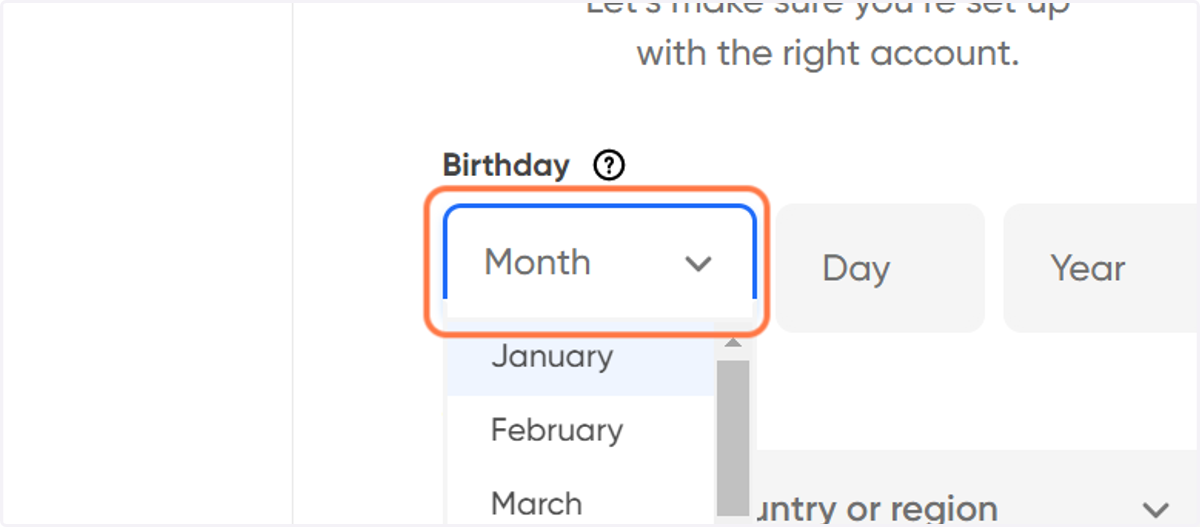
7. Drag highlighted list
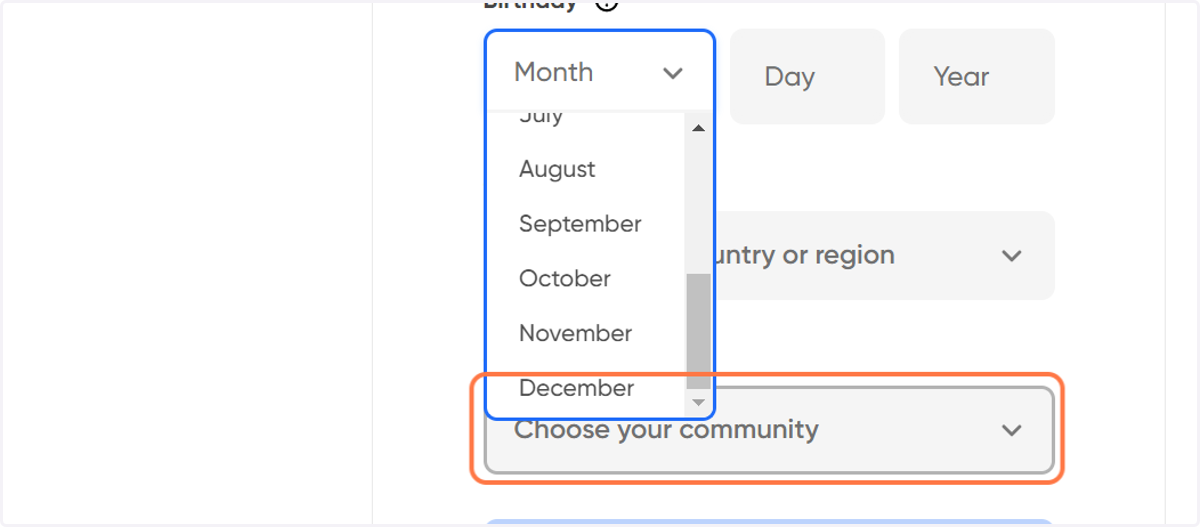
8. Choose your community if prompted
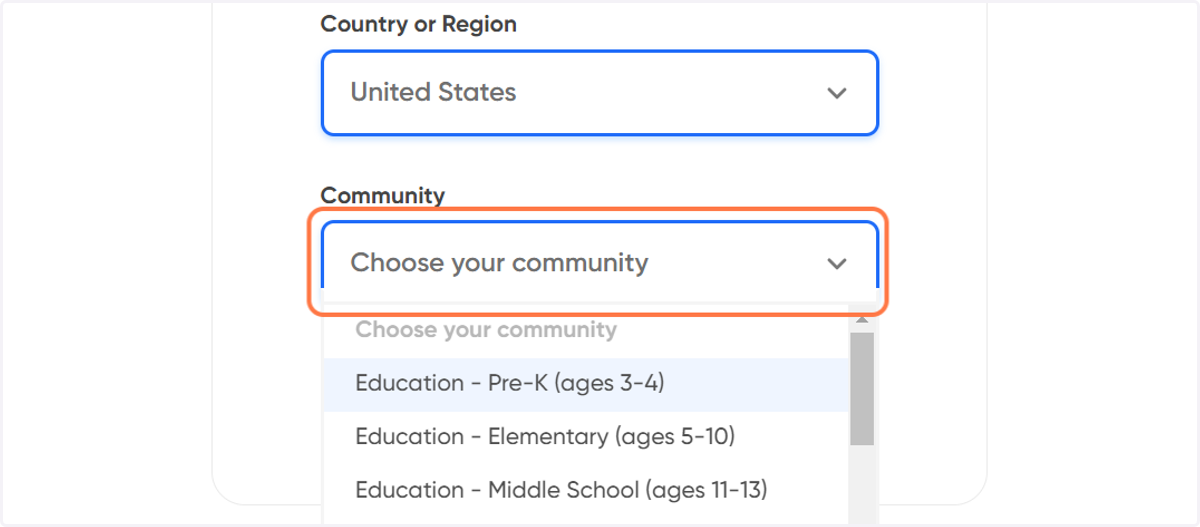
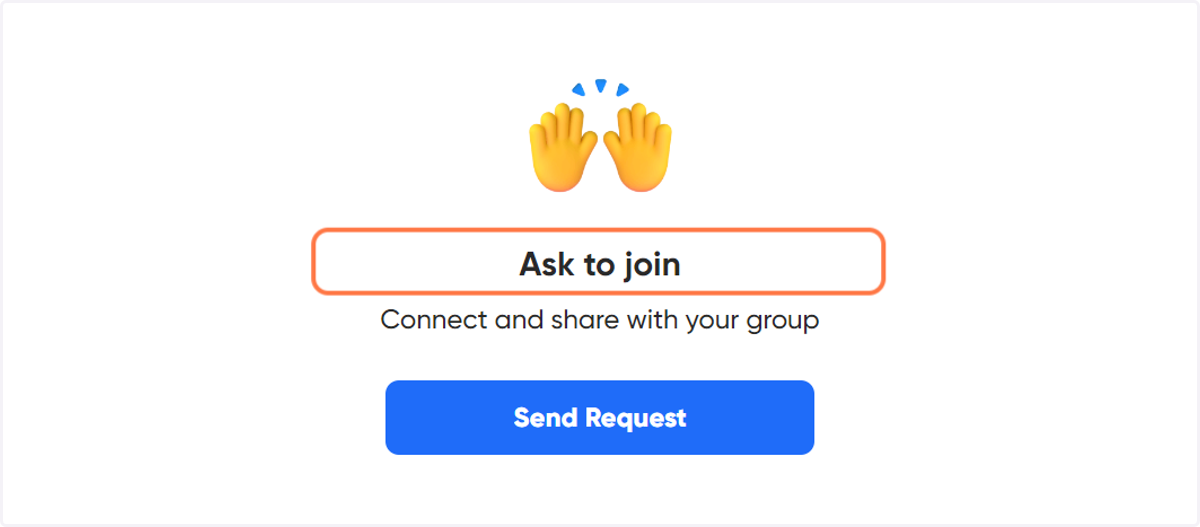
9. Click on Ask to join if prompted or continue straig to make your grid!