Sharing your Intranet RFP with vendors
Haystack has offered a templated RFP that you can use to share with potential vendors for your project. Follow the steps below to create a unique proposal crafted to the needs of your organization.
Click on the Haystack RFP Template
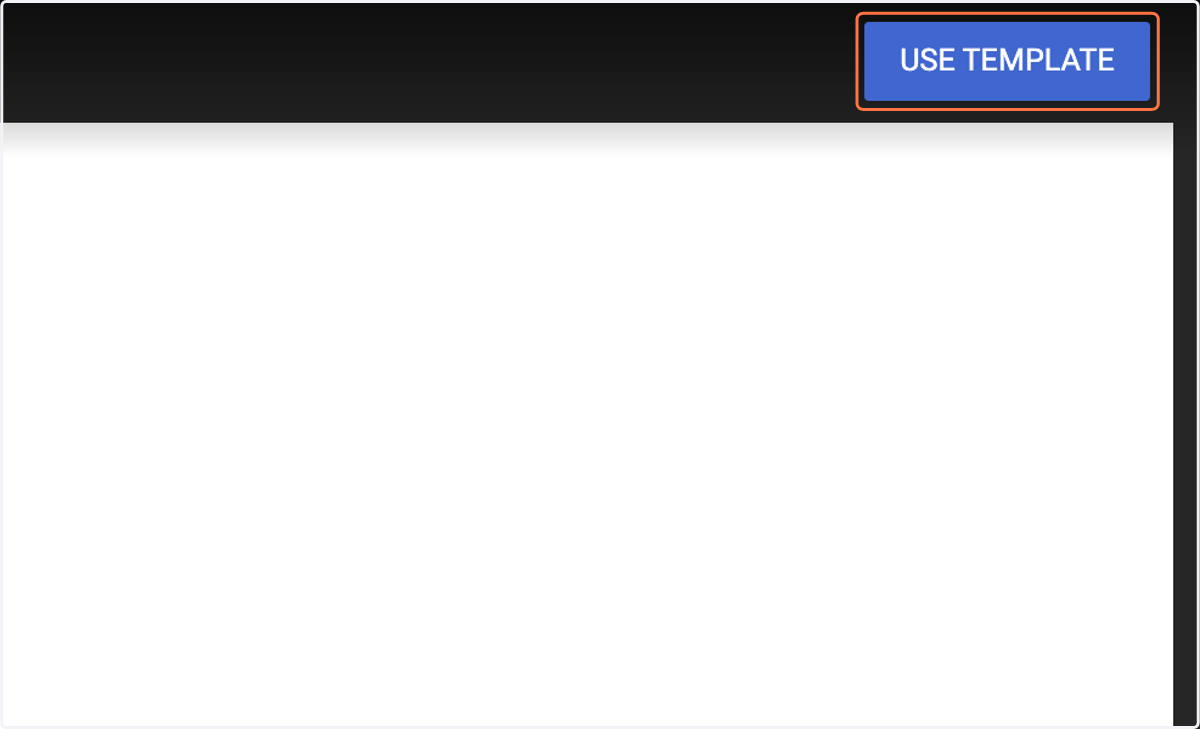
1. Click on "Use Template"
This will create a unique copy of our template that you are free to customize. This information will only be visible to you (and you only) until you share with other coworkers and vendors.
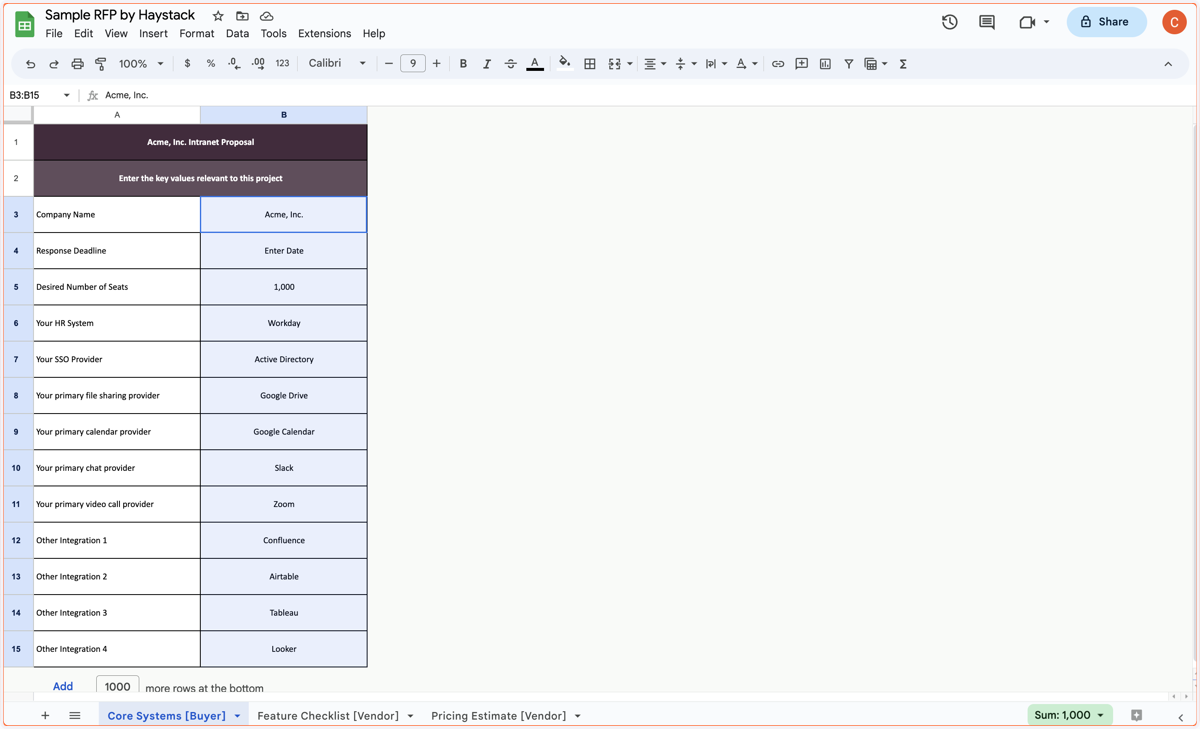
2. Fill in basic information
Here you will add in basic information about your systems, company, and project timeline. The rest of the RFP will magically use these values to customize the quetsions that appear on the following tab.
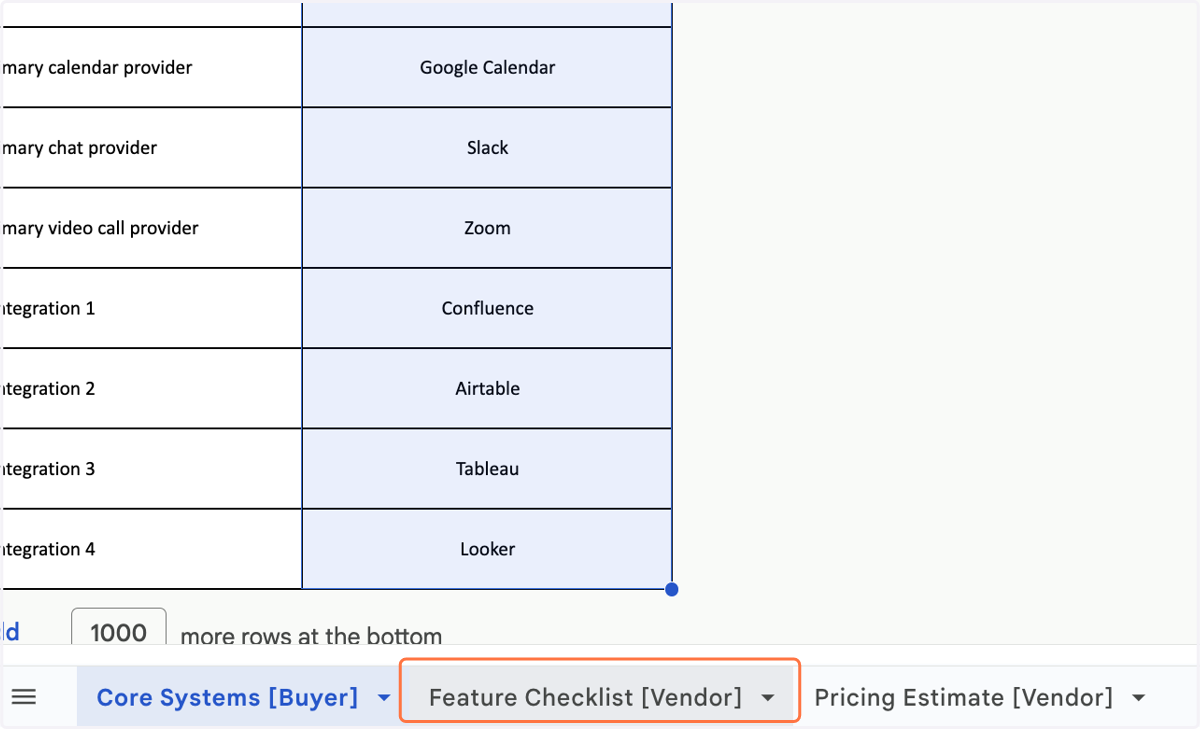
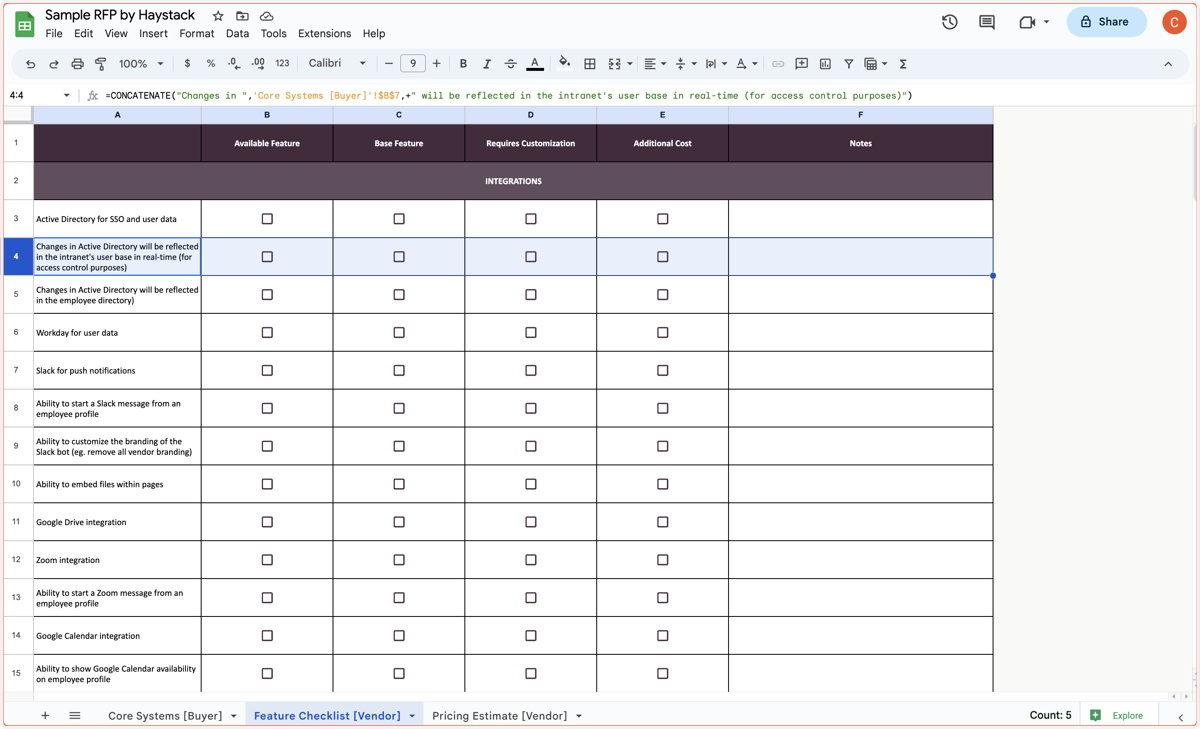
3. Navigate to the "Feature Checklist" tab
This tab will be where your vendors will fill in information about your product. While we have offered you a complete RFP, feel free to add in your unique elements that reflect the project at hand.
4. Add or delete rows to customize
While we have offered a comprehensive template for your organization, there may be things that are particular to your project. You can remove, add, or edit items in this tab.
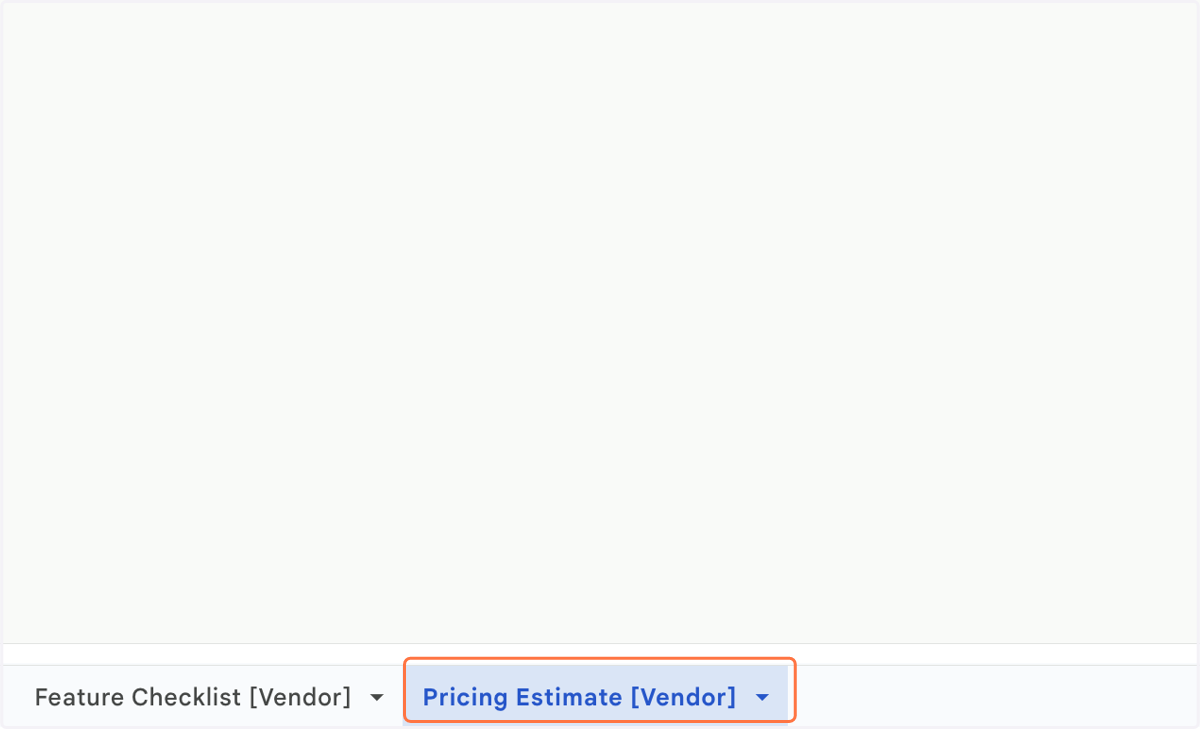
5. Navigate to the "Pricing Estimate" tab
This is where your vendors will provide unique pricing based on the information you have presented in the first tab. Feel free to add any notes or change columns to reflect the pricing structure your organization is looking for.
Sharing your RFP
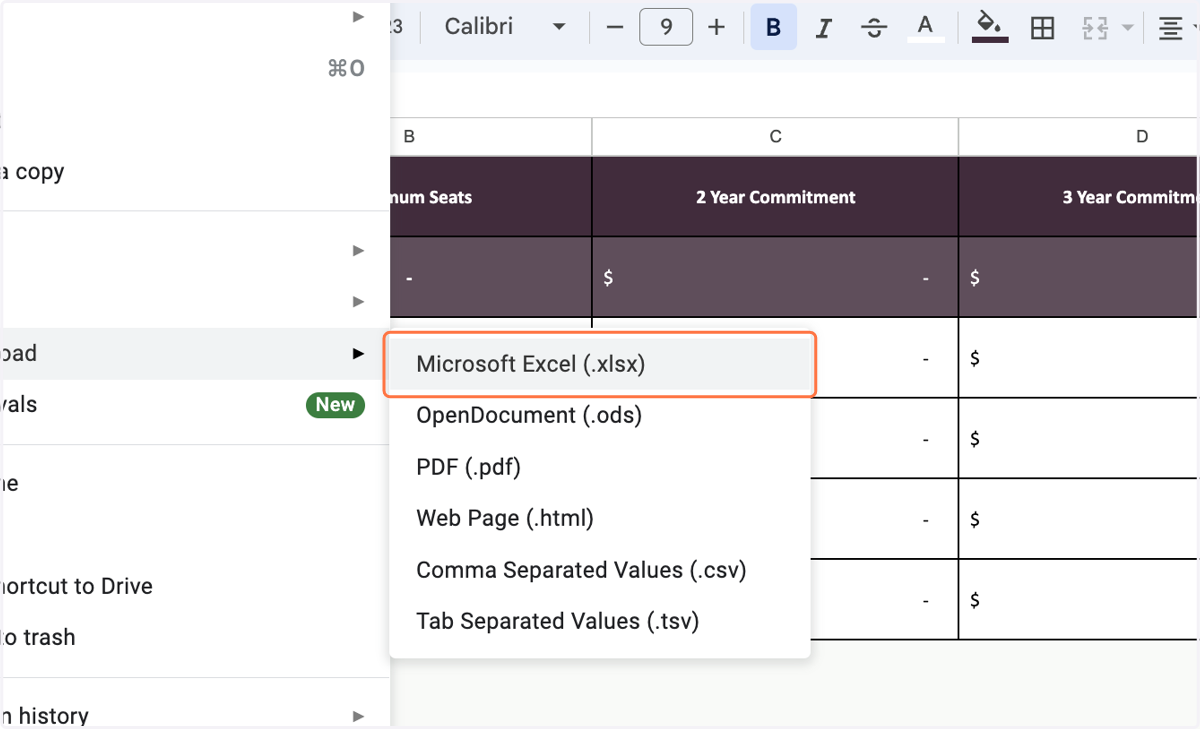
Now that you have finished crafting your organization's RFP, it's time to share it with potential vendors. Share your completed RFP with vendors by downloading the XLS formatted file using the steps below.
6. Click on "File"
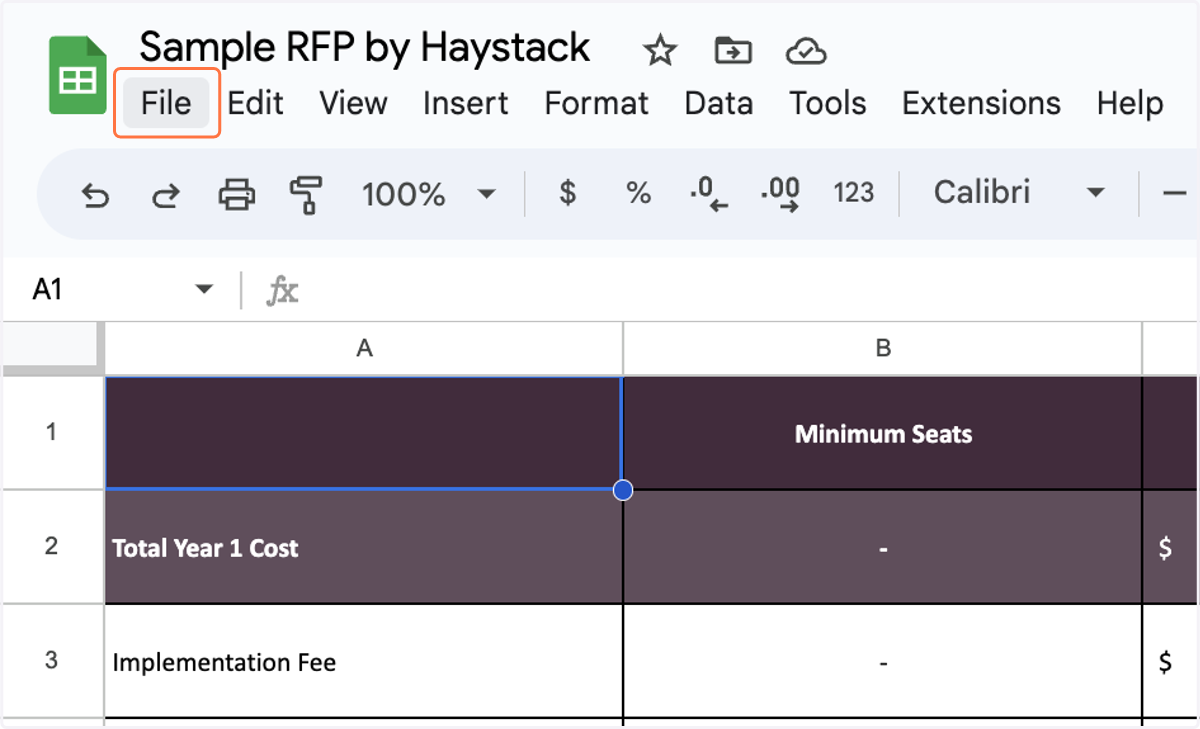
7. Click on Microsoft Excel (.xlsx)