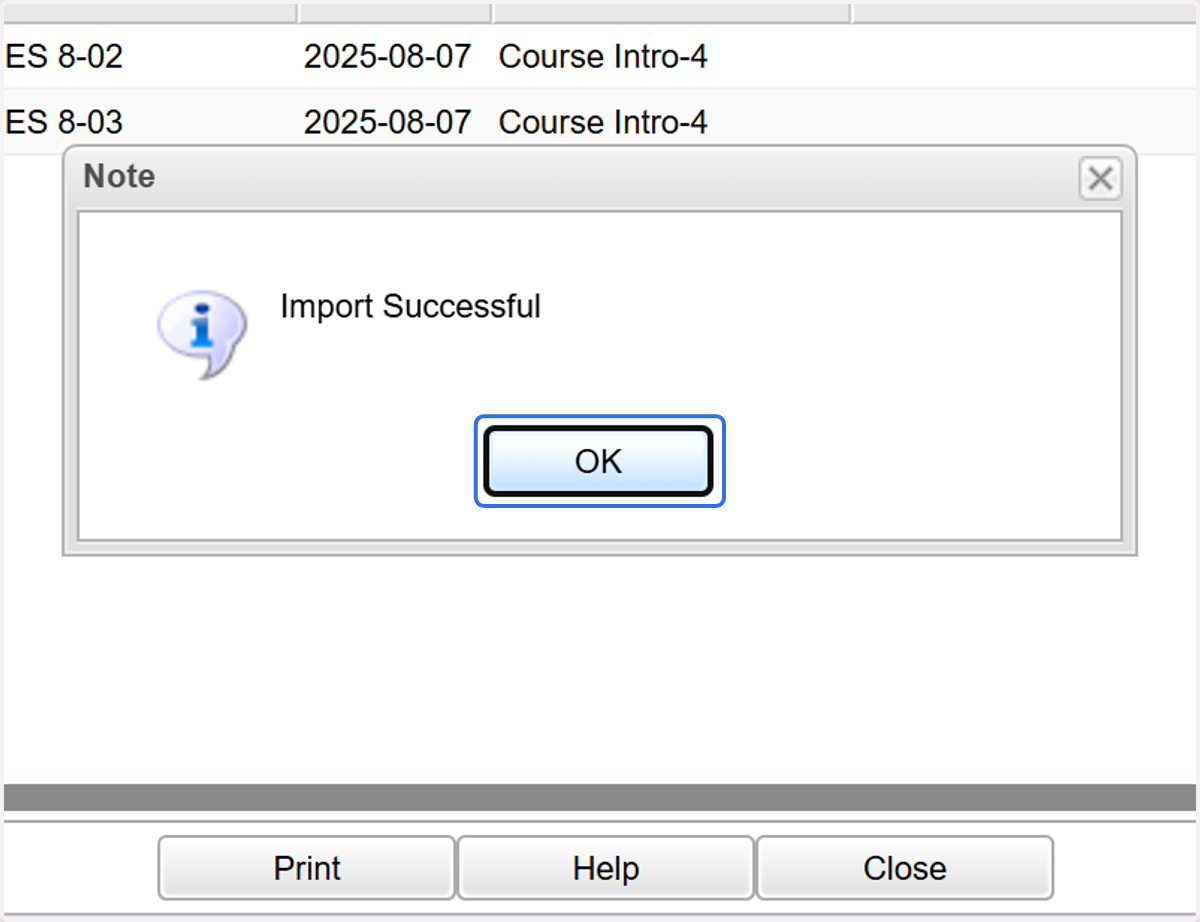
Sharing Lesson Plan
How to Share Your Plan
1. Select the lesson box you wish to share.
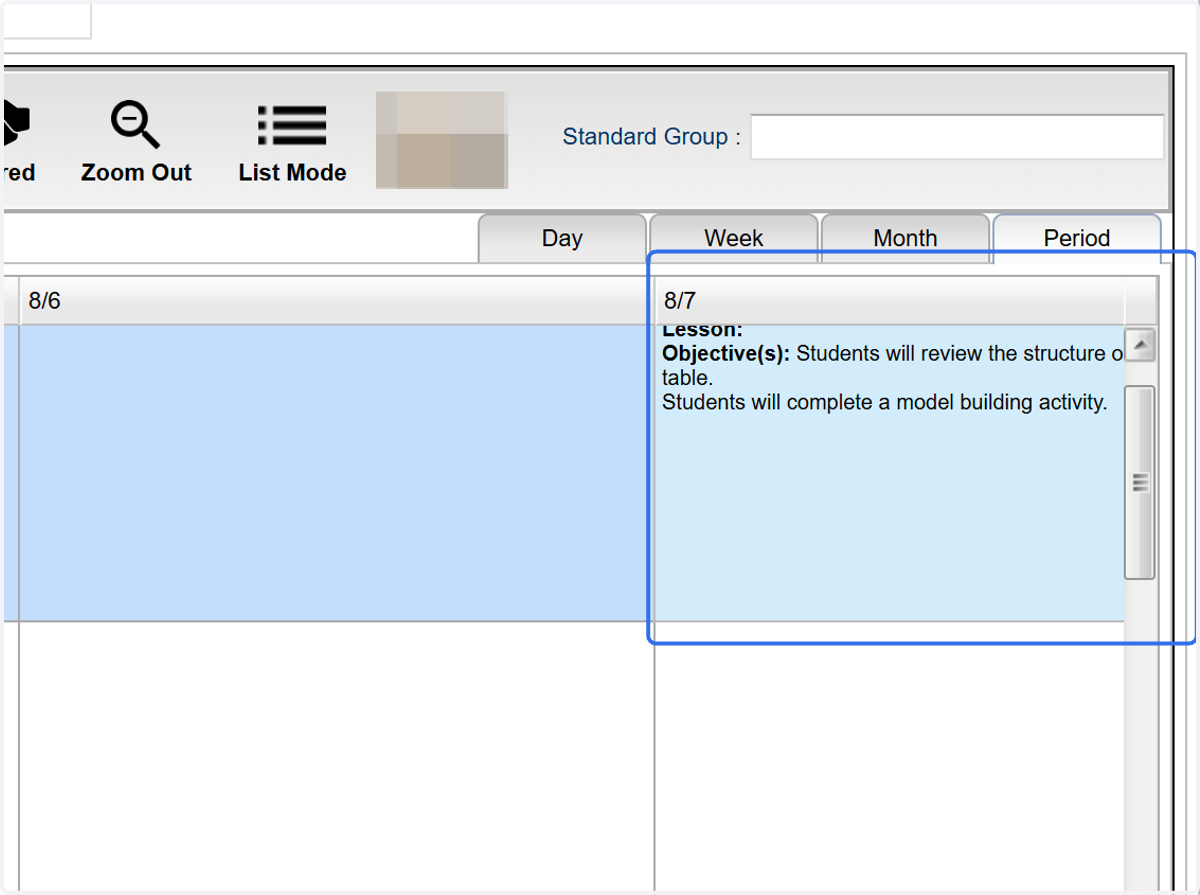
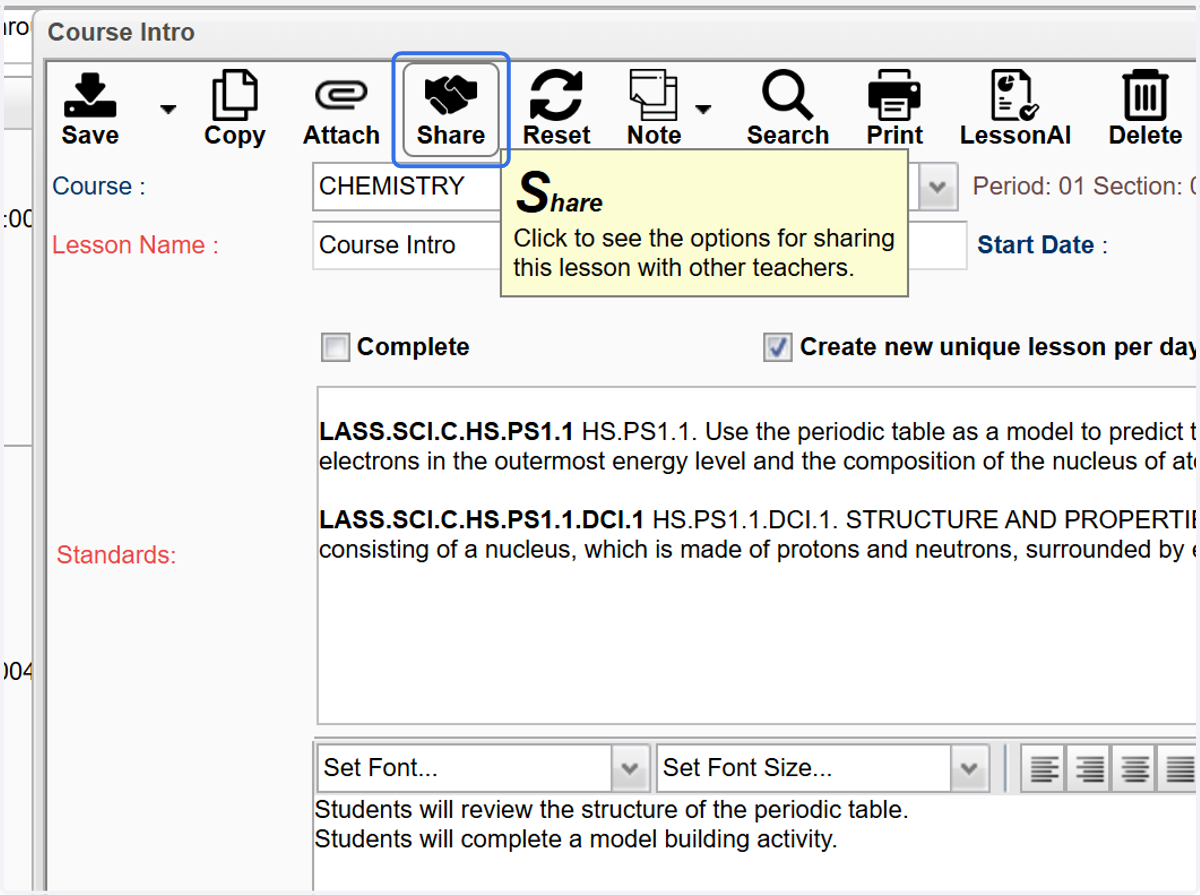
2. Click on Share
3. Click the checkbox to "Share Lesson."
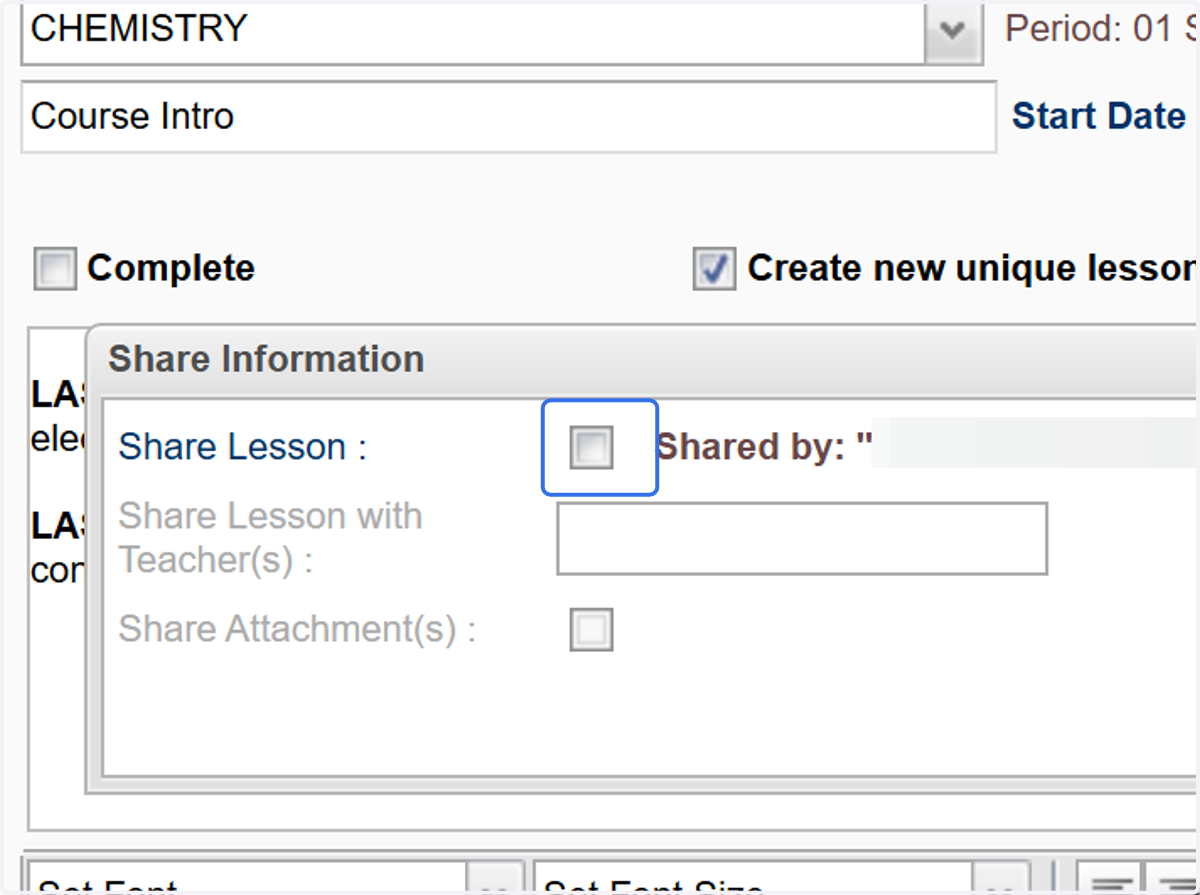
4. You are given the option to share just the plan or the attached assignments if connected.
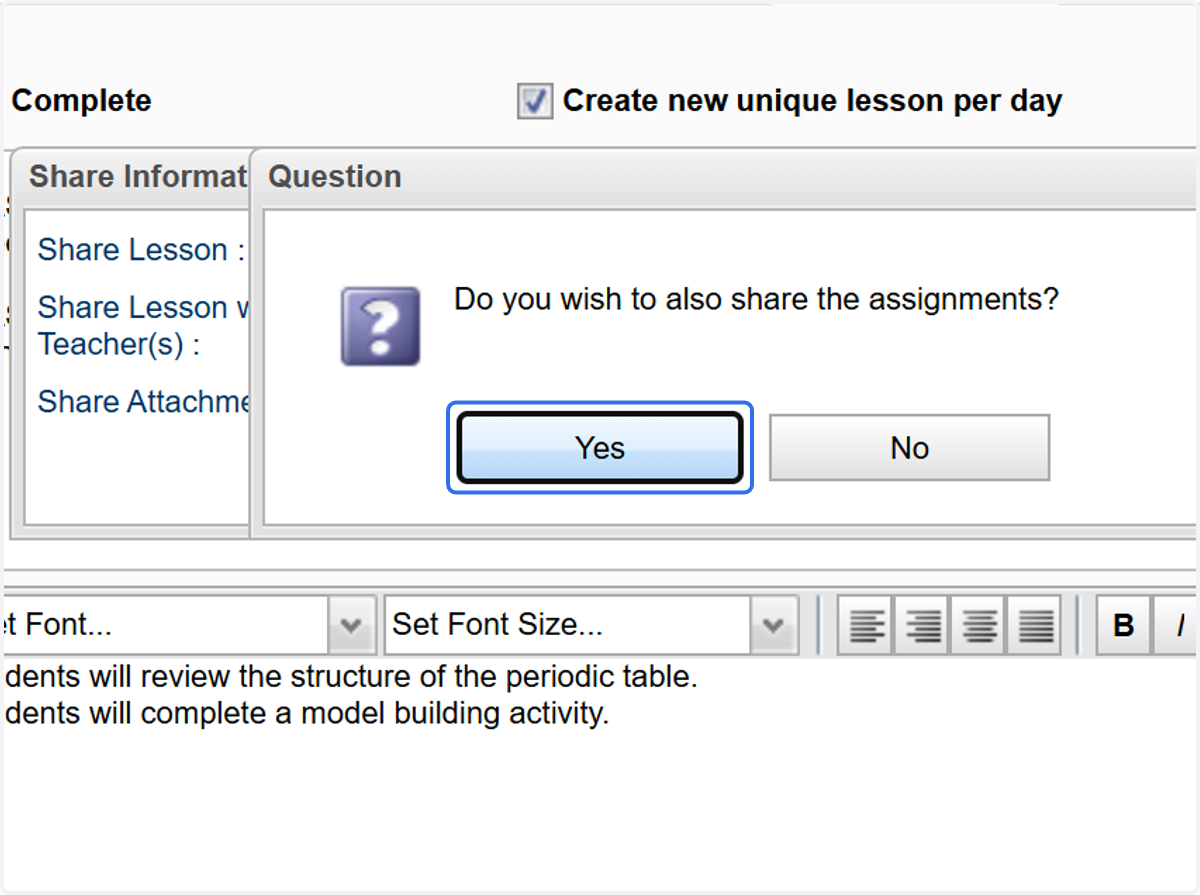
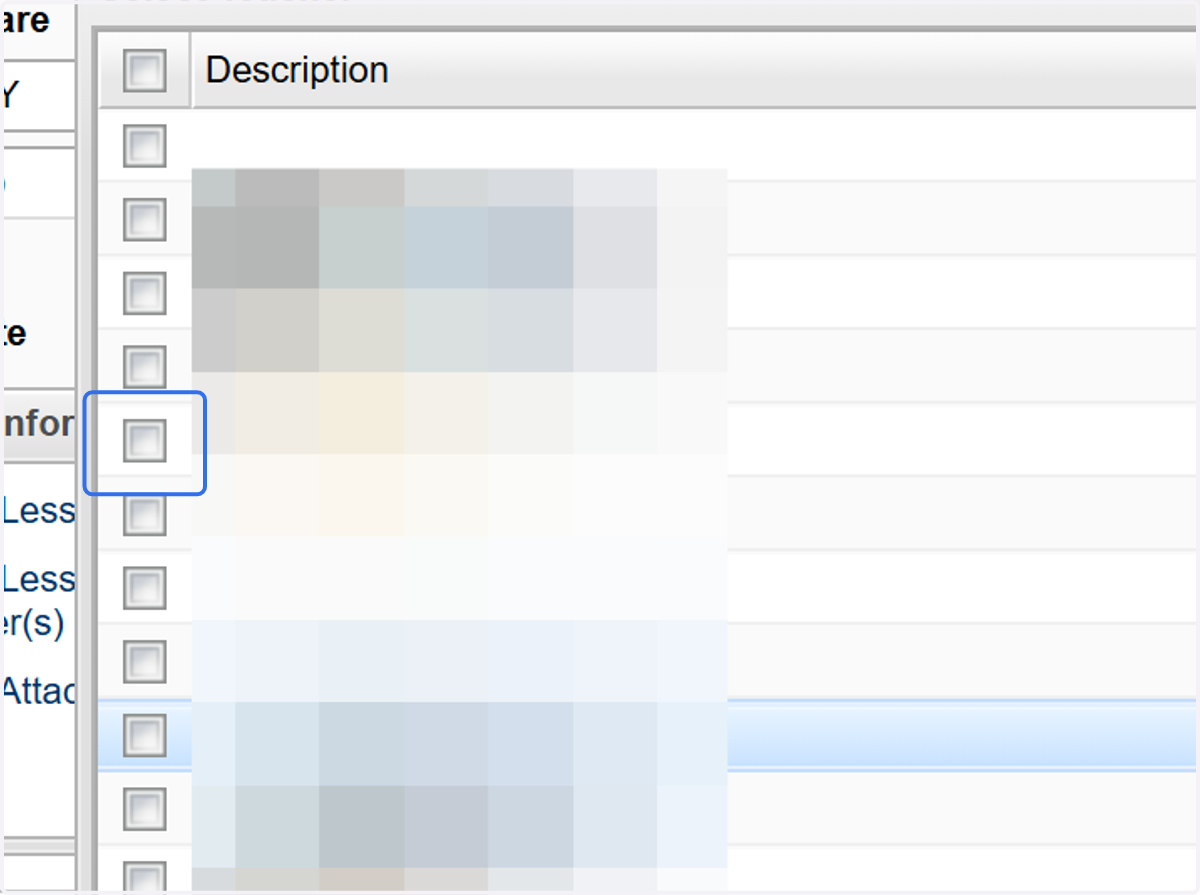
5. Select the teacher(s) you wish to share with.
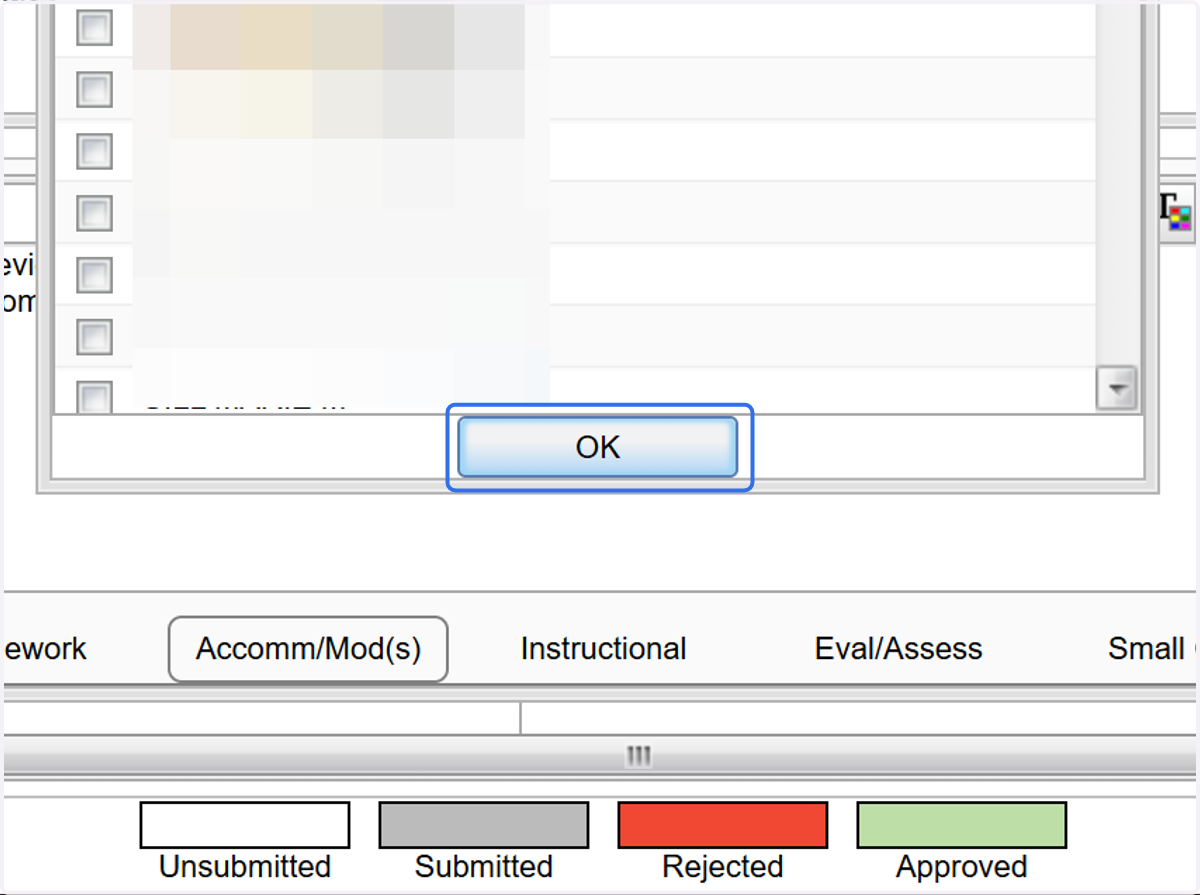
6. Click on OK
7. You can share any attachments you have added to your plan.
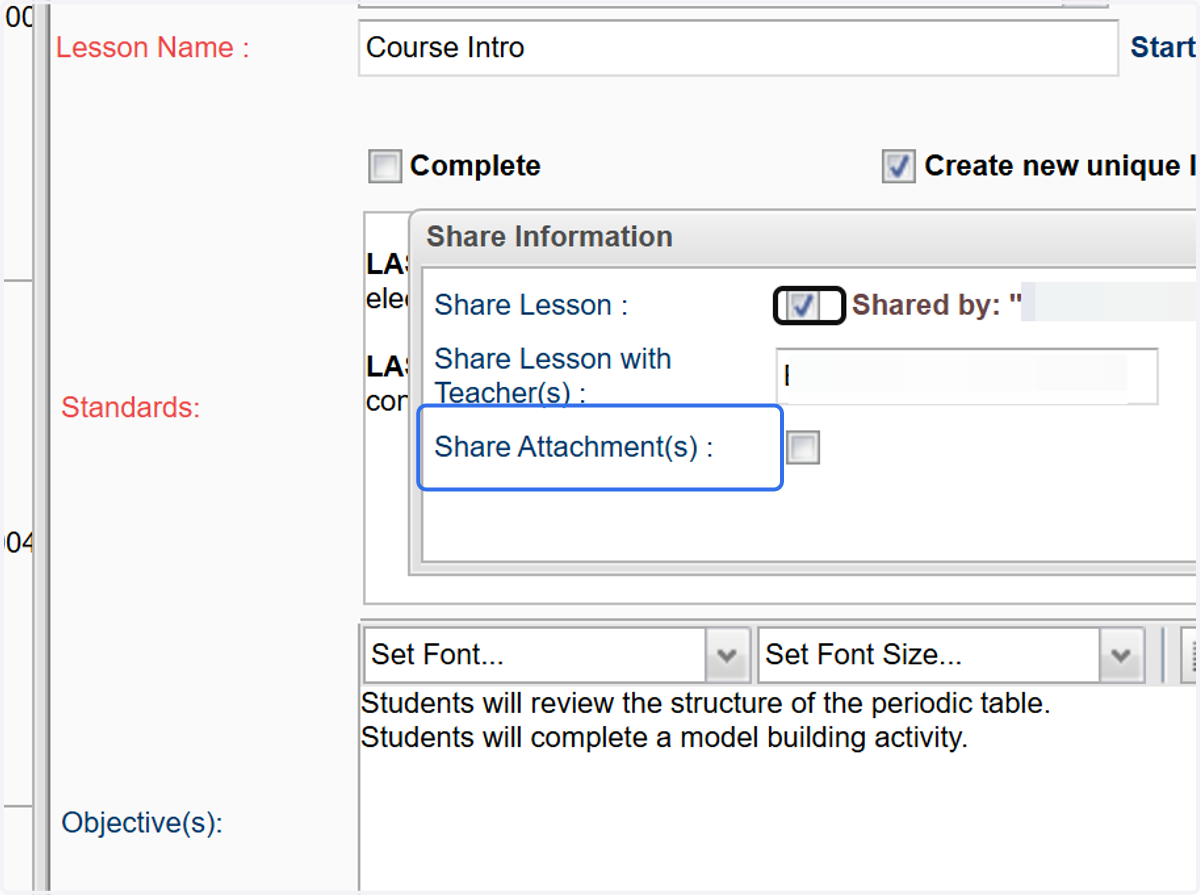
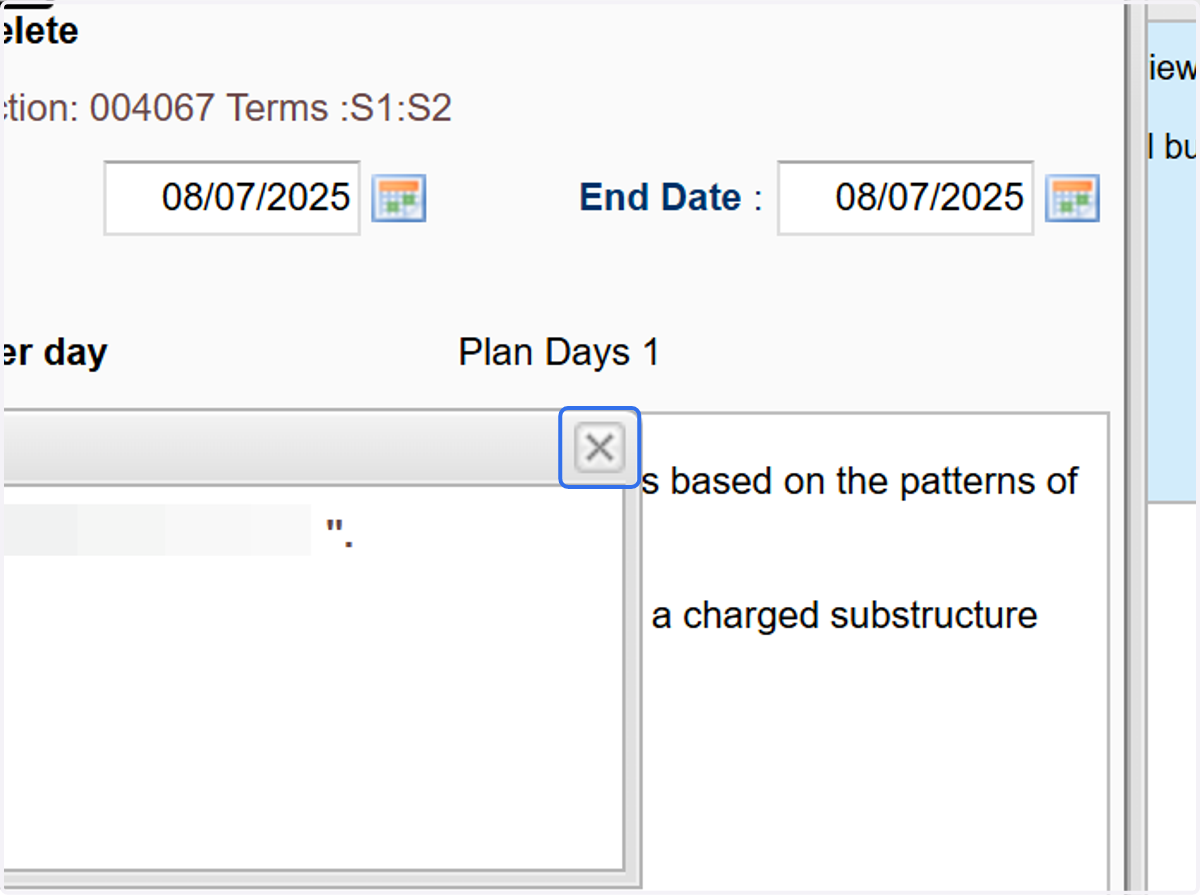
8. Close the "Share" window.
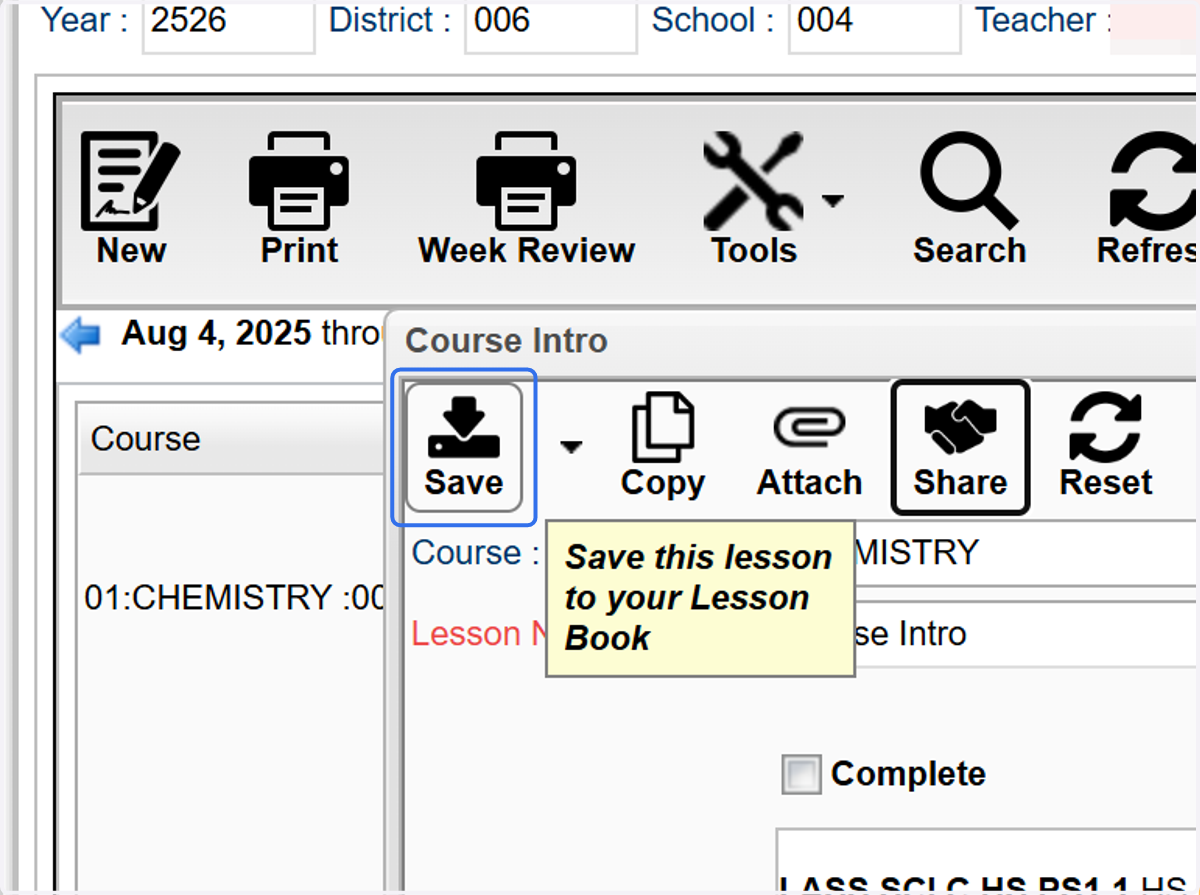
9. Click on Save
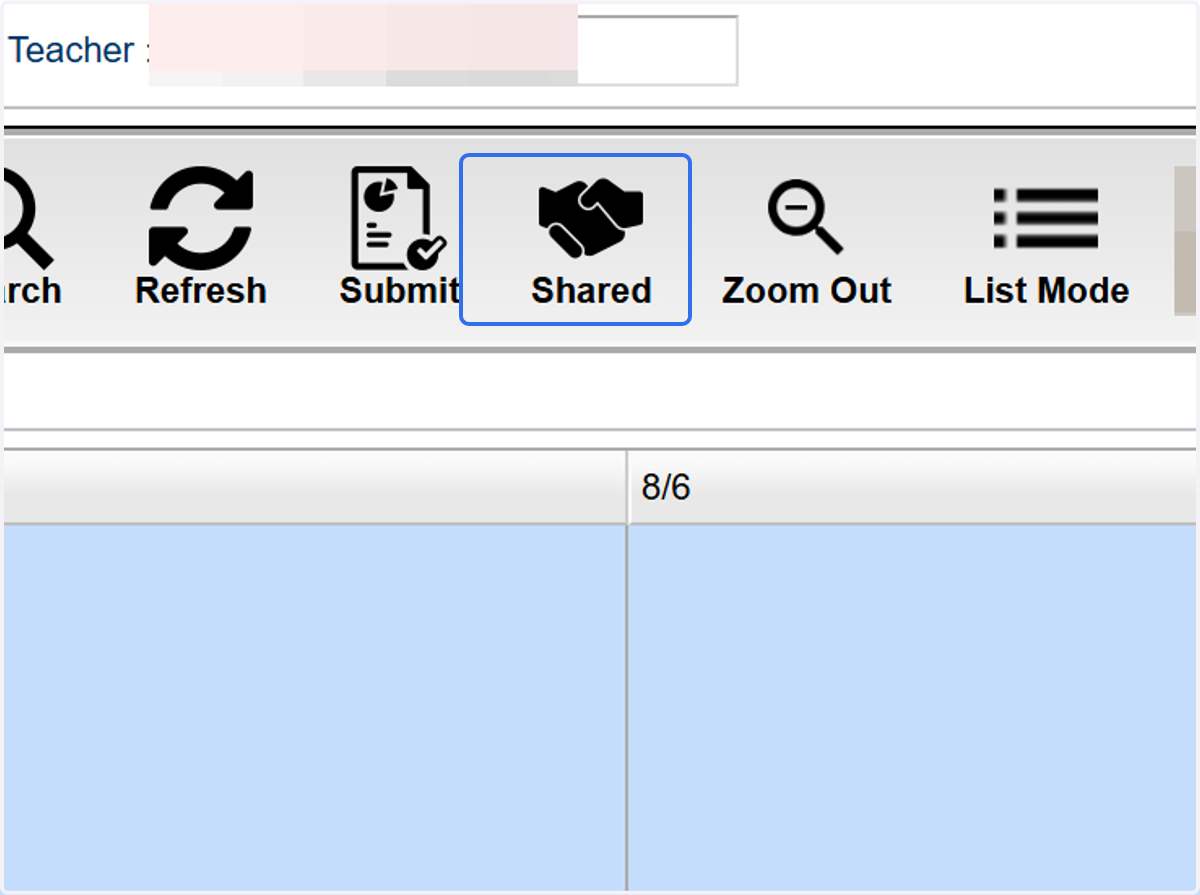
Receive/Import Shared Plans
10. Select the lesson box you wish to share.
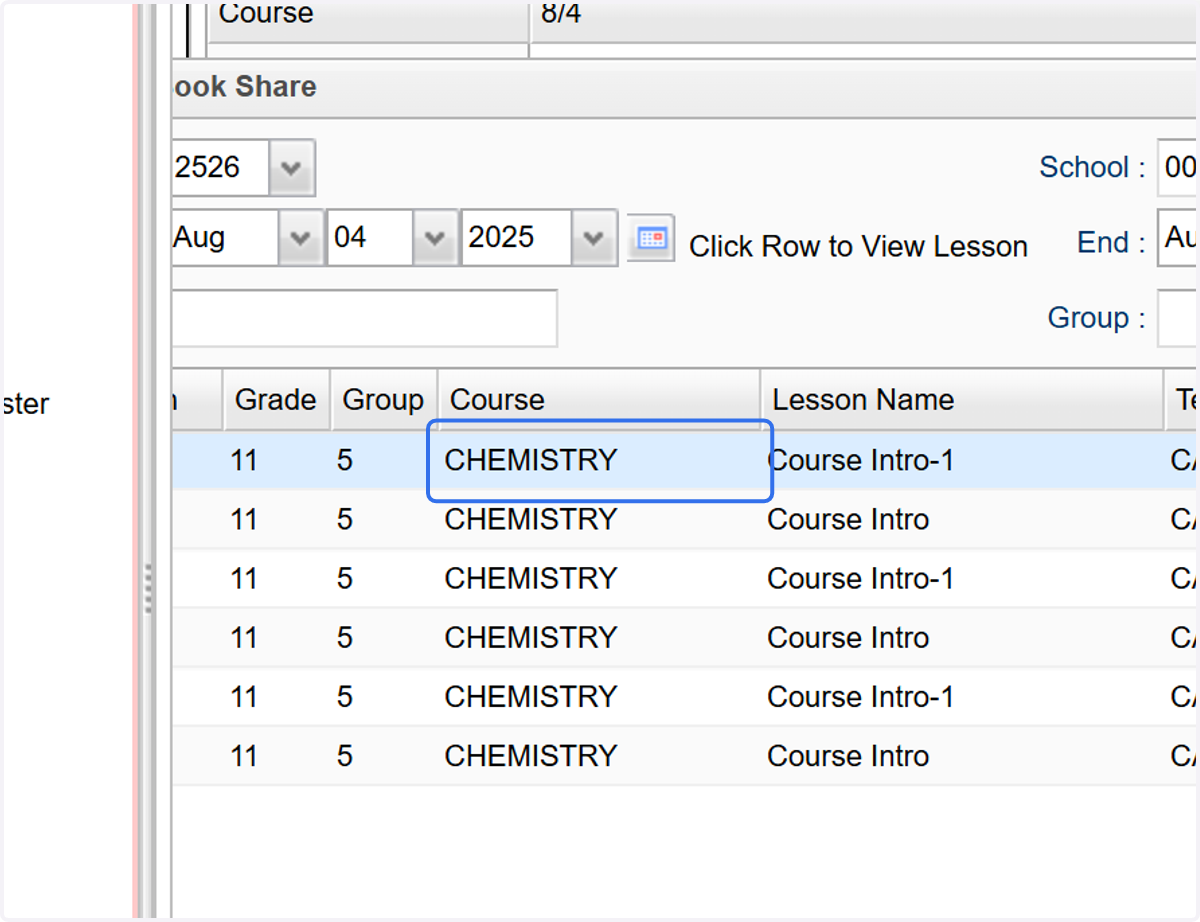
11. Click on any plan to review its contents.
12. Click the checkbox for the plan you wish to import.
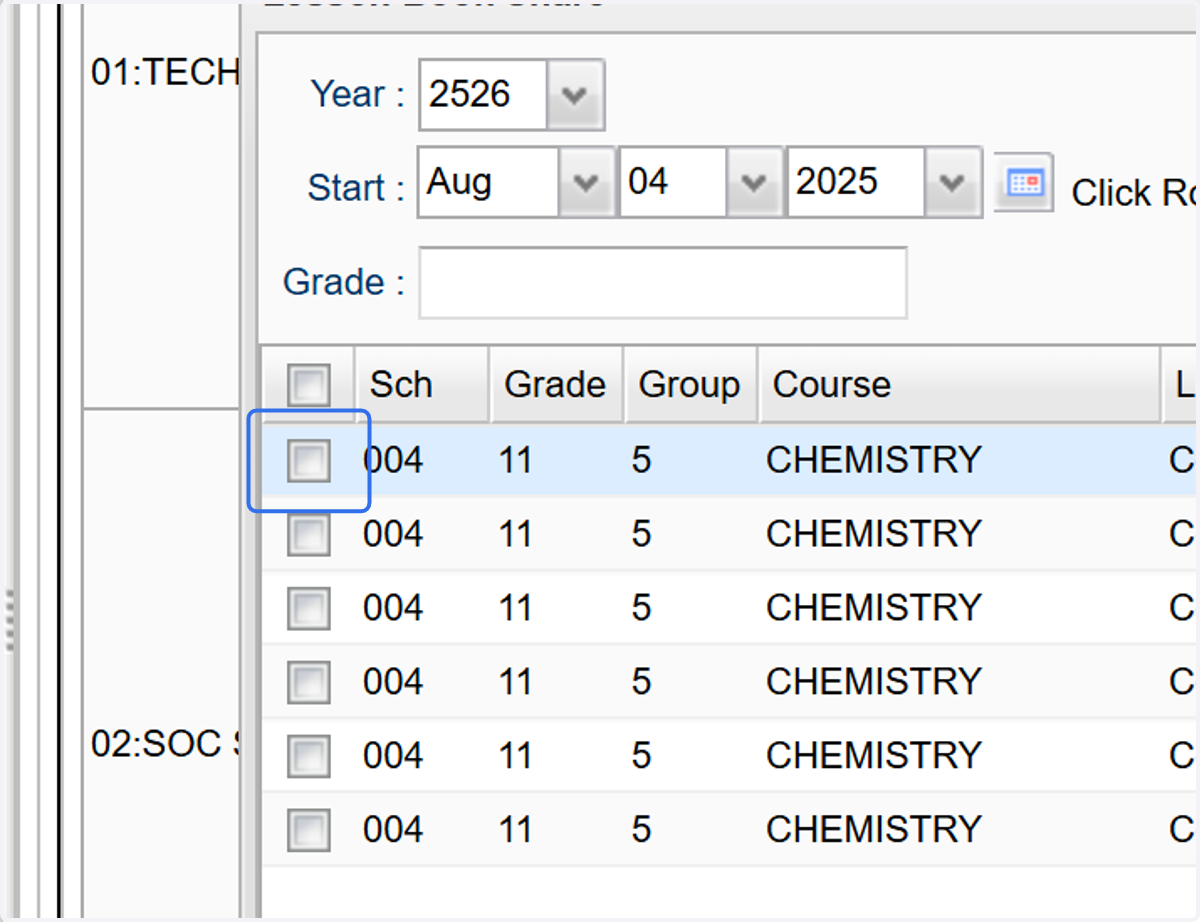
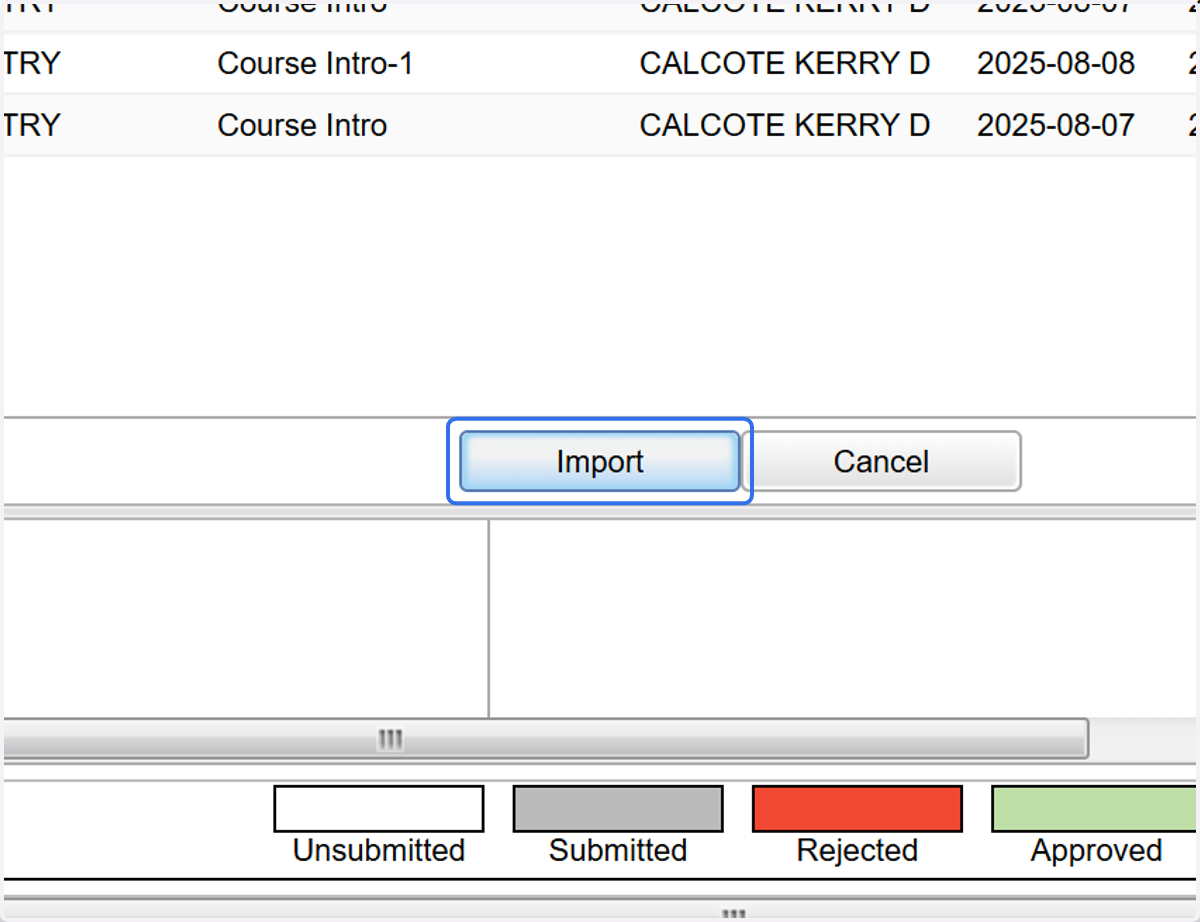
13. Select "Import"
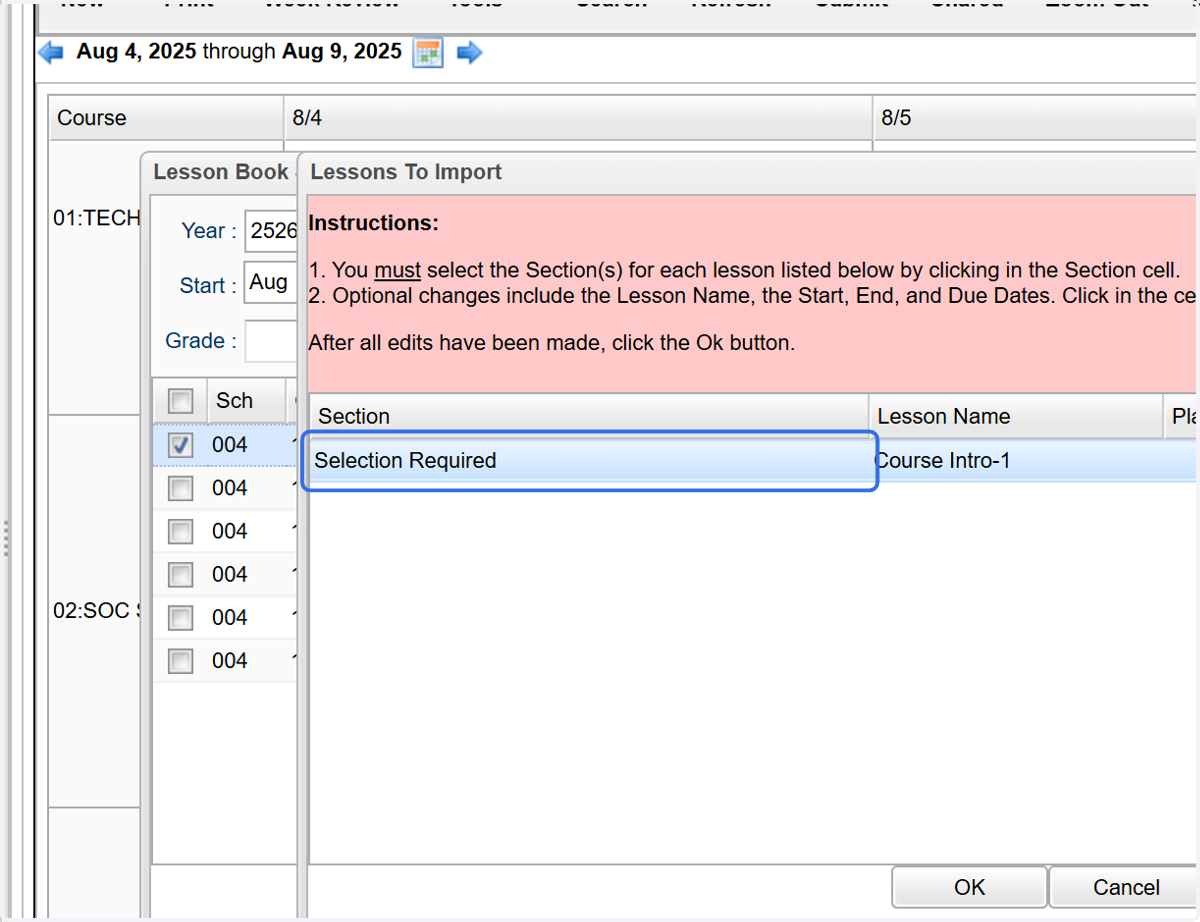
14. Click "Selection Required" to choose the section into which you want to import the lesson.
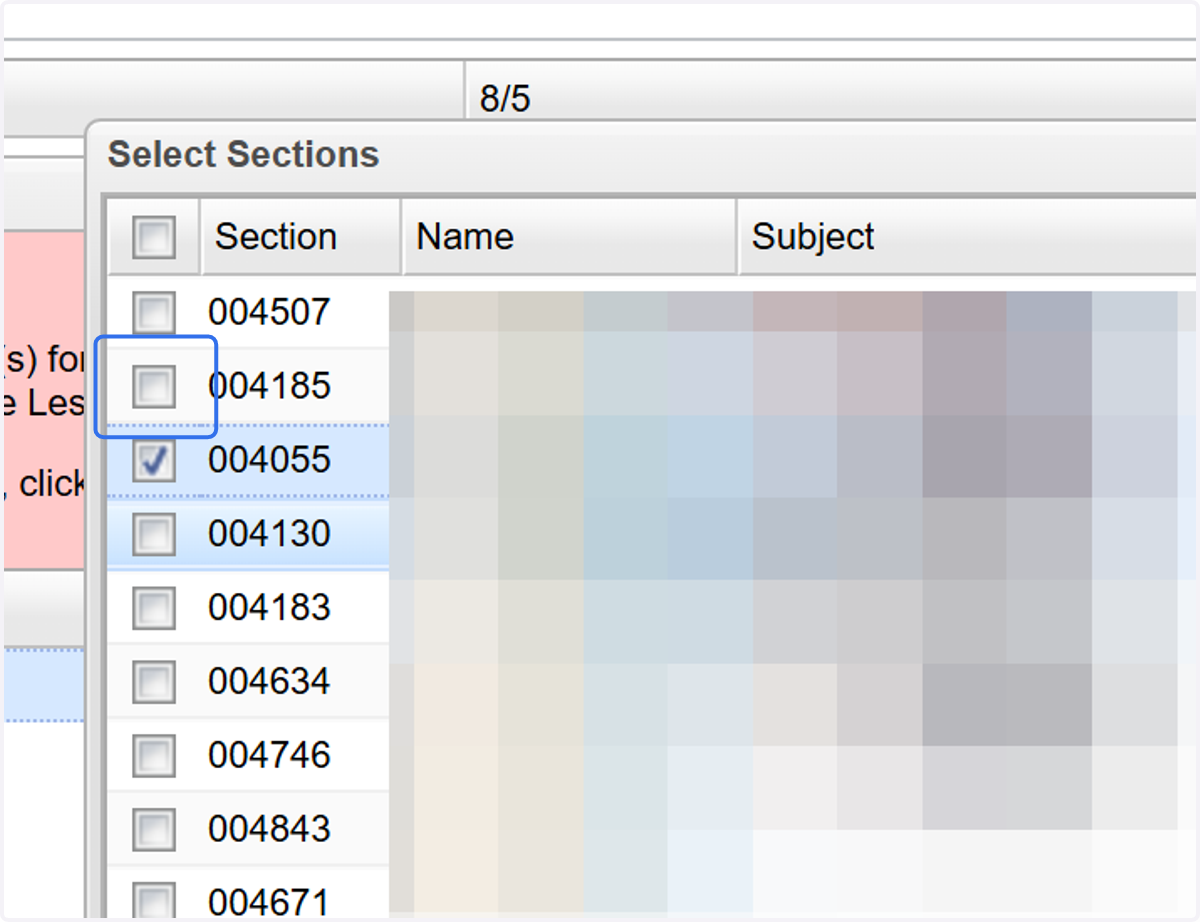
15. Select the appropriate section(s).
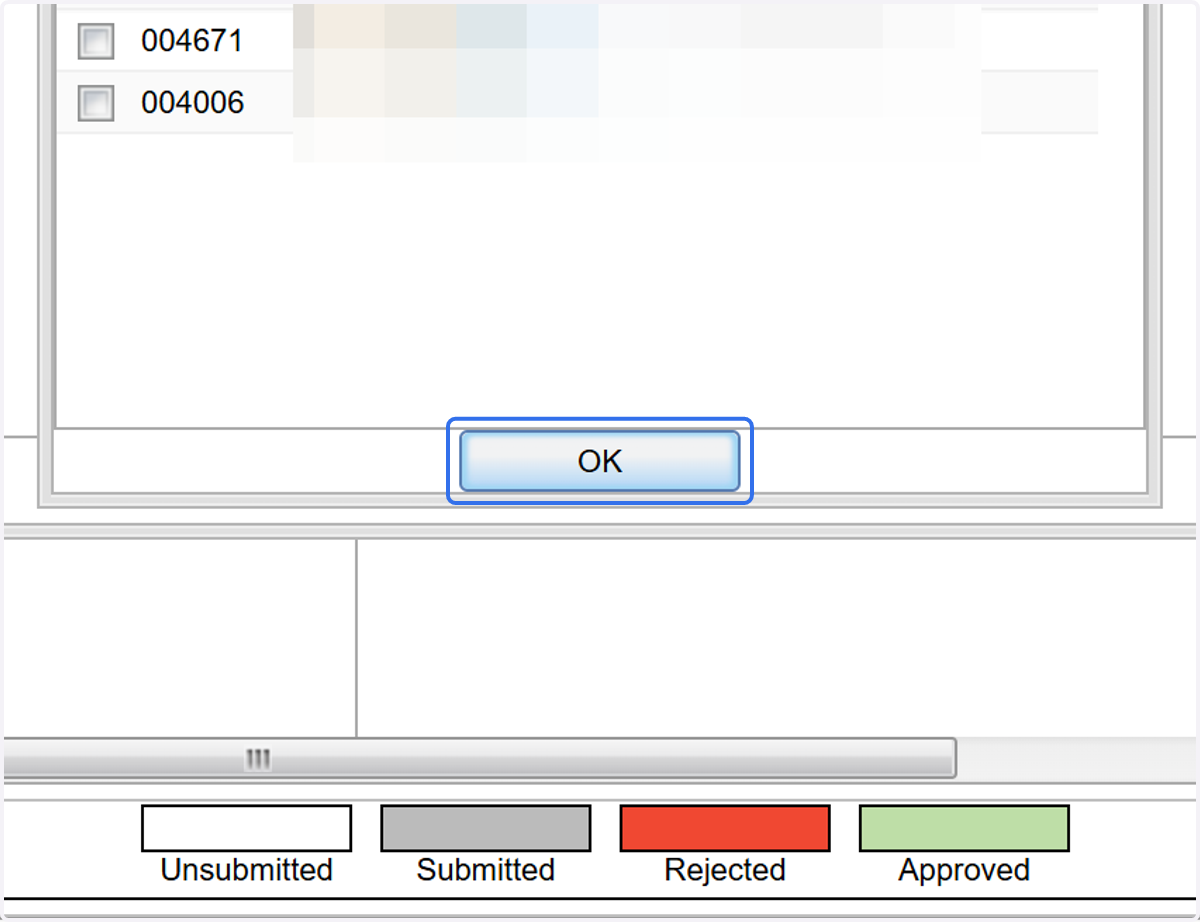
16. Click on OK
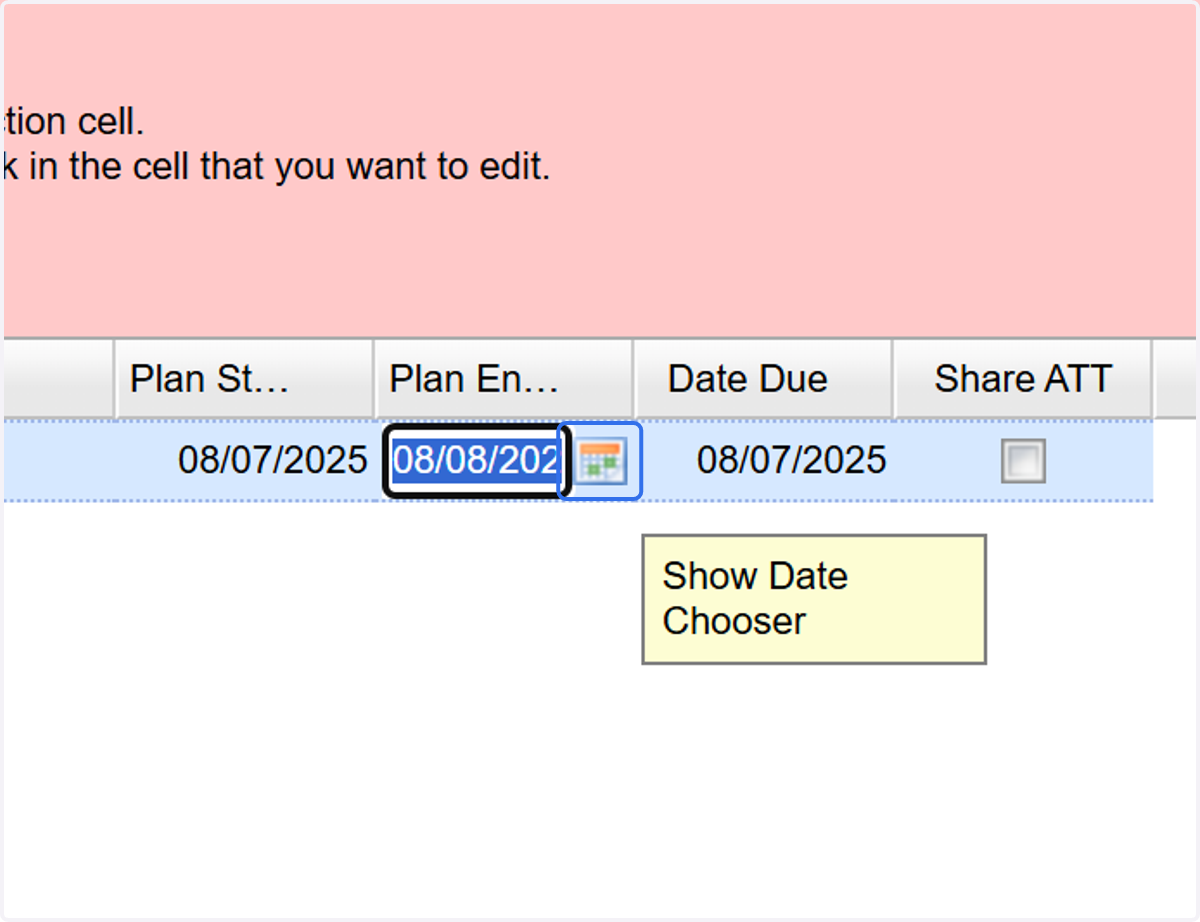
17. Select the appropriate date/ranges to apply the plan.
18. Click on OK
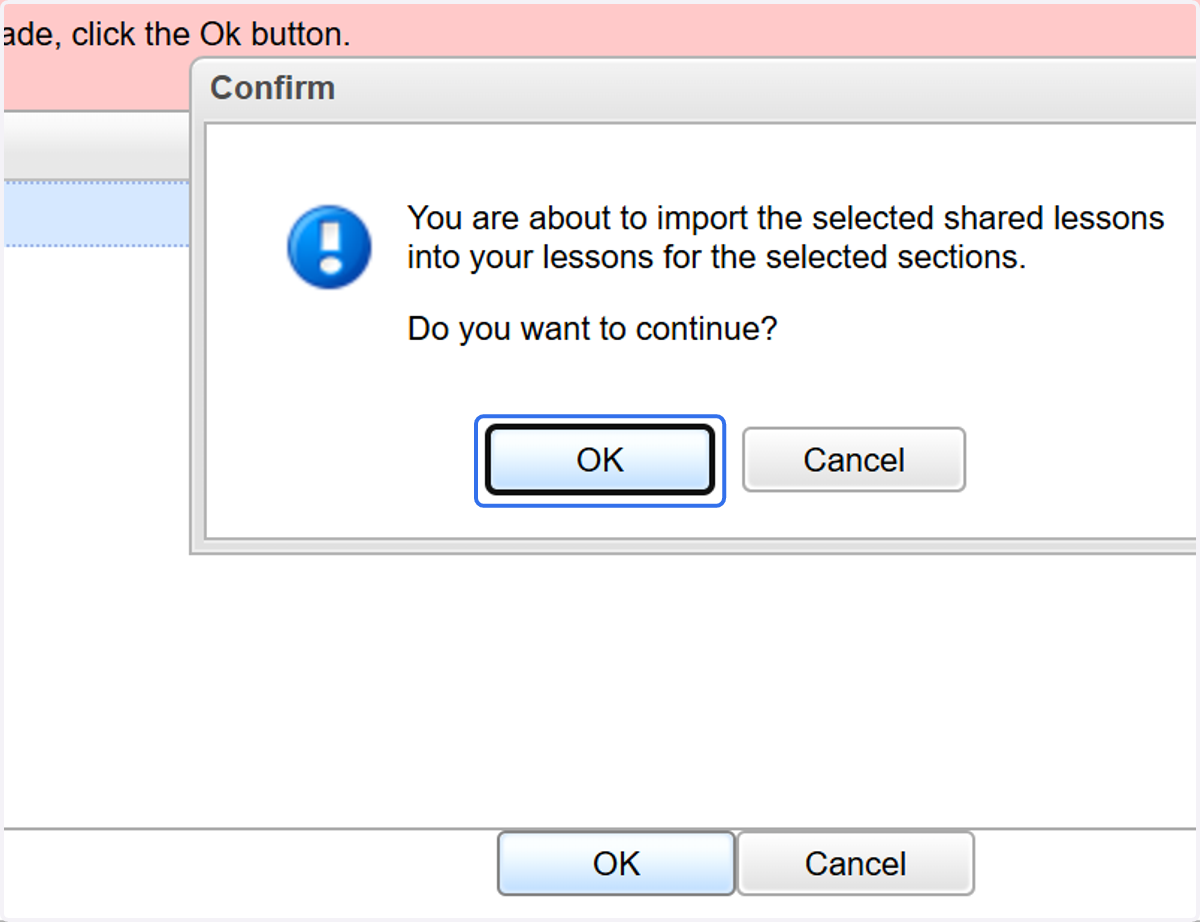
19. Click on OK