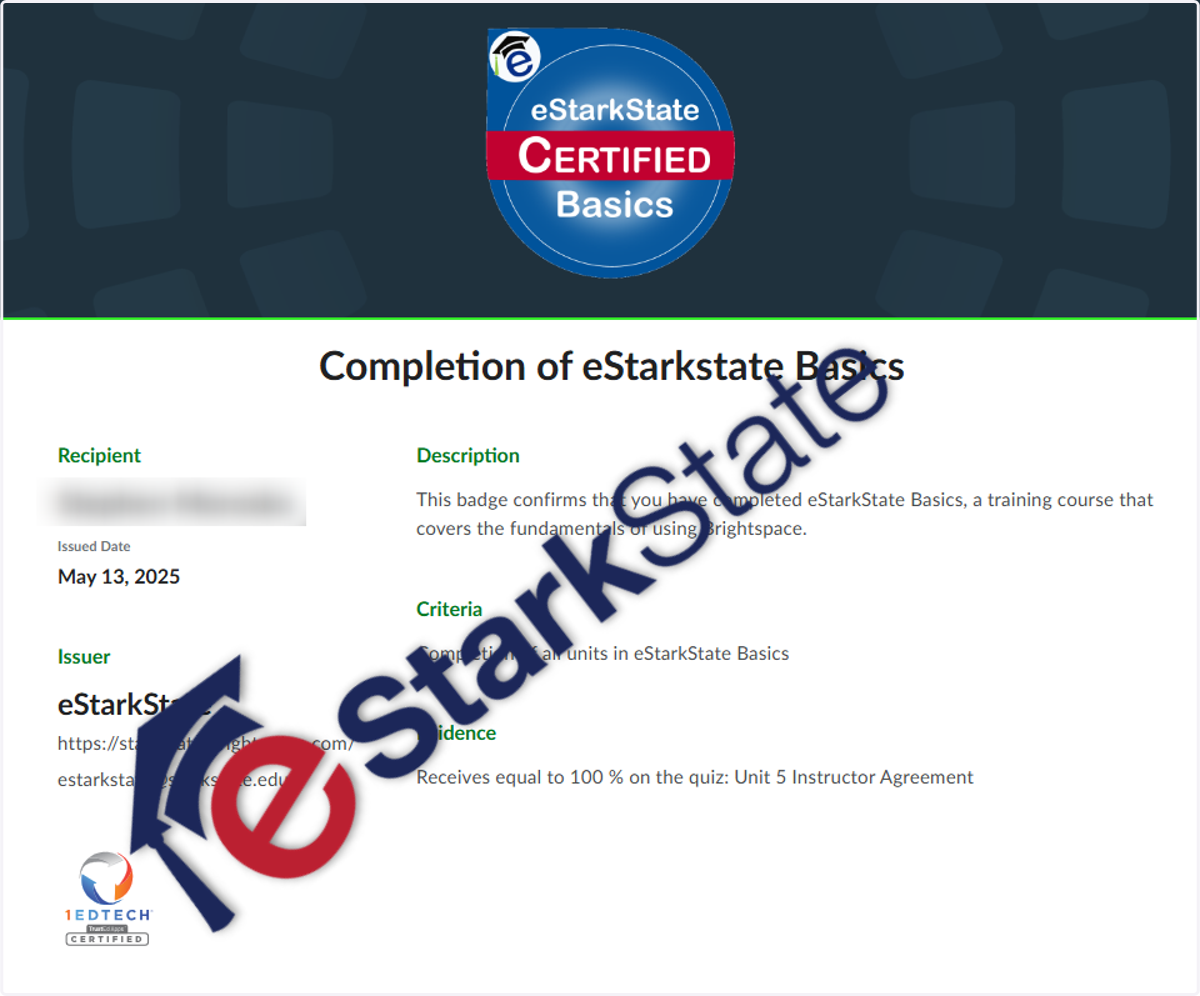
Share Badges
Login to Brightspace.
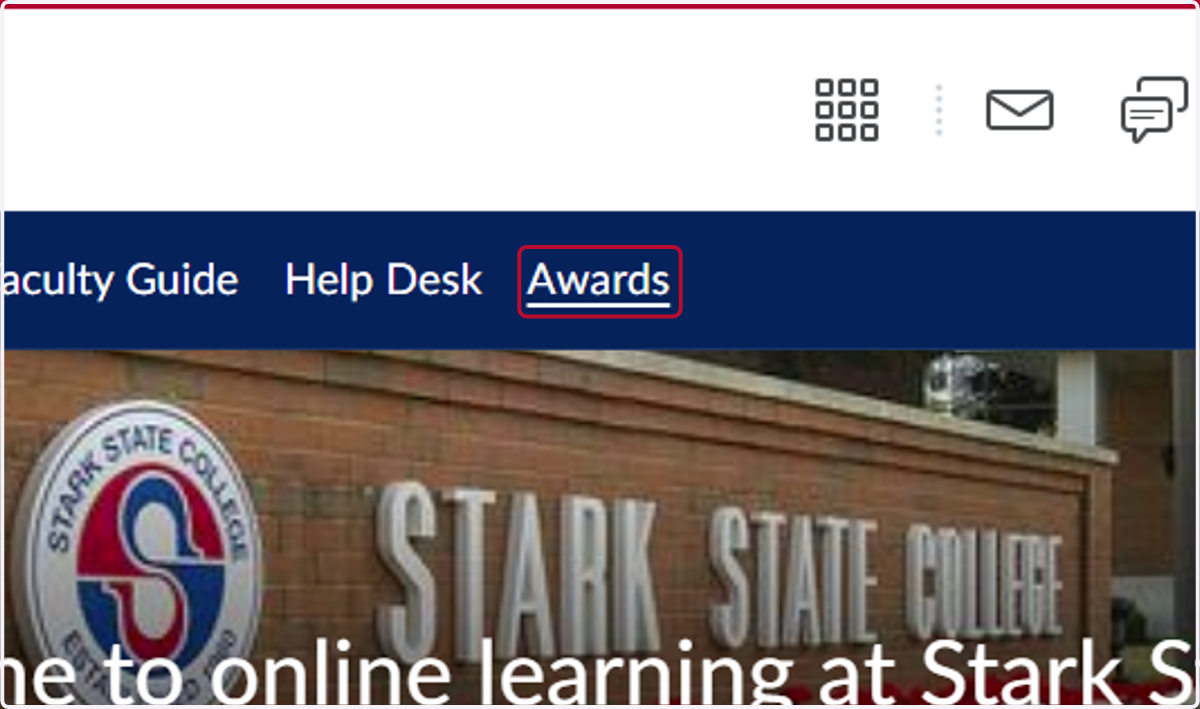
1. Click on Awards link in the menu bar.
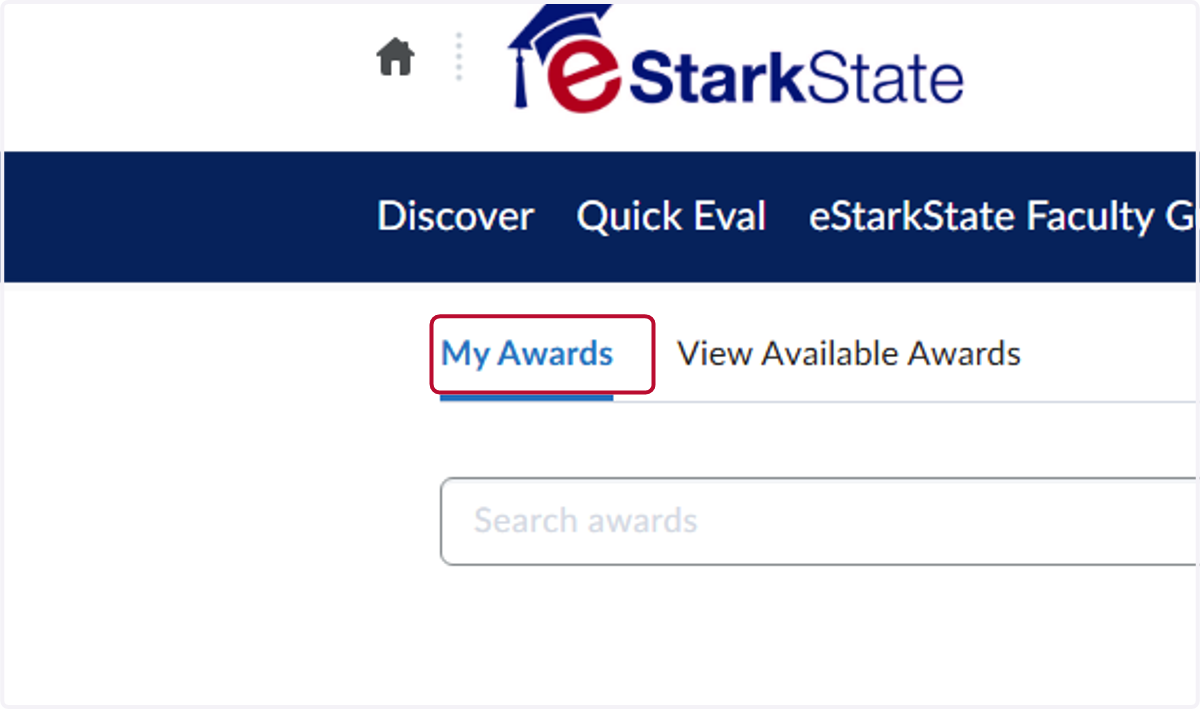
2. Click on My Awards
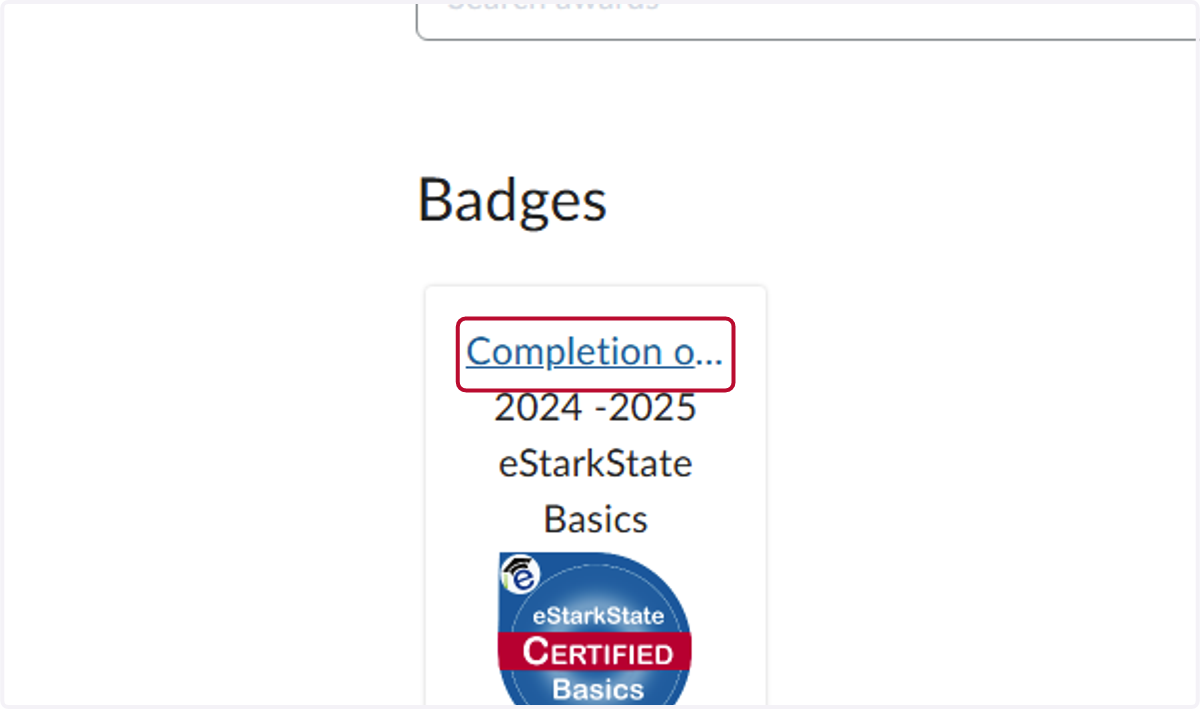
3. Click on the badge you want to share.
There are two options. Click the Completion of the badge link shown below or click the share option.
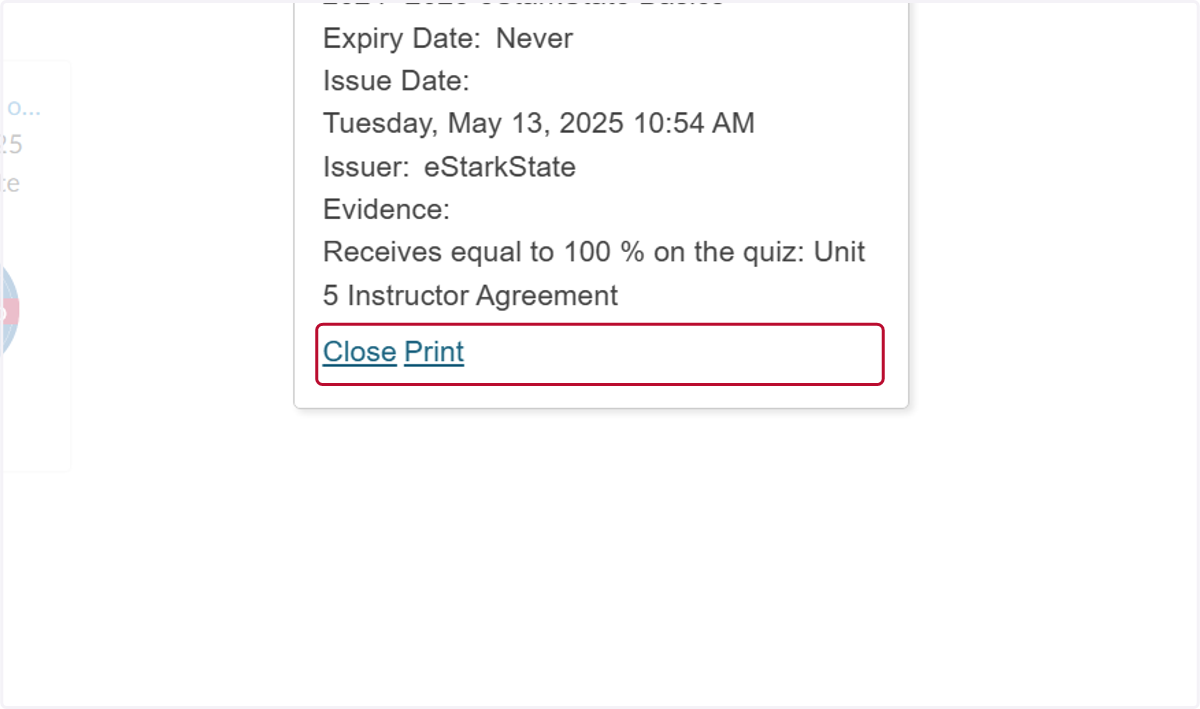
4. Clicking the link allows you to print the award.
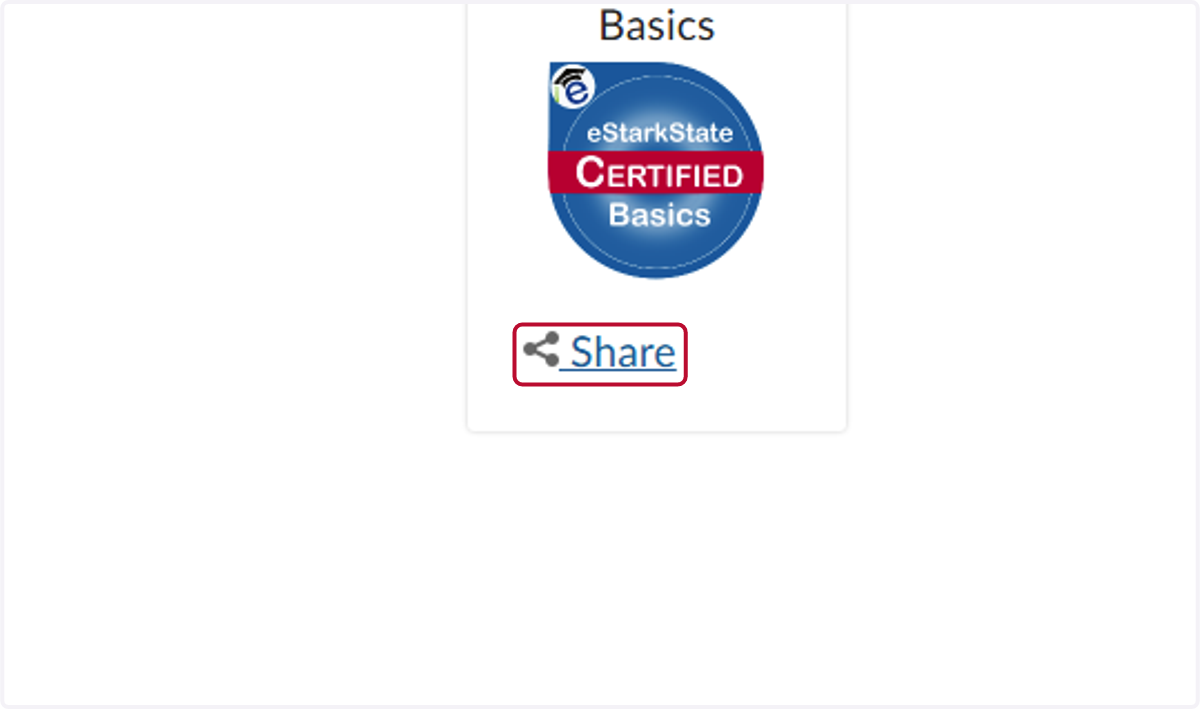
5. Click on Share link to send the certificate to someone.
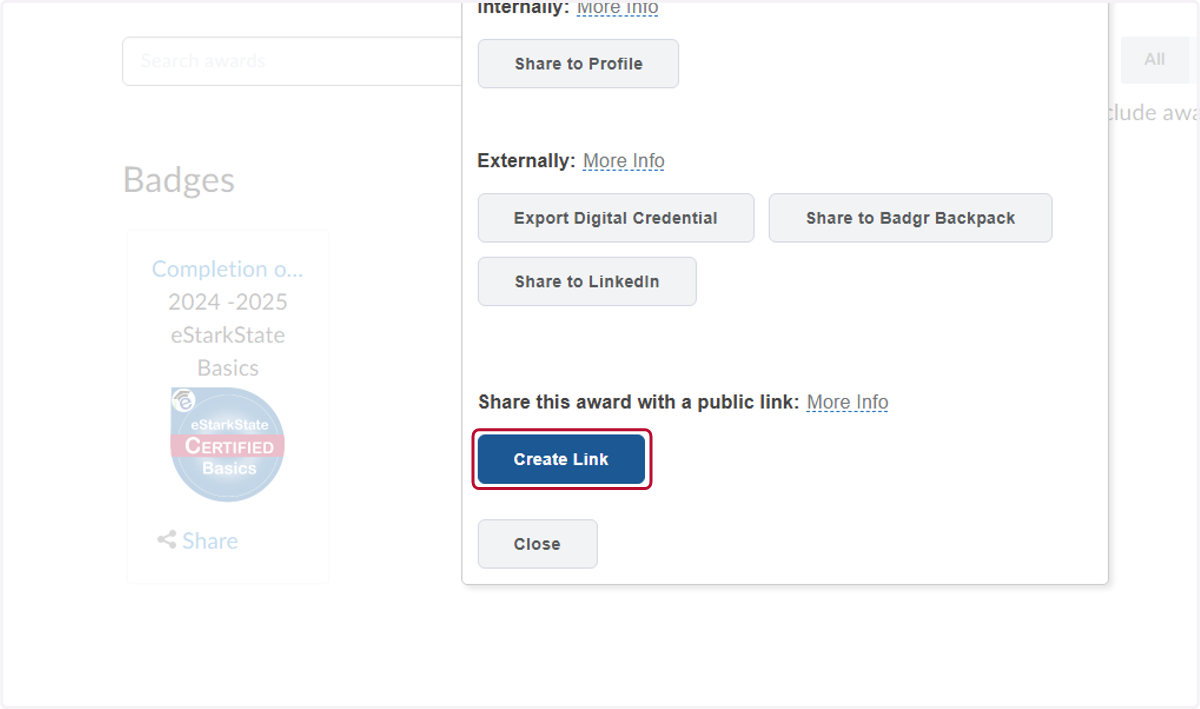
6. You see that awards can be shared to LinkedIn and other digital badging solutions. For this example, we want to share the badge via a web link. Click on Create Link button.
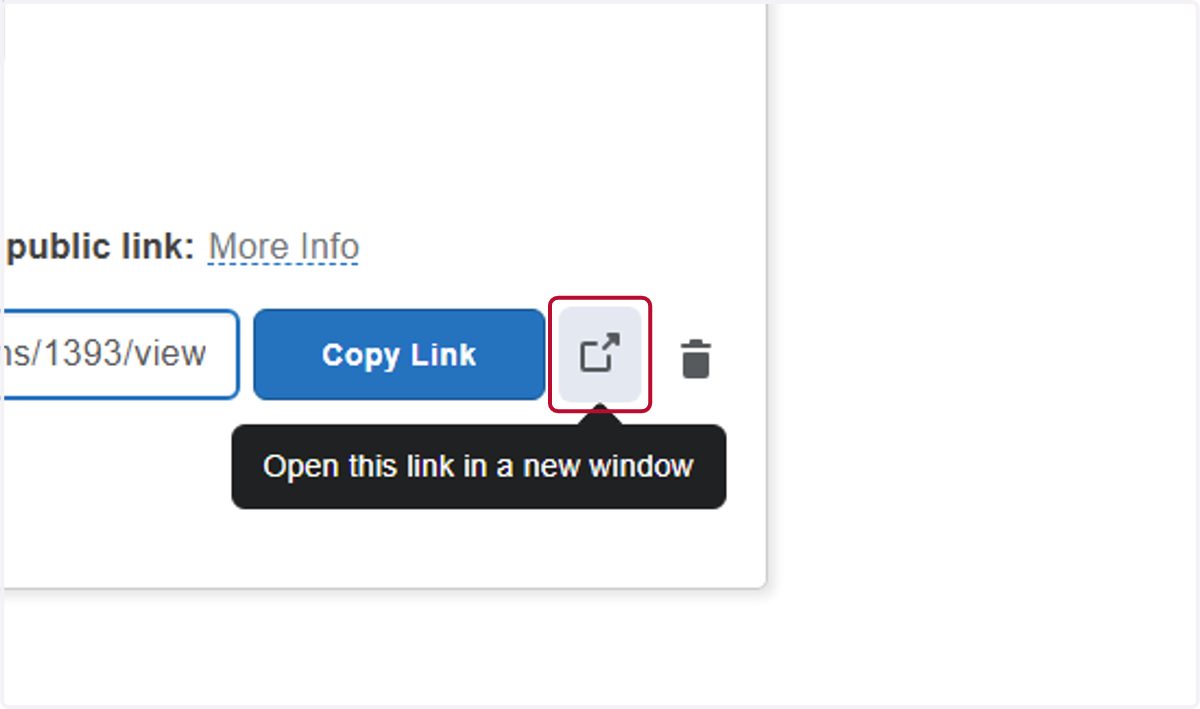
7. You can either click the Copy Link button, or click on Open this link in a new window
8. The link can be sent to Department Chairs who are looking for proof of completion of required training classes.