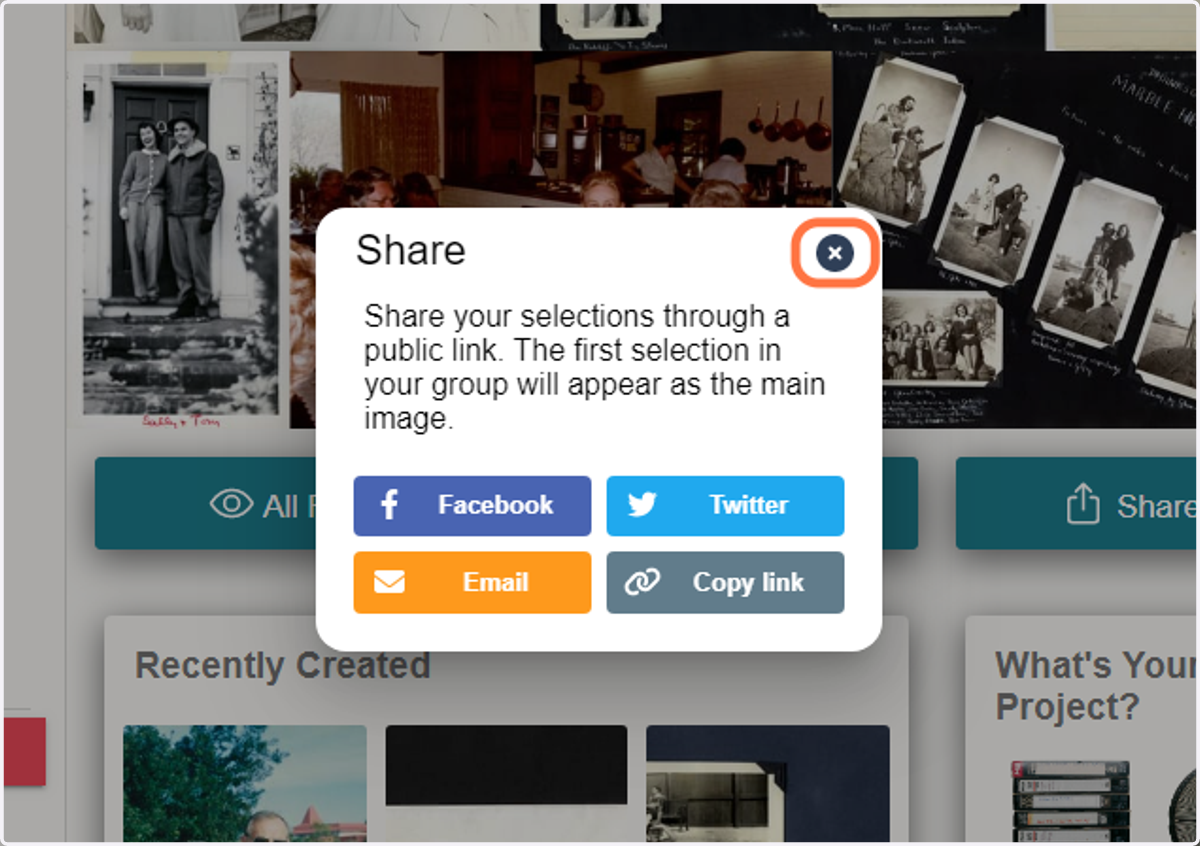
Share All - Share Outside App
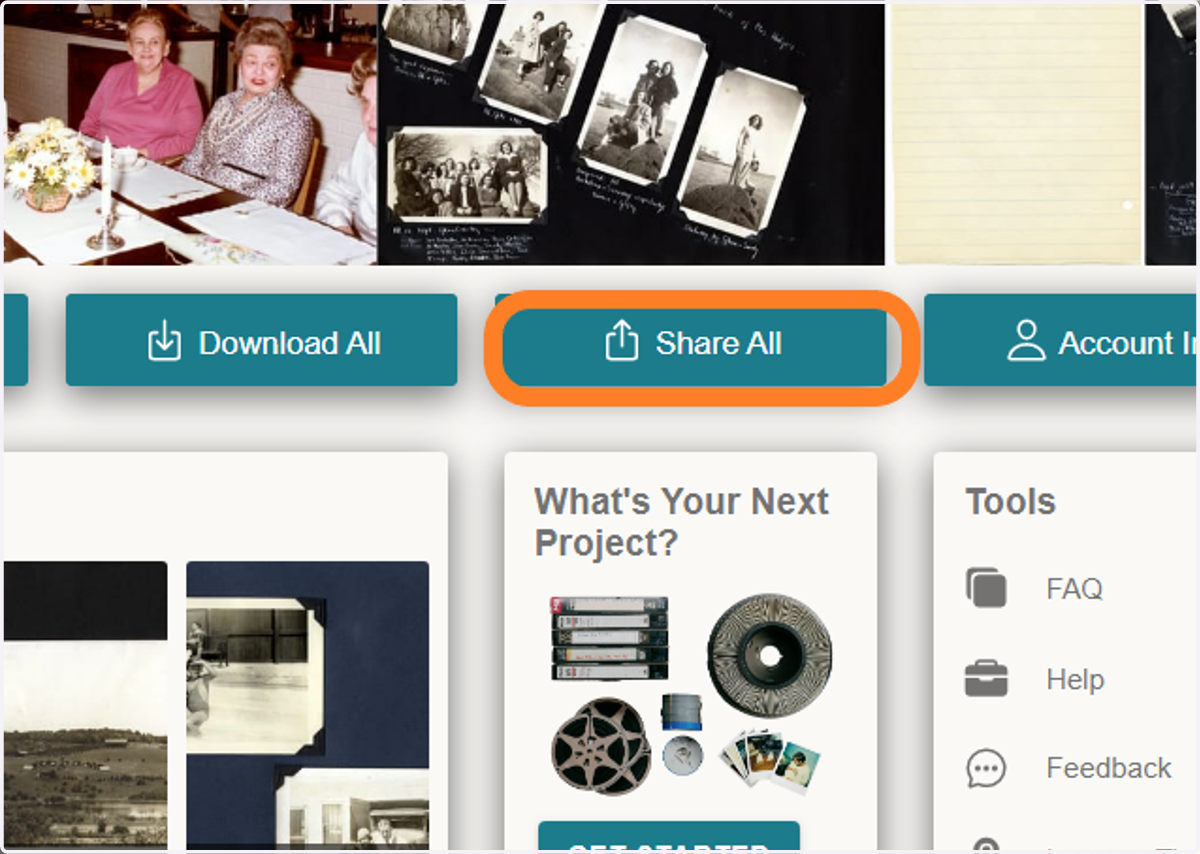
1. Click on 'Share All' in the Home Page
2. Choose between 'Share Outside App' or 'Invite Account User'
There are 2 ways you can share your projects to other people - Inviting Account Users to use the app, and Sharing Outside the App via links, texting, etc.
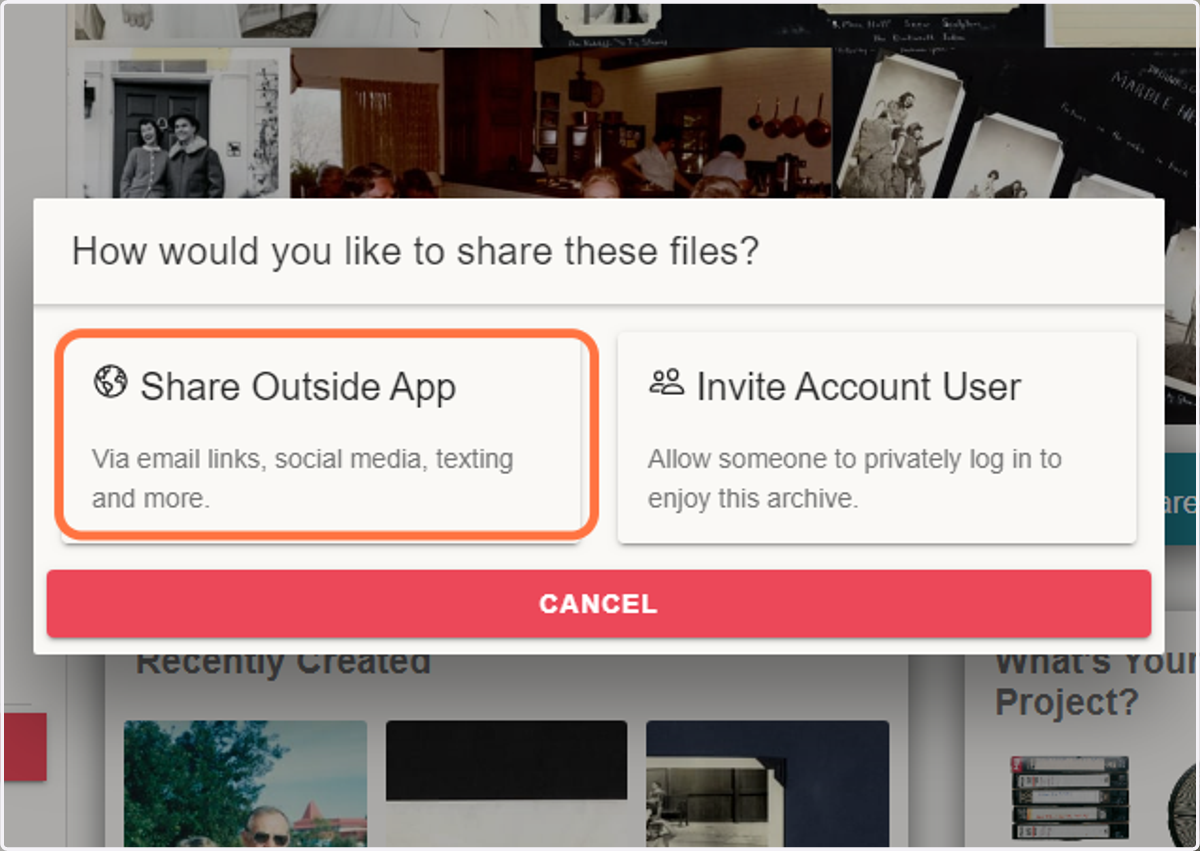
3. For public link or text message sharing, select 'Share Outside App'
A pop-up window will open and the following will be visible.
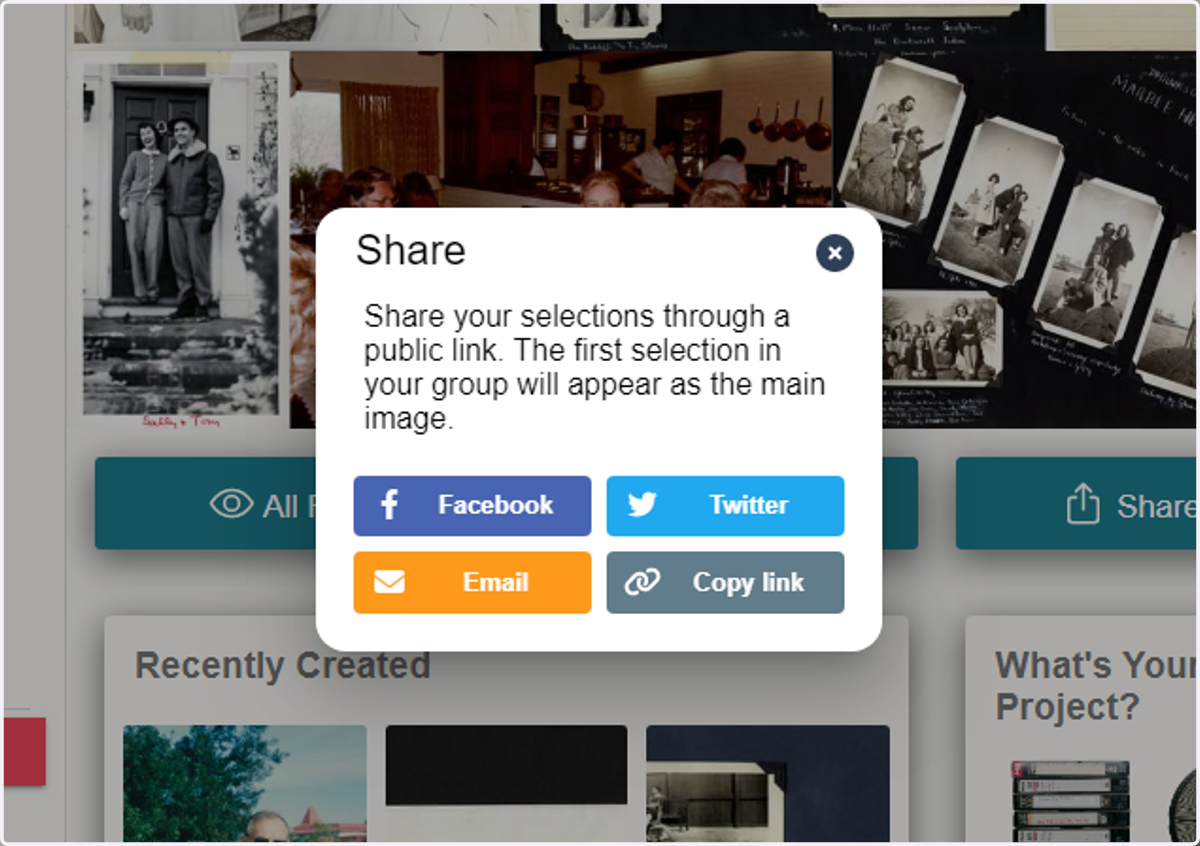
4. If you select 'Facebook' or 'Twitter', those sites will open for next steps on sharing.
5. If you select 'Email', this will open your email application for next steps on sharing.
6. If you select 'Copy link', a link will automatically be copied to your clipboard.
7. When done, click the 'x' icon to close the pop-up window