Setup Software Installers for N-Able N-central
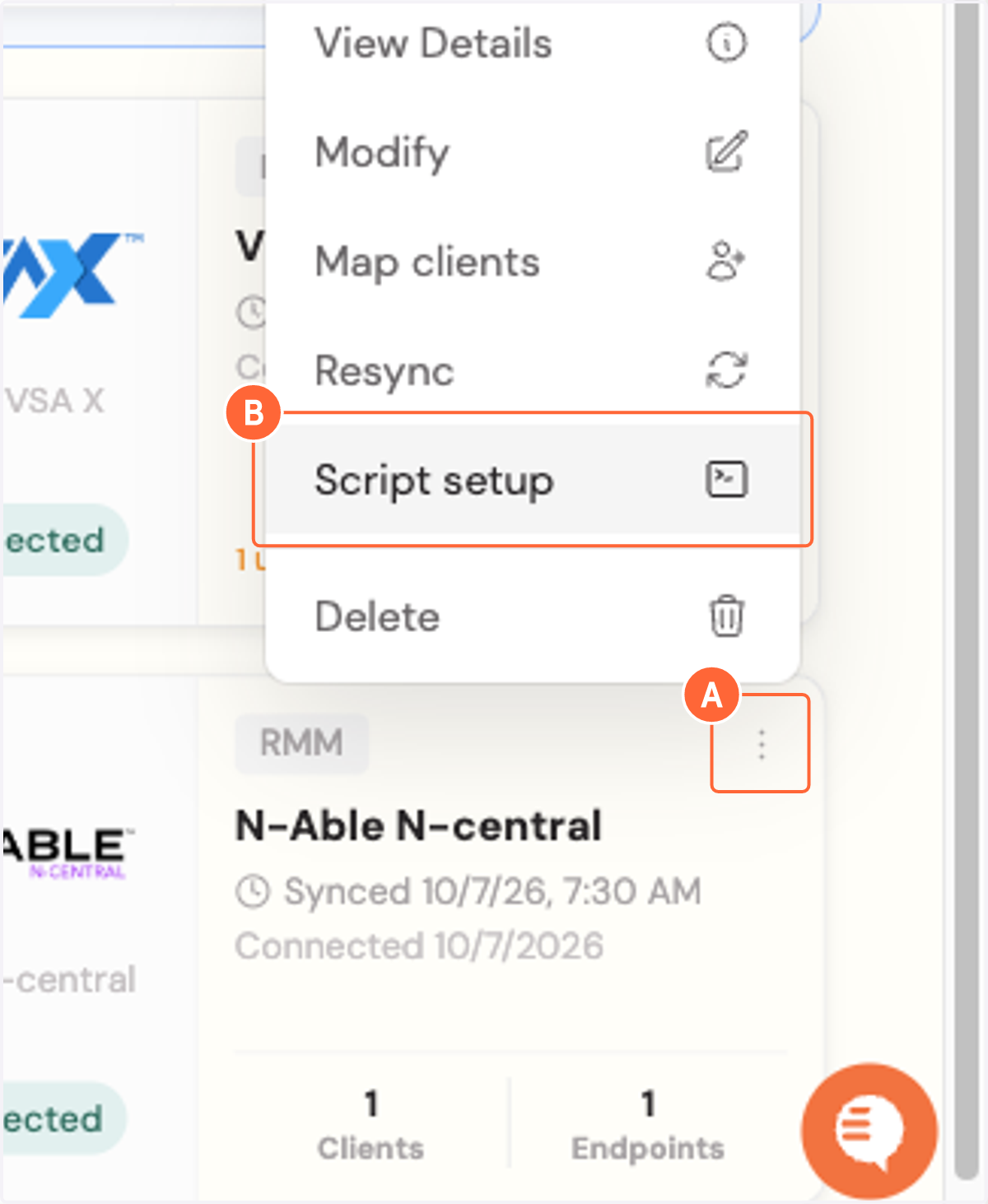
1. A. Click on Integration actions
1. B. Click on Script setup
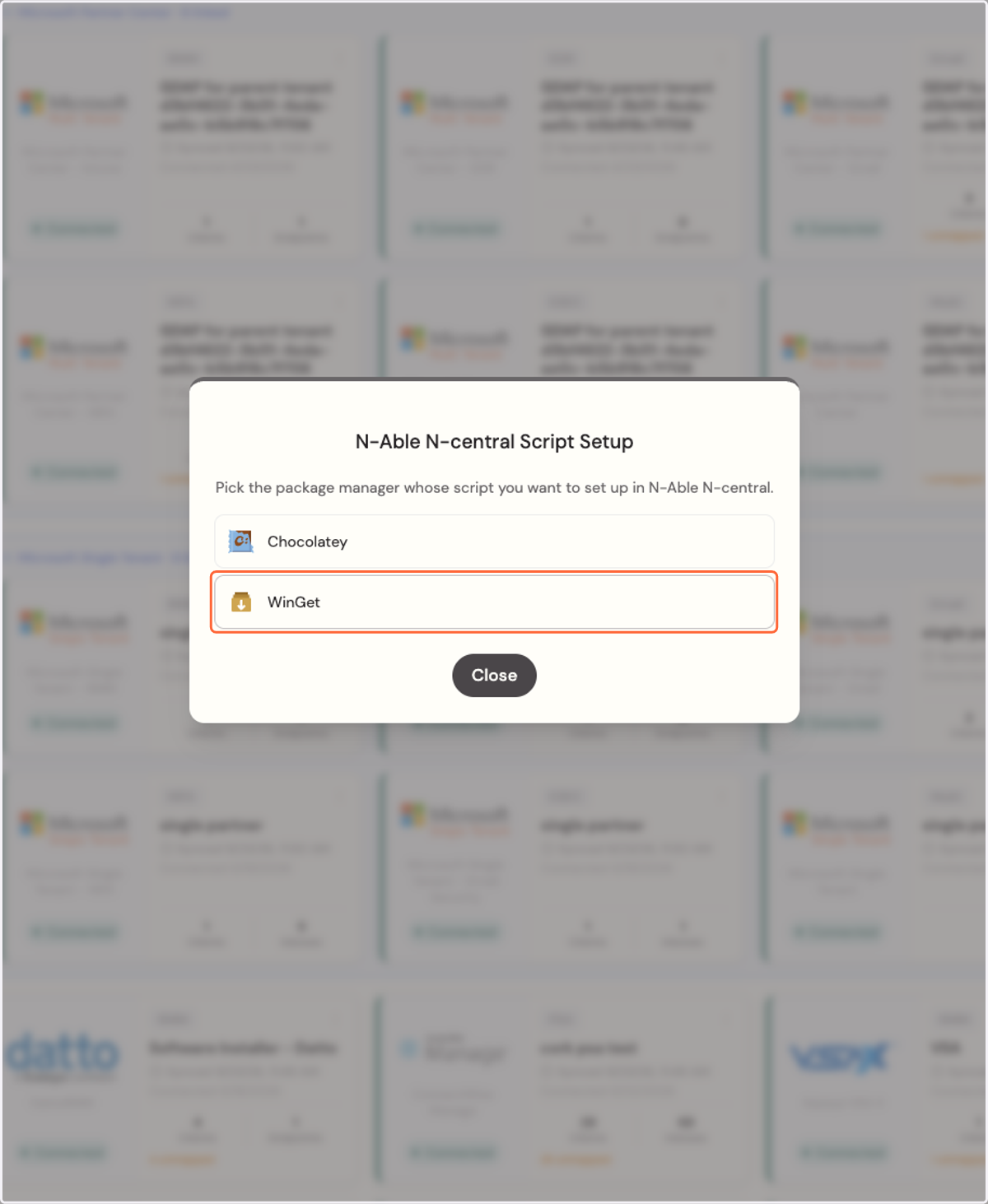
2. Click on WinGet
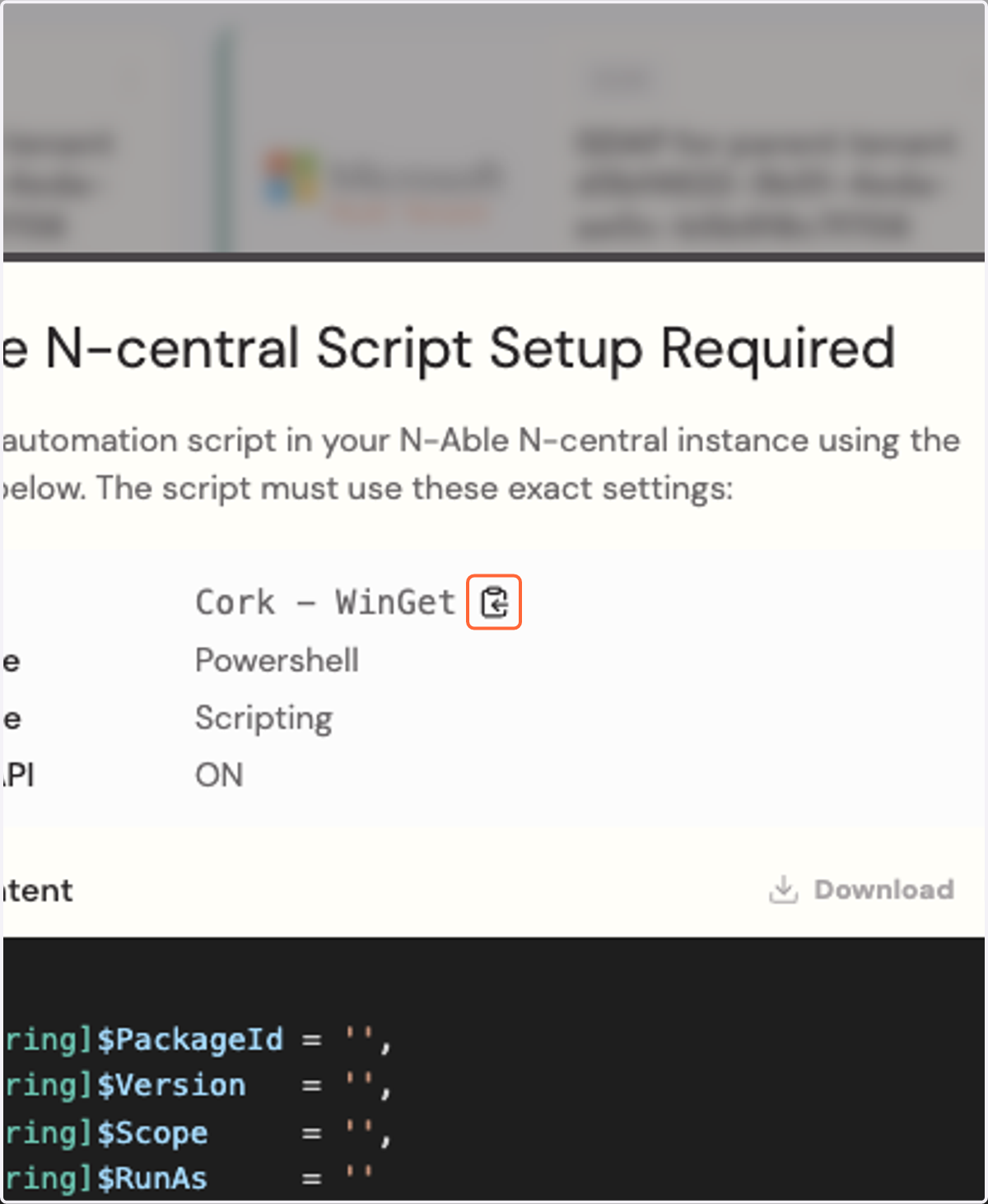
3. Click on Copy Script name
N-Able N-central Portal
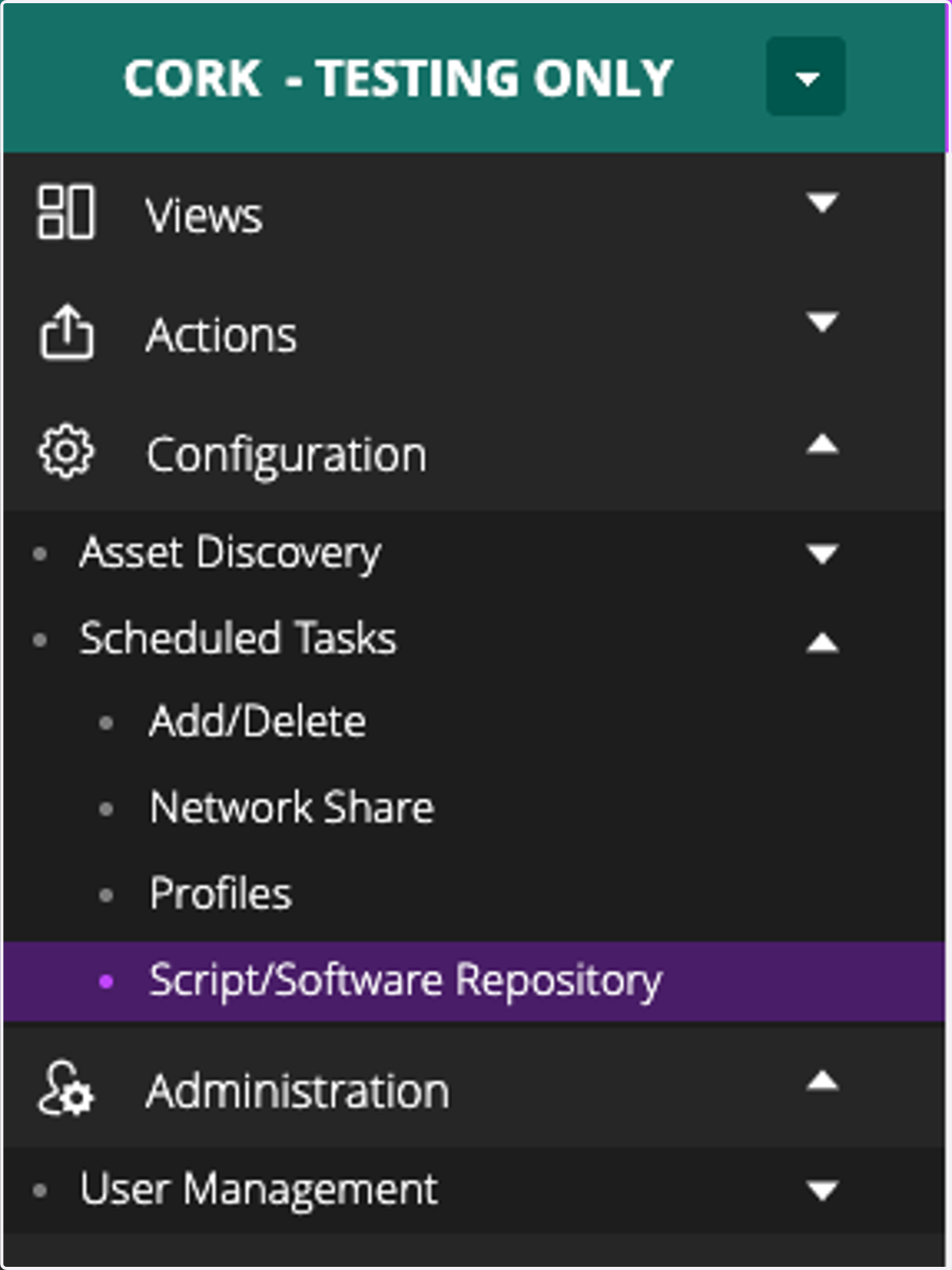
4. Click on Script/Software Repository
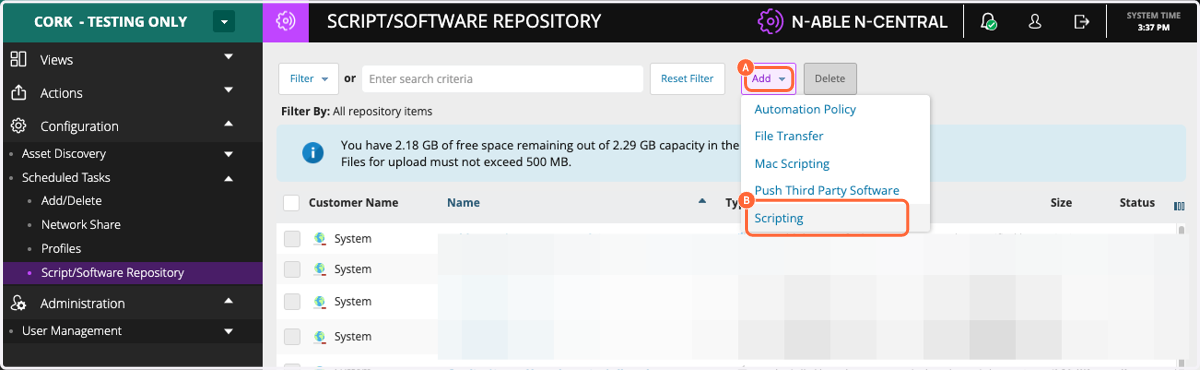
5. A. Click on Add
5. B. Click on Scripting
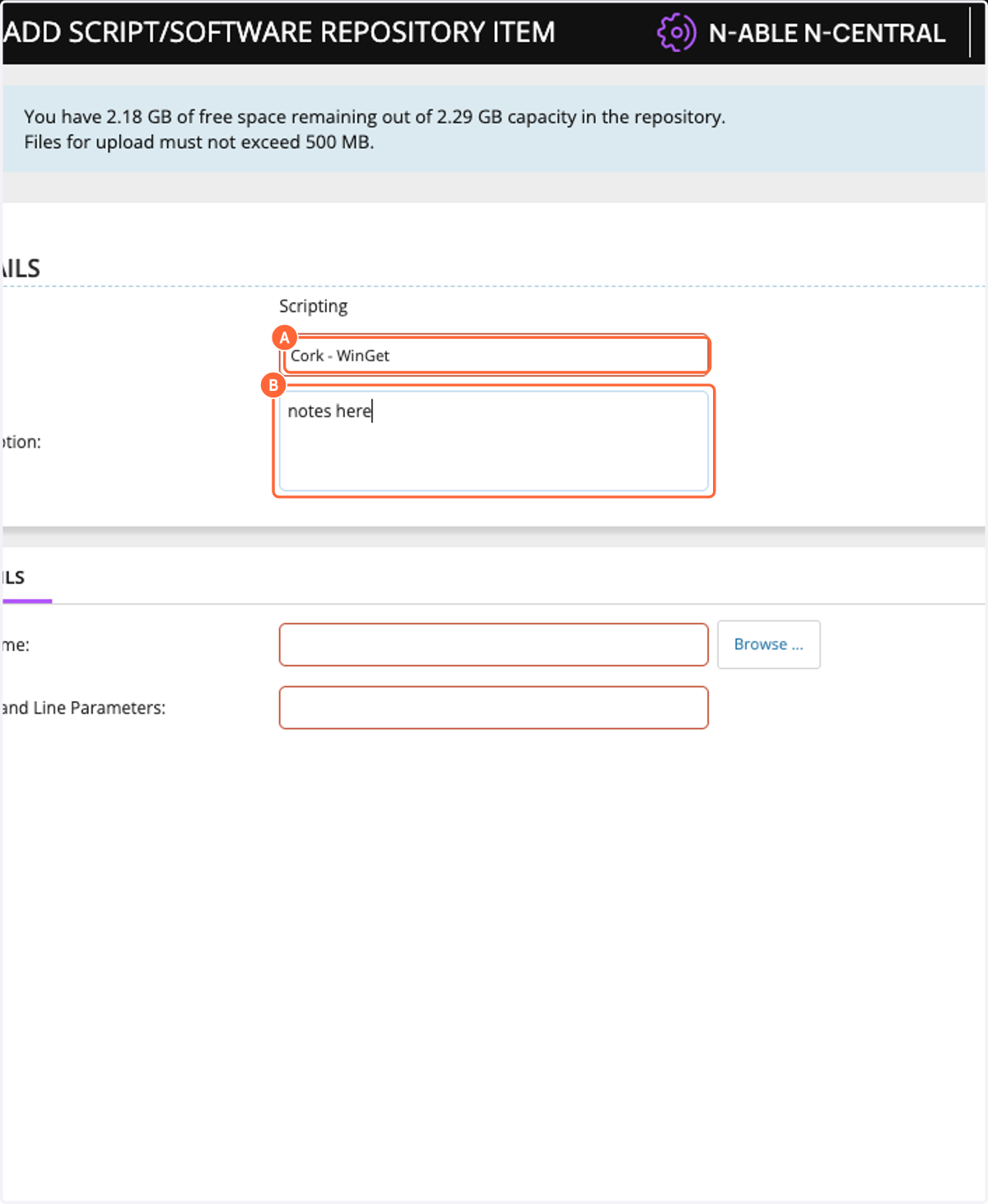
6. A. Paste text into input
6. B. Type a description of your choosing
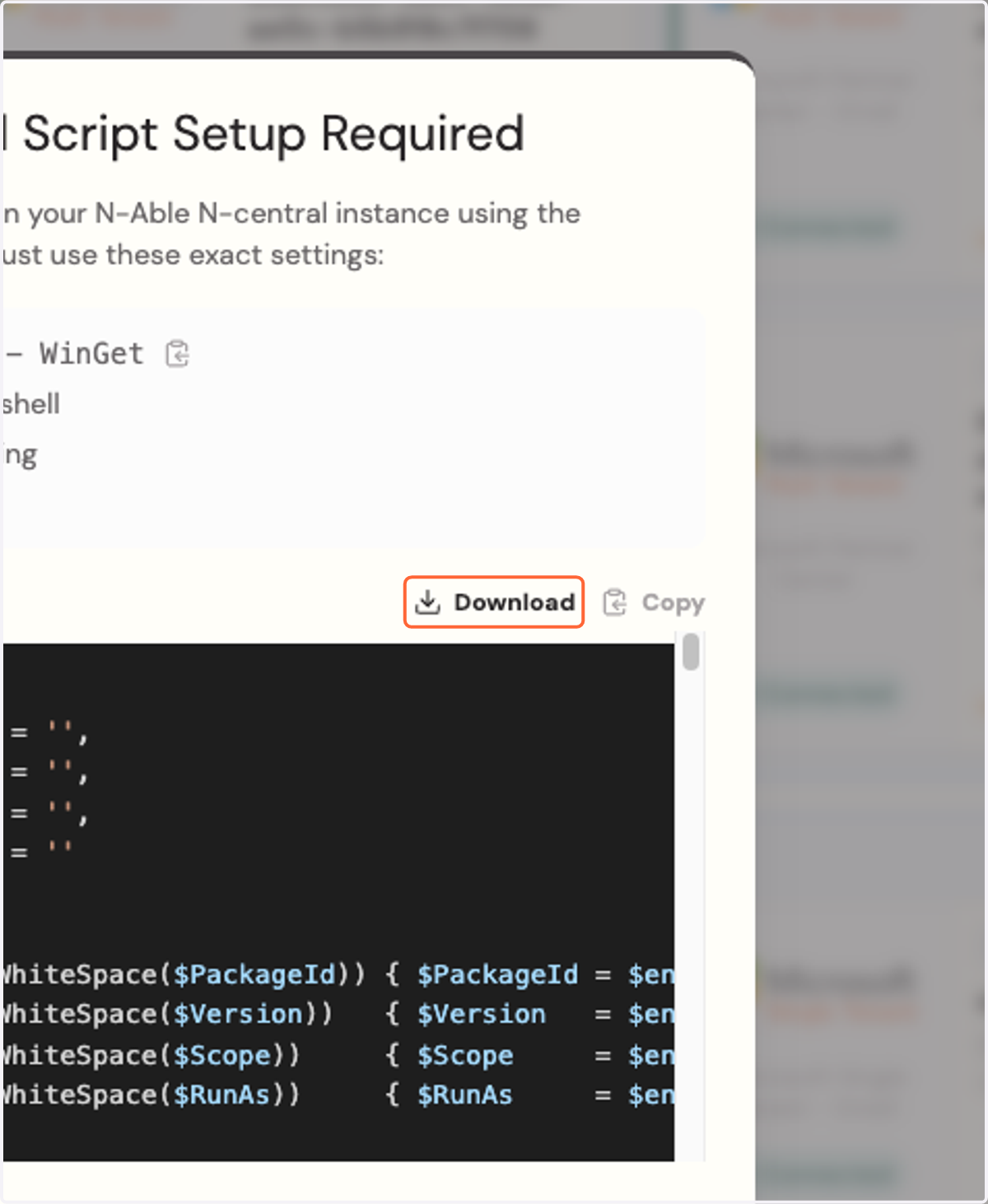
7. Click on Download
N-Able N-central Portal
8. Click on Browse and select the installer you downloaded
9. Click on OK
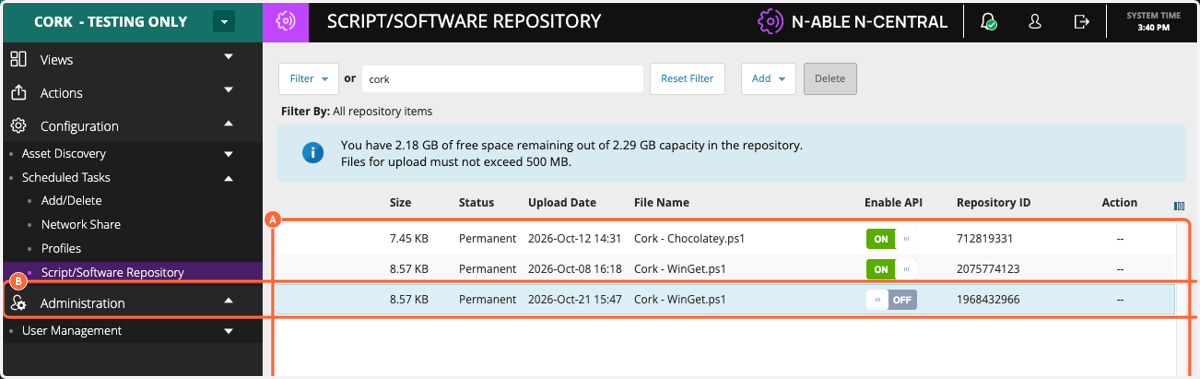
10. Type cork

11. A. Scroll over
11. B. Click the Off button under "Enable API"
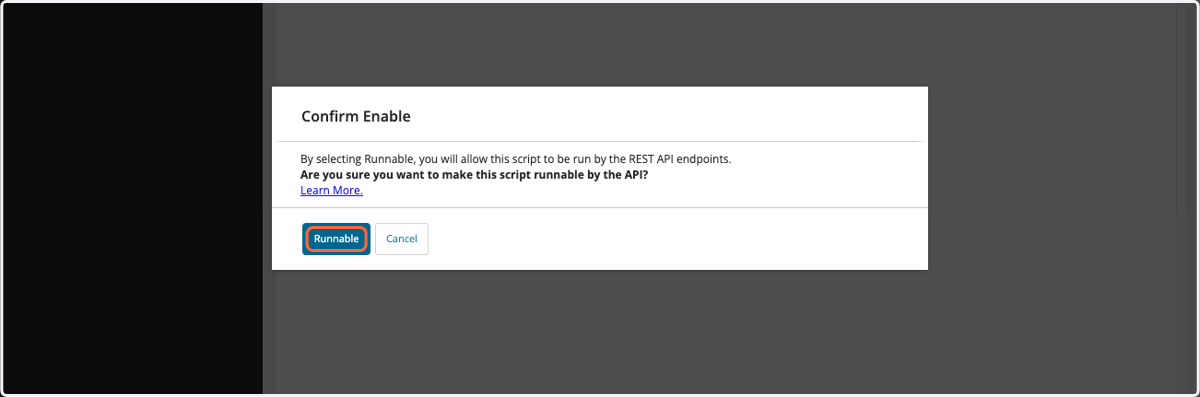
12. Click on Runnable
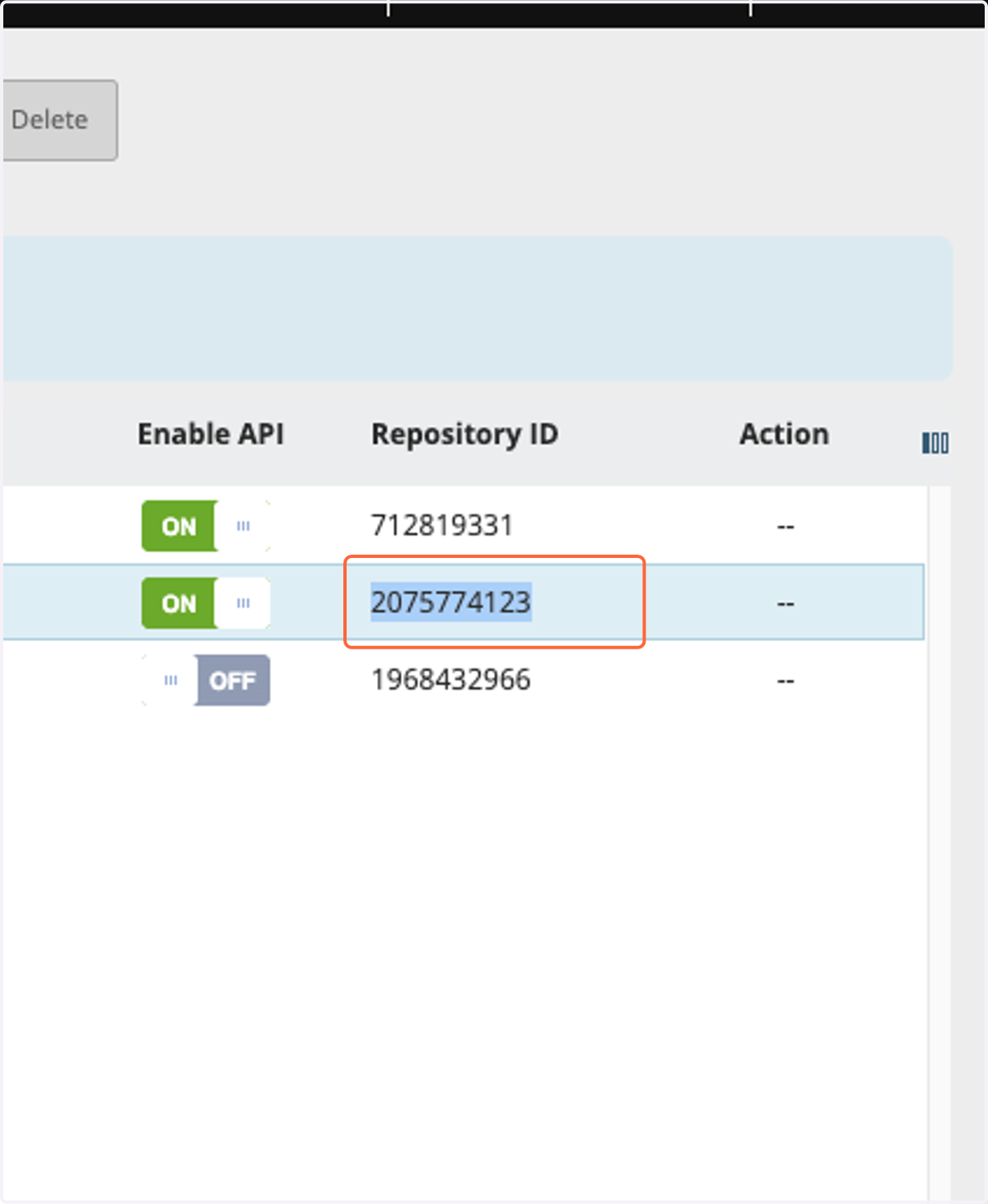
13. Copy Repository ID
14. Paste text into input
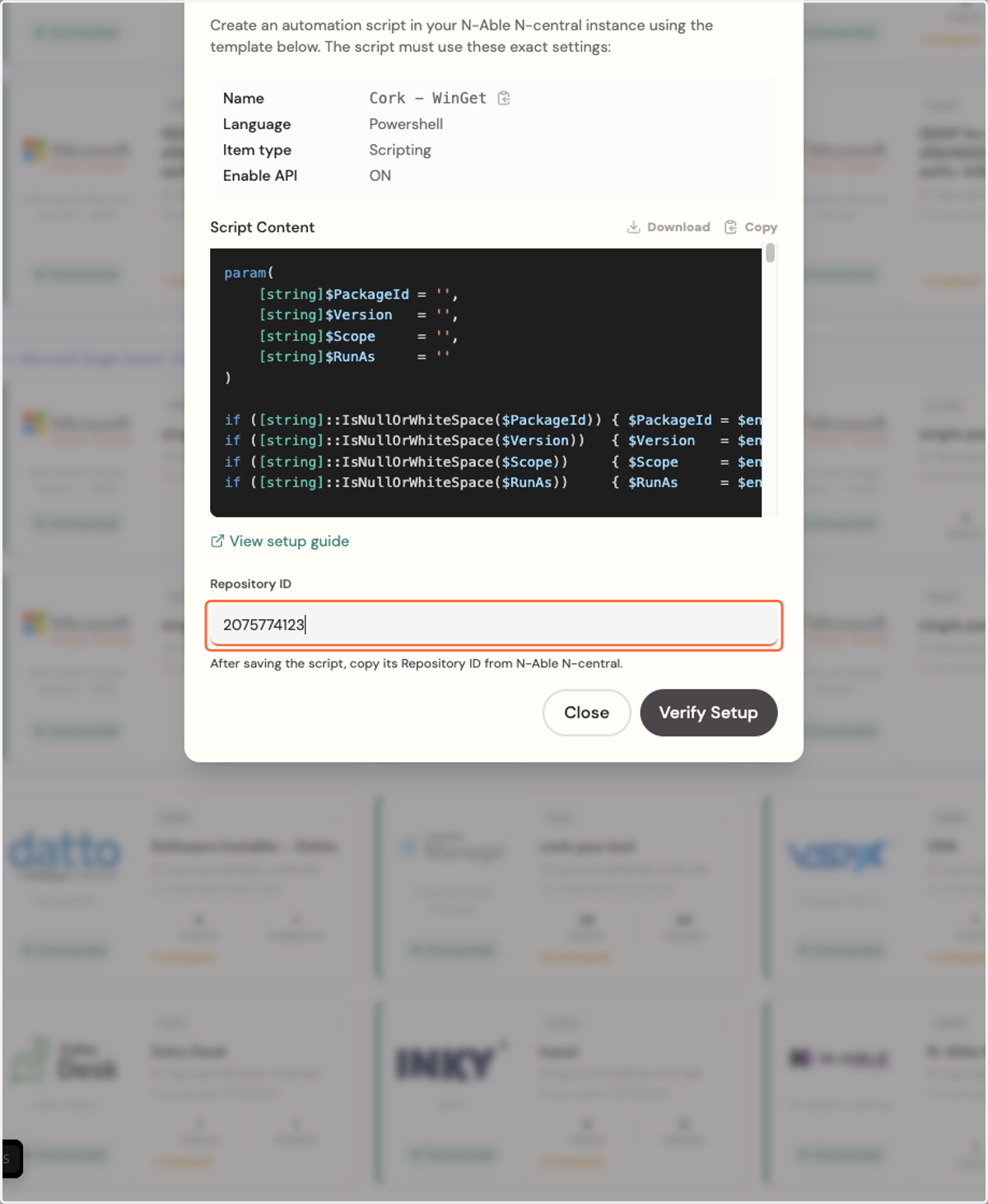
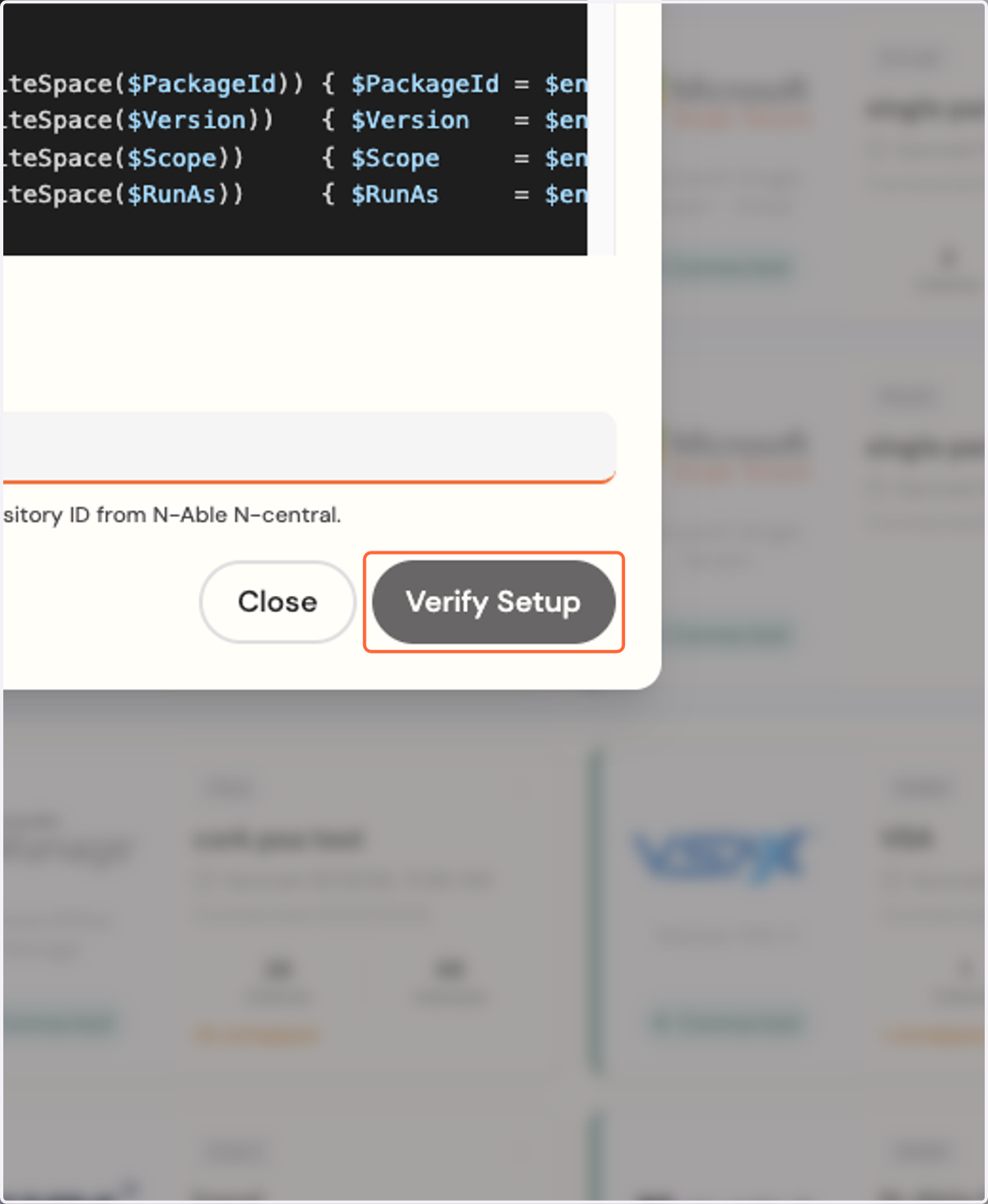
15. Click on Verify Setup