Setting up sublocations
Chemicals
❕ If you do not have access to an inventory, contact the inventory owner (PI/Supervisor) to give you access
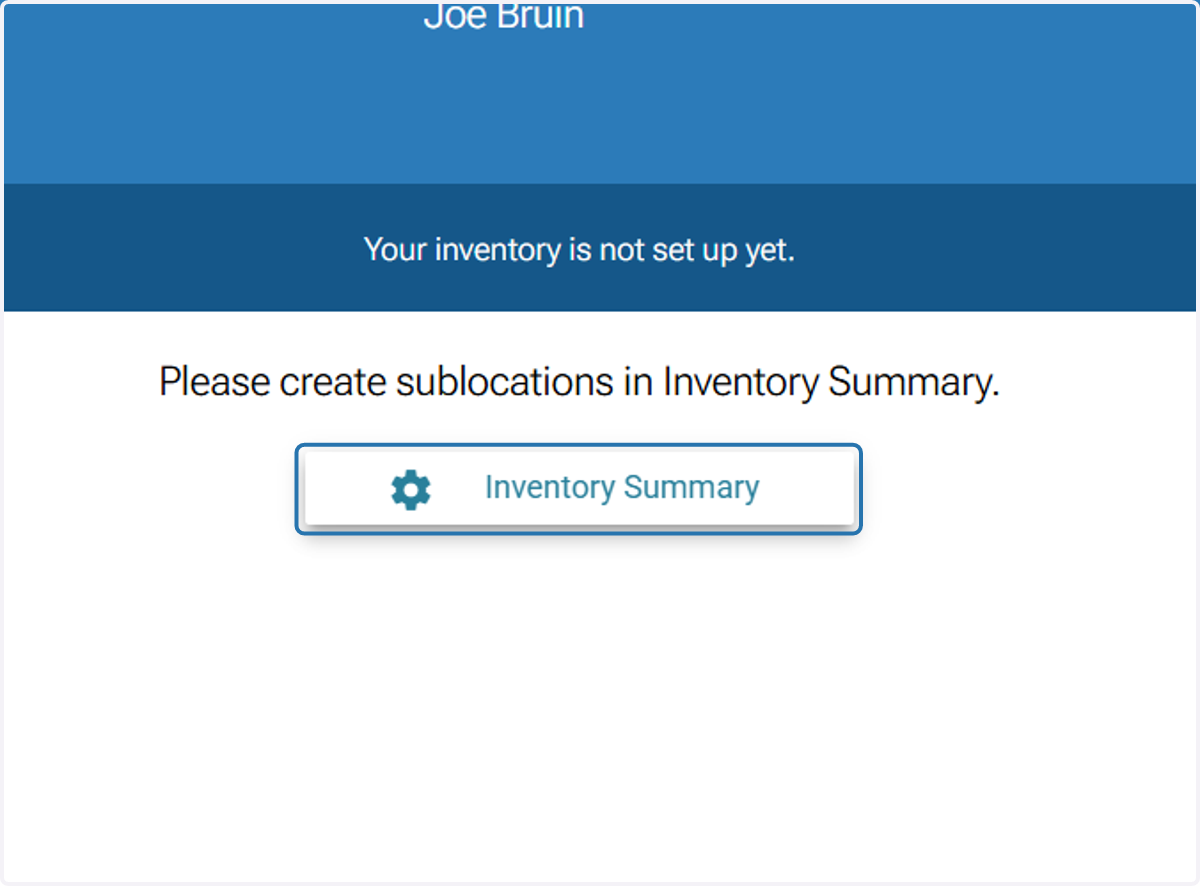
1. Click on 'Inventory Summary'
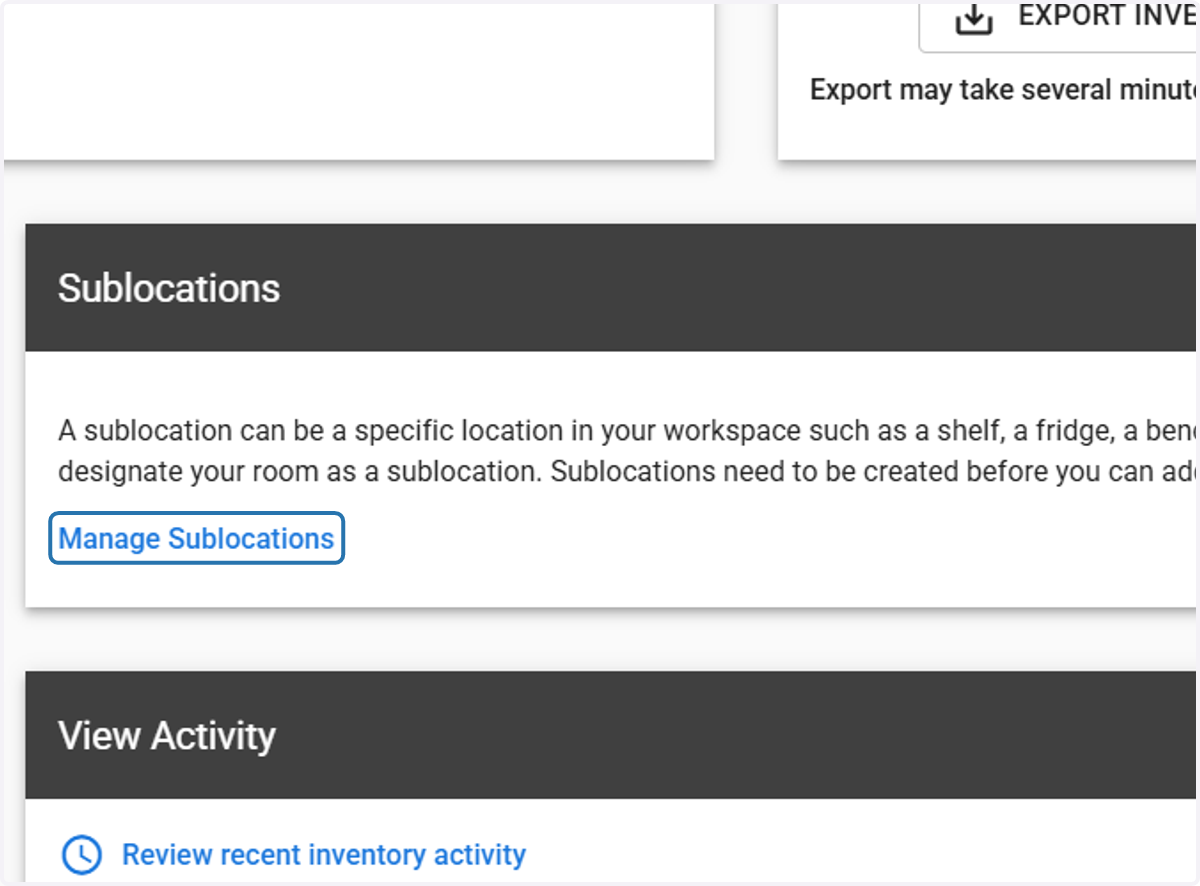
2. Click on 'Manage Sublocations'
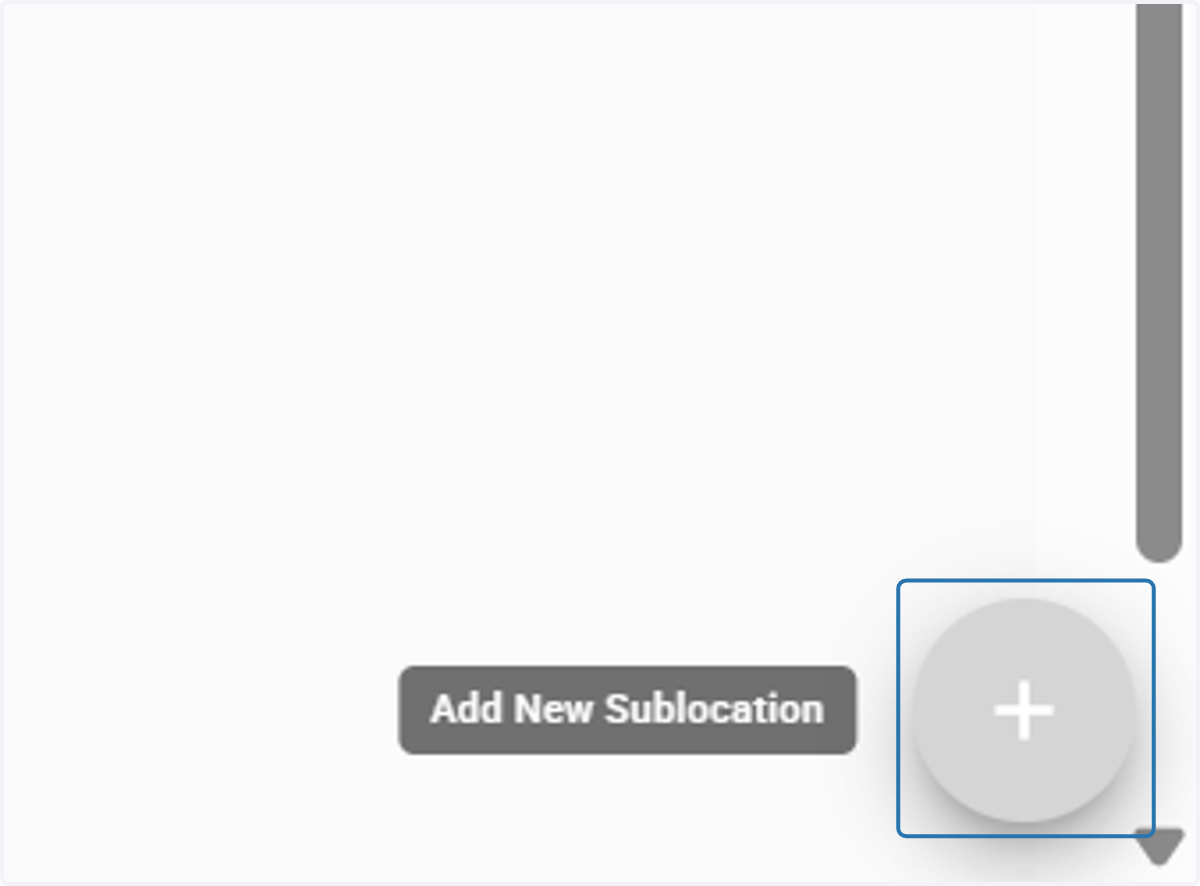
3. Click 'Add' at the bottom right corner
4. Open the room dropdown menu for sublocation
*If you can't see this dropdown menu, edit your room locations
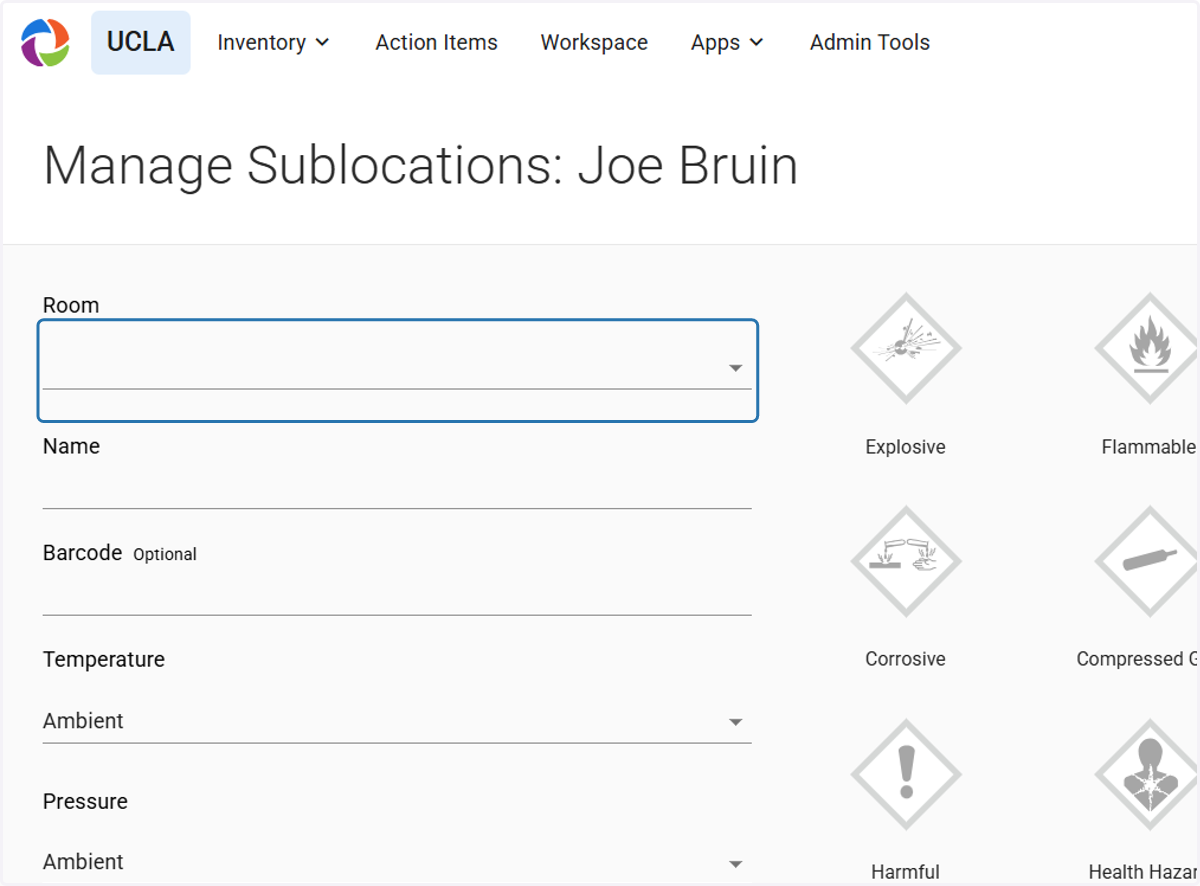
5. Select the room for sublocation
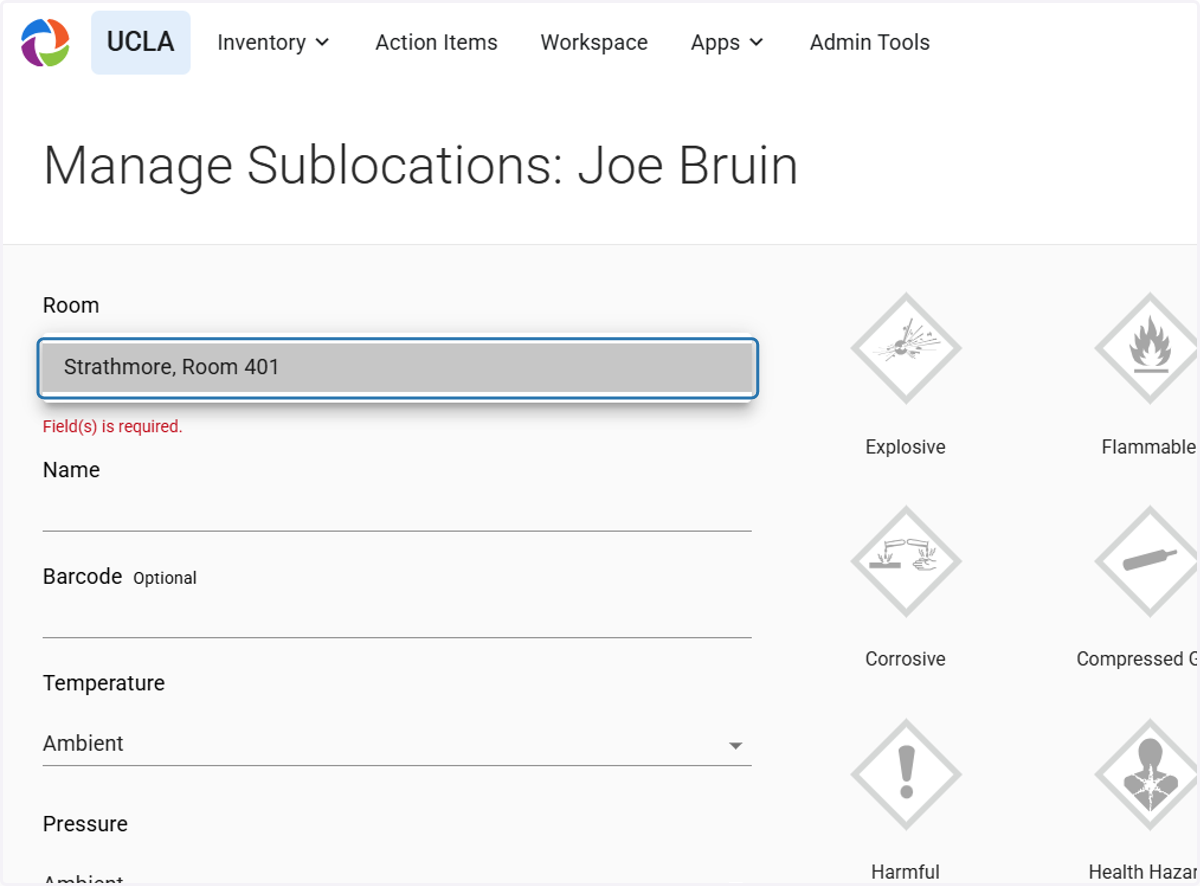
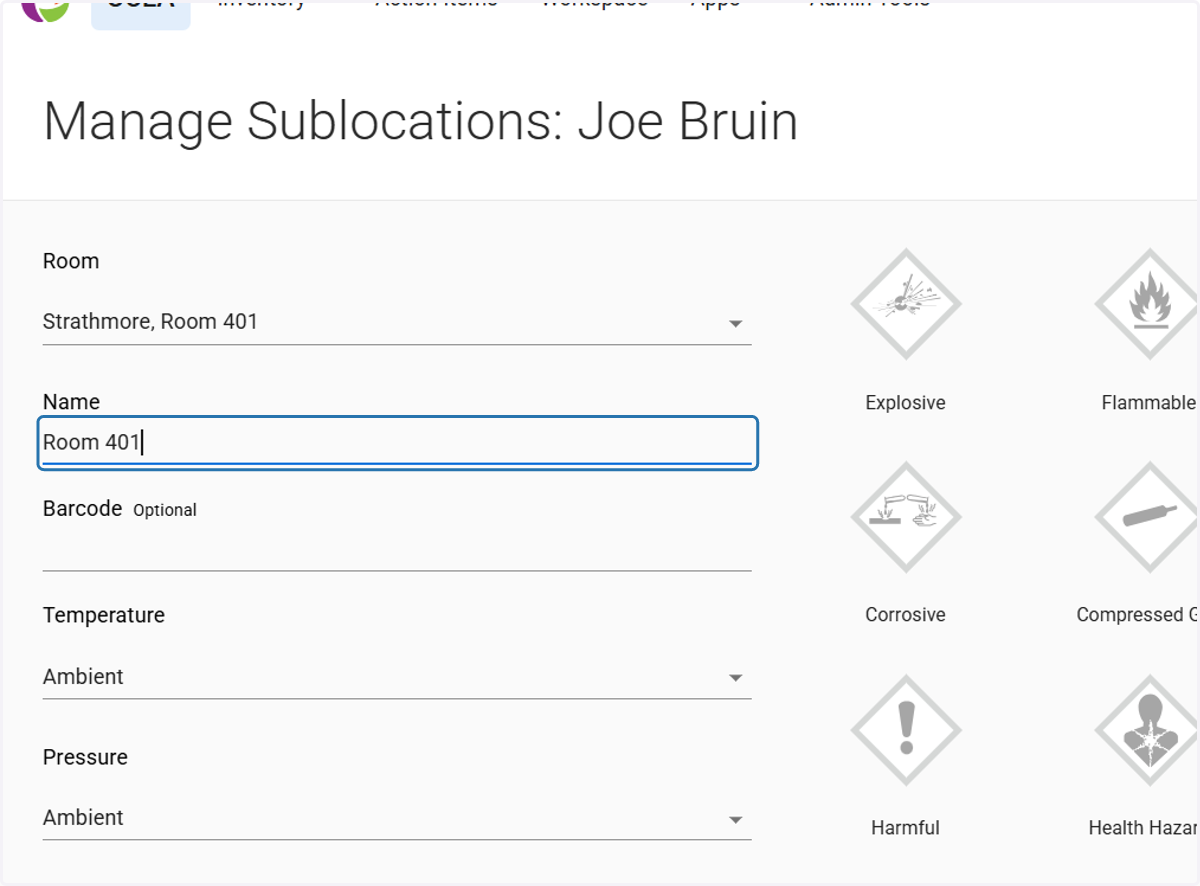
6. Name your sublocation
Edit the temperature and pressure of room if necessary
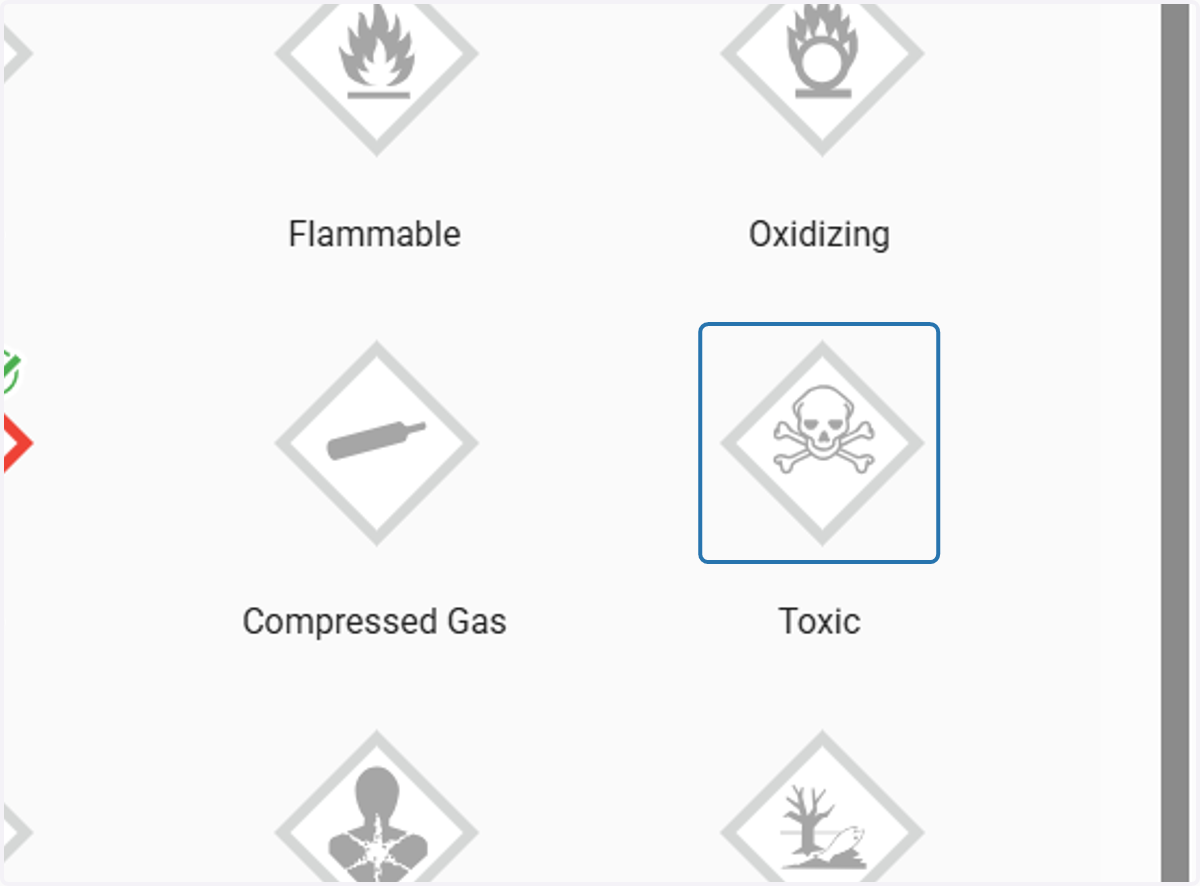
7. Select any applicable hazards to the chemicals stored in sublocation
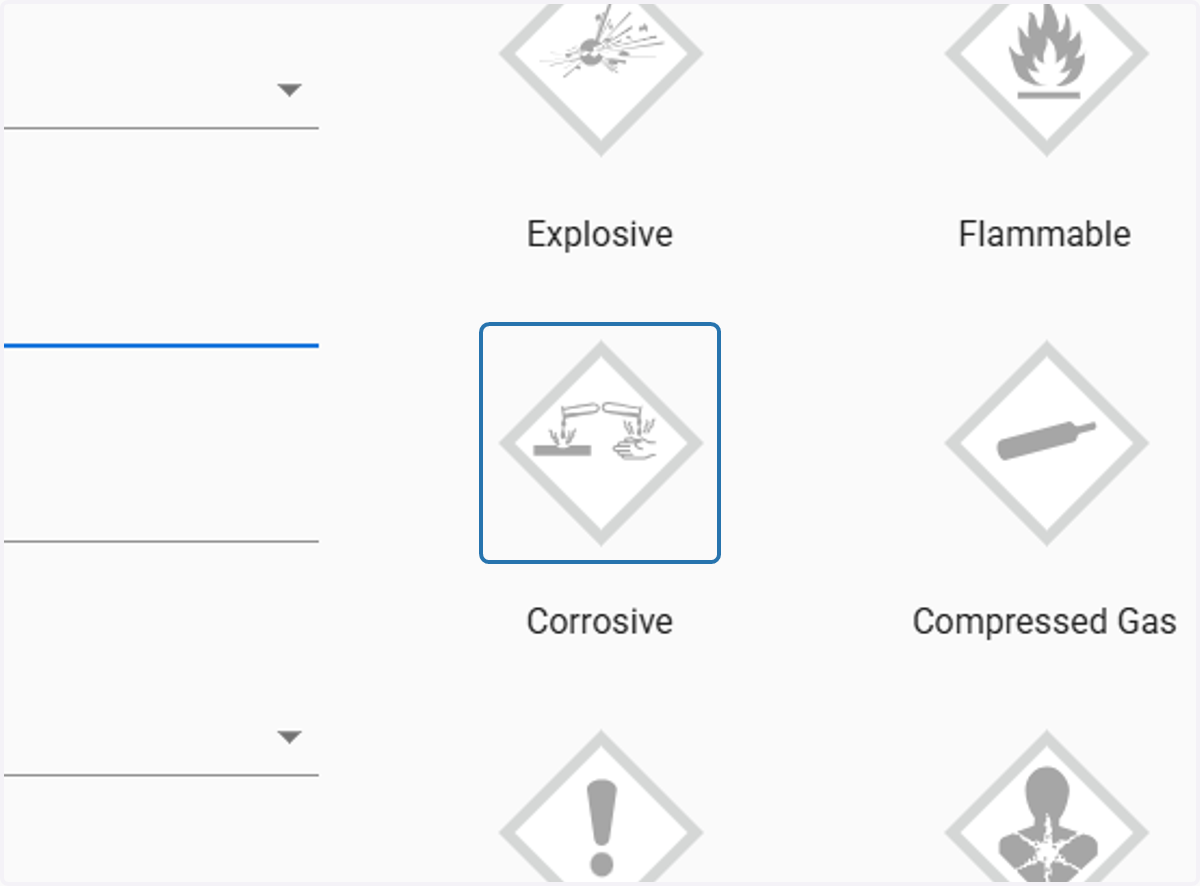
8. Select any applicable hazards to the chemicals stored in sublocation
*Multiple hazards may be selected if needed
9. Click on SAVE