Setting up Payroll Direct Deposit on UAOnline Services
UAOnline Services | UAOnline Services
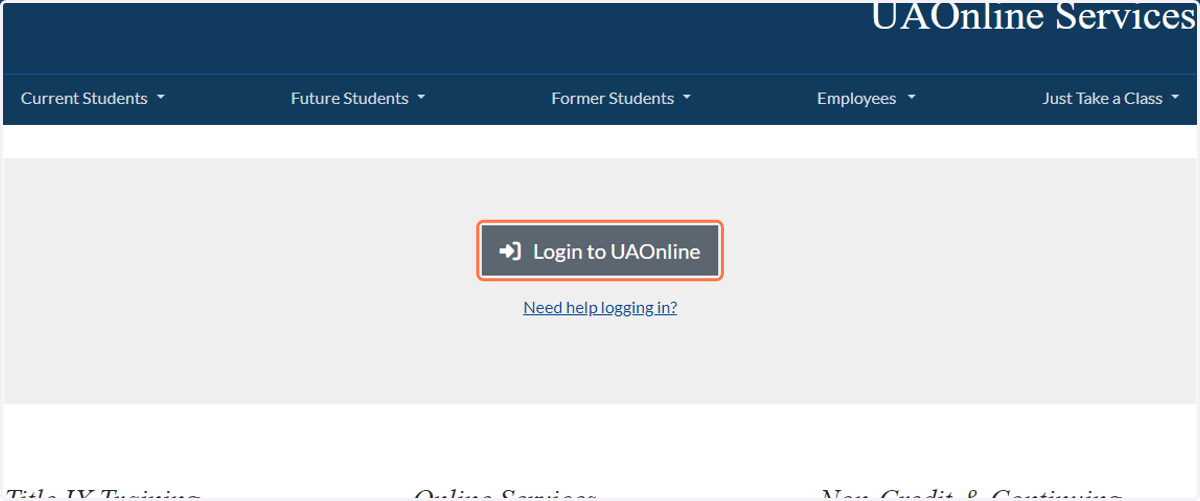
1. Click on Login to UAOnline
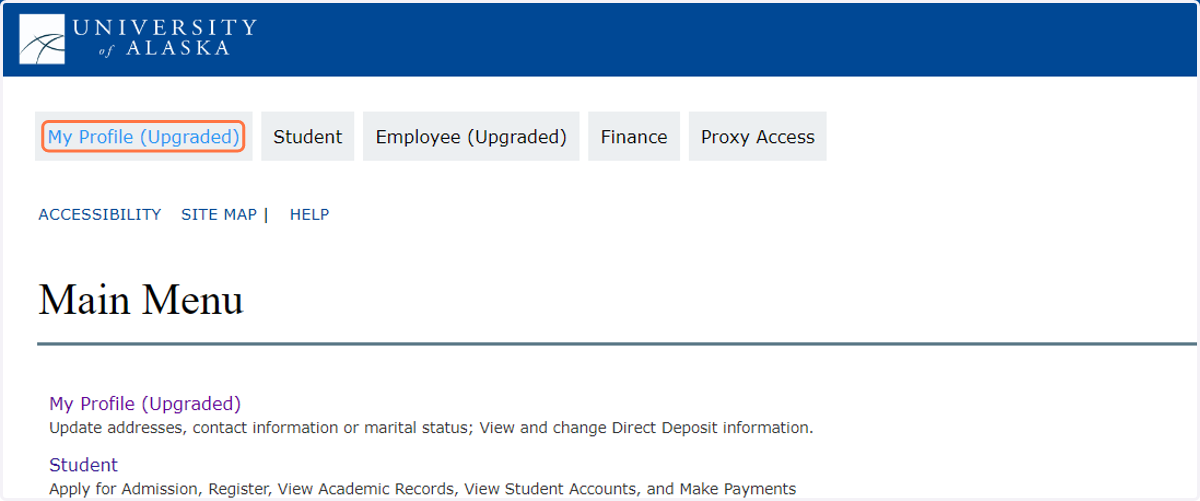
2. Click on My Profile (Upgraded)
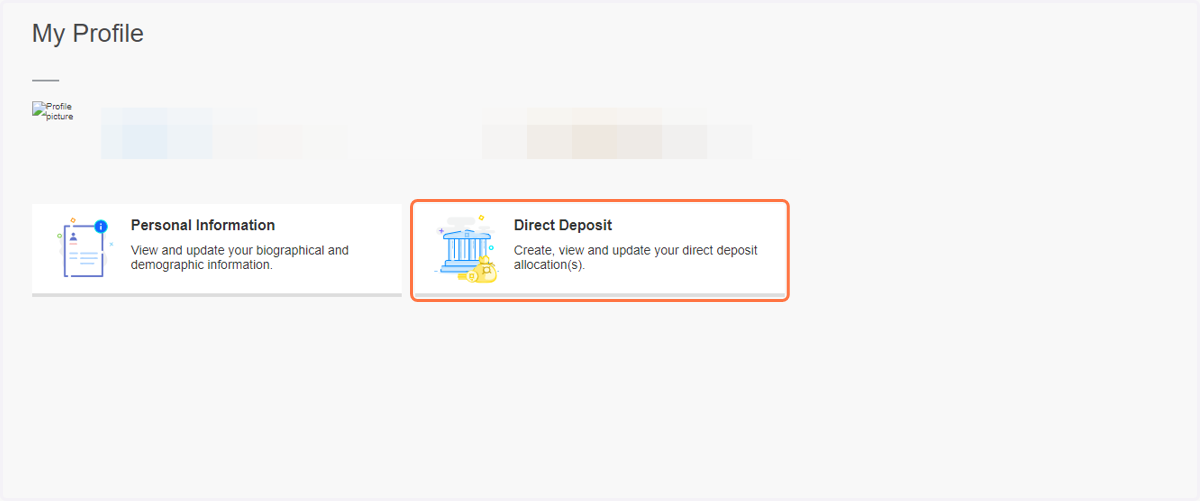
3. Click on Direct Deposit…
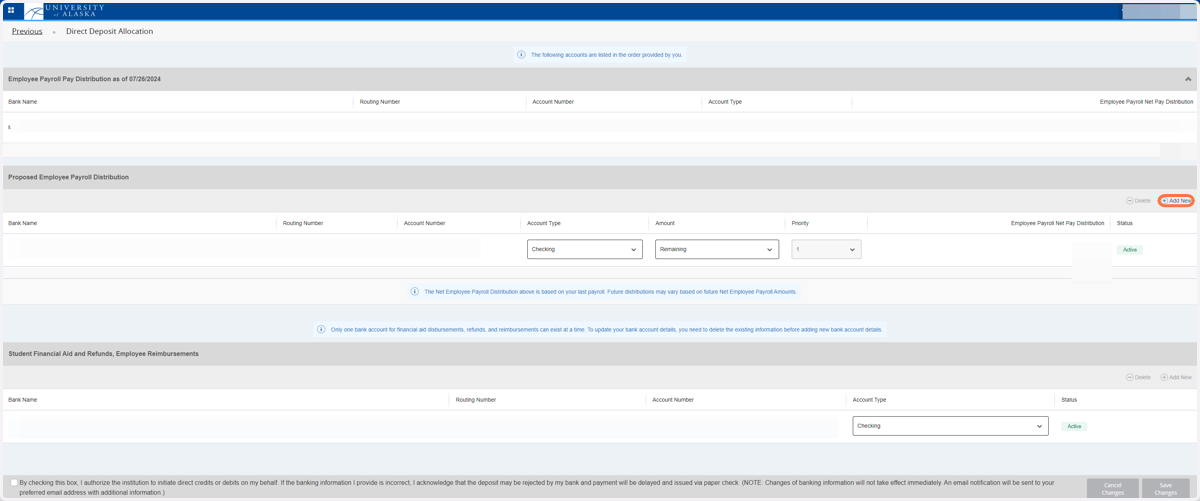
4. Delete the previous contribution going to your Alaska 529 account. To add the new account information, on the far right side of the Proposed Employee Payroll Distribution Click on "Add New"
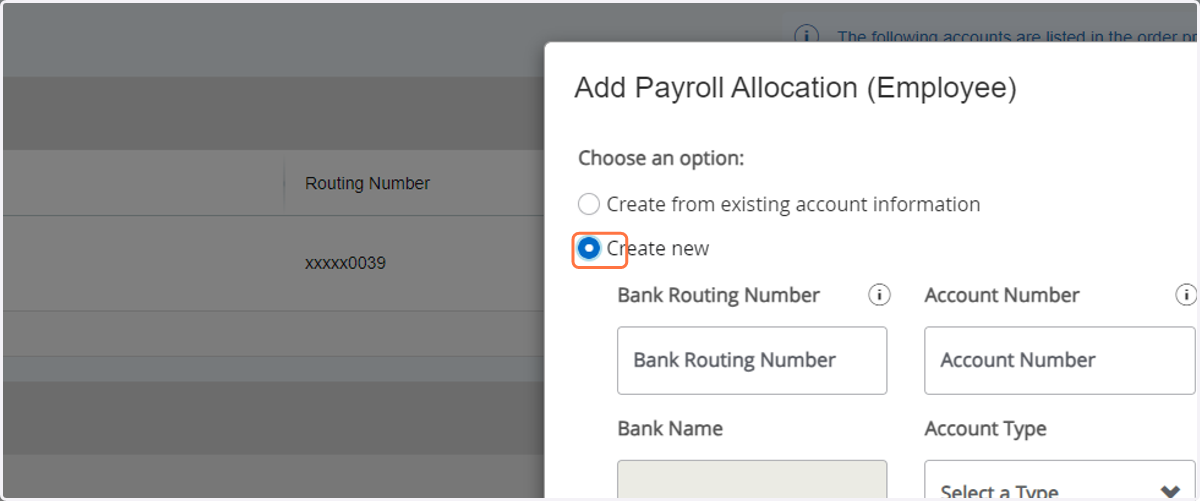
5. Select Create new and add the routing number and account number you recieved in the mail.
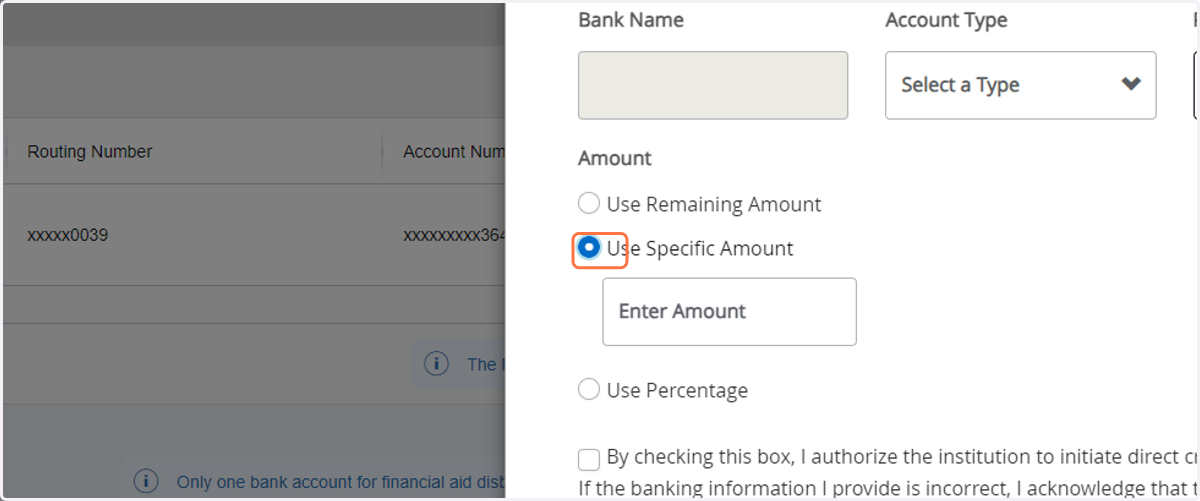
6. Select Use Remaining Amount, Use Specific Amount or Use Percentage
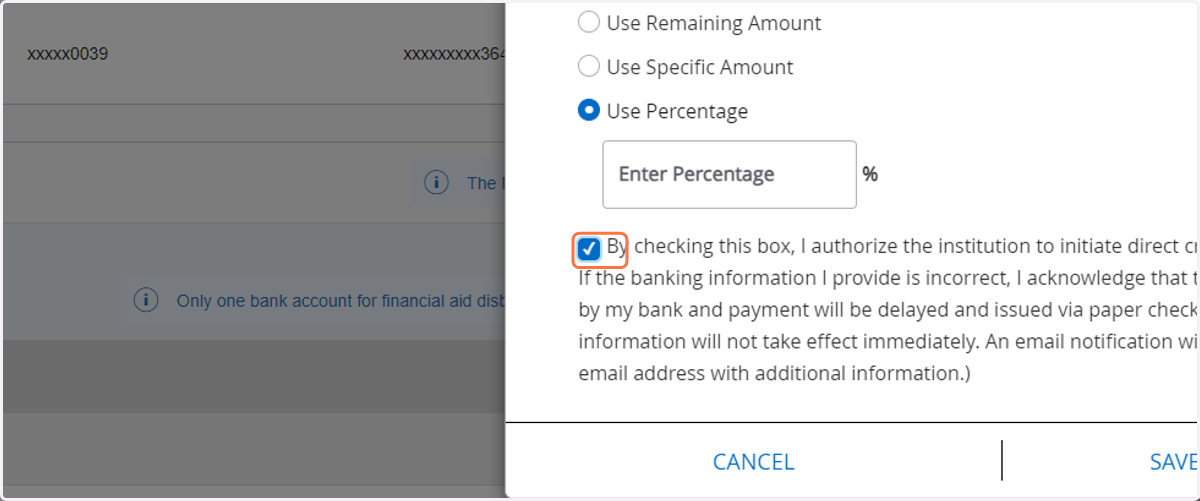
7. Check Disclaimer Checkbox
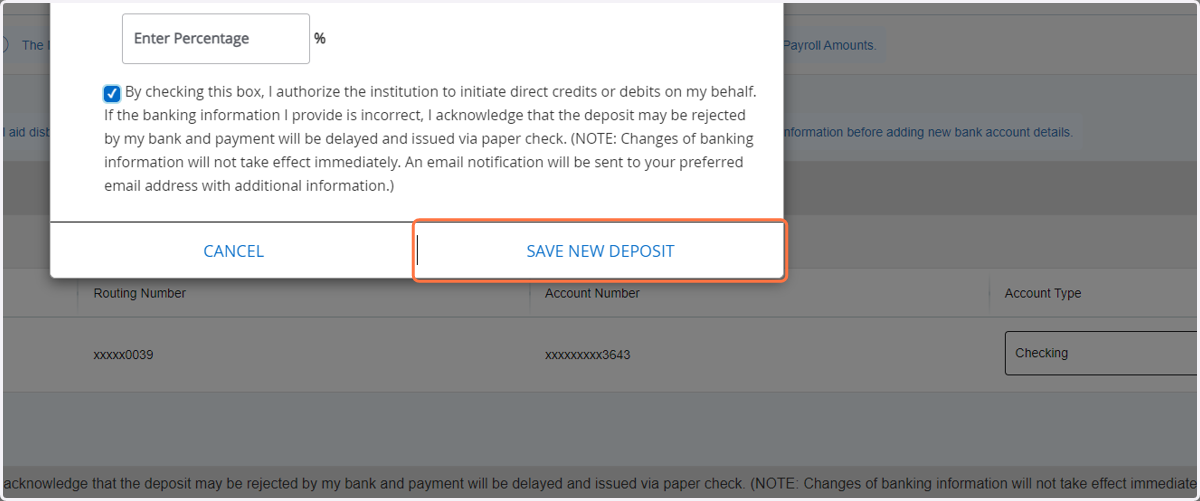
8. Click on SAVE NEW DEPOSIT
9. Click on Close