Assigning the TEROS ONE to rooms and zones
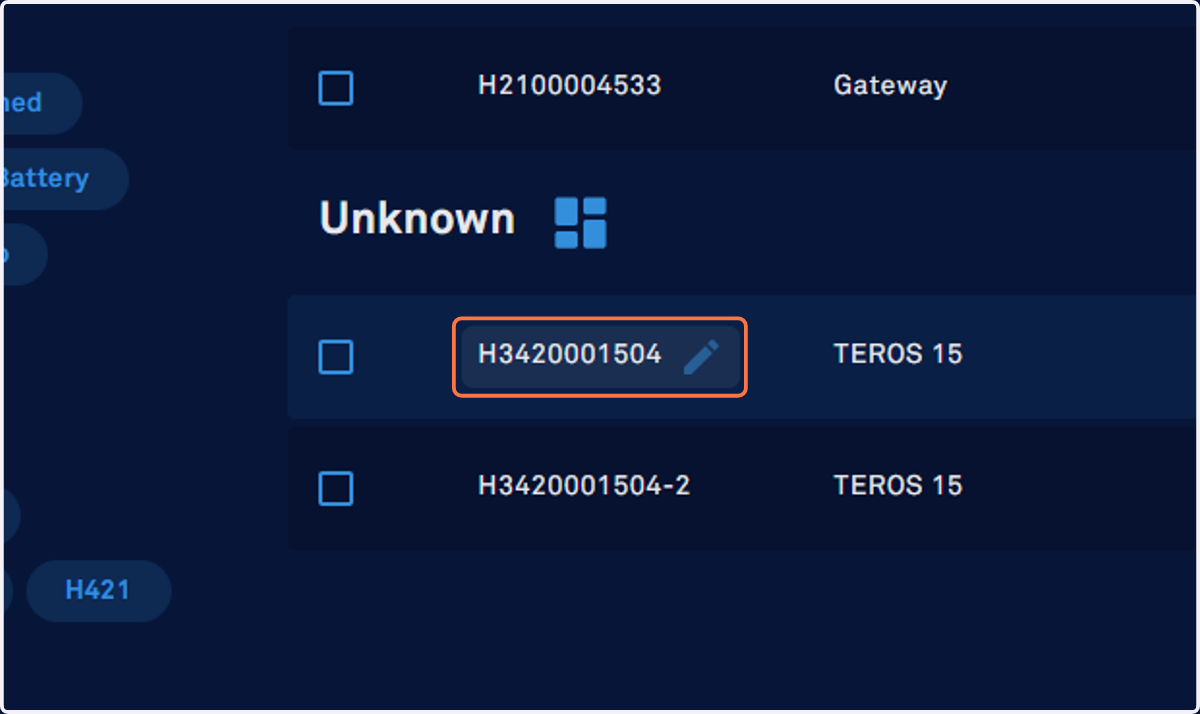
1. Click on the Serial Number of the TEROS ONE H342
2. Click on Choose room *

3. Pick the room that the TEROS ONE will be installed in

4. Click on Choose zone *
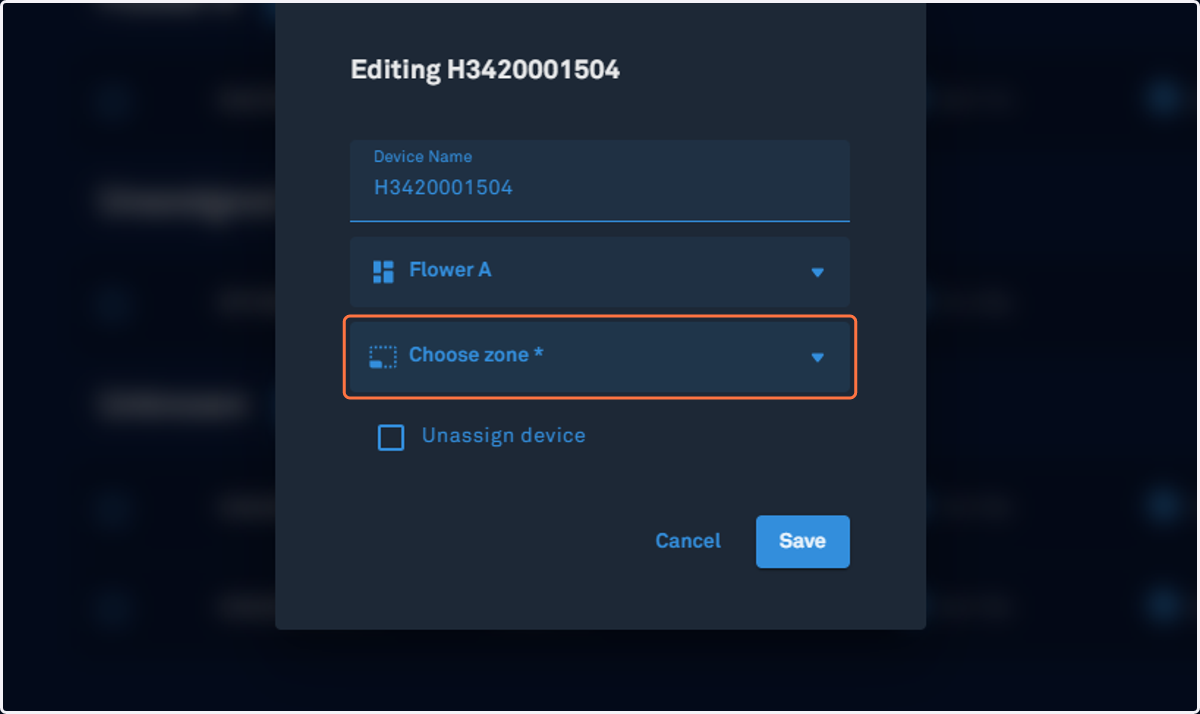
5. Choose the Zone that the TEROS ONE will be installed in

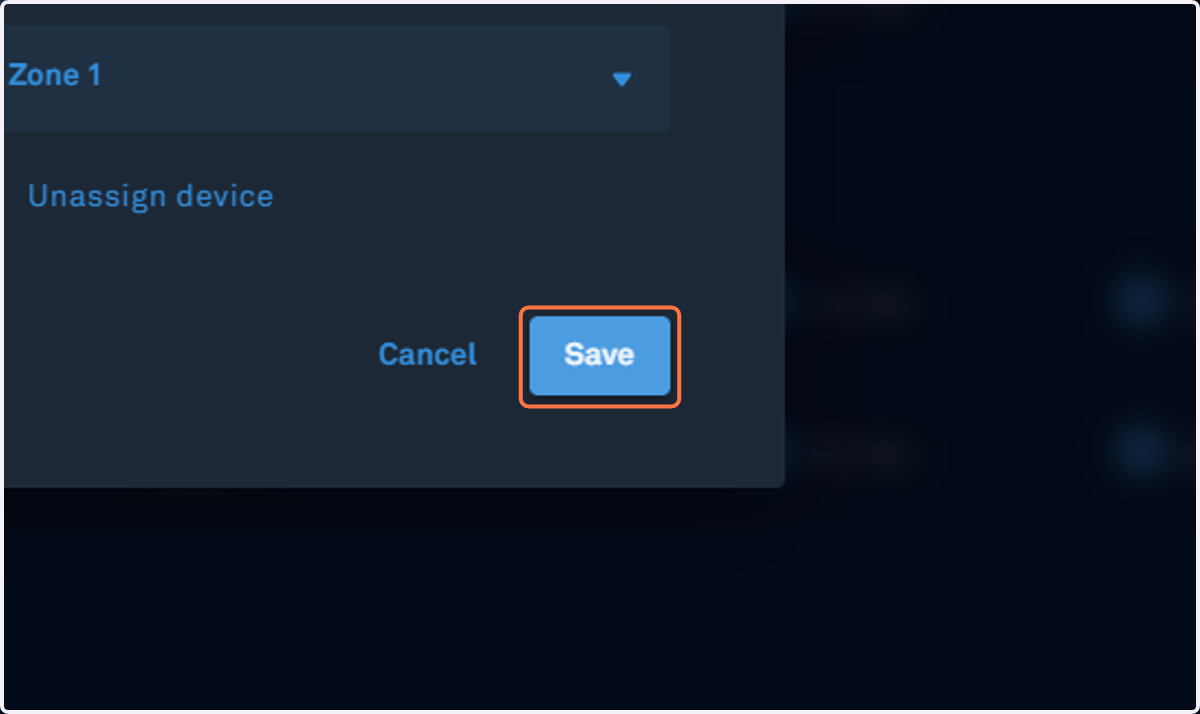
6. Click on Save
7. Assign the second TEROS ONE: Click on the Serial Number H342000-2

8. Click on Choose room *

9. Pick the room that the Second TEROS ONE will be installed in

10. Click on Choose zone *

11. Choose the Zone that the Second TEROS ONE will be installed in

12. Click on Save

13. To Unassign a device, Click on the Serial Number and choose Unnassign

14. Click on Save
