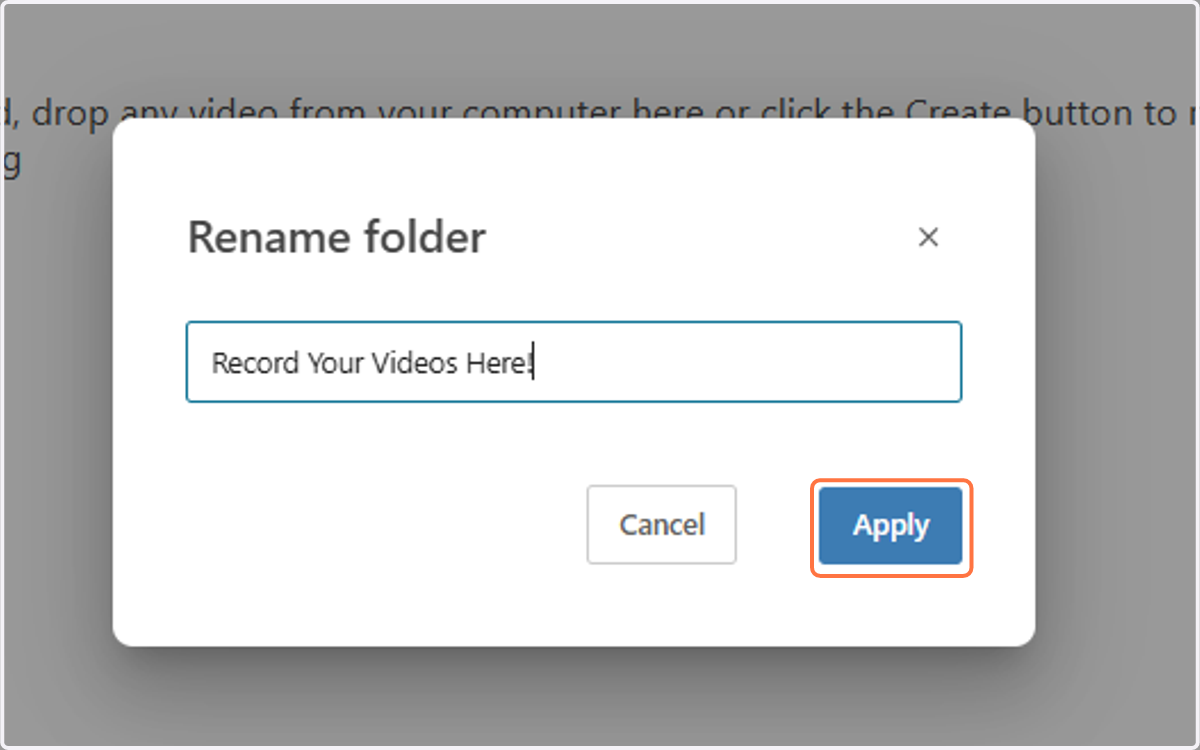
Setting Up the Student Recording Option for Assignments
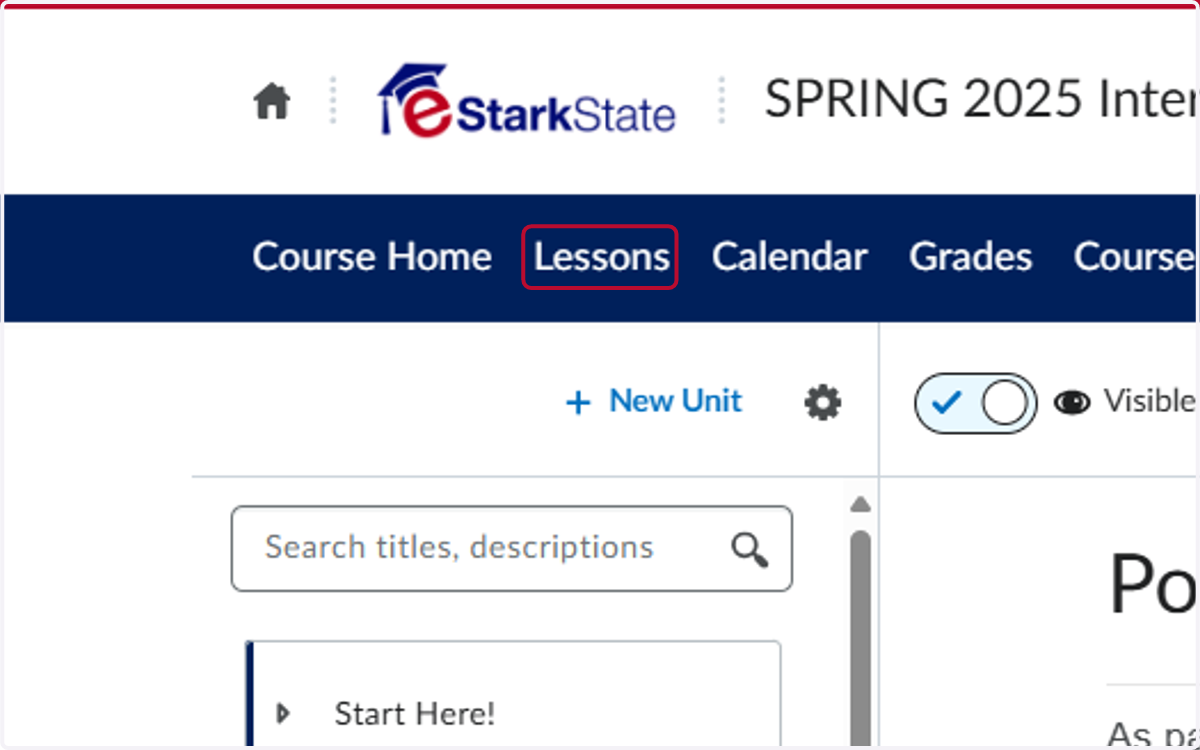
1. Click on Lessons
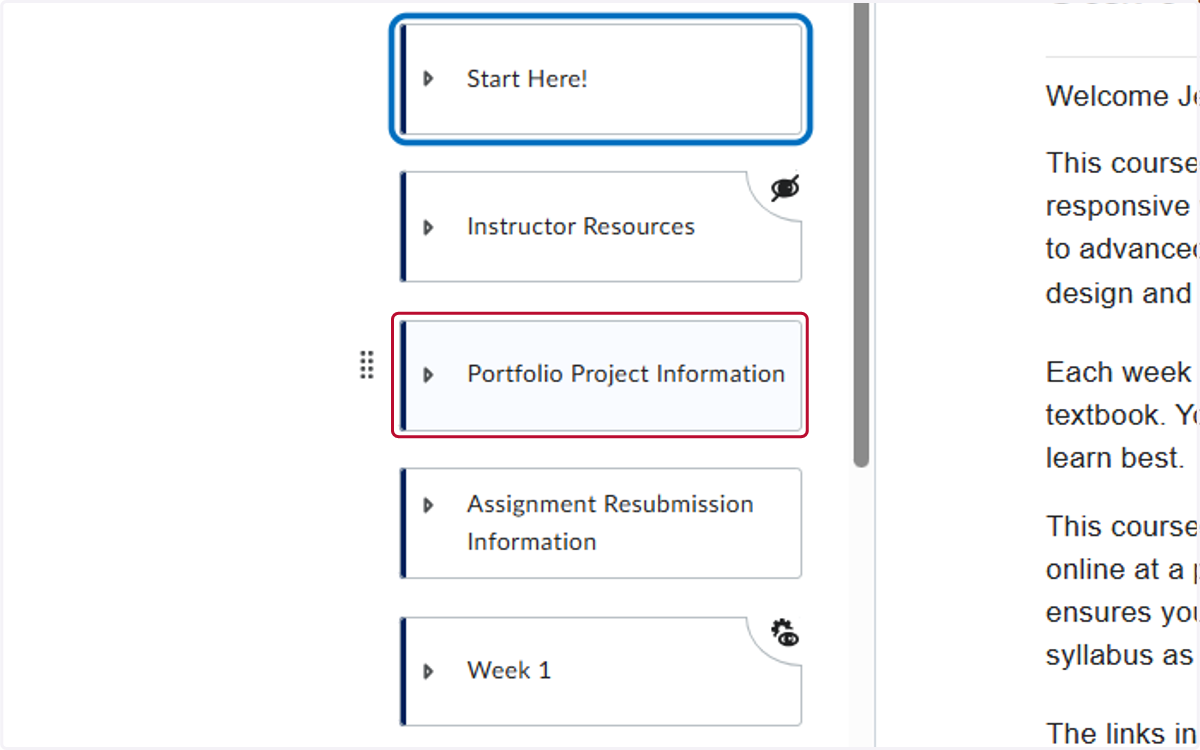
2. Click on the folder you want to add the Video Recording Software to
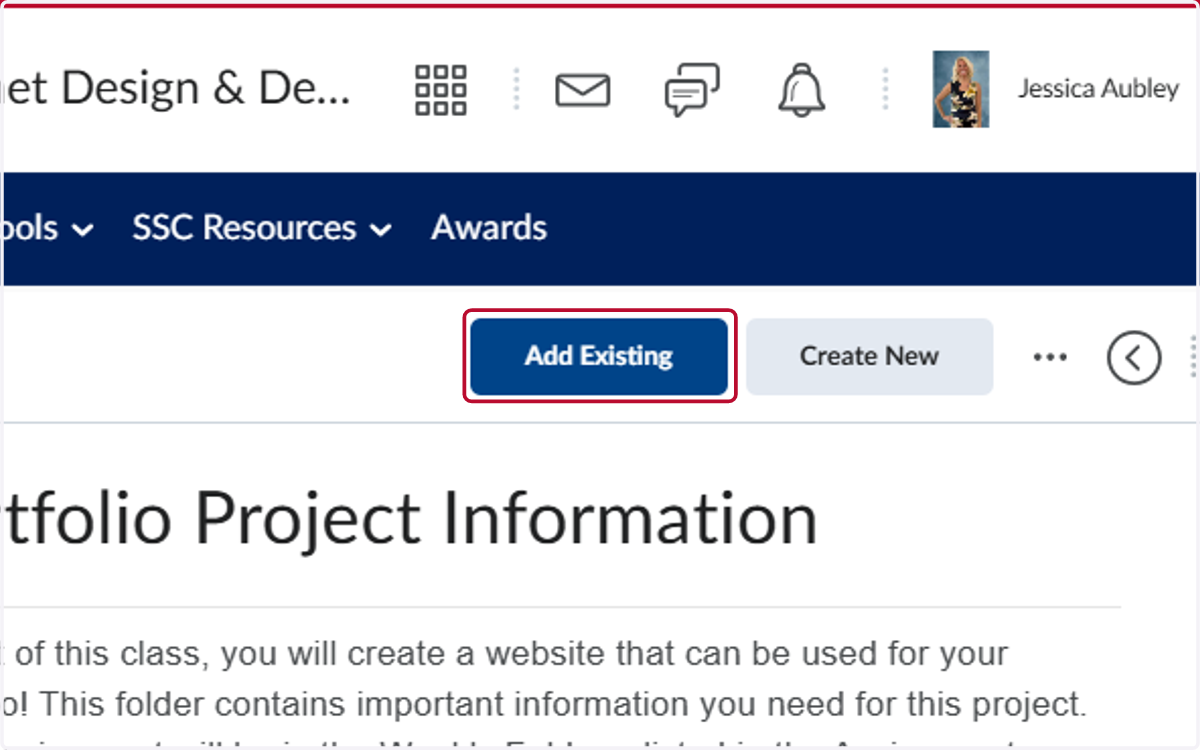
3. Click on Add Existing
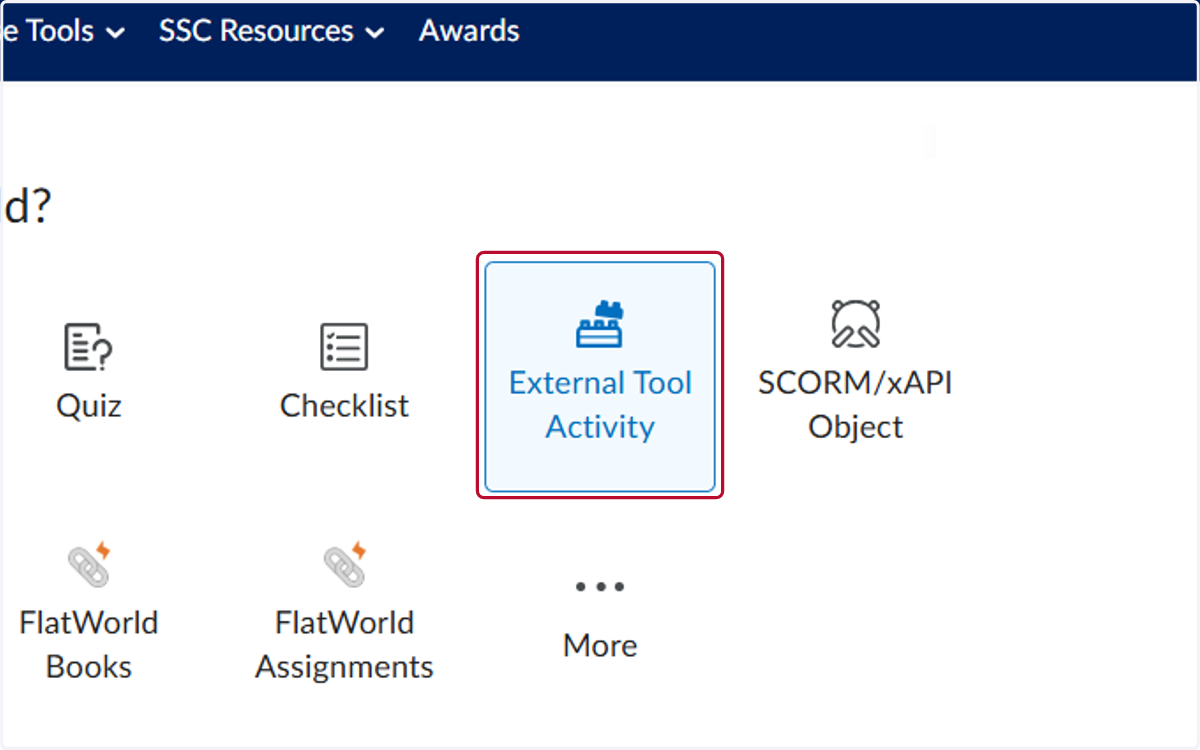
4. Click on External Tool Activity
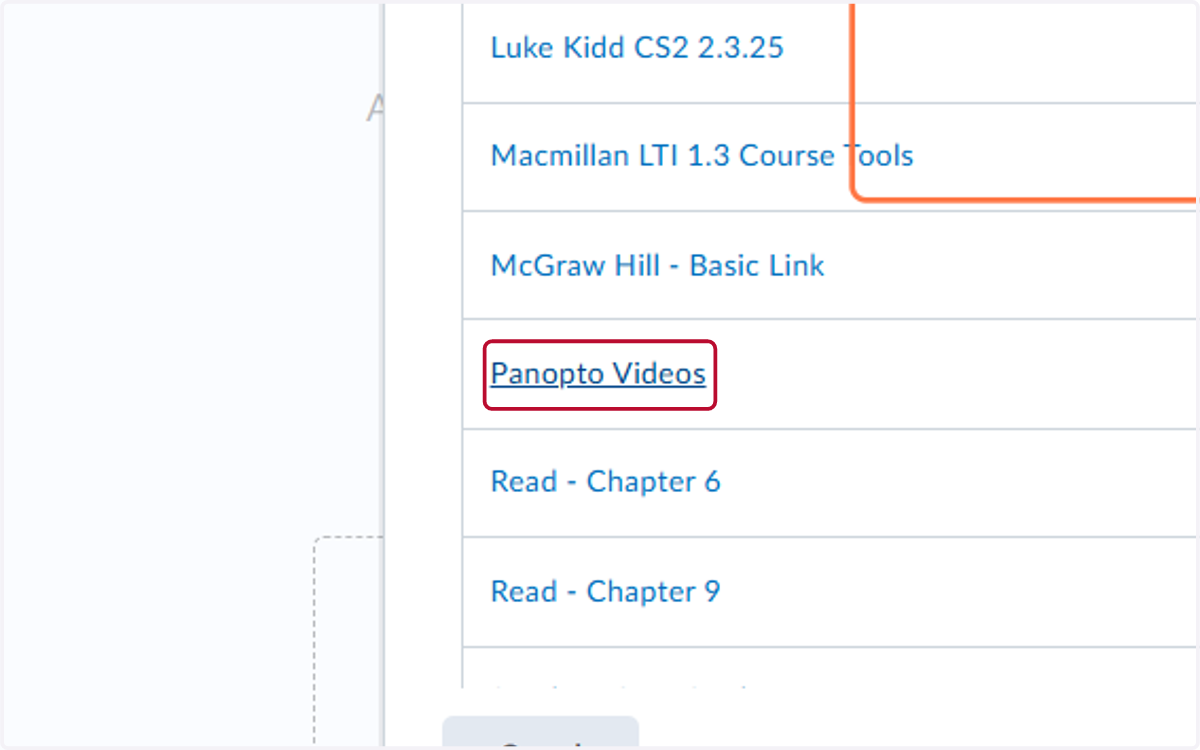
5. Click on Panopto Videos
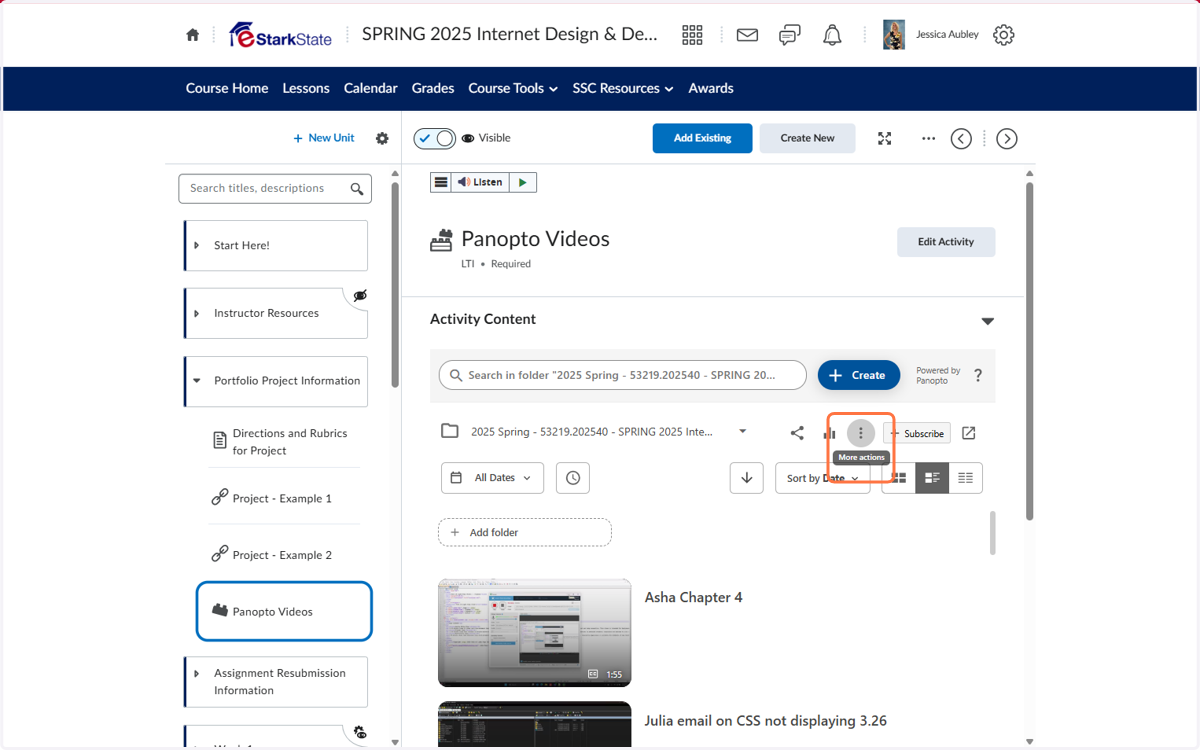
6. Click on More actions
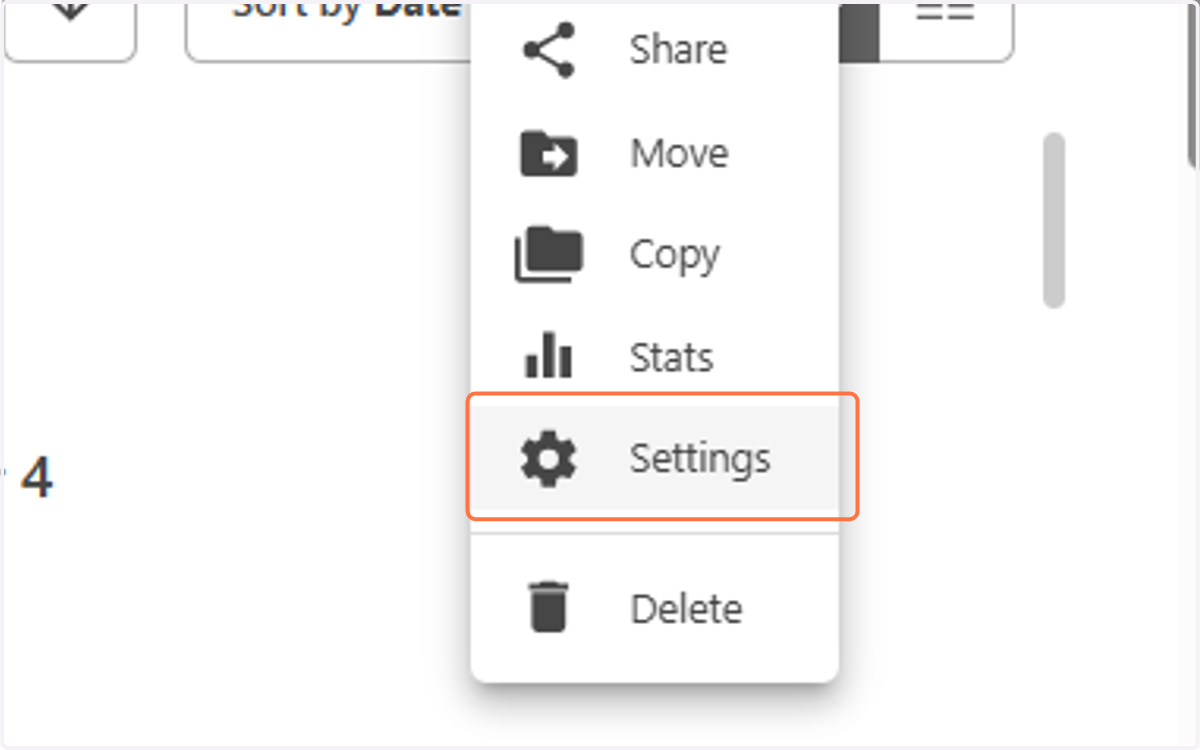
7. Click on Settings
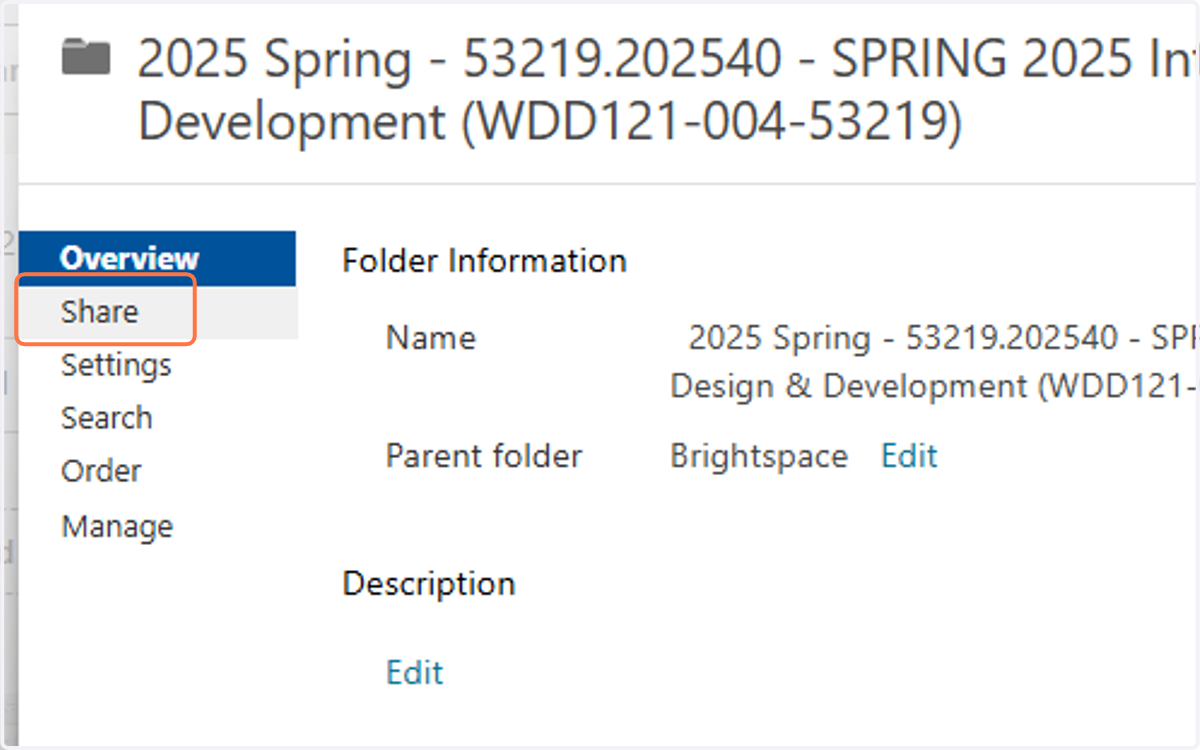
8. Click on Share
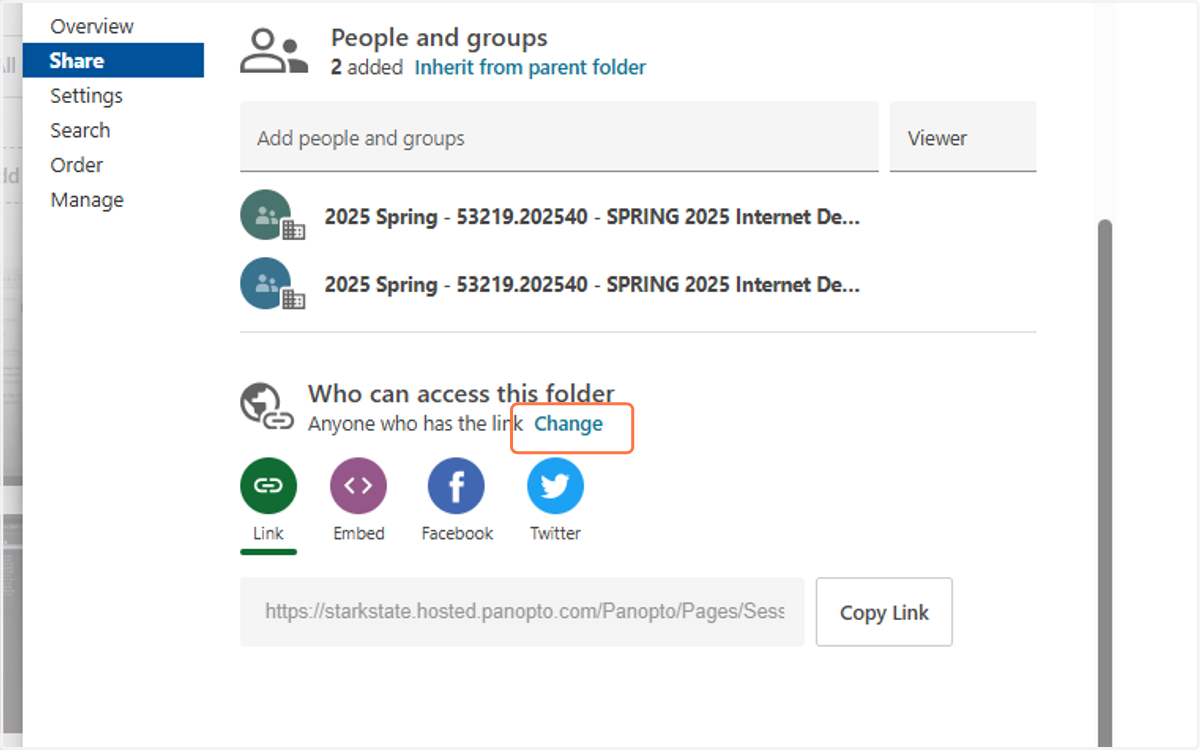
9. Click on Change
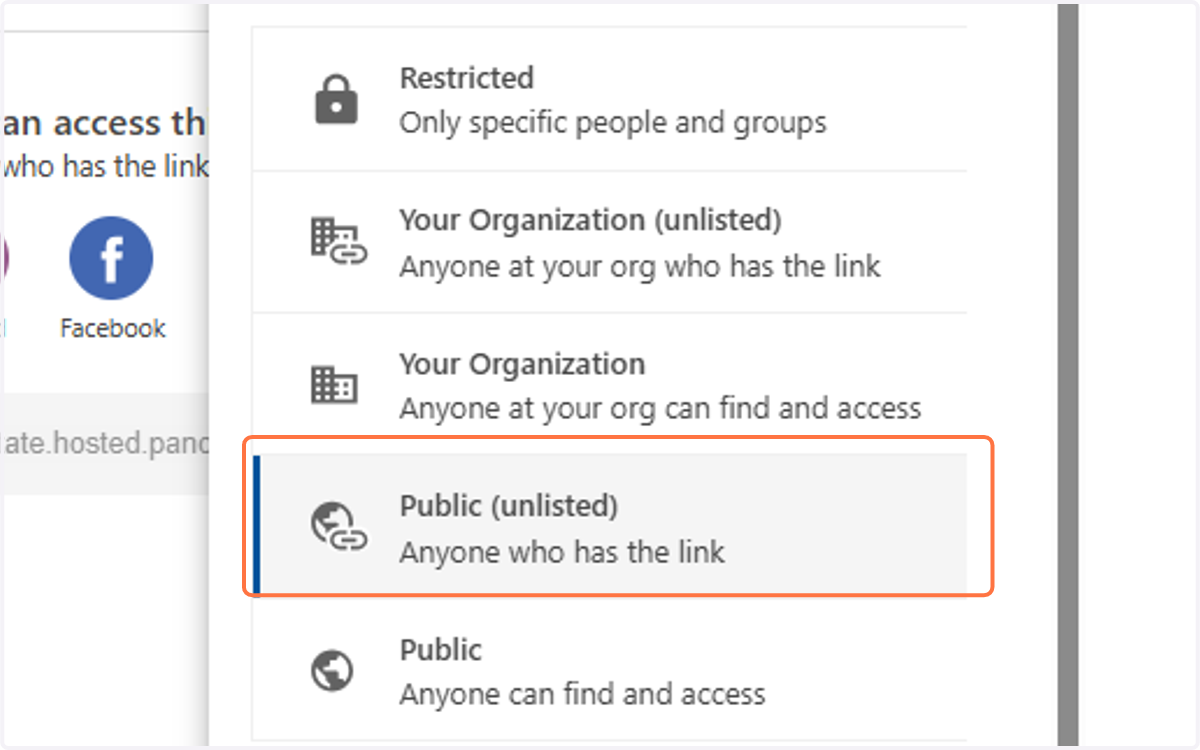
10. Click on Public (unlisted)…
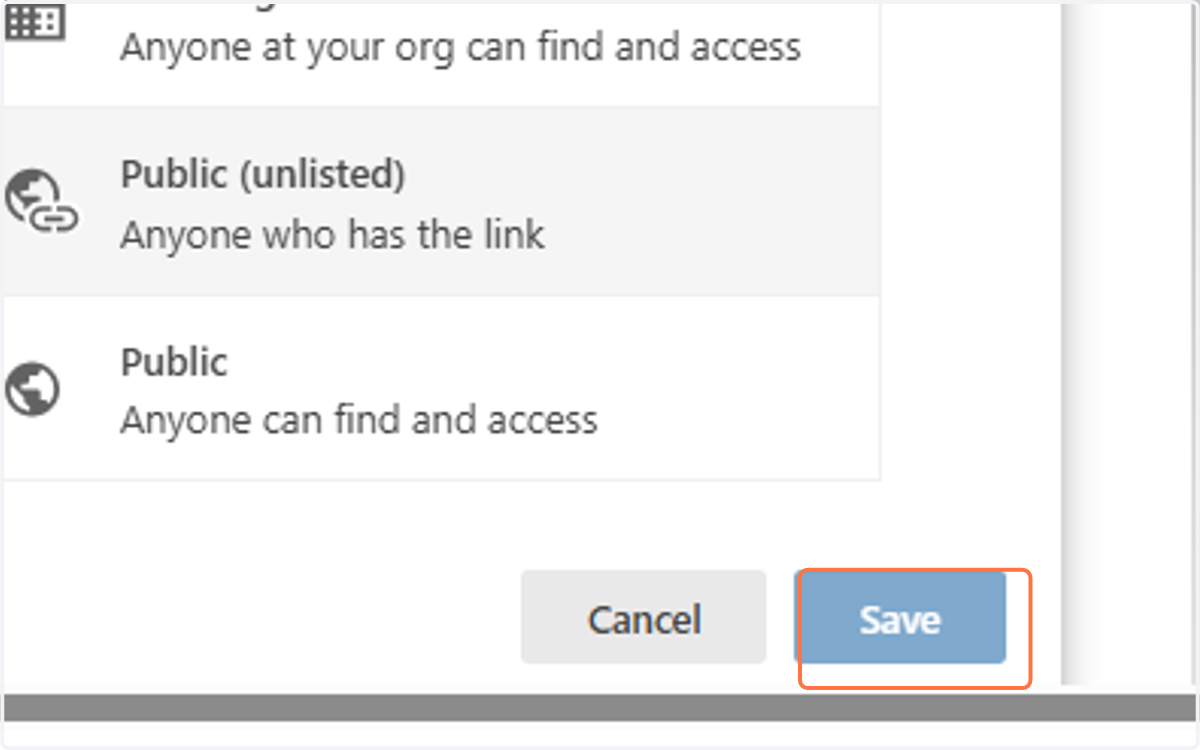
11. Click on Save
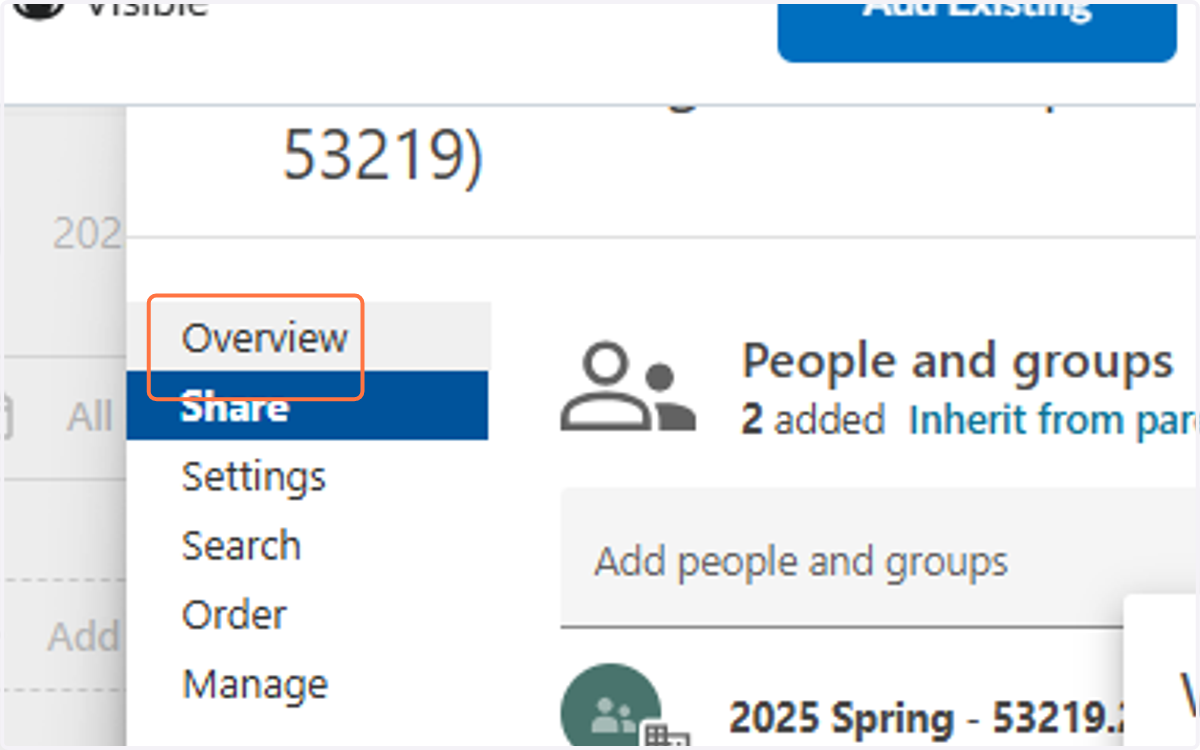
12. Click on Overview
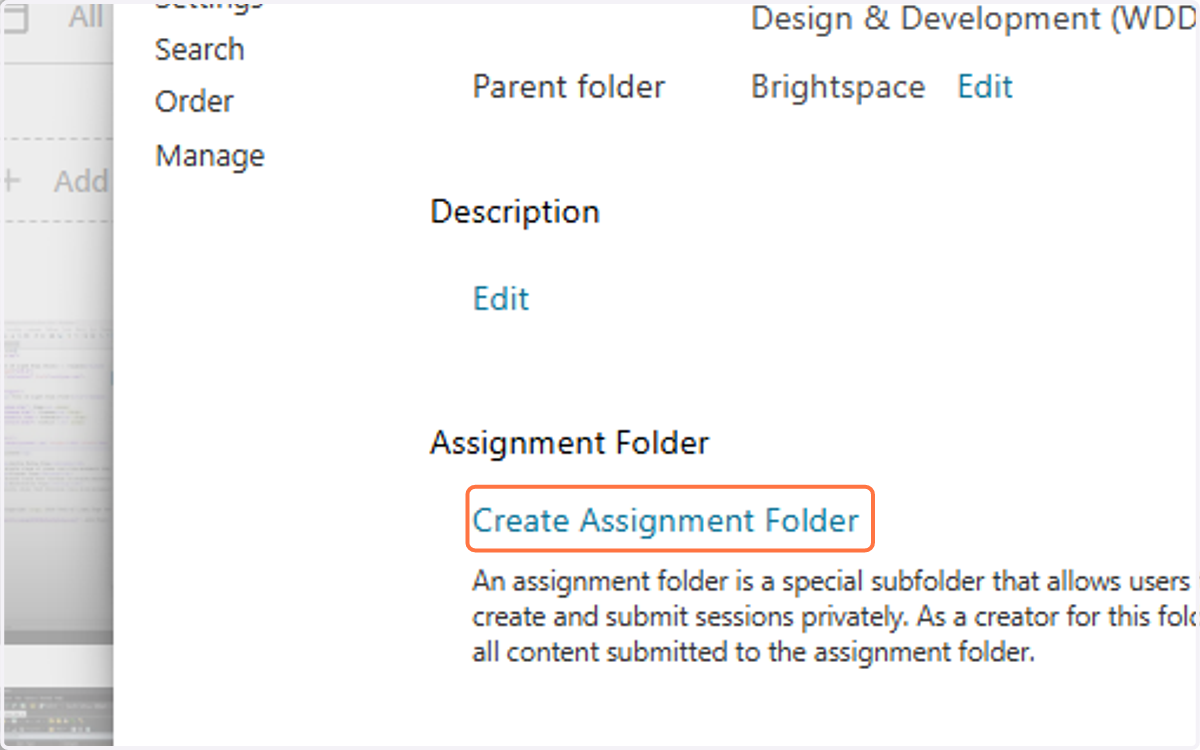
13. Click on Create Assignment Folder
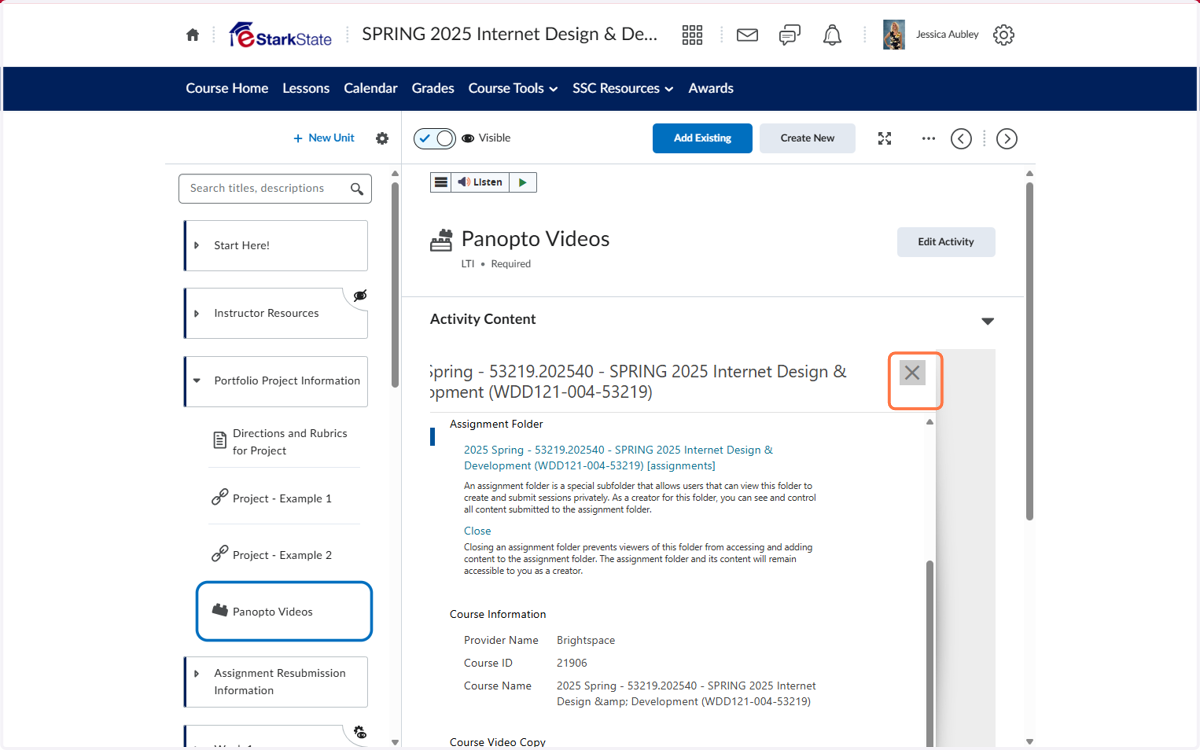
14. Click on close
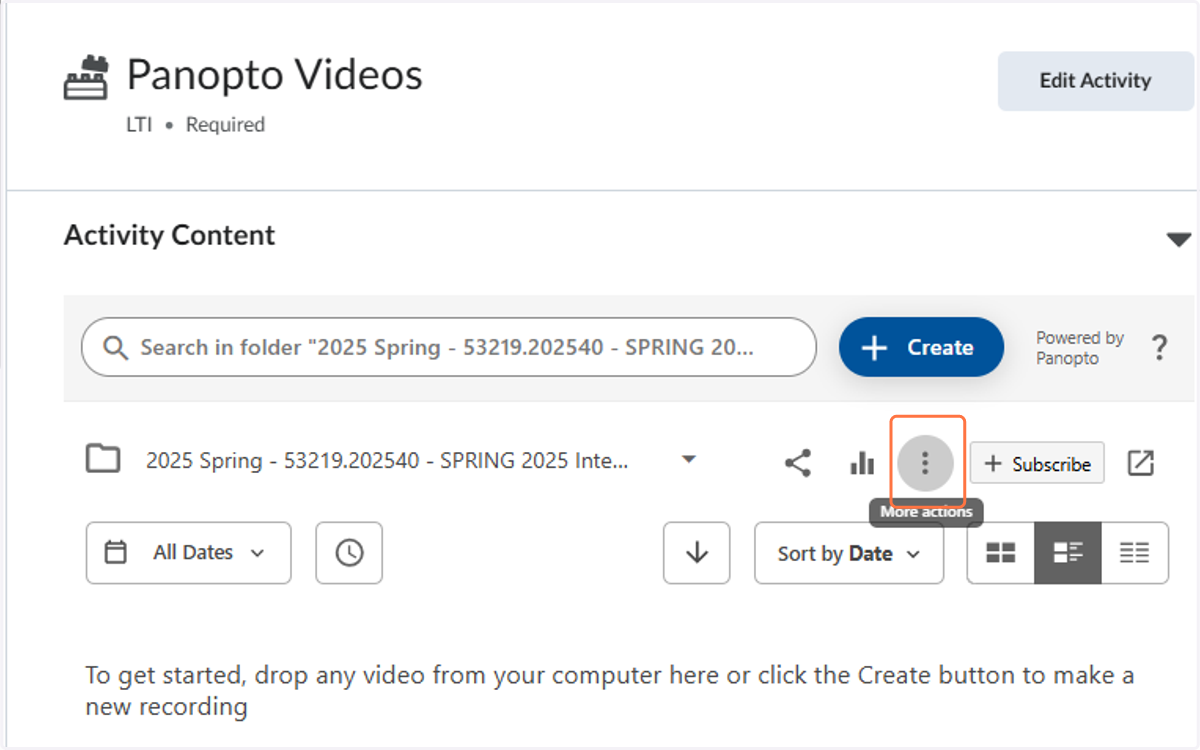
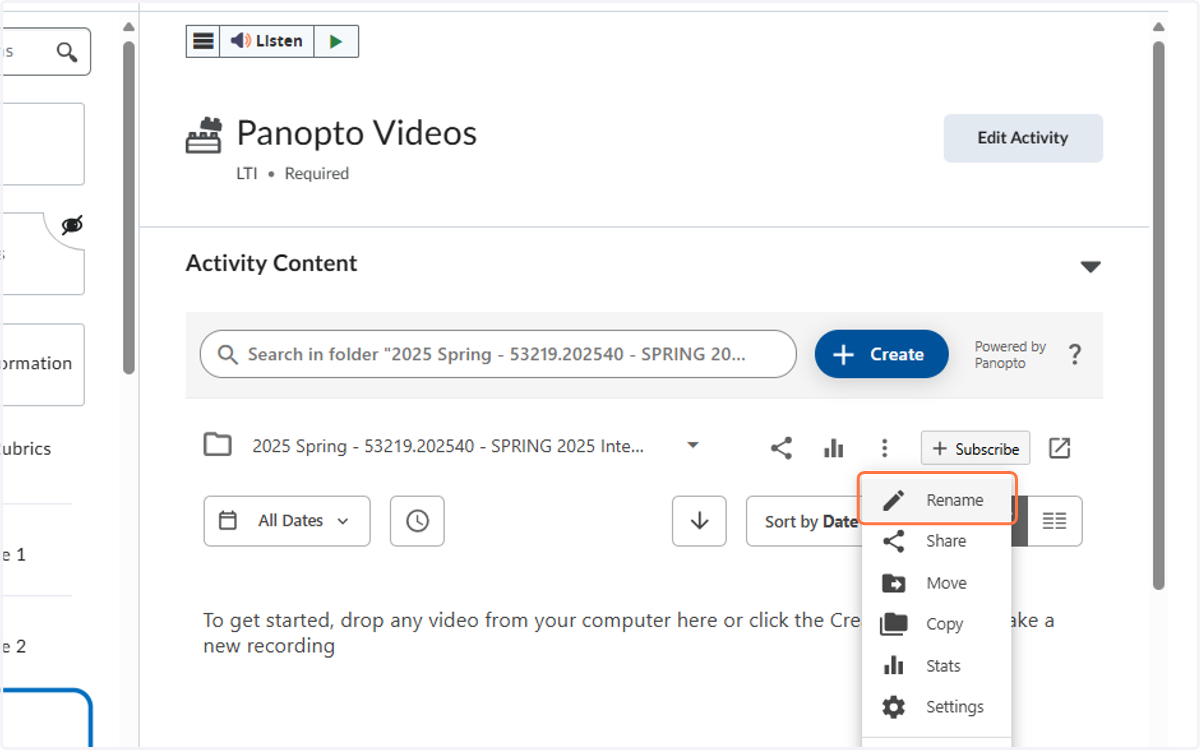
15. Click on More actions
16. Click on Rename
17. Rename the folder to something students will understand
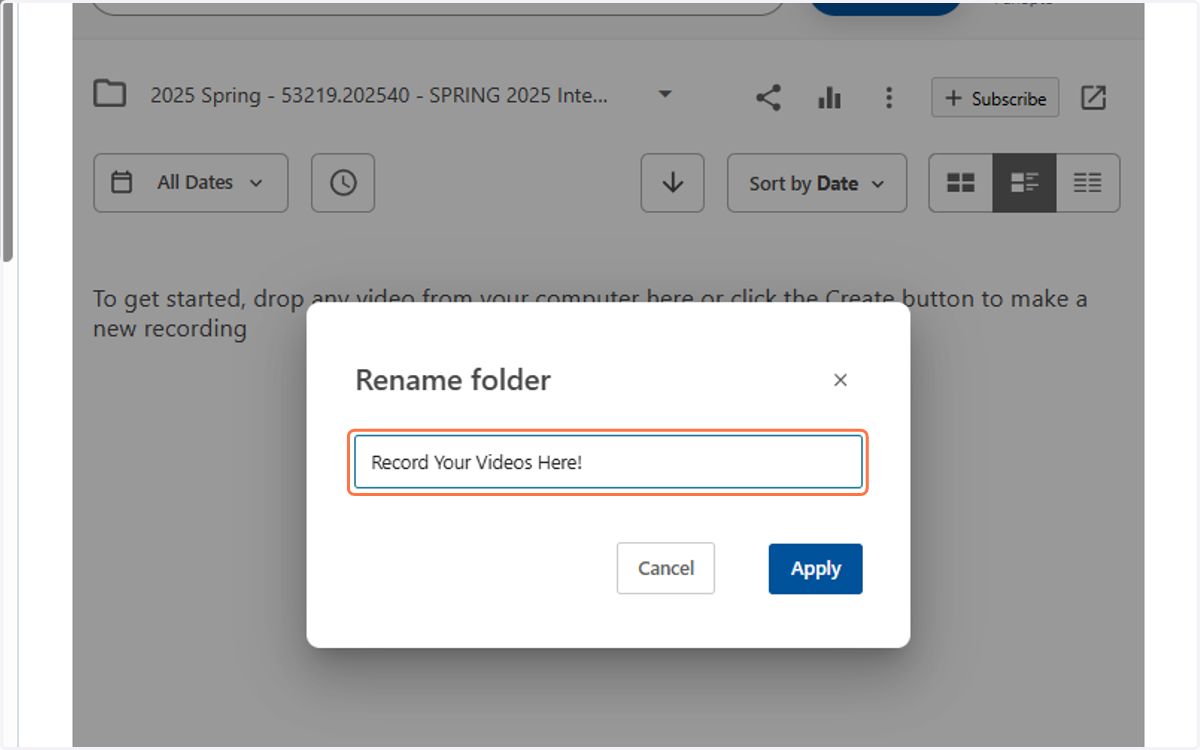
18. Click on Apply