Setting Up 2-Step Verification for Increased Security - Microsoft Account
Navigate to the Microsoft Account Security Page
Click the open button to the right of this text.
1. Click on Registered security info
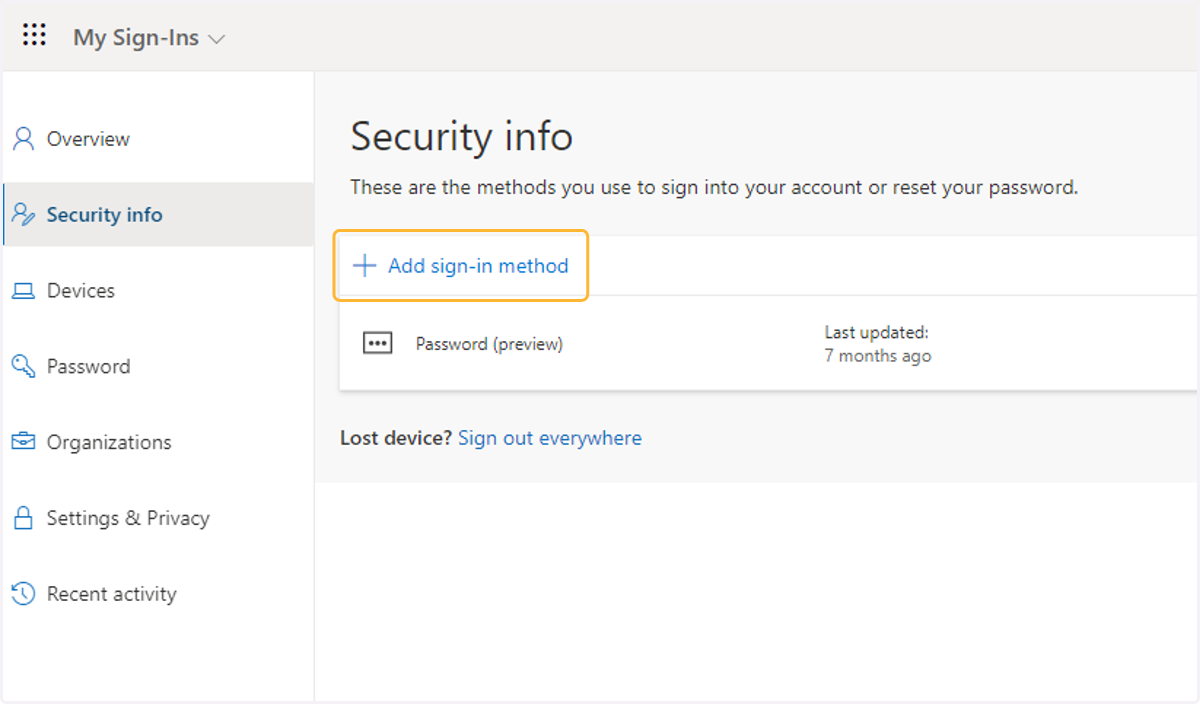
2. Click on Authentication method options
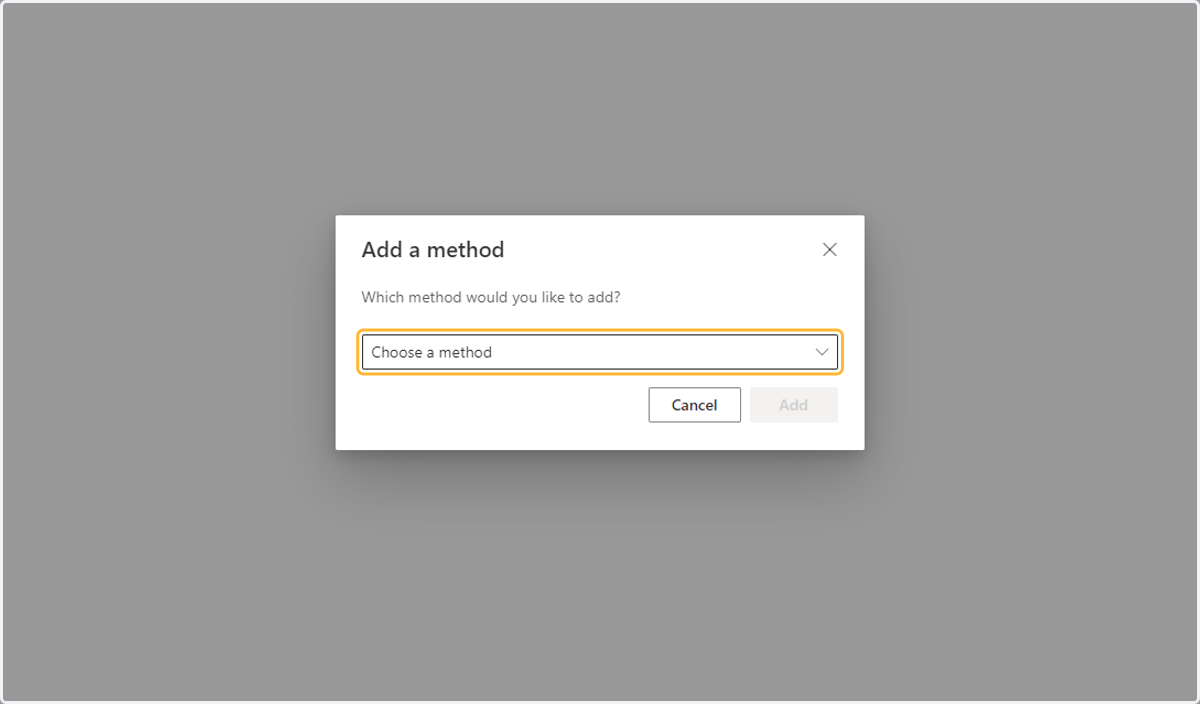
3. Click on Phone
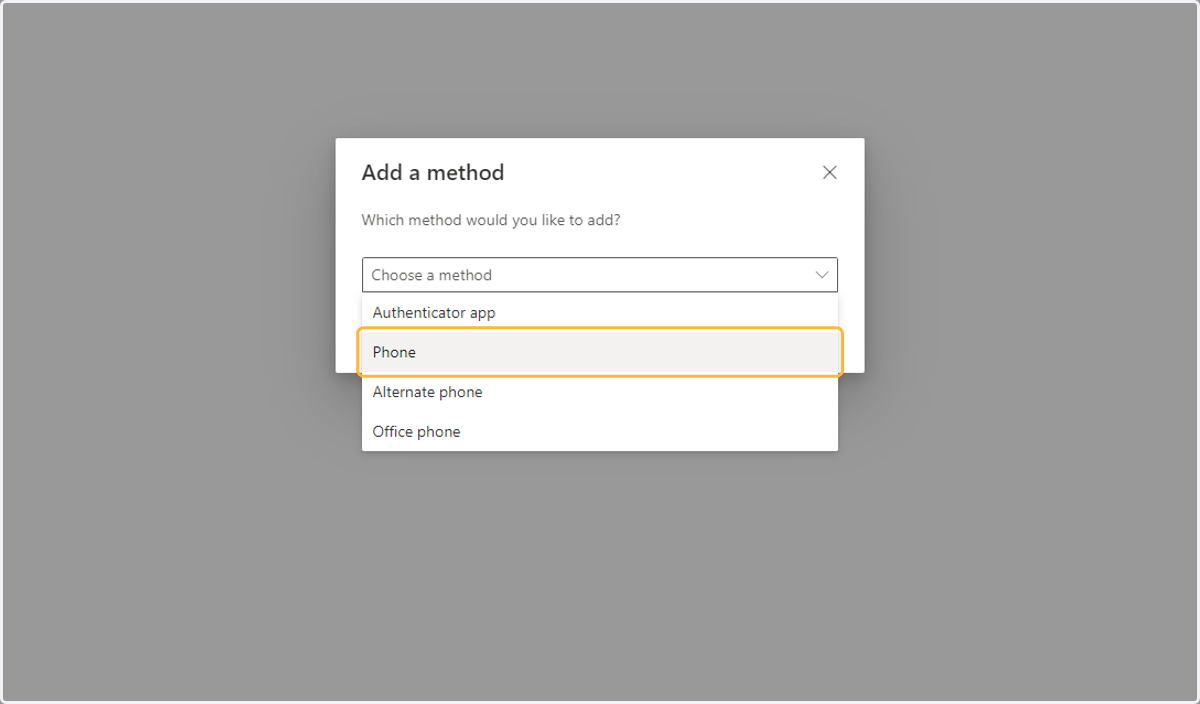
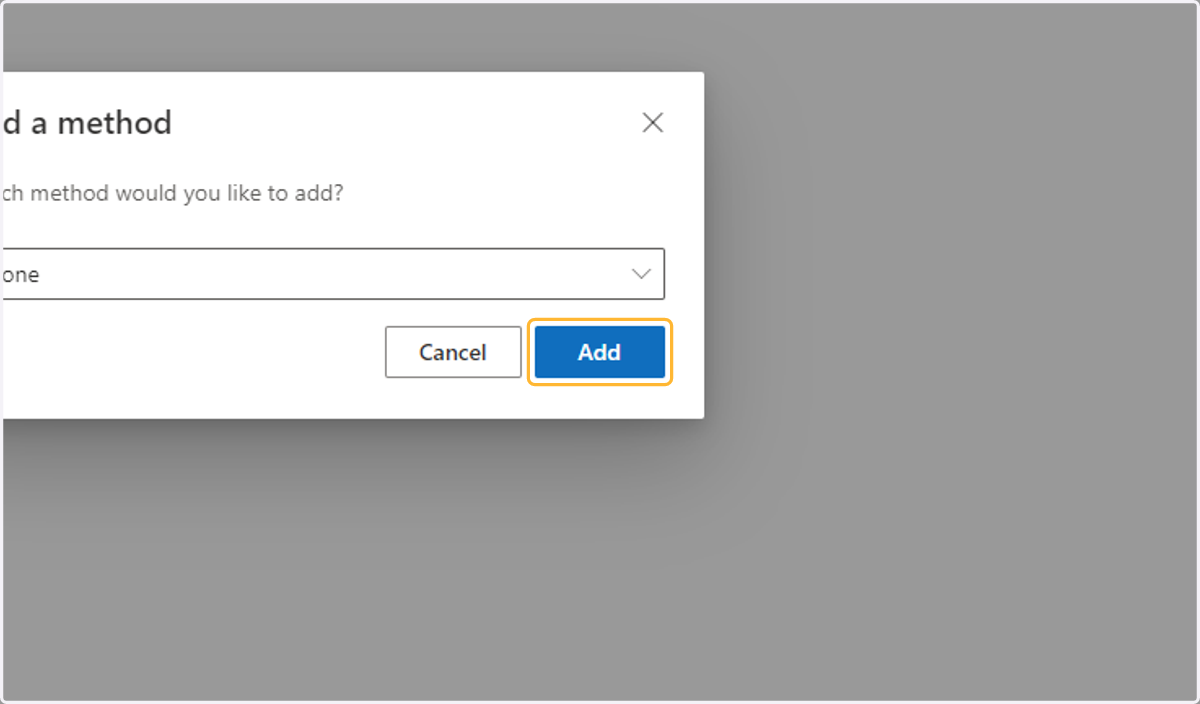
4. Click on Add
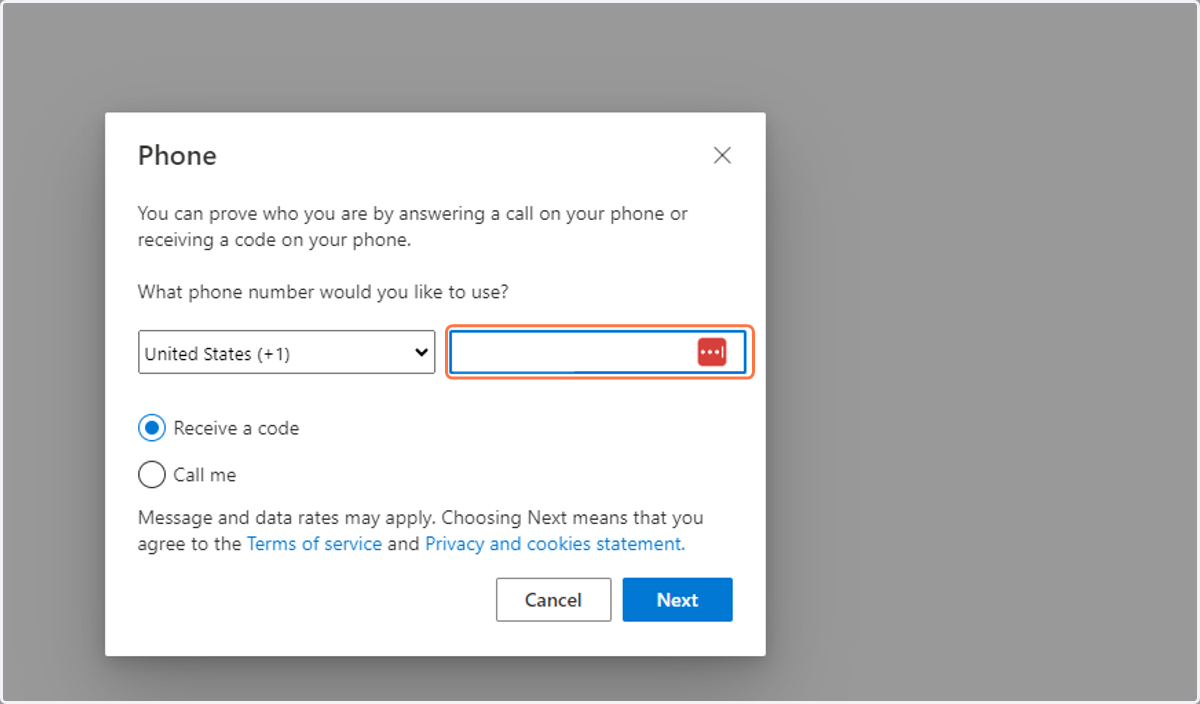
5. Type in your phone number.
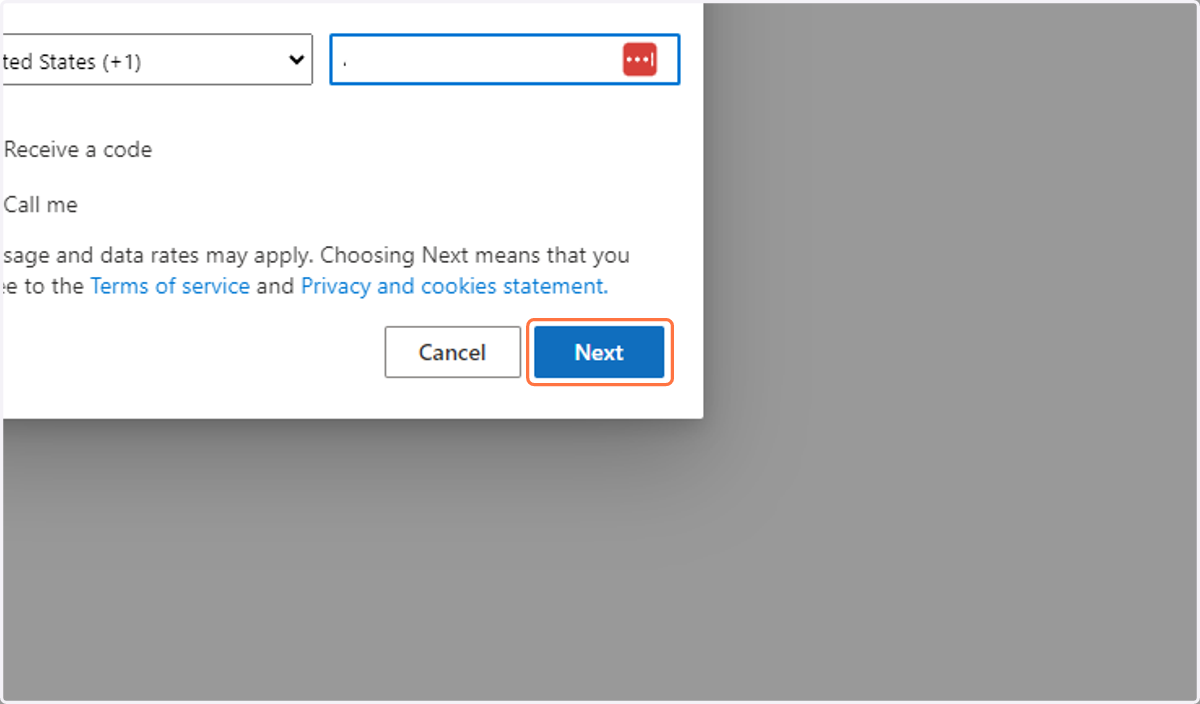
6. Click on Next
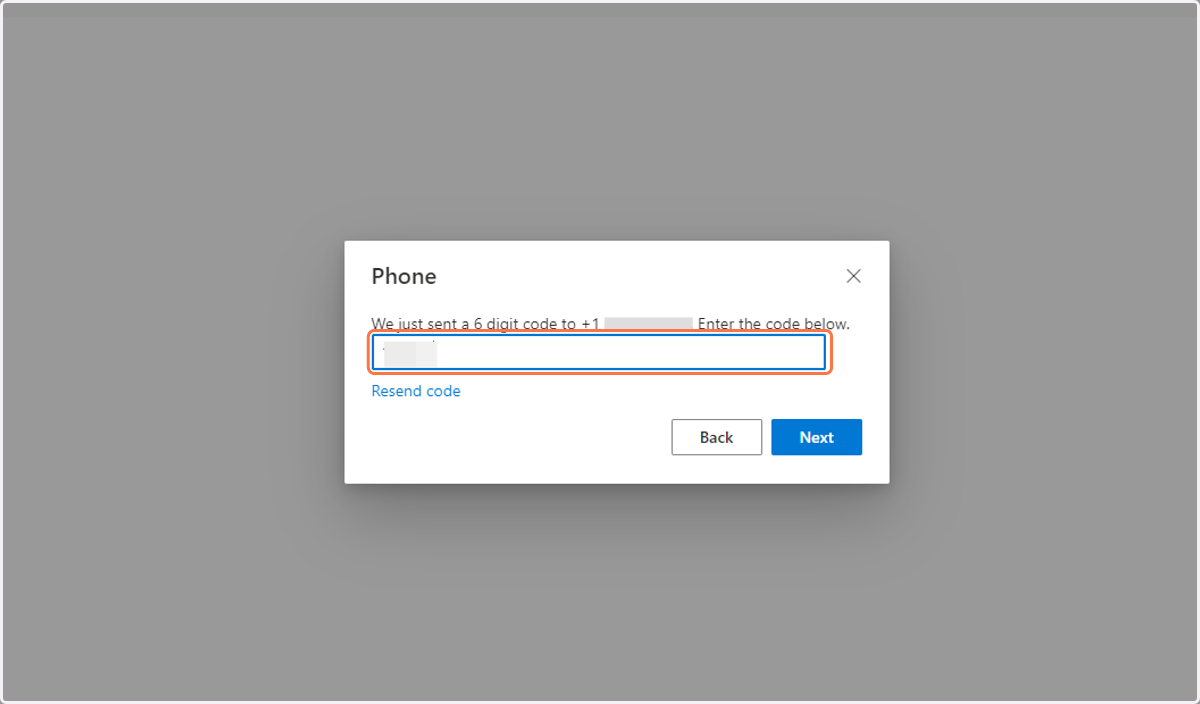
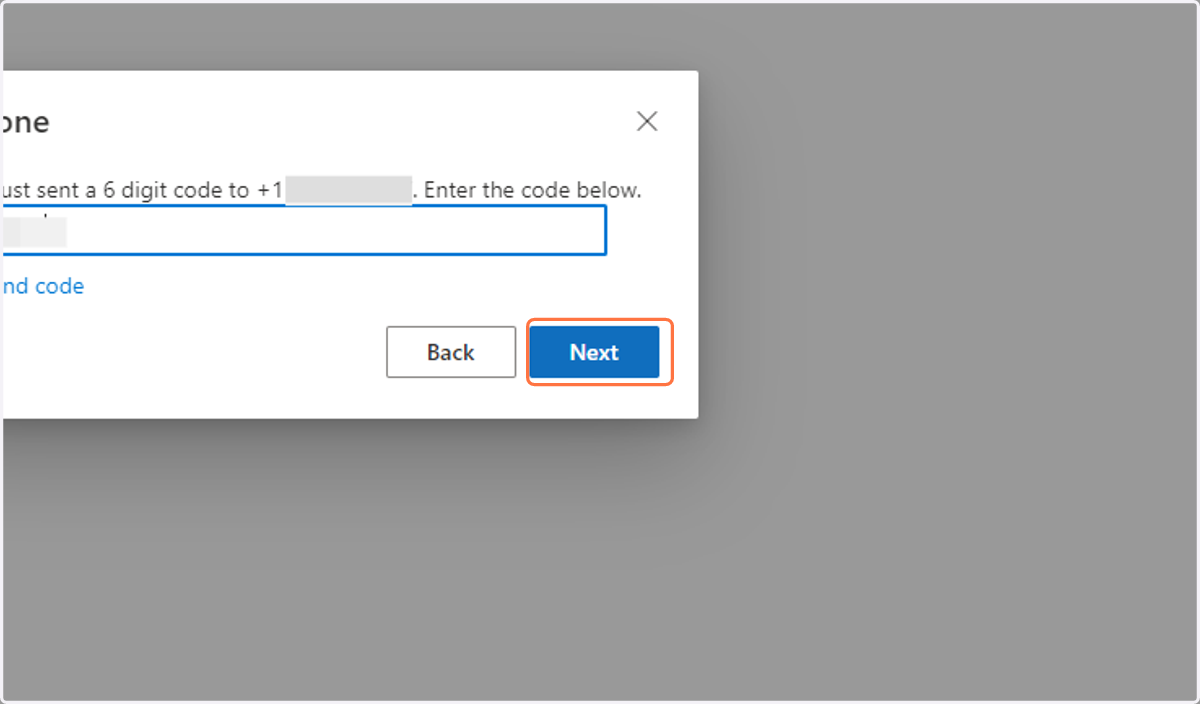
7. Type in the code texted to your phone
8. Click on Next
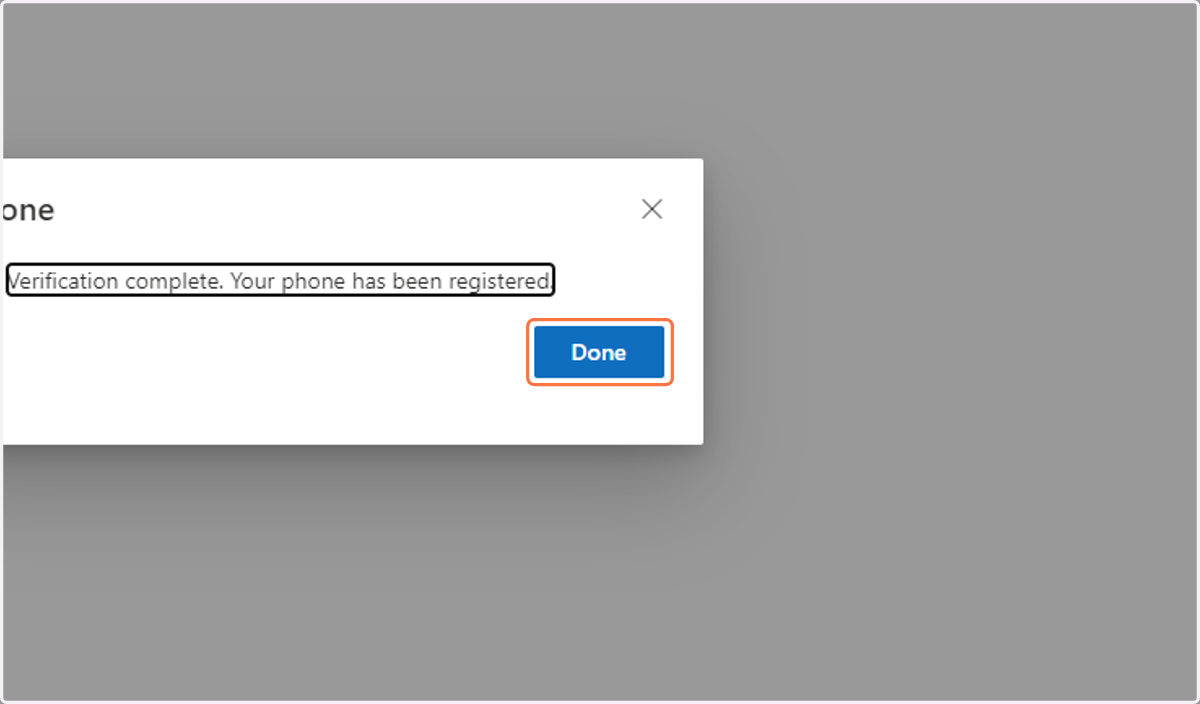
9. Click on Done