Setting Up 2-Step Verification for Increased Security - Google Account
Google 2-Step Verification
1. Click on Get started

2. Click on CONTINUE
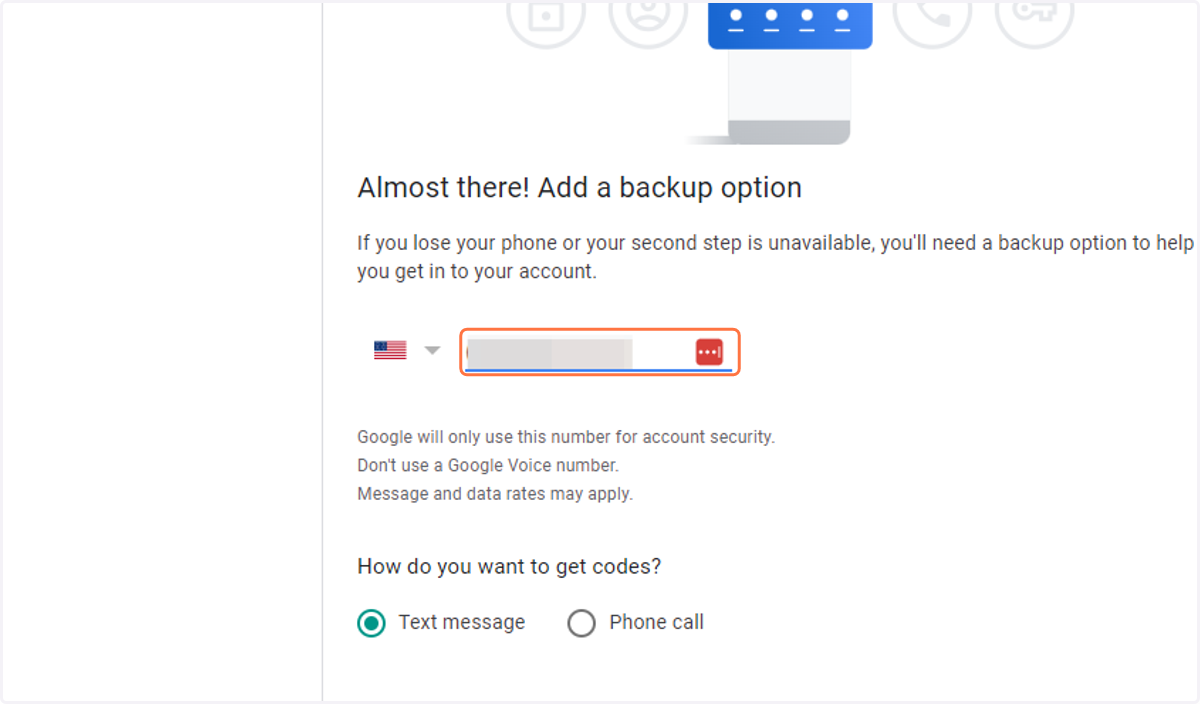
3. Type in your phone number
4. Click on SEND
5. Type the code sent to your phone
Type in the whole thing starting with the letter G

6. Click on NEXT
7. Click on TURN ON