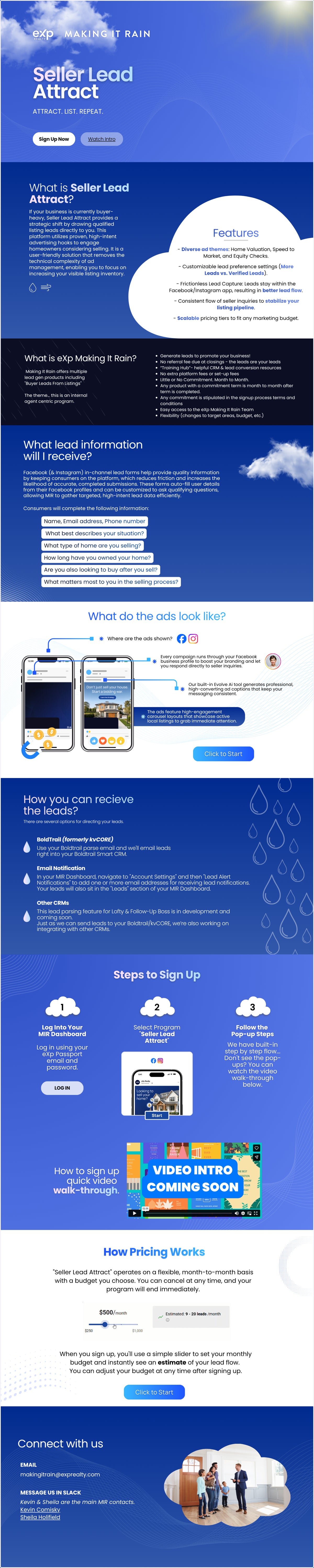
Set Up a "Seller Lead Attract" Campaign
Making It Rain | Dashboard
CLICK TO LOG IN - Use your eXp email and password to log in.
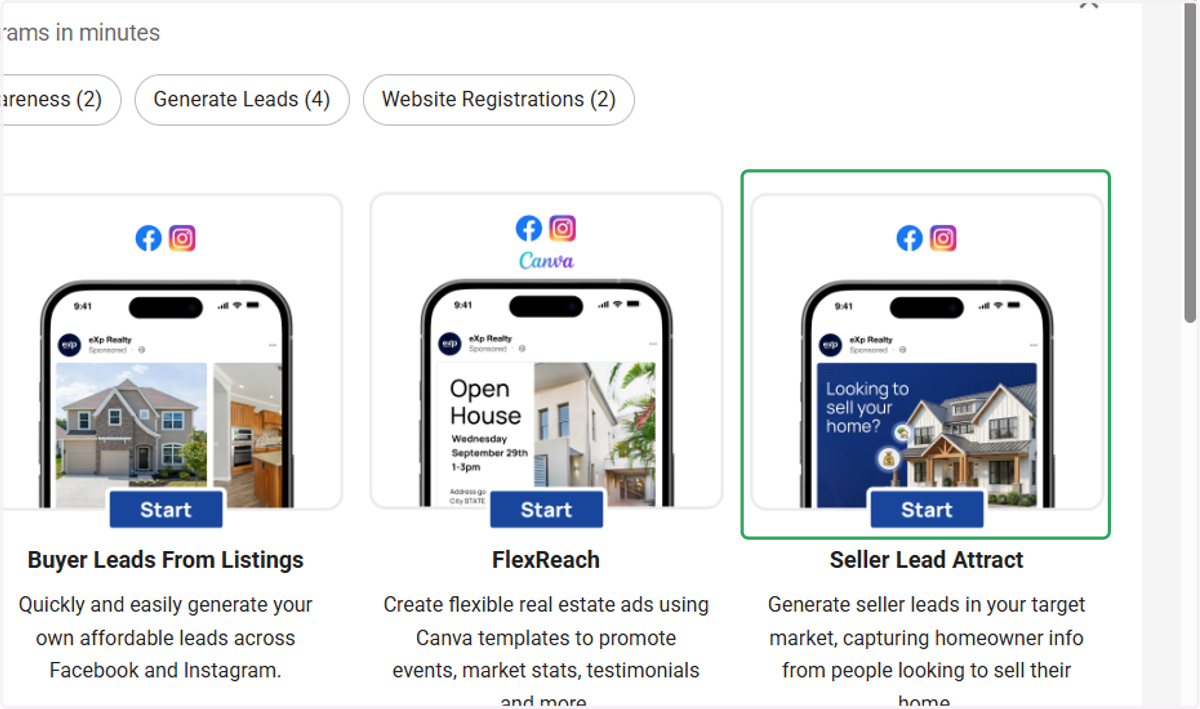
1. Scroll over to "Seller Lead Attract"
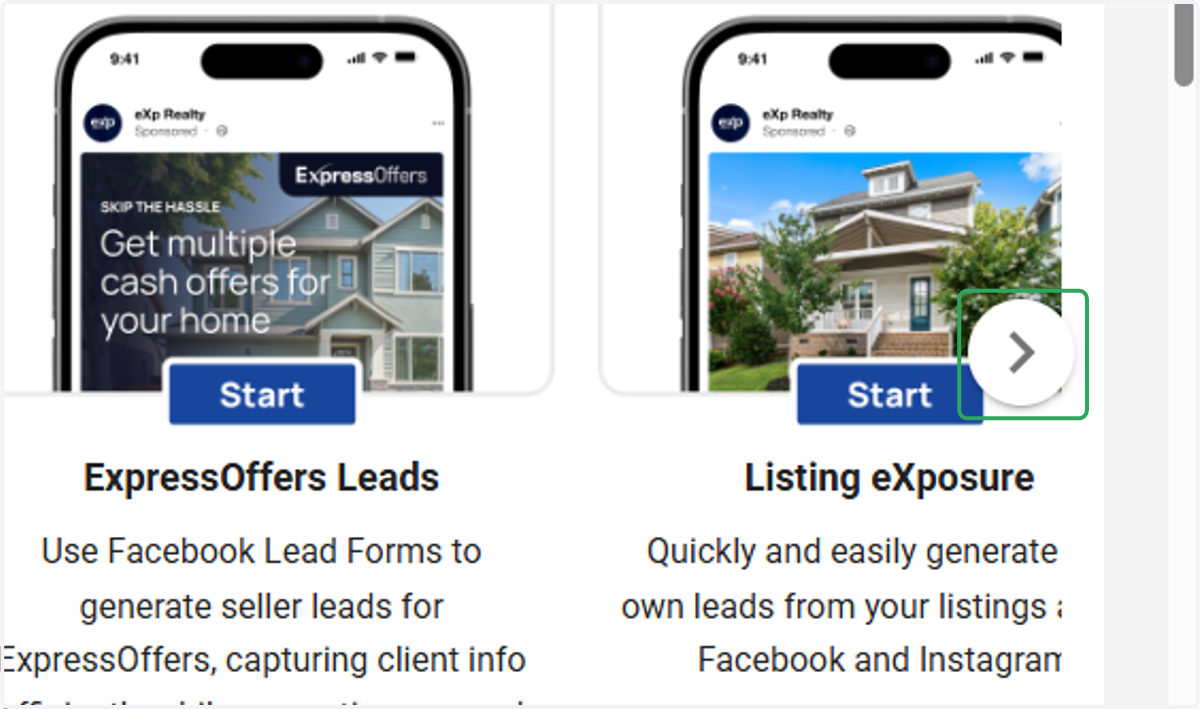
2. Click on "Seller Lead Attract"
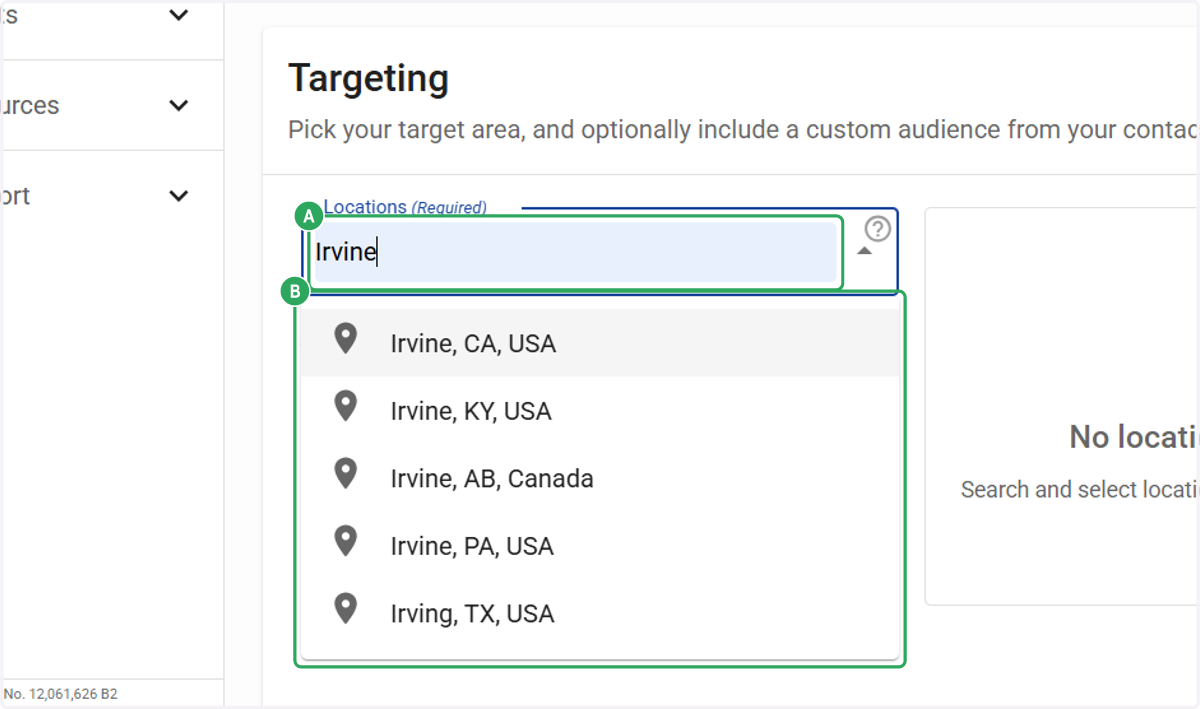
3. A. Type Locations (Required)
3. B. Select Locations (Required)
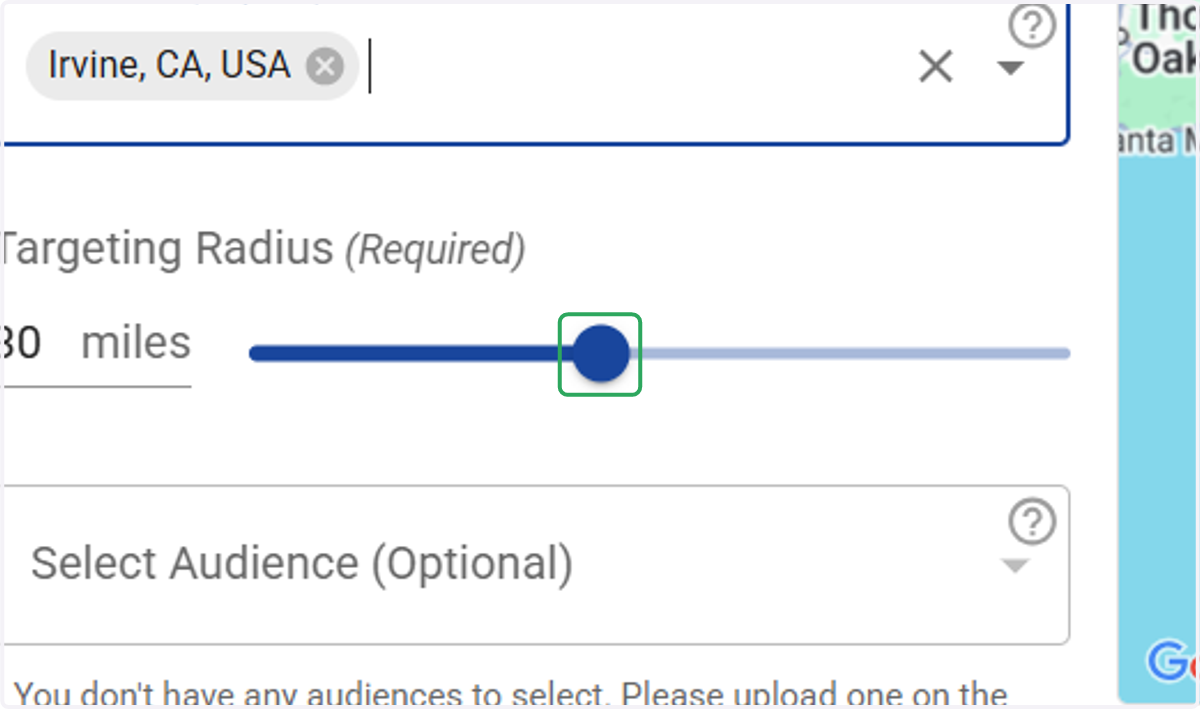
4. Adjust your geo-targeting radius if needed.
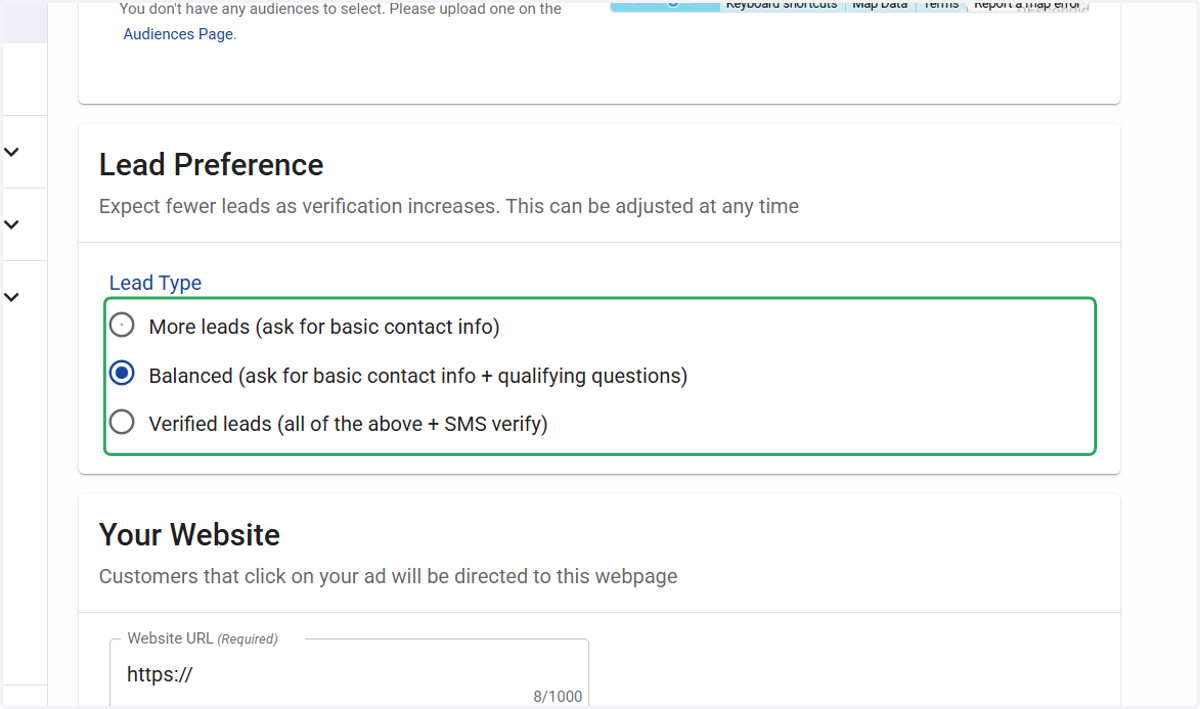
5. Select an option for your lead capture preference.
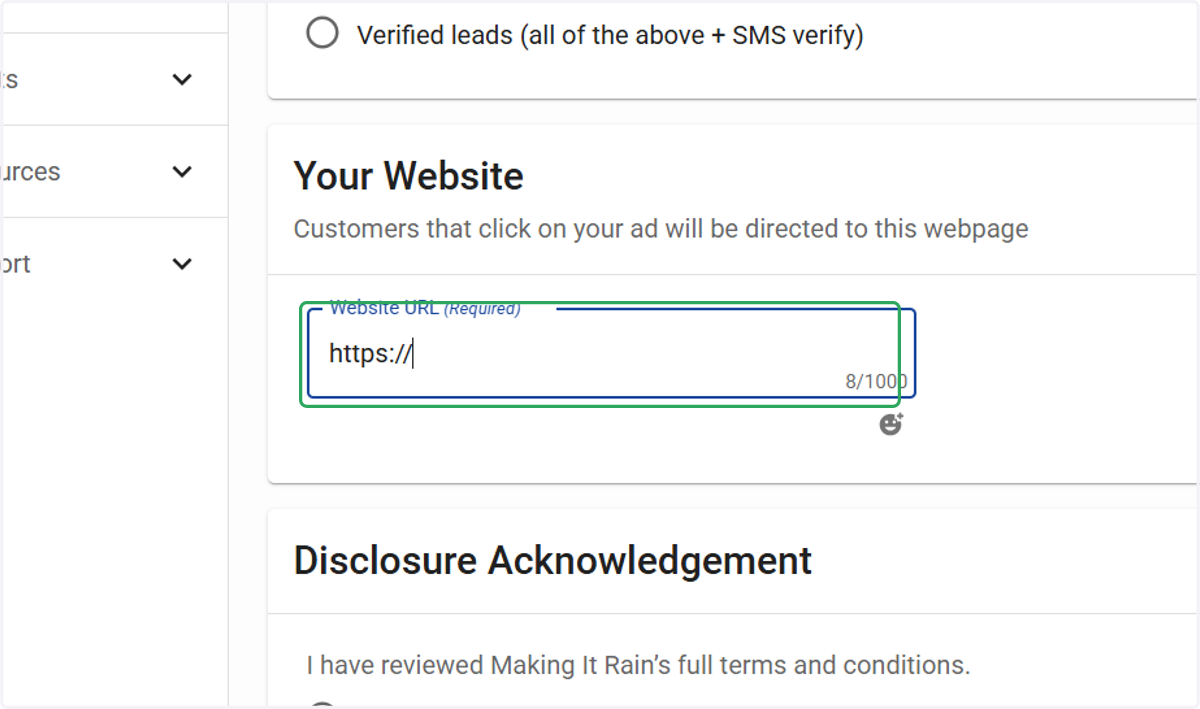
6. Enter your Website URL (Required)
Once the consumer clicks the ad and submits their information, a lead is generated. From there, we need to direct them to a destination website. For example, you can send them to your website homepage, a seller guide or more information about how you list and sell homes.
7. Review Acknowledgements & Select Yes
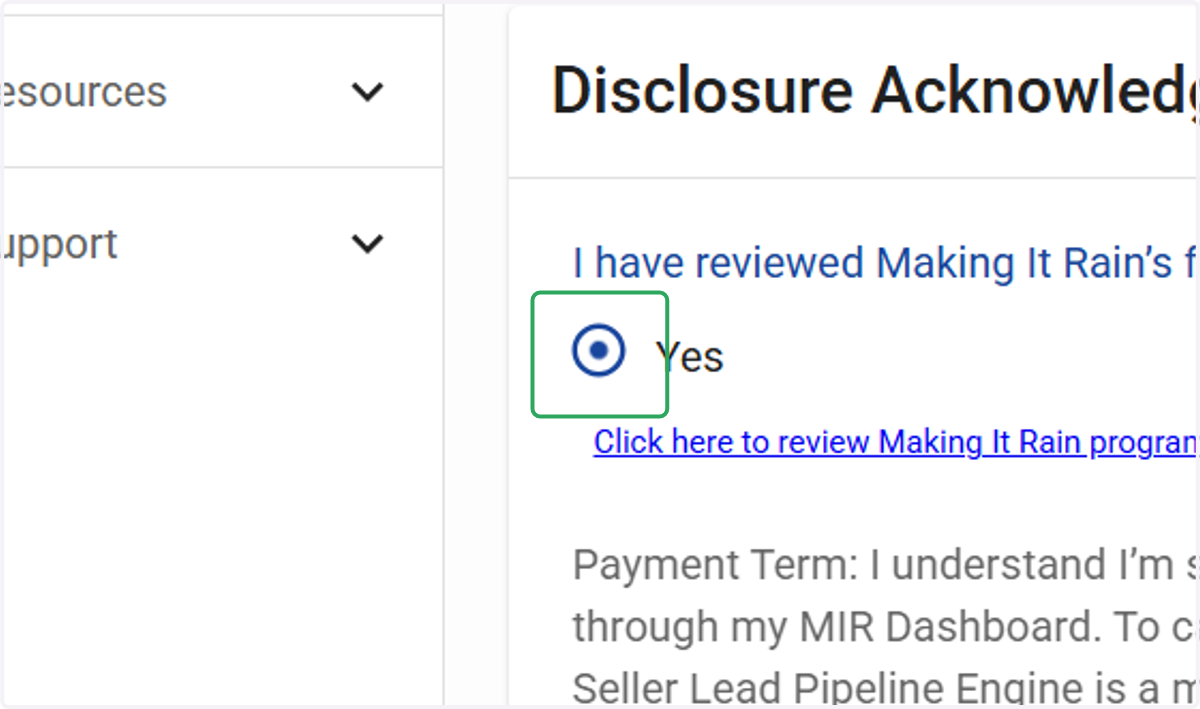
8. Select Yes
Payment Term: I understand I’m signing up for a paid monthly subscription that auto-renews until canceled through my MIR Dashboard. To cancel, go to “Programs,” select your campaign, and click “Cancel Program.” Seller Lead Attract is a month to month commitment.
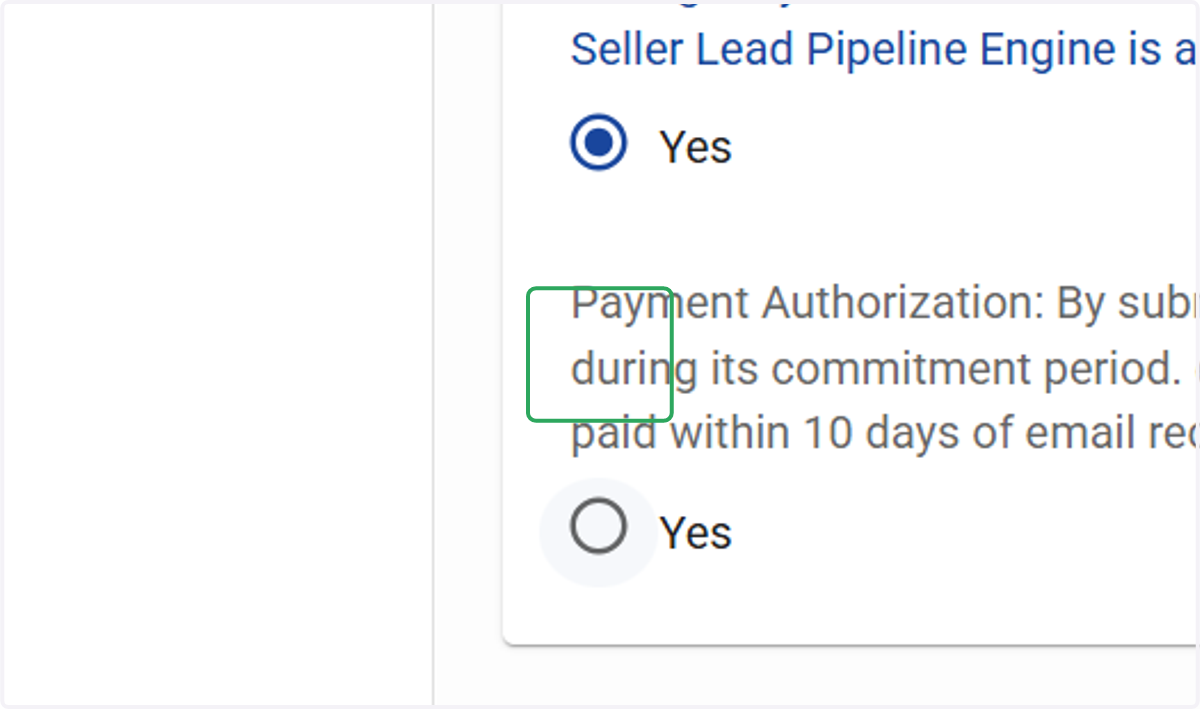
9. Select Yes
Payment Authorization: By submitting this form, I agree to pay monthly in arrears for the selected plan during its commitment period. eXp Realty may charge my payment method in Enterprise if invoices aren’t paid within 10 days of email receipt. Non-payment may result in campaign deactivation.
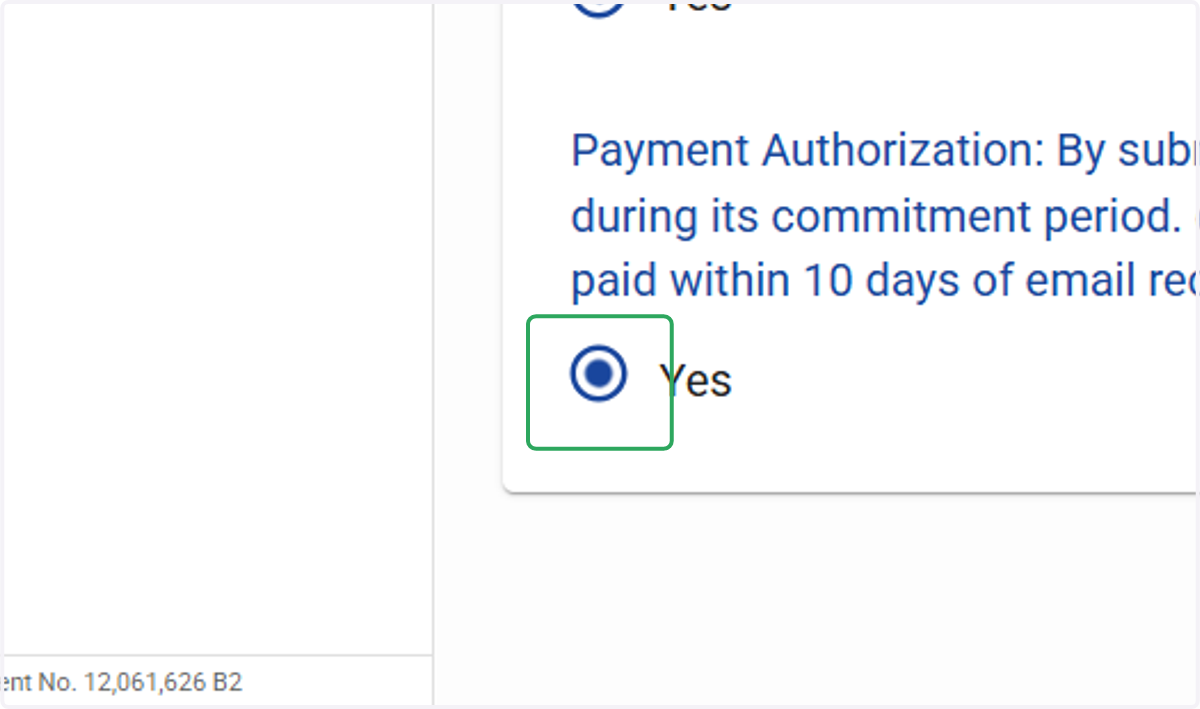
10. Click on PROCEED TO LAST STEP
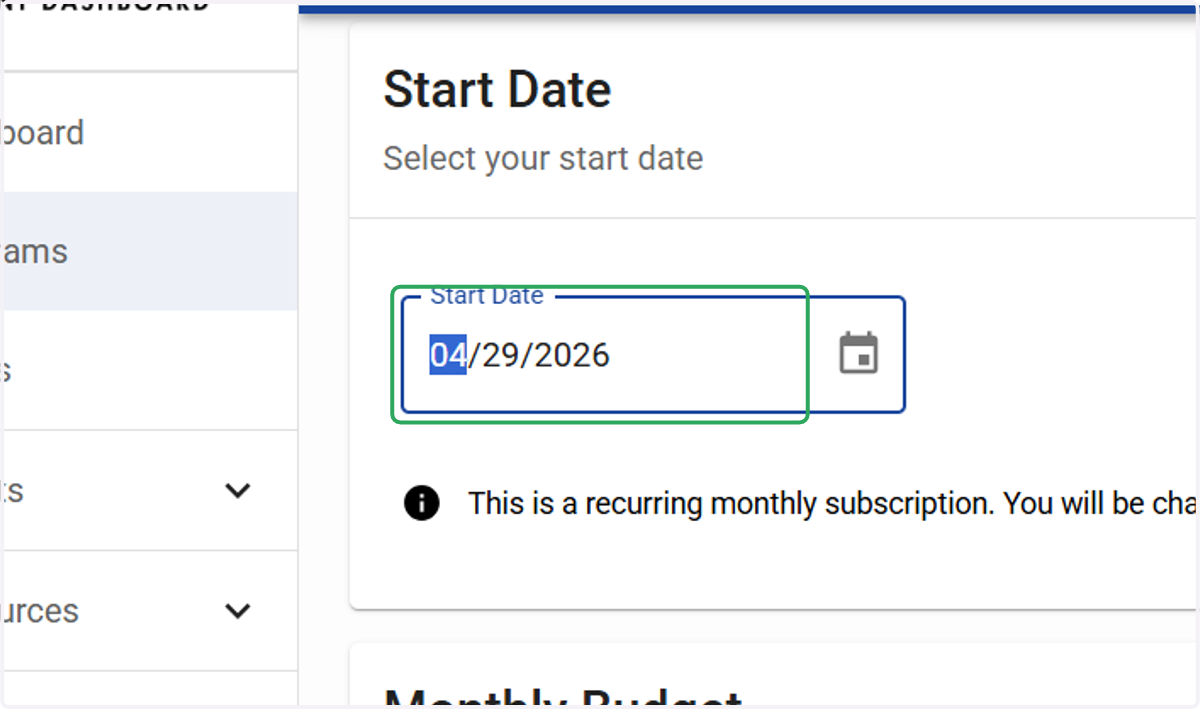
11. Type Start Date
Select today's date or a future date to begin.
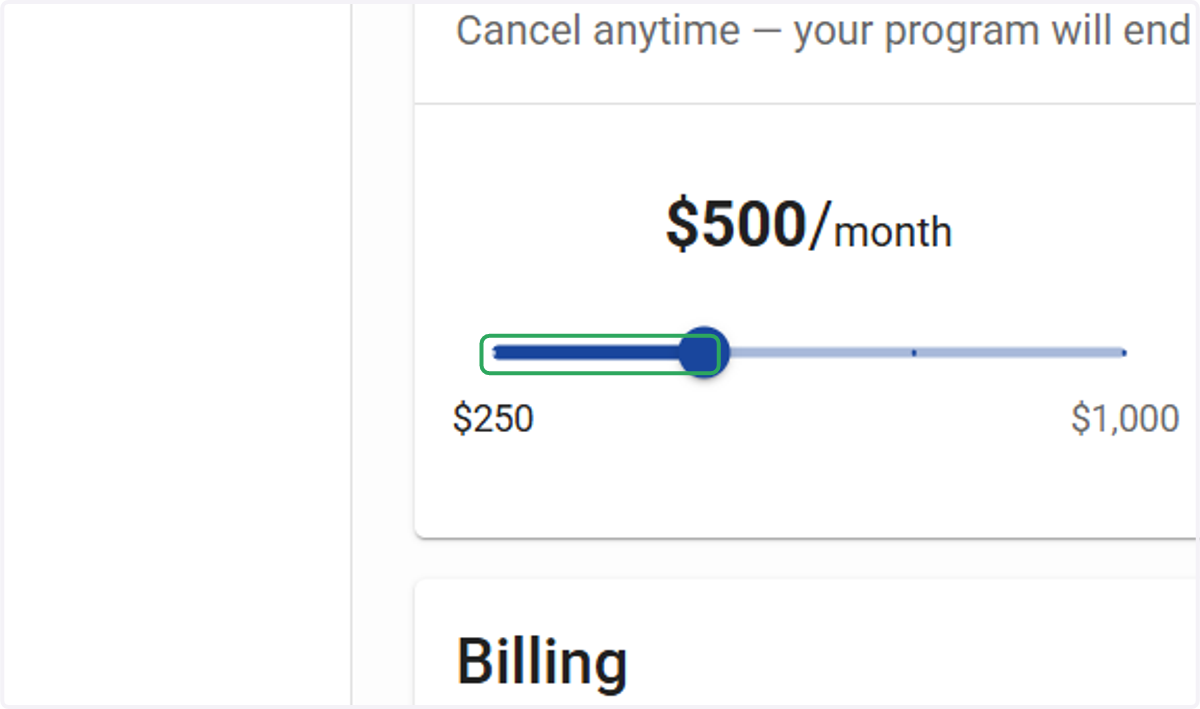
12. Select your monthly budget.
Please note that you are signing up for a paid monthly subscription. You can manage or cancel your subscription at any time from your dashboard.
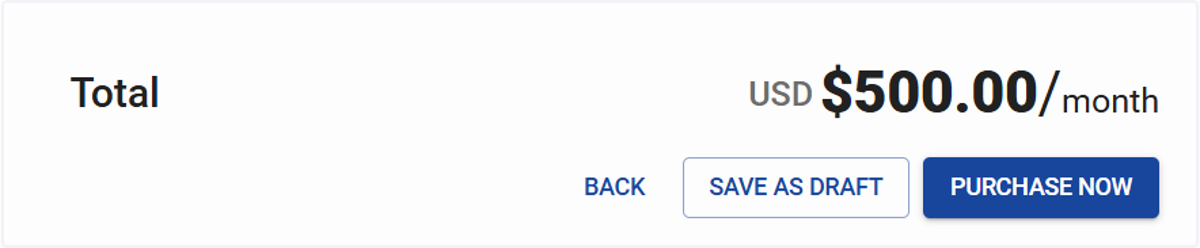
13. Select "Purchase Now" to checkout
After clicking, you'll be taken to a confirmation page. Here, you can monitor your campaign's launch, review its settings, and make any future changes.
14. Untitled step