Set Up "Buyer Leads from Listings" Campaign in Making It Rain
Making It Rain | Dashboard
Sign into your MIR Dashboard using your eXp email and password.
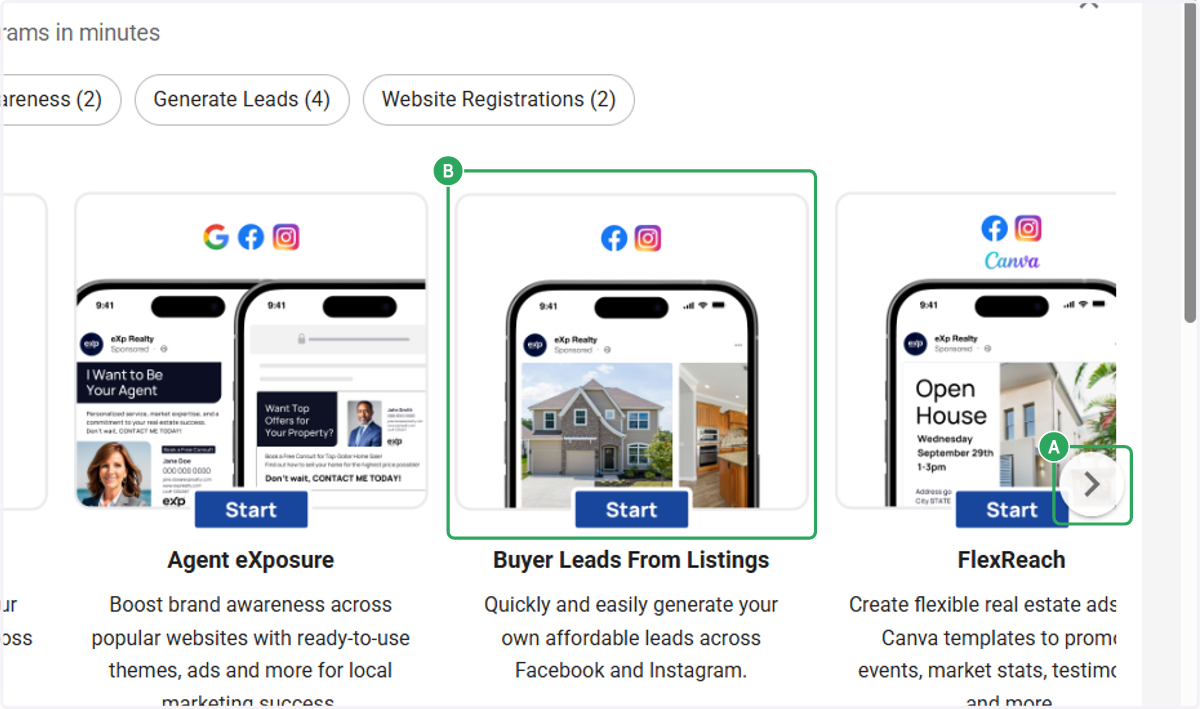
1. A. Scroll if Needed
1. B. Click on "Buyer Leads from Listings"
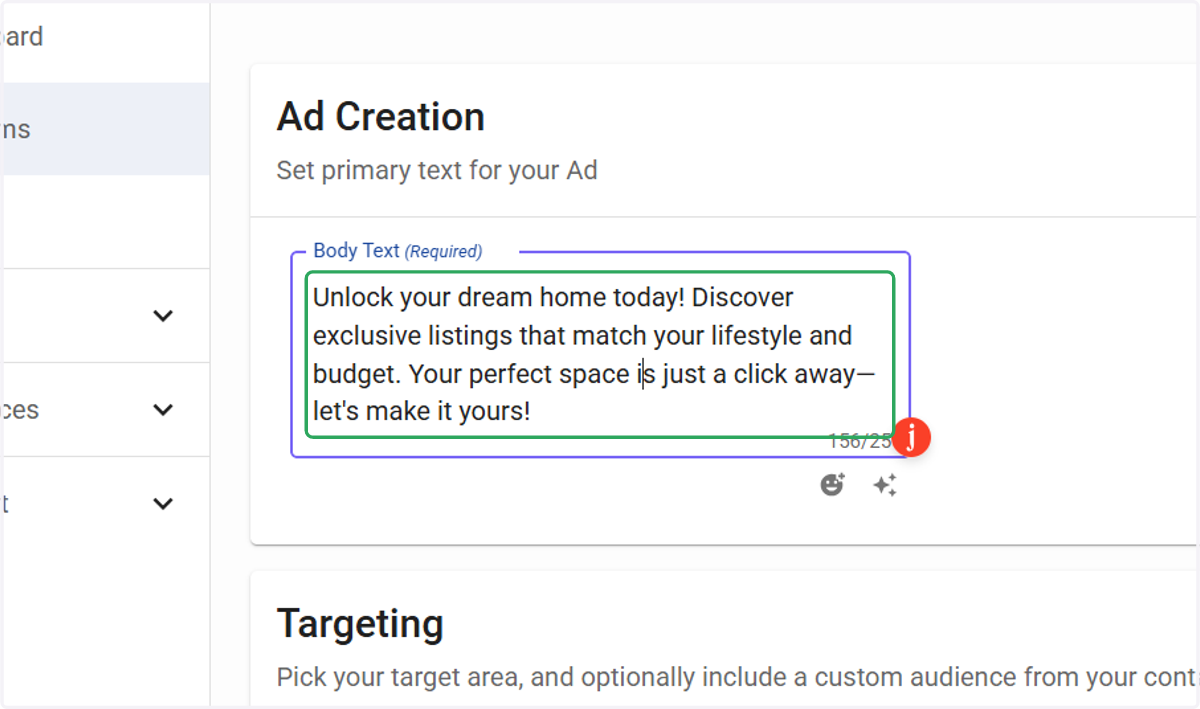
2. Modify Ad Text (If Desired)
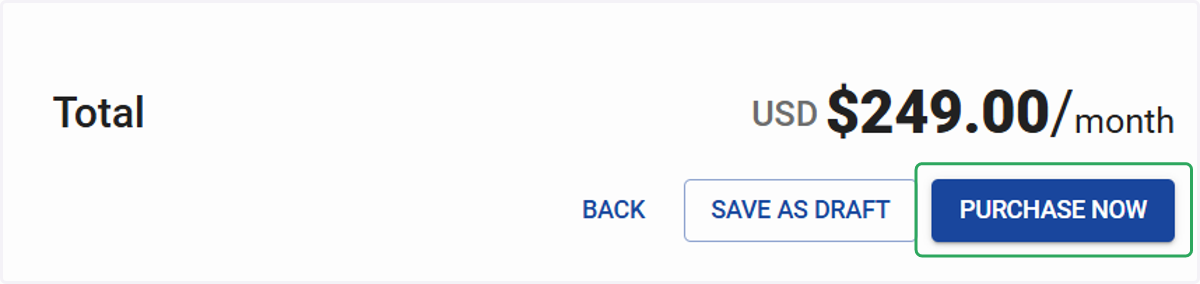
3. Select "Purchase Now" to checkout
After clicking, you'll be taken to a confirmation page. Here, you can monitor your campaign's launch, review its settings, and make any future changes.
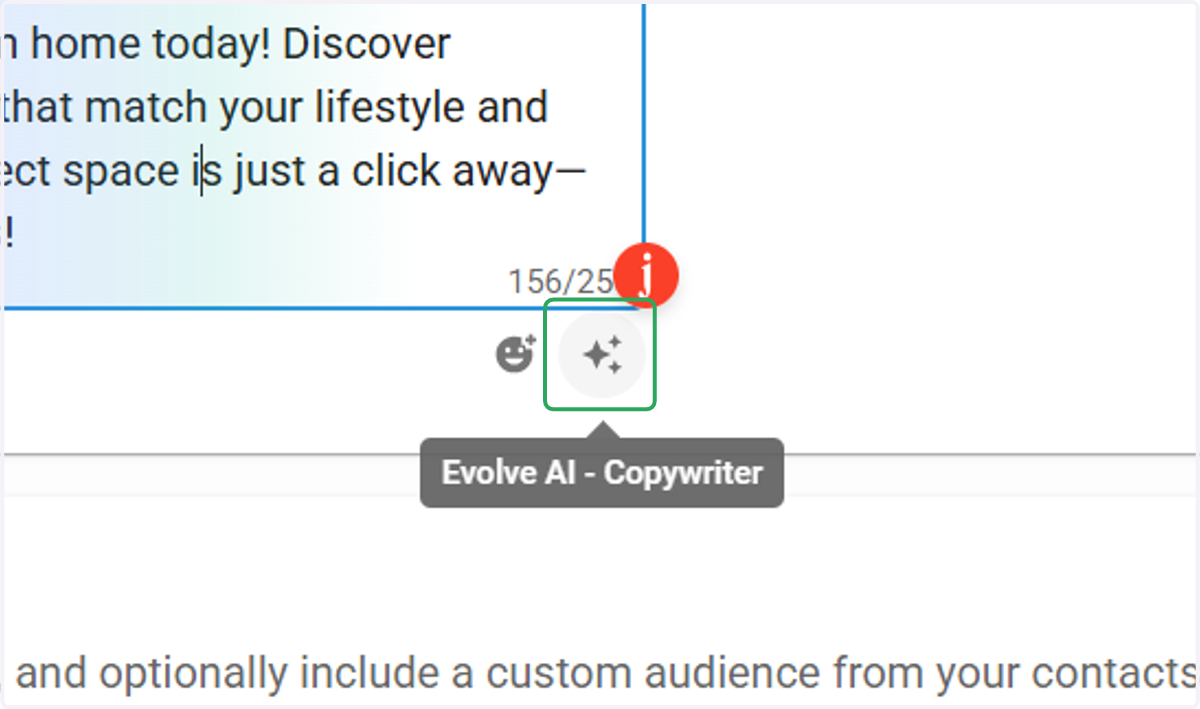
4. Use the "Evolve AI - Copywriter" tool if you need help writing the ad text.
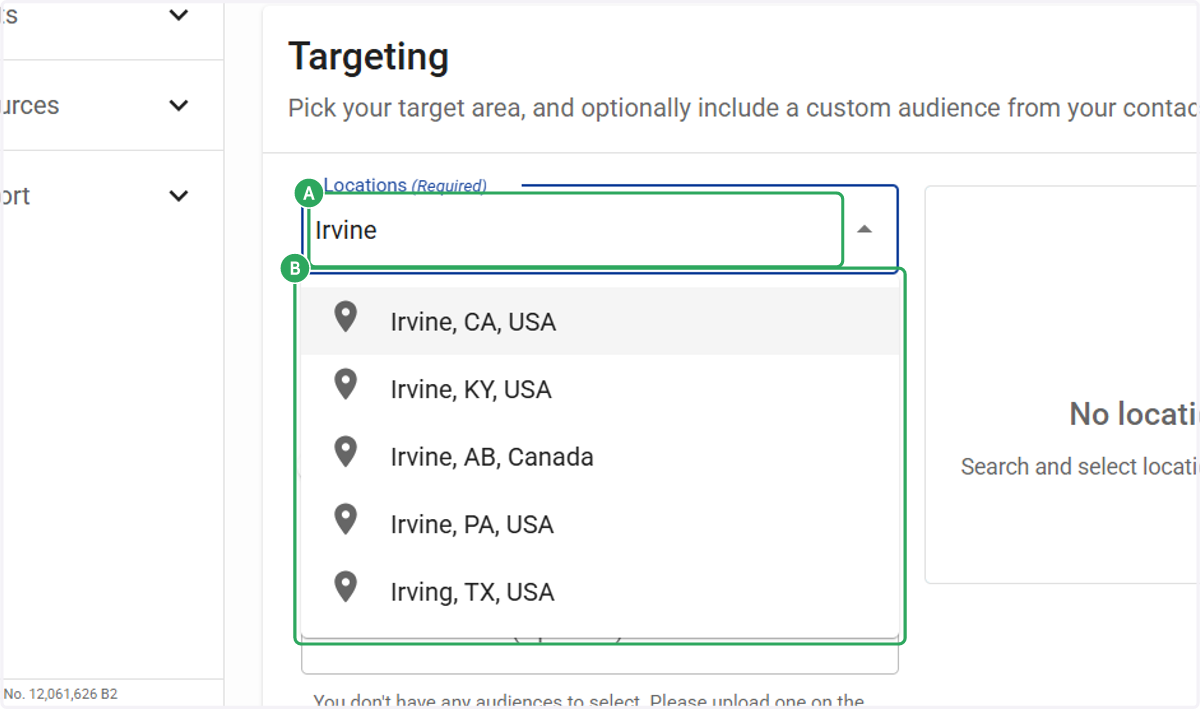
5. A. Type Locations (Required)
5. B. Select Locations (Required)
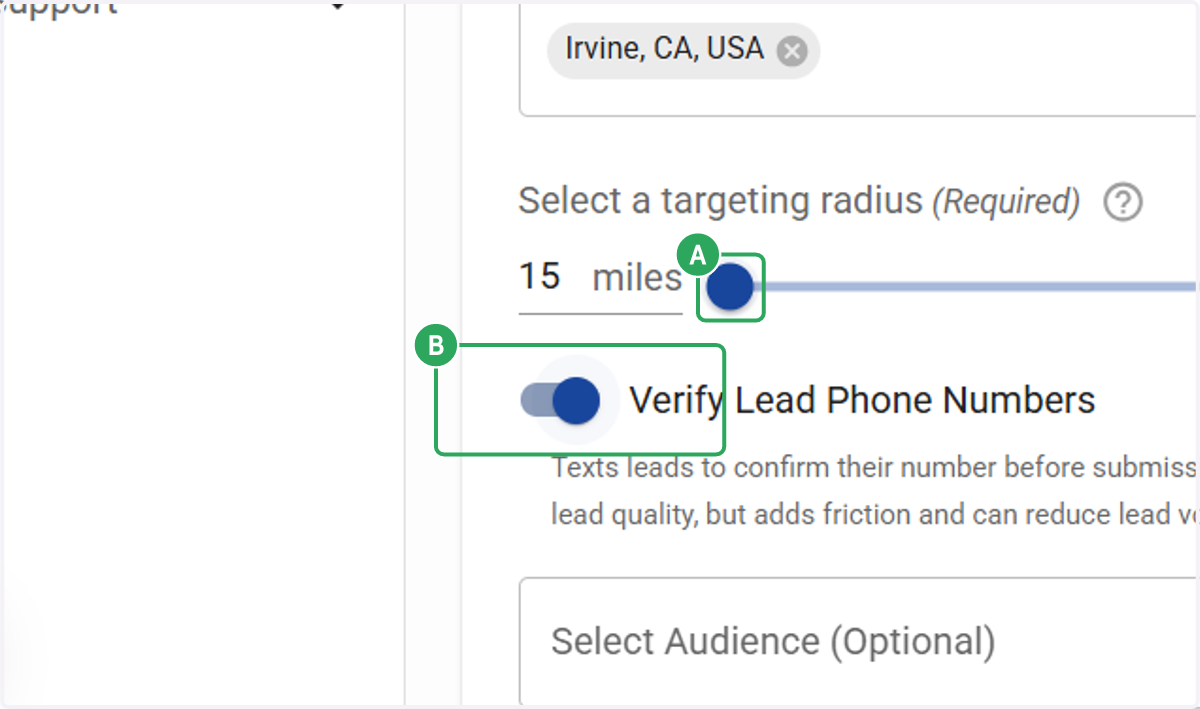
6. A. Feel free to adjust your geo-targeting radius.
6. B. Select Verify Lead Phone Numbers if desired.
Note: Texts leads to confirm their number before submission. Improves lead quality, but adds friction and can reduce lead volume
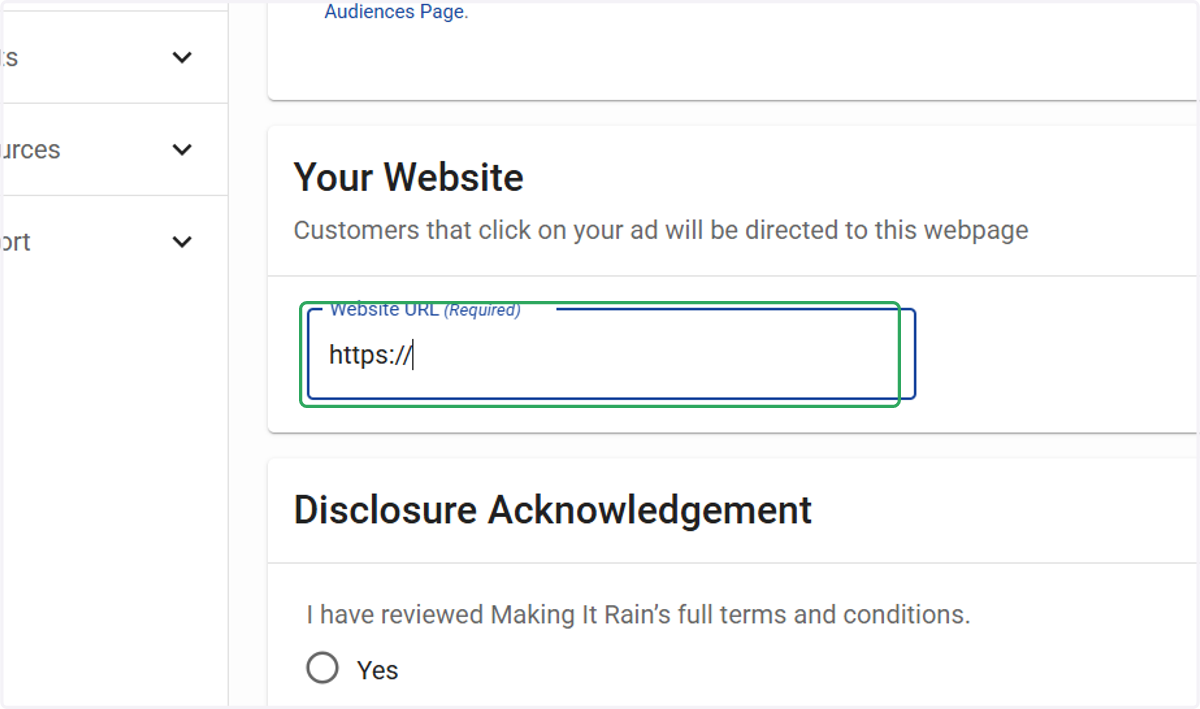
7. Click on Website URL (Required)
Once the consumer clicks the ad and submits their information, a lead is generated. From there, we need to direct them to a destination website. For example, you can send them to your homepage or a specific webpage with more listings in the area.
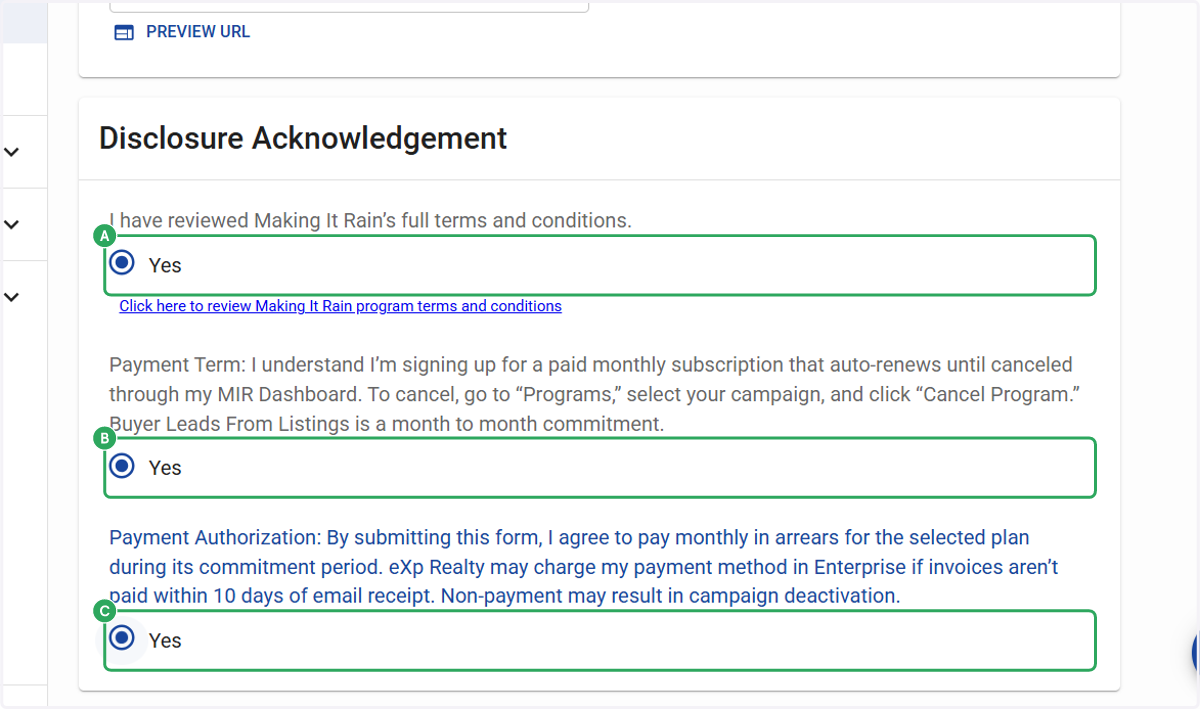
8. A. Click on Acknowledgements. Select an option
8. B. Select an option
8. C. Select an option
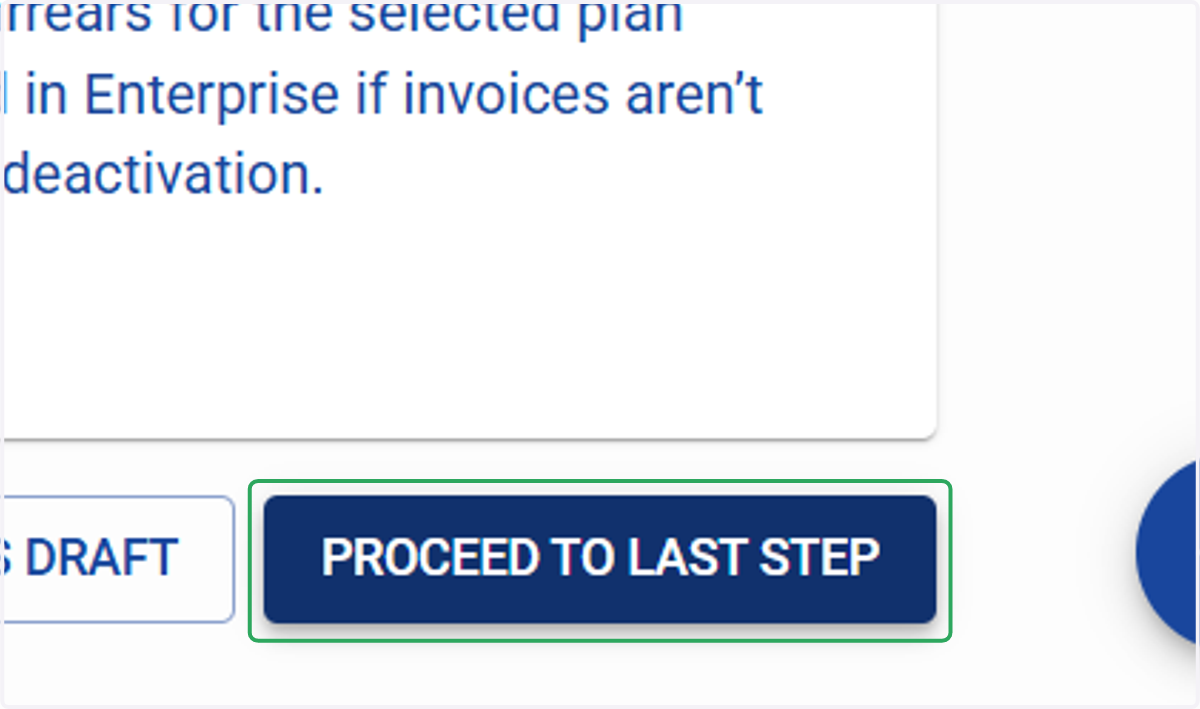
9. Click on PROCEED TO LAST STEP
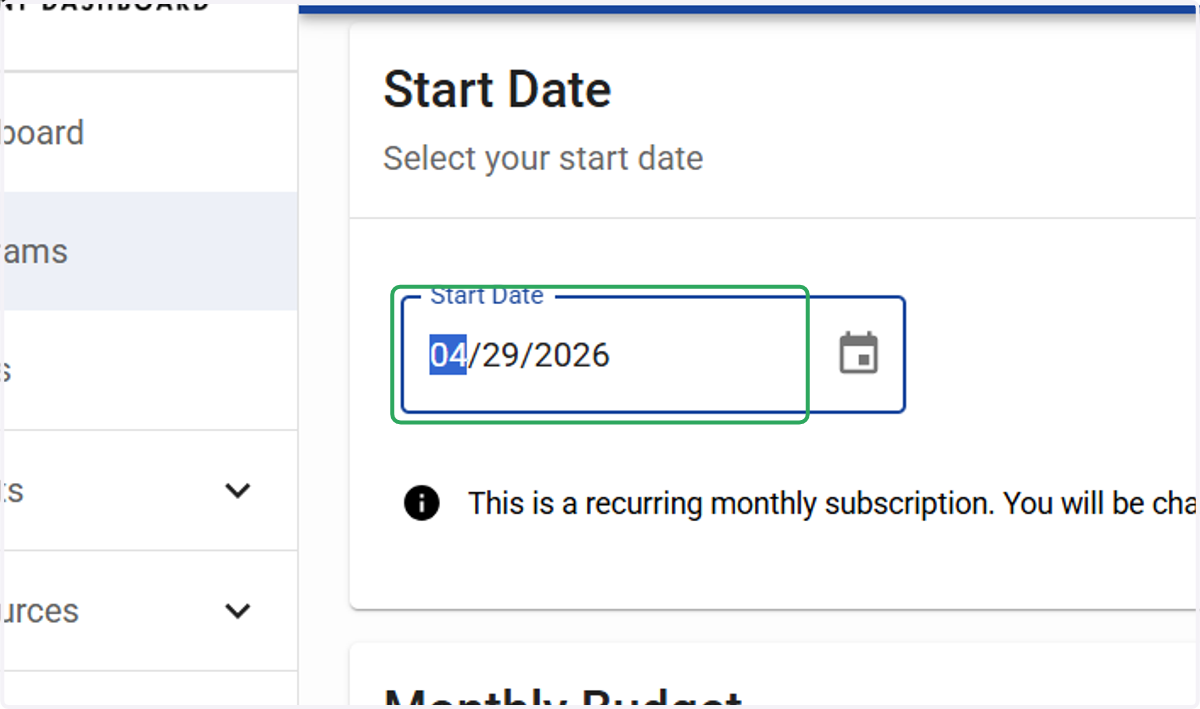
10. Type Start Date
Select today's date or a future date to begin.
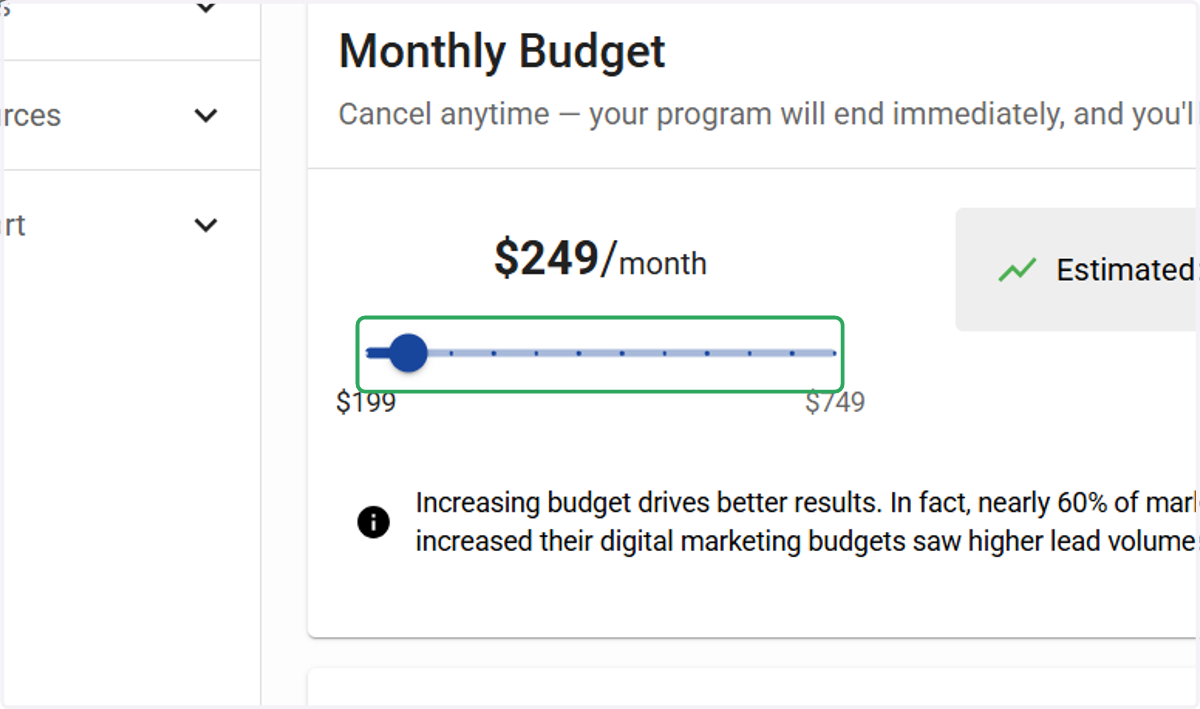
11. Select your monthly budget.
Please note that you are signing up for a paid monthly subscription. You can manage or cancel your subscription at any time from your dashboard.