Set Court Hire Costs
Clubspark / Admin / Home
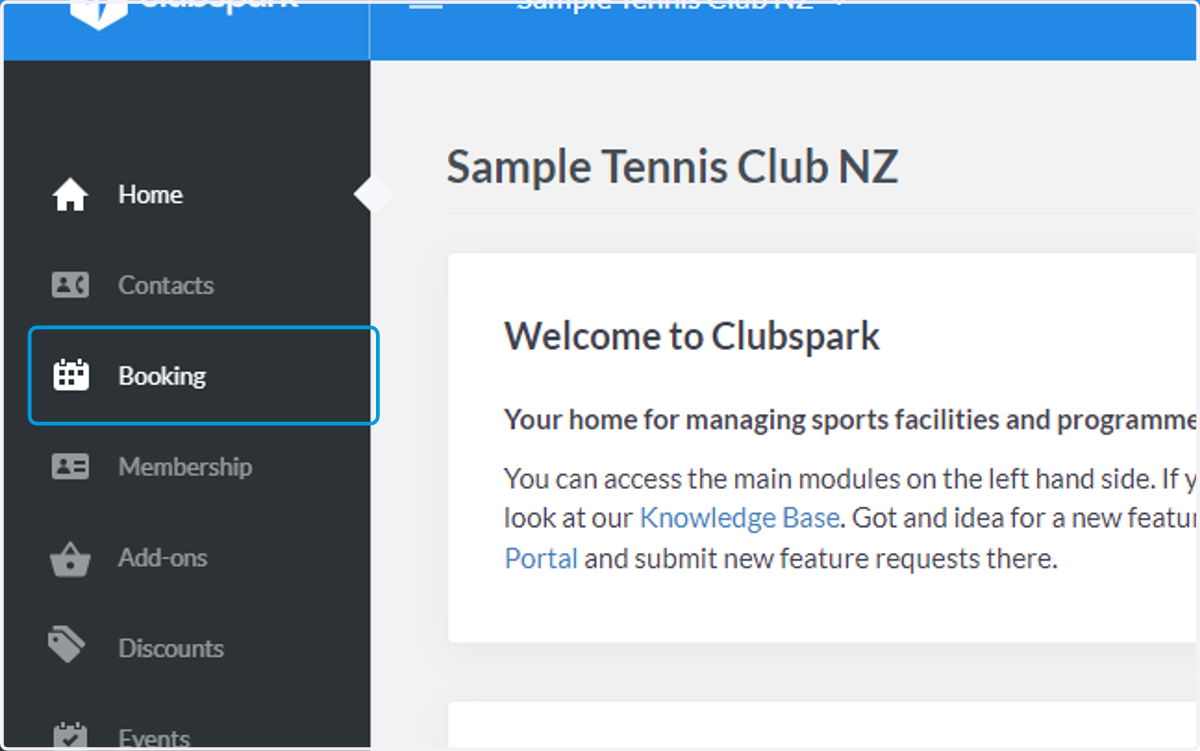
1. Click on Booking
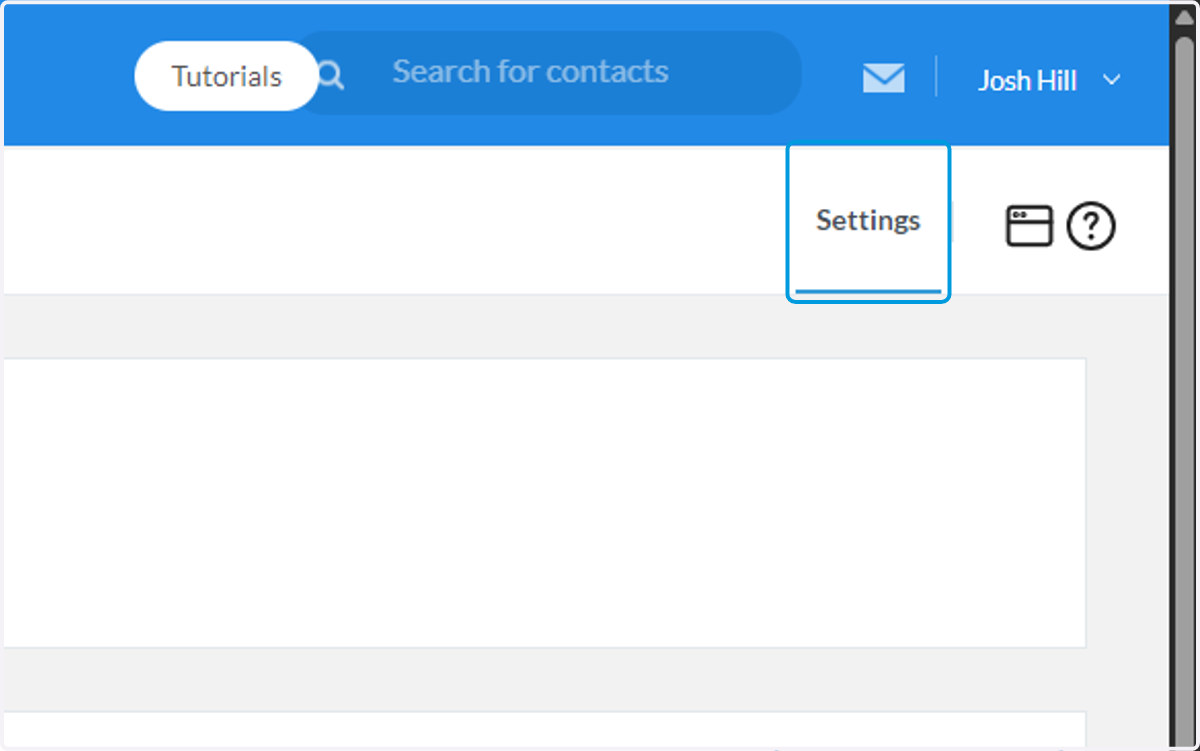
2. Click on Settings
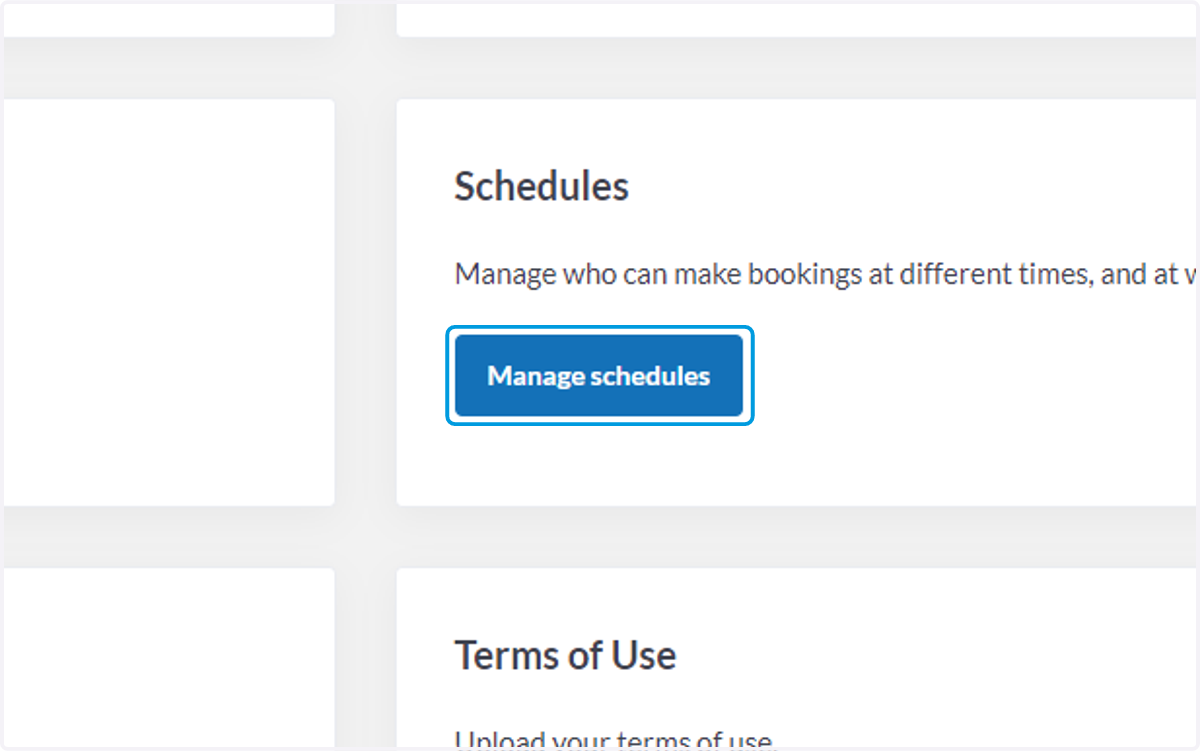
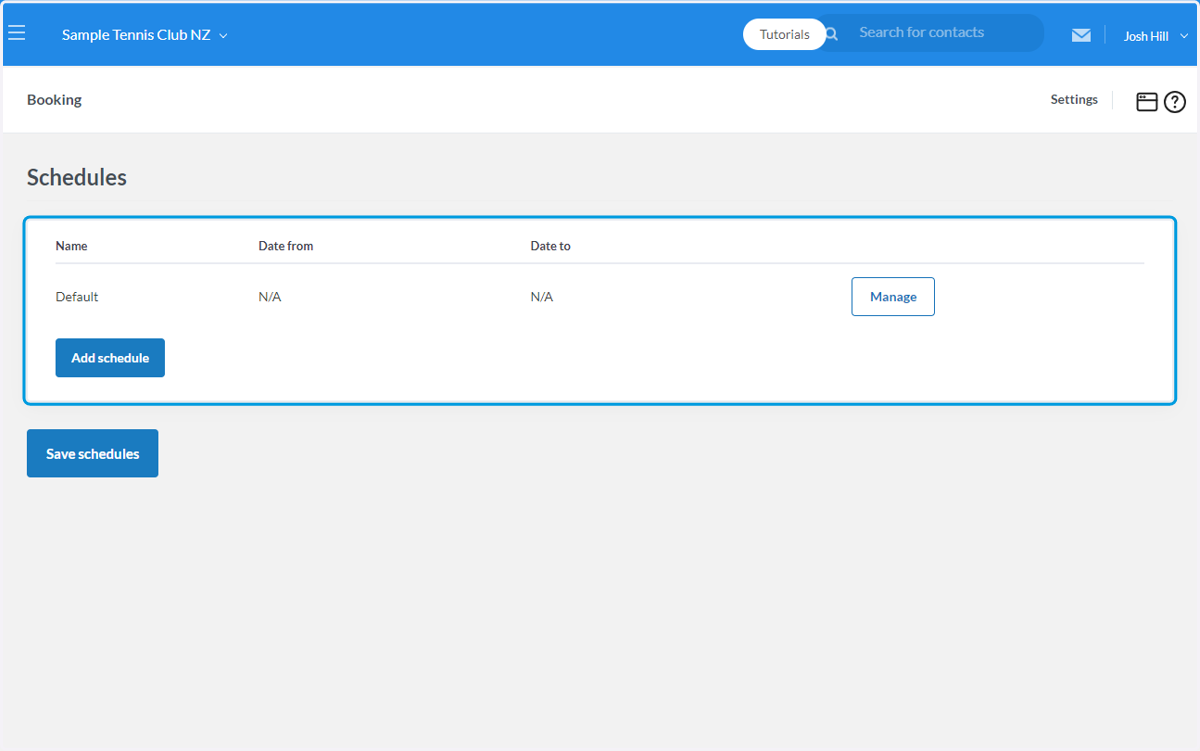
3. Click on Manage schedules
4. Schedules Information
Next, click on the blue 'Manage schedules' button - which will display the page below. You should then select the 'Manage' button - shown below over on the right
5. Resources Tab
Here, all your courts will be on this list. For some venues and clubs there might be certain courts that have a different price tier e.g. Indoor Courts. or this example we will apply the court hire costs to every court available.
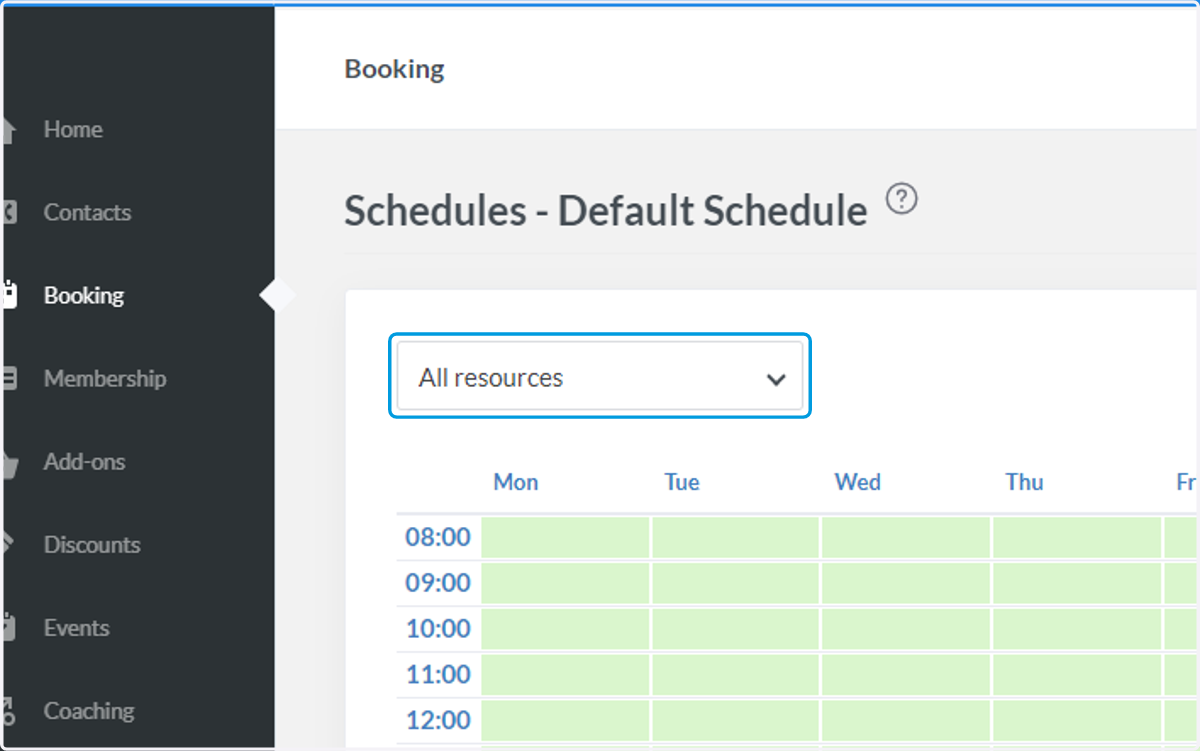
6. On the right you can create Rulesets
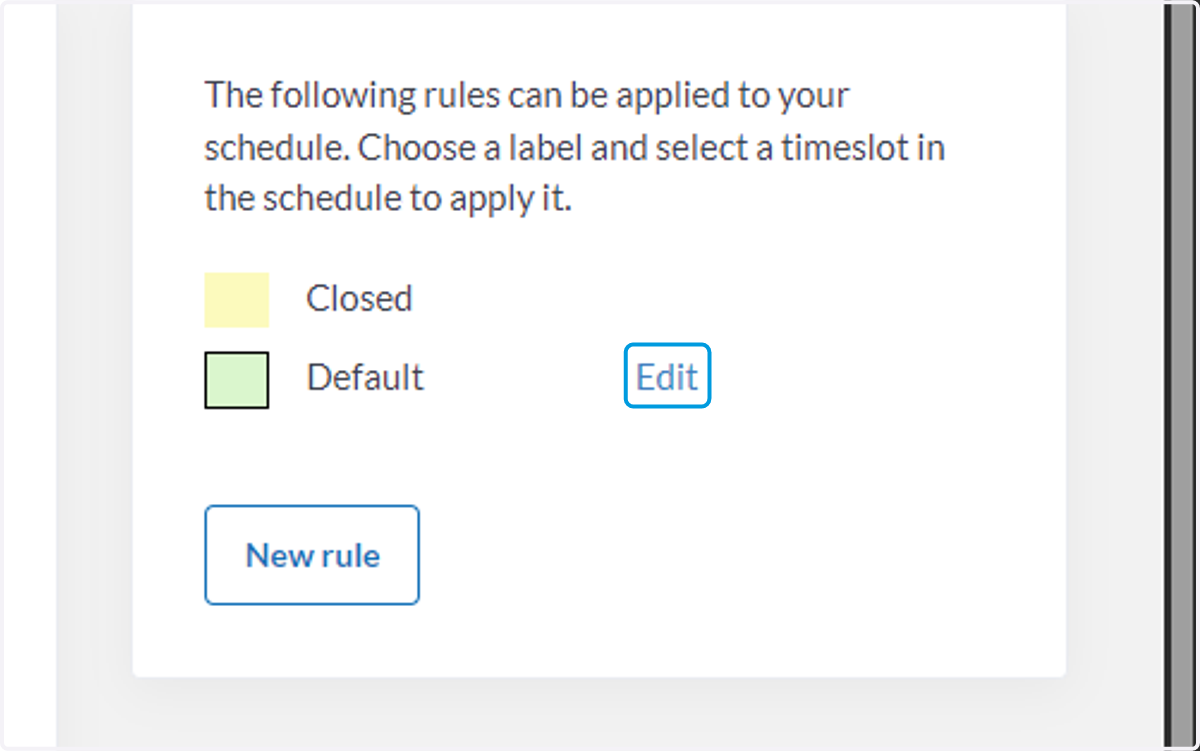
Rulesets is where you can adjust the court hire costs for casuals, members, coaches etc..

7. For this example, we can click the edit button on the right of the Default ruleset.
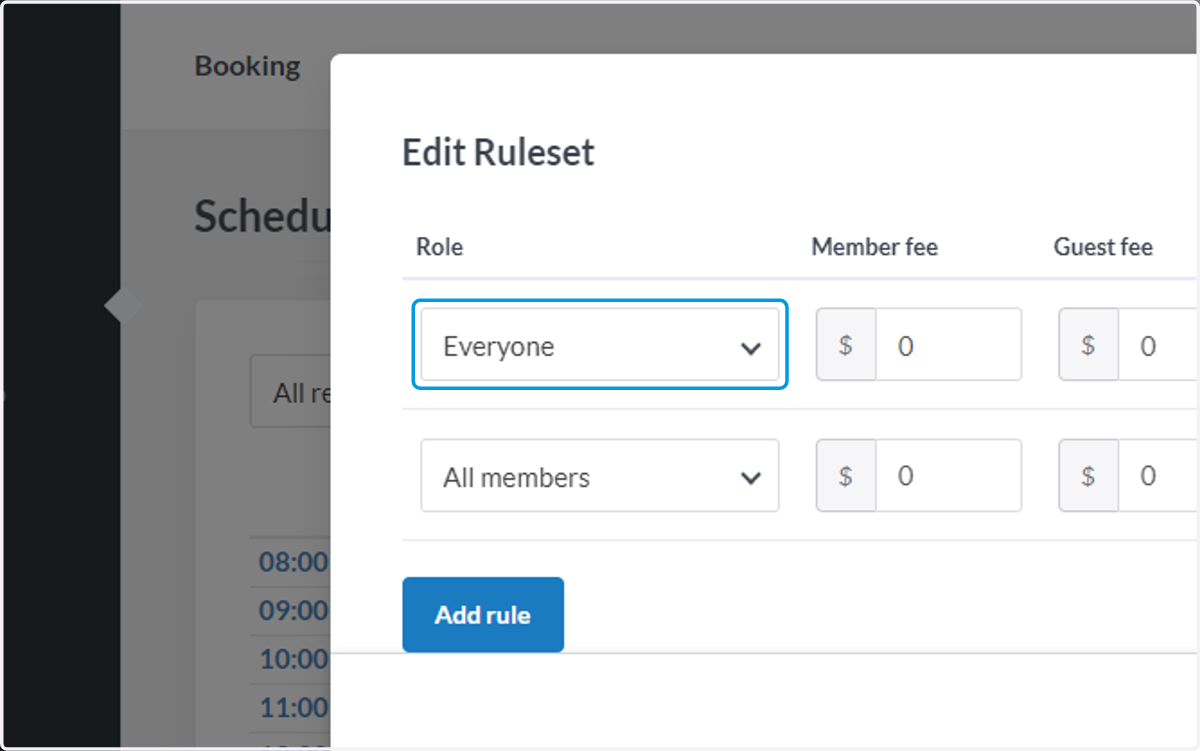
8. Ruleset window appears.
To put things in simple terms - Everyone are CASUAL / NON-MEMBERS this is where you can set the prices to non-paying members who wish to book your clubs courts. If you are a club who is about to install Book a Court then leave this in place.
Clubspark / Admin / Schedule
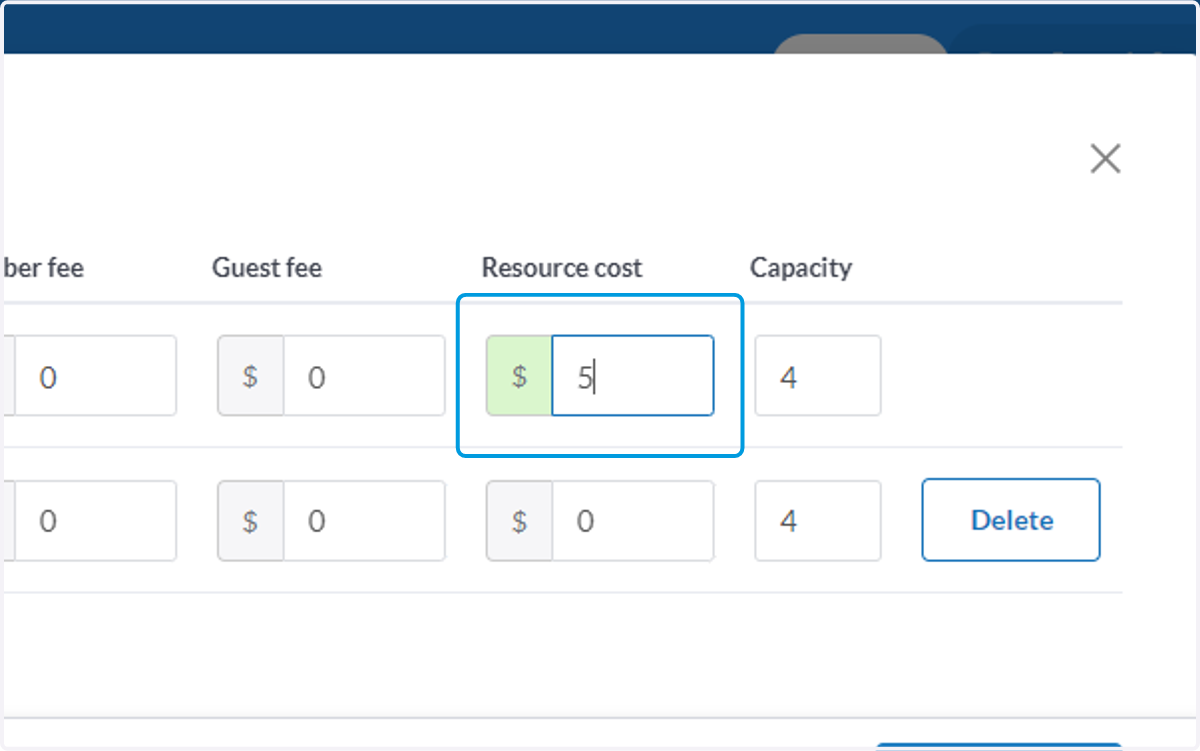
9. Resource Cost
Set the price for the court hire according to how you want to charge per slot to help you with setting the price the below example may help. This club allows you to book in 30-minute slots for a minimum of 60 minutes, The club charges $10 per hour for casual court hire.
Because of this, we need to put in the cost per half hour into the costings below.
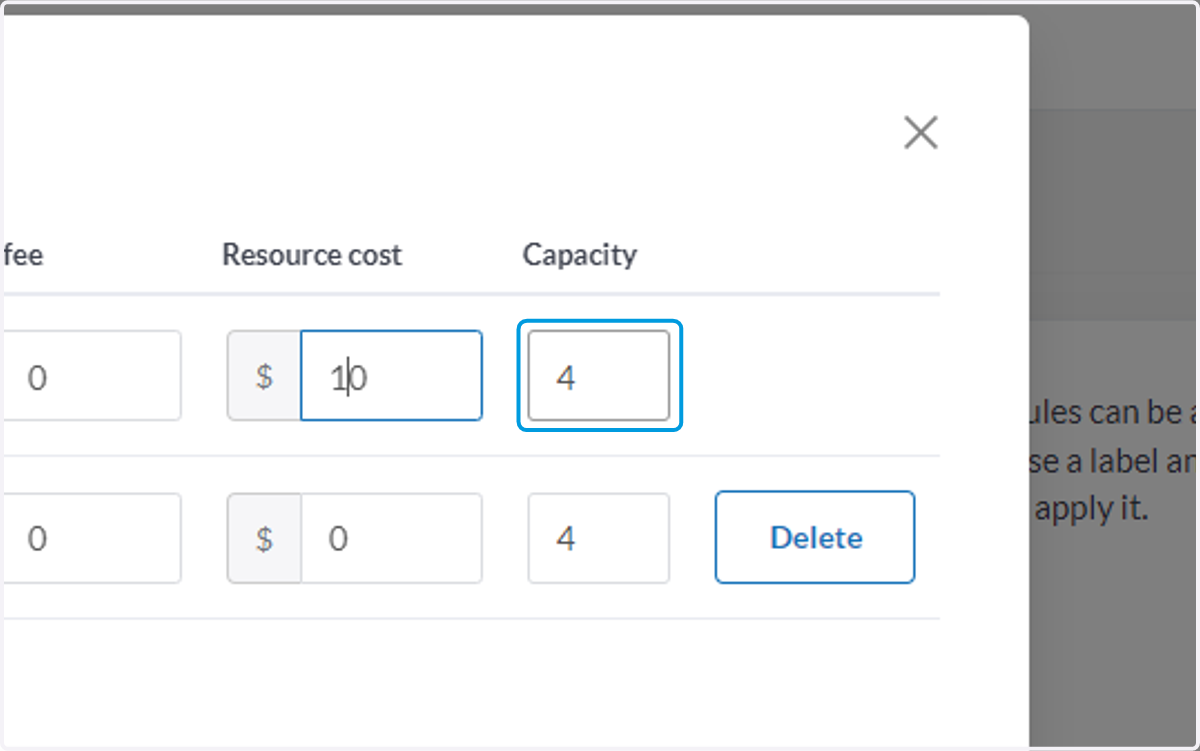
10. Specify capacity
Default is 4
11. All Members
This is where you can set the costs for members, most clubs allow members to book courts for free, so they usually leave the cost at $0. If you do charge members a reduced fee, then you put in the amount in the member fee section in red.

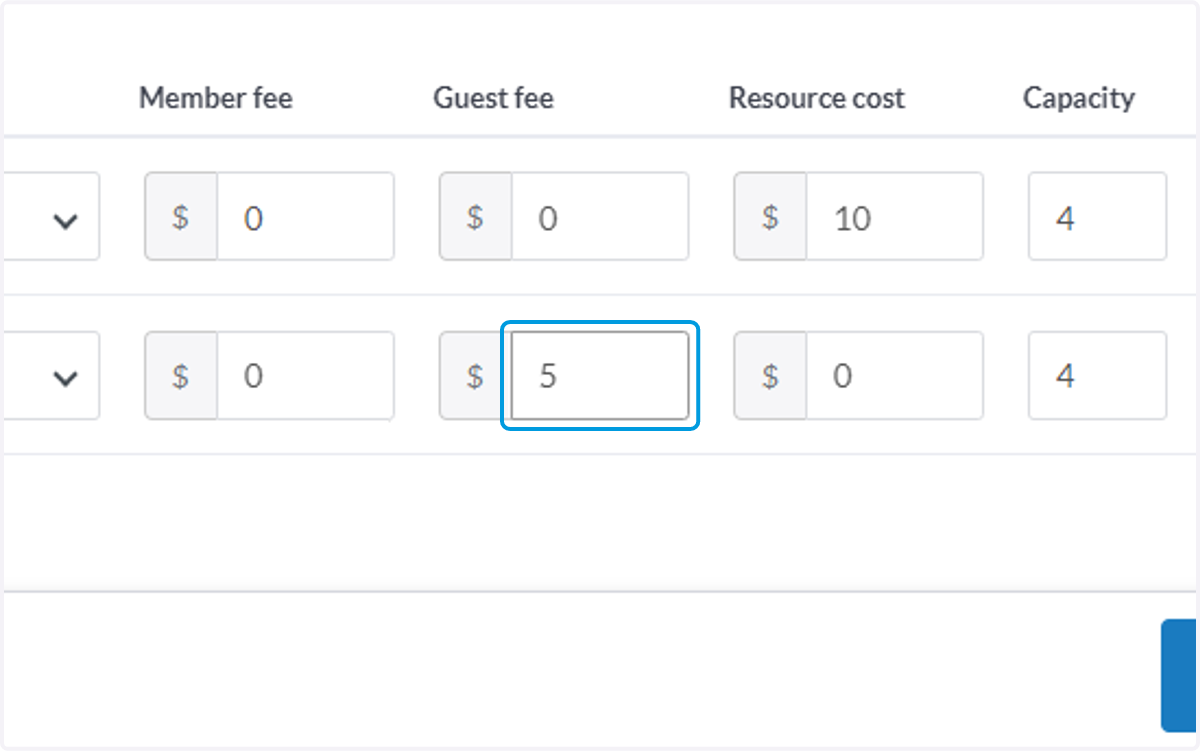
12. Set the Guest fee (if applicable)
If the club has a guest policy you can set the cost on how much each guest will be here
13. Leave this area blank
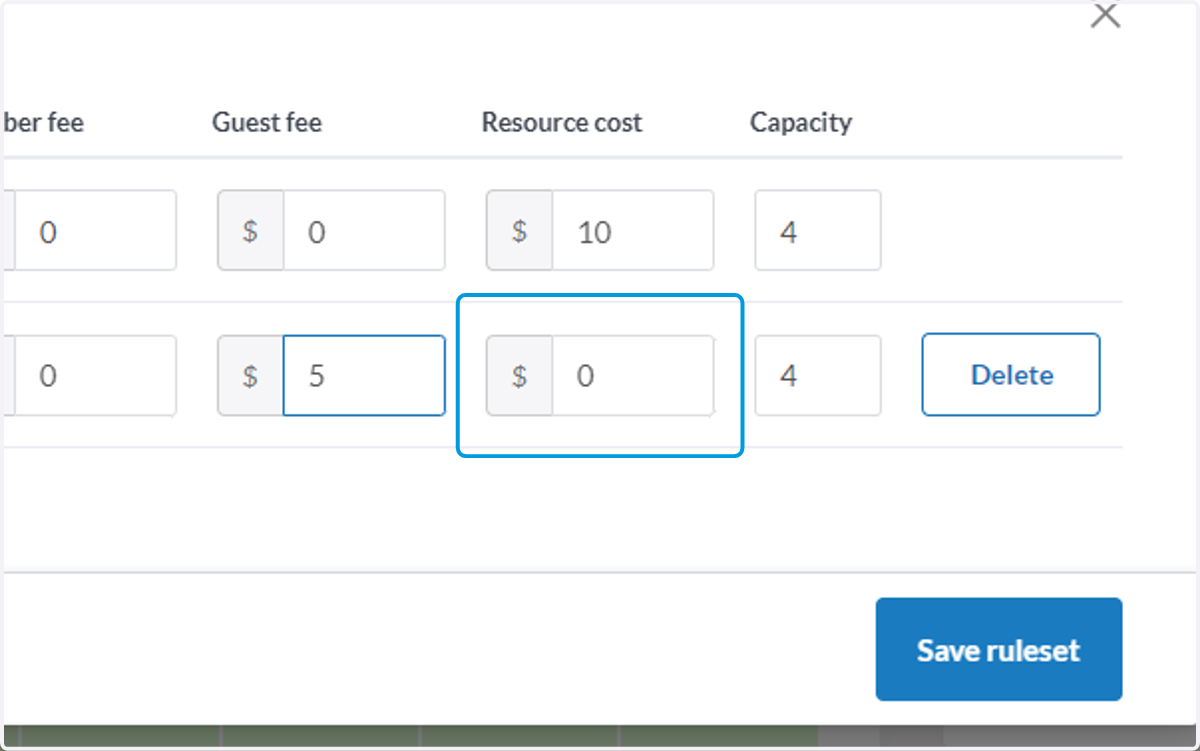
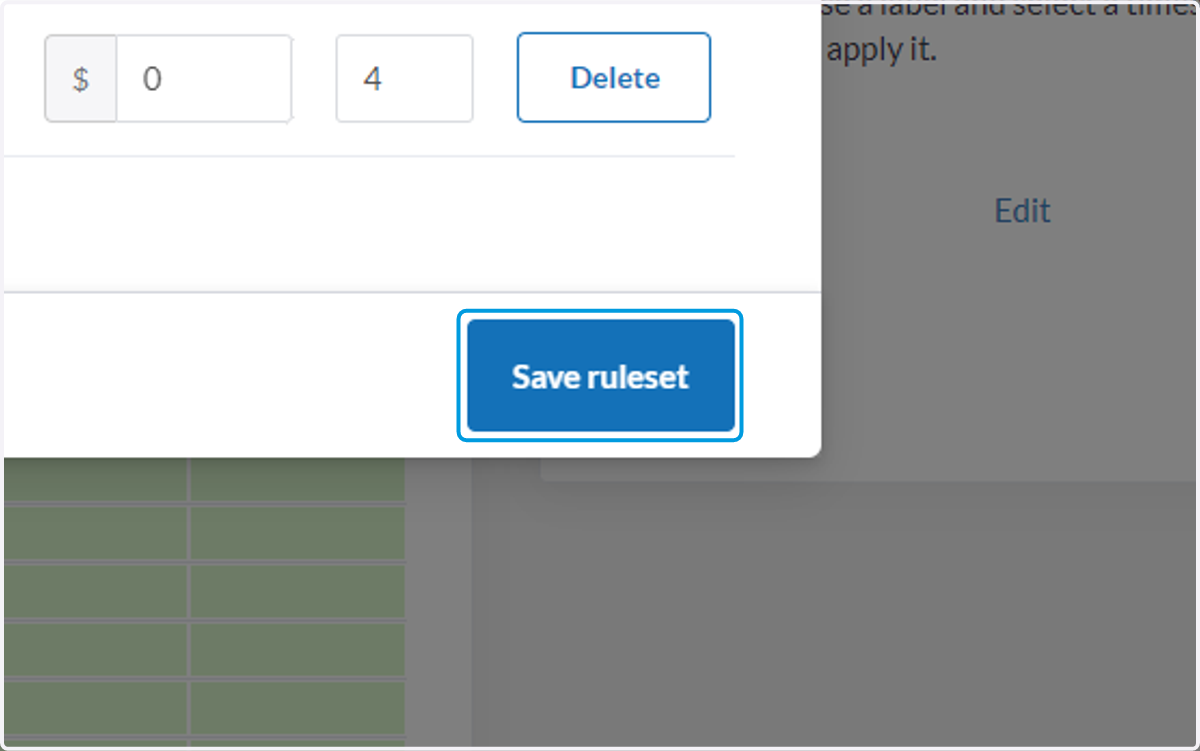
14. Click on Save ruleset
15. Click on ×
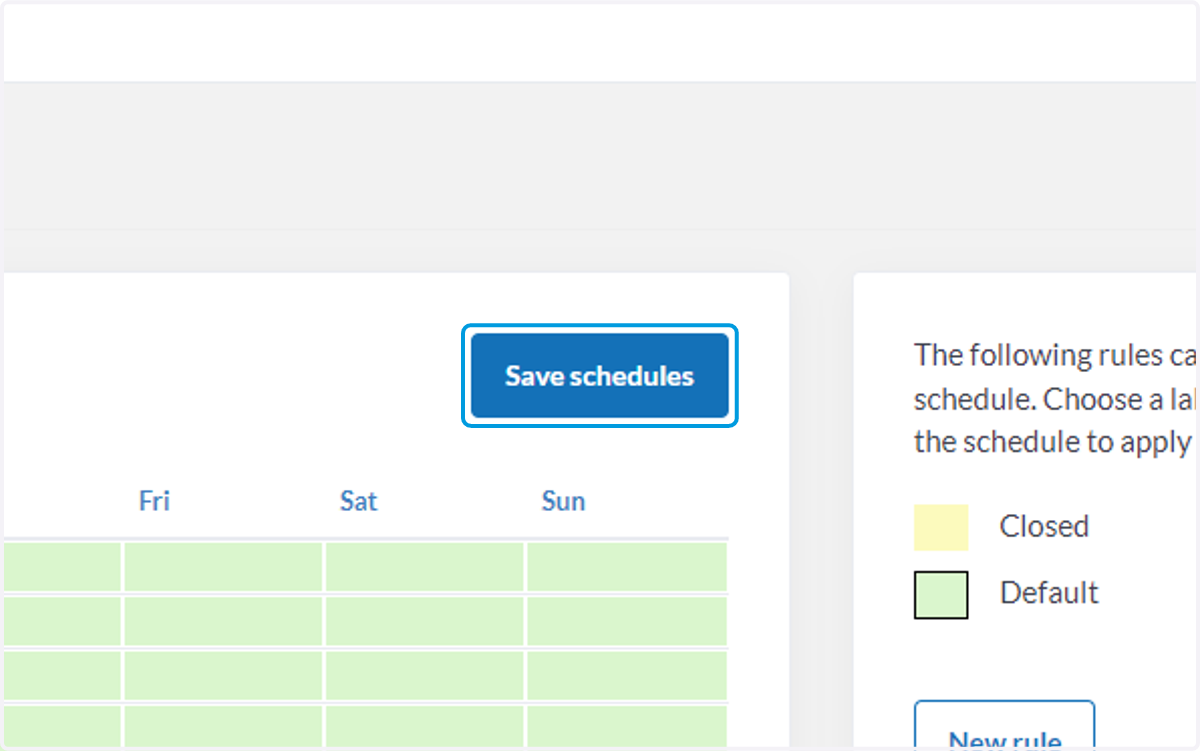
16. Click on Save schedules
17. You can then view the court costs on the booking sheet by clicking here
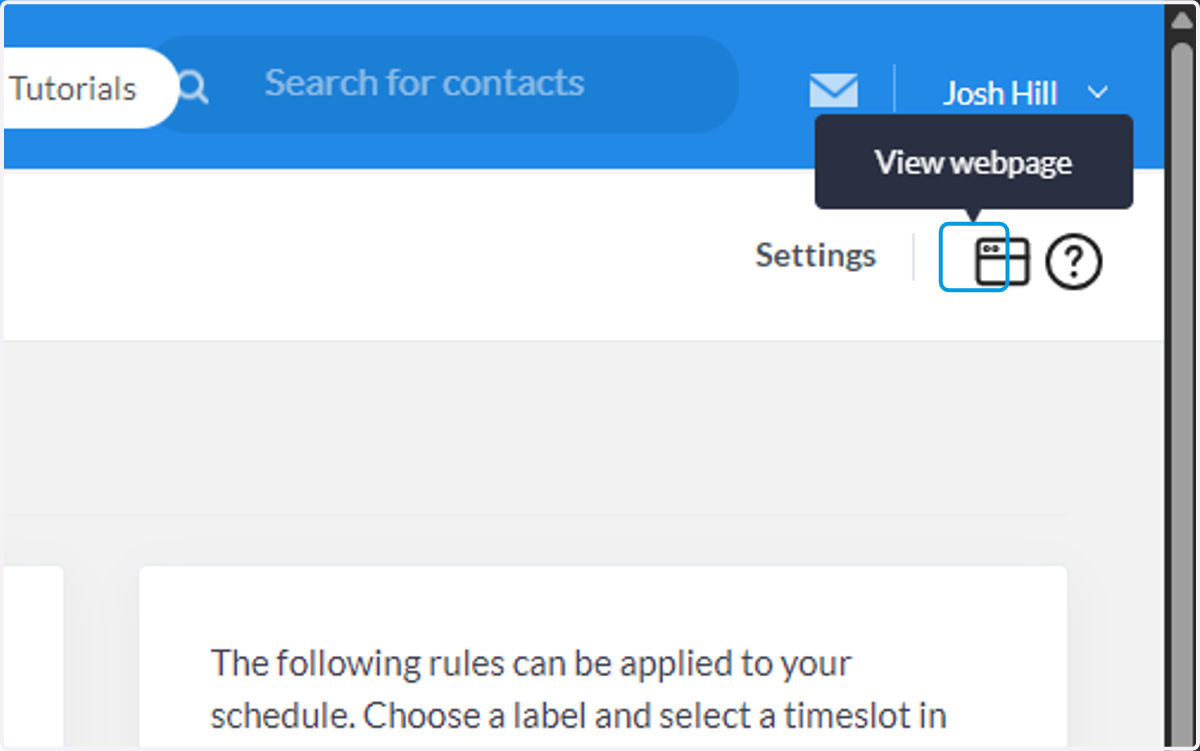
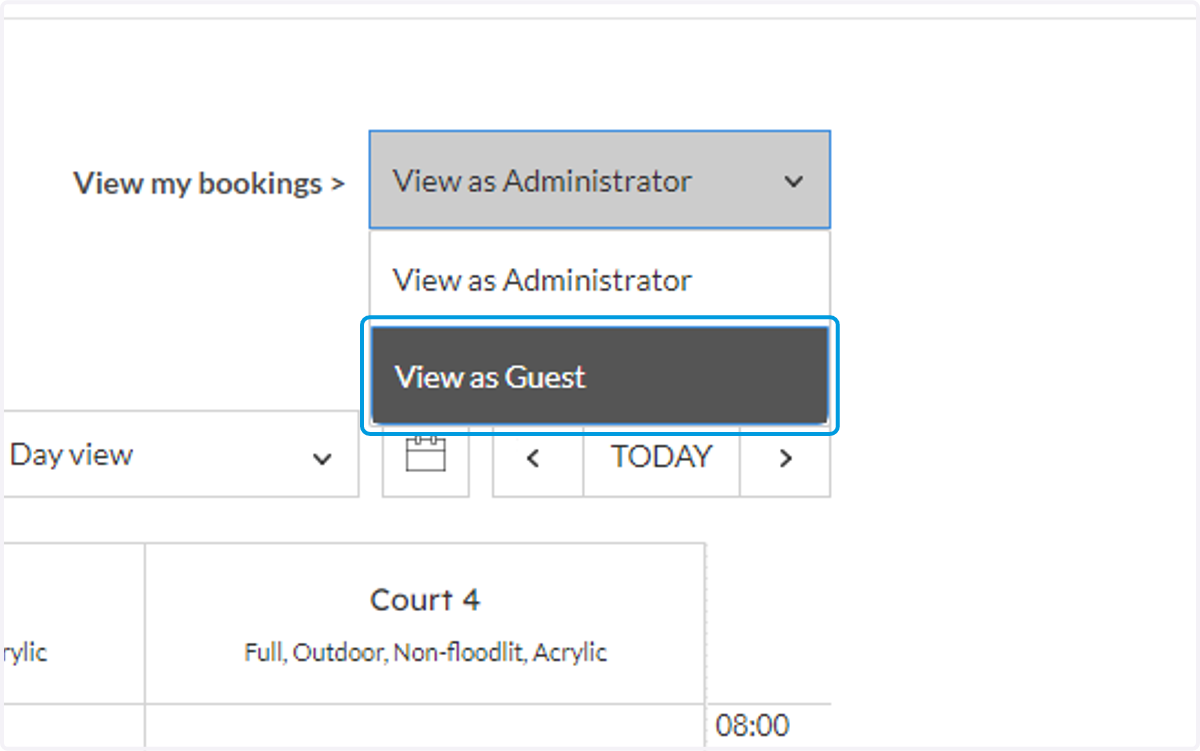
18. Click on View as Guest
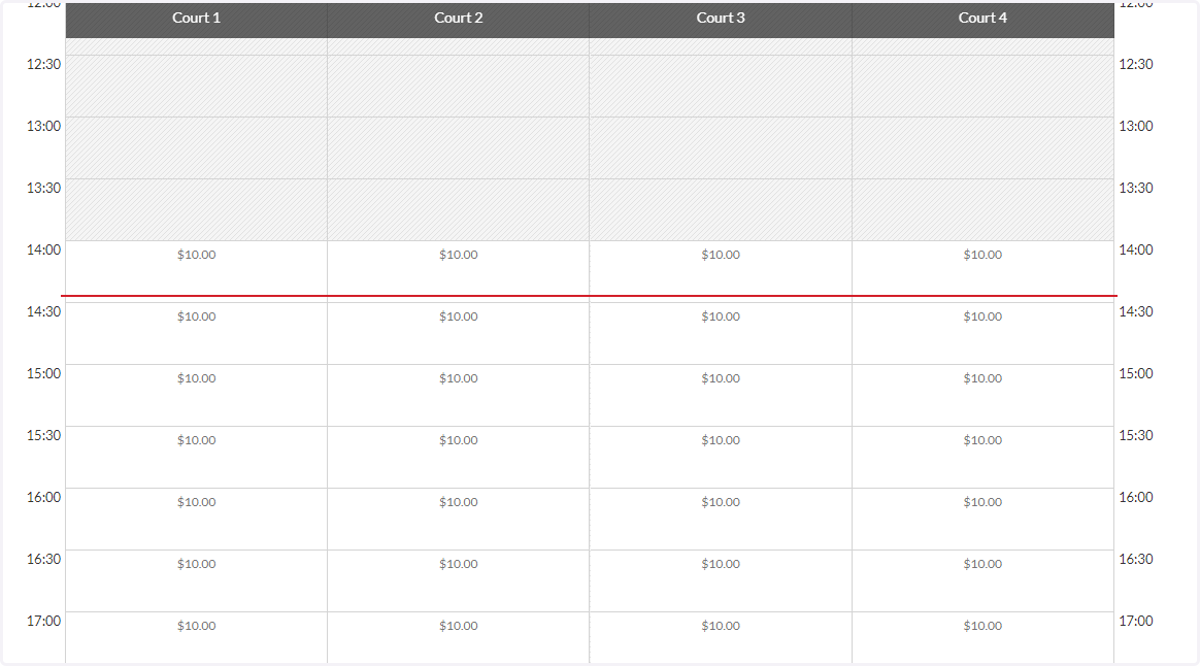
19. You can see the cost - that will appear when a casual user looks at your booking sheet
When a member logs into Clubspark and views the booking sheet - they will see FREE (unless you charge for members)