ServiceBell: Create an Ad Campaign Visitor Segment
Create a ServiceBell visitor segment for people who landed on your site via ad click-throughs.
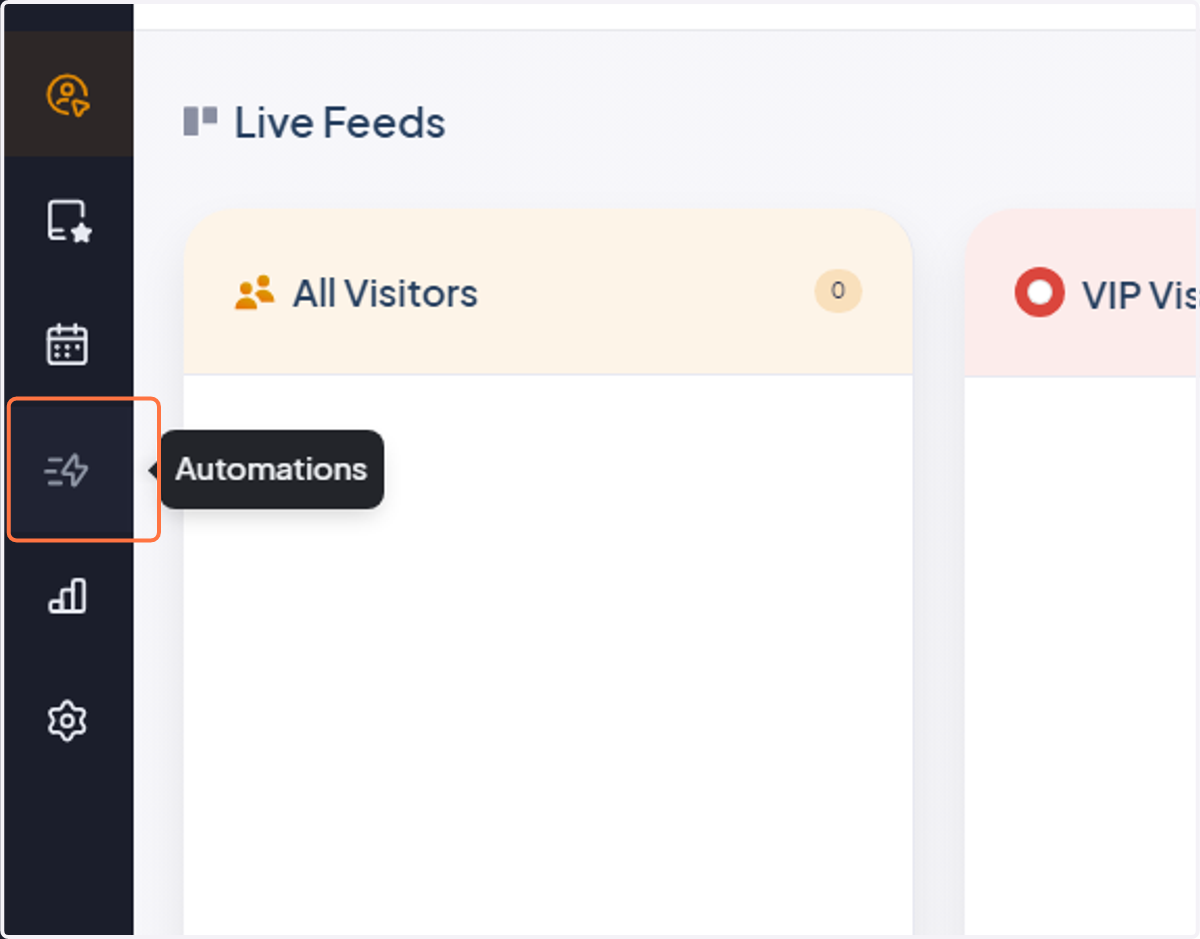
1. Click "Automations"
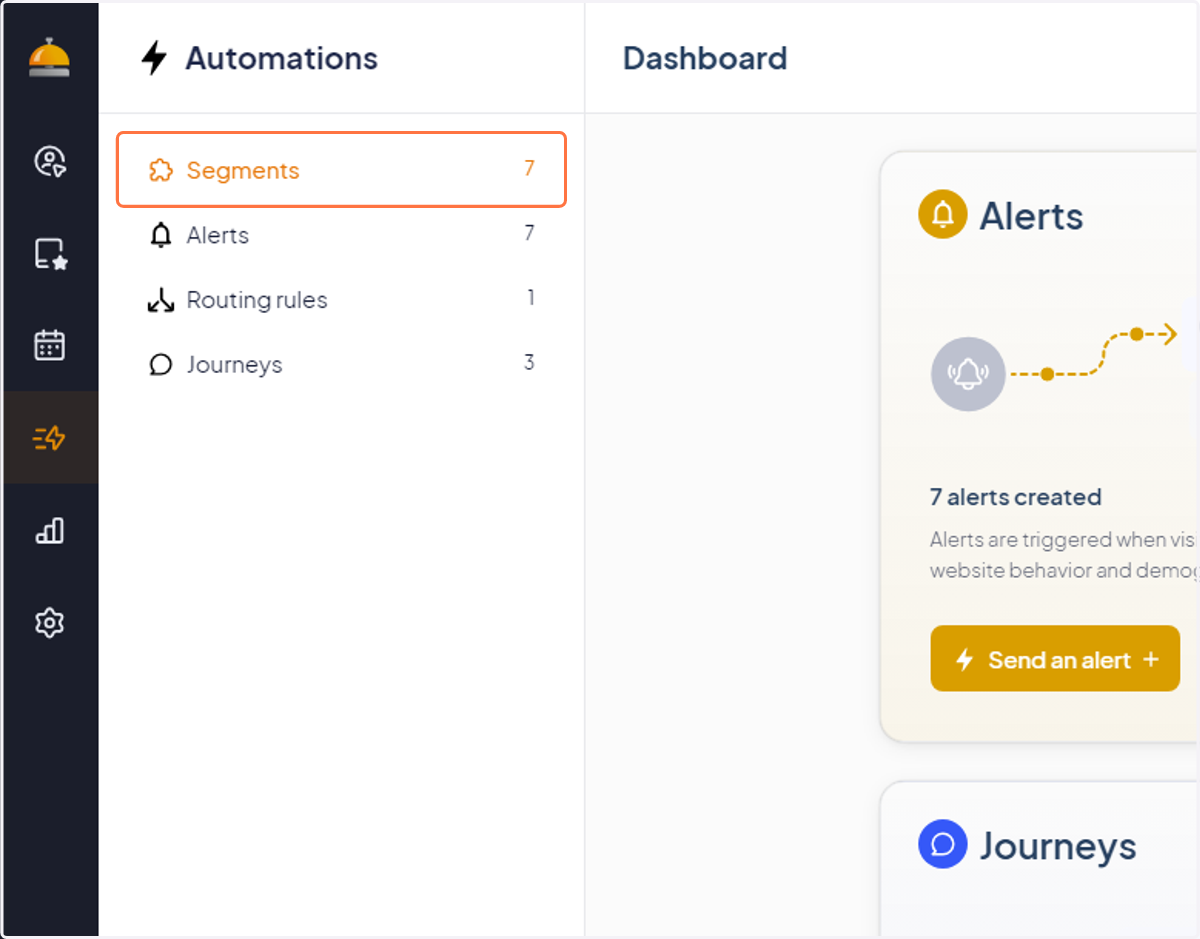
2. Click "Segments"
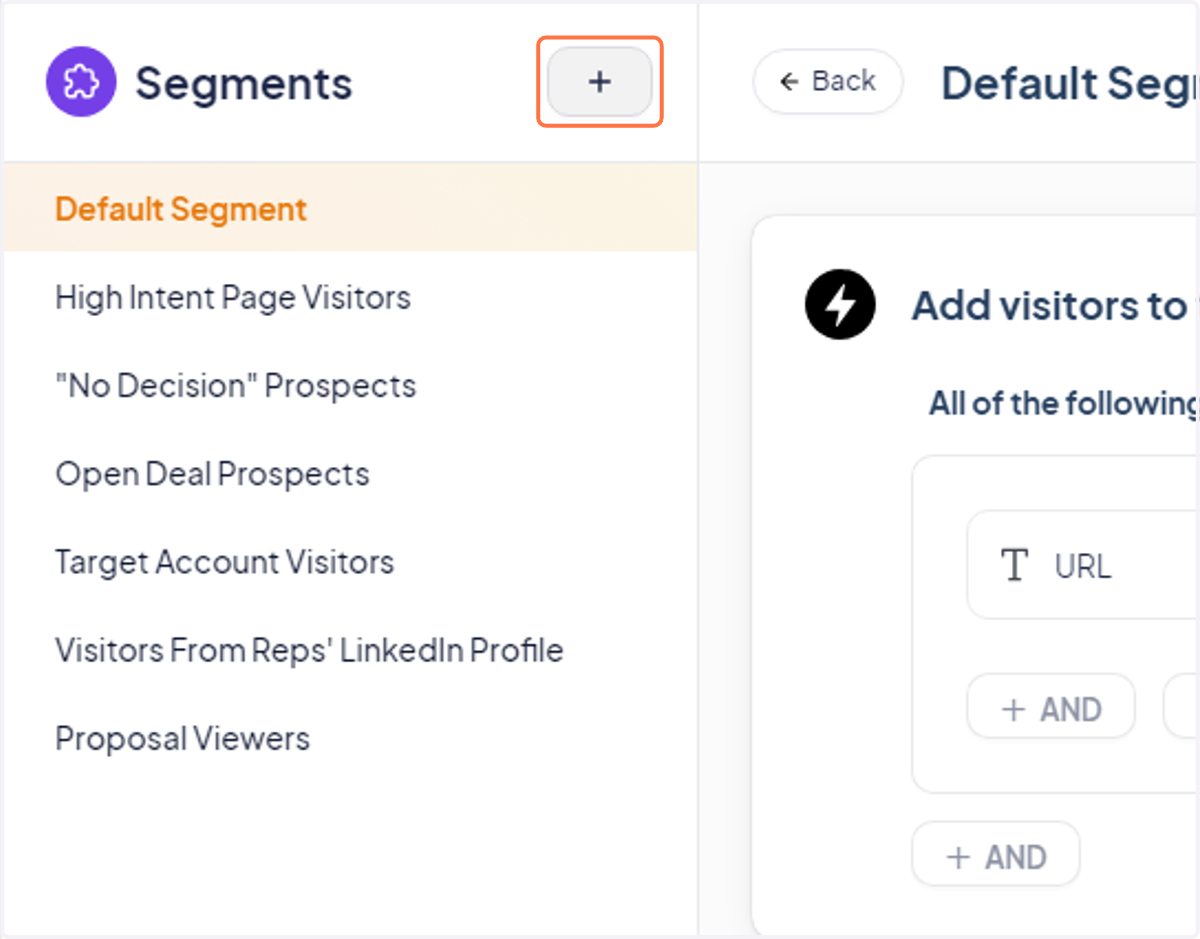
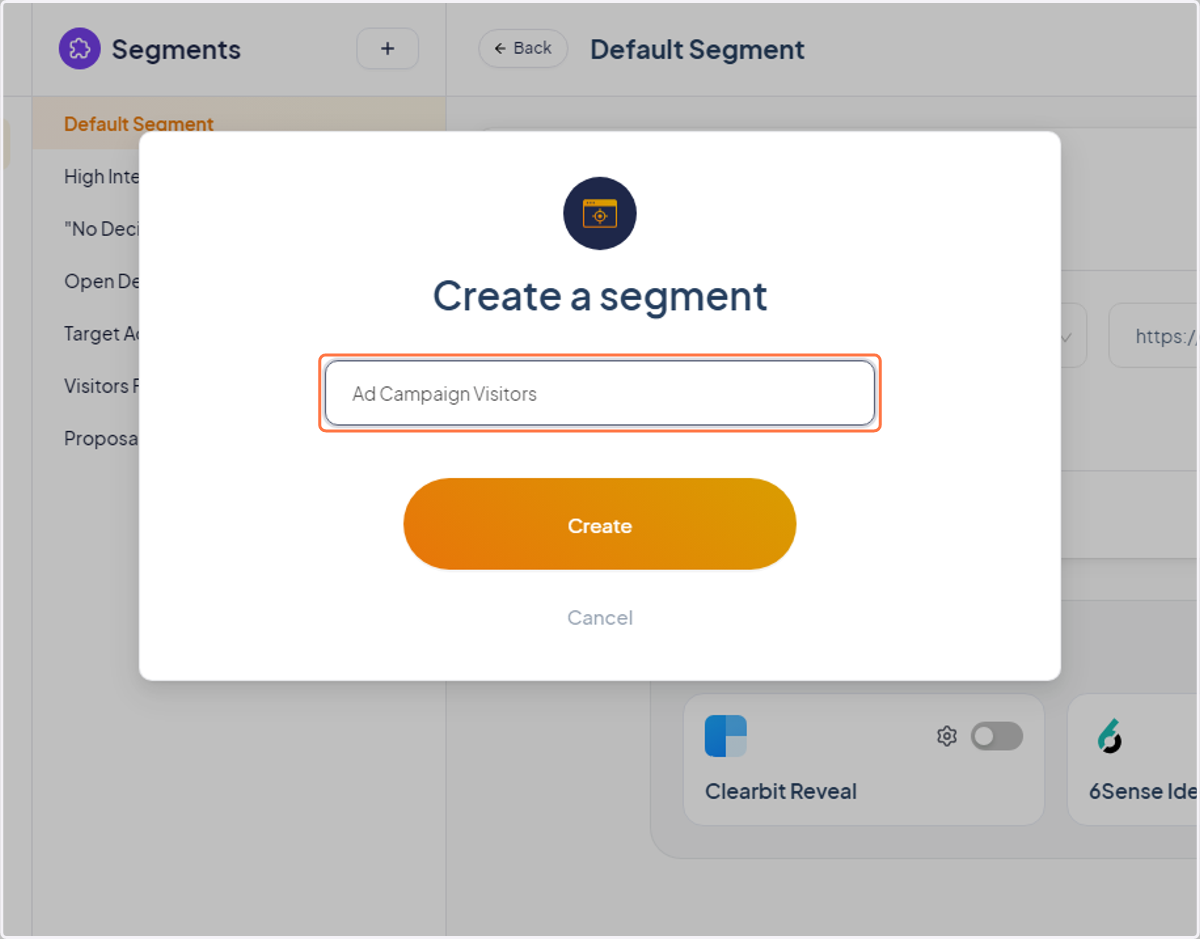
3. Create a new visitor segment
4. Name it something like: "Ad Campaign Visitors" — and click create
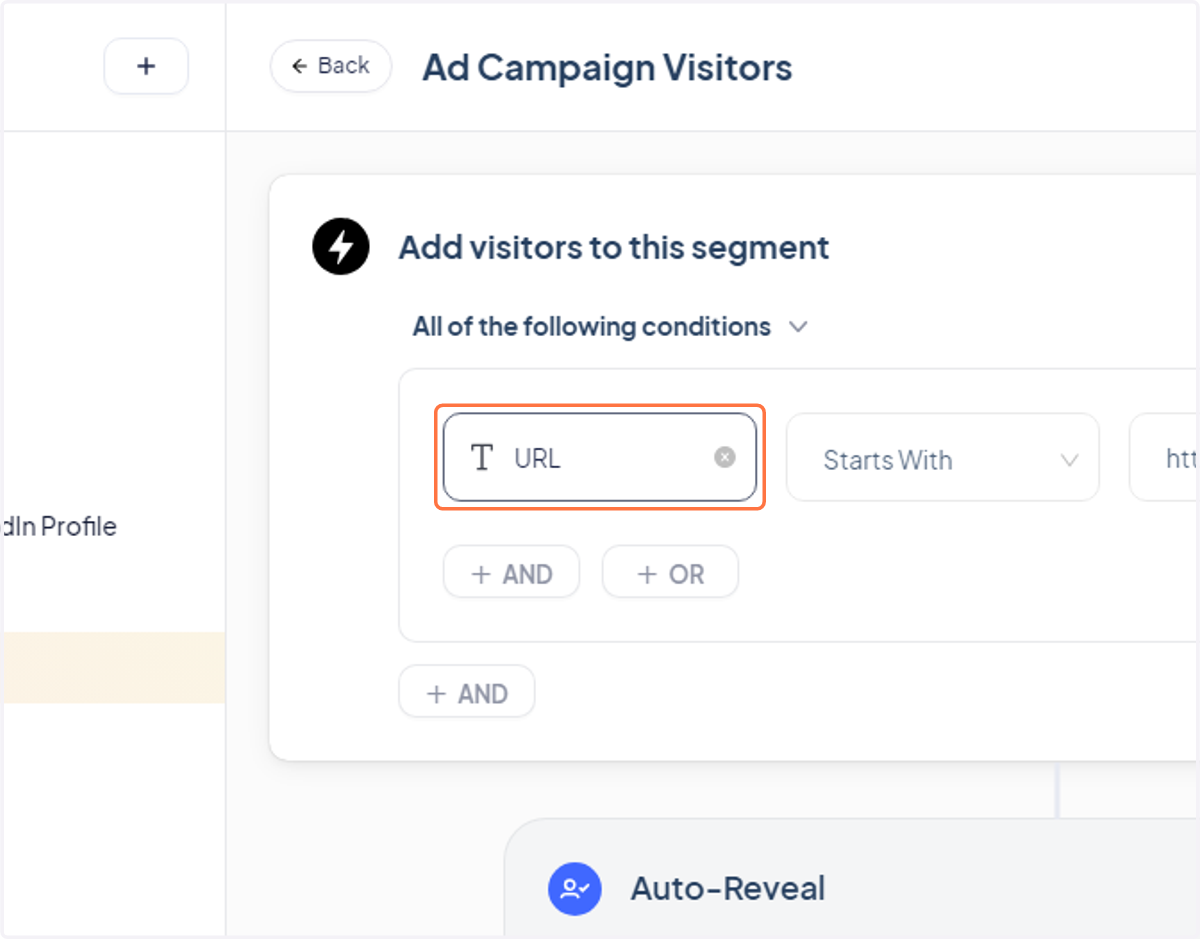
5. Click "URL"
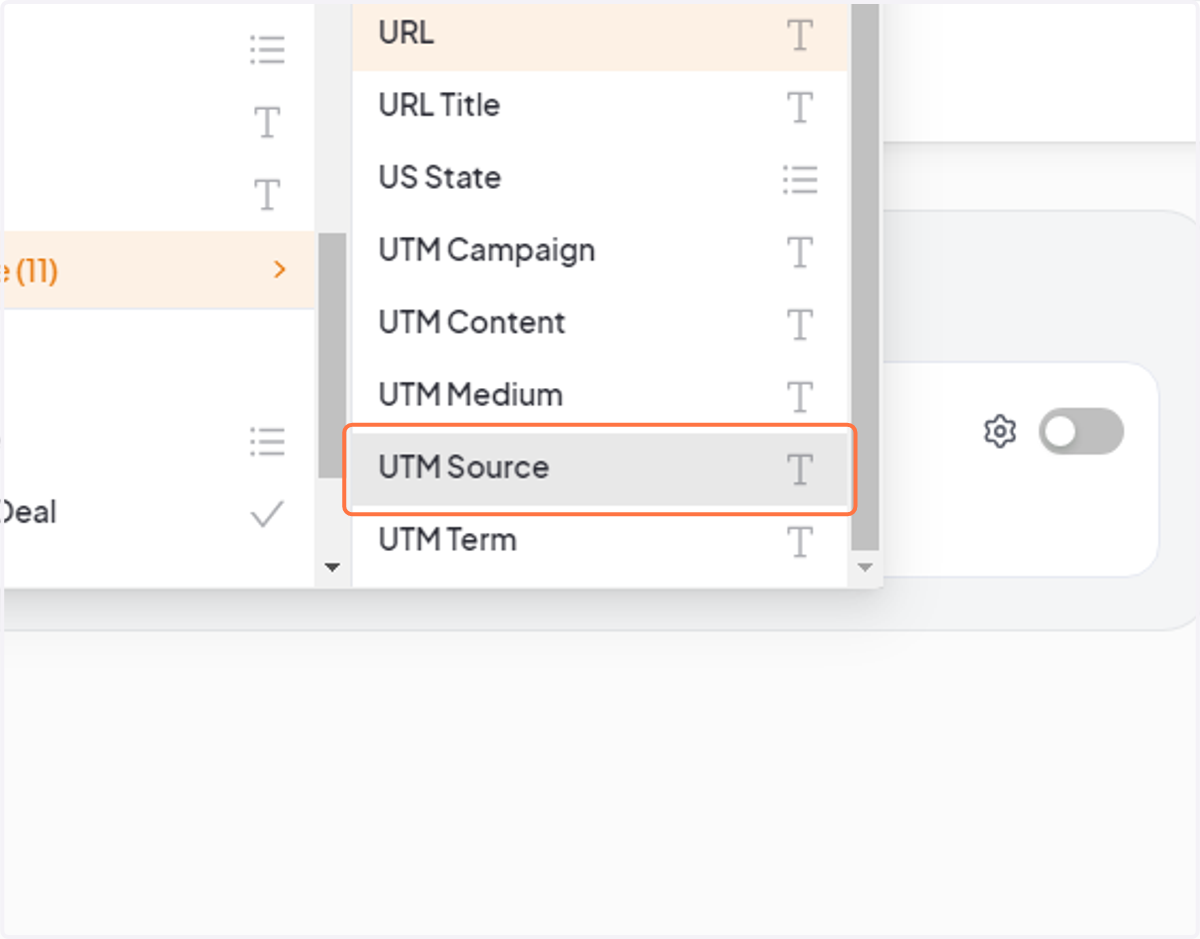
6. Change it to "UTM Source"
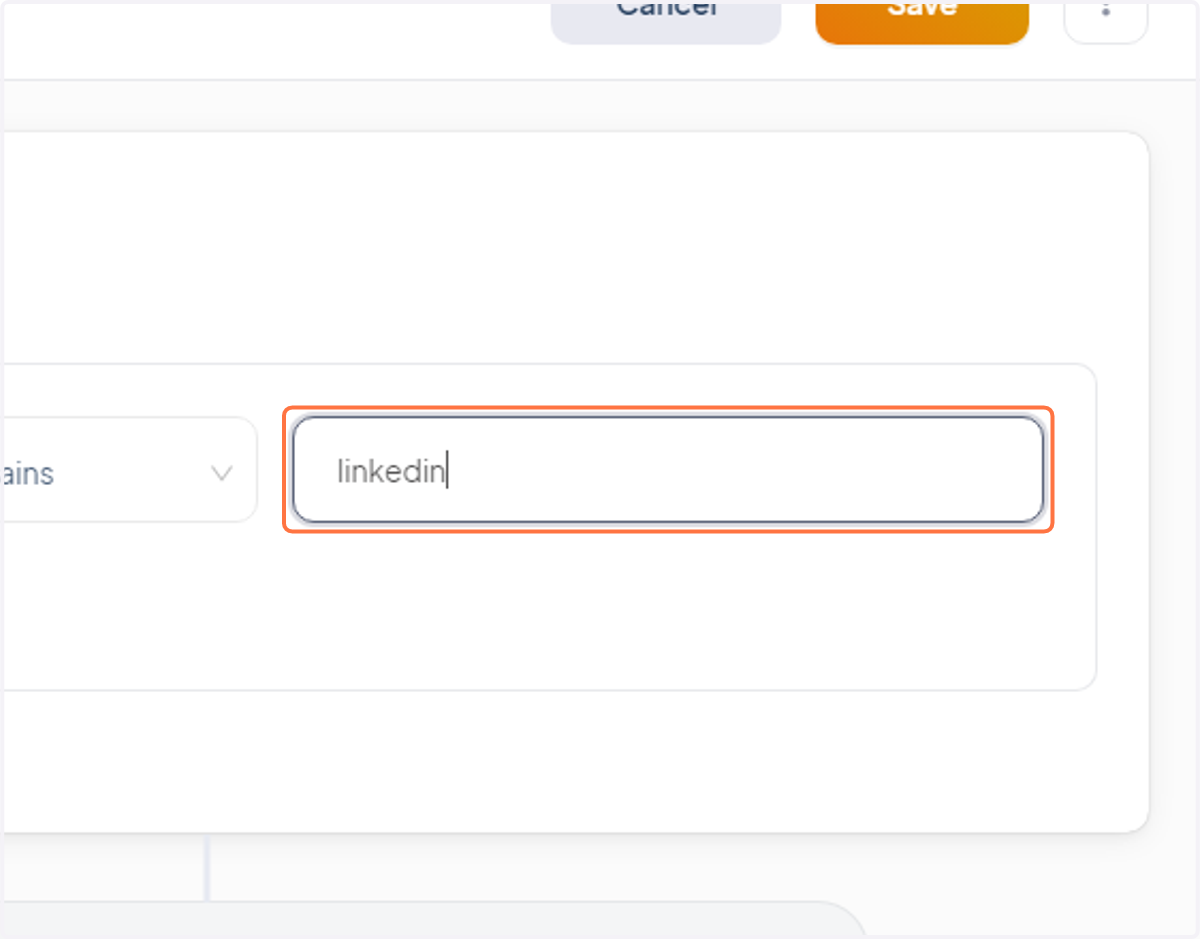
7. Type "linkedin" (or whatever ad platform you're driving traffic from)
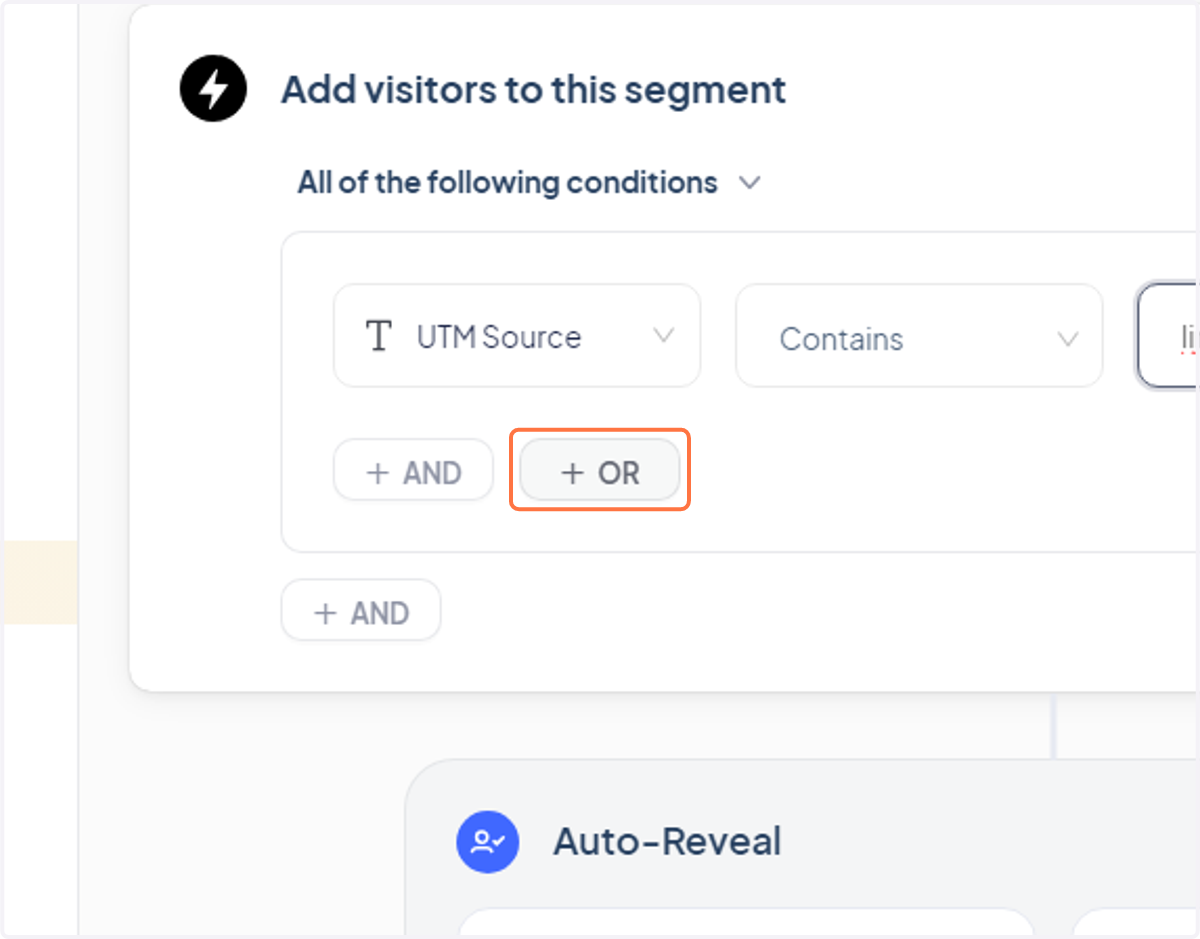
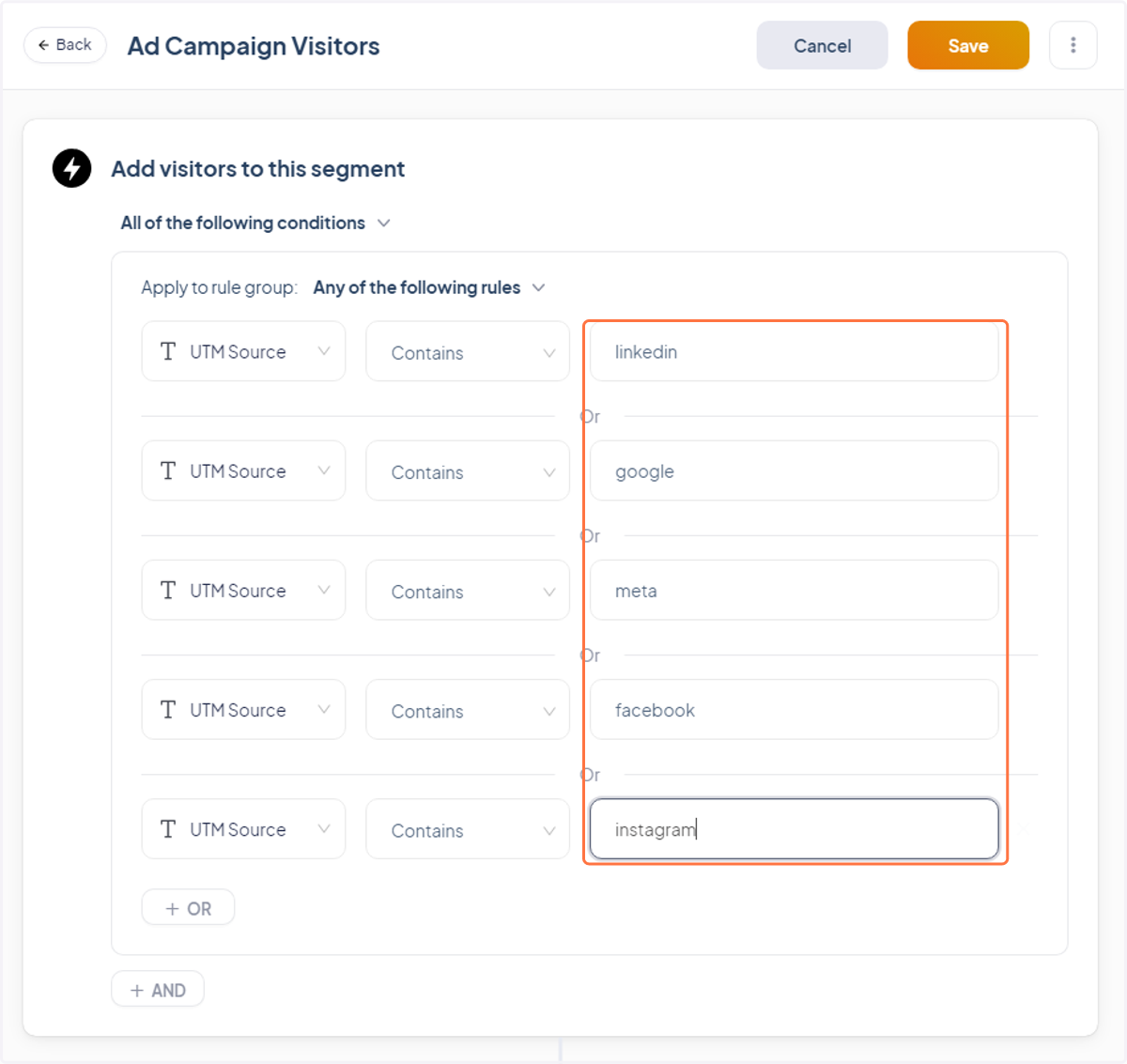
8. Click "+ OR" to add more ad platform sources
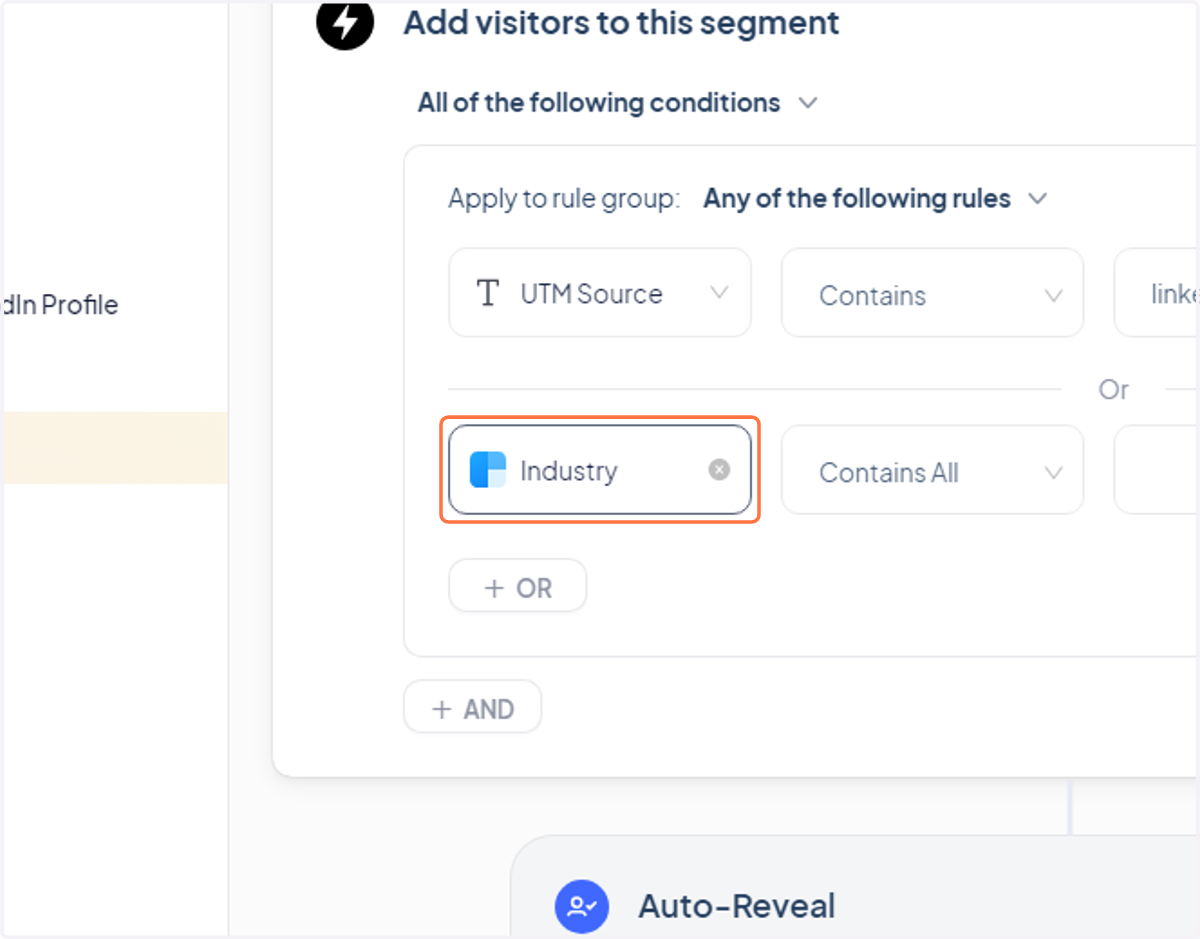
9. Click "Industry"
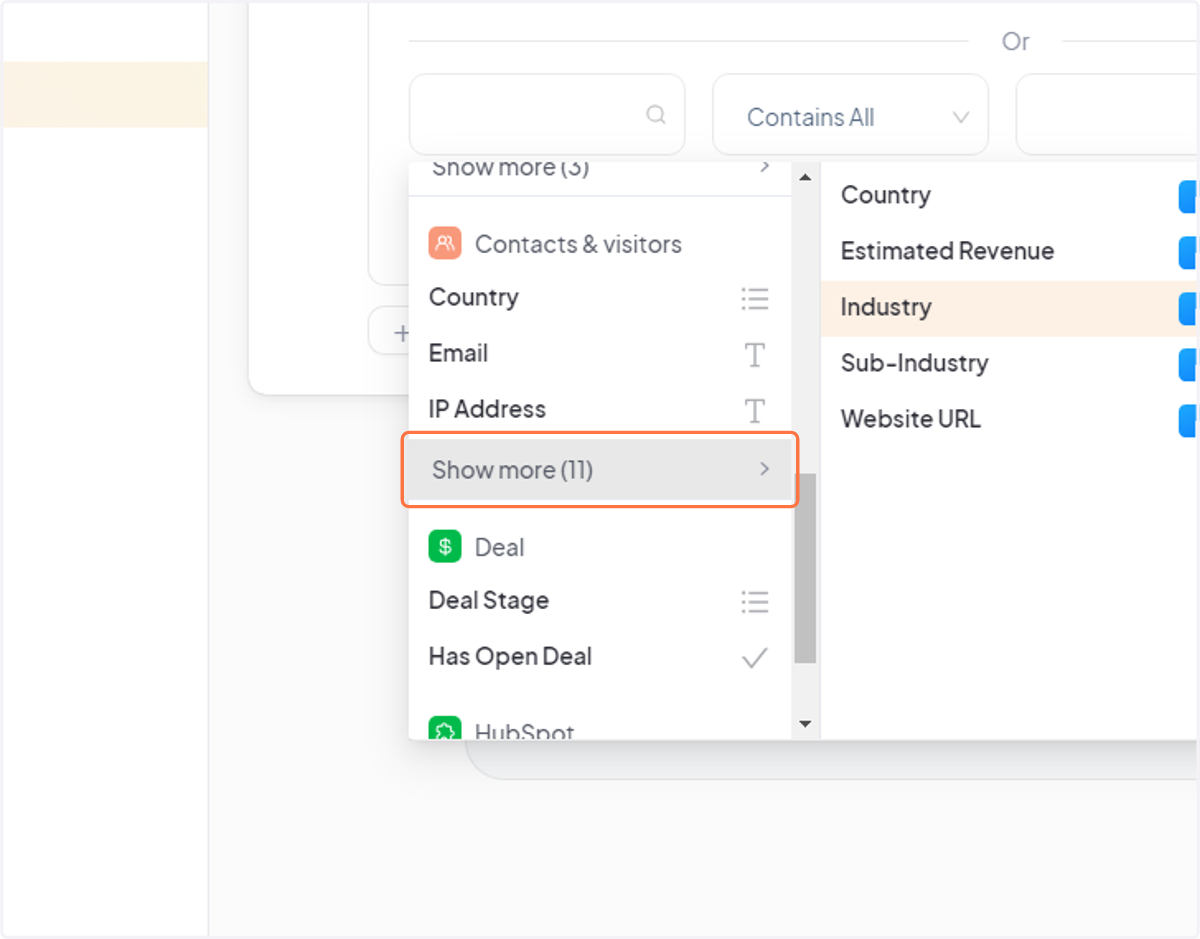
10. Click "Show more" under "Contacts & visitors"
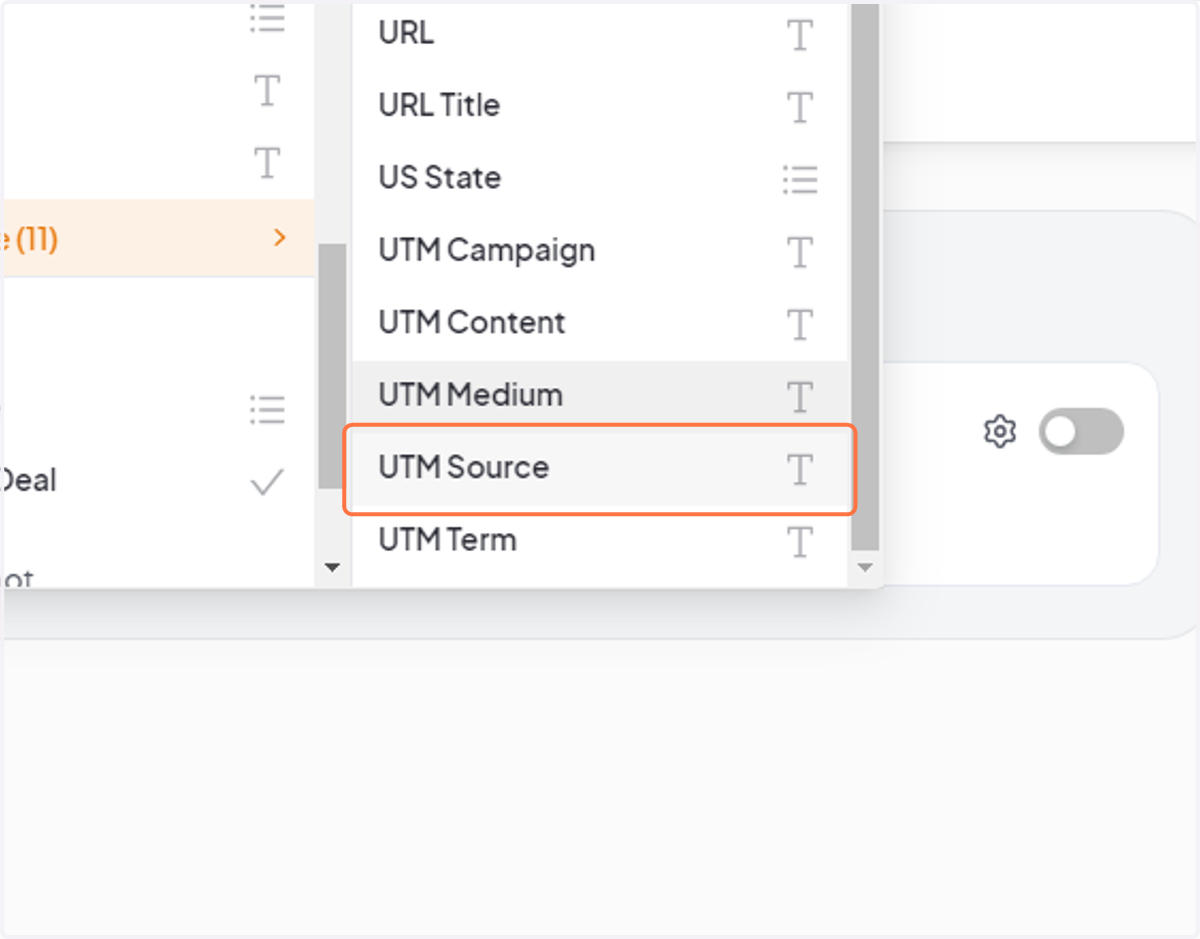
11. Change it to "UTM Source"
12. Type "google" (or another ad platform you're driving traffic from)
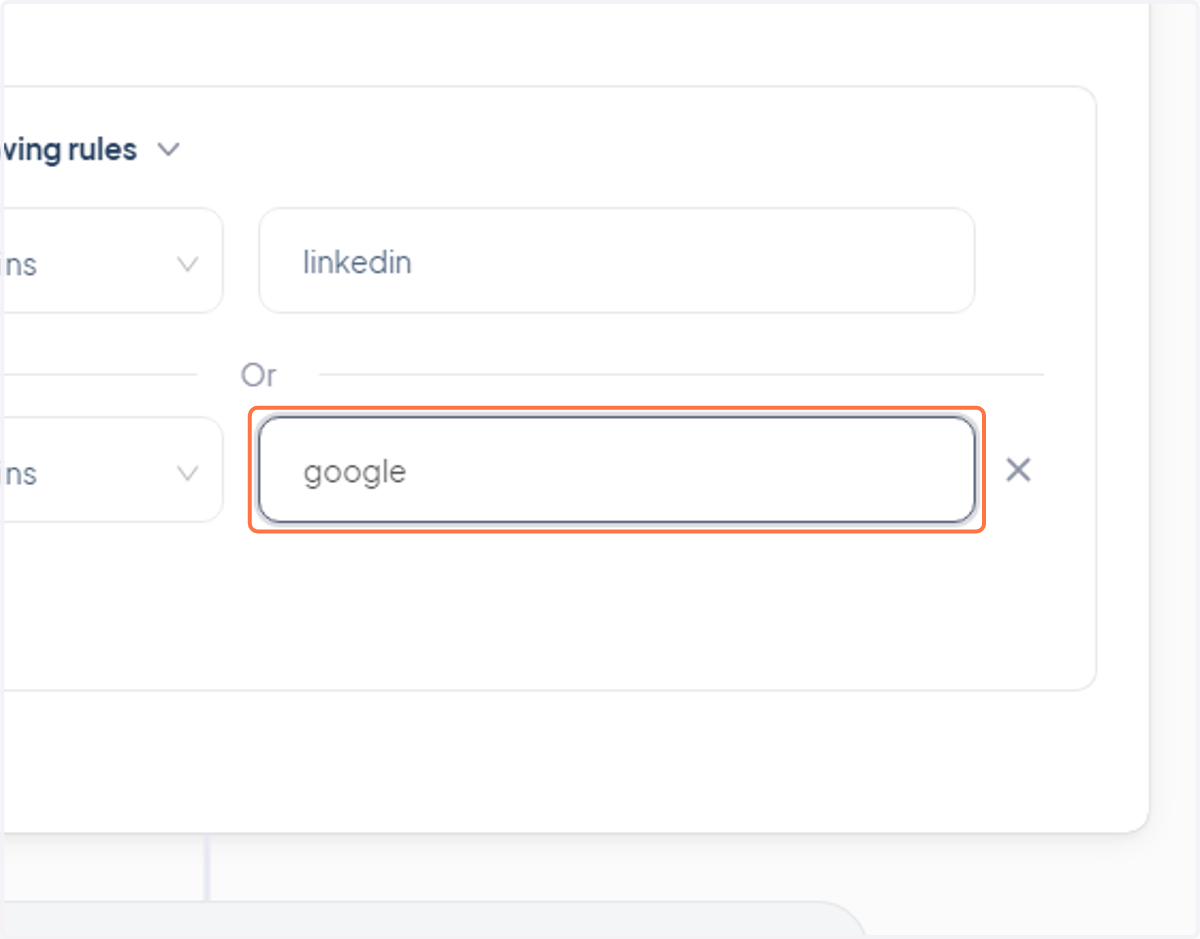
13. Repeat this process for however many ad platforms you've driving traffic from
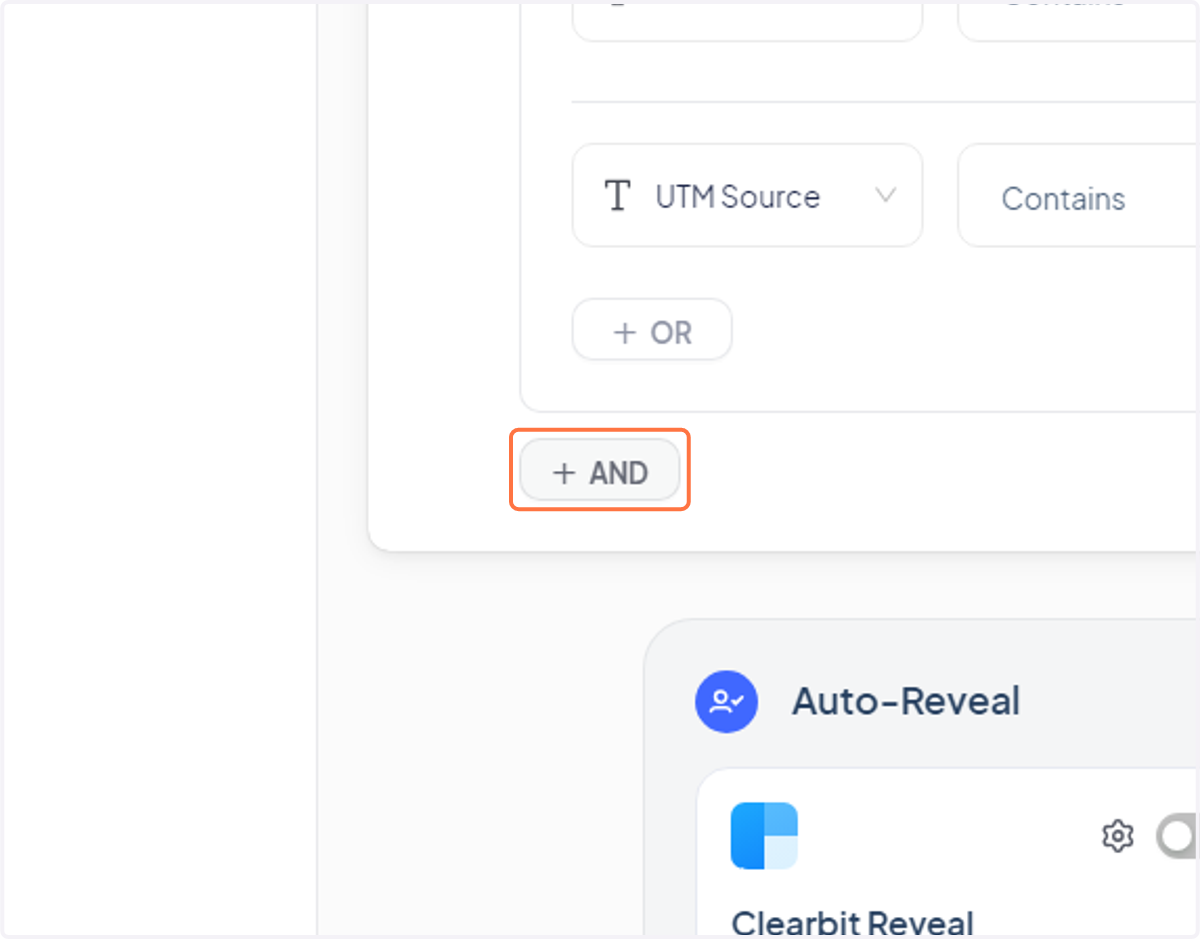
14. (OPTIONAL) After adding your ad platform sources — click "+ And" below the rule group we just created
15. Click "Industry"
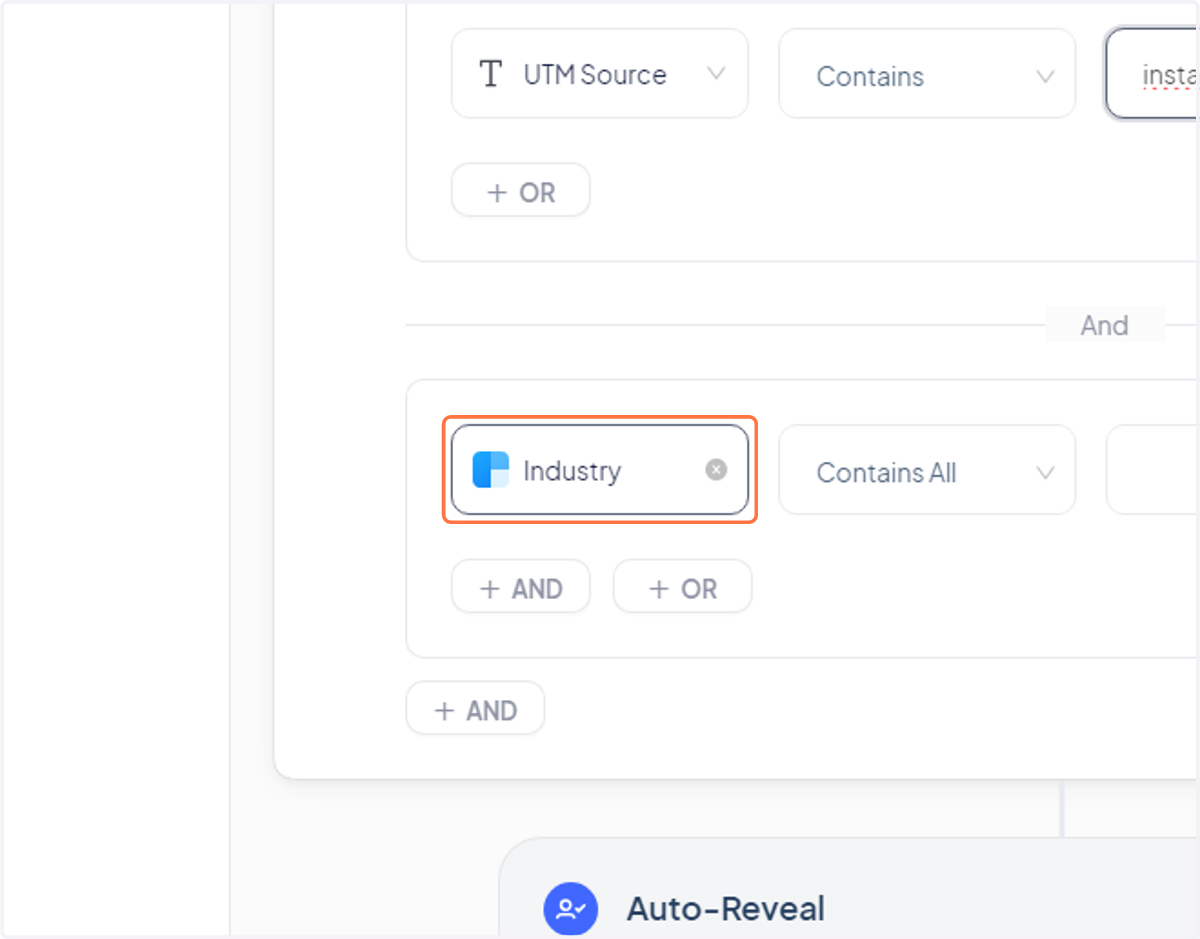
16. Click "Show more" under "Contacts & visitors"
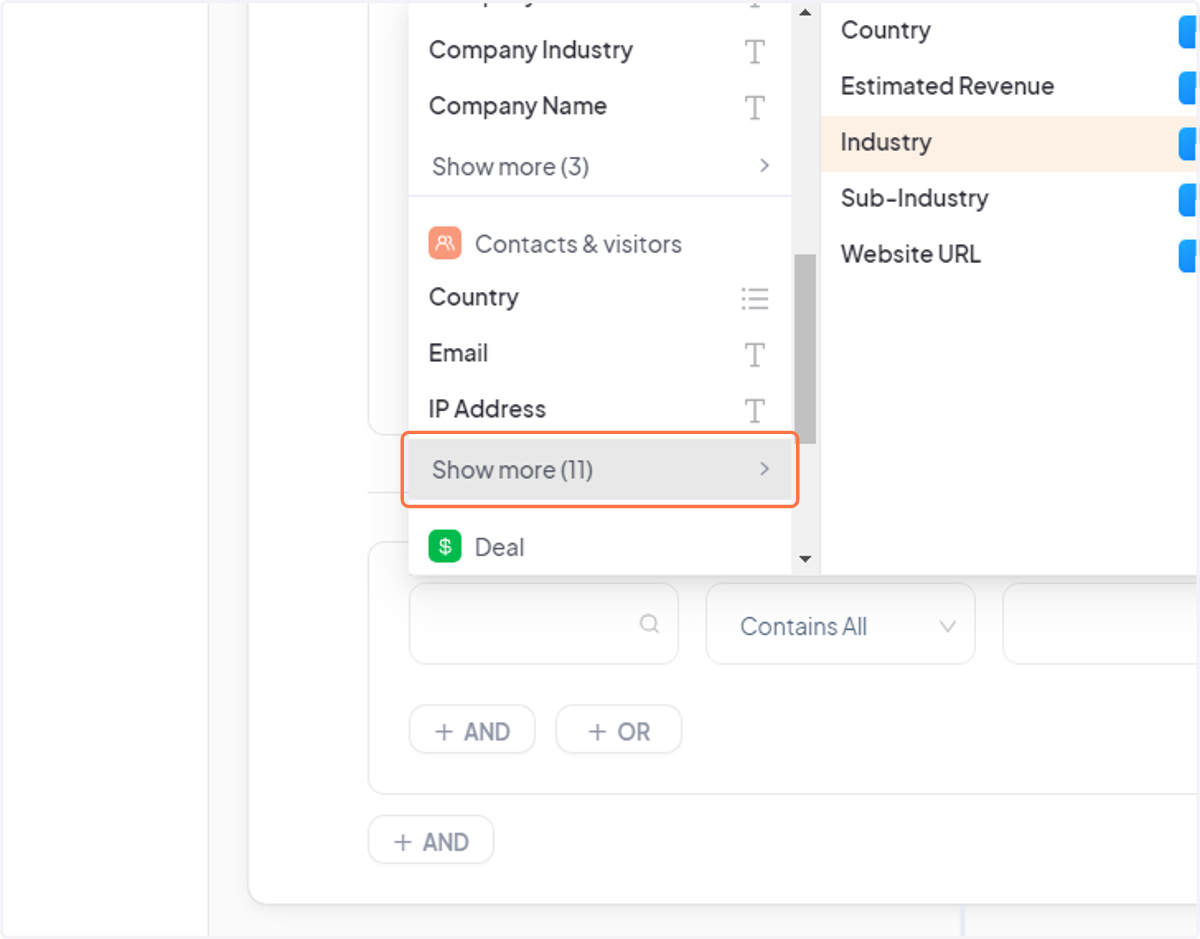
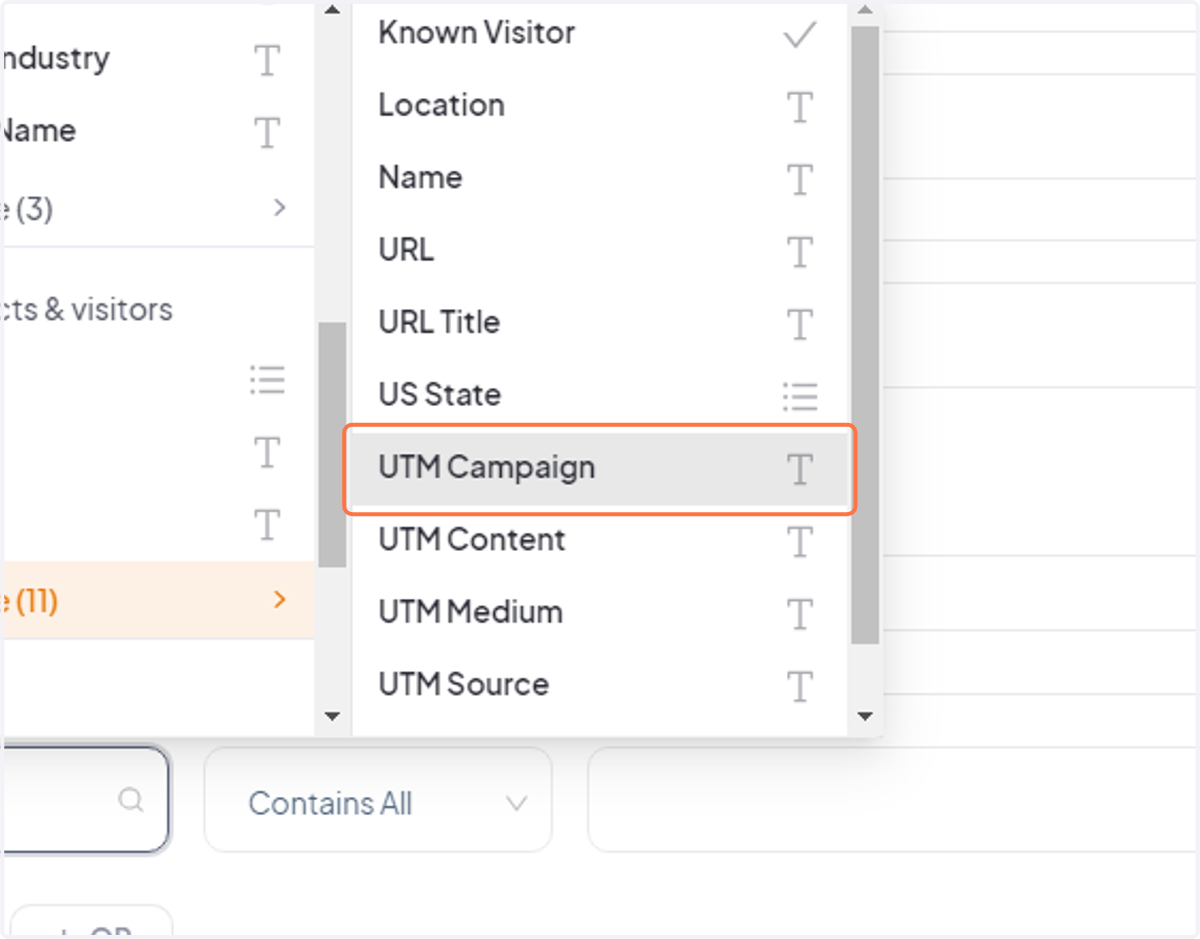
17. Change it to "UTM Campaign"
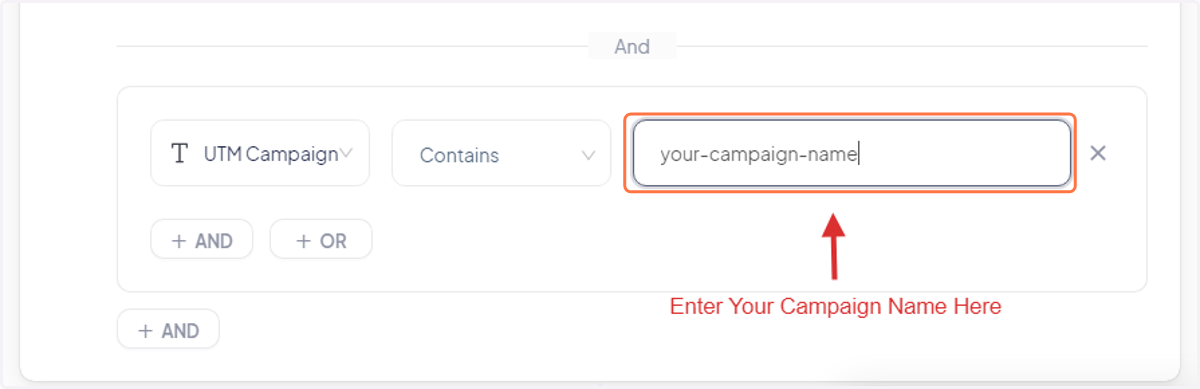
18. In the empty input, type the name of the UTM Campaign being used on your ad platforms.
This makes it so only visitors from that specific campaign are included in this segment.
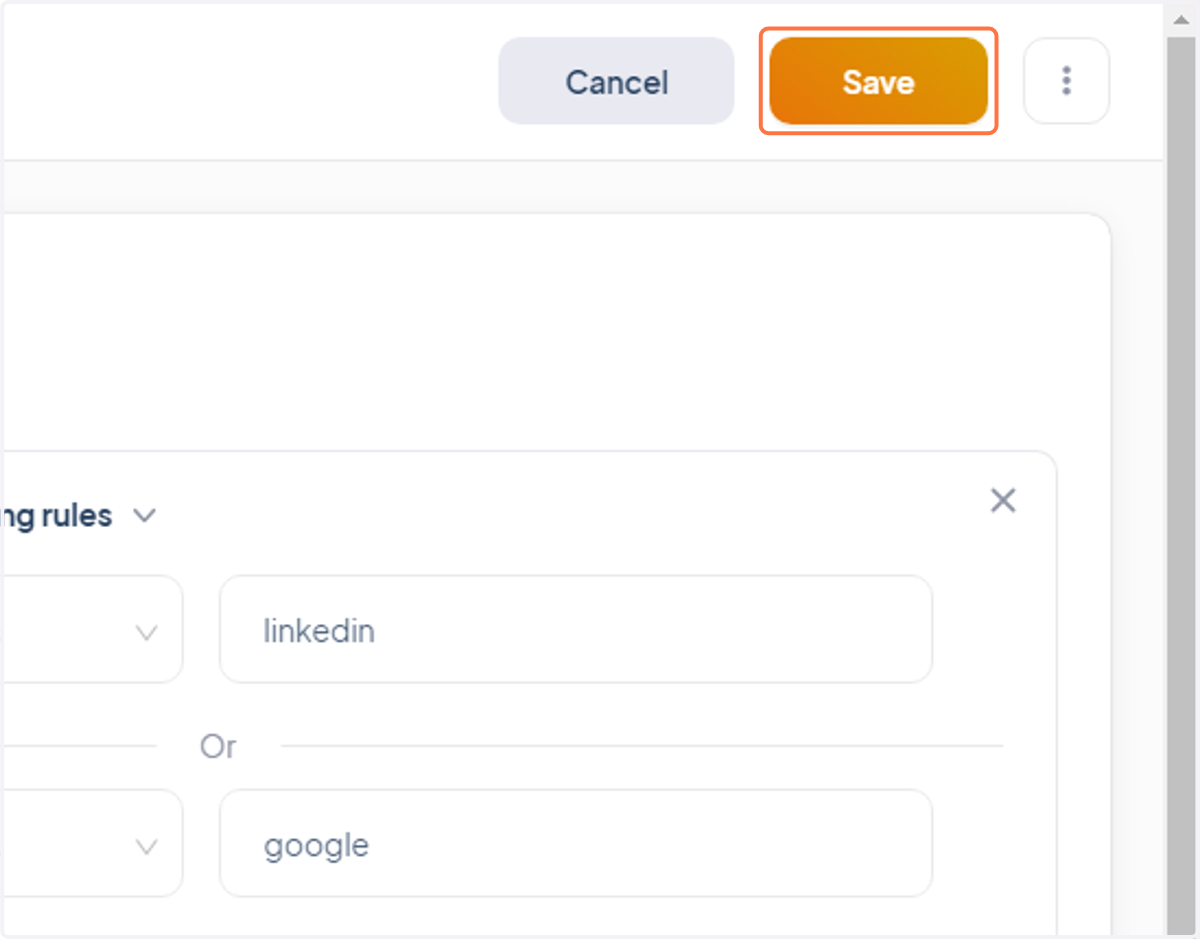
19. Click "Save" and you're done