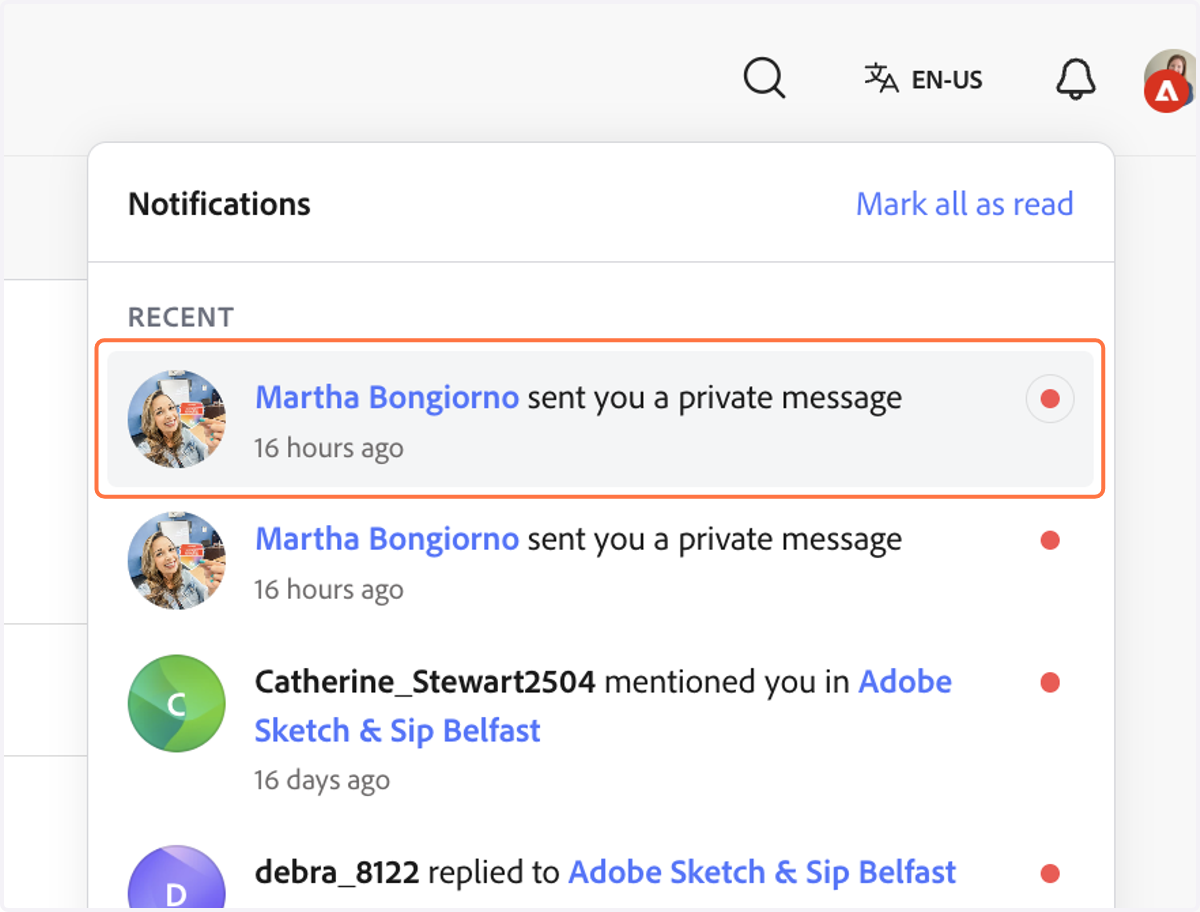
Send a private message to someone in the Adobe Community Forum!
Adobe Community Forum - How to Direct Message
First, head to edu.adobe.com
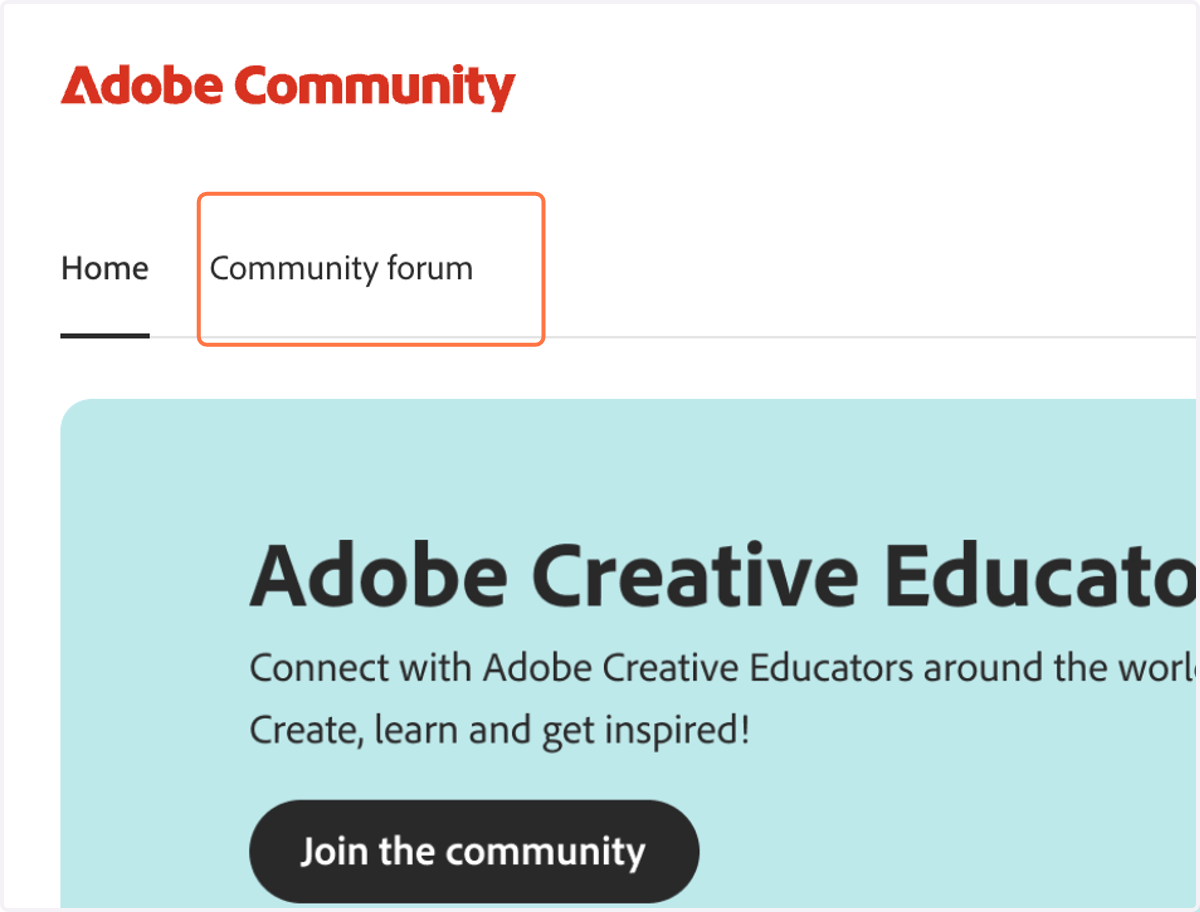
1. Click on Community forum
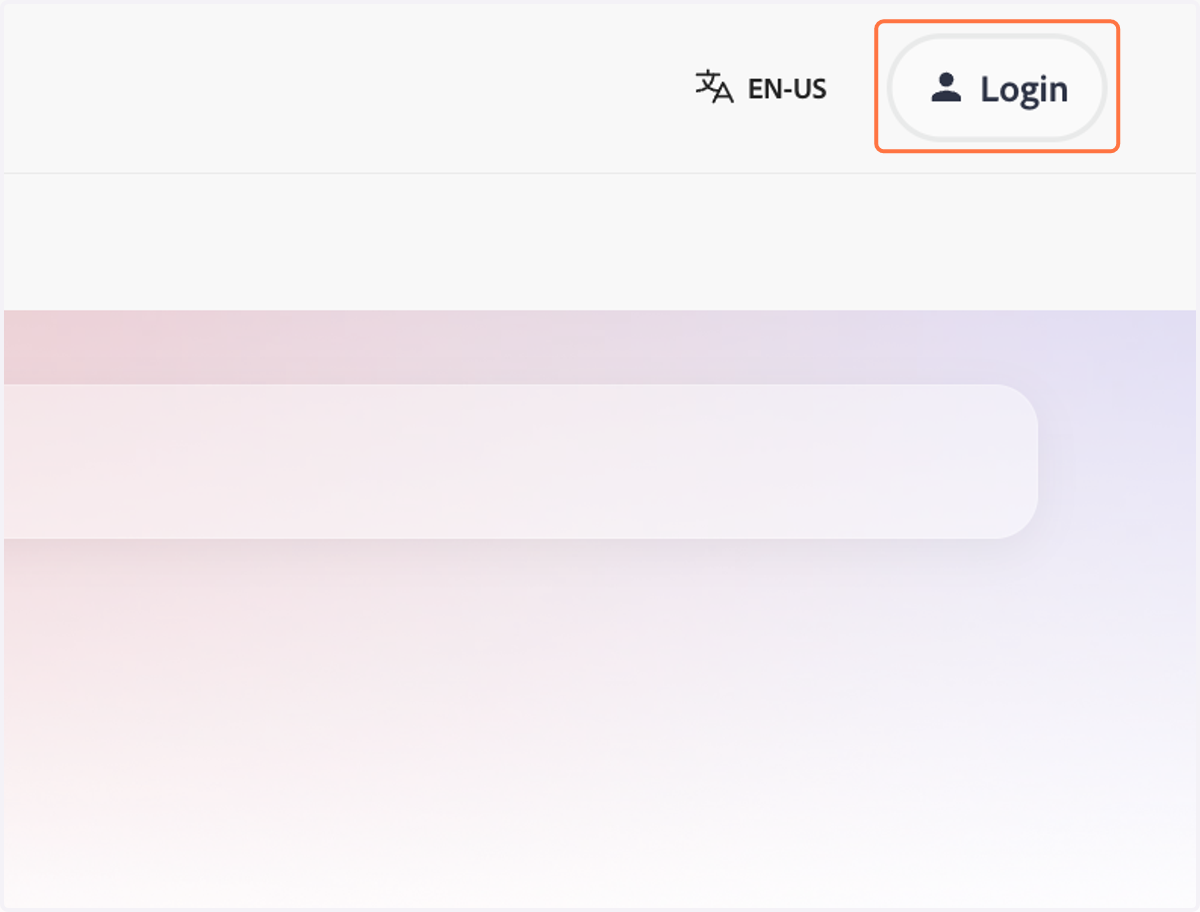
2. Click on Login
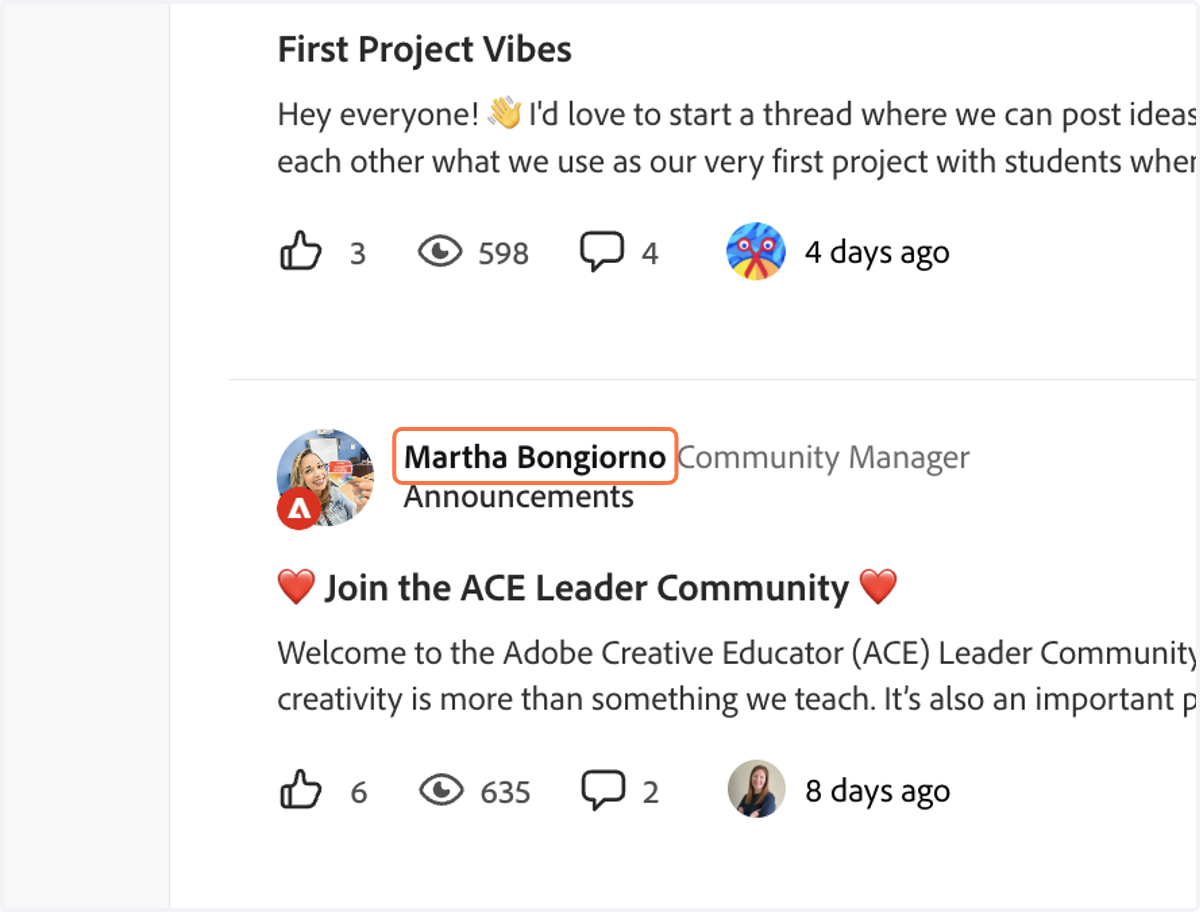
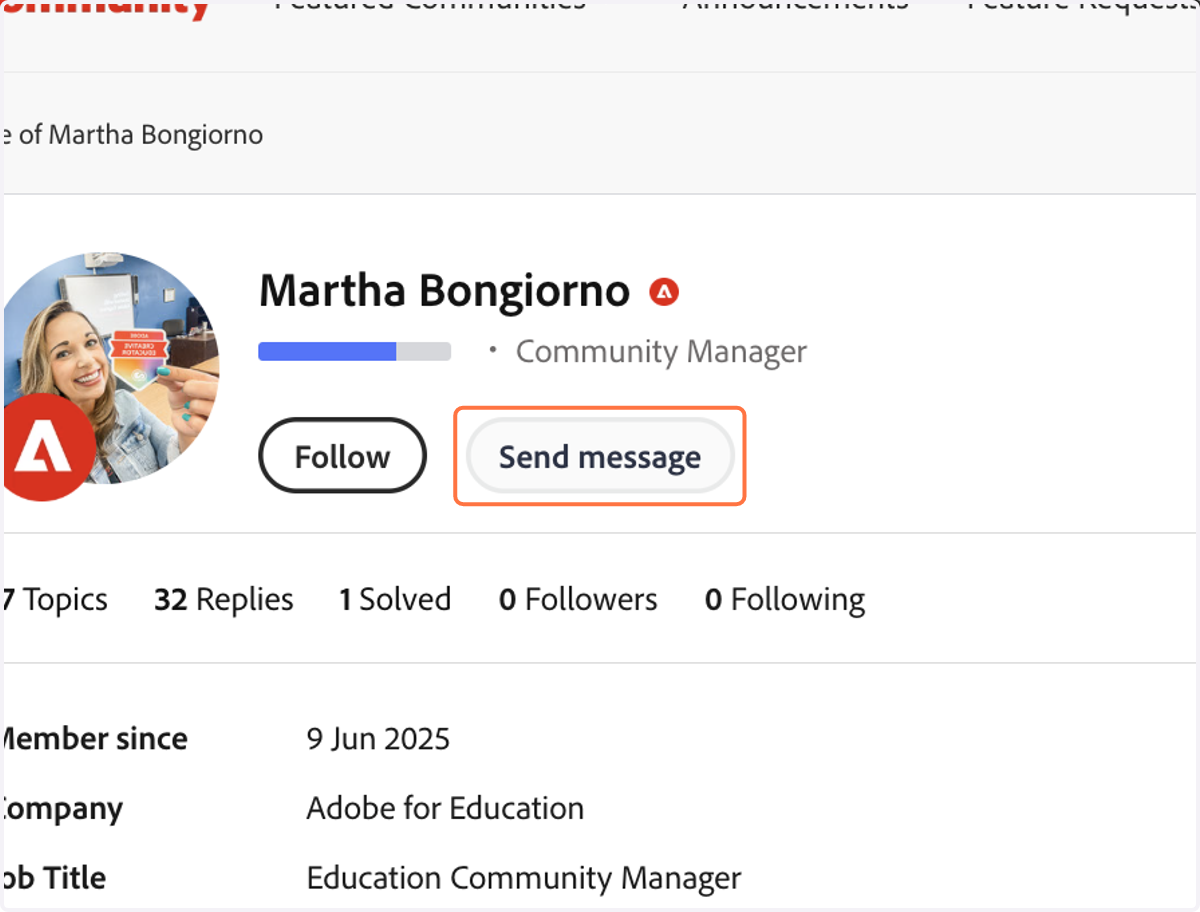
3. Click on a community member's name
4. Click on Send message
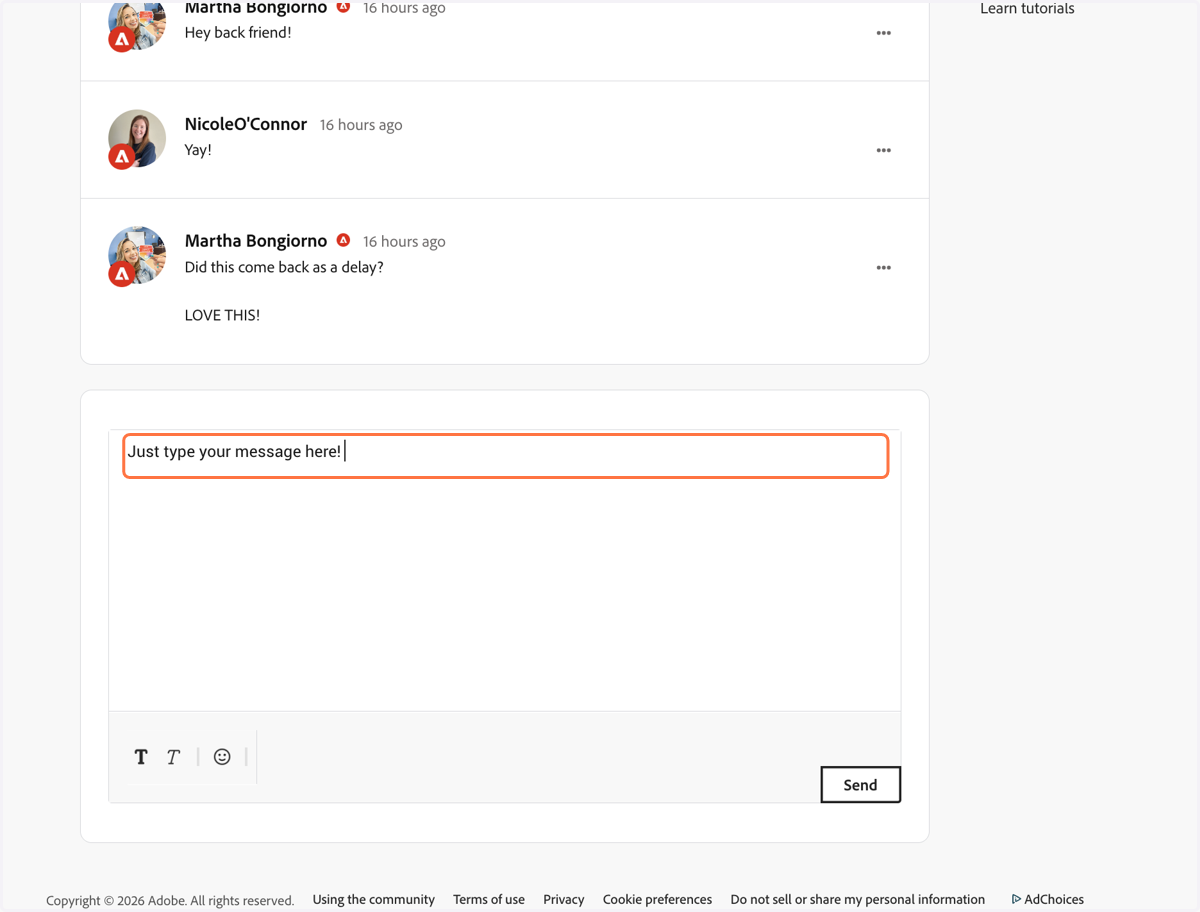
5. Type a message!
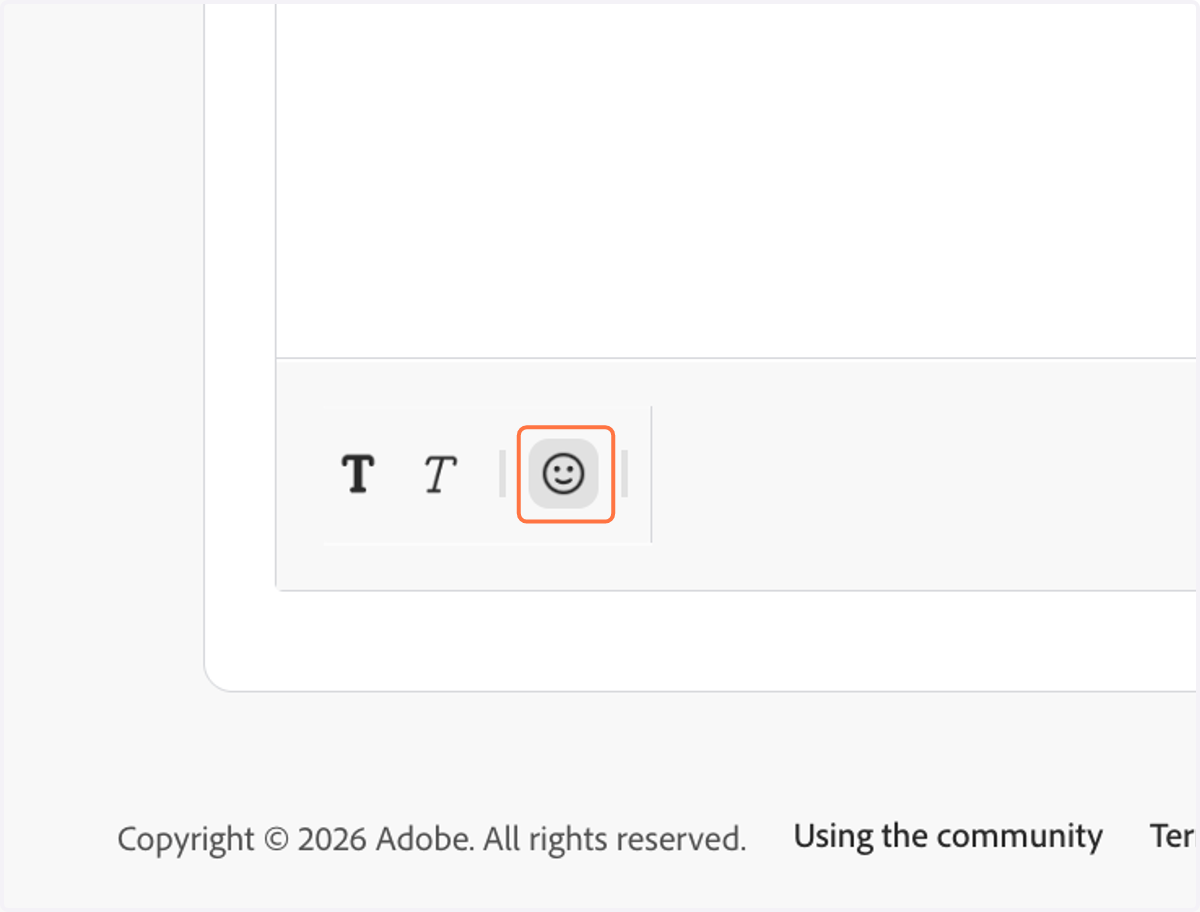
6. You can format text and insert emojis using the controls in the bottom left.
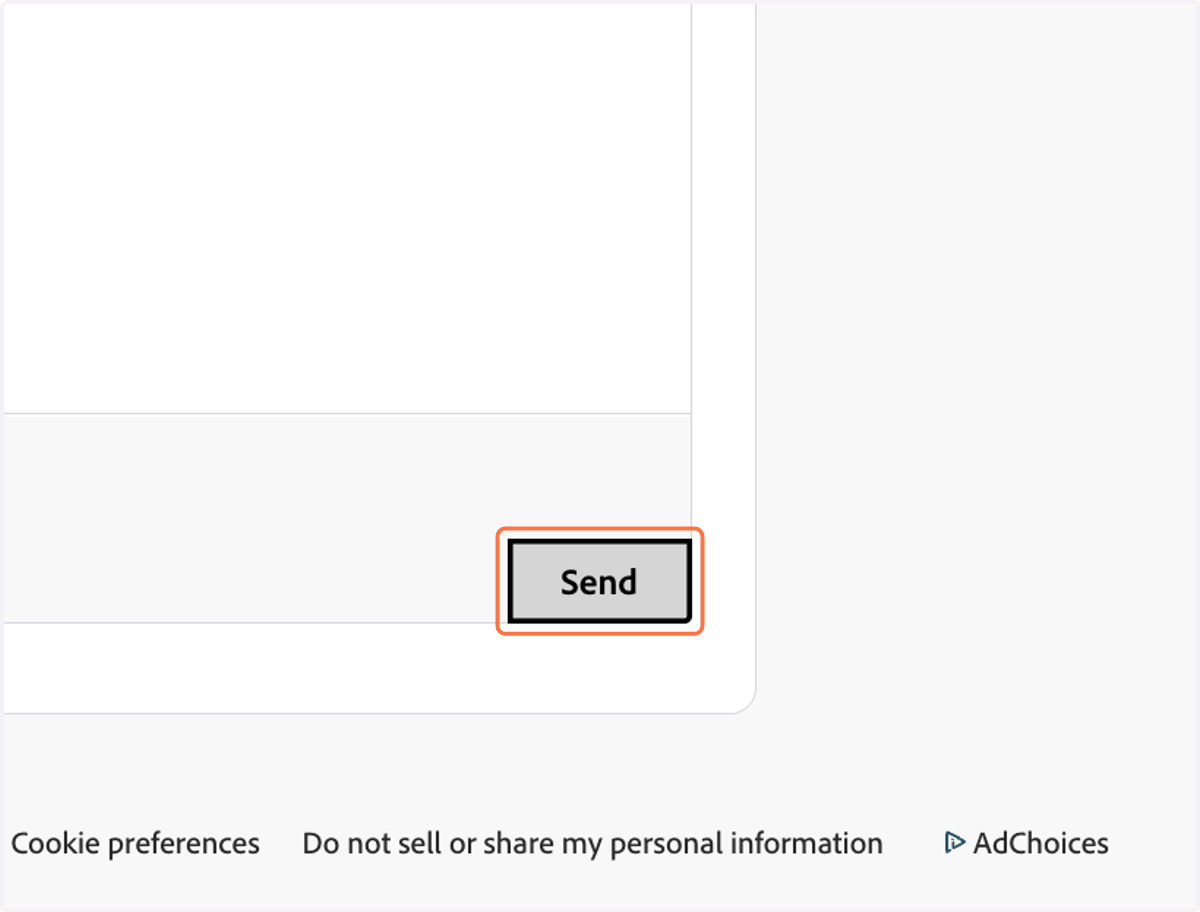
7. Click on Send
8. Click on the notification bell
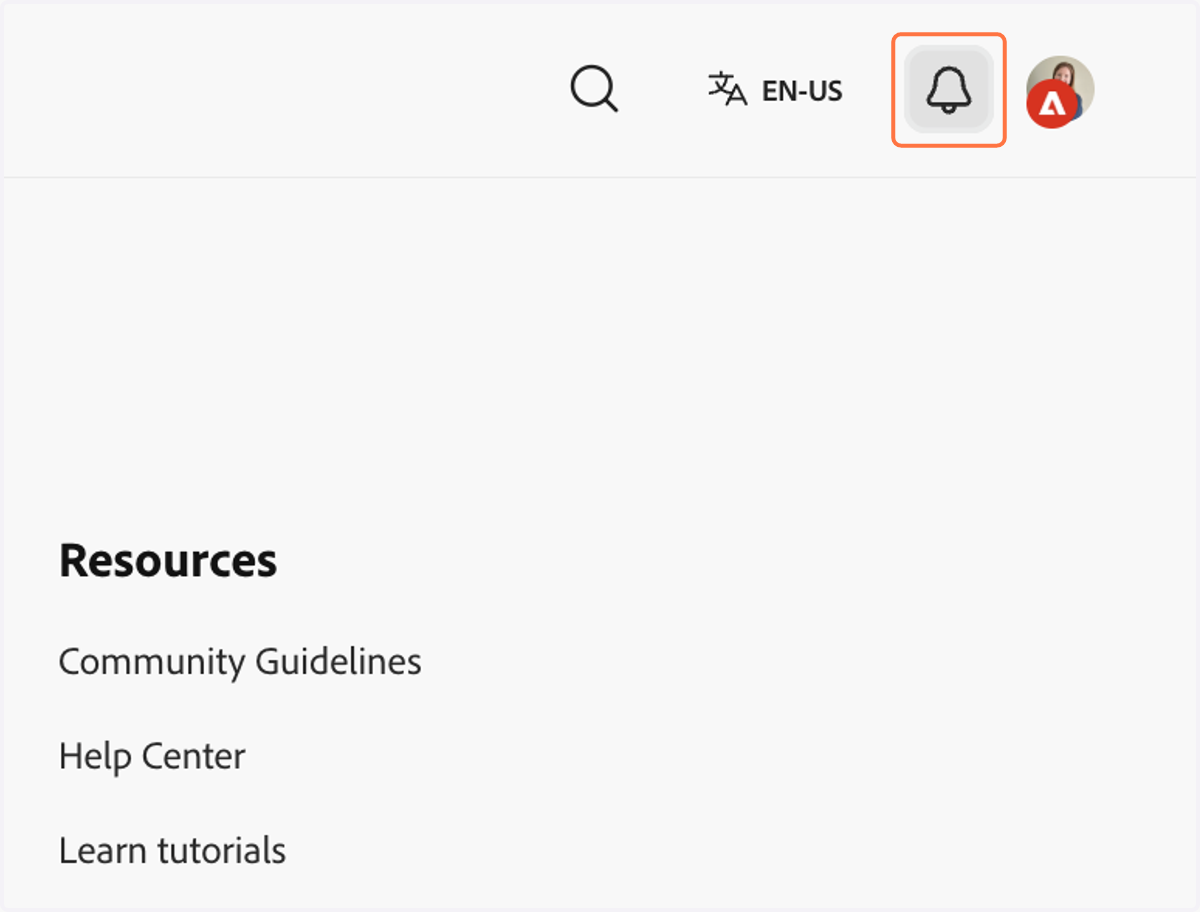
9. Click on the notification to open it and reply.