Send Token

Super DAO

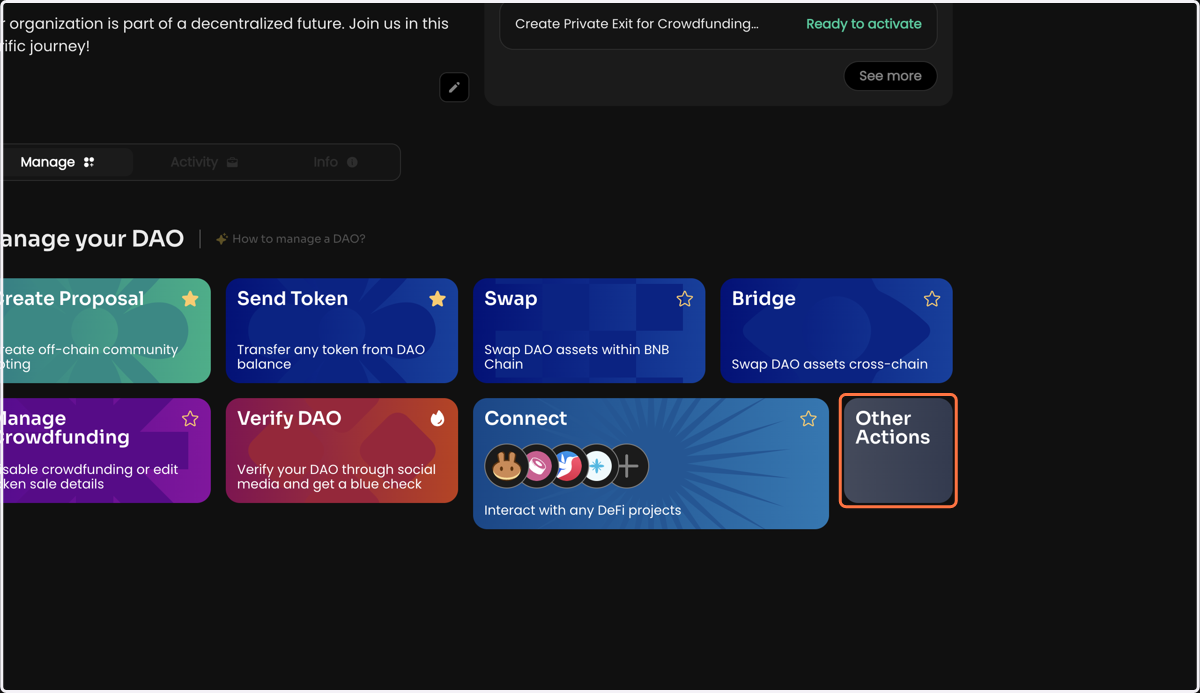
  1. 1. Click on Other Actions

    Click on Other Actions
  2. 2. Click Send Token on the Manage page of your DAO
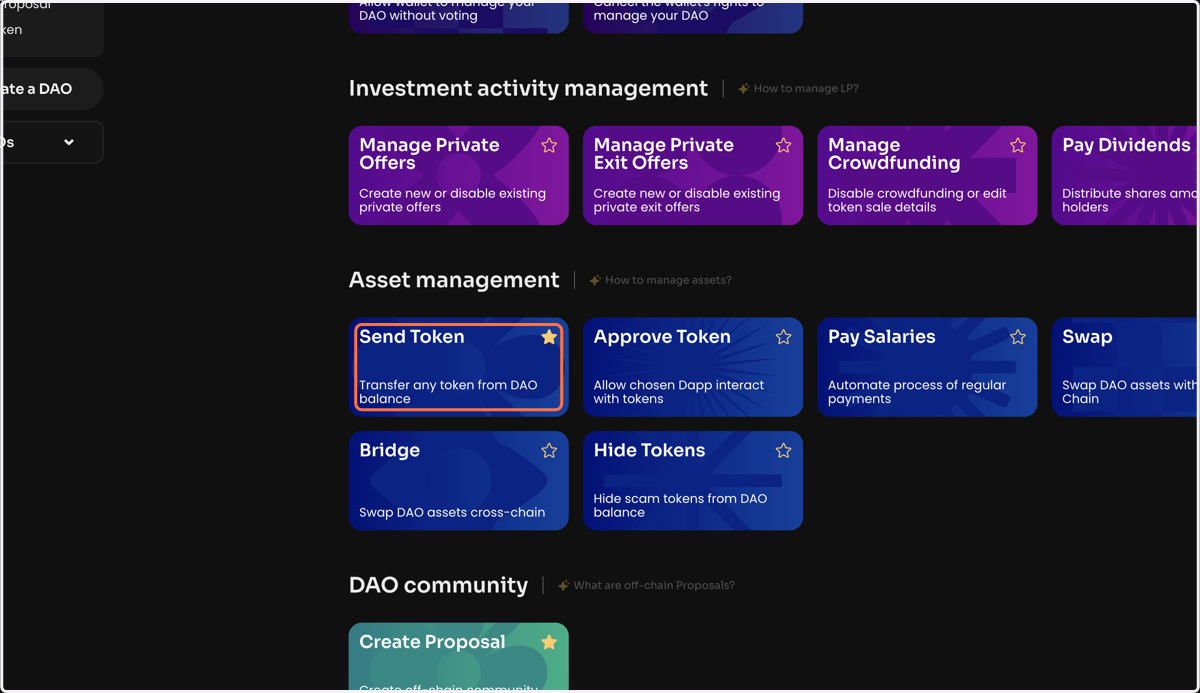
    Click Send Token on the Manage page of your DAO
  3. 3. Select a token from the list or specify a smart token that you will send from your DAO balance
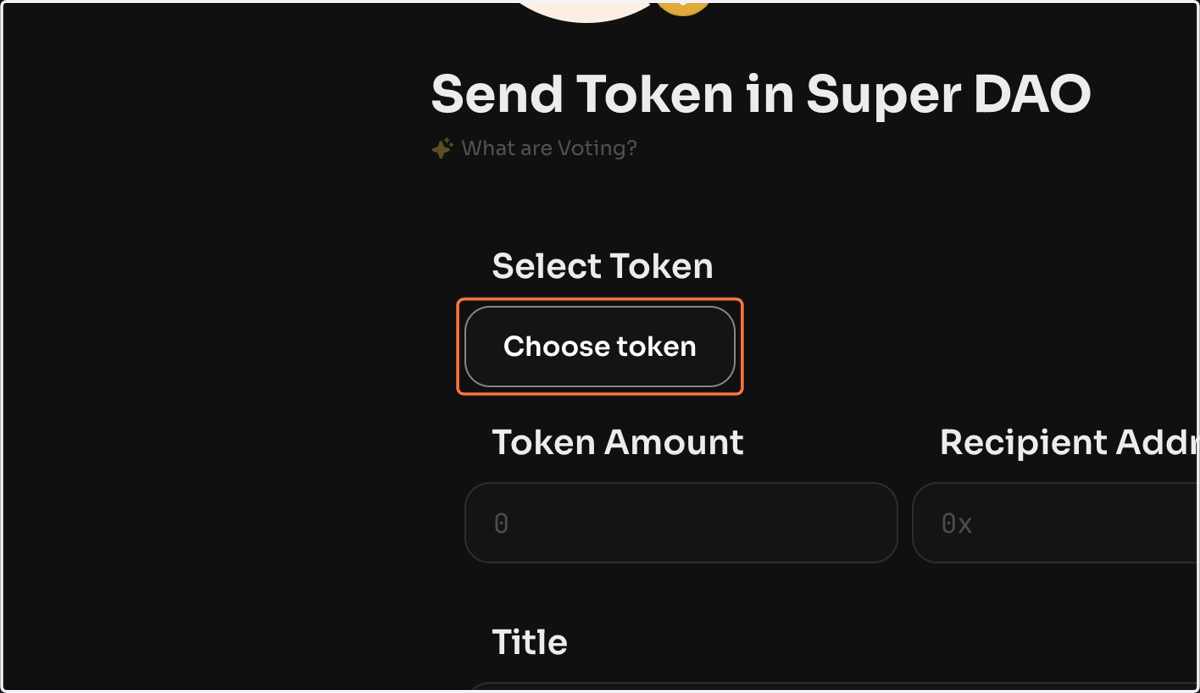
    Select a token from the list or specify a smart token that you will send from your DAO balance
  4. 4. Specify the number of tokens to be sent
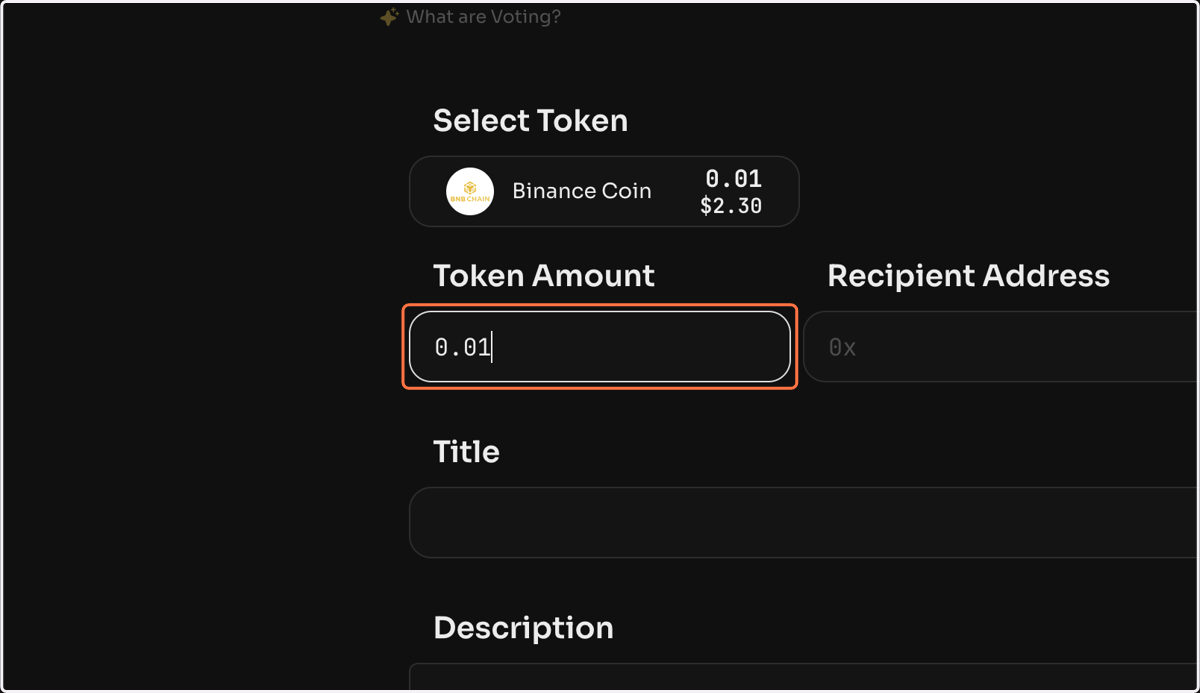
    Specify the number of tokens to be sent
  5. 5. Specify the public address of the recipient
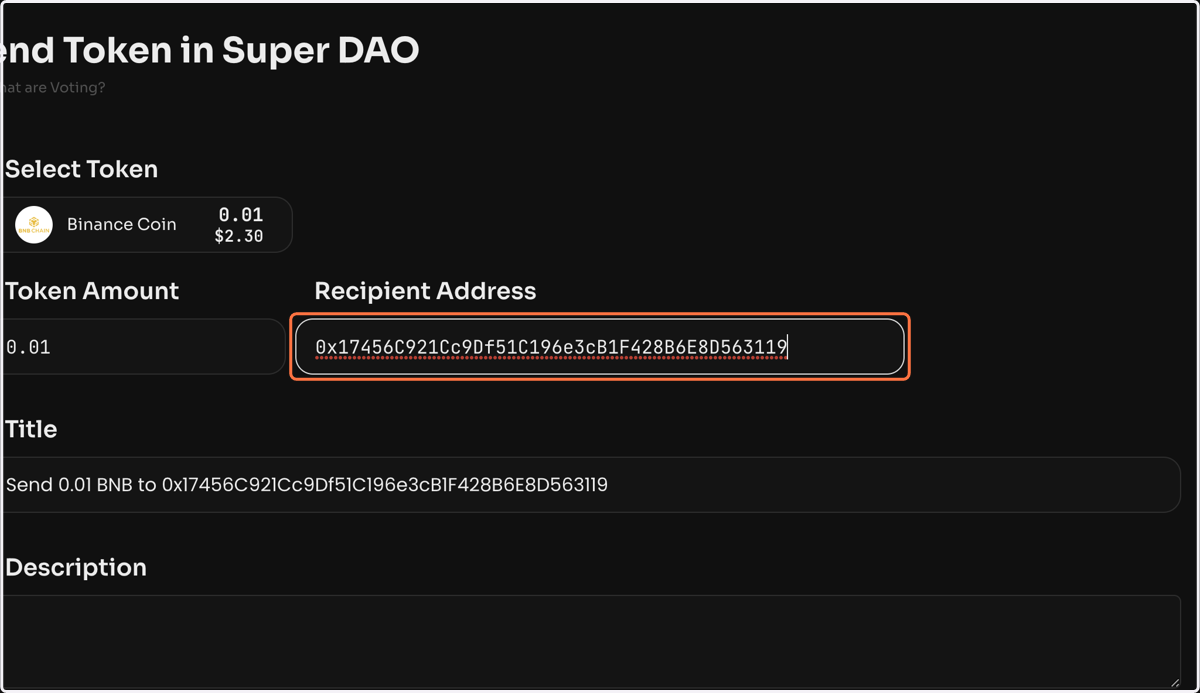
    Specify the public address of the recipient
  6. 6. Click Create voting to create a vote to send the token. Once the vote is activated, the selected token will be sent
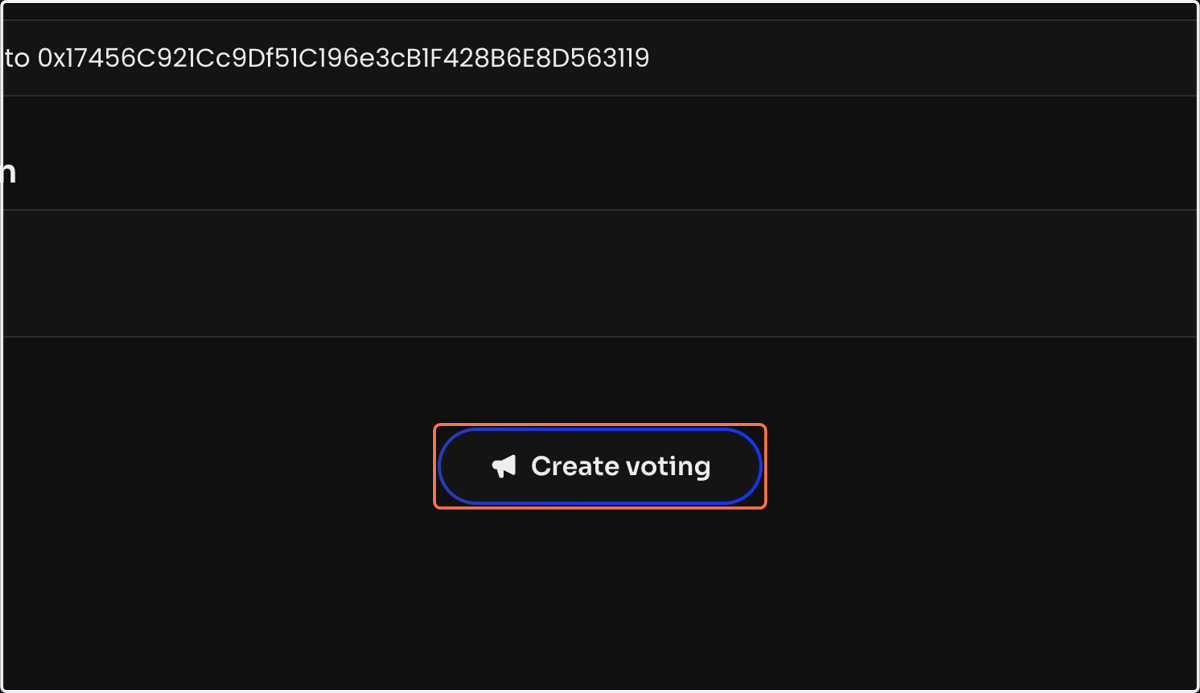
    Click Create voting to create a vote to send the token. Once the vote is activated, the selected token will be sent