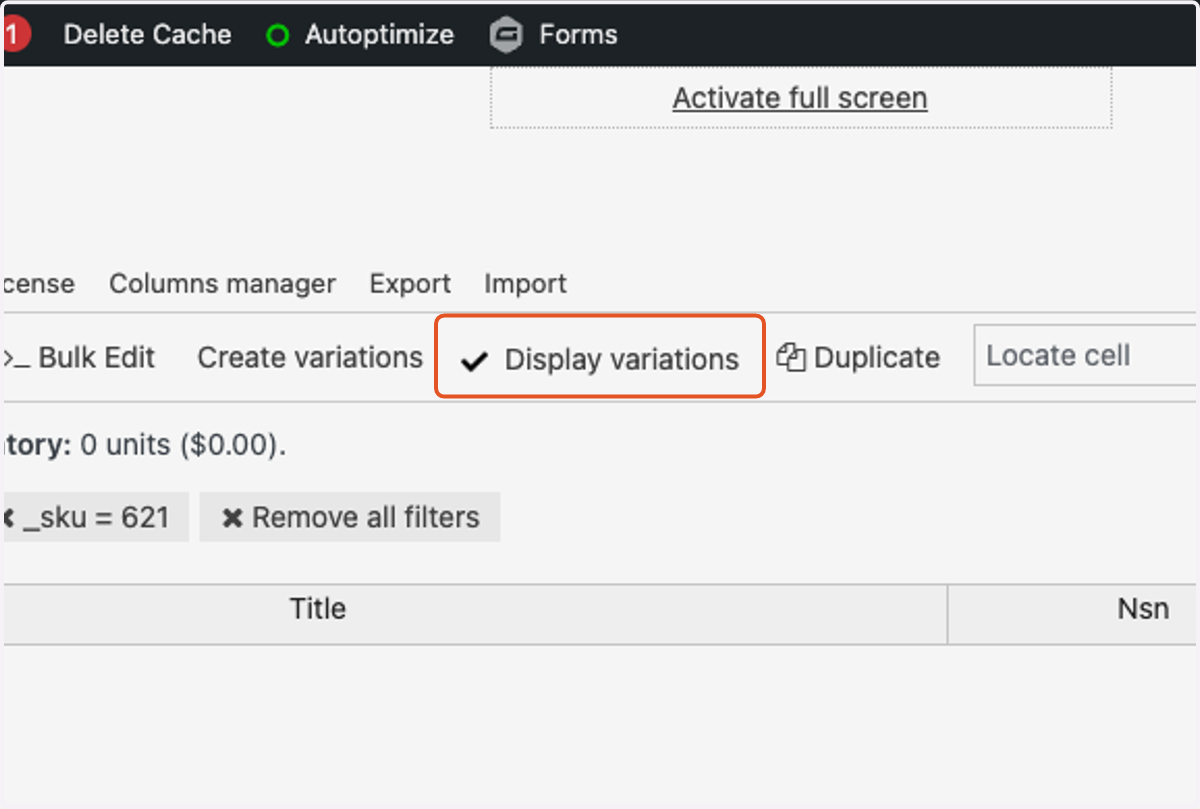
Searching for SKUs and Variations in WP Sheet Editor.
Sign in to the backend of the website.
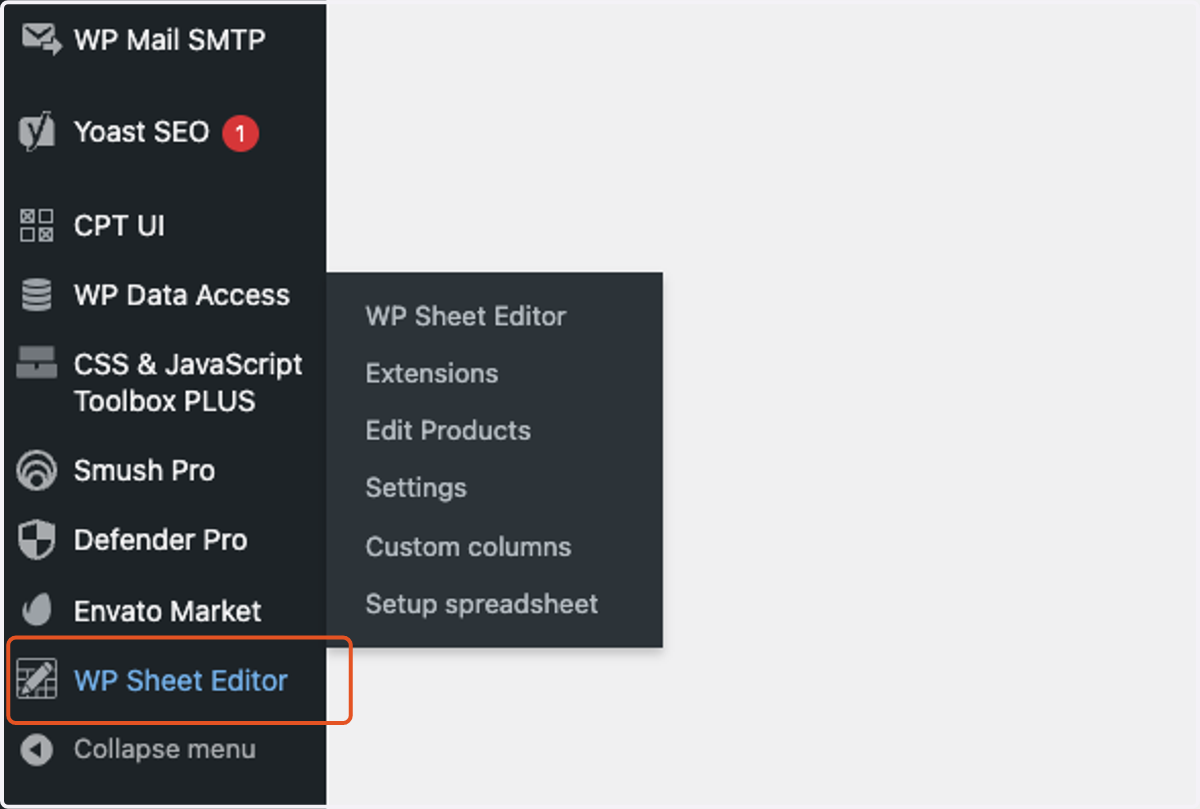
1. Click on WP Sheet Editor in the left sidebar.
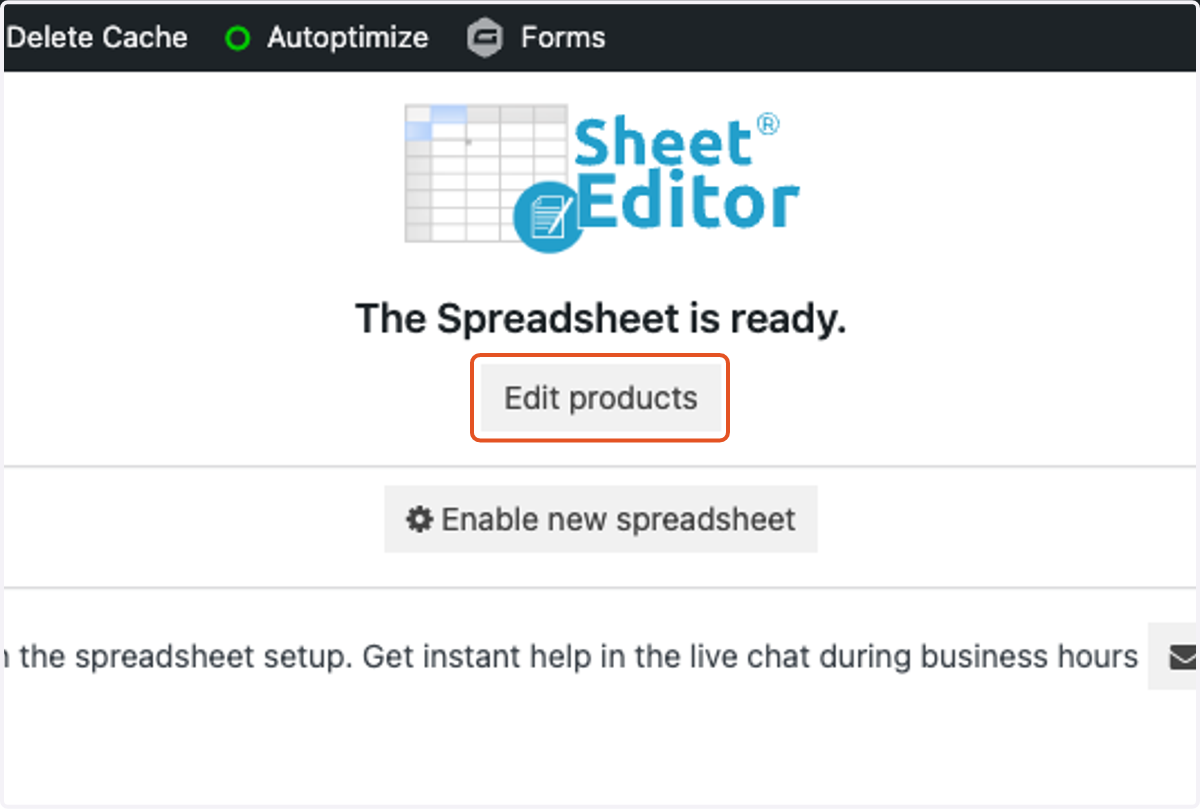
2. Click on Edit products.
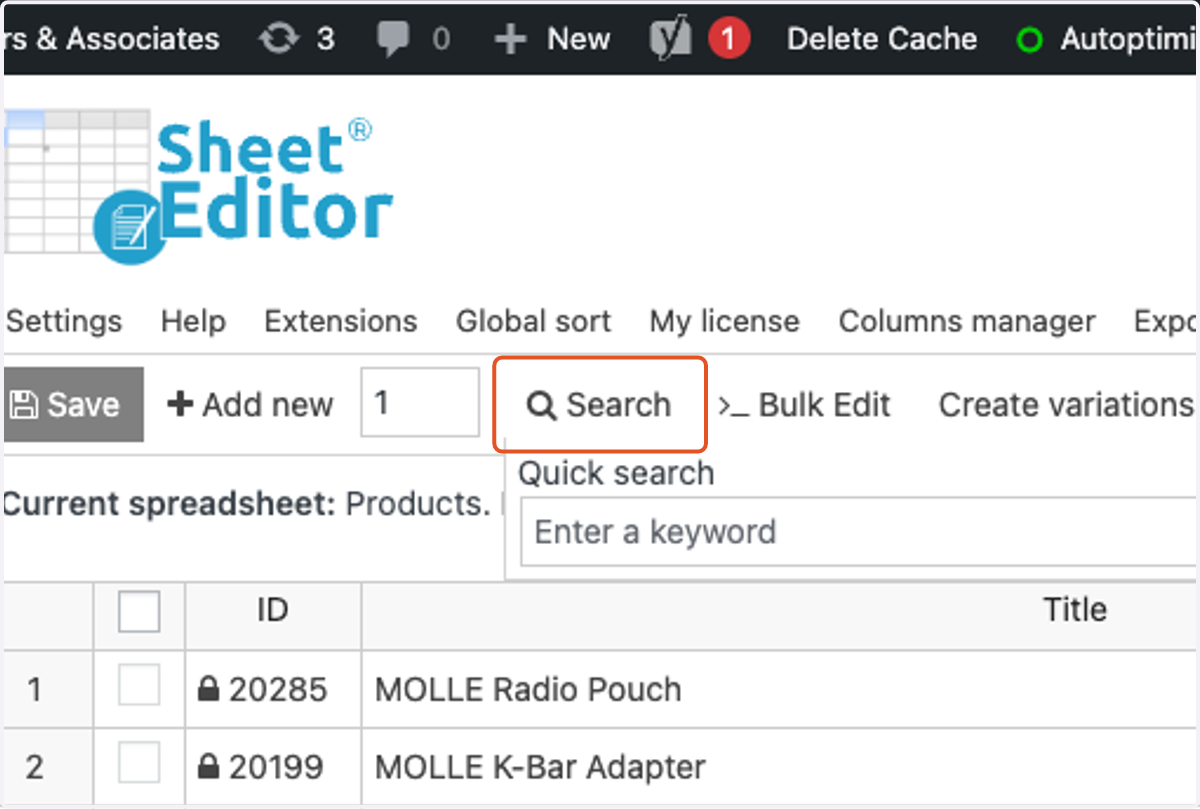
3. Click on Search.
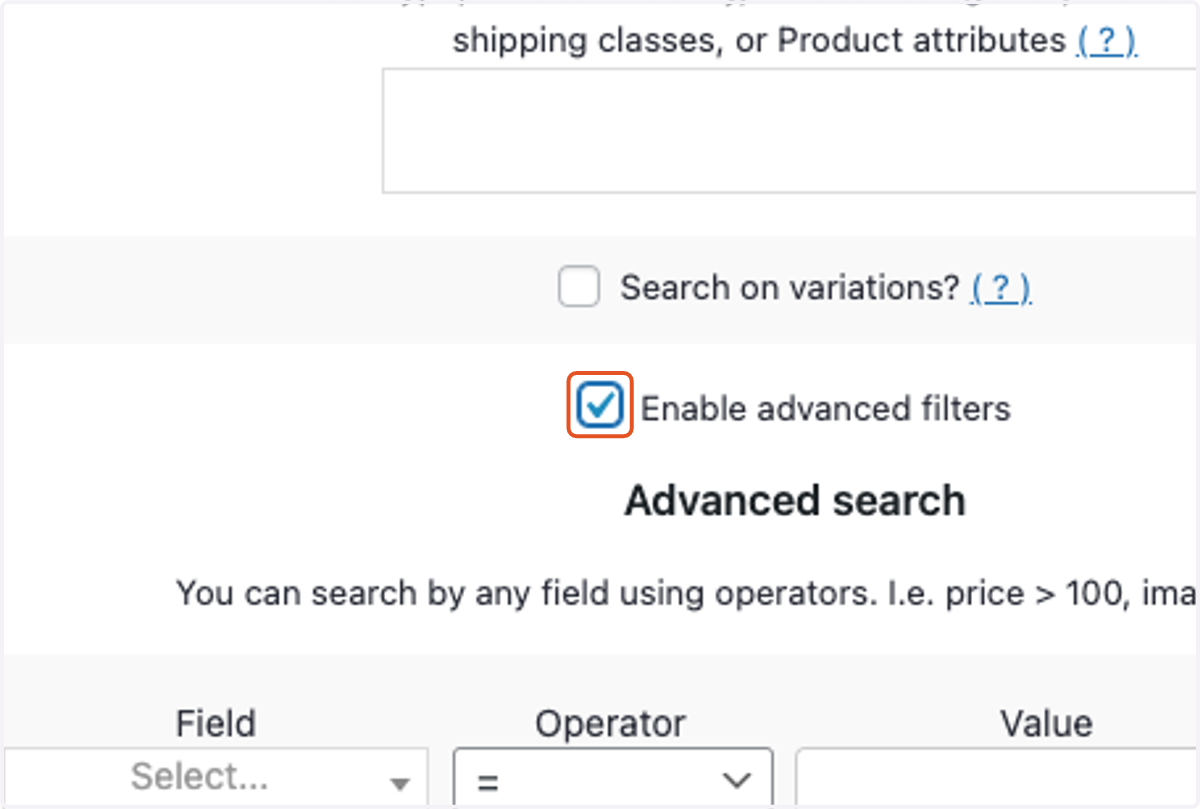
4. Check Enable advanced filters.
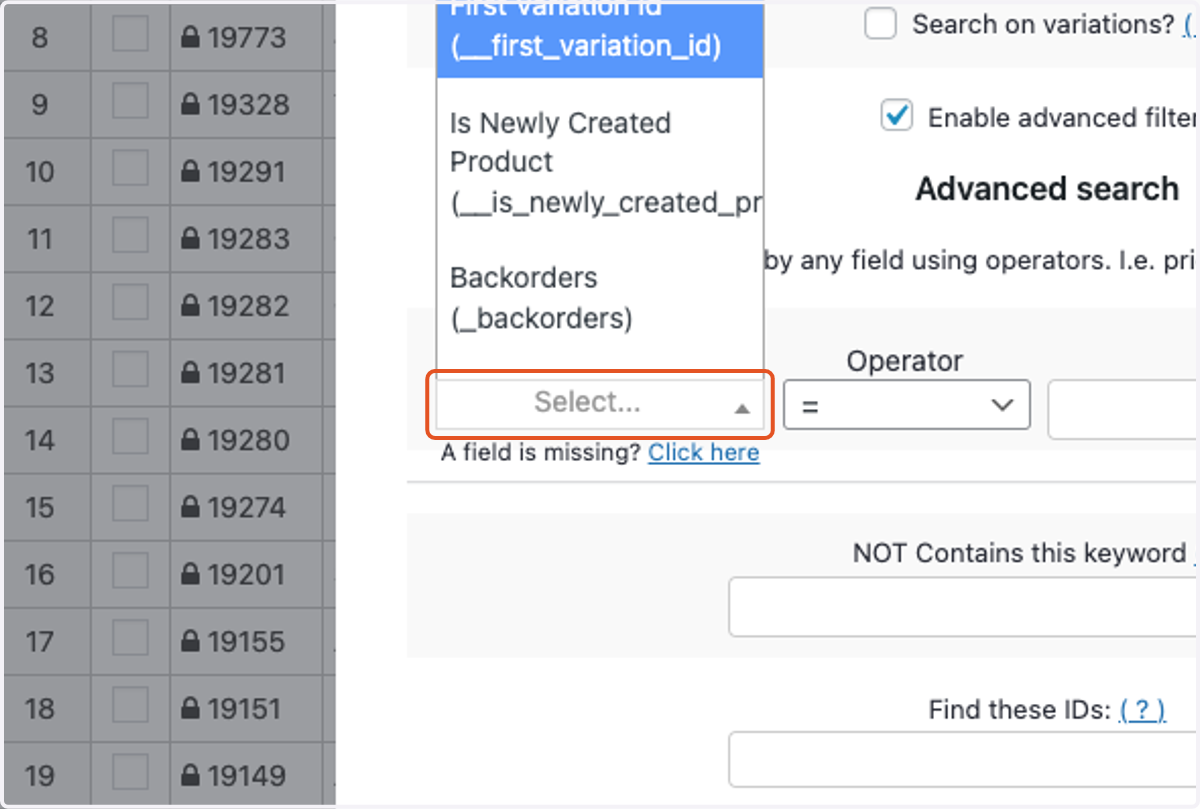
5. Click on the Field dropdown.
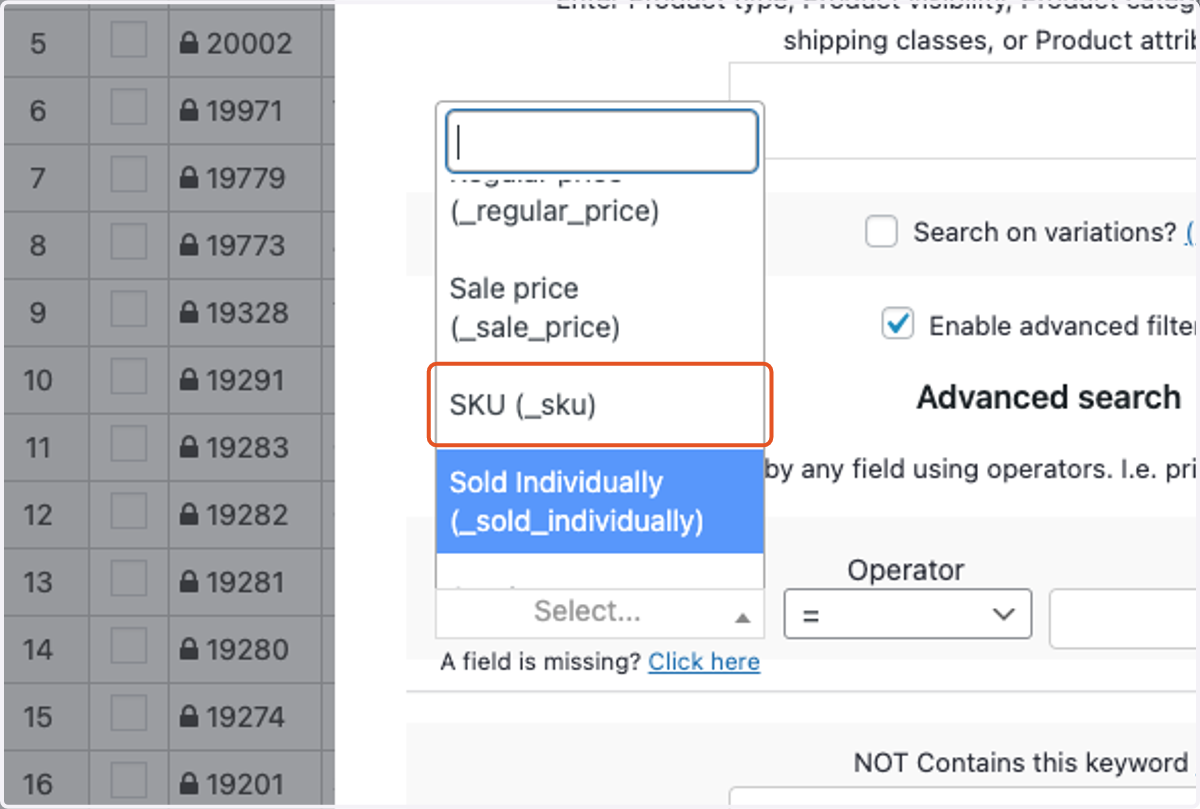
6. Select SKU (_sku).
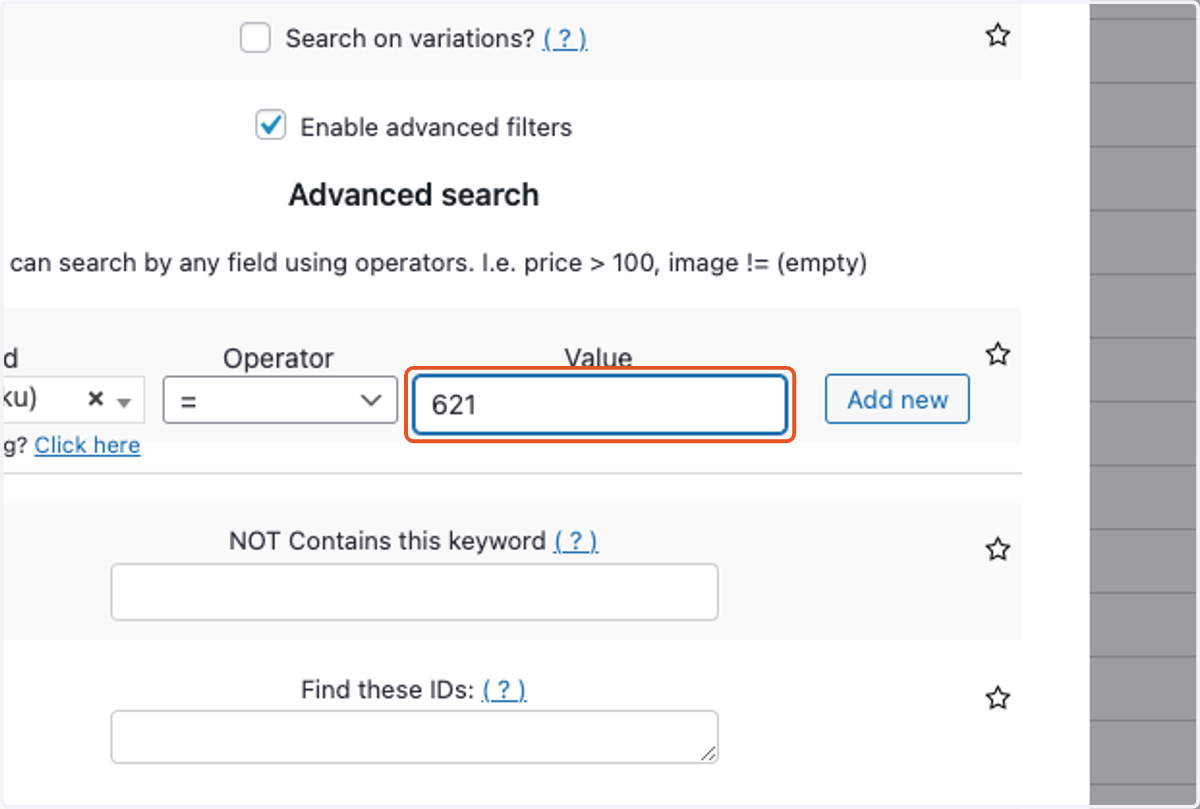
7. Type the SKU you are searching for in the Value field.
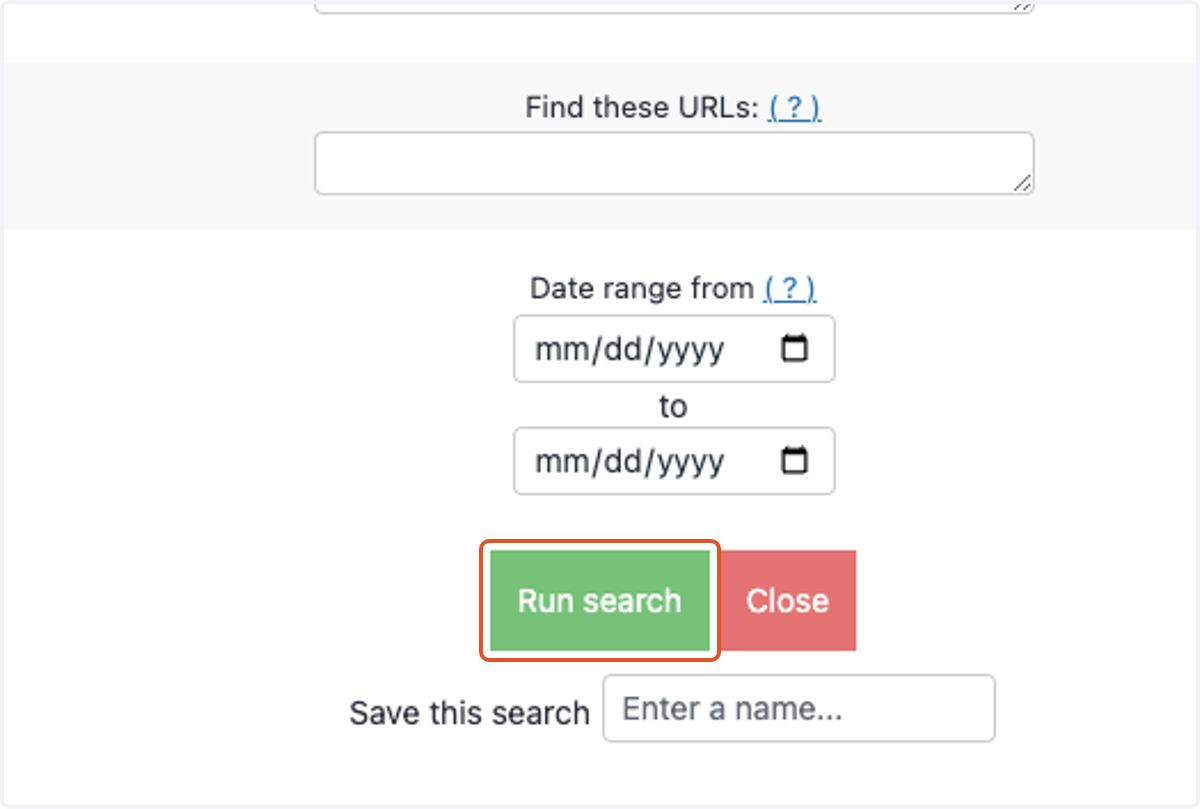
8. Click on Run search.
9. If you would like to view the different variations for that SKU, check Display variations