Schoology: Linking Sections
Home | Schoology
Go to https://cullmancats.schoology.com/home#/?_k=dj9yd8
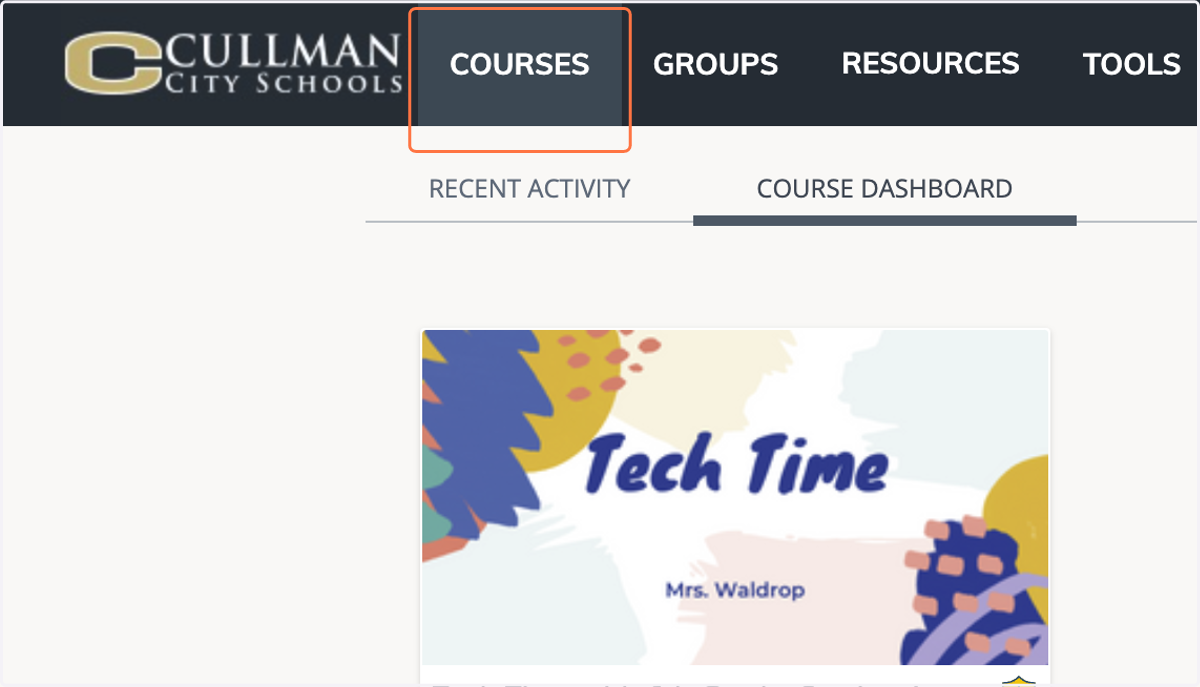
1. Click on COURSES
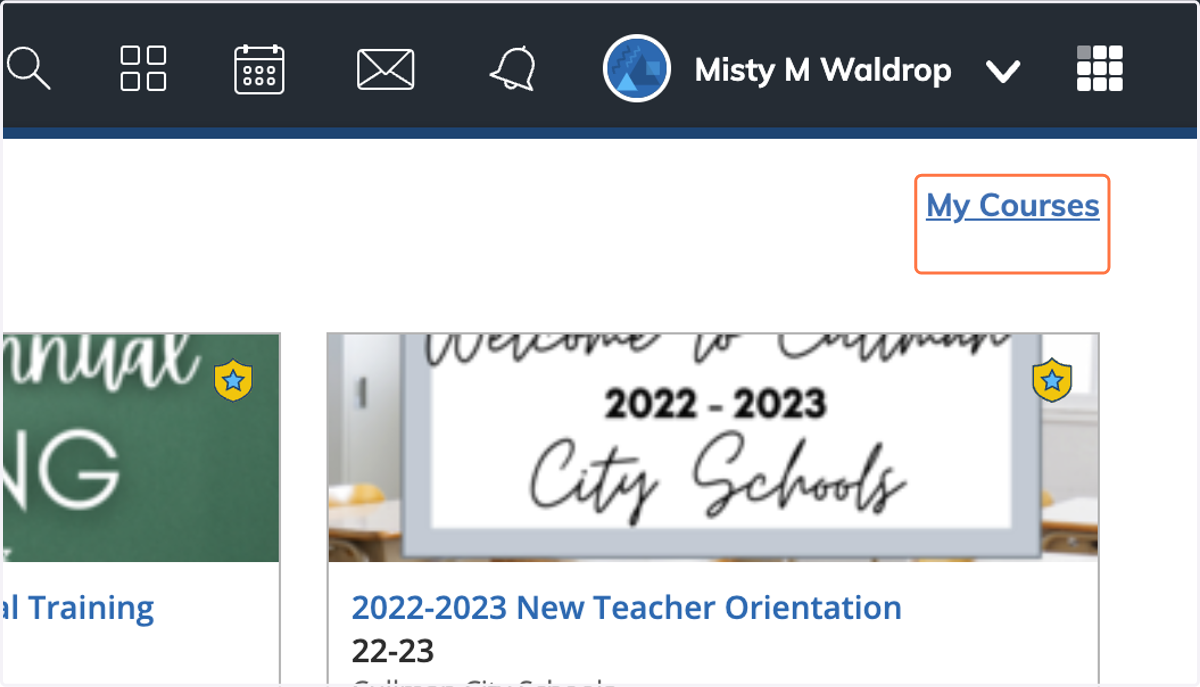
2. Click on My Courses
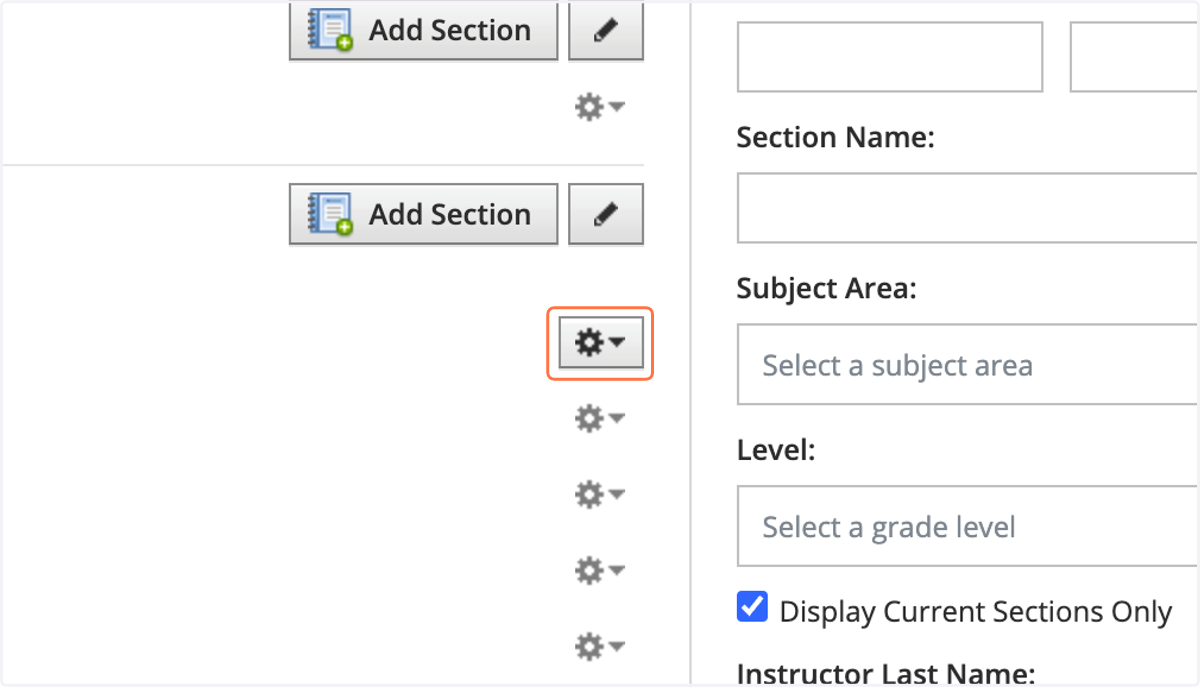
3. Click on Settings wheel beside the section you want to begin linking to.
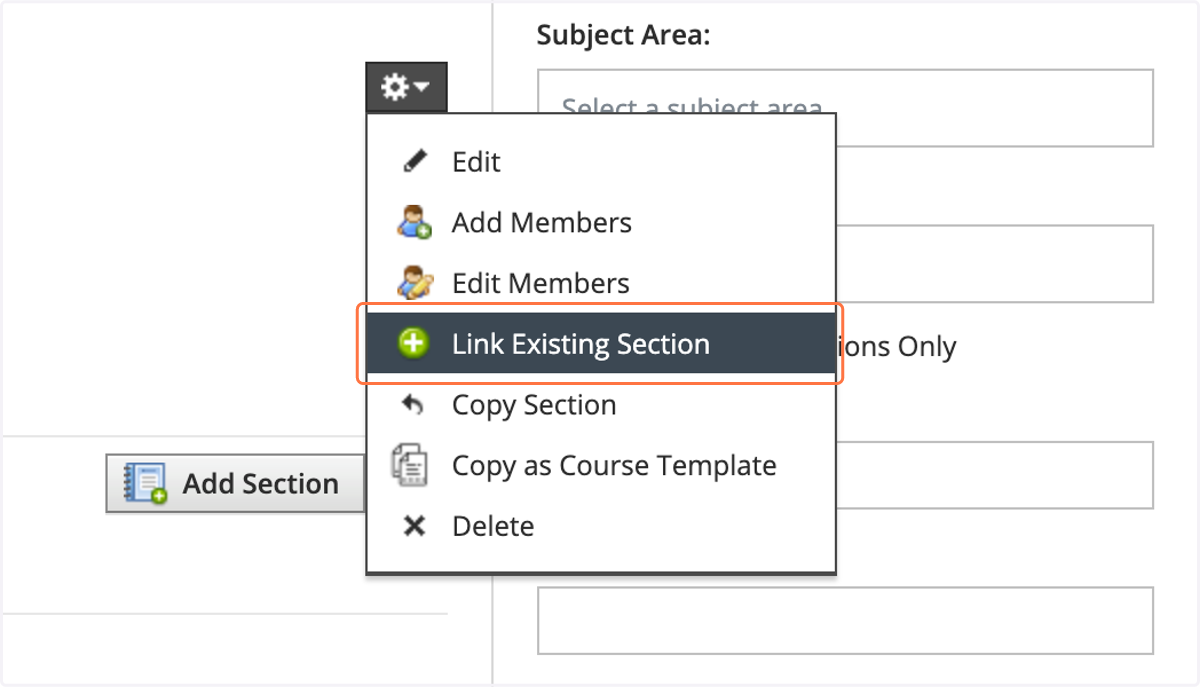
4. Click on Link Existing Section
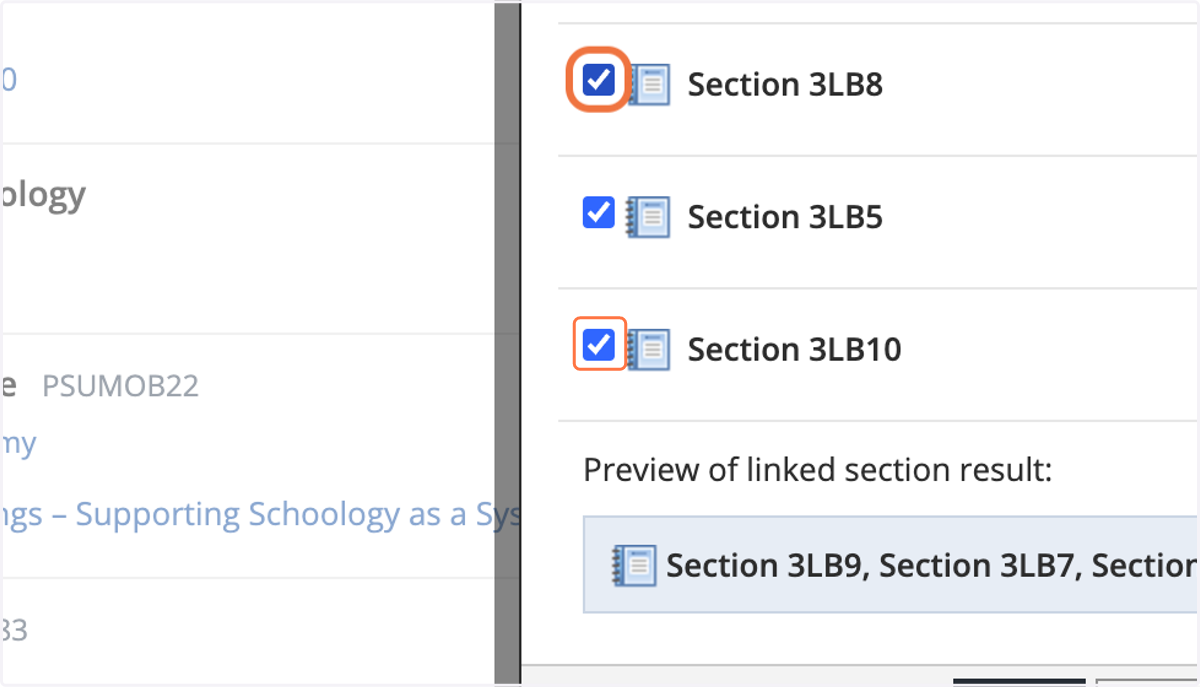
5. Check each Section you would like to link.
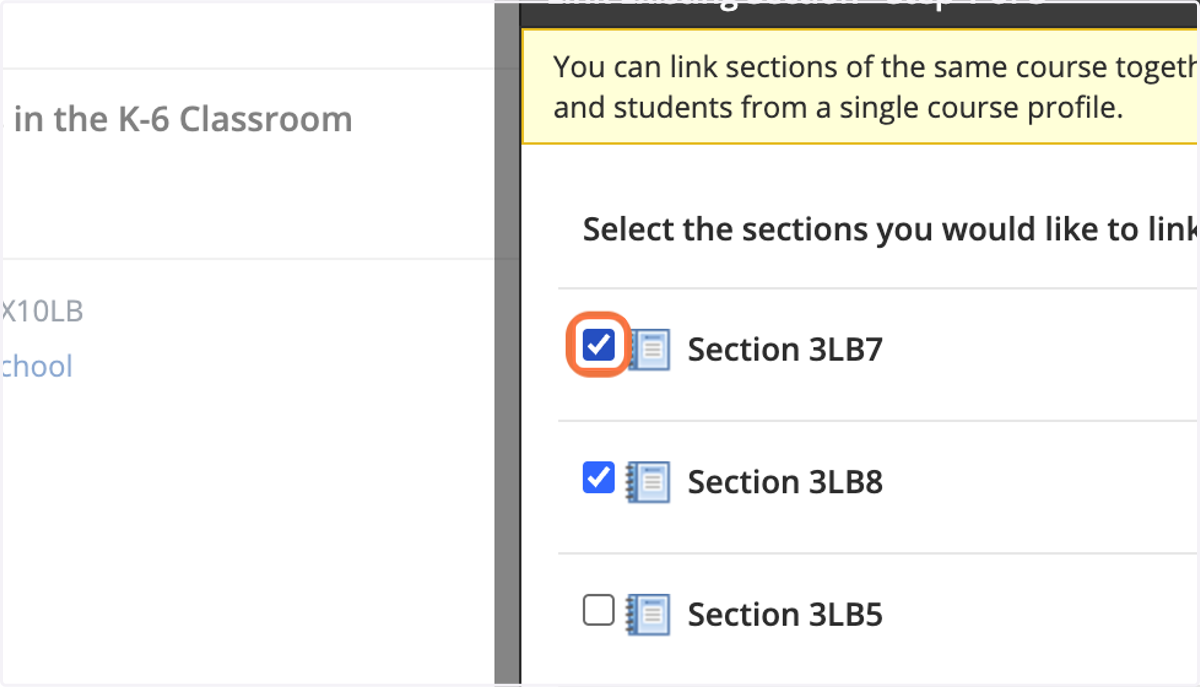
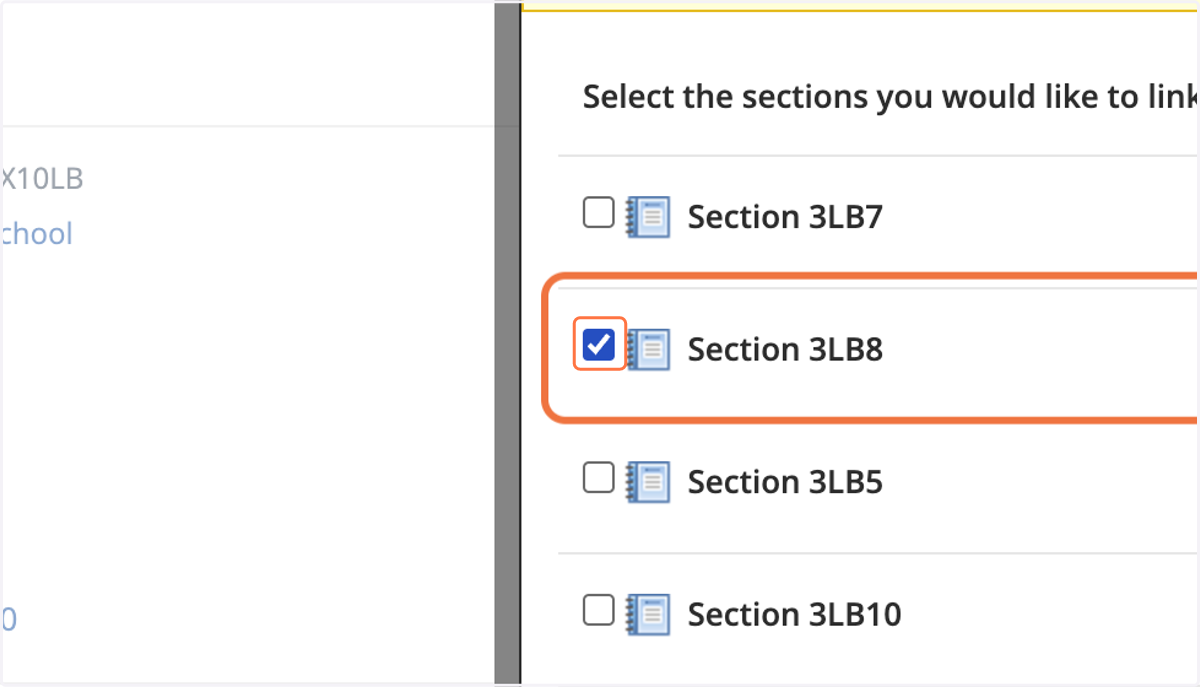
6. Check Section 3LB8
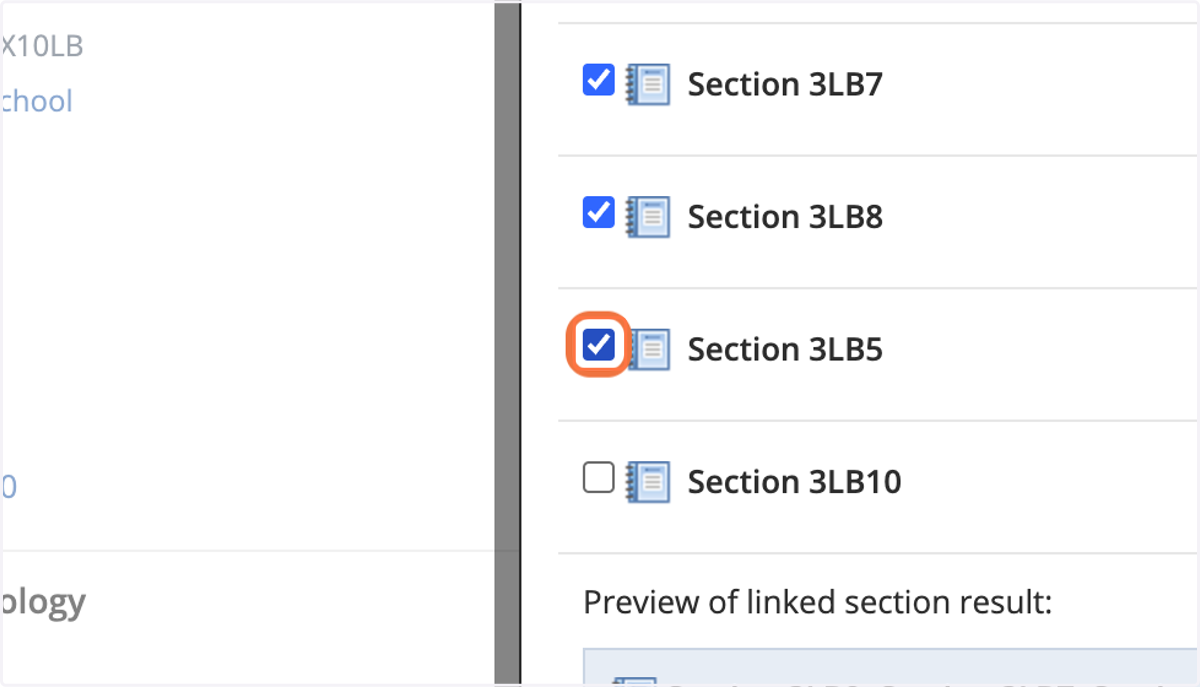
7. Check Section 3LB5
8. Check Section 3LB10
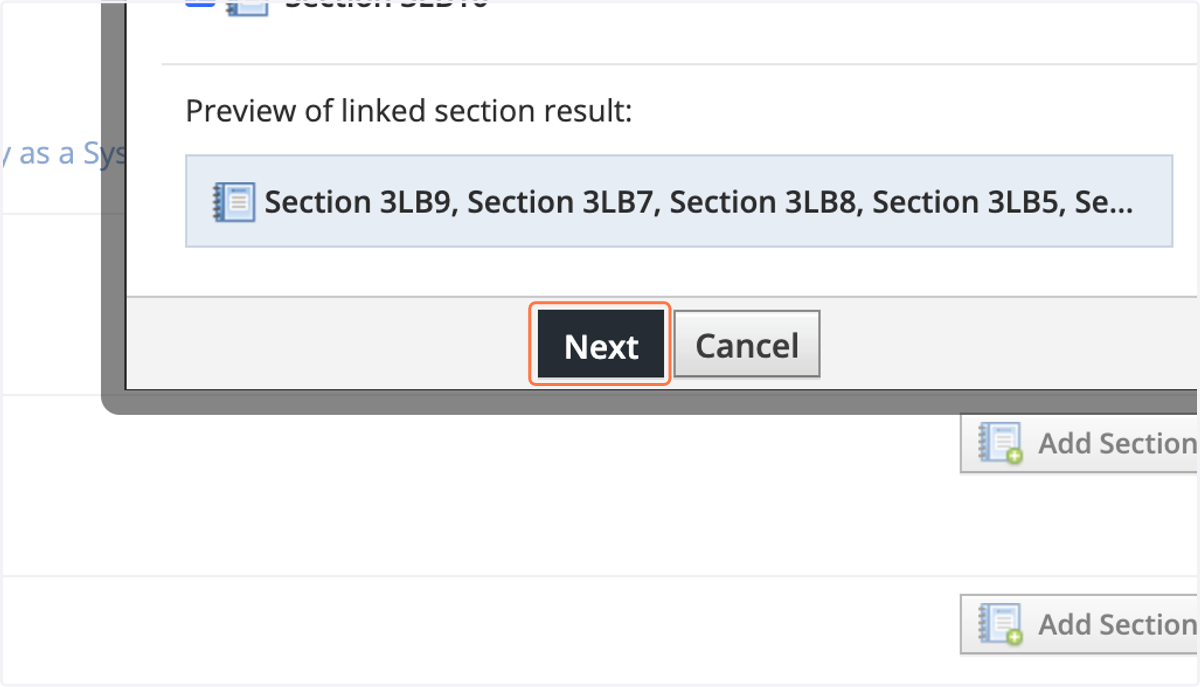
9. Click on Next
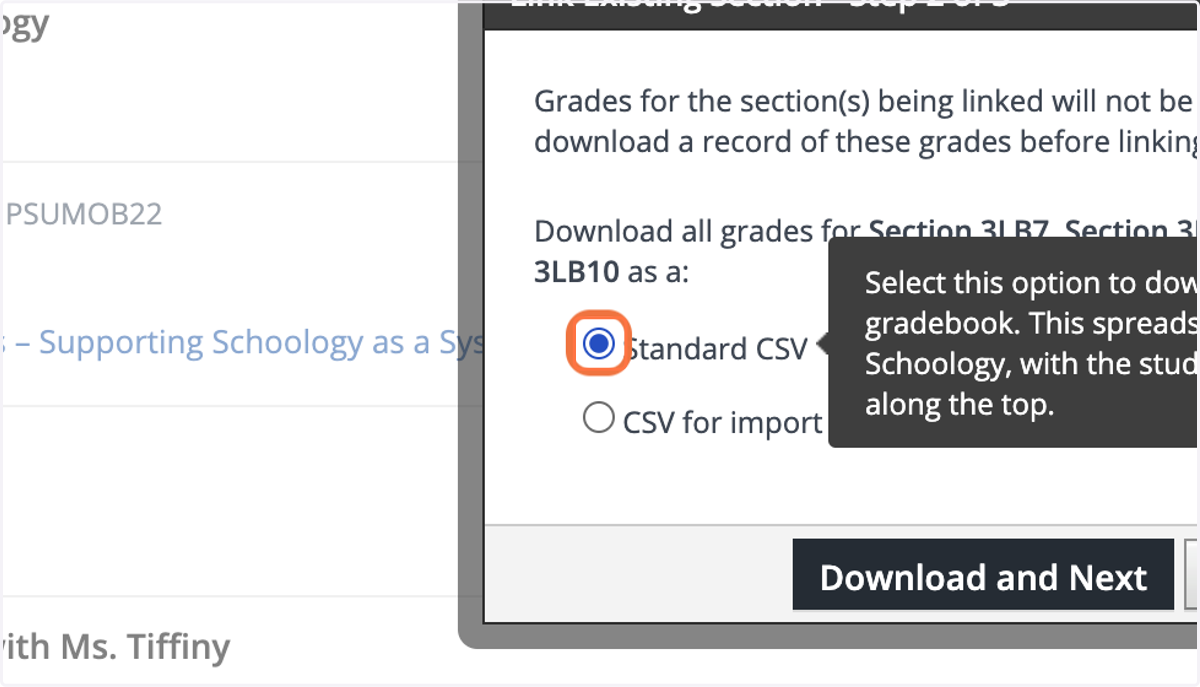
10. If you have grades, choose your download method.
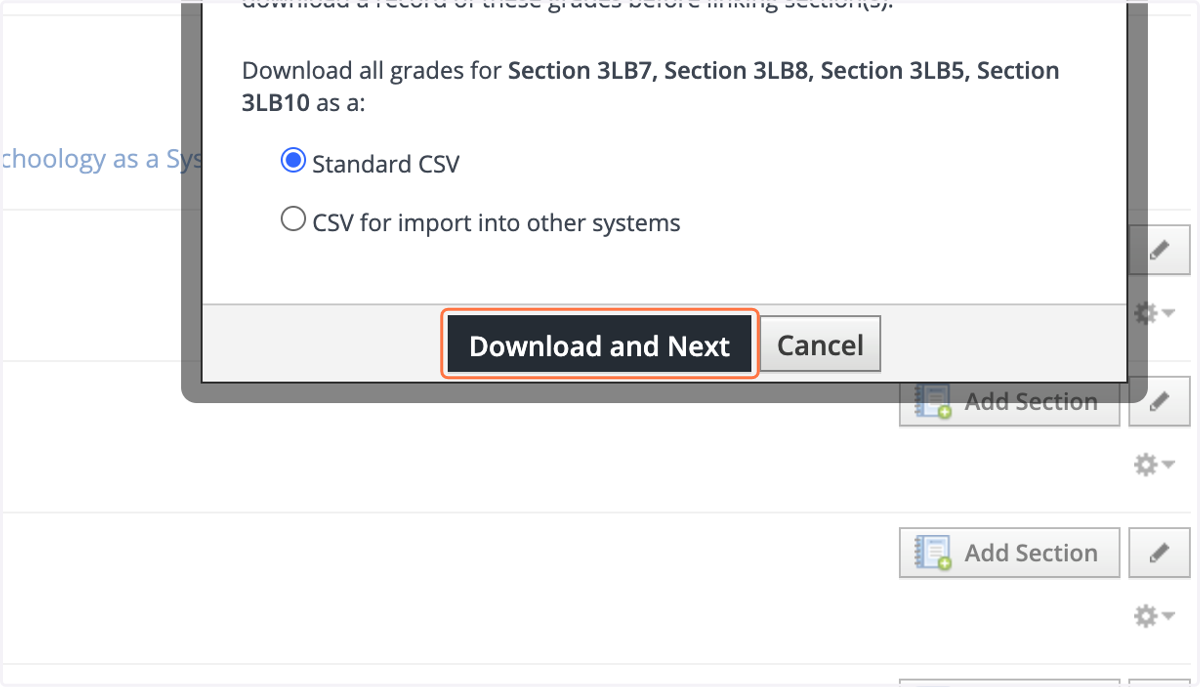
11. Click on Download and Next
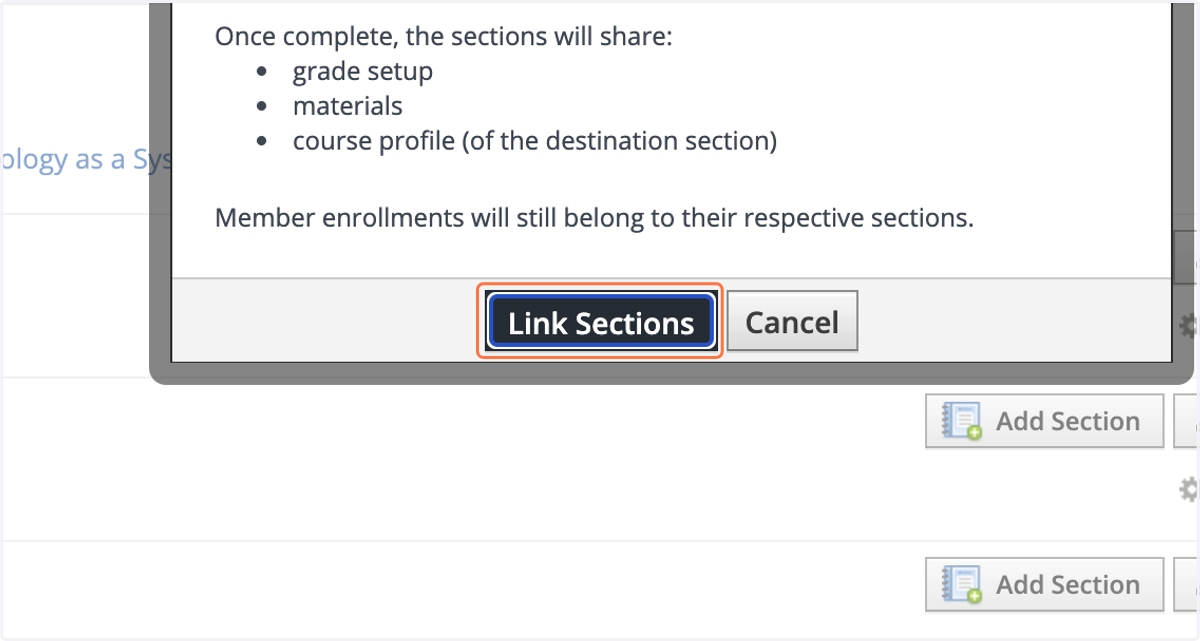
12. Click on Link Sections