Scheduling an Inspection Online with Professional Code Inspectors of Michigan
Home | Professional Code Inspections | BS&A Online
Navigate to bsaonline.com to begin
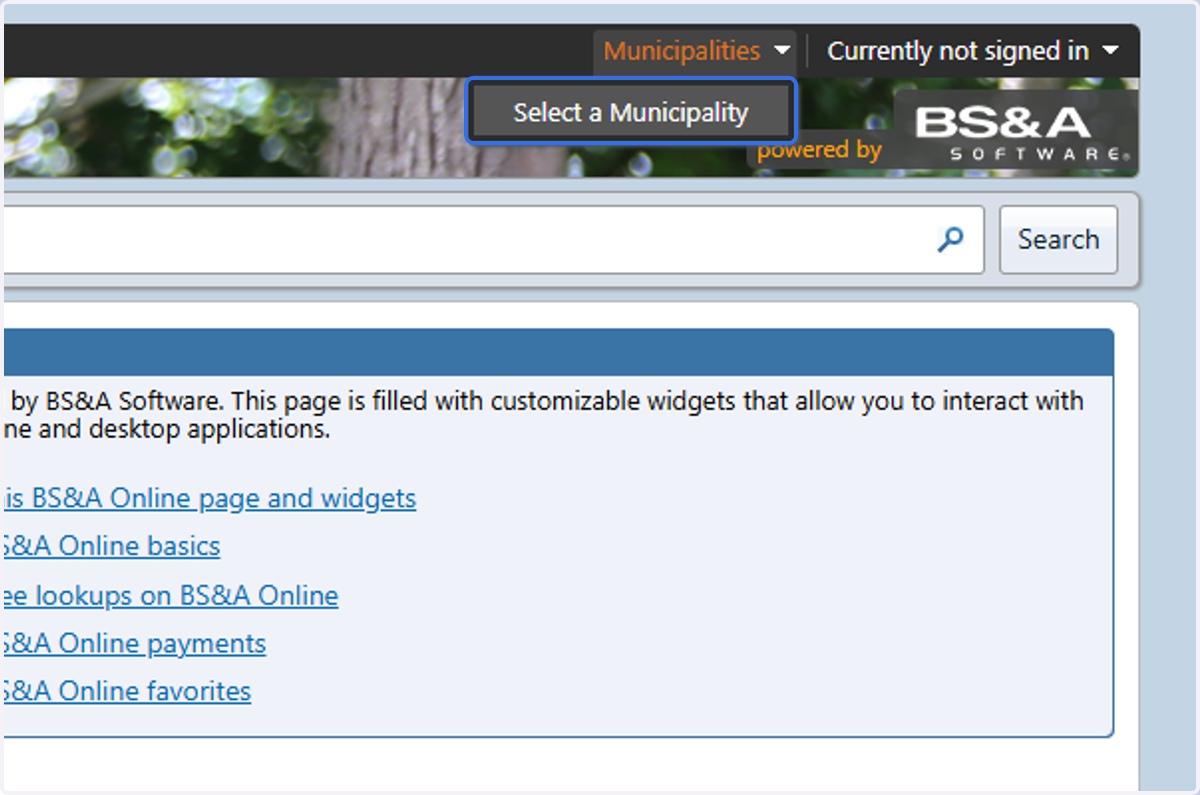
1. Click on Select a Municipality
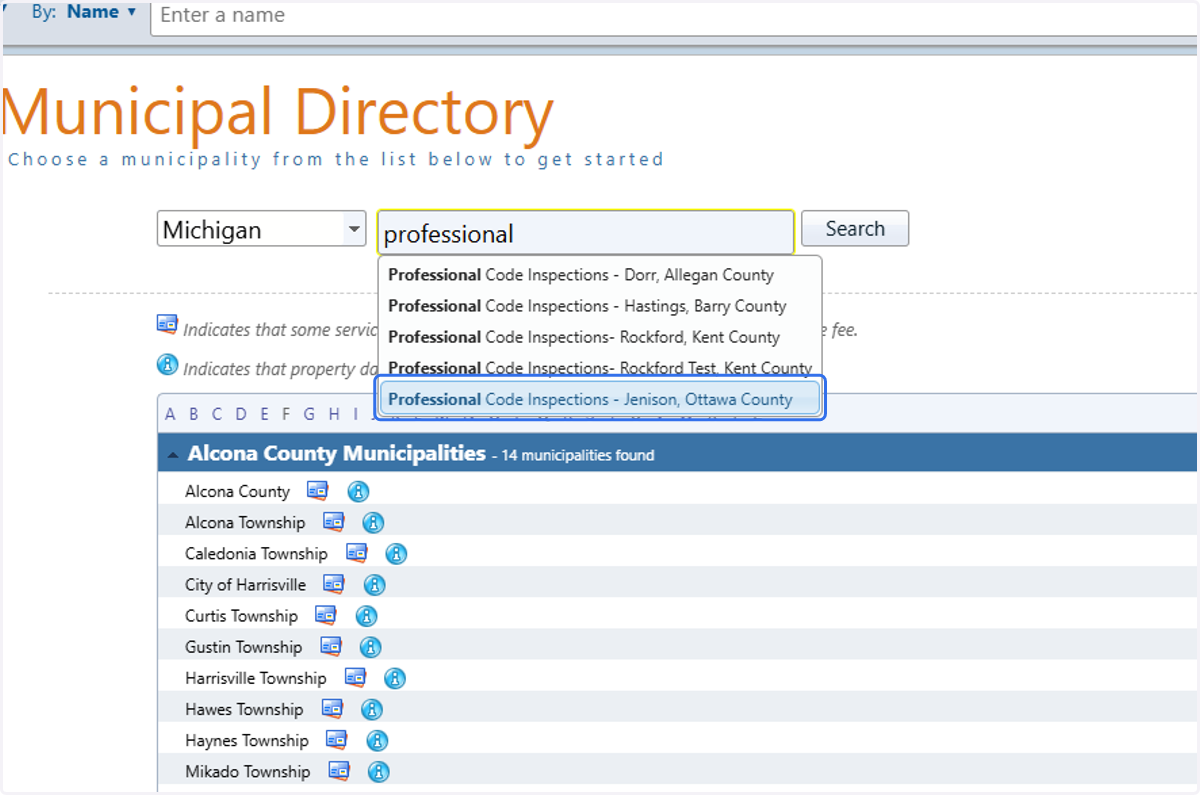
2. Start typing "Professional"
The list will narrow down to PCI's offices. Select the office which issued your permit.
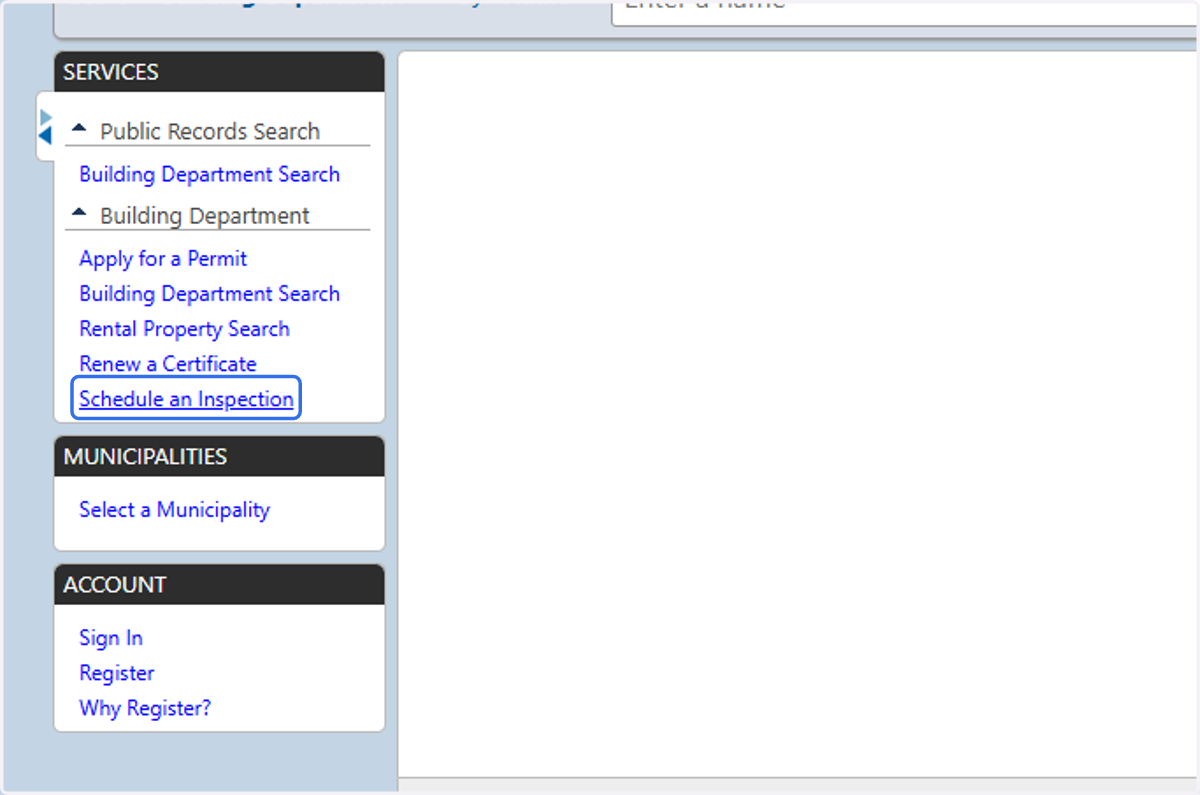
3. Click on Schedule an Inspection
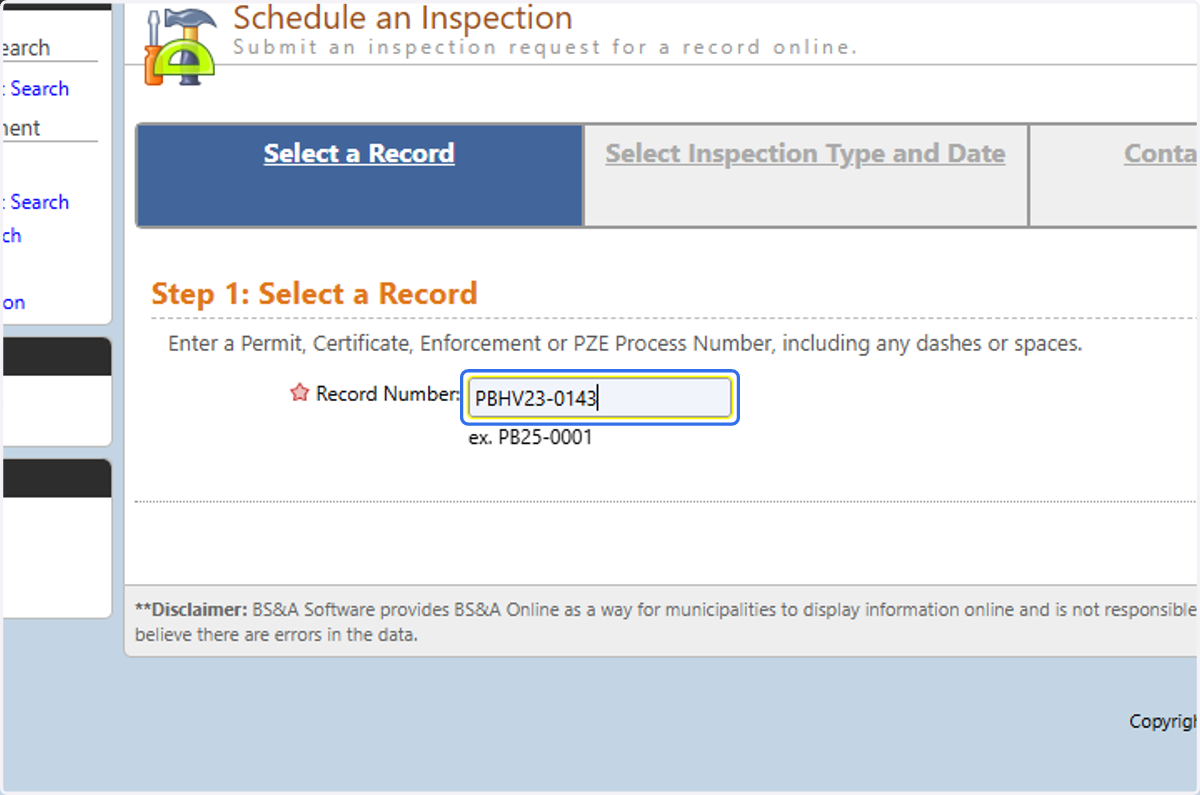
4. Type in your permit number
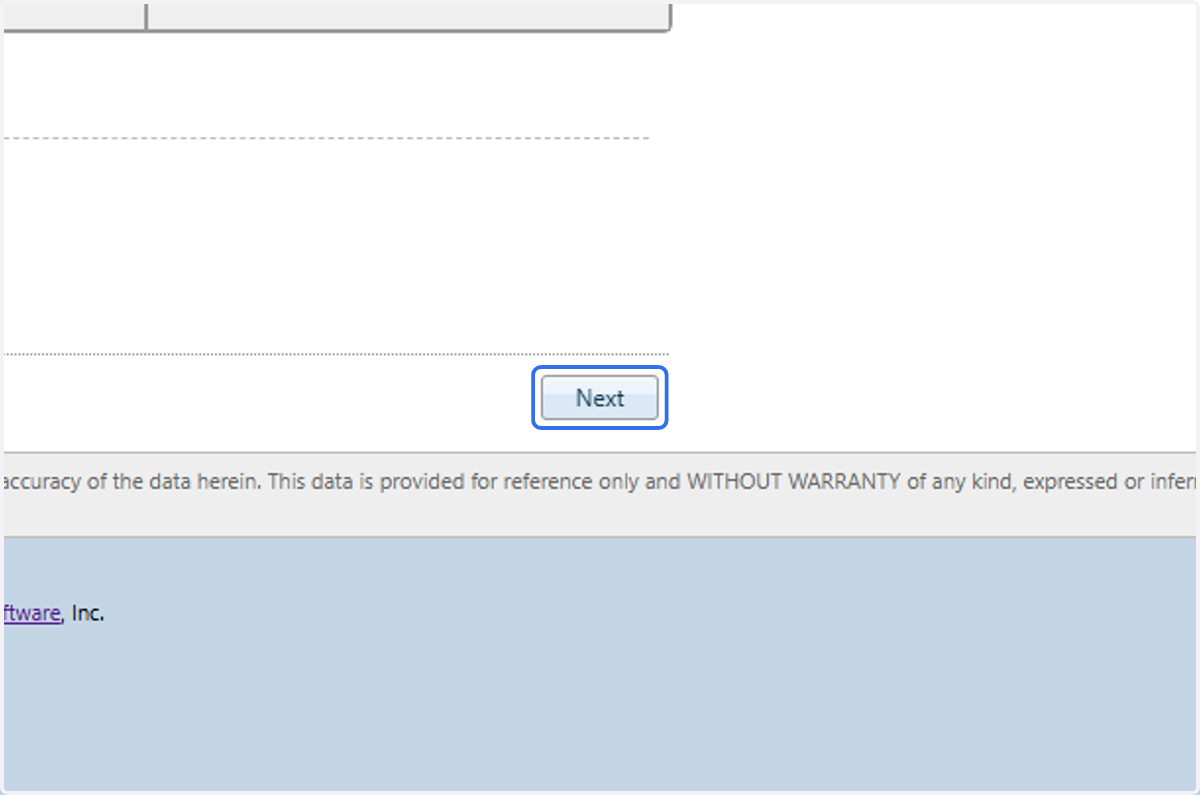
5. Click on Next
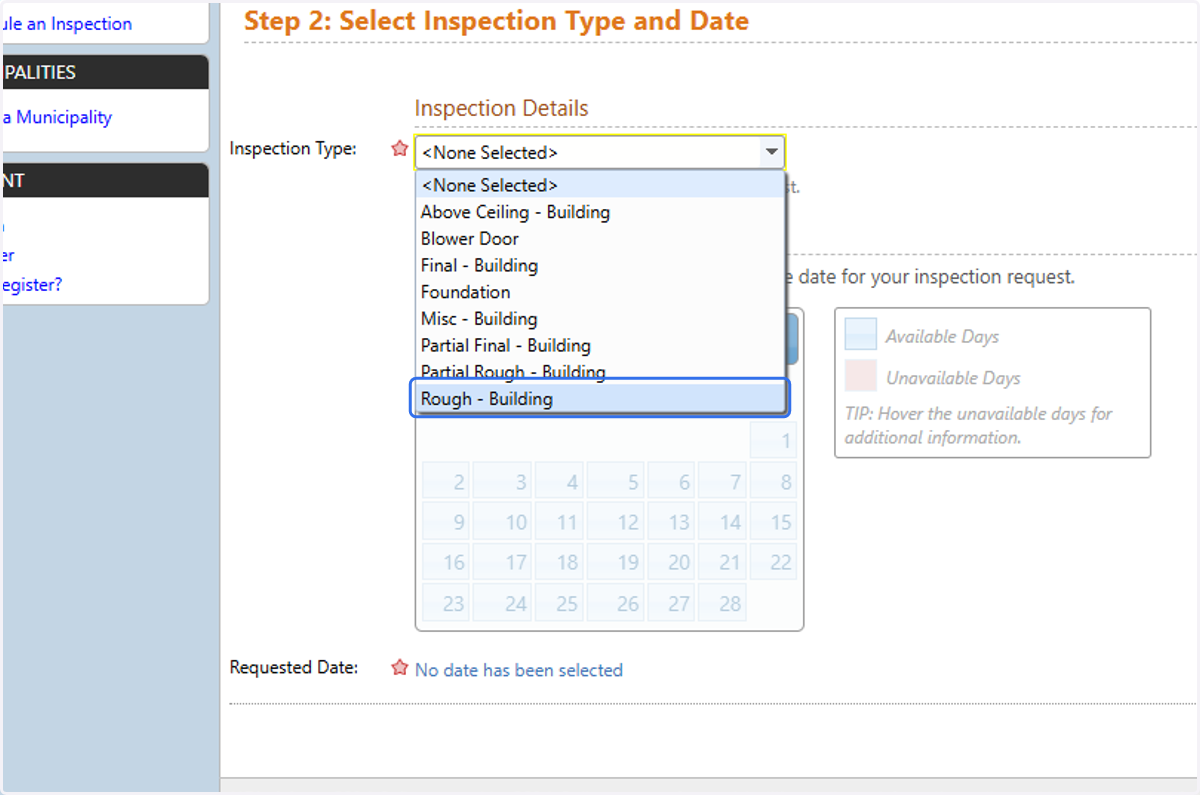
6. Select your Inspection Type from the list of options
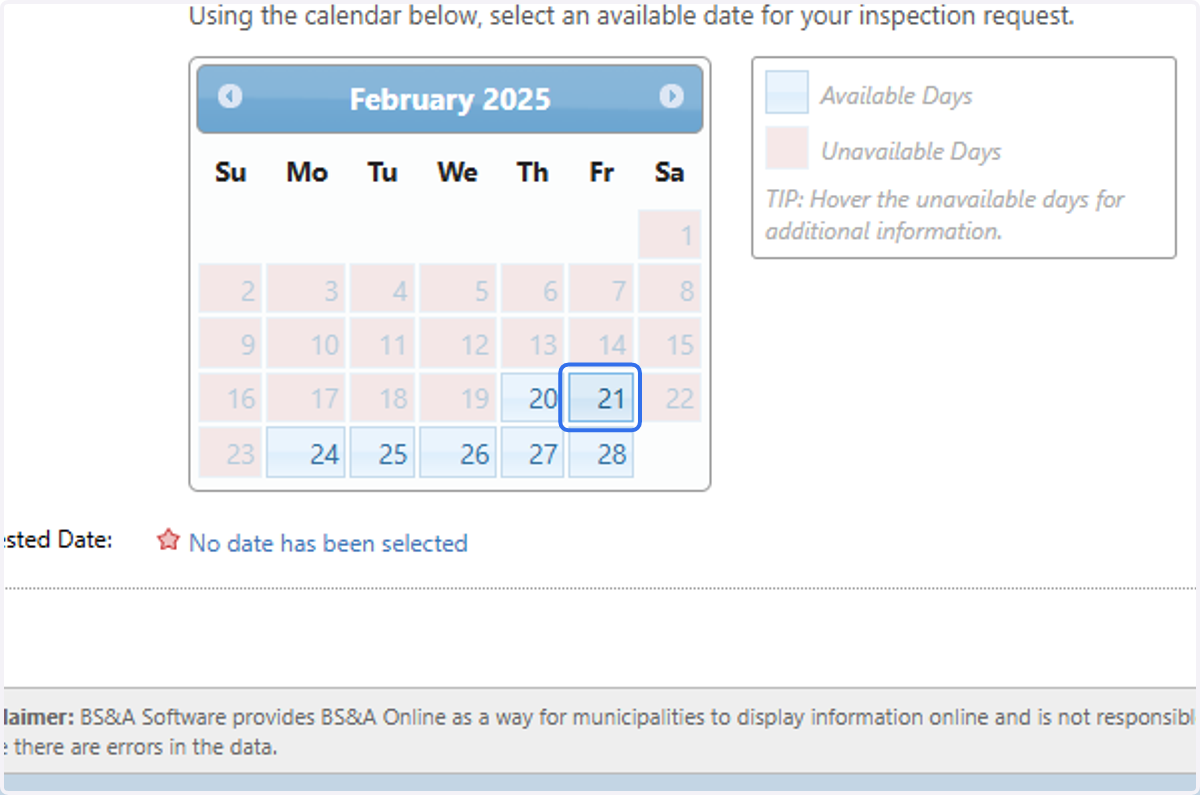
7. Select a Valid (blue) Date
Dates in red are unavailable. This could be because they are in the past, are on a weekend, on a holiday, or where there is no inspector available for the selected date and inspection type.
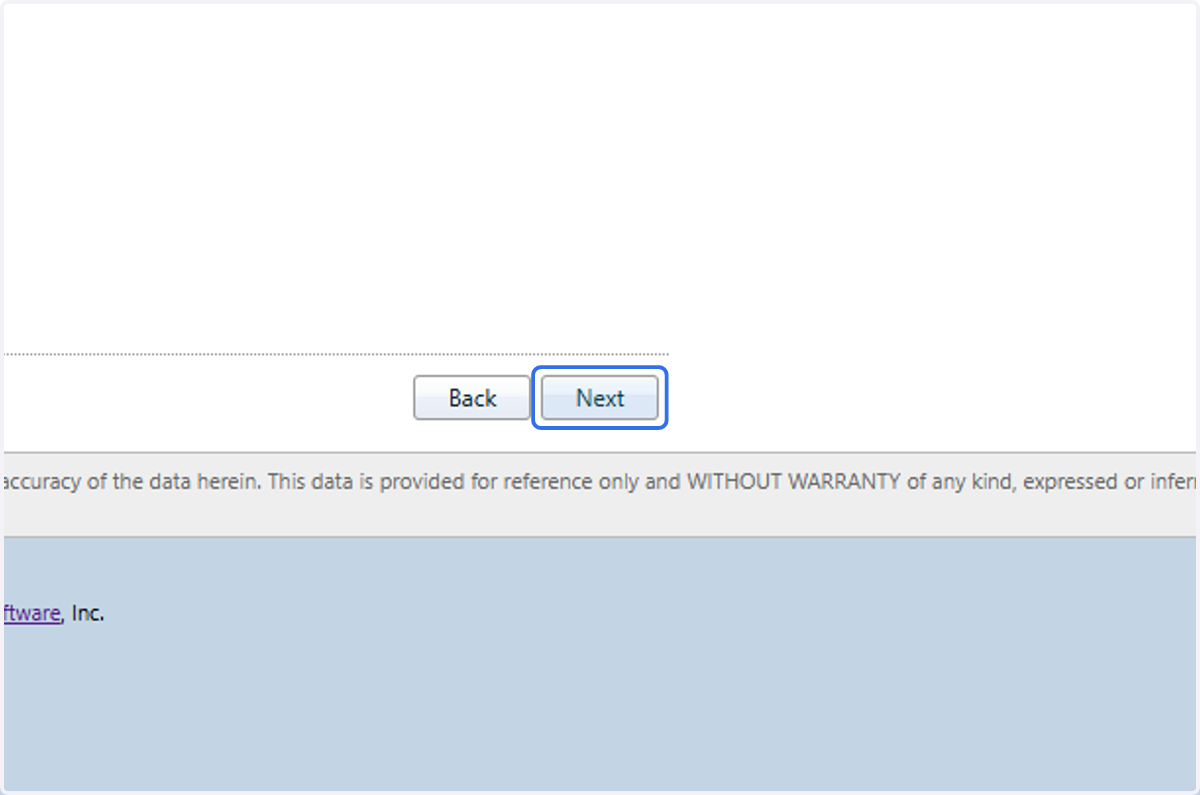
8. Click on Next
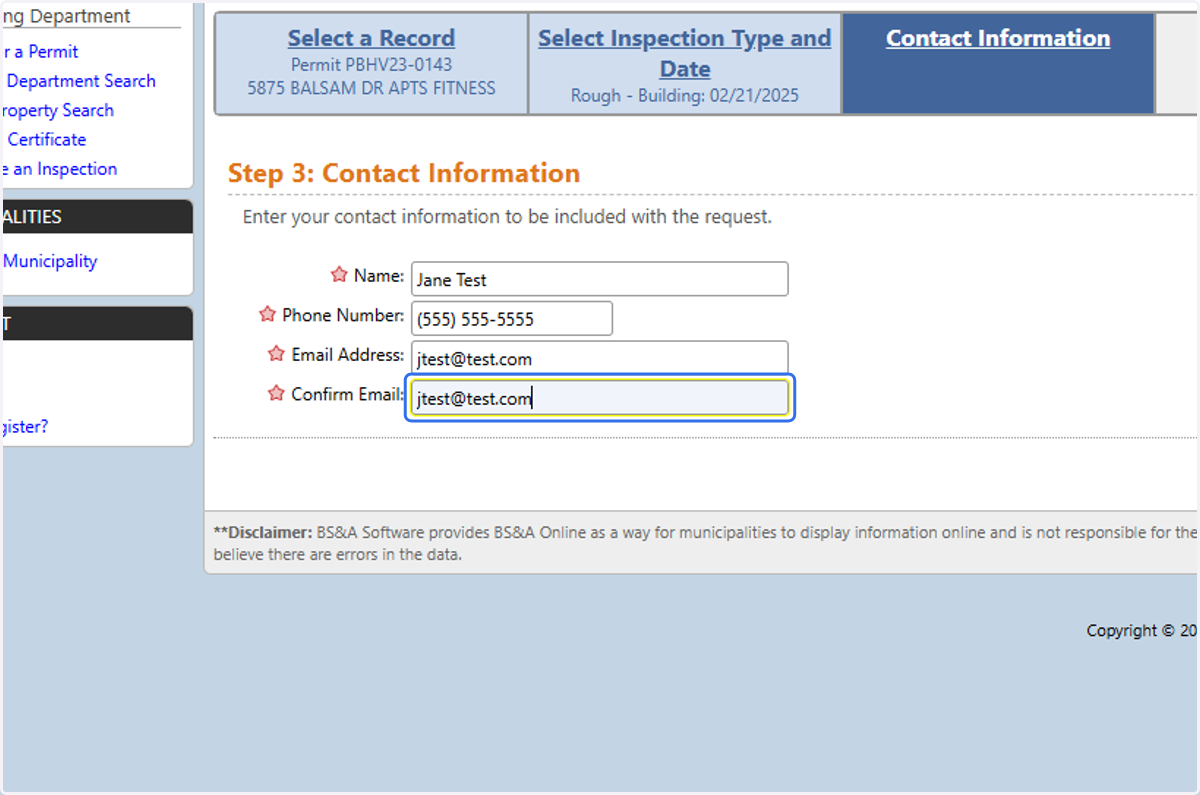
9. Type the Inspection Contact Name, Phone, and Email
This should be the contact who will be available the day of the inspection.
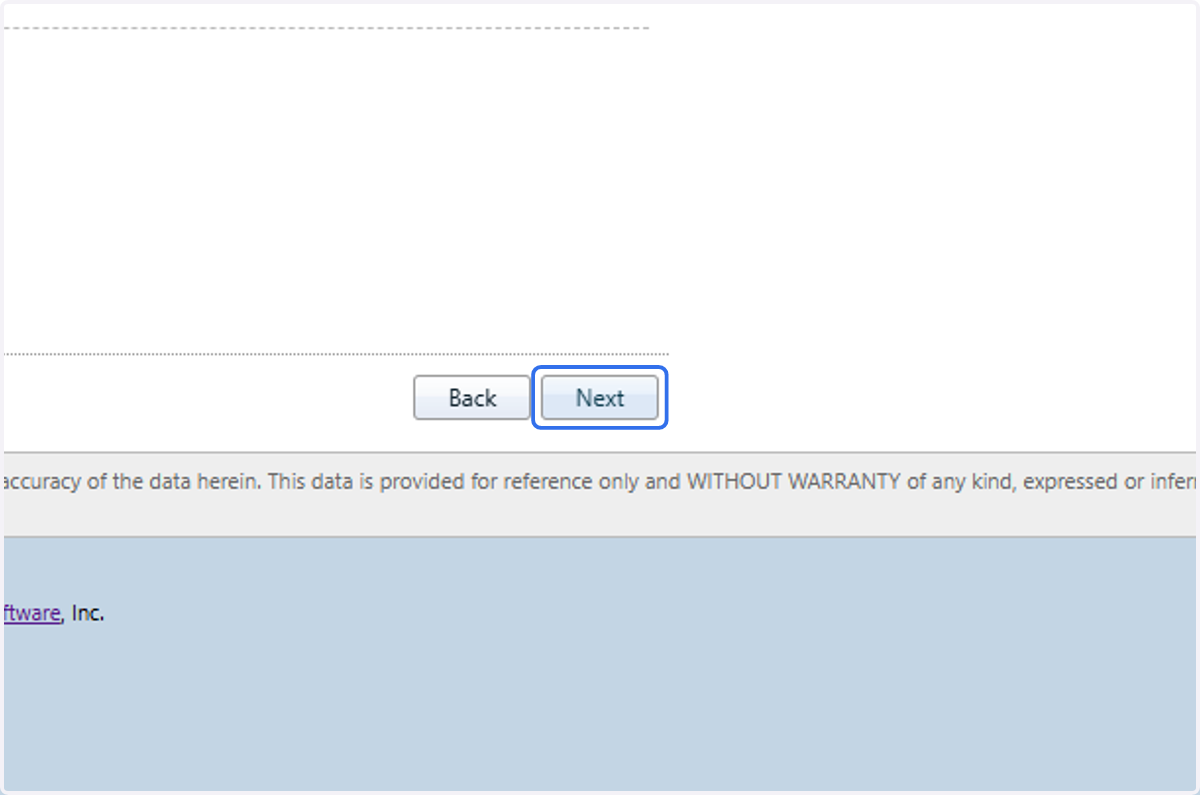
10. Click on Next
11. Optional: If you have any pictures or documents you need to share with the inspector, you may upload them at this time.
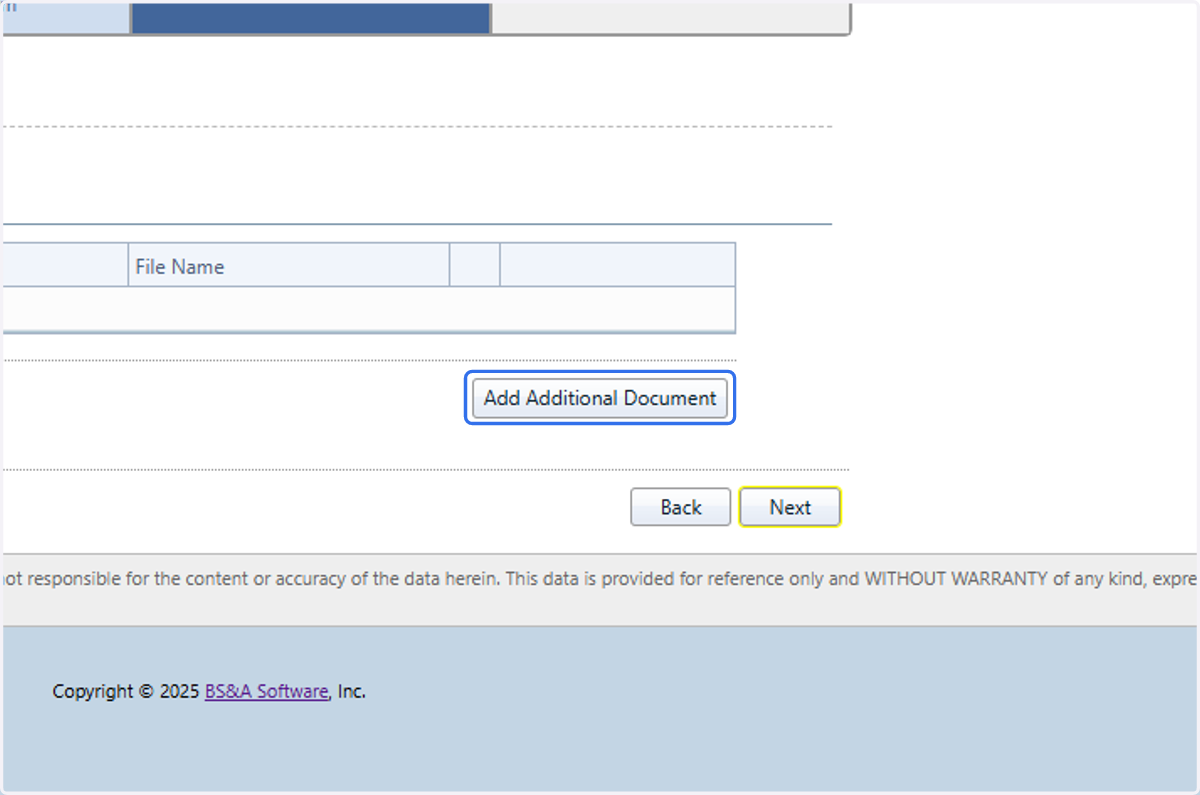
12. Click on Next
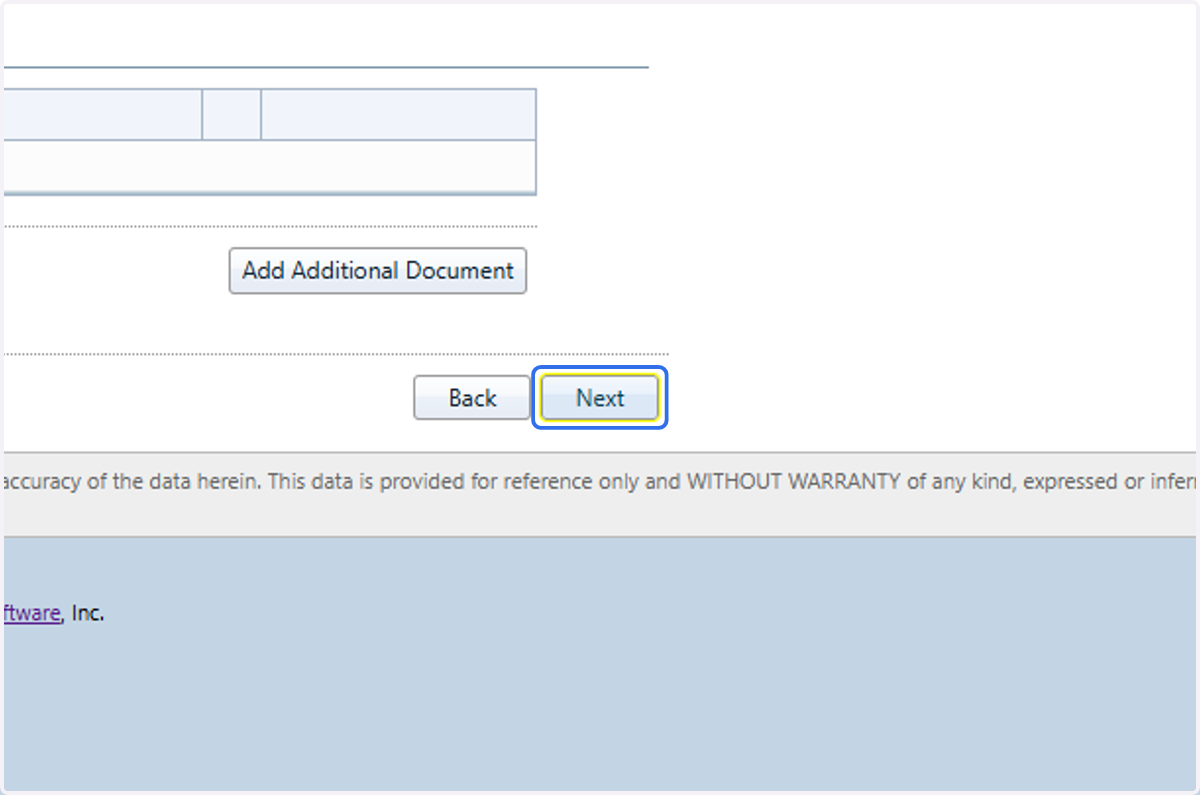
13. Verify your information
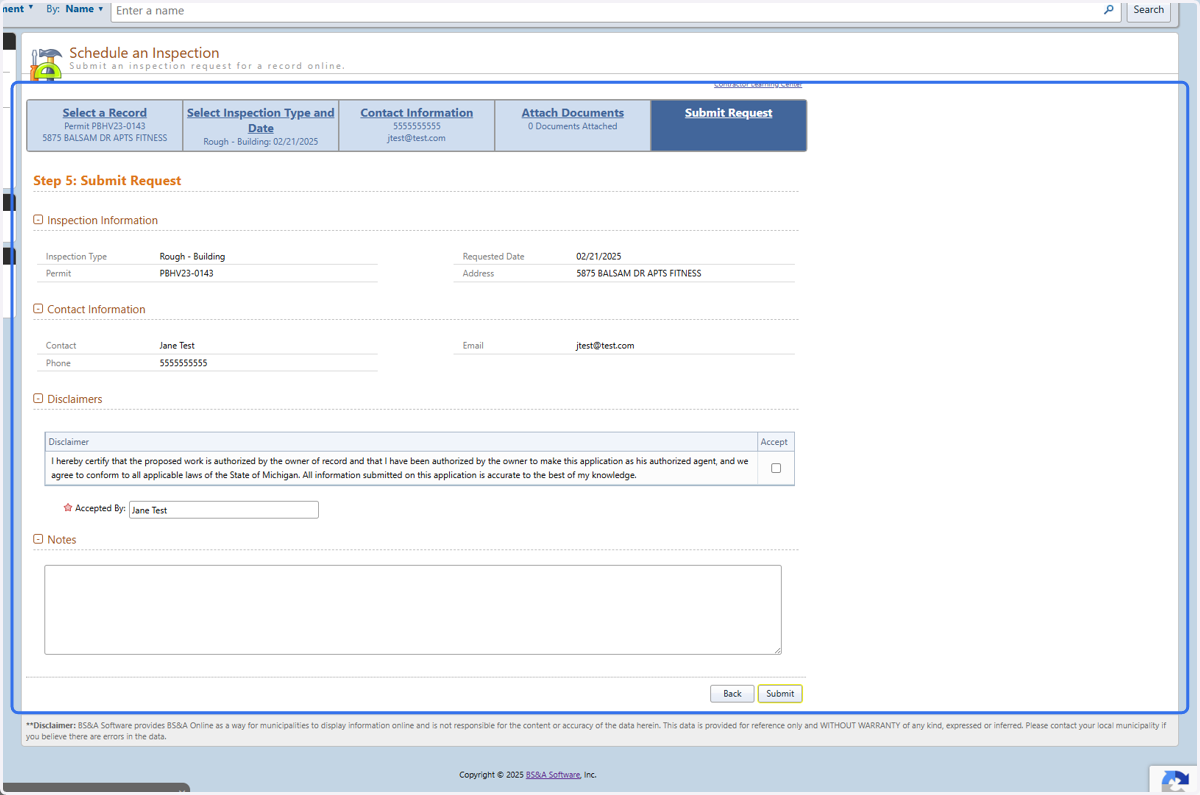
14. Read and accept the Disclaimer/Acknowledgement
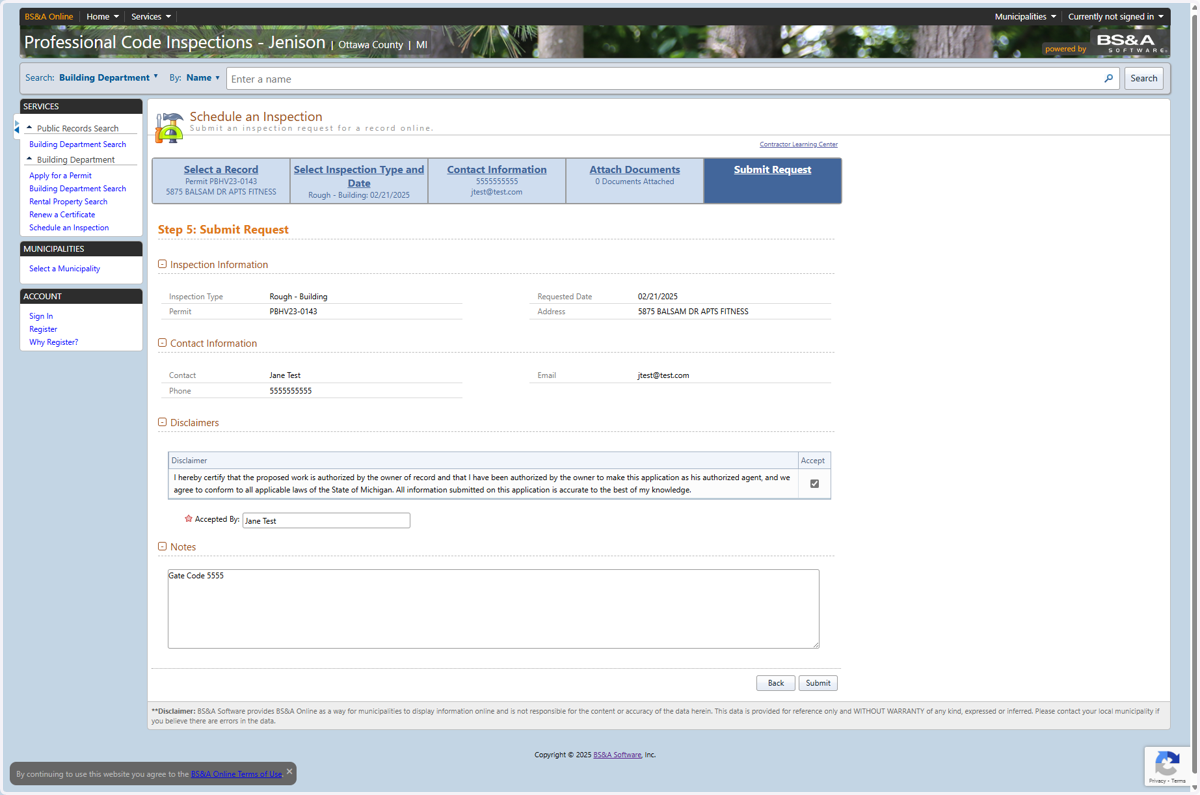
15. Optional: Provide Additional Comments
This could gate codes, additional contacts, or other information pertinent to the inspection.
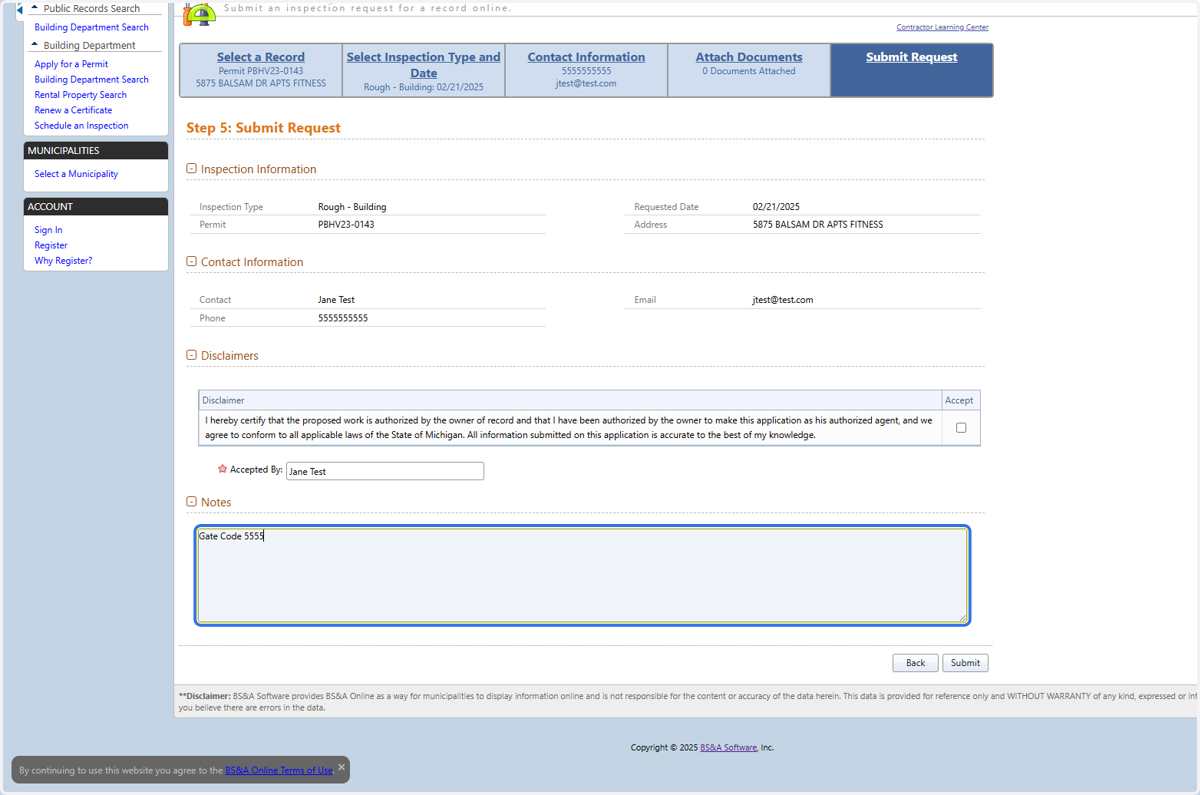
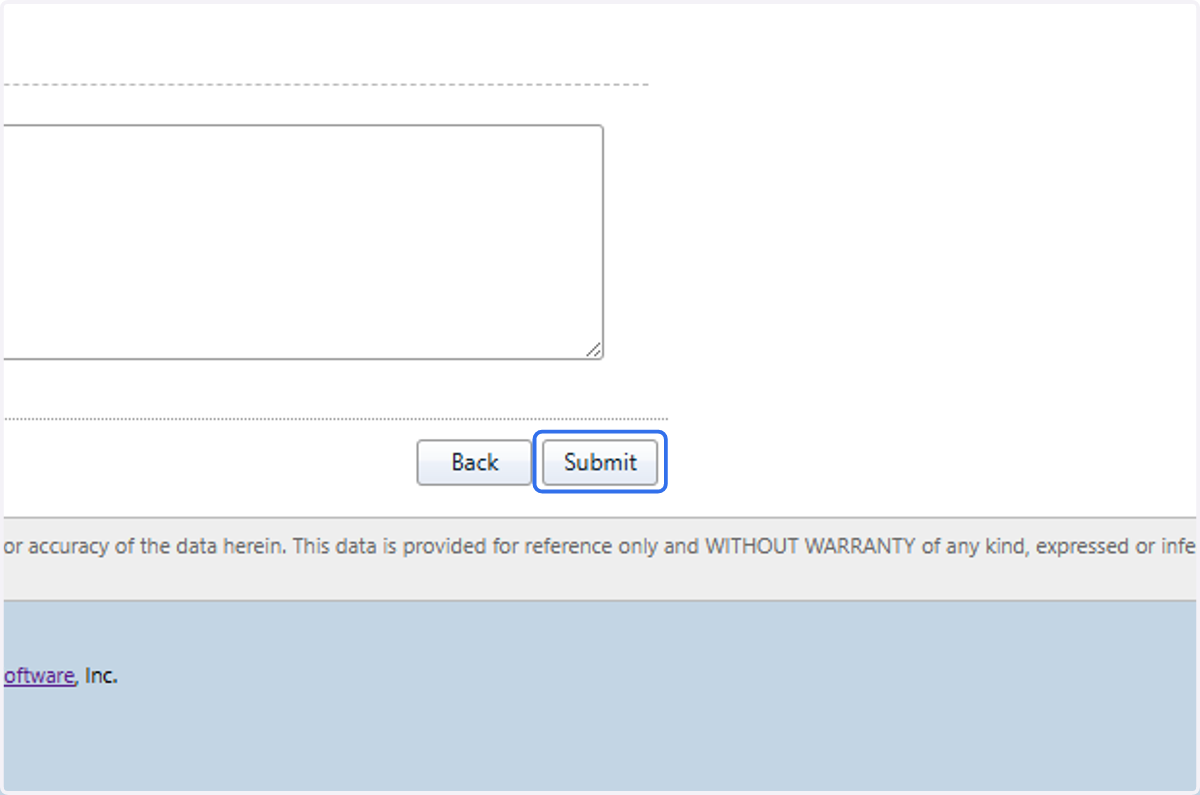
16. Submit
Your request will be sent to PCI who will review the request. If accepted, you will receive an email confirmation. Please note that your inspection is not confirmed until it has been accepted by staff.