Scheduled Services - How To
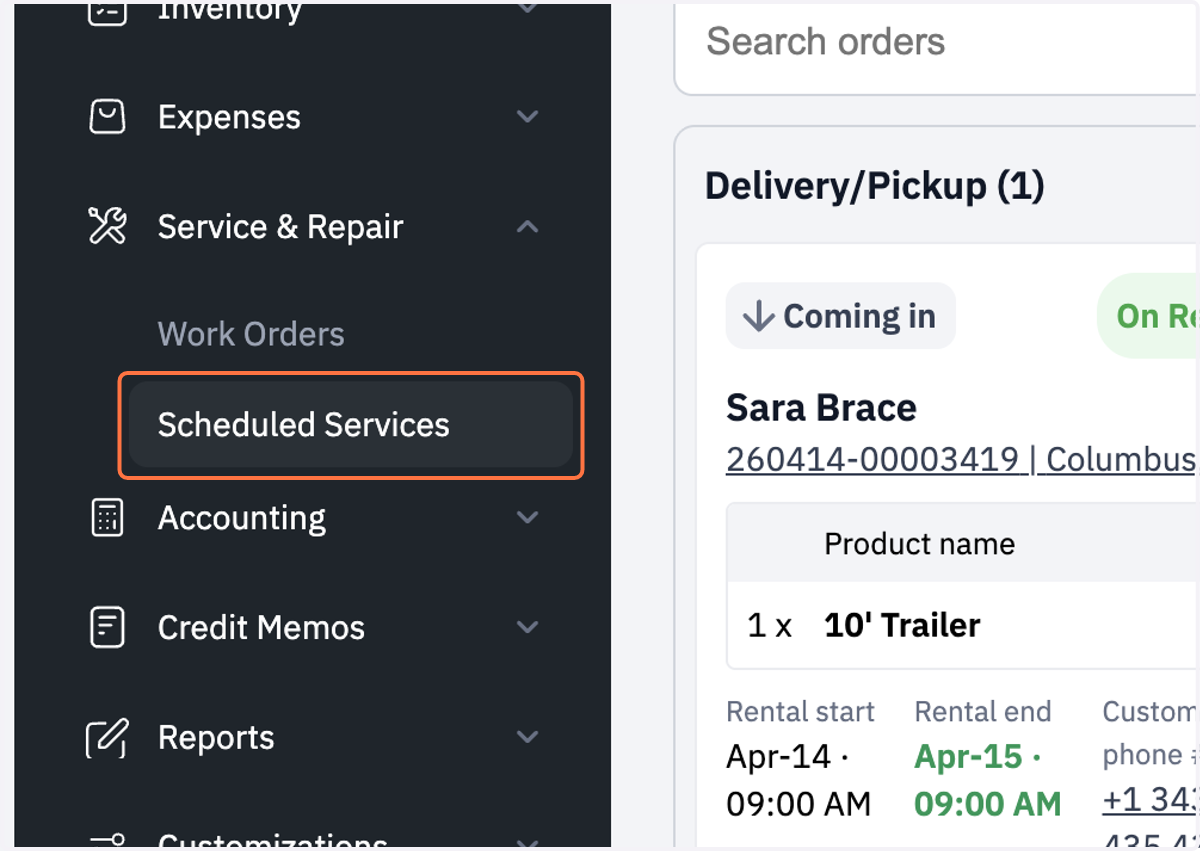
1. Click on Scheduled Services
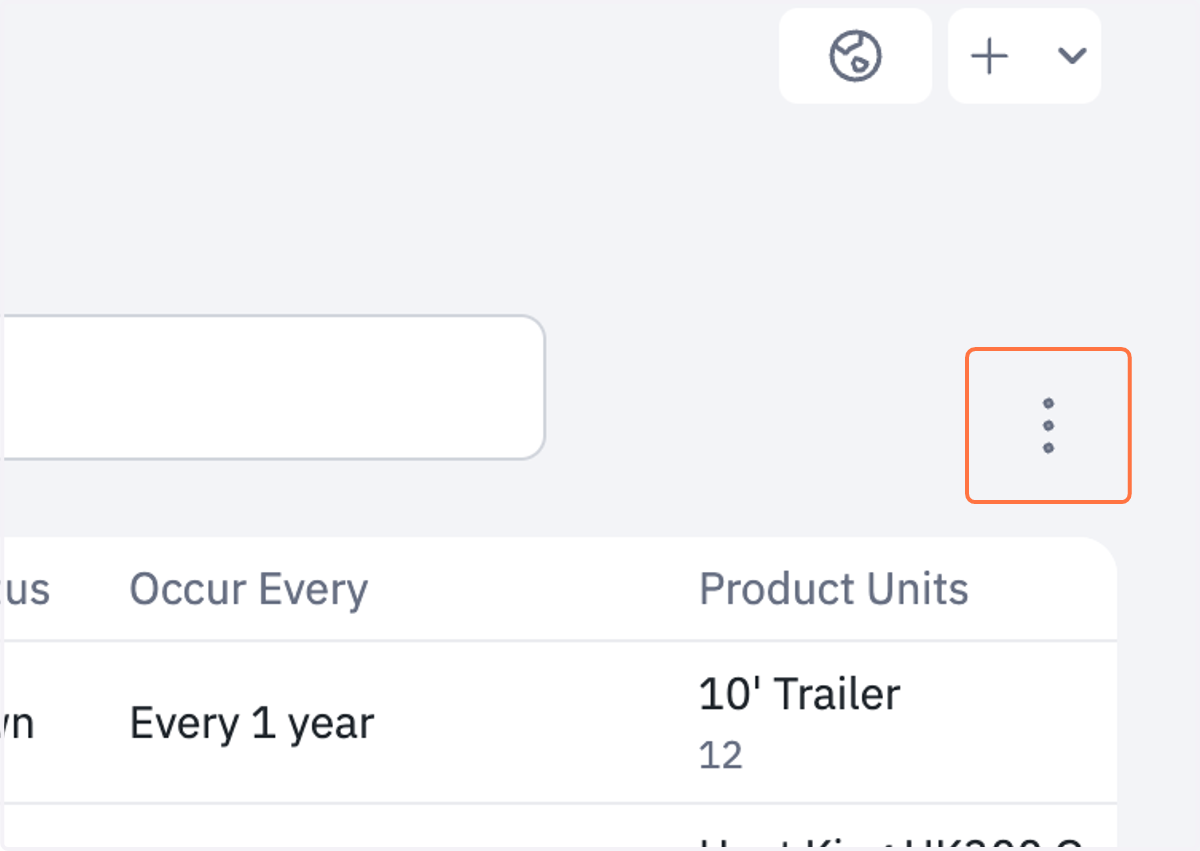
2. Click on 3 dots to the right
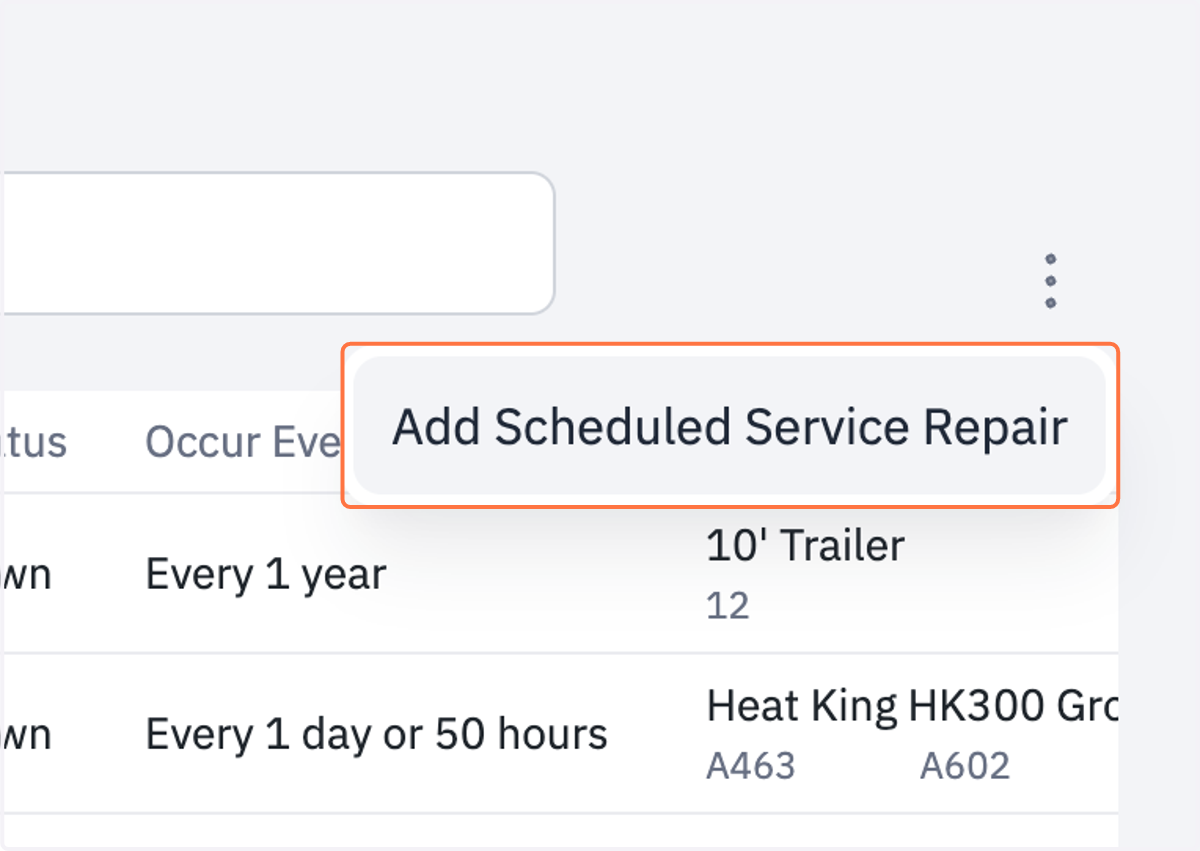
3. Click on Add Scheduled Service Repair
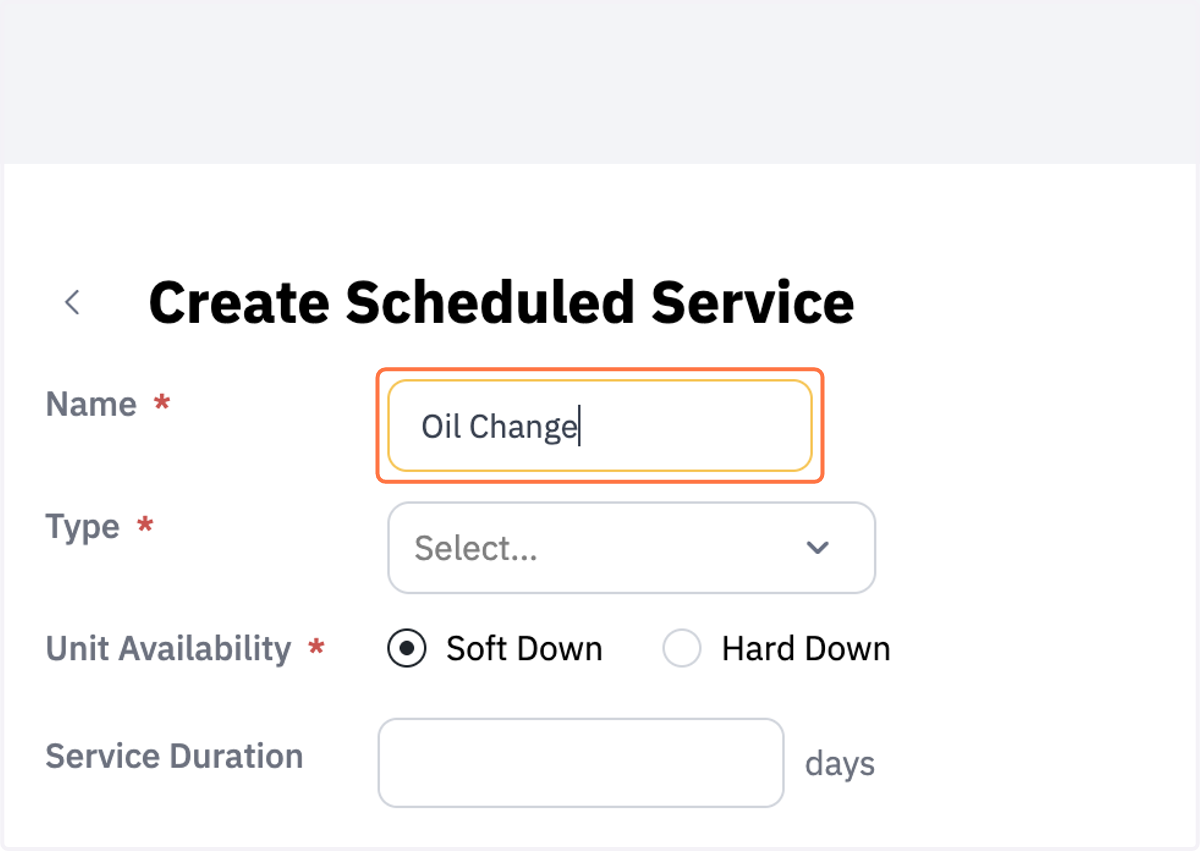
4. Name your Scheduled Services
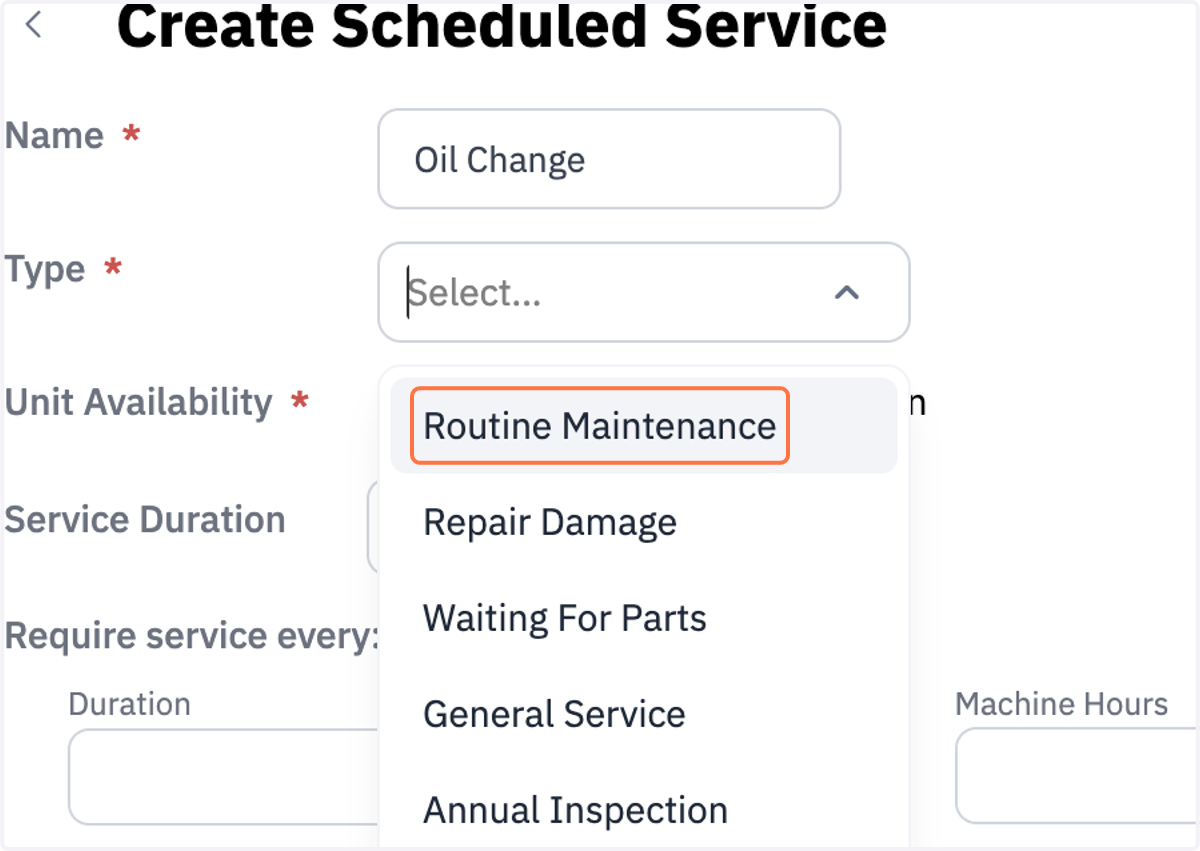
5. Click on Type of Service
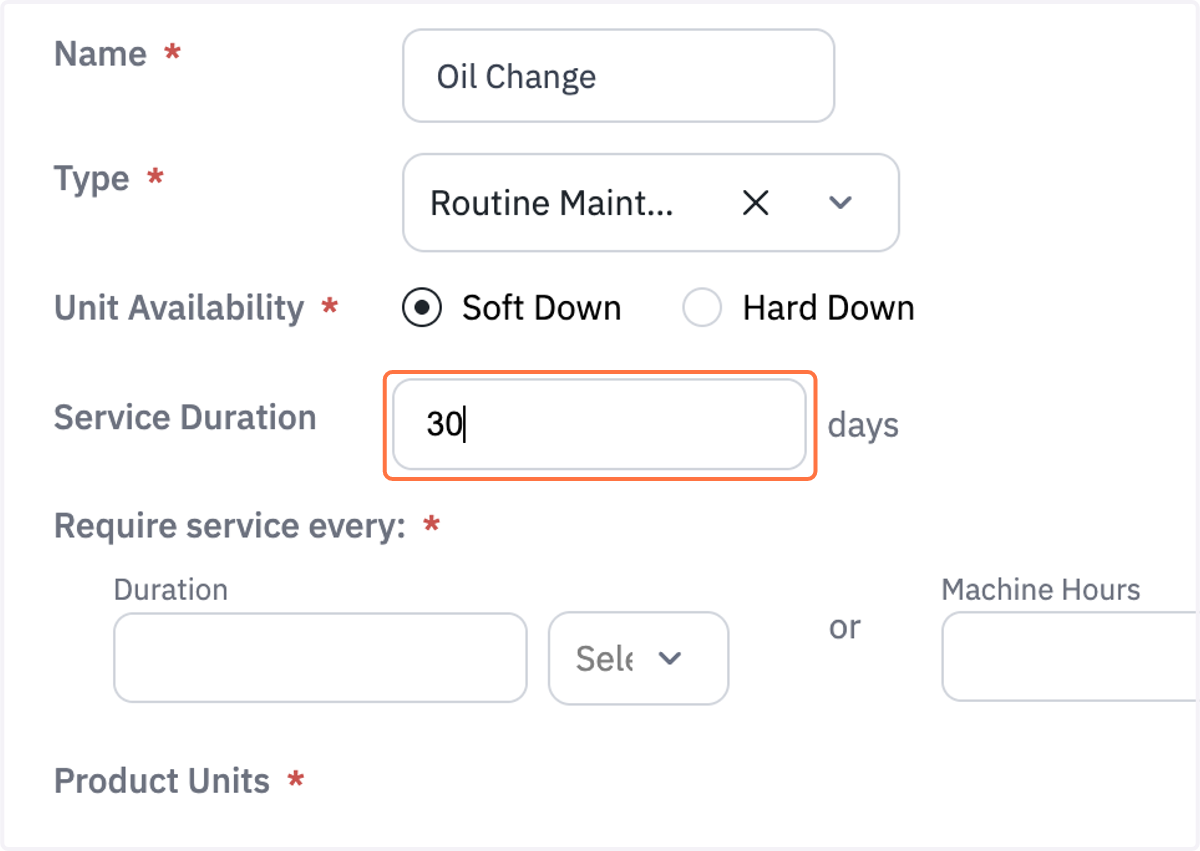
6. Add Service Duration
Number of days the service is expected to take
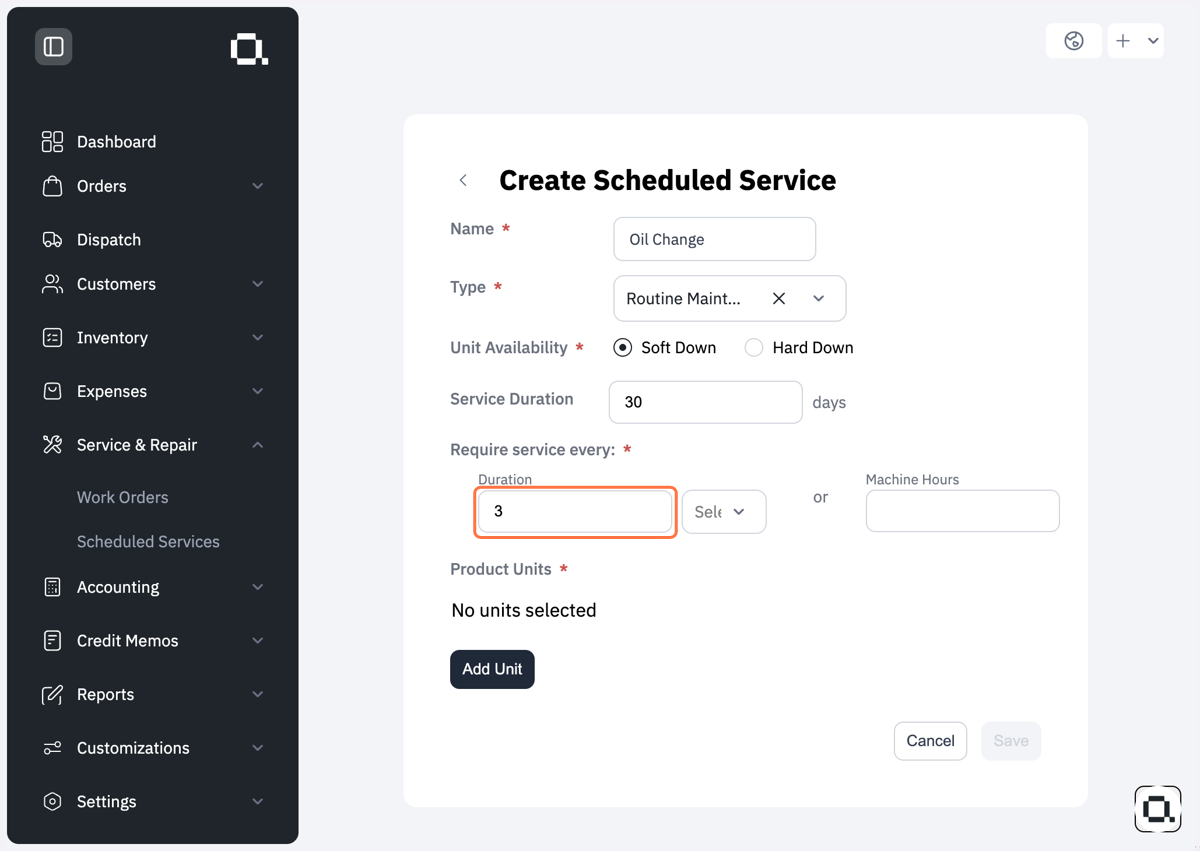
7. Add a # of how often you need this service to be performed if it is time based
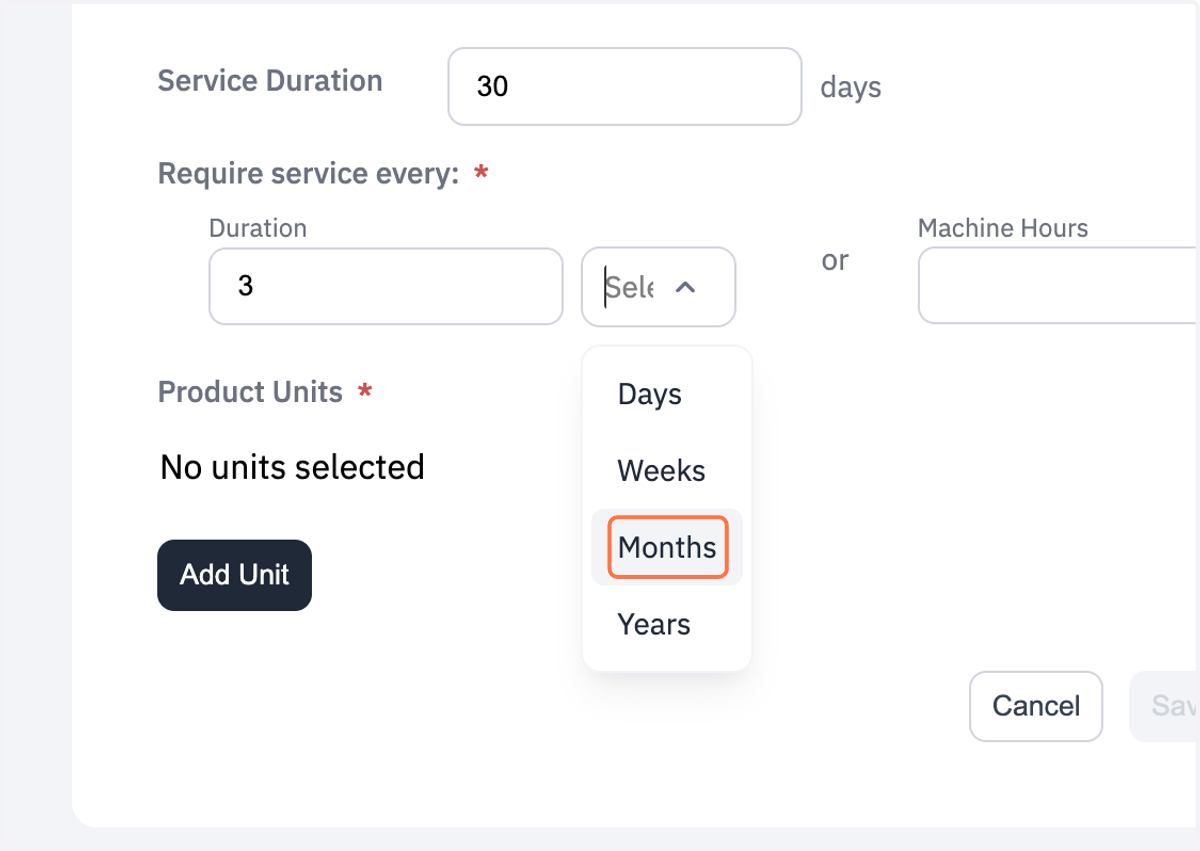
8. Select the unit of duration from the drop down
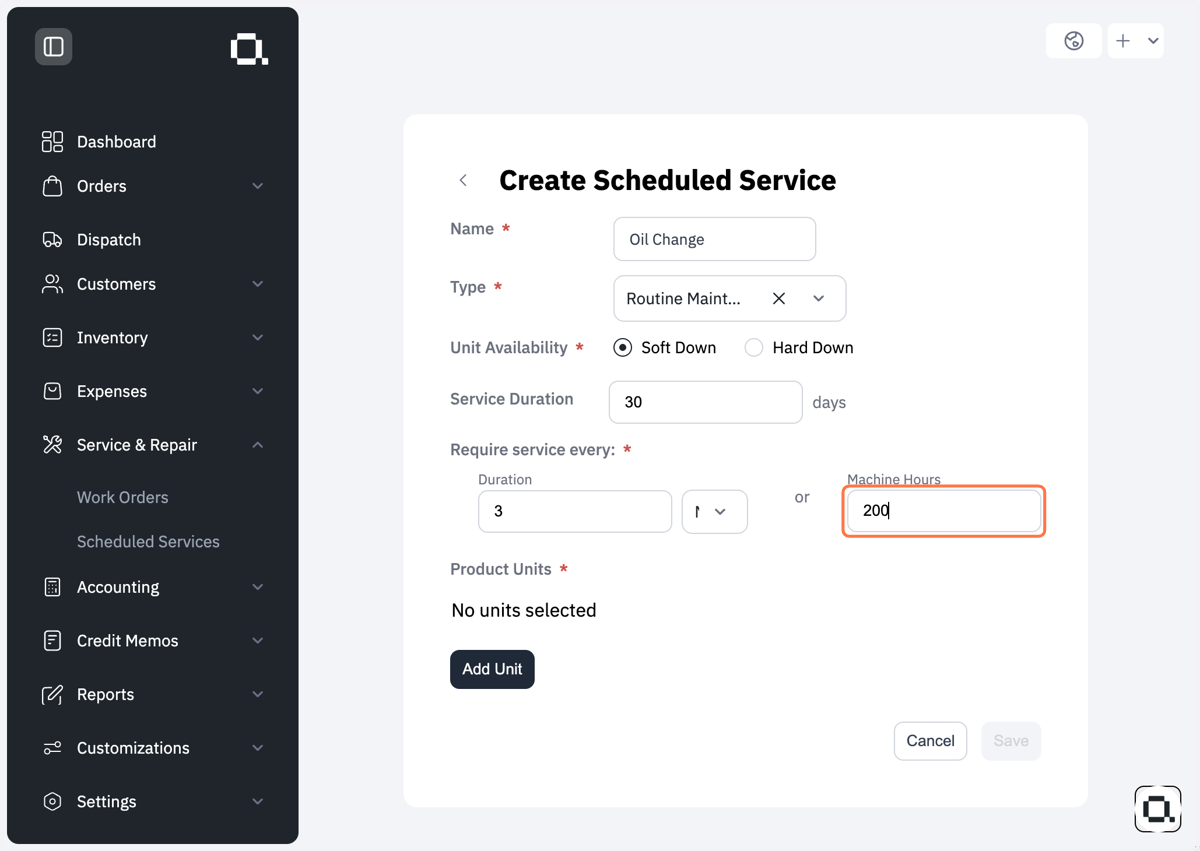
9. Add # of machine hours if it is based on the hours the machine is used
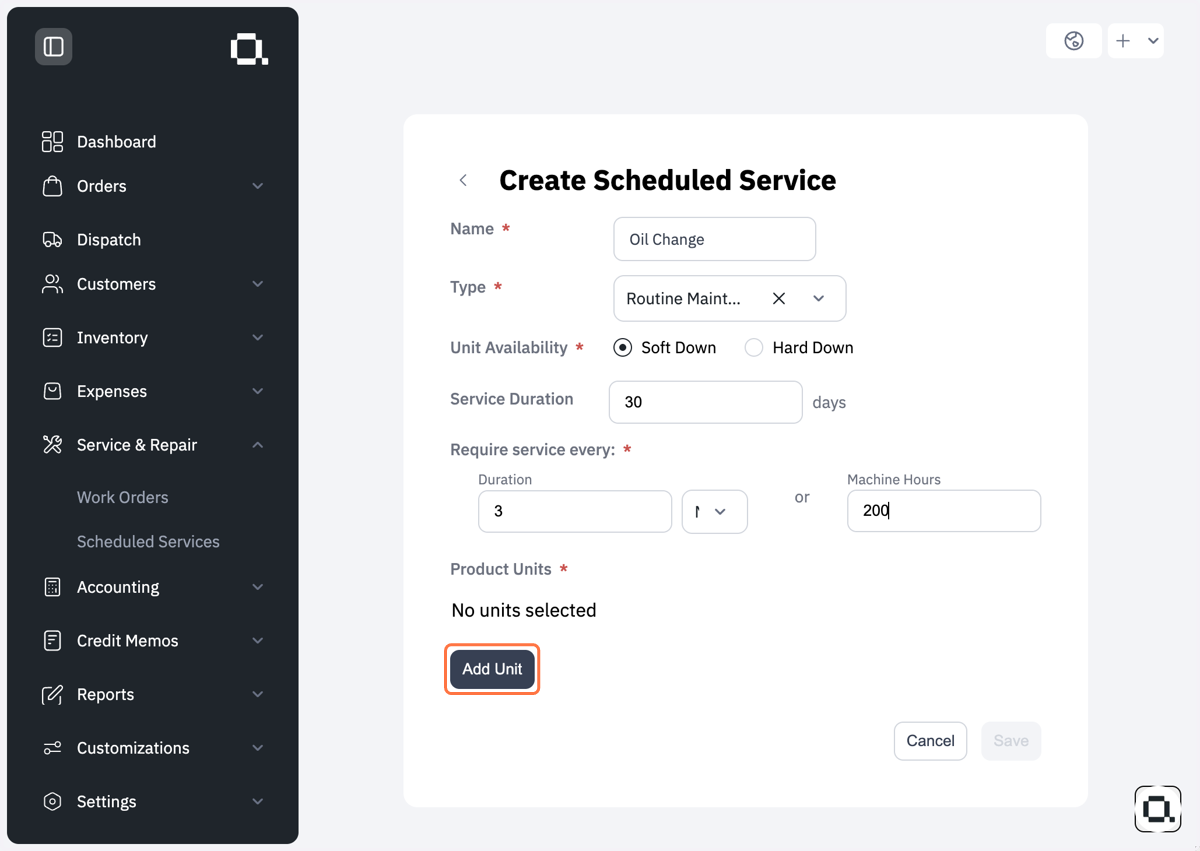
10. Click on Add Unit
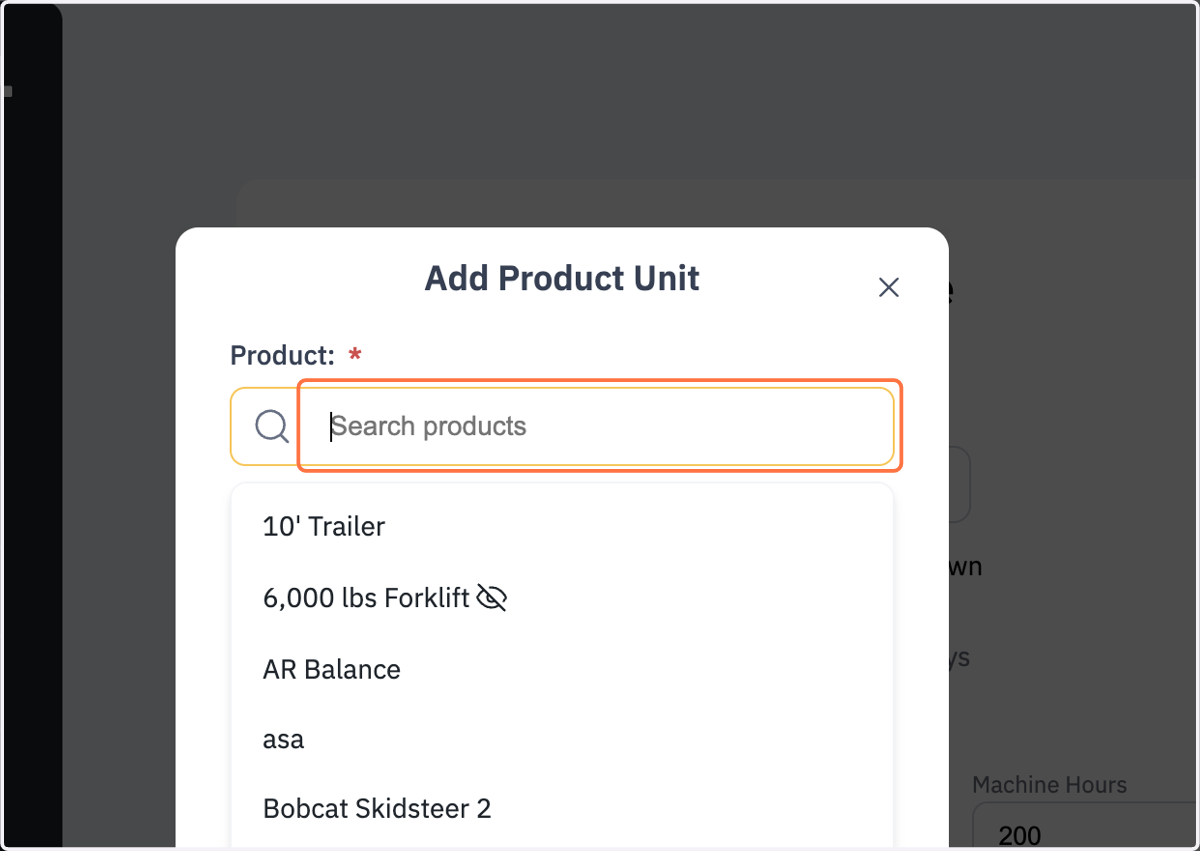
11. Click on Search products
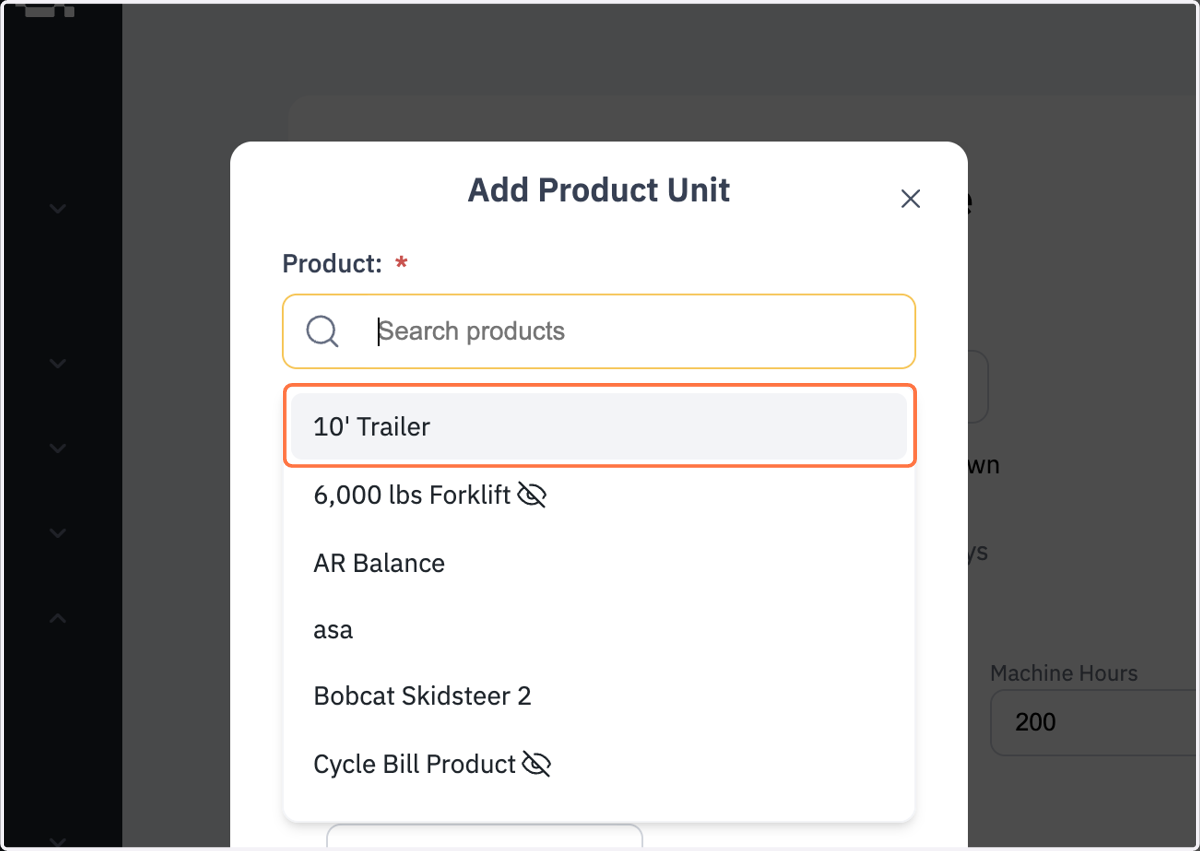
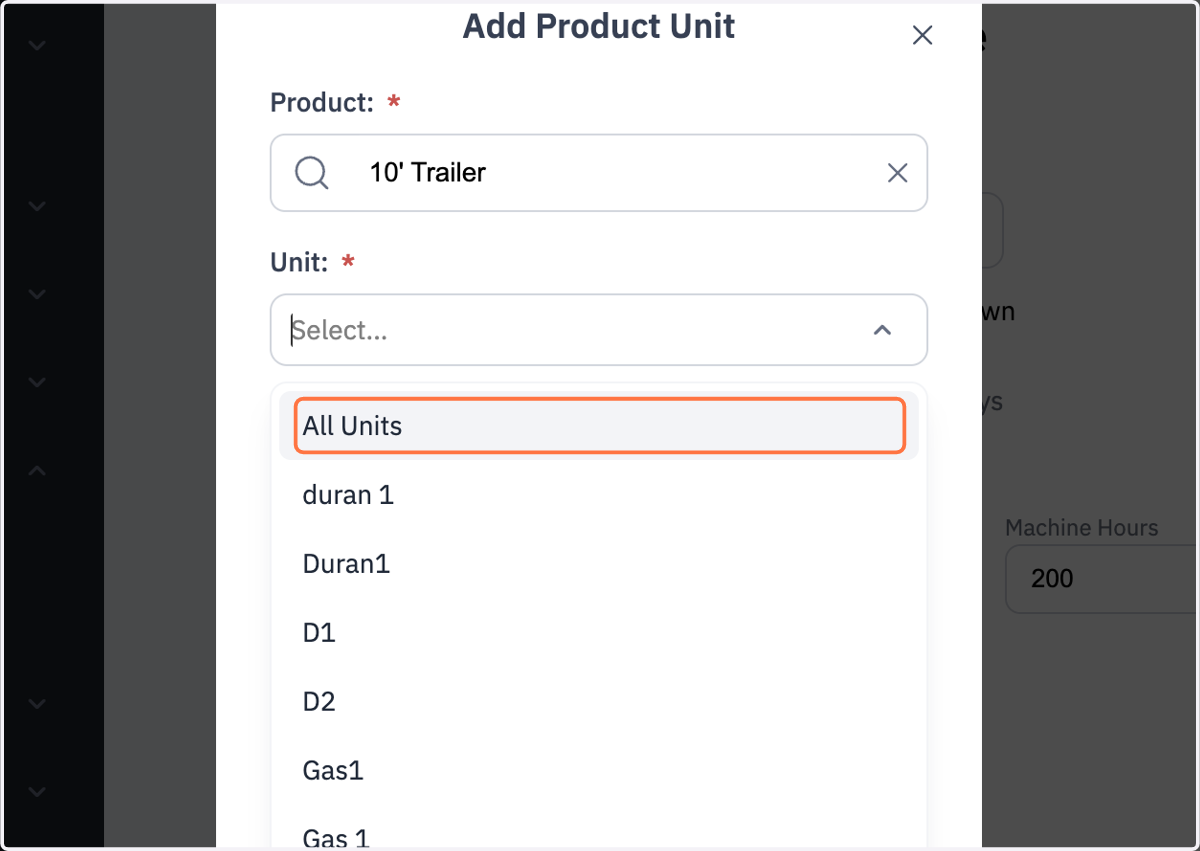
12. Select the Unit the service needs to be performed on
13. General practice would be a service on All Units associated with the Product
If only for one specific unit select that instead
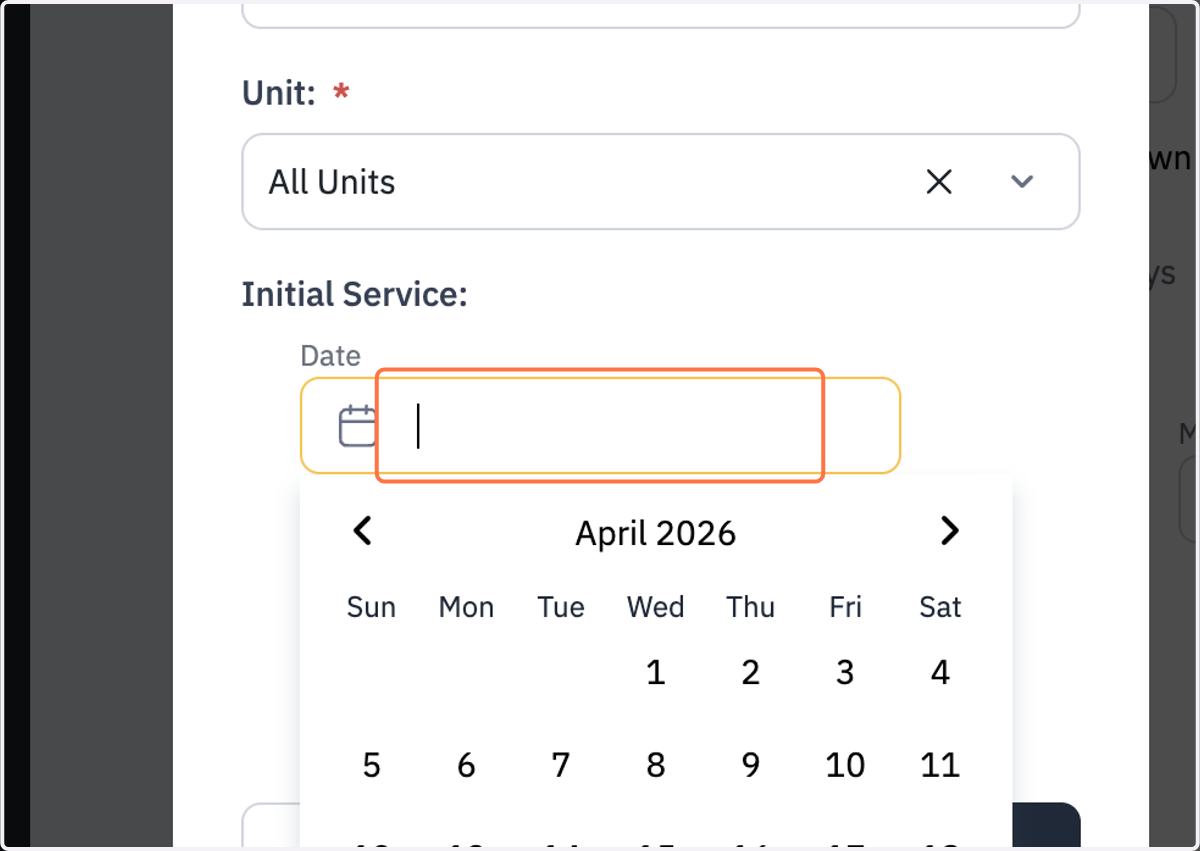
14. If you've already serviced the unit previously you can select an initial service date so future work orders are based off that date
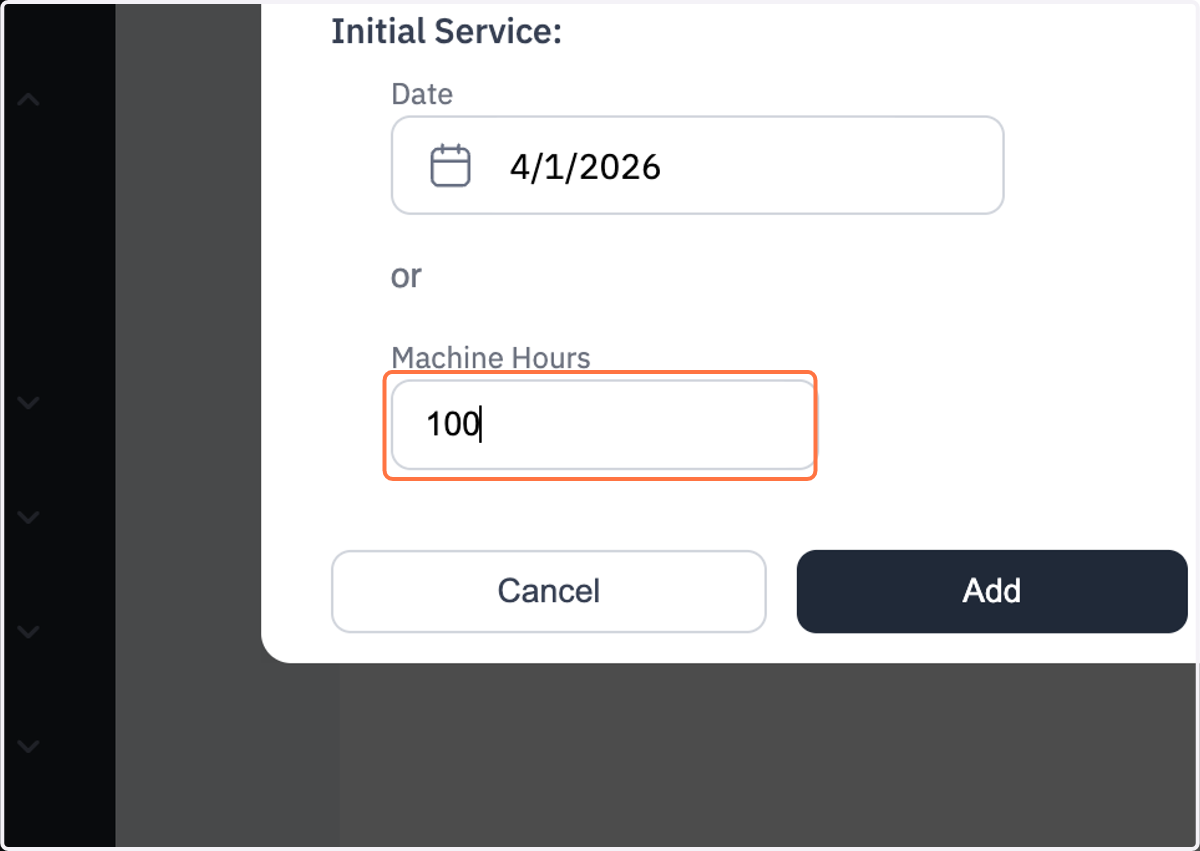
15. If you've already serviced the unit previously you can select an initial service machine hour so future work orders are based off those hours
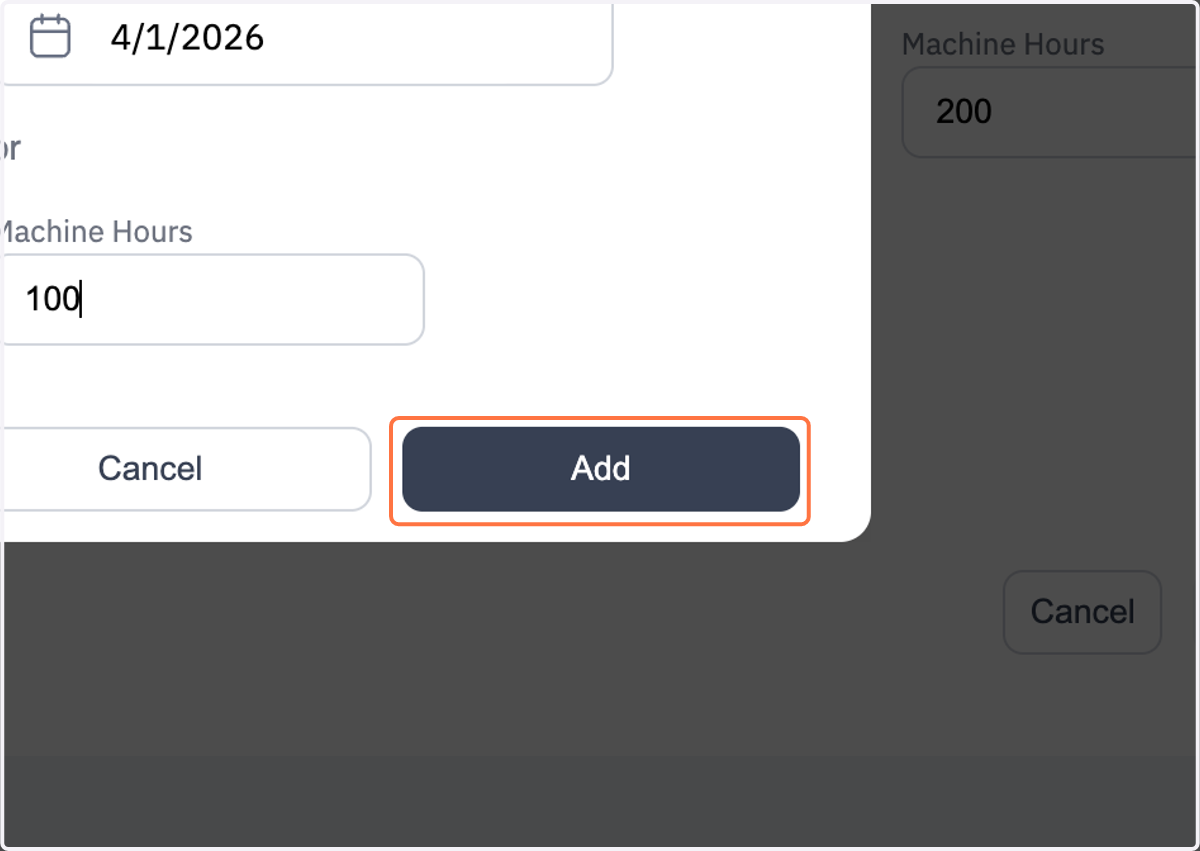
16. Click on Add
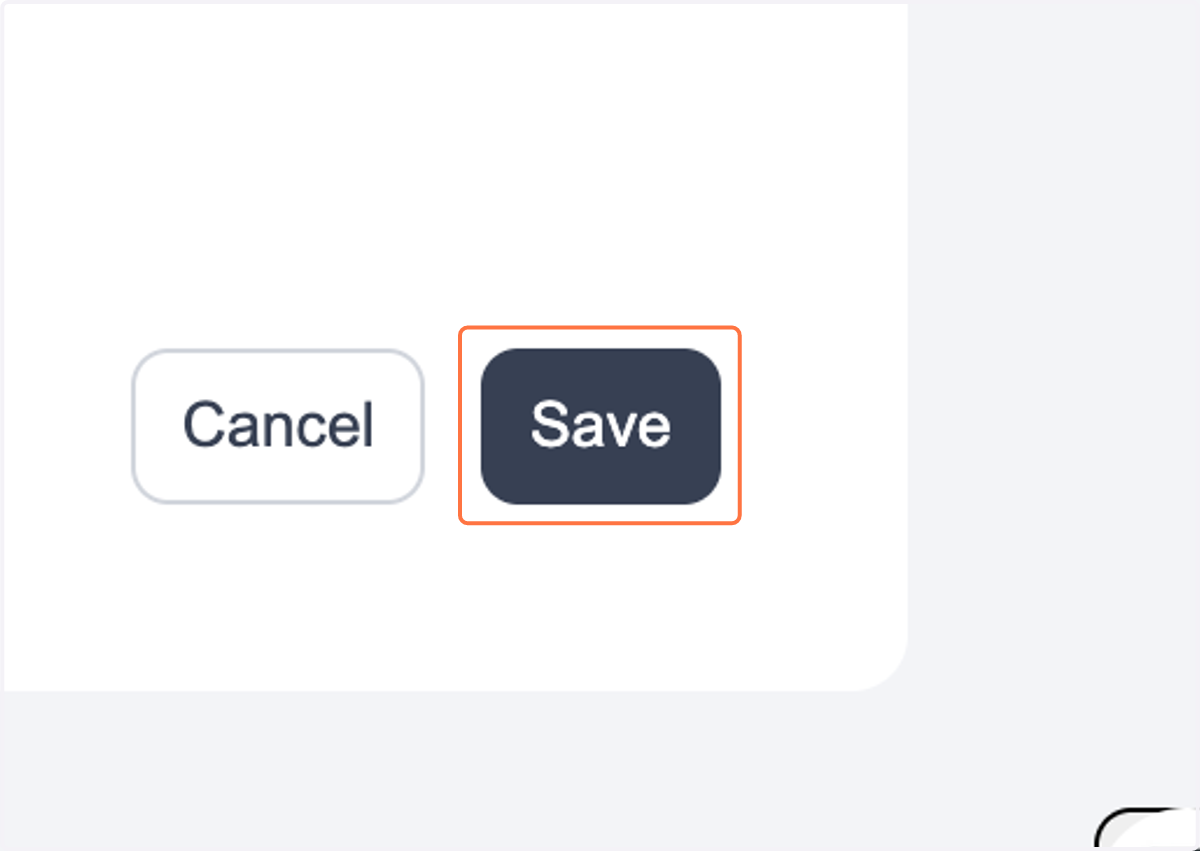
17. Click on Save
18. Congrats you have officially created your first Scheduled Service