Running a Report on Archived Enrollments for the Division III Rules Test
My Homepage - NCAA Learning Portal
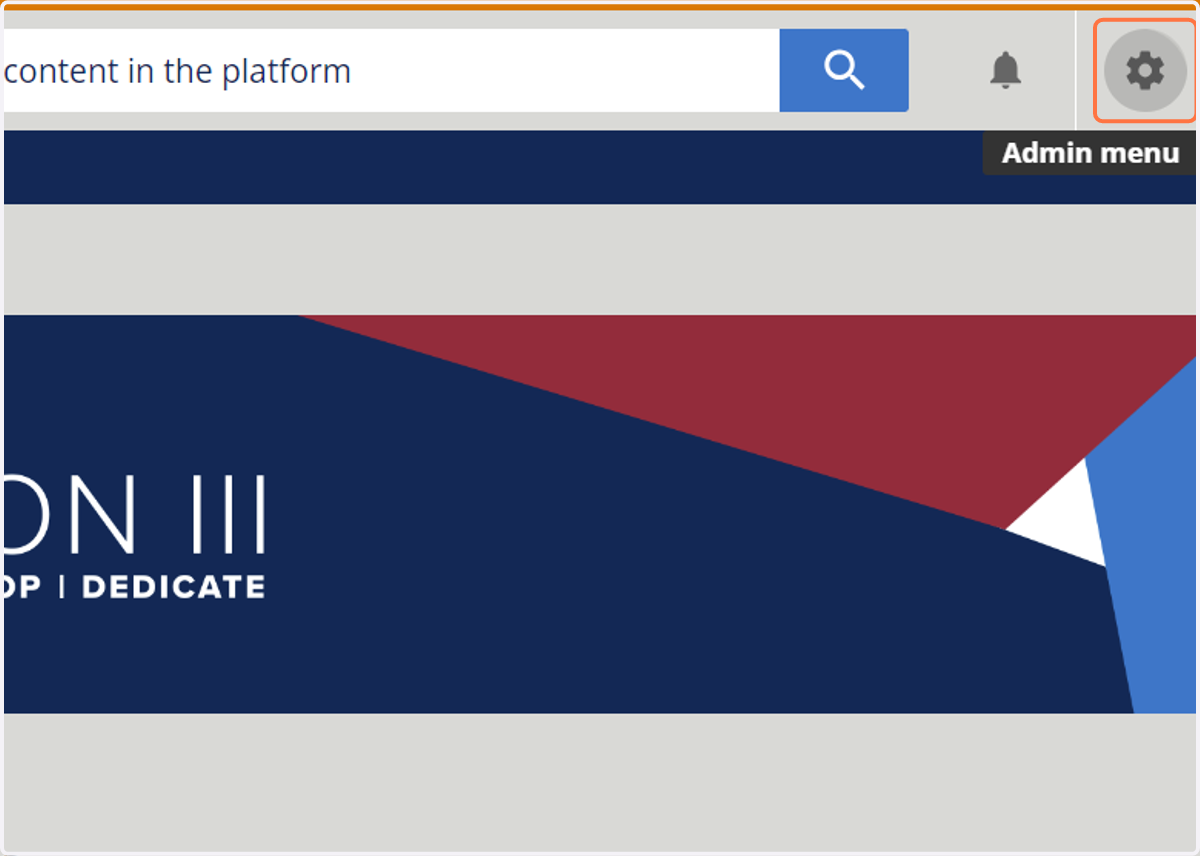
1. Click on Admin menu
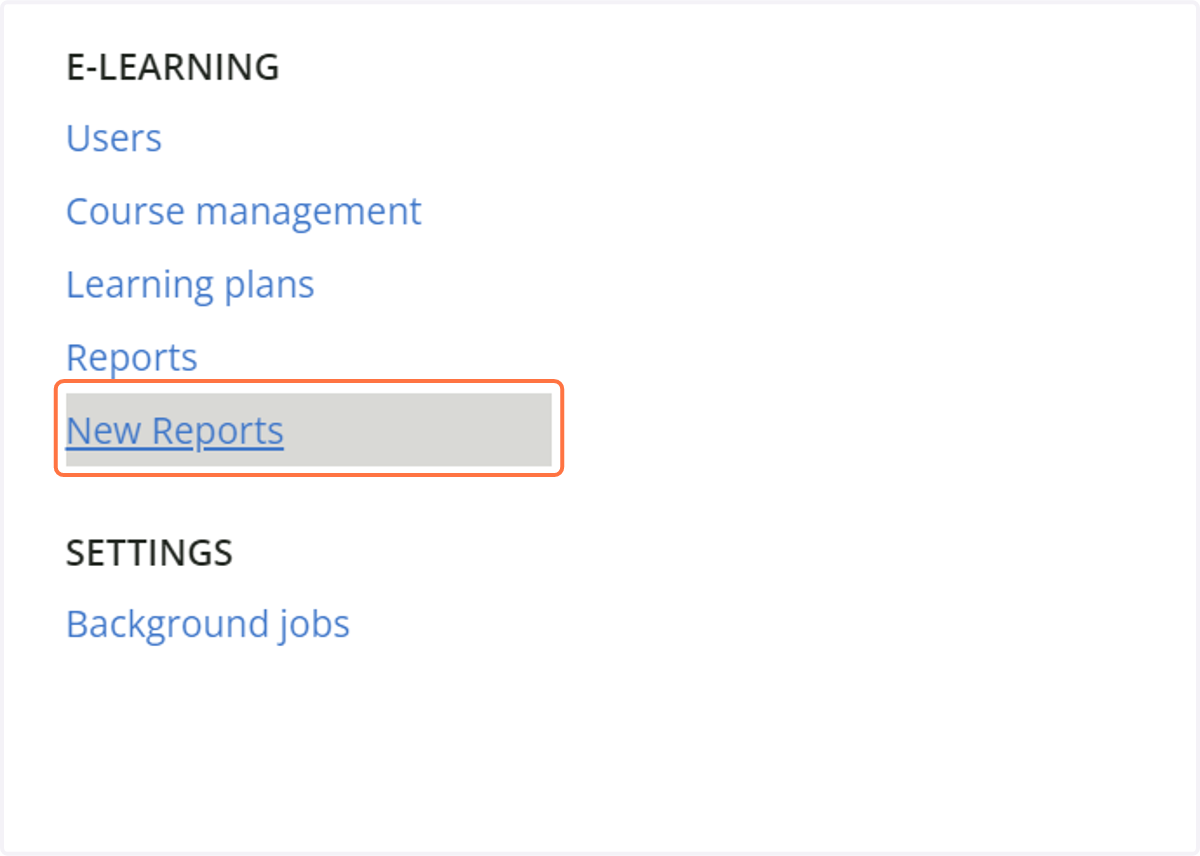
2. Click on New Reports
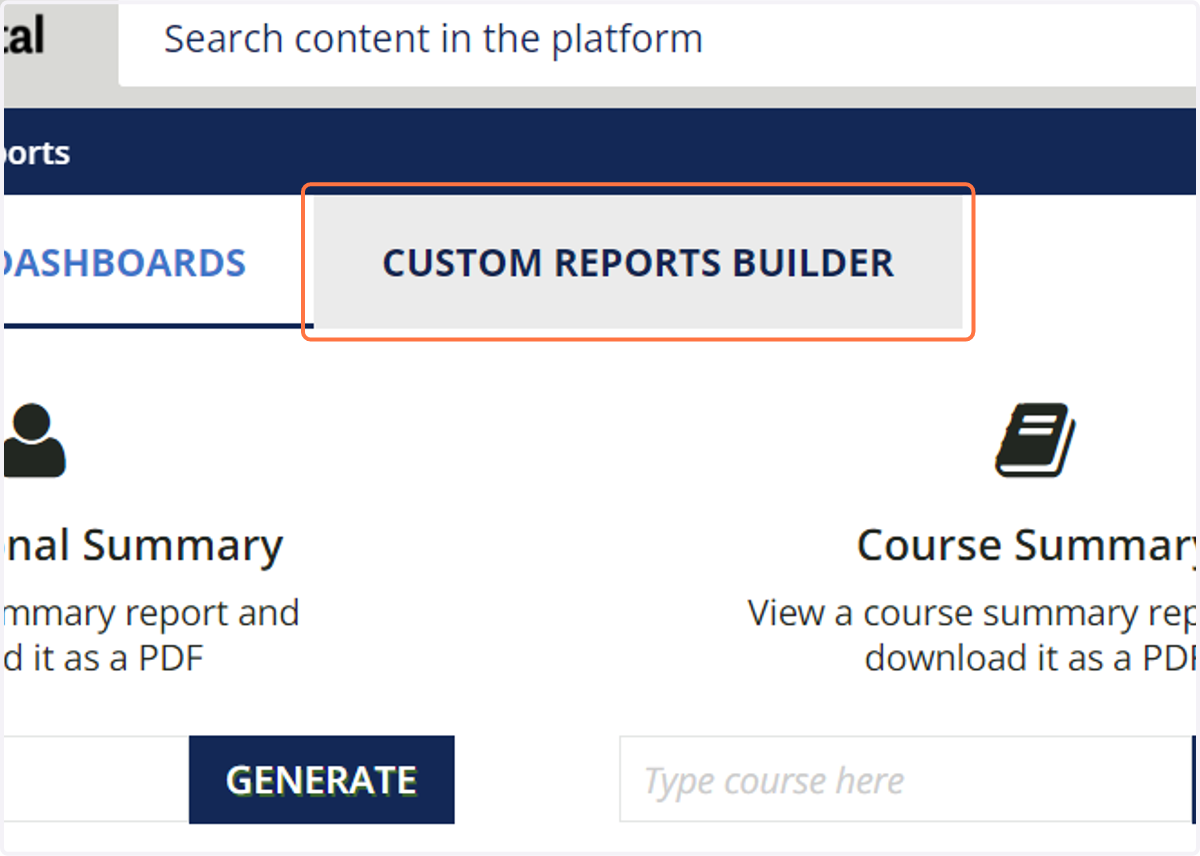
3. Click on CUSTOM REPORTS BUILDER
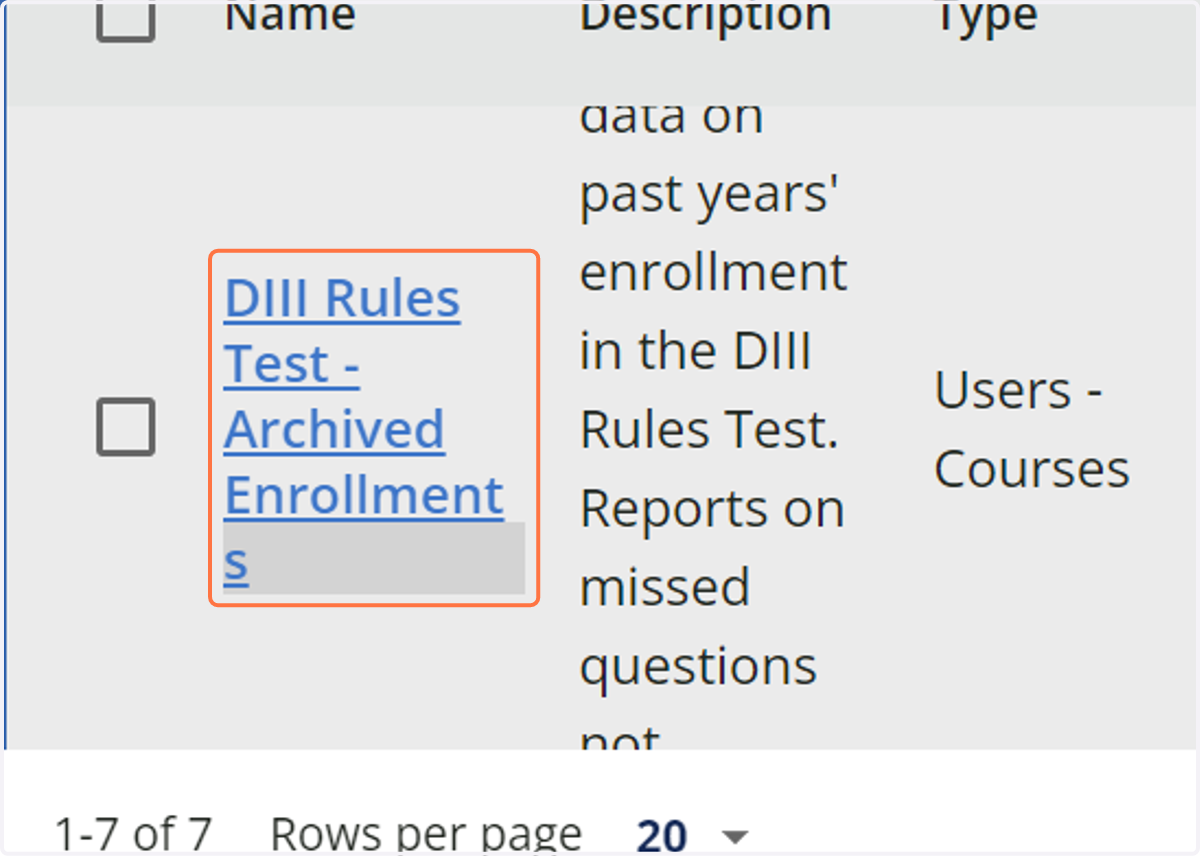
4. Click on DIII Rules Test - Archived Enrollments
This report provides completion data on past years' enrollment in the DIII Rules Test. Reports on missed questions not available for past years' tests.
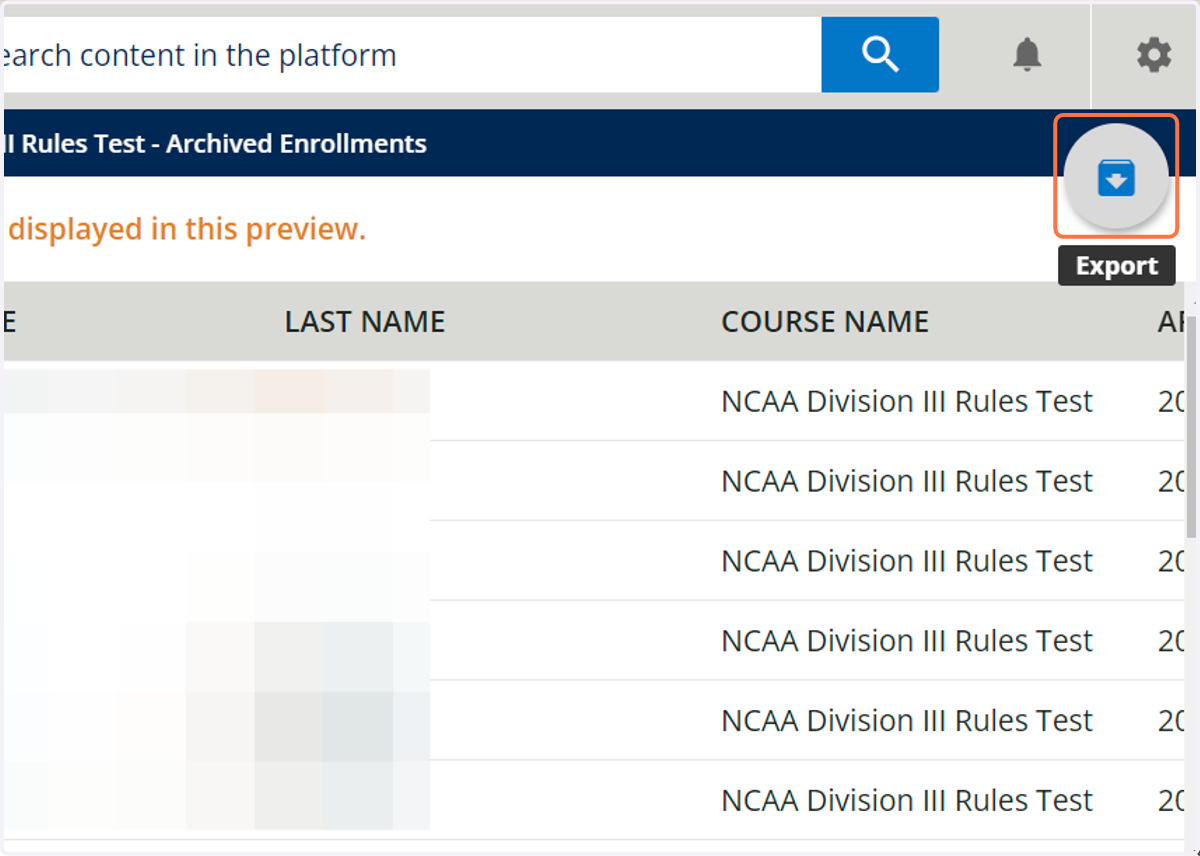
5. Click on Export