Reviewing Draft Papers for ASPIRE 2025
ASPIRE 2025 S&R: My Expertise
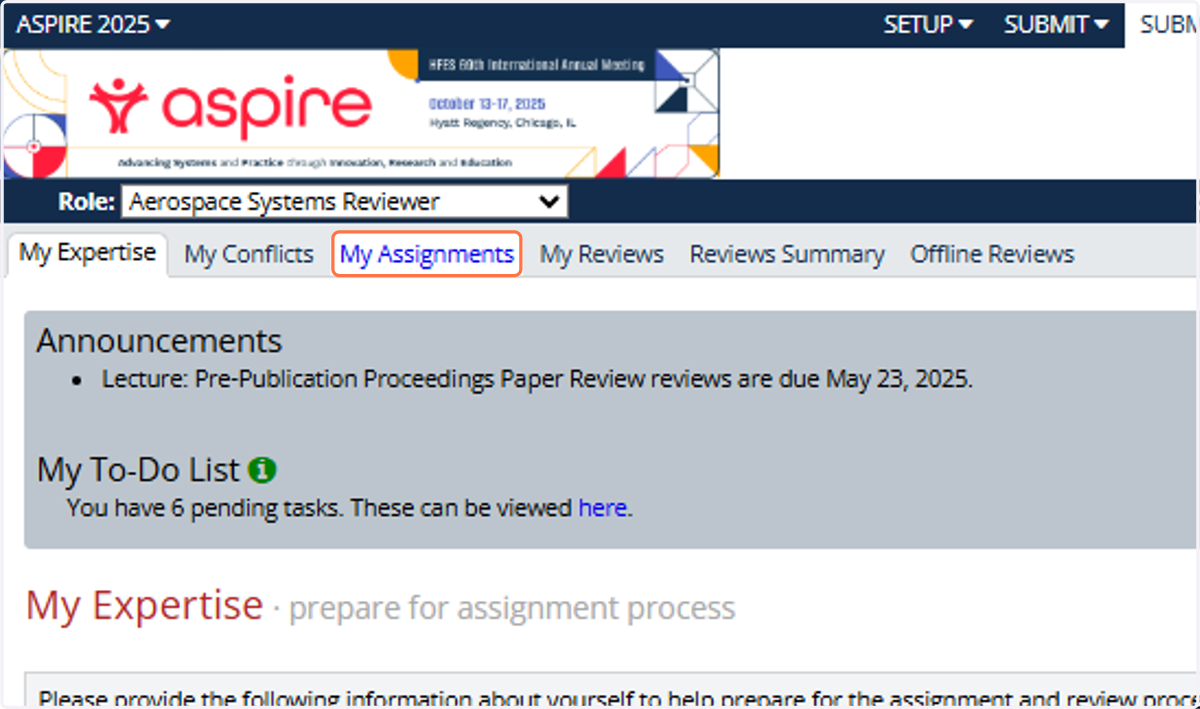
1. Click on My Assignments
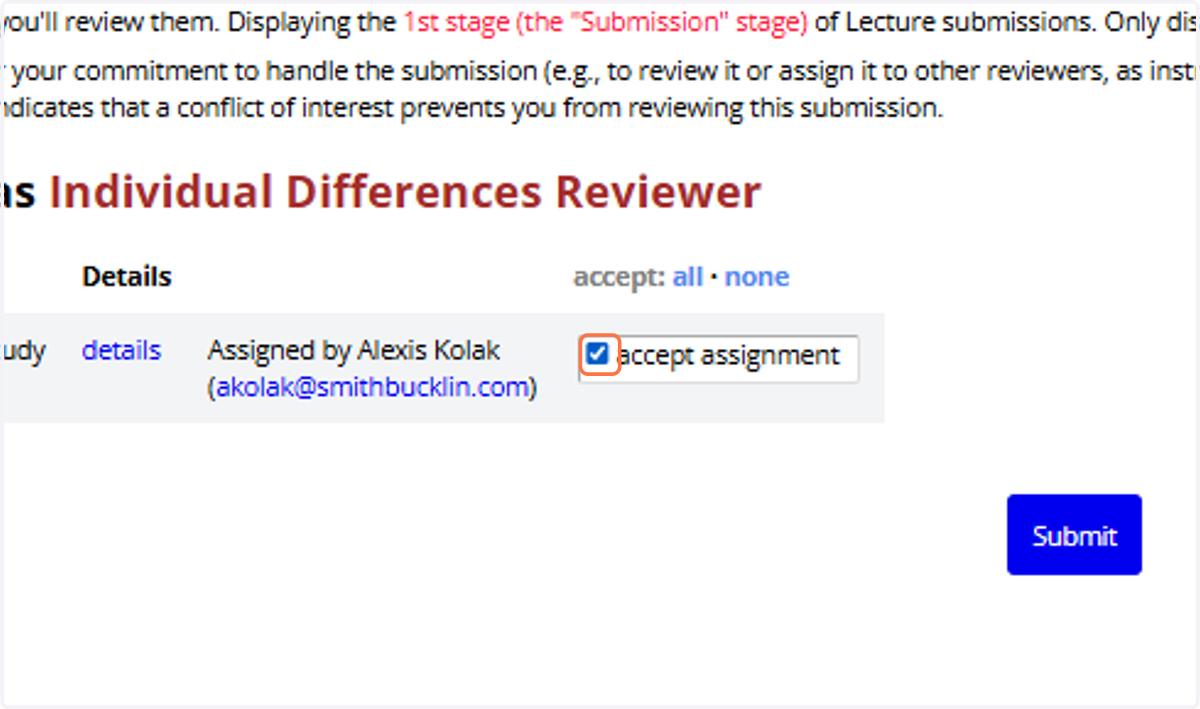
2. Check accept assignment
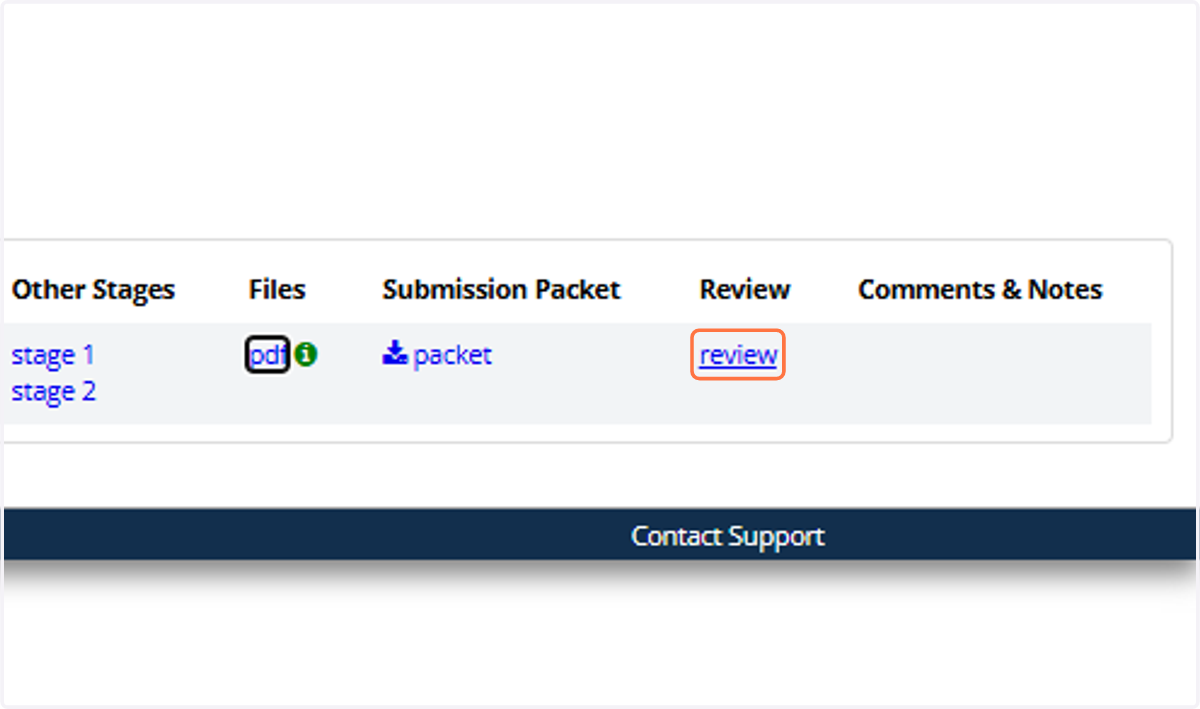
3. Once accepted, you'll see more information on the submission. Click on 'pdf' to access the draft paper.
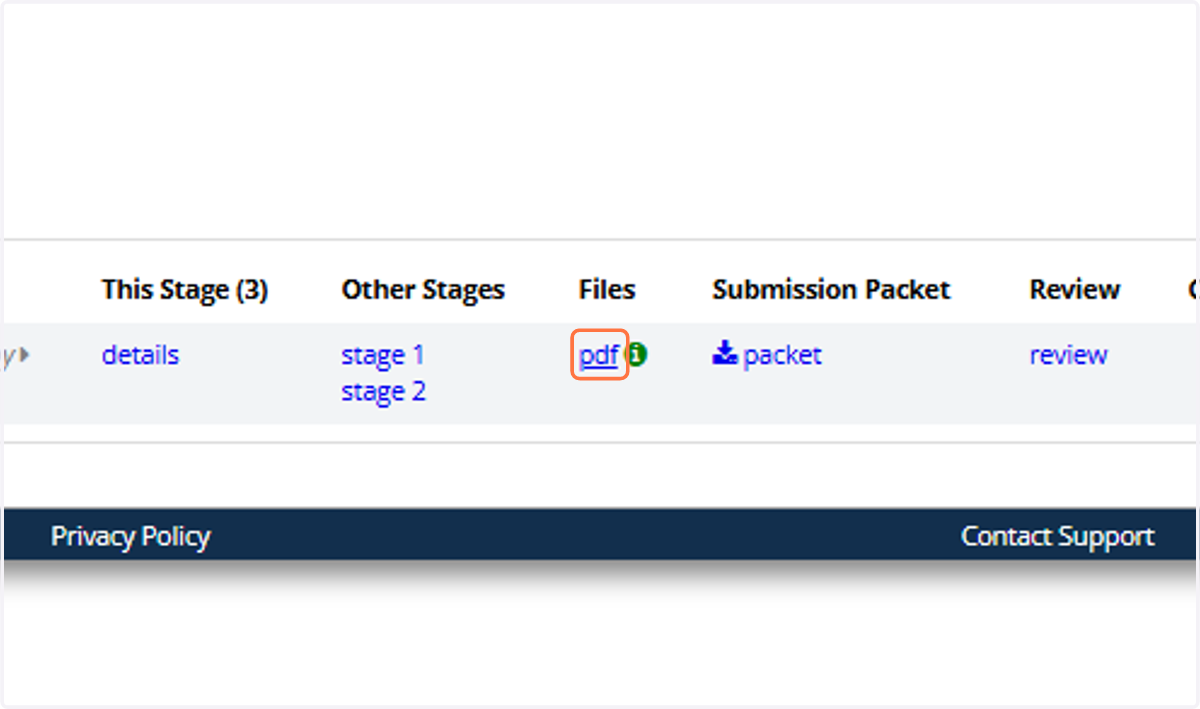
4. After you have read the paper, click on 'review' to enter your feedback.
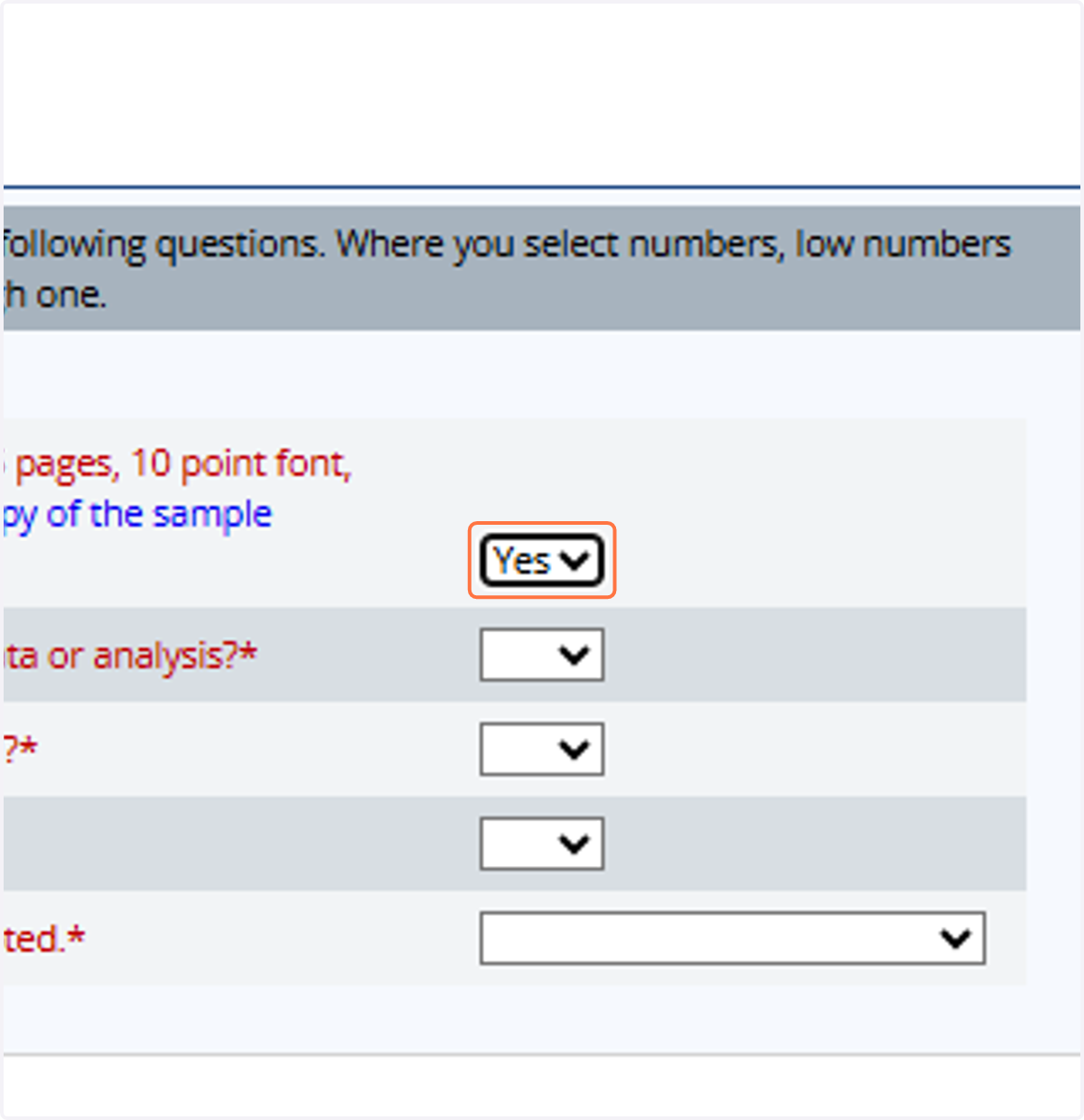
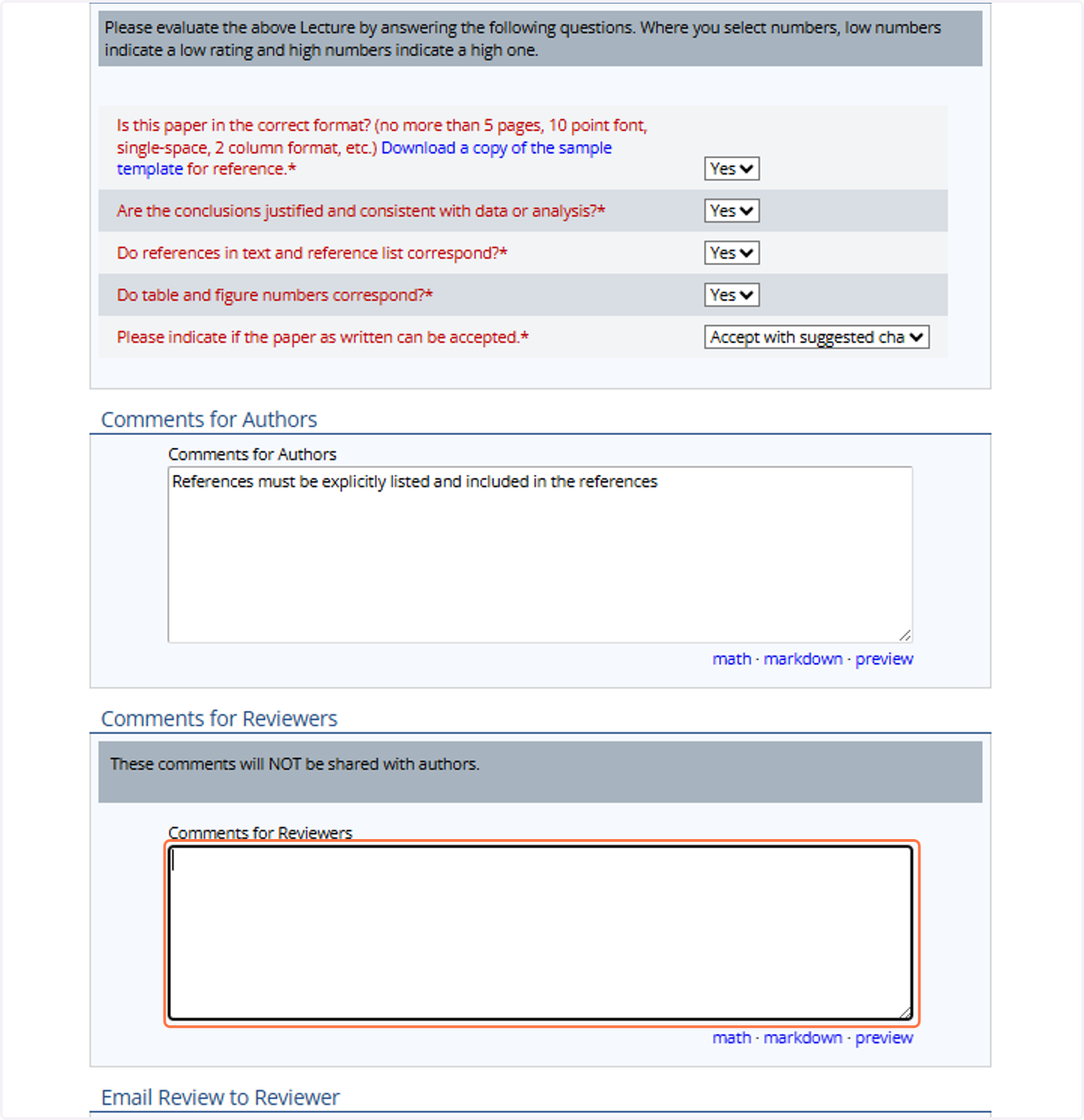
5. Answer the 4 Yes/No questions about the paper
You are not required to measure margins, specifically check font, etc. You are looking for obvious violations, not exactness.
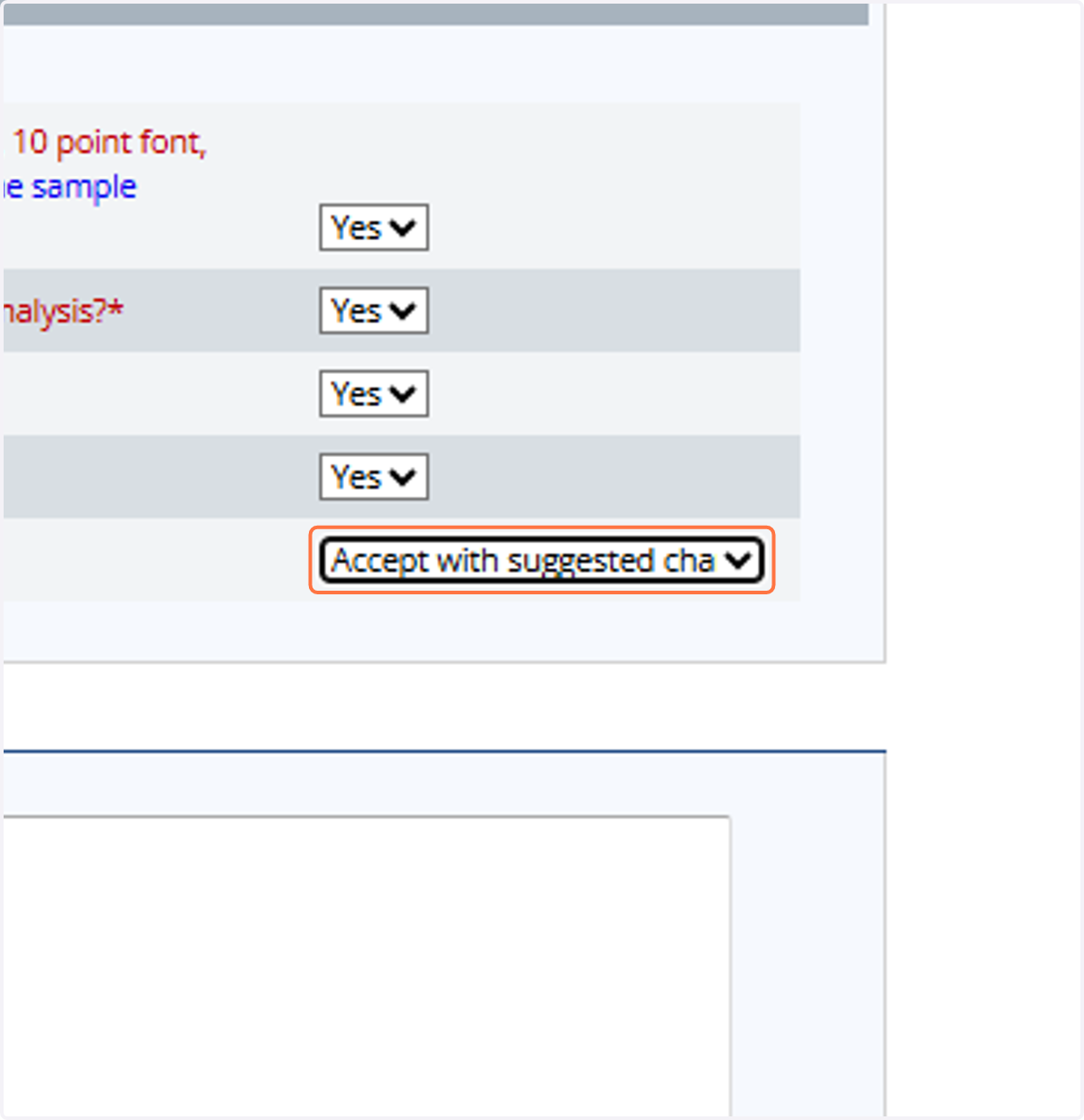
6. From the last drop-down, choose 'Accept as Submitted, No Changes', 'Accept with Suggested Changes', or 'Reject'
Reject should only be used as a last resort when a paper is not salvageable. It should not be used for poor grammar, missing references, etc., or if the conclusions of the paper are clearly not supported by the evidence presented. For all other issues, please use '
7. In the 'Comments for Authors' section, please provide any detailed feedback on issues with the paper that need to be corrected for the final version.
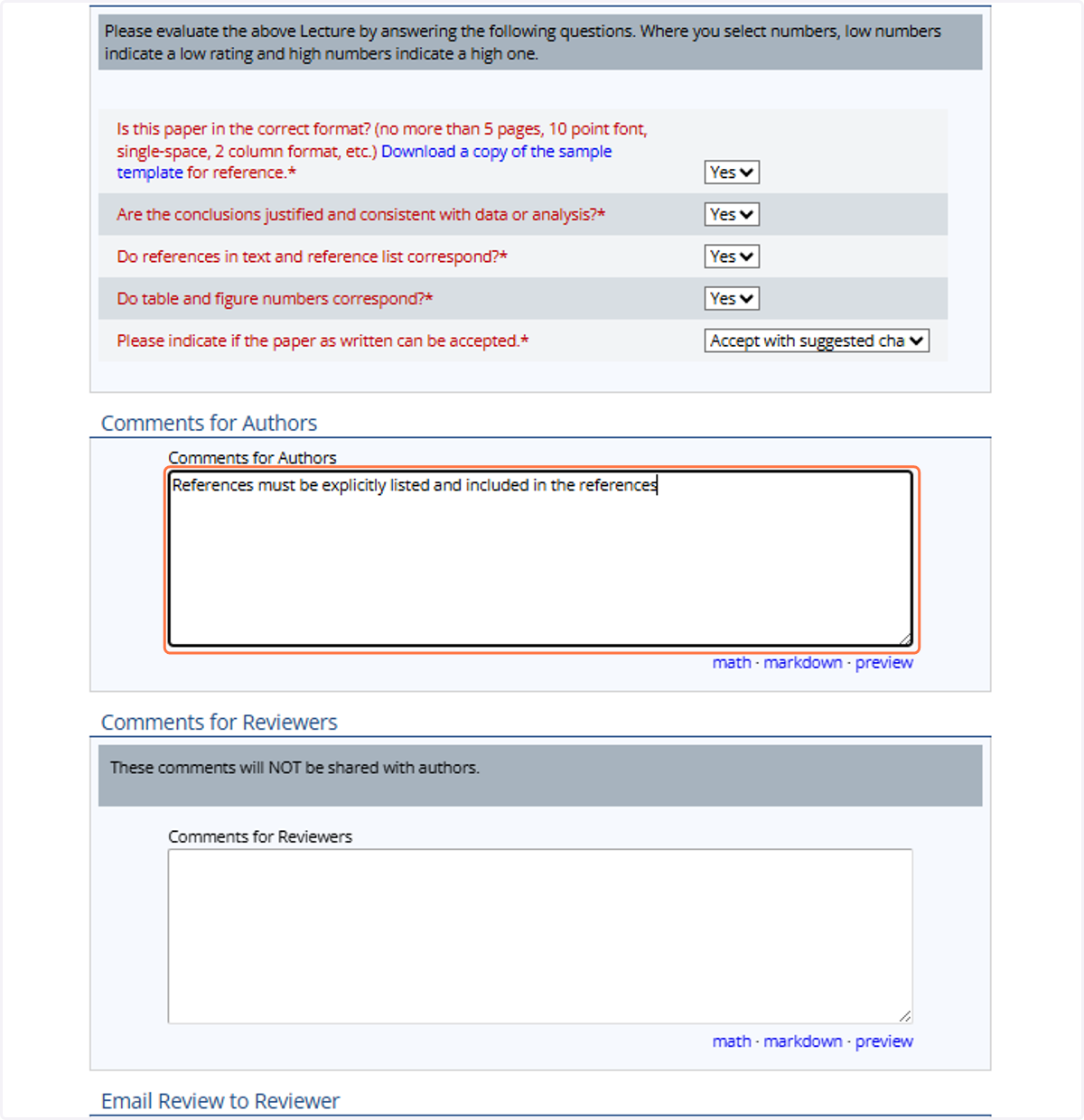
8. If you have serious concerns you want to make sure are addressed by the Program Committee, put them in the Comments for Reviewers section.
These notes will not be shared with authors but can be used to alert volunteers to serious concerns that will require re-review of the paper.
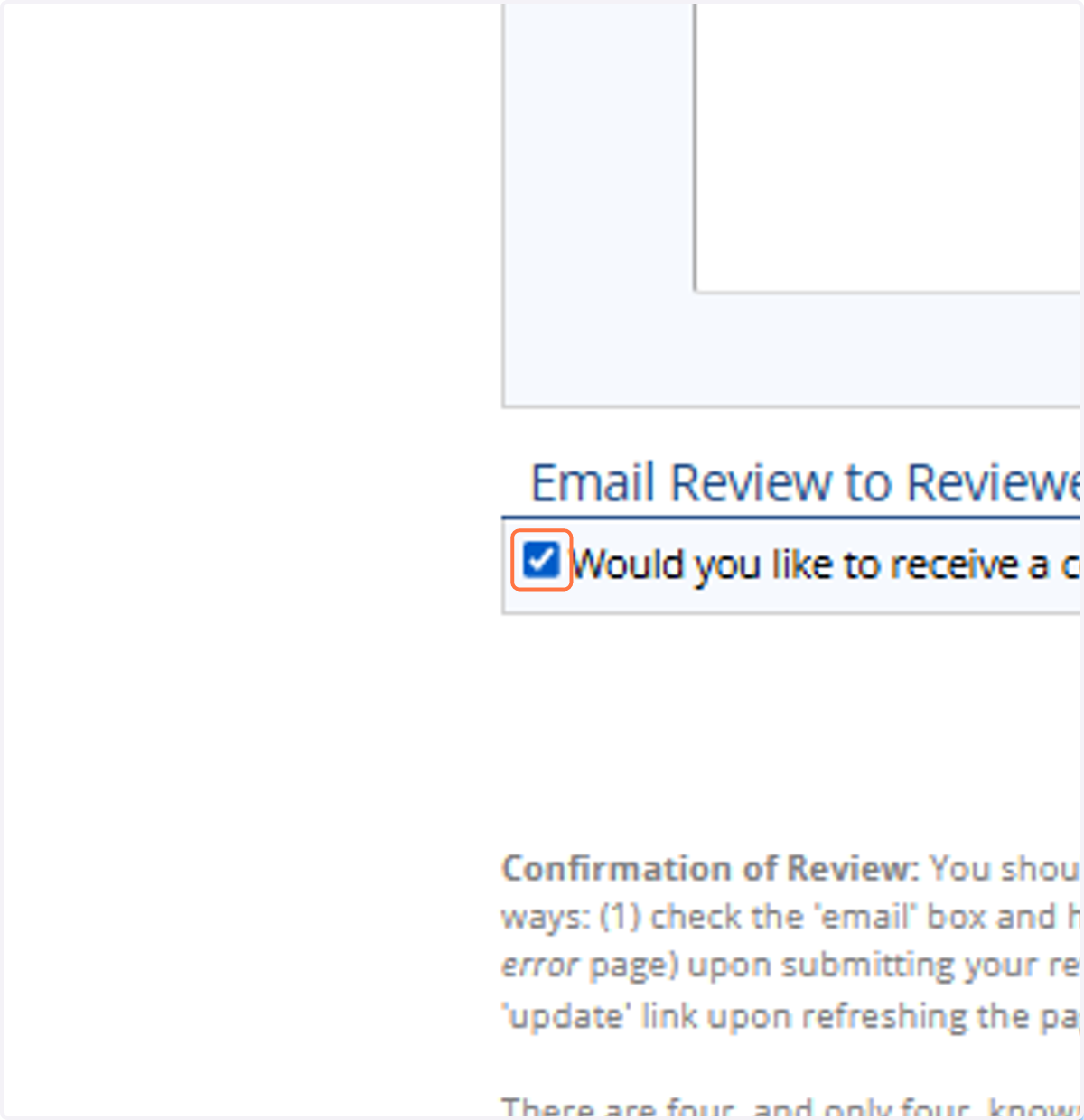
9. If you want a copy of the review for your records, make sure to check the 'Email Review' checkbox. Then press the 'Submit' button to save your review.