(FI/SS) Supervision Agreement
1. See email from your student via the PRIS/Exxat system, "Evaluation Review Request." Click on the link.
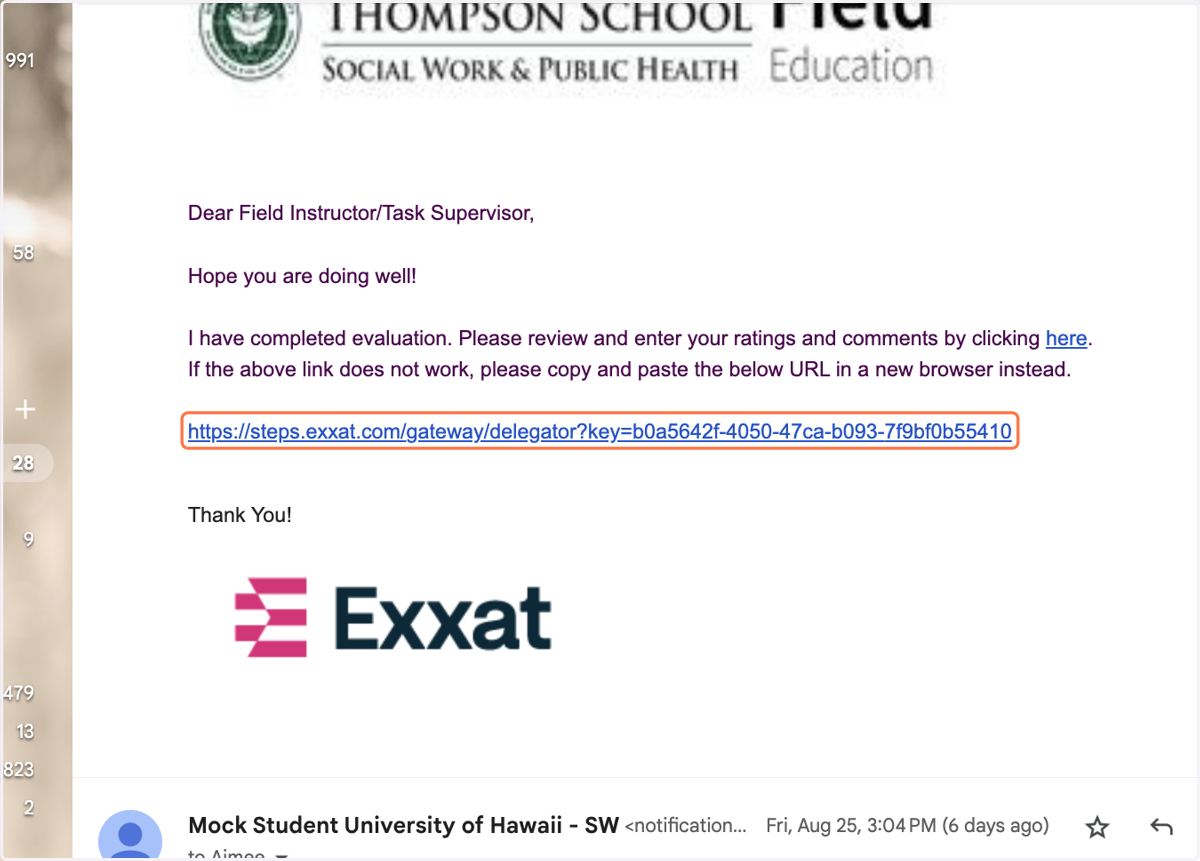
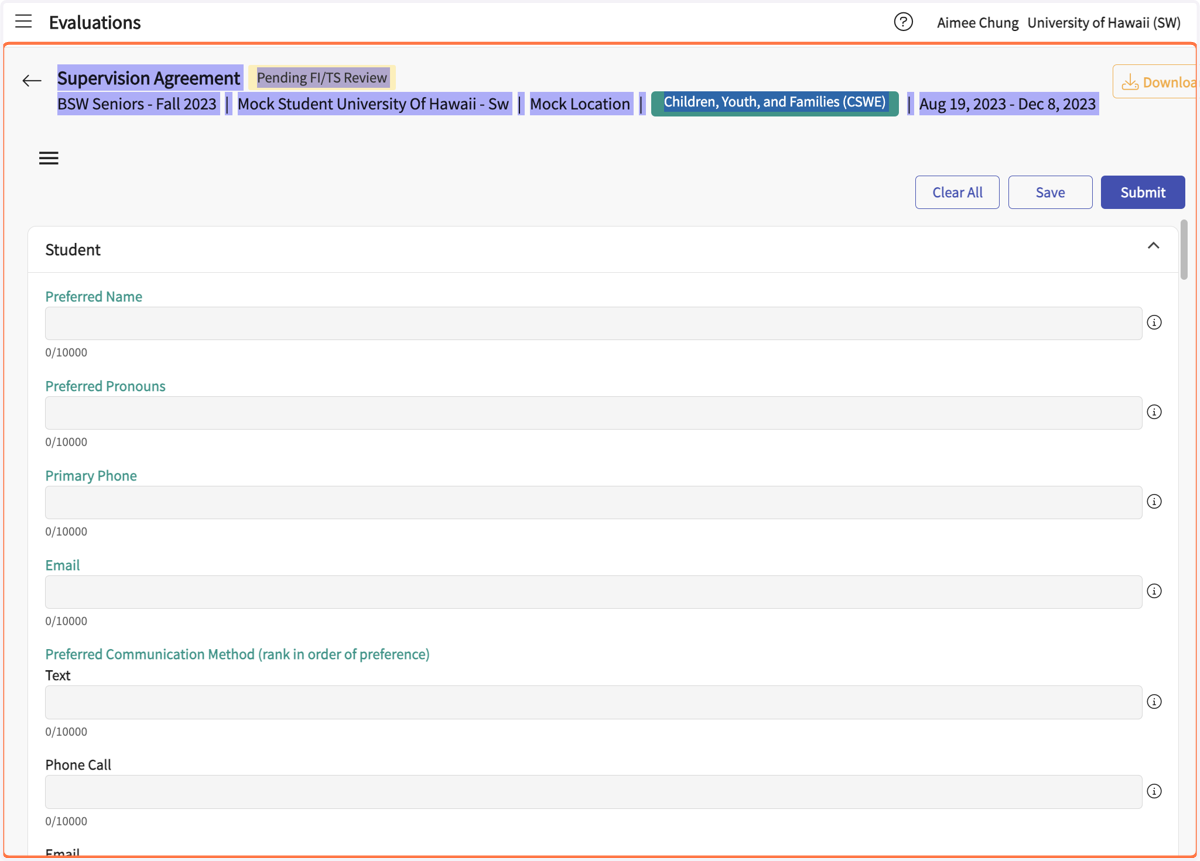
The link will take you to the Supervision Agreement in PRISM/Exxat
2. The student should complete the form as much as they can on their own, then ask the SS/FI for assistance completing the agency-specific parts of the form. Discuss expectations with the student in supervision.
3. Click on the "hamburger menu (3 lines) to open the outline menu on the left (optional).
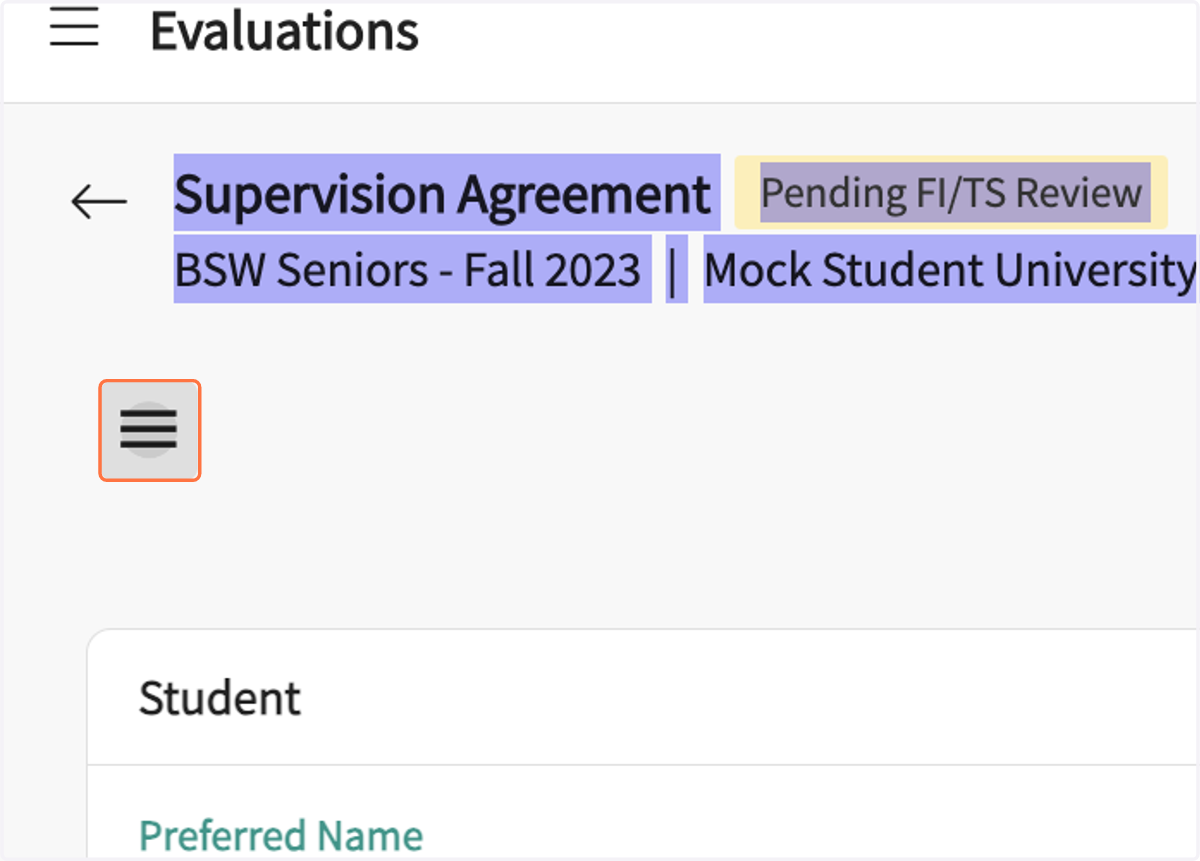
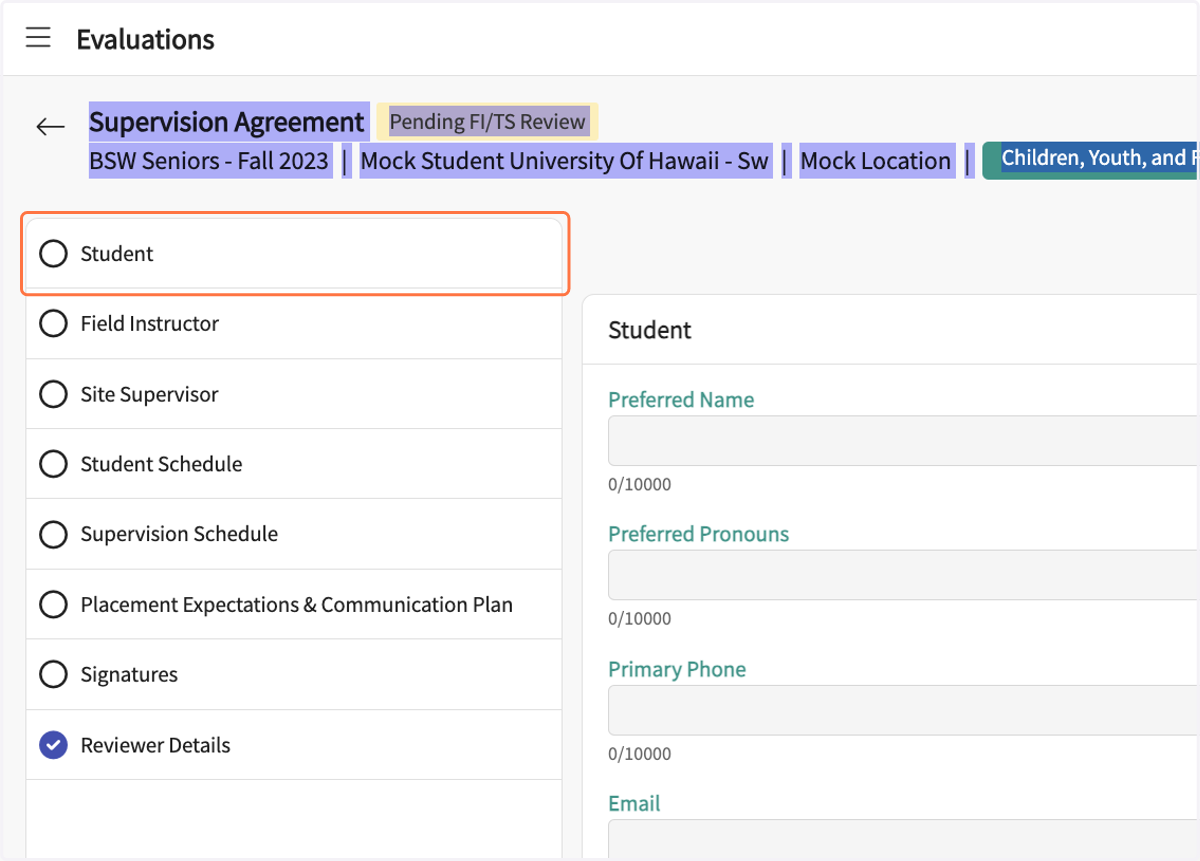
4. Review the form. You may jump to form sections via the menu on the left.
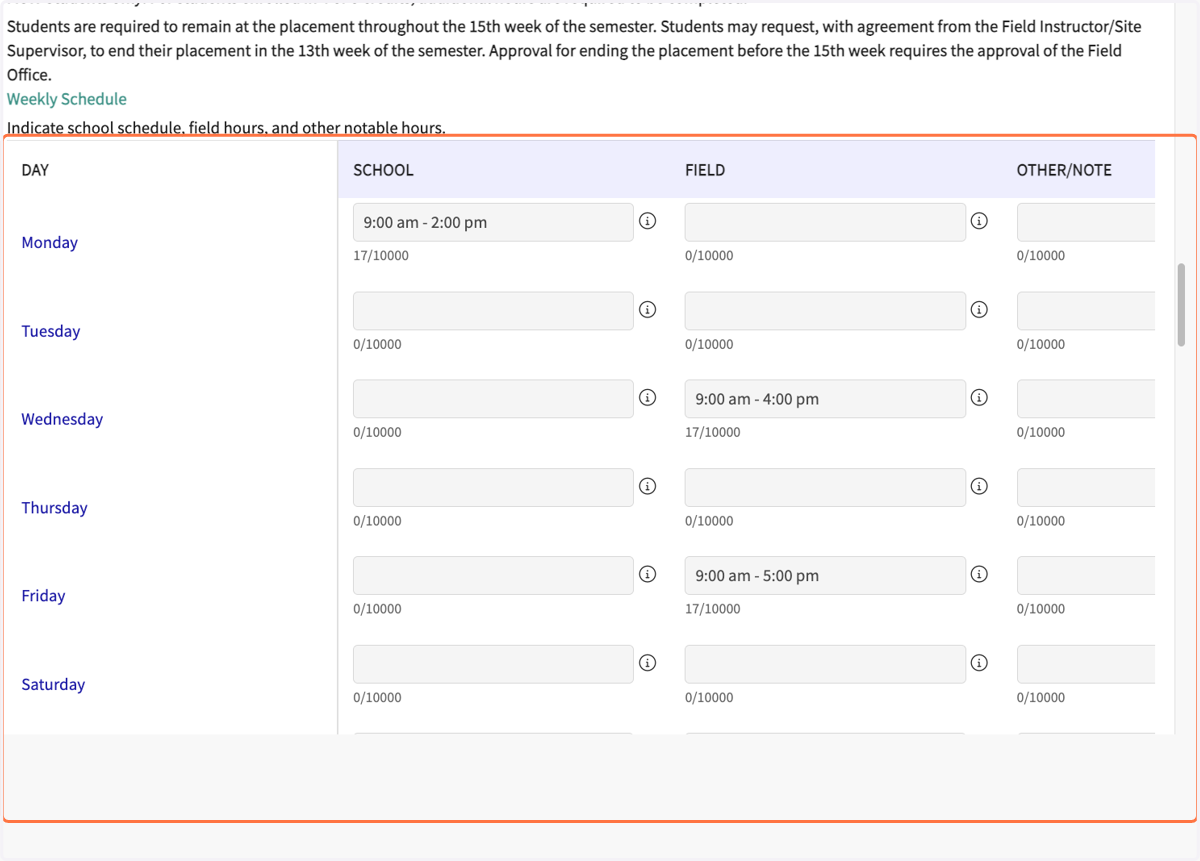
5. Discuss the student's schedule, including field hours.
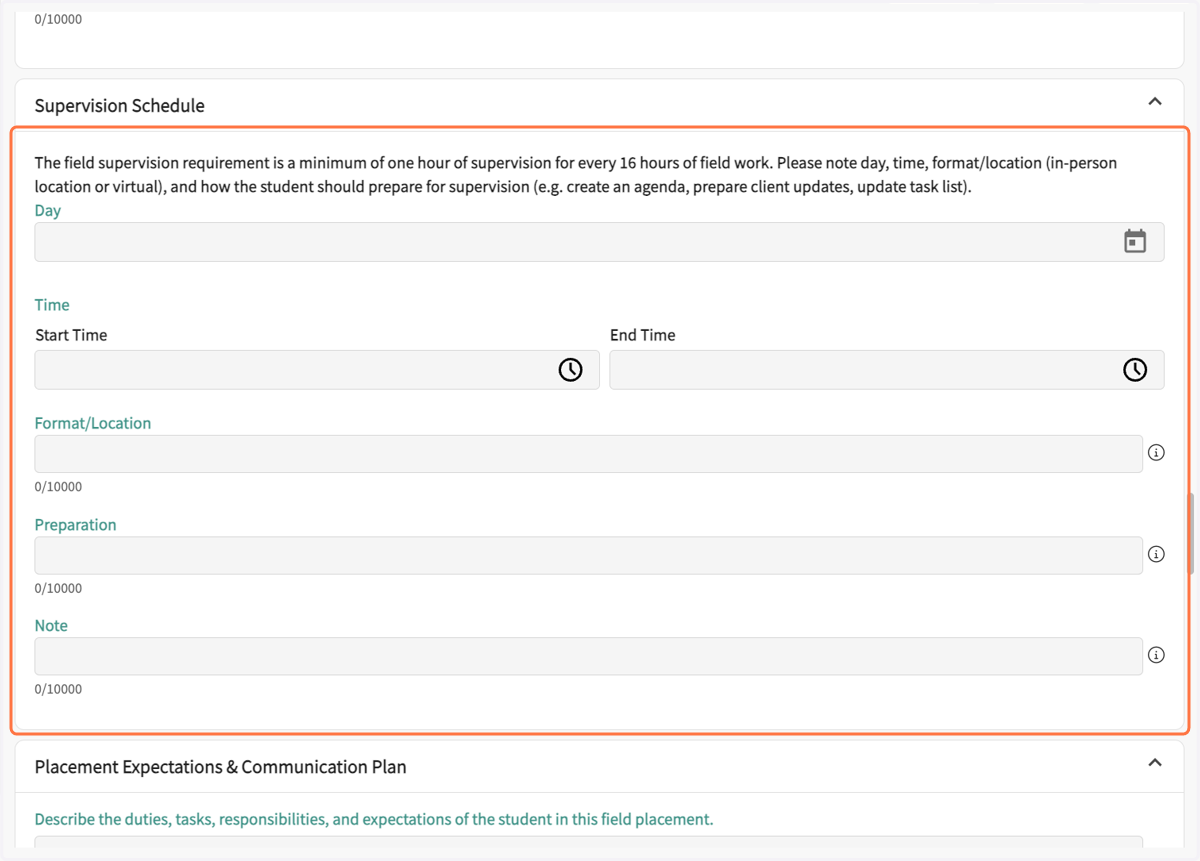
6. Discuss and agree on a schedule for Supervision.
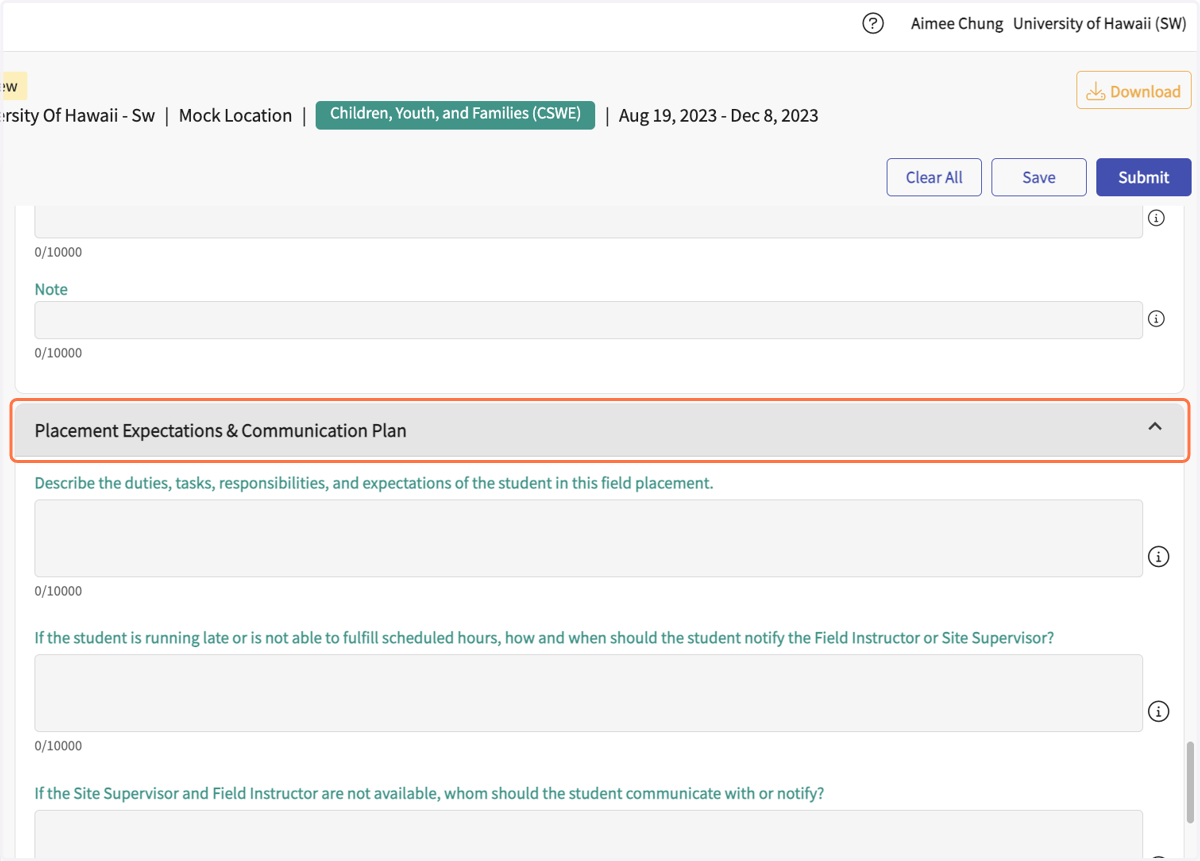
7. Discuss the Placement Expectations & Communication Plan
8. When complete, sign electronically.
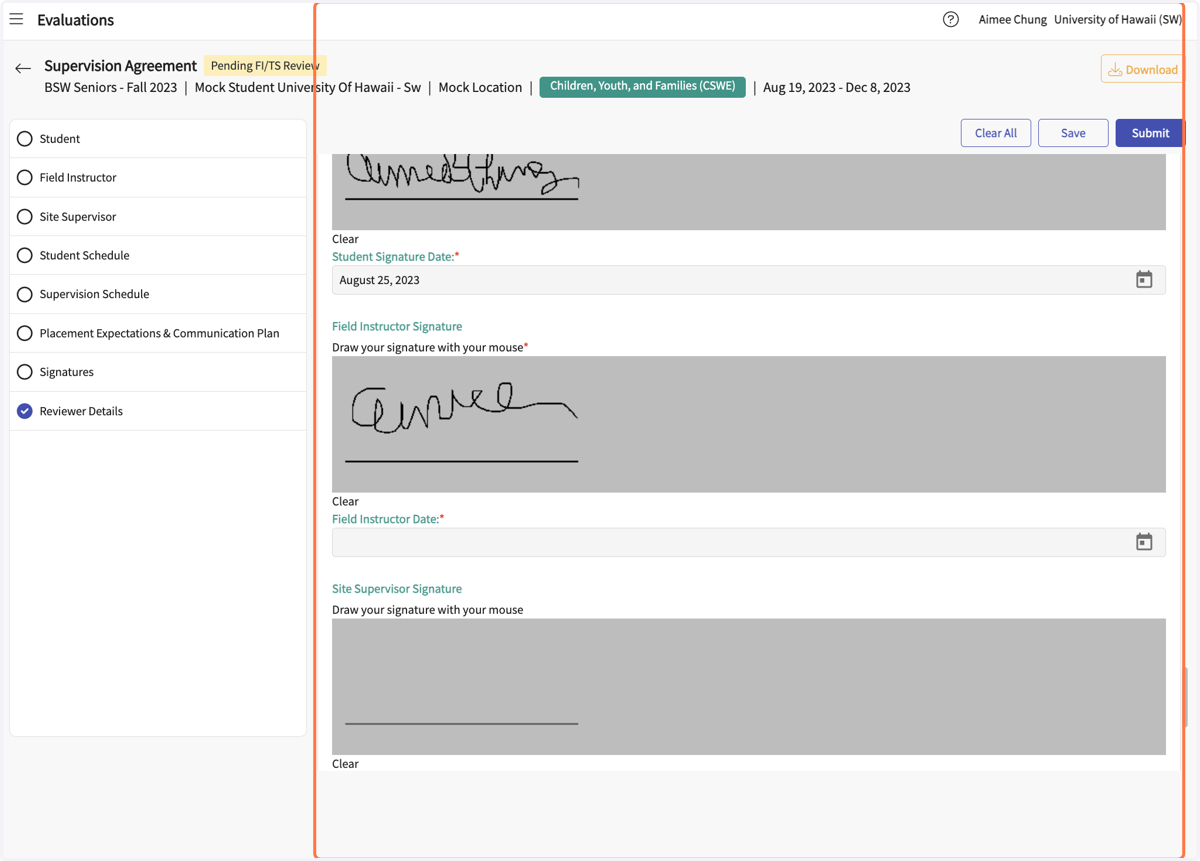
9. Click to Open the calendar to select signature date.
10. Click on Save
The form can be saved to continue and finish at a later time.
11. Site Supervisors: Click Save. Do not click on Submit. Field Instructors: After the SS signs (if applicable), then the FI can sign and click on Submit.
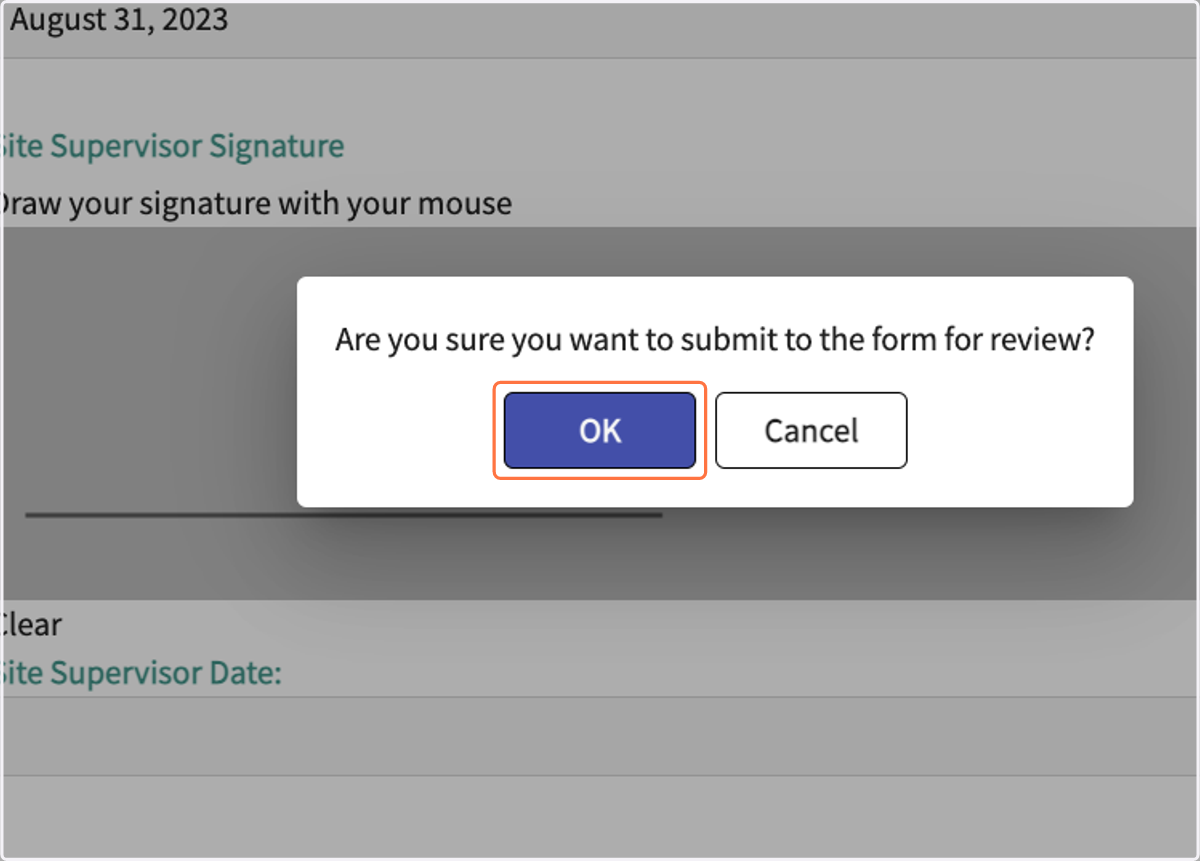
12. Click on Ok on the pop-up.